A:AnswerMy machine connected to my sound system after I purchased a wireless keyboard and mouse from Logitech, I cant explain how or why but it works. I did this so that i can use my 65" smart tv as the monitor and sit on the couch without being close to the screen. I am really enjoying my system playing MTG and MS Flight Sim 2020. Hope this helps!
A:AnswerHello,
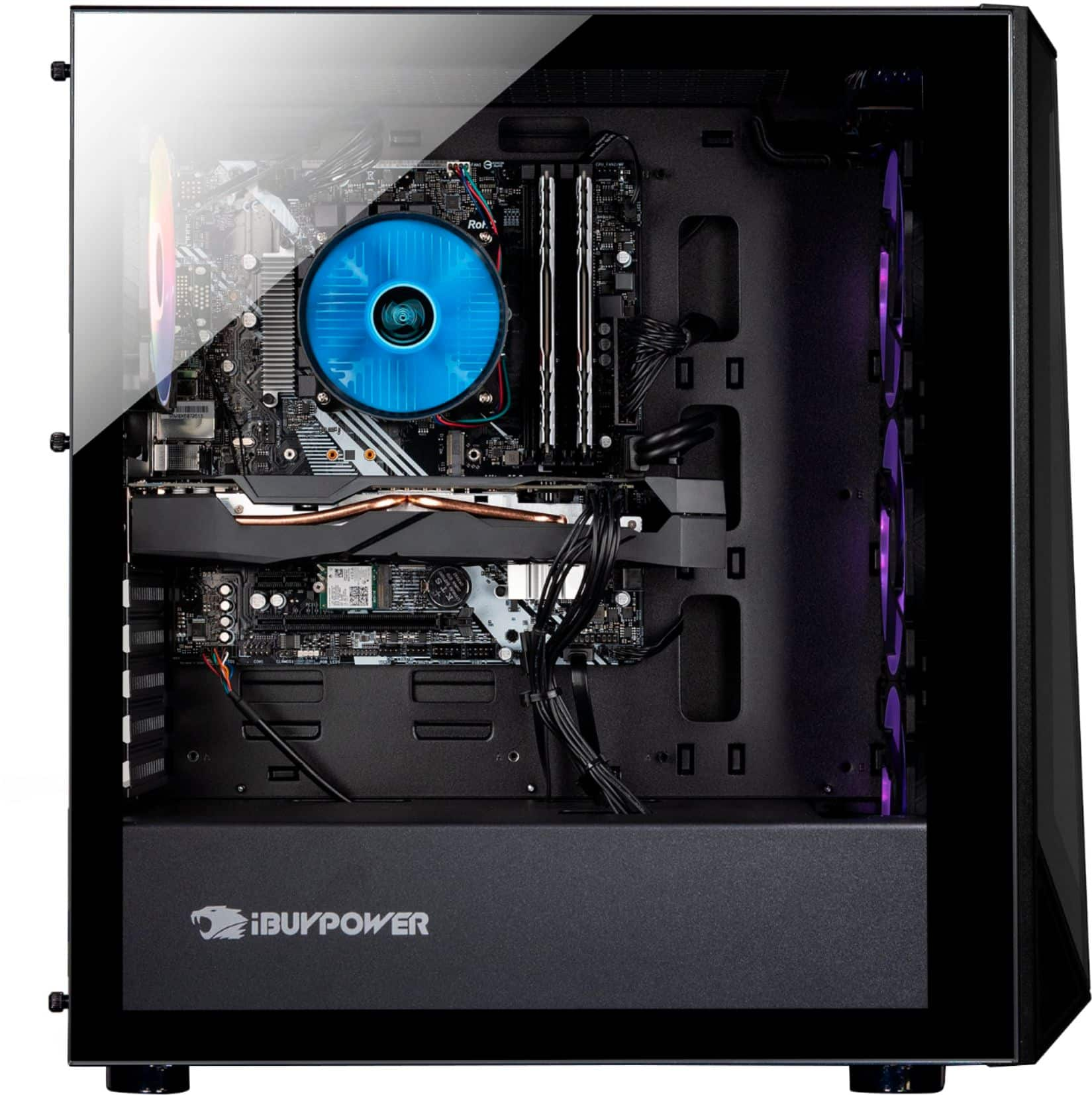
If you are asking about the form factor of the RAM, it would be DIMM, as that is the type that fits into the motherboard. Besides DDR4 and DIMM, the rest of the memory specs are up to you, such as the speed, the timings, size, etc.
A:AnswerHello,
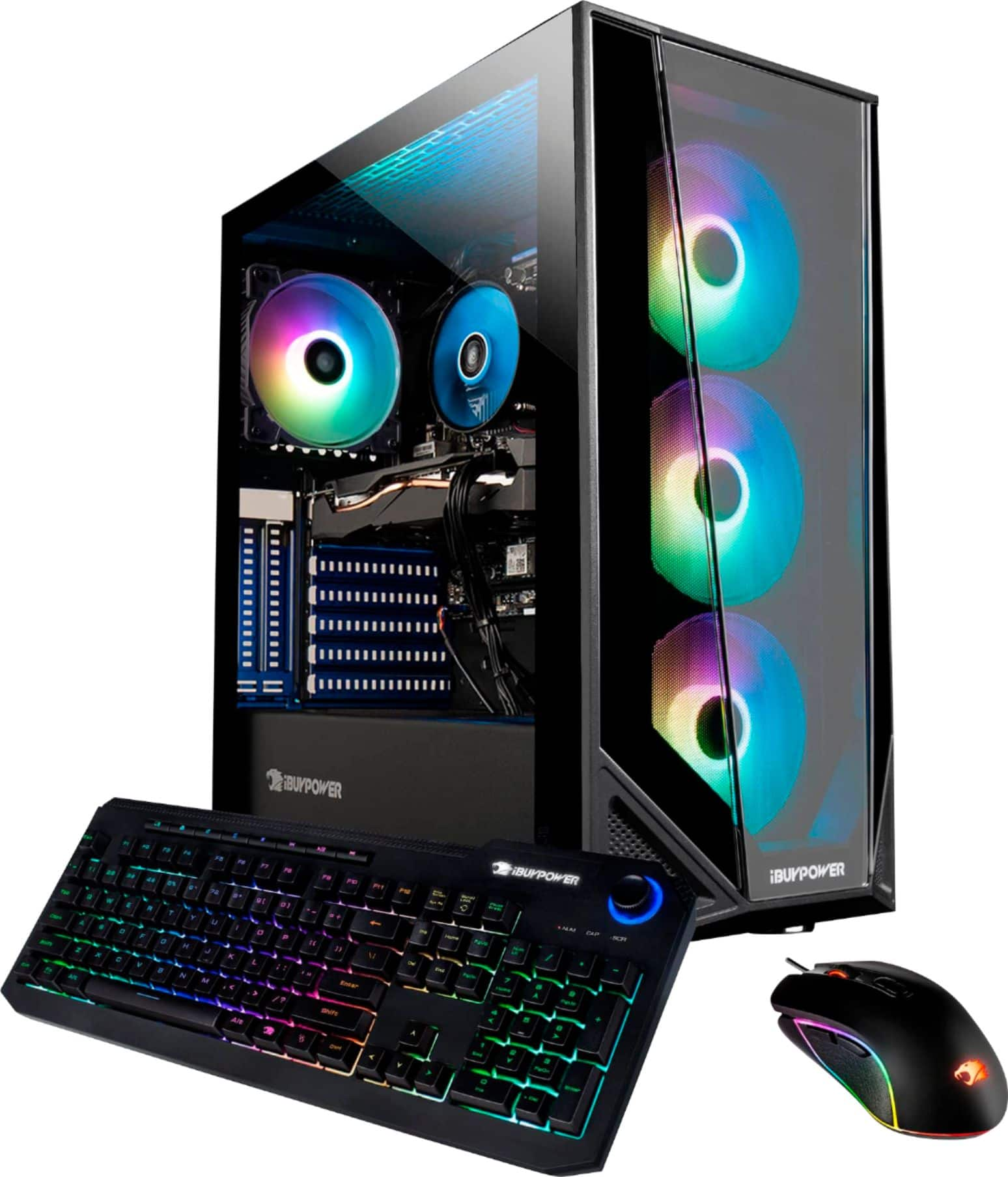
This is a great system for the transition from console to PC gaming! It will be able to play almost all games on at least medium settings.
A:AnswerHello,
Yes you are able to upgrade to an i9 CPU in the future if it is a 10th or 11th gen processor. Otherwise you will need to change the motherboard as well. This motherboard is compatible with any graphics card as they all use a PCIe x16 slot.
A:AnswerI ordered mine at the store and it took a week to get from California to New York. So depending on where you live I'd say no longer than a week.
A:AnswerI cannot even answer this yet as the first computer we received had a damaged mother board and would not even connect using HDMI. Waiting on replacement now.
A:AnswerMost likely the plugs are not connected. These are mass produced and the QC is crap. Here’s a guide to help you trouble shoot. https://content.ibuypower.com/Images/Support/basicGuides/105_RGB_Guide.pdf
A:AnswerSounds like you may have a lemon as I just answered another question posted by you. Take it back to the store and have geek squad go over it or exchange it for another one or something similar.
A:AnswerAhhhh ... I don’t know ... but you you can ask Tyler in the Geek Squad over there at the Thousand Oaks, CA Best Buy.
That’s the guy who added an SSD with 1 TB memory to my new PC.
Best of luck!
Michael E.
A:AnswerHello,
You shouldn’t have any issue with the quality of standard gaming while streaming gameplay through platforms like Twitch or Discord. The system comes with 16gb of ddr4 ram which was plenty for me. (Streaming various games on my twitch using OBS)
As for adding storage, i used the m2 slots for the fast memory. It was a piece of cake, just open the side tempered glass panel, unscrew the m2 screw, insert m2 memory, reinsert m2 screw to mount memory, put glass panel back on, done!
I’m sorry I cannot give more details as far as the standard 2.5 ssd/HDD goes. I personally didn't touch the stock memory - I’m sure it wouldn’t be too big of a deal.
Also, I will say these machines come built with different brand parts. If I bought another one and you bought one, we’ll have the same type of gpu/cpu but we may have different branded/model motherboards/ram/ssd/hdd/etc.
So if you were thinking of using m2 slots, you might get one with anywhere from 1-3 m2 slots.
Anyways, I hope I was able to help answer your question!