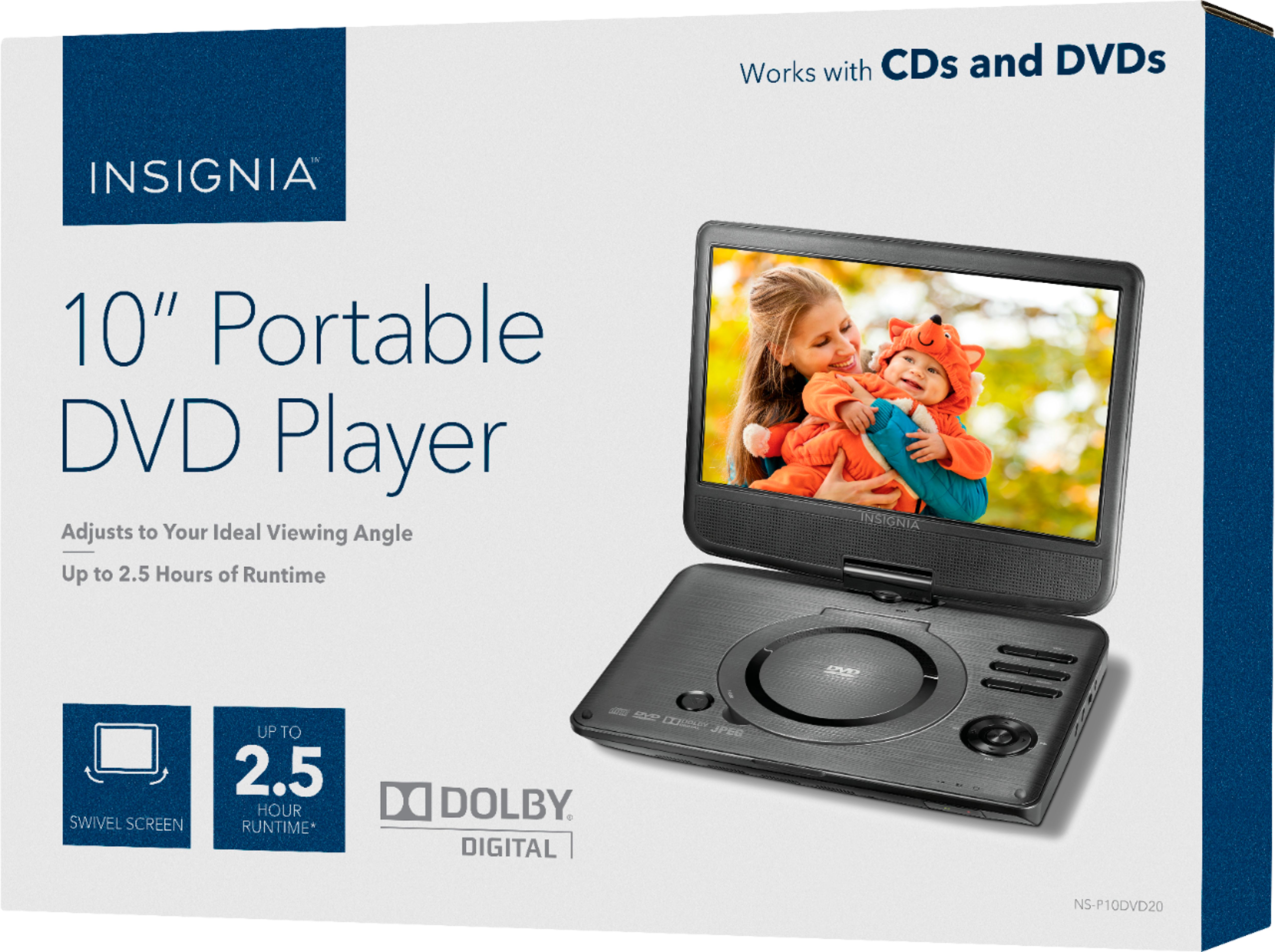
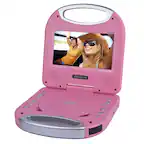
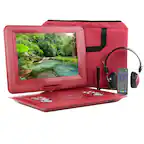
A:AnswerHi! At the moment we don't have a headrest mount for DVD players, however, you could find some options at the open market.
Viridiana E.
Insignia Support.
https://www.insigniaproducts.com/contact-us
A:AnswerHello,
This unit is not Bluetooth compatible. This unit has other features that I am sure would be something you are looking for.
- Arin A.
Insignia Support
Contact us: https://www.insigniaproducts.com/contact-us
A:AnswerHi! To get sbtitles please go to "Setting video and audio preferences" > select SUBTITLE > Choose the available language subtitles (if subtitles are available on the DVD).
Viridiana E.
Insignia Support.
https://www.insigniaproducts.com/contact-us
A:AnswerHi LydiaAnn,
Please follow the steps below to troubleshoot your Insignia™ - 10" Portable DVD Player with Swivel Screen - Black .
• Adjust the volume.
• Make sure that all cables are inserted correctly into
the appropriate jacks.
• Make sure that your player is not paused.
• Make sure that your player is not in fast forward or
fast reverse mode.
• Make sure that your player is not too hot. Let it cool
for 30 minutes, then try it again.
• Make sure that the headphones are not plugged in.
Insignia Products
Lisa
https://insigniaproducts.com
A:AnswerDuring playback, when “LOW BATTERY” appears on the screen, your player
automatically switches to standby mode. When this happens, your player should
be connected to a power source to recharge the battery.