A:AnswerDVD (digital versatile disc) region codes are a digital rights management technique designed to allow rights holders to control the international distribution of a DVD release, including its content, release date, and price, all according to the appropriate region.
This is achieved by way of region-locked DVD players, which will play back only DVDs encoded to their region (plus those without any region code). The American DVD Copy Control Association also requires that DVD player manufacturers incorporate the regional-playback control (RPC) system. However, region-free DVD players, which ignore region coding, are also commercially available,[1] and many DVD players can be modified to be region-free, allowing playback of all discs.[2]
DVDs may use one code, multiple codes (multi-region), or all codes (region free).
A:AnswerHi, Hoop.
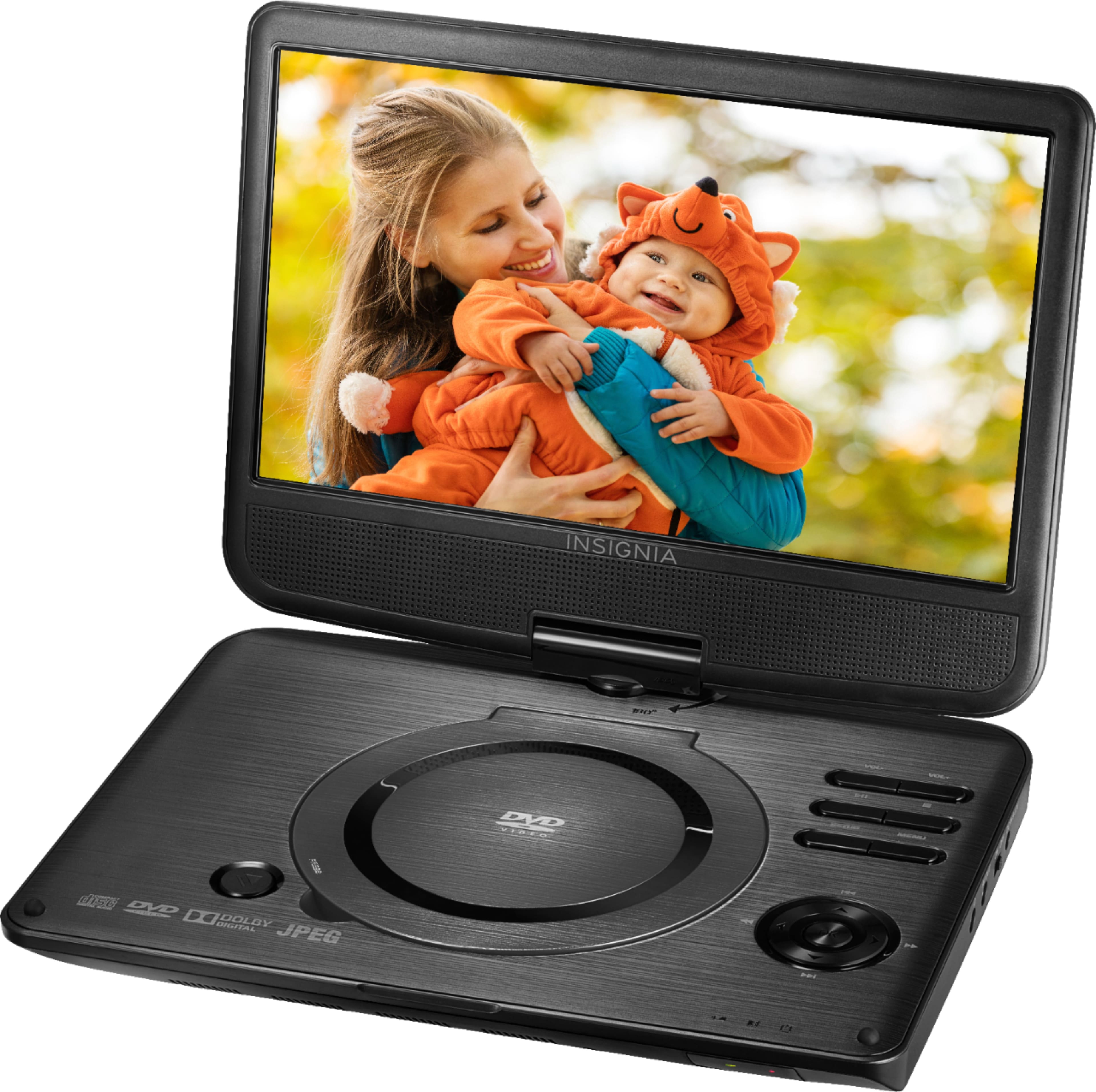
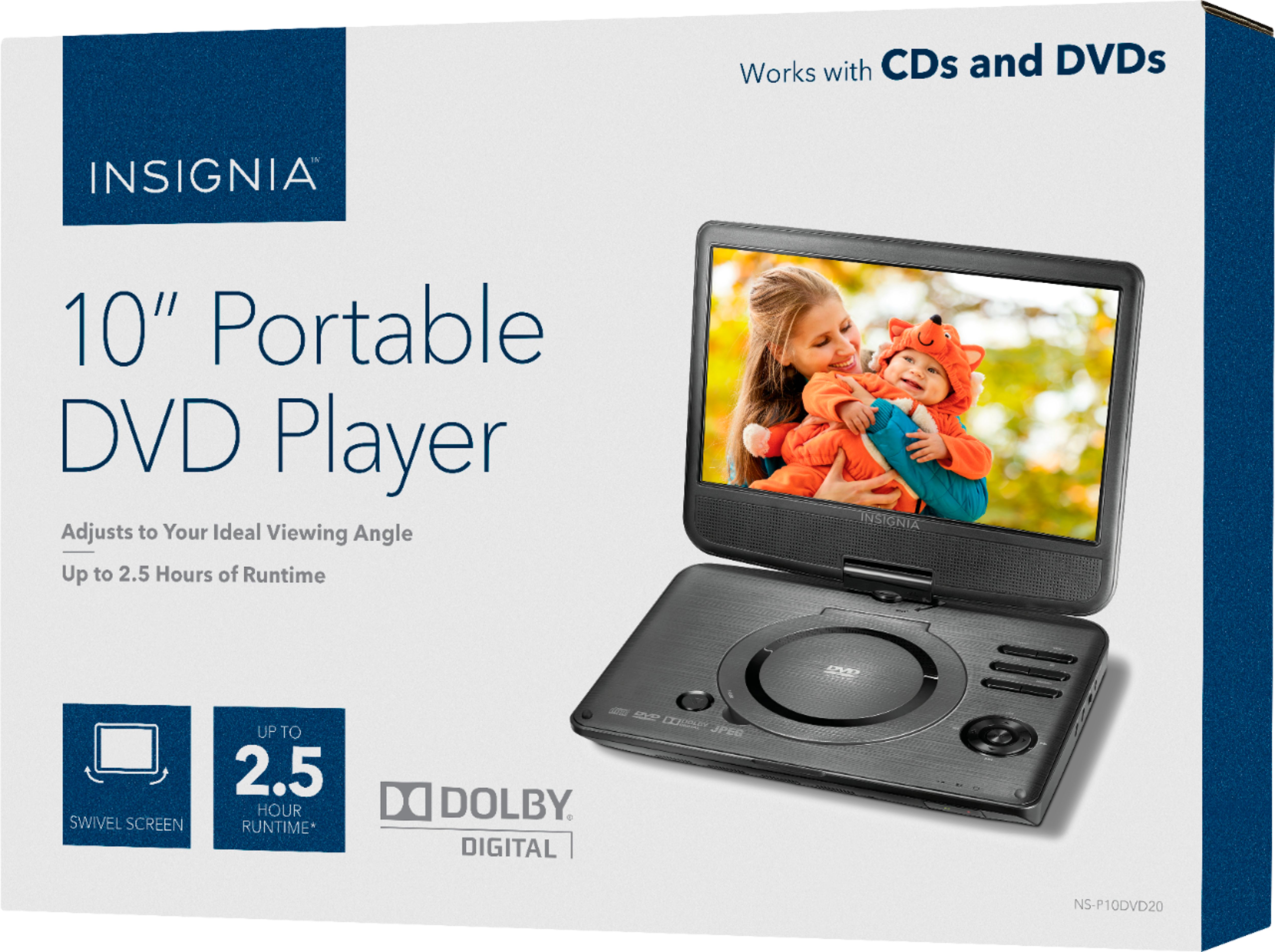
This Portable DVD Player does not have an internal tuner nor can it be connected to an antenna. Thus, it cannot pick up local stations.
Cesar G. - Insignia Support
A:AnswerHi! At the moment we don't have a headrest mount for DVD players, however, you could find some options at the open market.
Viridiana E.
Insignia Support.
https://www.insigniaproducts.com/contact-us
A:AnswerHello,
This unit is not Bluetooth compatible. This unit has other features that I am sure would be something you are looking for.
- Arin A.
Insignia Support
Contact us: https://www.insigniaproducts.com/contact-us
A:AnswerHi! To get sbtitles please go to "Setting video and audio preferences" > select SUBTITLE > Choose the available language subtitles (if subtitles are available on the DVD).
Viridiana E.
Insignia Support.
https://www.insigniaproducts.com/contact-us
A:AnswerHi! The playback formats that this unit supports are: CD-R/RW, DVD+RW, DVD+R, DVD and CD for flexible options.
Viridiana E.
Insignia Support.
https://www.insigniaproducts.com/contact-us