A:AnswerHello,
This unit doesn't have this feature, as the door has smart functions. If you have any more questions, please feel free to contact us at anytime at this link below.
Thank you for your preference!
- Arin A.
Insignia Support
Contact us: https://www.insigniaproducts.com/contact-us
A:AnswerHi,
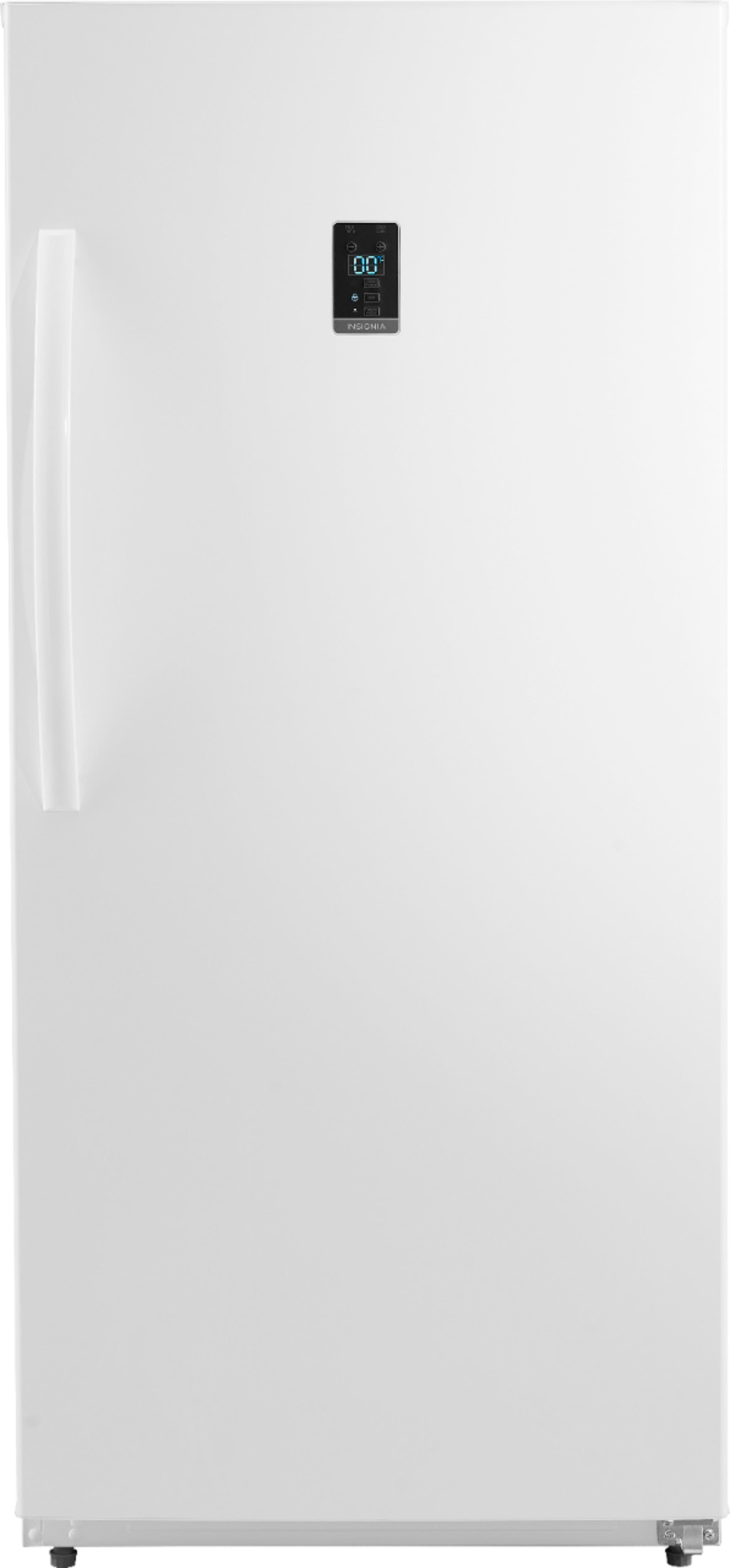
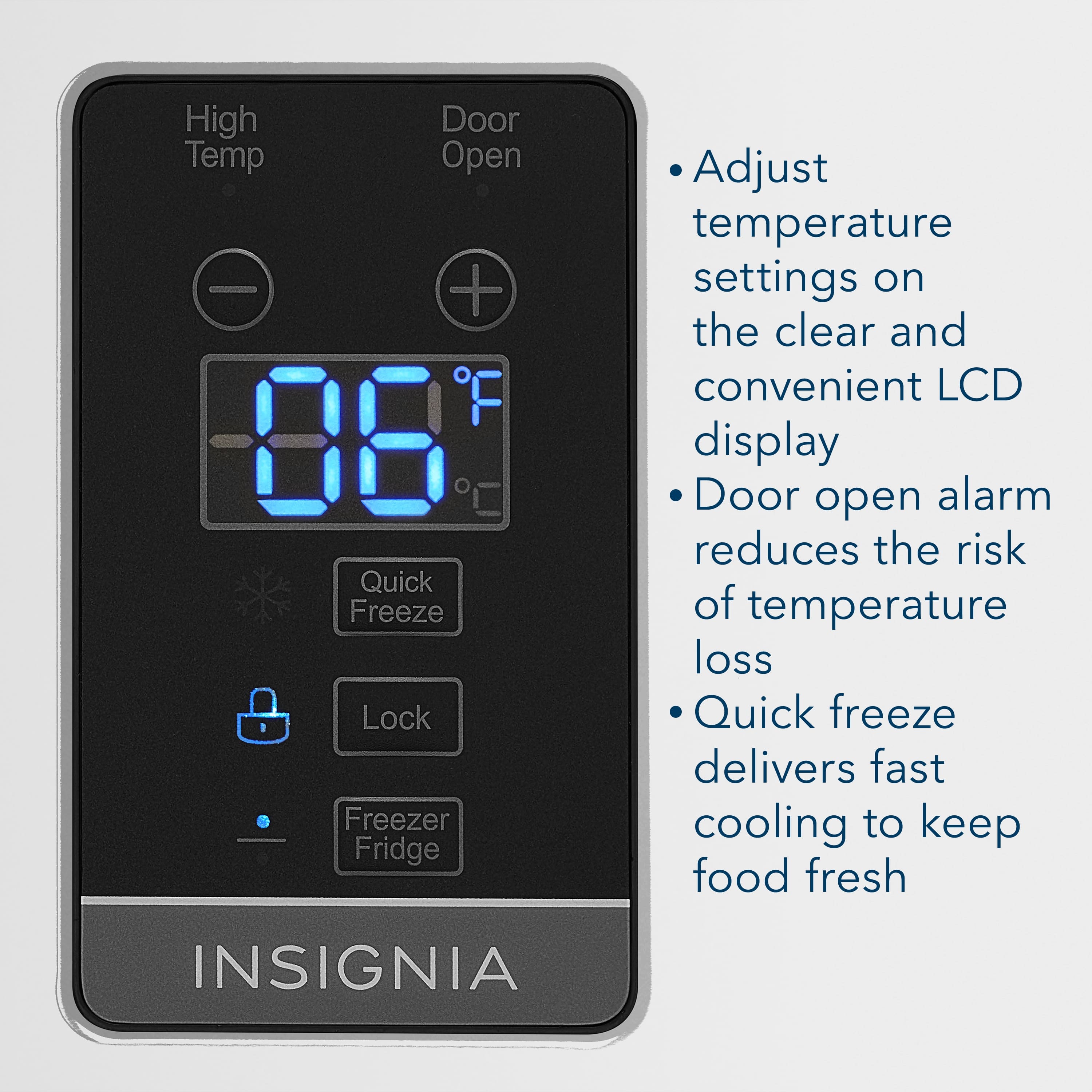
On the LCD display, you can either press the + or - to adjust to your desired temperature. For more product details, please visit https://www.bestbuy.com/site/brands/best-buy-brands/pcmcat1596746025285.c?id=pcmcat1596746025285
Insignia Support
https://www.bestbuy.com/site/brands/best-buy-brands/pcmcat1596746025285.c?id=pcmcat1596746025285
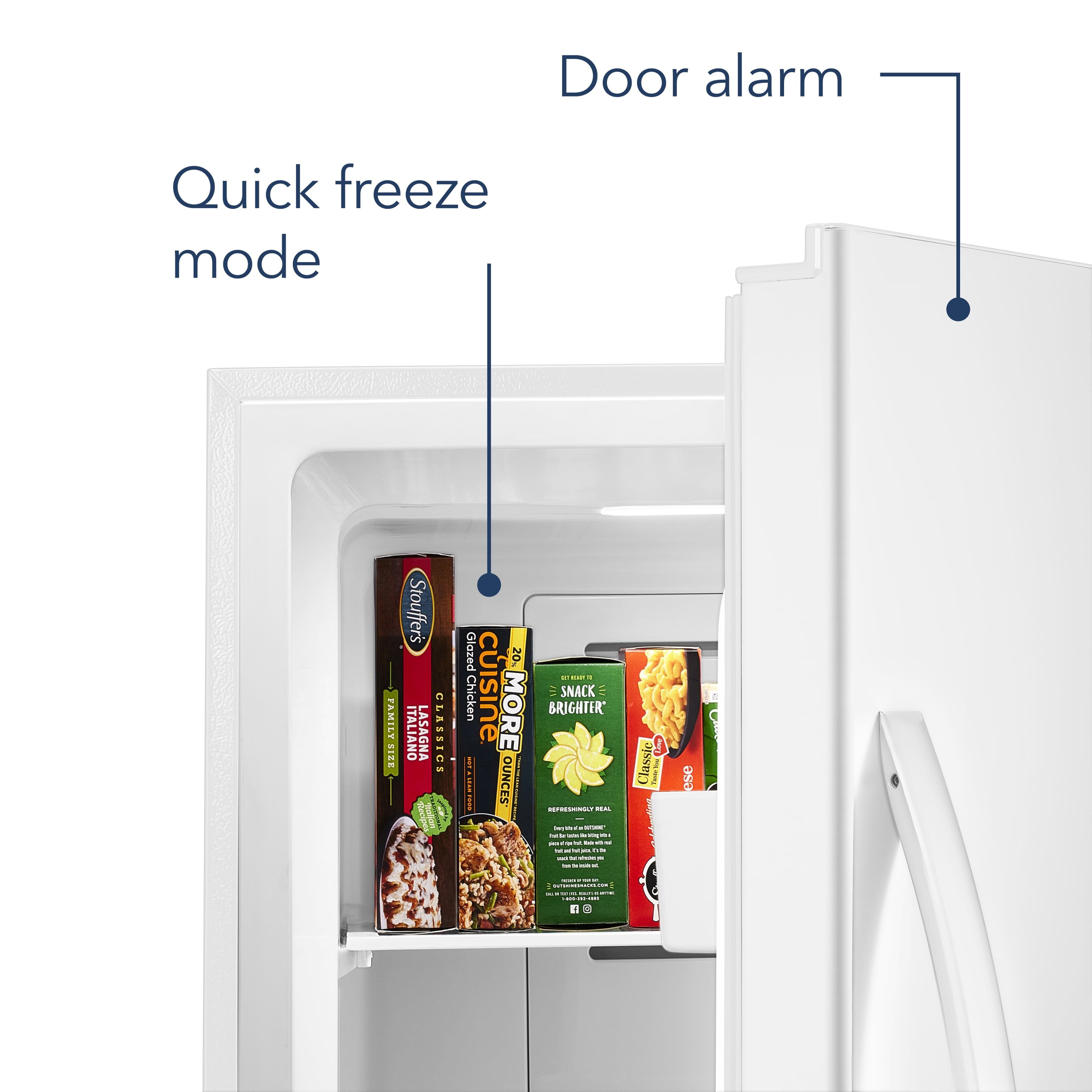
A:AnswerNo, it doesn't TALK Susie, but it does BEEP LOUDLY EVERY TIME YOU OPEN THE DOOR, EVEN IF IT'S ONLY OPENED FOR ONE SECOND.
Why would you write such a ridiculous "answer"?
Hoping someone who understands this basic question of "Where is the speaker located"? will come to the rescue! Thank you in advance!
A:AnswerIt means communication error between the control board and the main board.
For product support, please visit https://www.insigniaproducts.com/email-us
A:AnswerHello, Laurellcull,
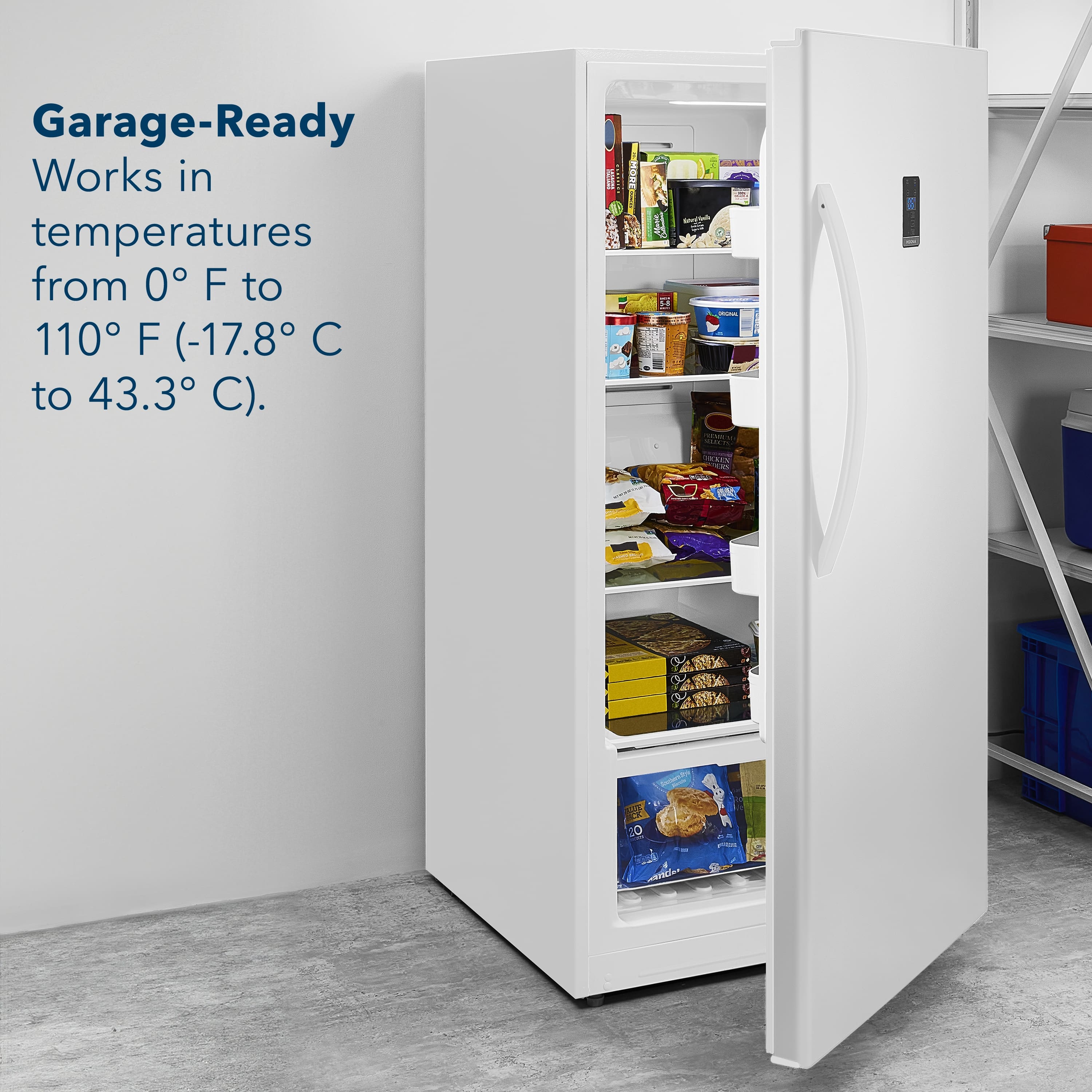
The temperature range for fridge mode is 35 ~ 46° F (2° C ~ 8° C), so 53° F falls outside this temperature range.
Eduardo L - Insignia Support
https://www.insigniaproducts.com/contact-us
A:AnswerThe manual can be easily downloaded online. Here is the excerpt from the manual that addresses the lock button:
Using the Lock button
• To prevent accidental activation, the control
panel automatically locks after 30 seconds of
inactivity. To use the control panel, press and
hold the Lock button for three seconds.