A:AnswerHi there, Please go to https://www.bestbuy.com/site/brands/best-buy-brands/pcmcat1596746025285.c?id=pcmcat1596746025285, enter the model number, scroll down and click on Features, then scroll down to view the user guide.
Rudson S.| Insignia Support. https://www.bestbuy.com/site/brands/best-buy-brands/pcmcat1596746025285.c?id=pcmcat1596746025285
A:AnswerHi there, To change the picture settings on your Fire TV Smart TV:
1. Start playing the content that you want to watch.
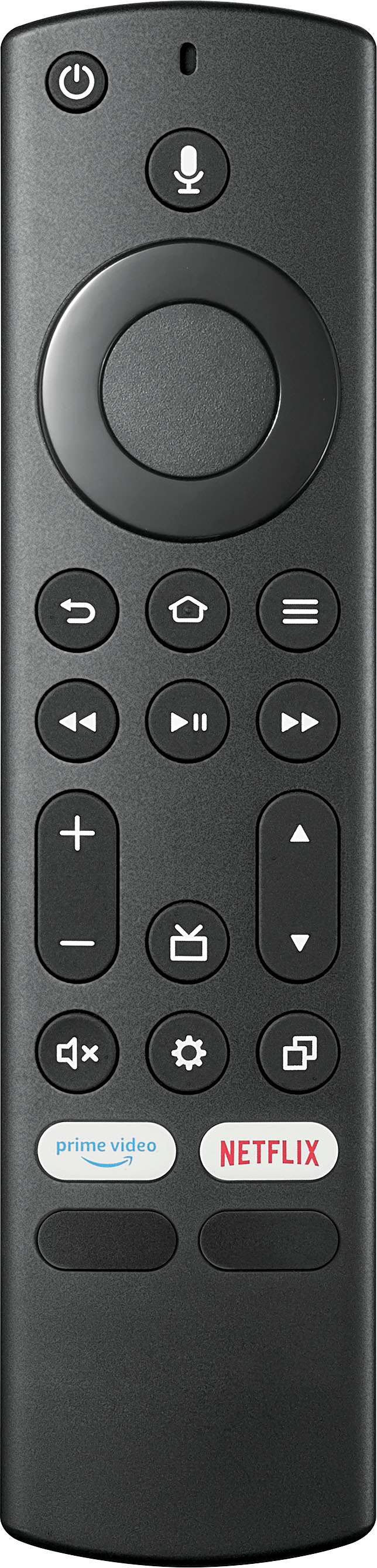
2. Press and hold the Home button or the Settings button on your Fire TV remote until the settings menu appears.
3. Select Picture.
4. Change the sliders and options to your preferred viewing settings. You can select options like Picture Mode, Color Settings, and Brightness Settings.
Rudson S.| Insignia Support. https://www.bestbuy.com/site/brands/best-buy-brands/pcmcat1596746025285.c?id=pcmcat1596746025285
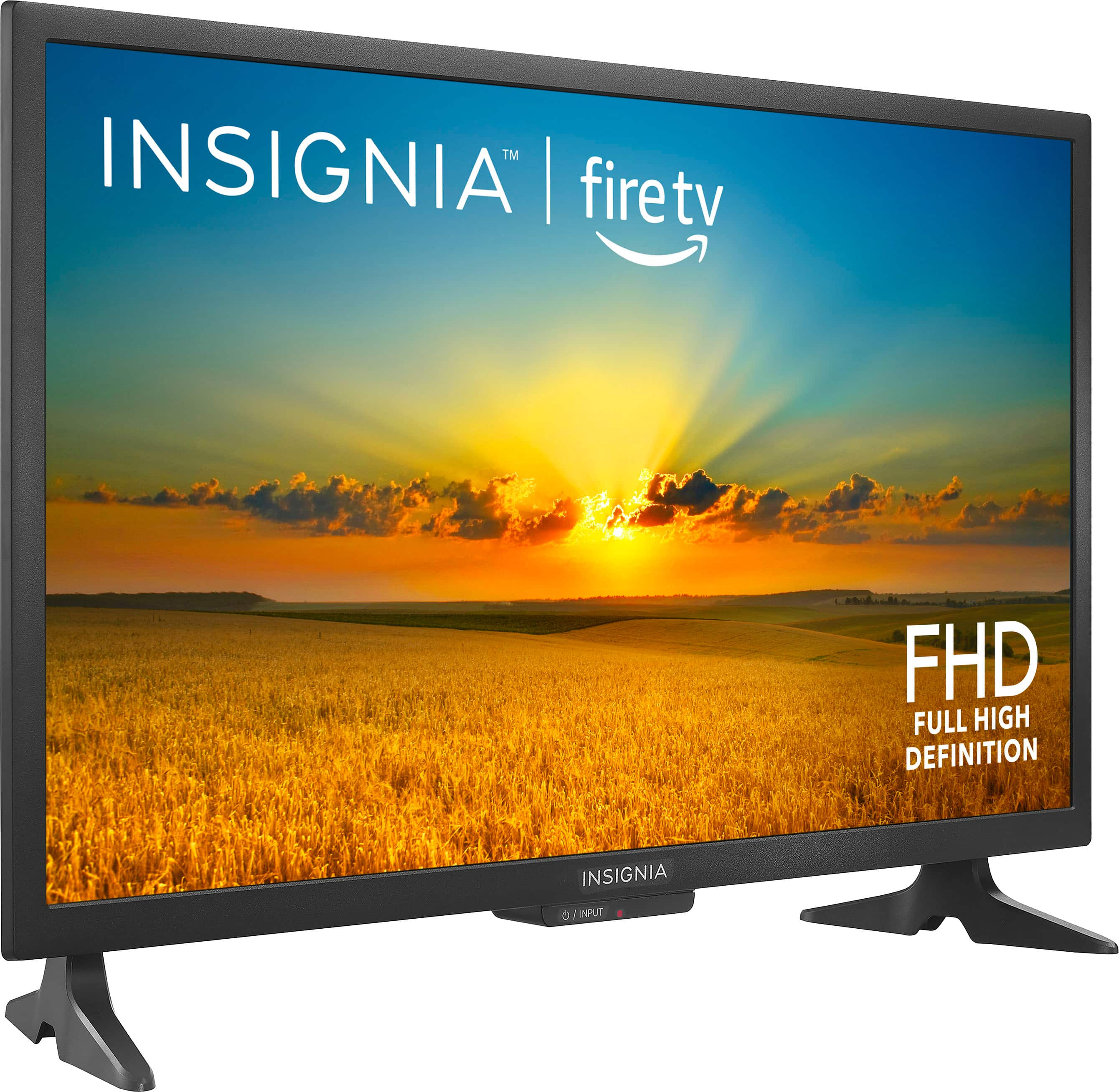
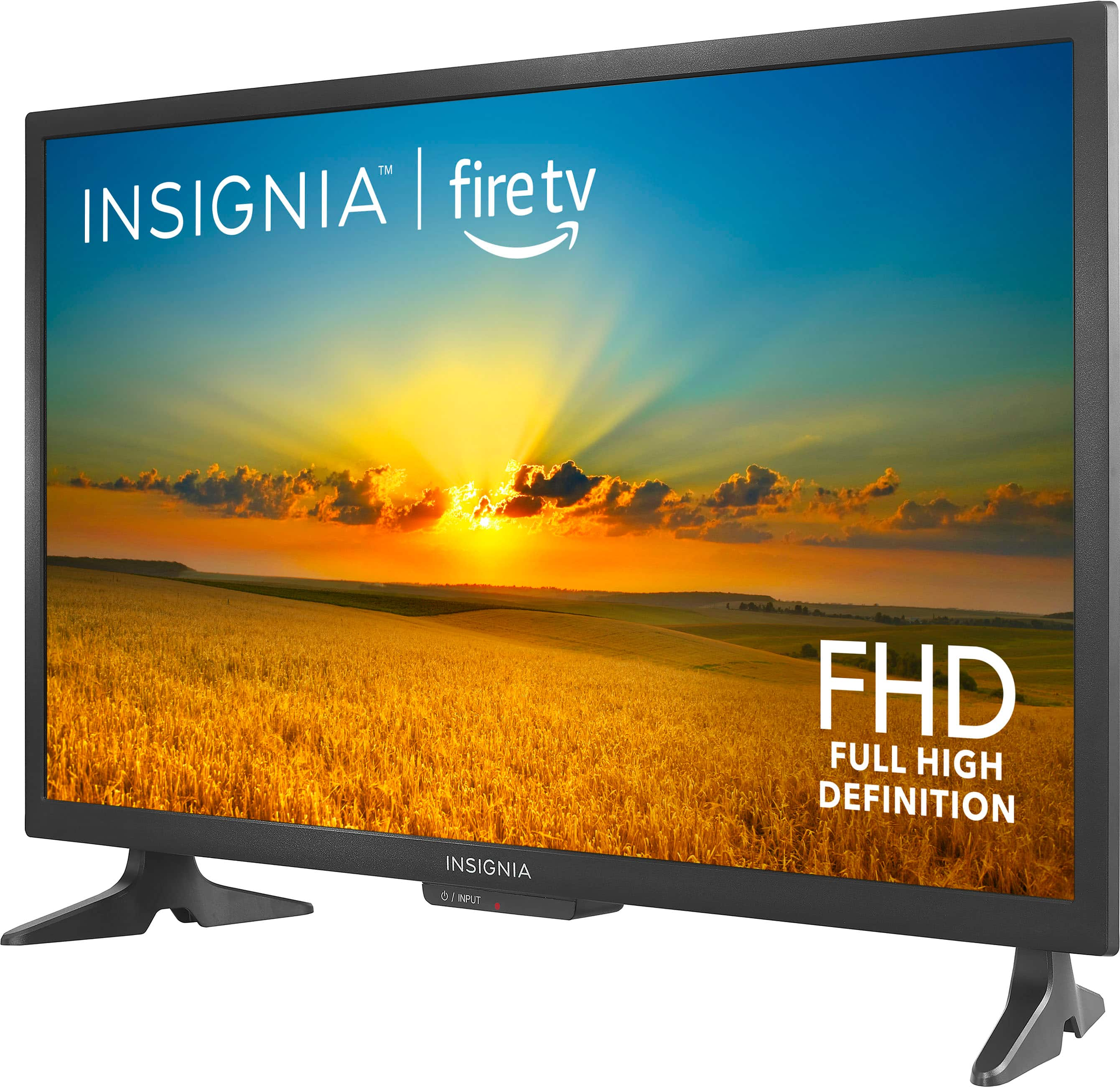
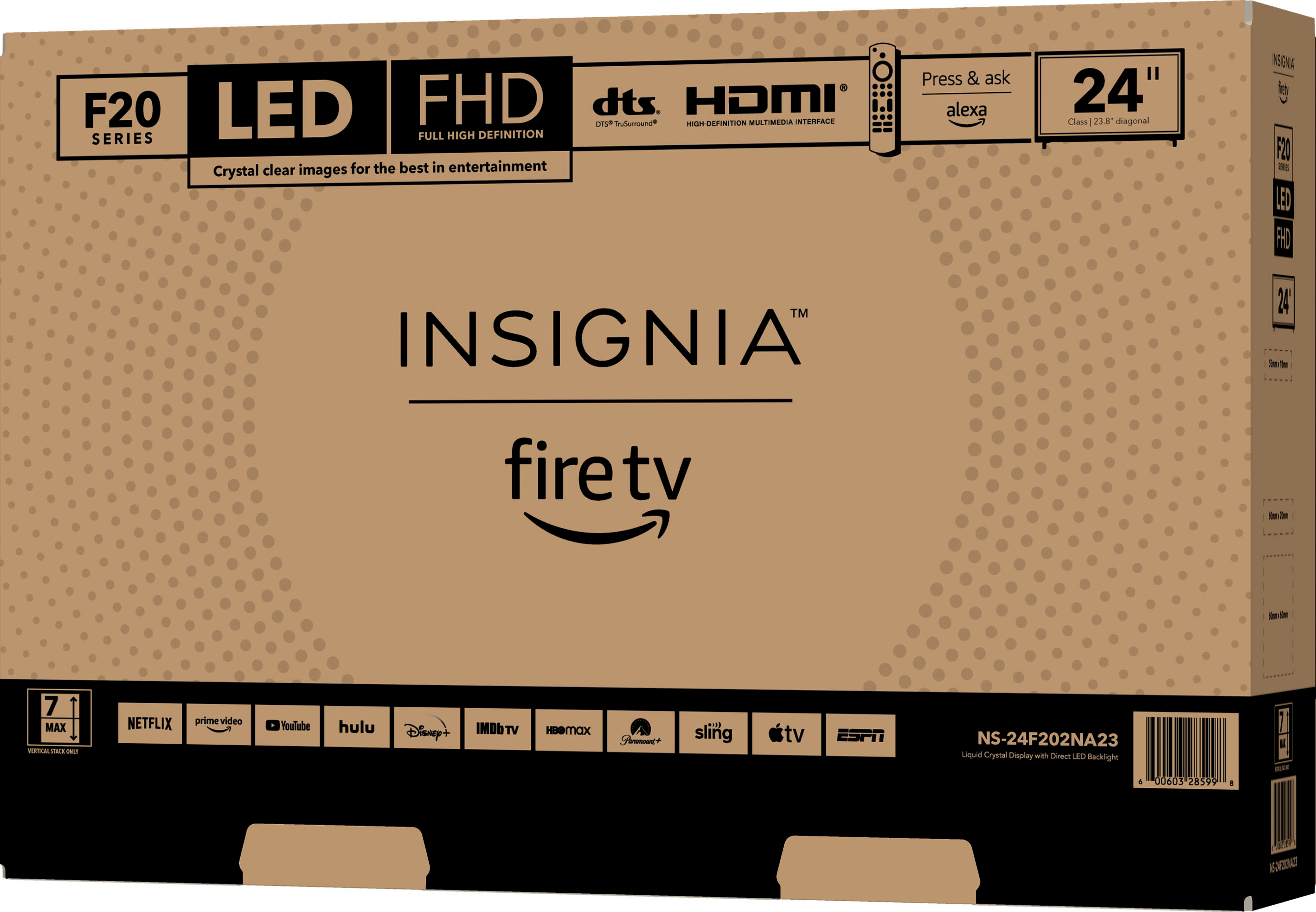
A:AnswerTo open the remote control for your Insignia™ - 24" Class F20 Series LED Full HD Smart Fire TV and insert the batteries, locate the battery compartment on the back of the remote. Slide the cover downwards or press the latch to release it. Once open, insert two batteries, ensuring the positive (+) and negative (-) ends match the markings inside the compartment. Finally, slide the cover back into place until it clicks. Make sure the batteries are inserted correctly to ensure the remote functions properly. If you need any further assistance, feel free to ask! Patricia | Insignia Support
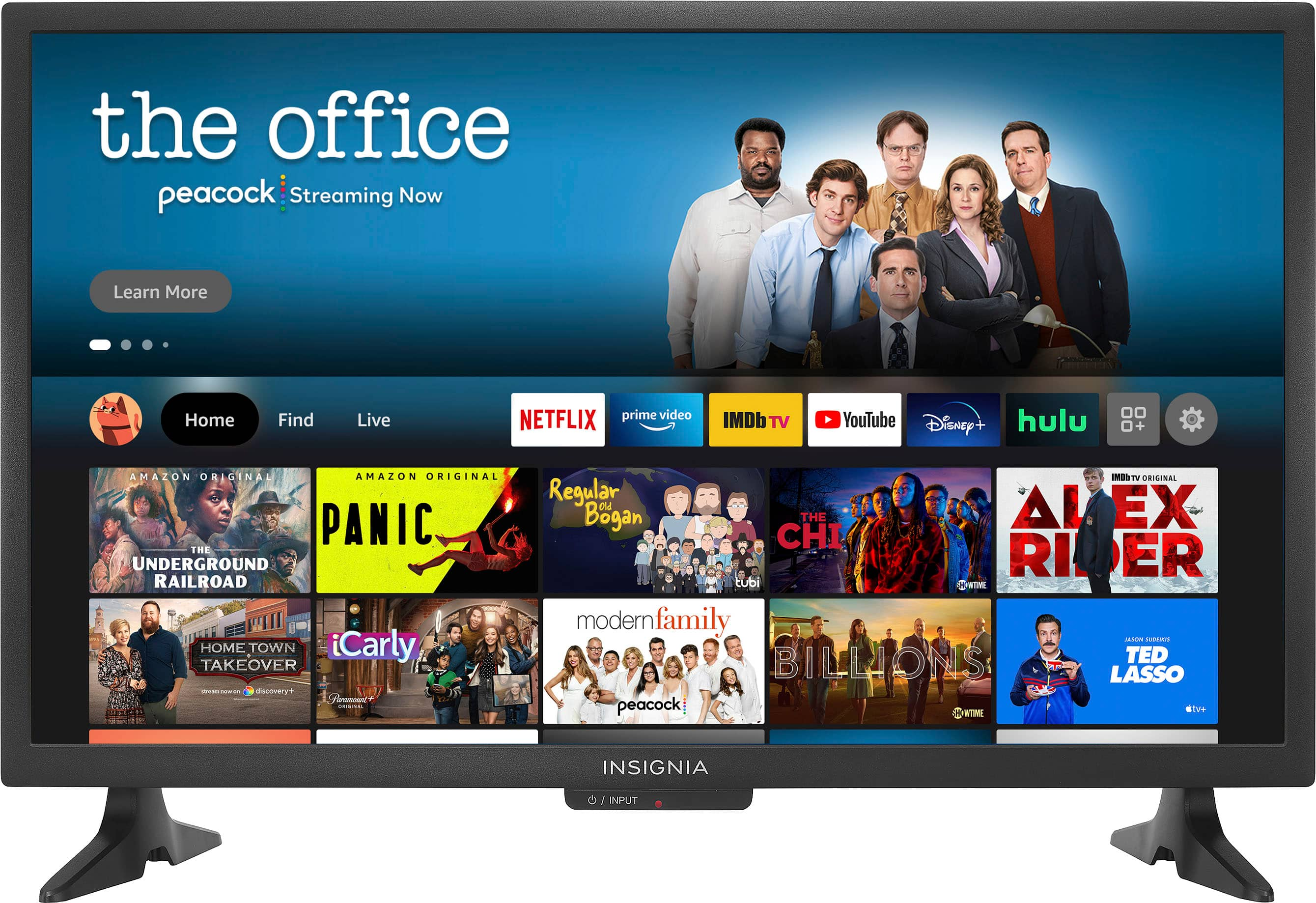
A:AnswerHi Pinky! Thank you so much for your interest in our Insignia™ - 24" Class F20 Series LED Full HD Smart Fire TV. Yes, the Fire TV should work with Spectrum service. You can download the Spectrum app on the Fire TV to access your Spectrum TV and internet service.
JC | Insignia Support https://www.bestbuy.com/site/insignia-24-class-f20-series-led-hd-smart-fire-tv/6491295.p?skuId=6491295
A:AnswerMost remotes like this one when you guide is on the screen use the + and - button to scroll up and down the guide as it mainly a streaming tv and most streaming services do not have numbered channels. If the circle is a button use the bottom position to scroll up or down right or left.