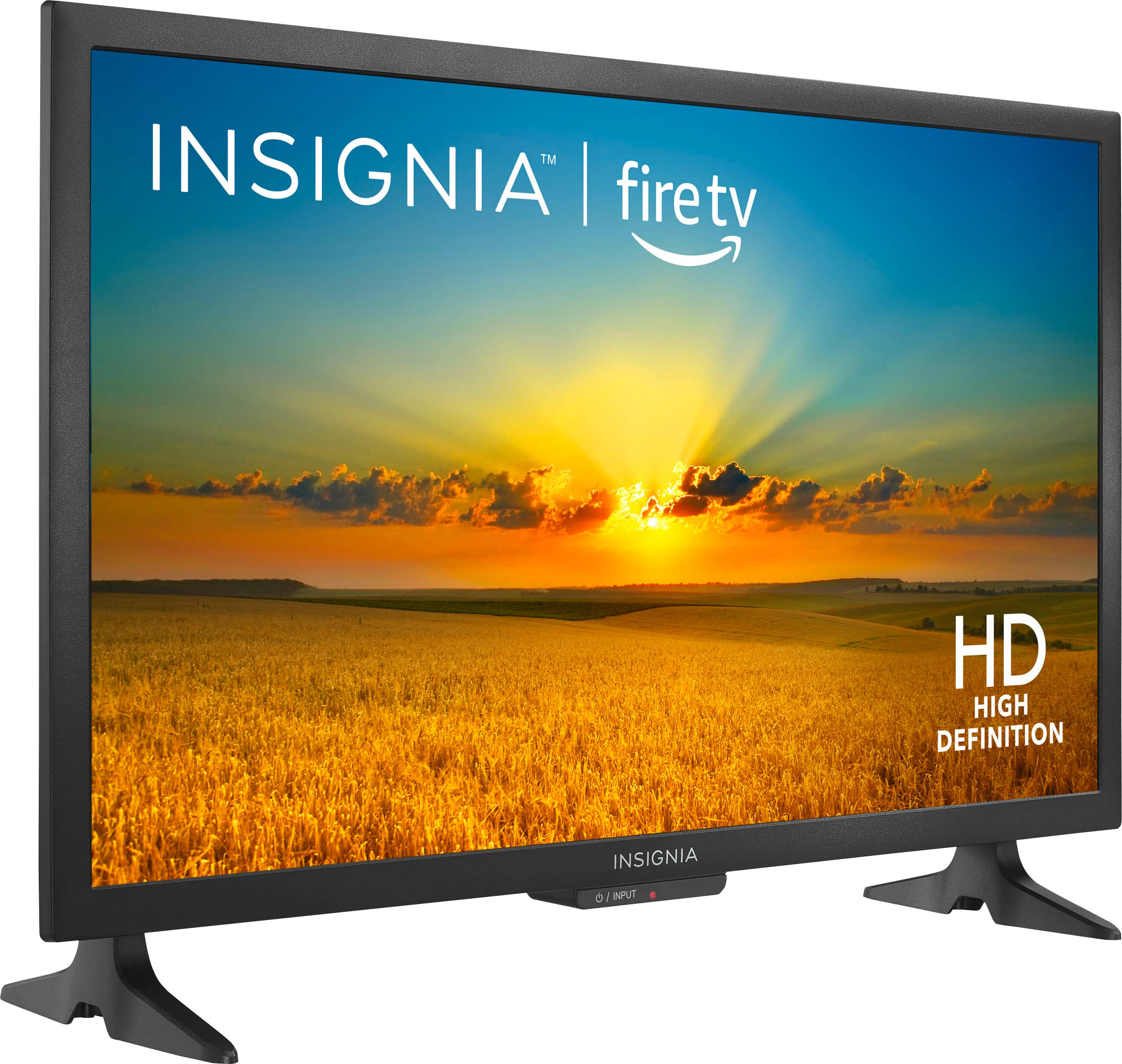
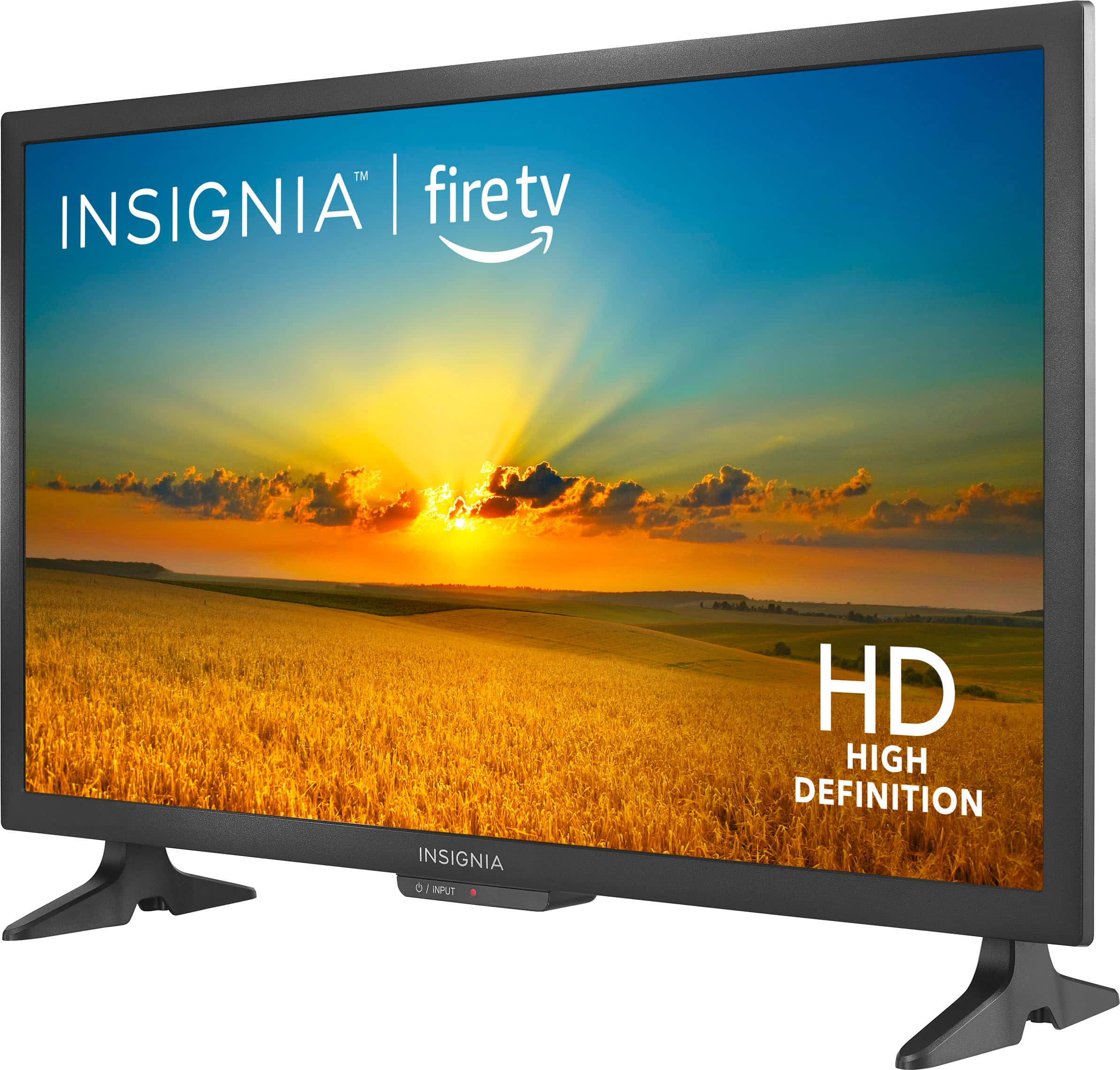
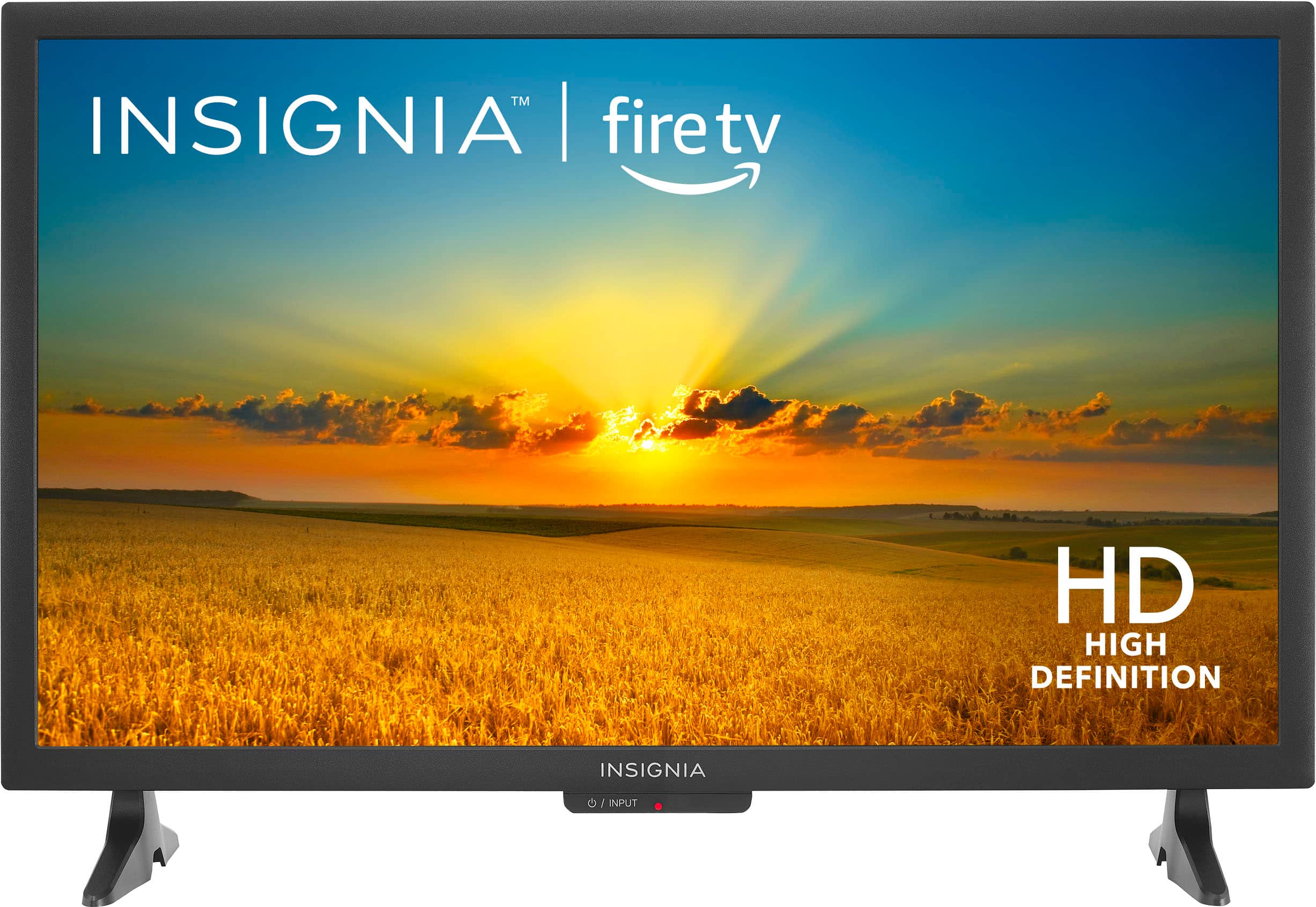
A:AnswerThank you for your inquiry! Yes, the Insignia™ 24" Class F20 Series LED HD Smart Fire TV is Bluetooth enabled. This feature allows you to connect compatible Bluetooth devices such as headphones, speakers, or keyboards to the TV for wireless audio streaming or input. You can check the specifications or user manual of the TV for detailed information on Bluetooth compatibility and setup instructions. Keith | Insignia Support https://www.bestbuy.com/site/insignia-24-class-f20-series-led-hd-smart-fire-tv/6491295.p?skuId=6491295
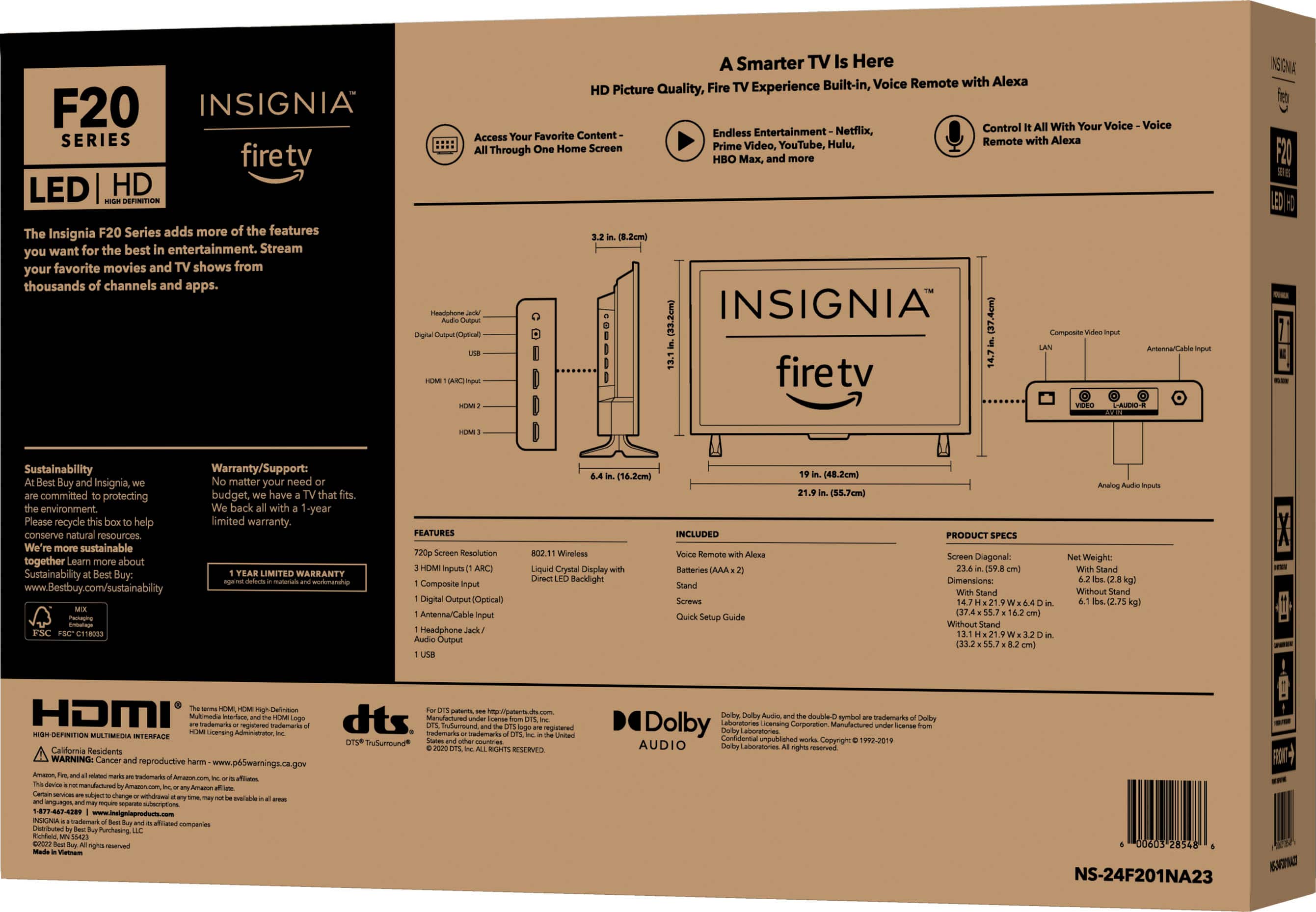
A:AnswerProduct Height With Stand
14.7 inches
Product Height Without Stand
13.1 inches
--Ed | Insignia Support | https://www.bestbuy.com/site/brands/best-buy-brands/pcmcat1596746025285.c?id=pcmcat1596746025285
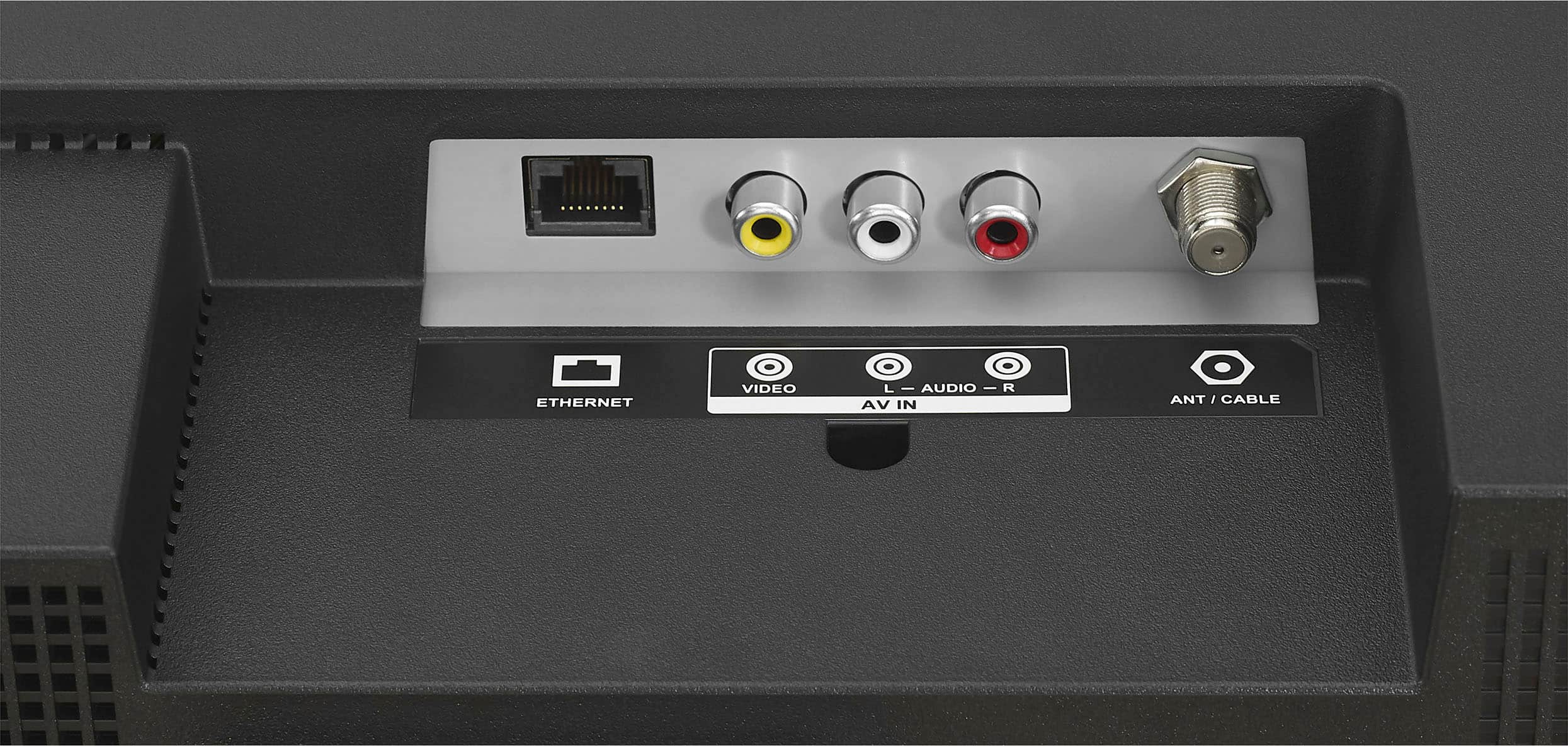
A:AnswerYes, Dick! this Insignia™ - 24" Class F20 Series LED HD Smart Fire TV have a build-in Wi-fi and Ethernet. Patricia | Insignia Support https://www.bestbuy.com/site/brands/best-buy-brands/pcmcat1596746025285.c?id=pcmcat1596746025285
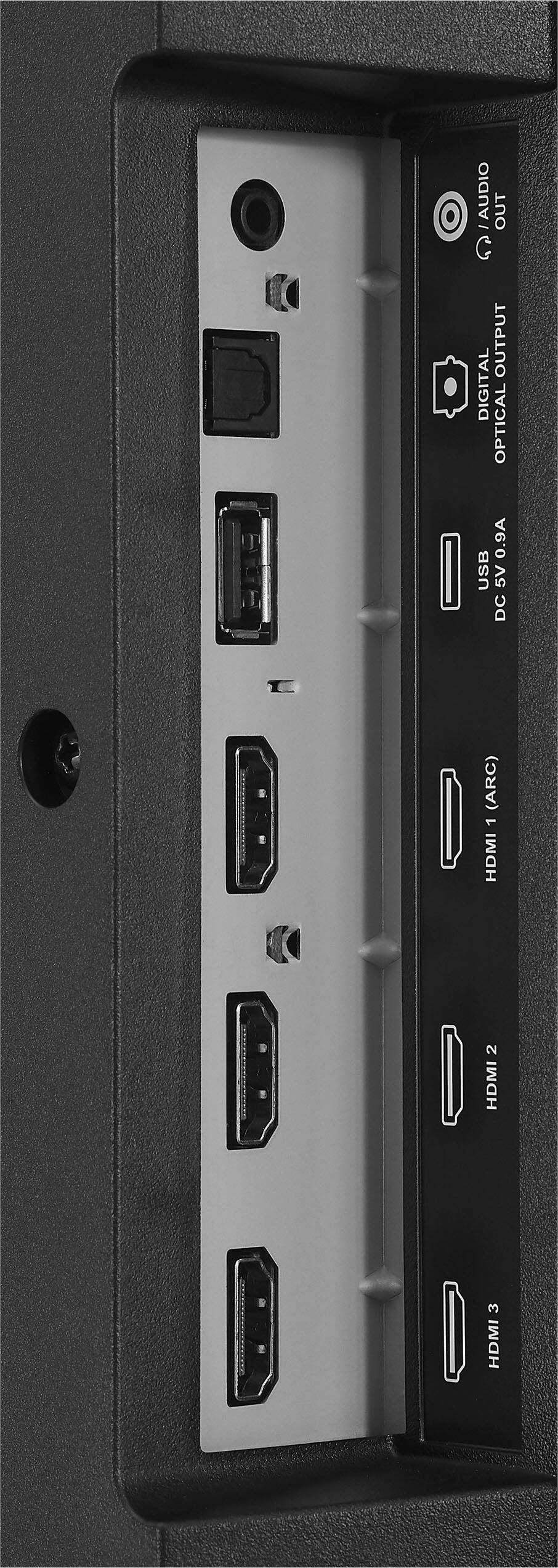
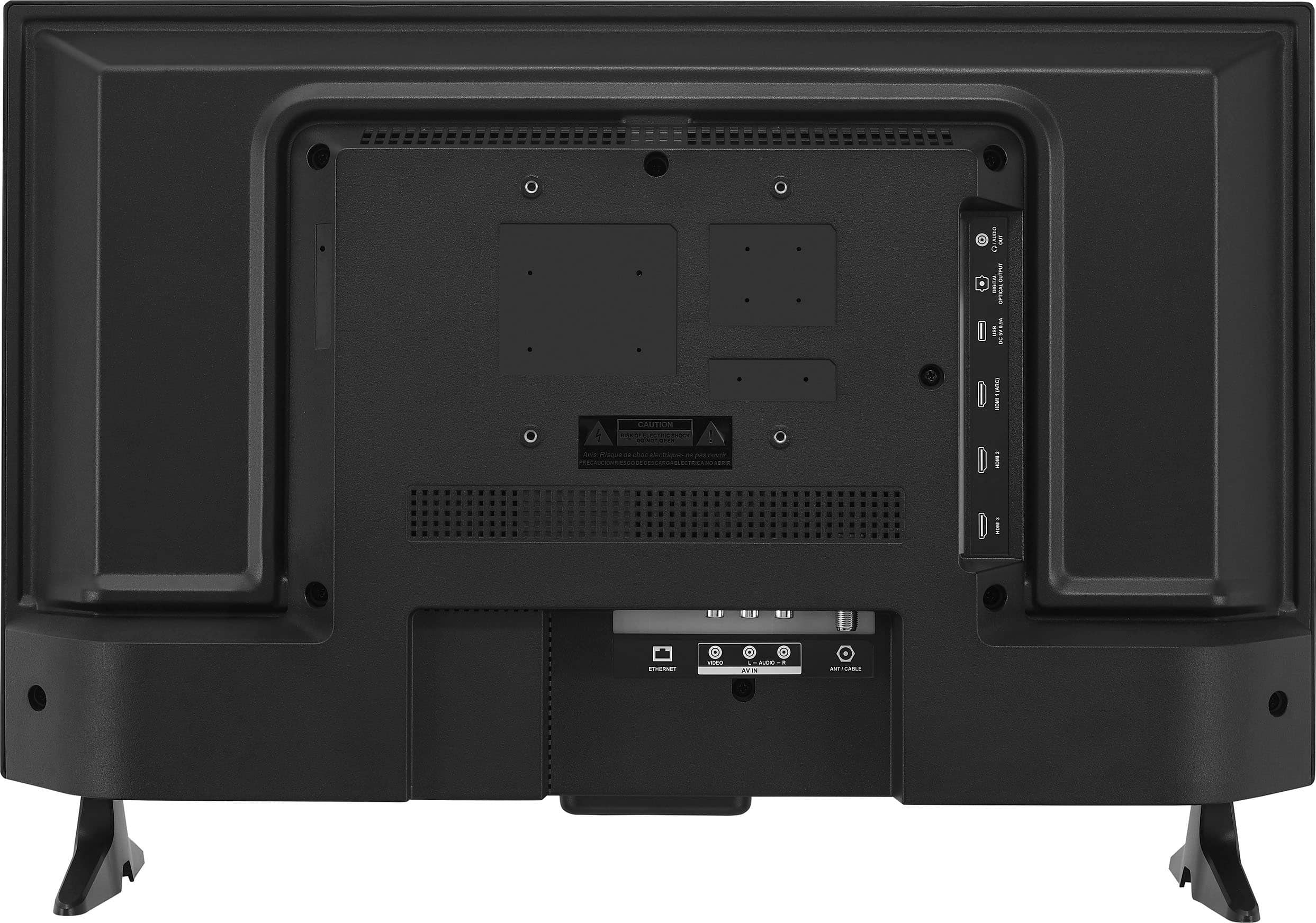
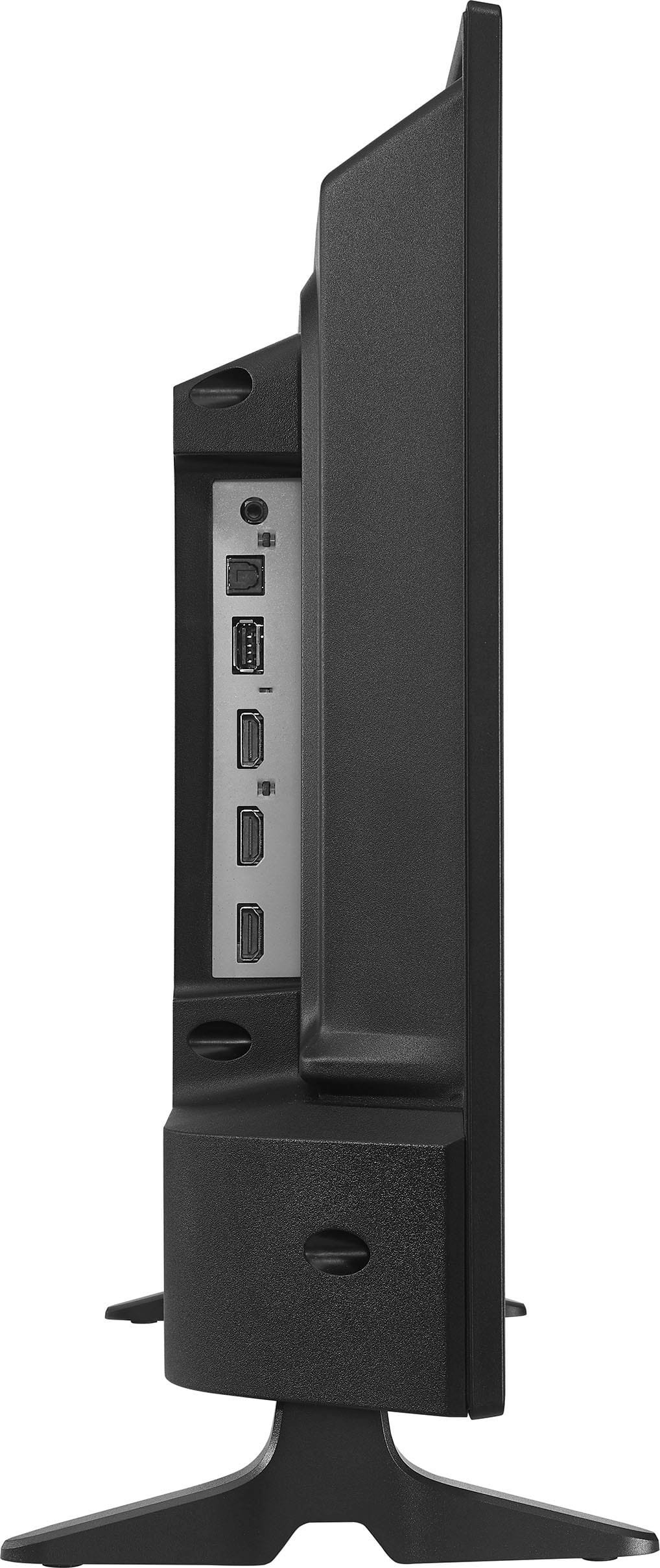
A:AnswerHi Yaya, we appreciate your inquiry! Definitely, you can connect Insignia™ - 24" Class F20 Series LED HD Smart Fire TV (Model: NS-24F201NA23) directly to Nintendo Switch OLED through HDMI. For more information about this product, you may click this link: https://www.bestbuy.com/site/insignia-24-class-f20-series-led-hd-smart-fire-tv/6491295.p?skuId=6491295. Carlo | Insignia Support
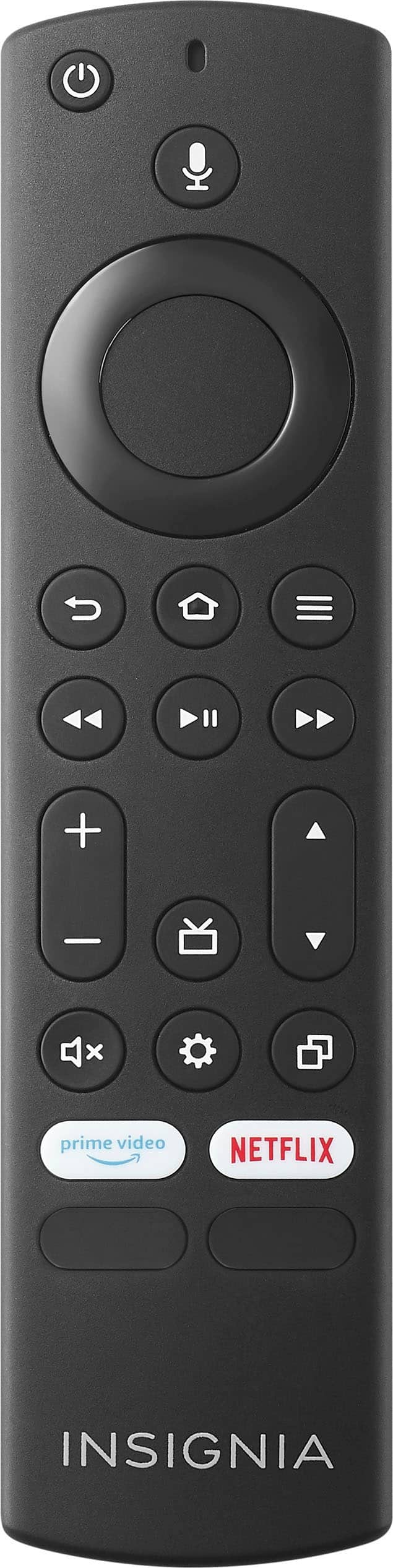
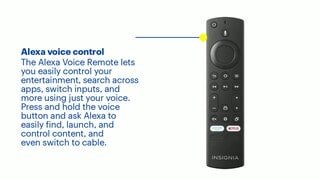
A:AnswerHi Bucky, unfortunately, there's no direct button on the remote for channel selection. You have to hold the arrow down or up to scroll to your favorite channel. Additionally, we only have the guide button to open the live TV channel guide. Jeth | Insignia™ Support. https://www.bestbuy.com/site/insignia-24-class-f20-series-led-hd-smart-fire-tv/6491295.p?skuId=6491295