A:AnswerHello Essa, thank you for your question. This Insignia™ 24" F40 Series Smart Fire TV is not cordless and must be plugged into a wall outlet to operate. While it does support wireless features like Wi-Fi and Bluetooth for streaming and connectivity, it does not have a built-in battery for cordless use. Sudeep | Insignia
A:AnswerHello, thank you for your question. Yes, this Insignia™ 24" F40 Series Fire TV will work with your DIRECTV Stream device. As long as the DIRECTV Stream box connects to the TV using an HDMI cable, you will be able to watch your content without any issues. Simply plug the device into one of the TV’s HDMI ports and select the correct input. If you have any additional questions, feel free to reach out to us at 1-877-467-4289 or insignia@bestbuy.com. We will be happy to help you.
Sudeep | Insignia
A:AnswerHello Howard and thank you for your question. We appreciate your interest in the Insignia NS‑24F401NA26 TV.
You can find the complete user manual directly on the product page under Product Features, next to Warranty and Quick Start Guides.
For additional help, you can contact Insignia Support:
1‑877‑467‑4289
insignia@bestbuy.com
Sidhartha | Insignia
A:AnswerHi, thank you for your question. The Insignia 24" F40 Series Fire TV supports streaming apps through Fire TV. YouTube TV is available in the Amazon Appstore, so you can install it and watch live TV without any extra device. Shashank | Insignia Products
A:AnswerHello Kaydee, thank you for your question. Yes, since this Insignia™ TV uses the Fire TV platform, you can download additional apps from the Amazon Appstore. If DIRECTV or Hallmark’s streaming apps are available in the Appstore for your region, you’ll be able to install them directly on the TV.
Sudeep | Insignia
A:AnswerHello, thanks for your question. The Insignia 24" F40 Series Fire TV (Model NS‑24F401NA26) already supports a standard 100 × 100 mm VESA mount pattern, so an additional adapter plate should not be necessary for compatibility with a VESA 100 × 100 wall mount. Mueez | Insignia
A:AnswerHello Mig and thank you for your question.
Yes, you can use the Insignia 24" Class F40 Series Full HD Smart Fire TV in an RV. The TV operates normally as long as it receives stable power. Just be sure the RV’s electrical system or inverter provides consistent voltage to avoid interruptions or damage during travel or generator use.
Sidhartha | Insignia
A:AnswerHello Jake! Thank you for your question. The mounting screw holes on the back of the Insignia 24" F40 Series Fire TV use a 200mm x 200mm VESA pattern, meaning the holes are spaced 200mm apart horizontally and vertically, making it compatible with a wide range of wall‑mount brackets. Darshan | Insignia
A:AnswerHello Tom, thanks for reaching out, you can find the User Guide on the Best Buy product page by scrolling to the “Features” section, where it is listed as “Manuals & Guides”. Mueez | Insignia
A:AnswerHello Dale, thank you for your question. Yes, this TV can be wall mounted, and it uses a standard VESA 100 × 100 mounting pattern.
Sudeep | Insignia
A:AnswerHello! Thank you for your question. Yes, you can absolutely use the Insignia F40 Series Fire TV remote without Alexa. The remote works normally for navigation, volume, input selection, and streaming control even if you never use voice features.
Darshan | Insignia
A:AnswerHello Tom, thanks for reaching out, Yes, the Insignia 24" Class F40 Series Smart Fire TV NS-24F401NA26 supports wireless screen mirroring from compatible laptops (such as Windows PCs using Miracast). macOS doesn’t natively support wireless mirroring to Fire TV without third‑party apps or adapters. You can also connect a laptop directly using an HDMI cable, which typically provides the most stable connection and works across Windows and macOS.
Mueez | Insignia
A:AnswerHi Jim, thank you for your question! The Insignia 24" Class F40 Series Full HD Smart Fire TV (Model NS‑24F401NA26) has a product weight of 5.3 pounds with the stand attached. Vennila | Insignia
A:AnswerHello! Thank you for your question. Yes, the Insignia 24" F40 Series Smart Fire TV does support YouTube TV, as long as you have an active subscription. Just download the YouTube TV app from the Fire TV App store, sign in, and you’re good to go.
Darshan | Insignia
A:AnswerHello! Thank you for your question. The Insignia - 24" Class F40 Series LED Full HD (1080p) Smart Fire TV is 2.6 inches deep without the stand, so it sits nice and slim whether you’re wall‑mounting it or placing it on a shelf.
Darshan | Insignia
A:AnswerHello, thank you for your question. The primary difference between the Insignia Class F40 and Class F20 TVs is resolution. The F20 Series features HD (720p) resolution, while the F40 Series offers Full HD (1080p) for sharper picture quality. Both series include built‑in Fire TV with access to streaming apps and Alexa voice control. Mueez | Insignia
A:AnswerHello, thank you for your question.
This Insignia 24" Class F40 Series Full HD Smart Fire TV is not designed to run on 12‑volt DC power. It requires standard household AC power, and using it directly from a 12‑volt motorhome system would not be supported. If you want to use it in a motorhome, you would need a properly rated inverter that converts 12‑volt DC to standard AC power. Sudeep | Insignia
A:AnswerHello Miranda! We are really sorry to hear that your Insignia 24" F40 Series TV suddenly lost its audio, that can be incredibly frustrating, we definitely want to help you get it working again, You can also refer to the user manual for some quick basic troubleshooting steps, and if the issue continues, please contact our support team at 1‑877‑467‑4289 or email Insignia@bestbuy.com so we can assist you further.
Darshan | Insignia
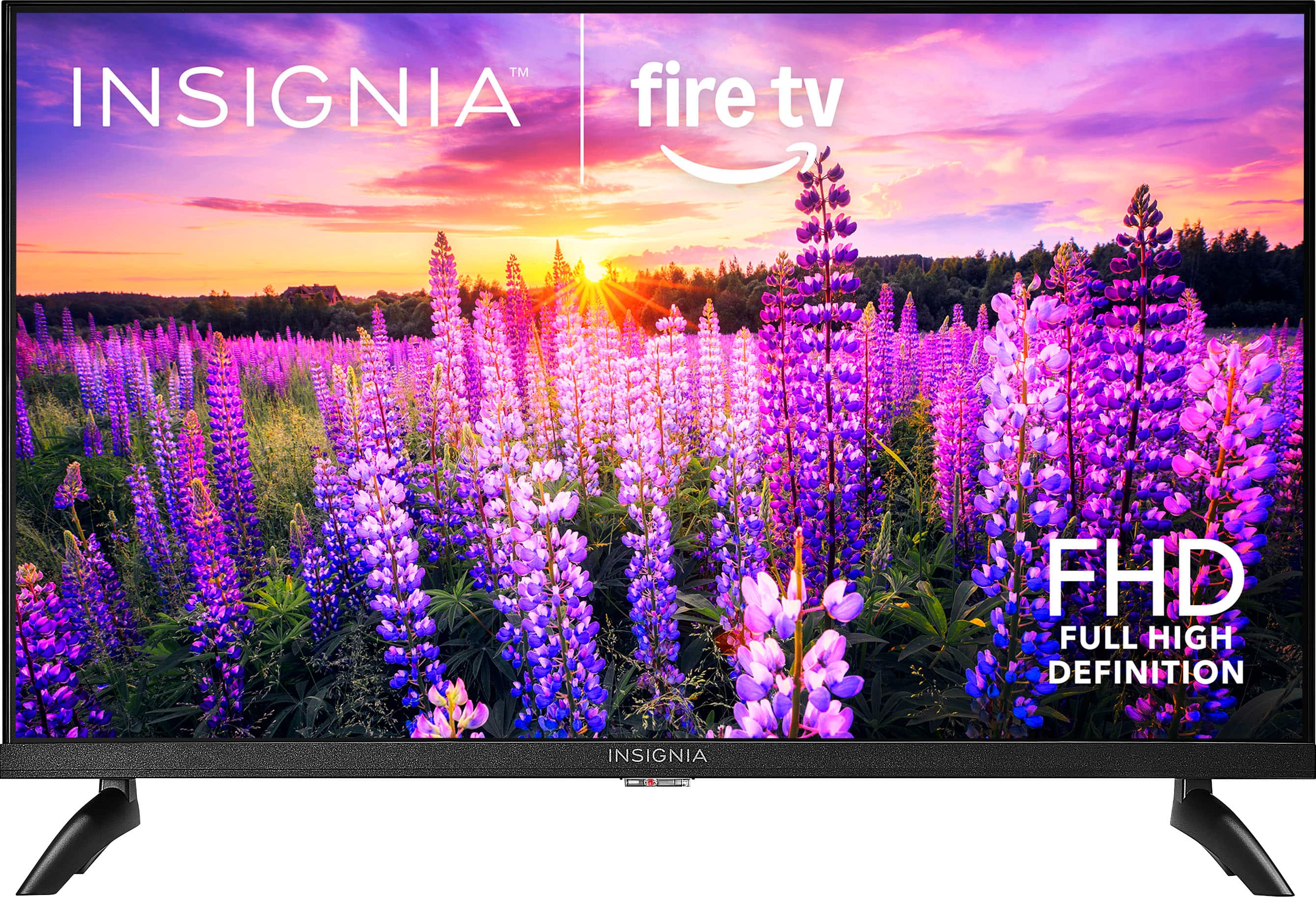
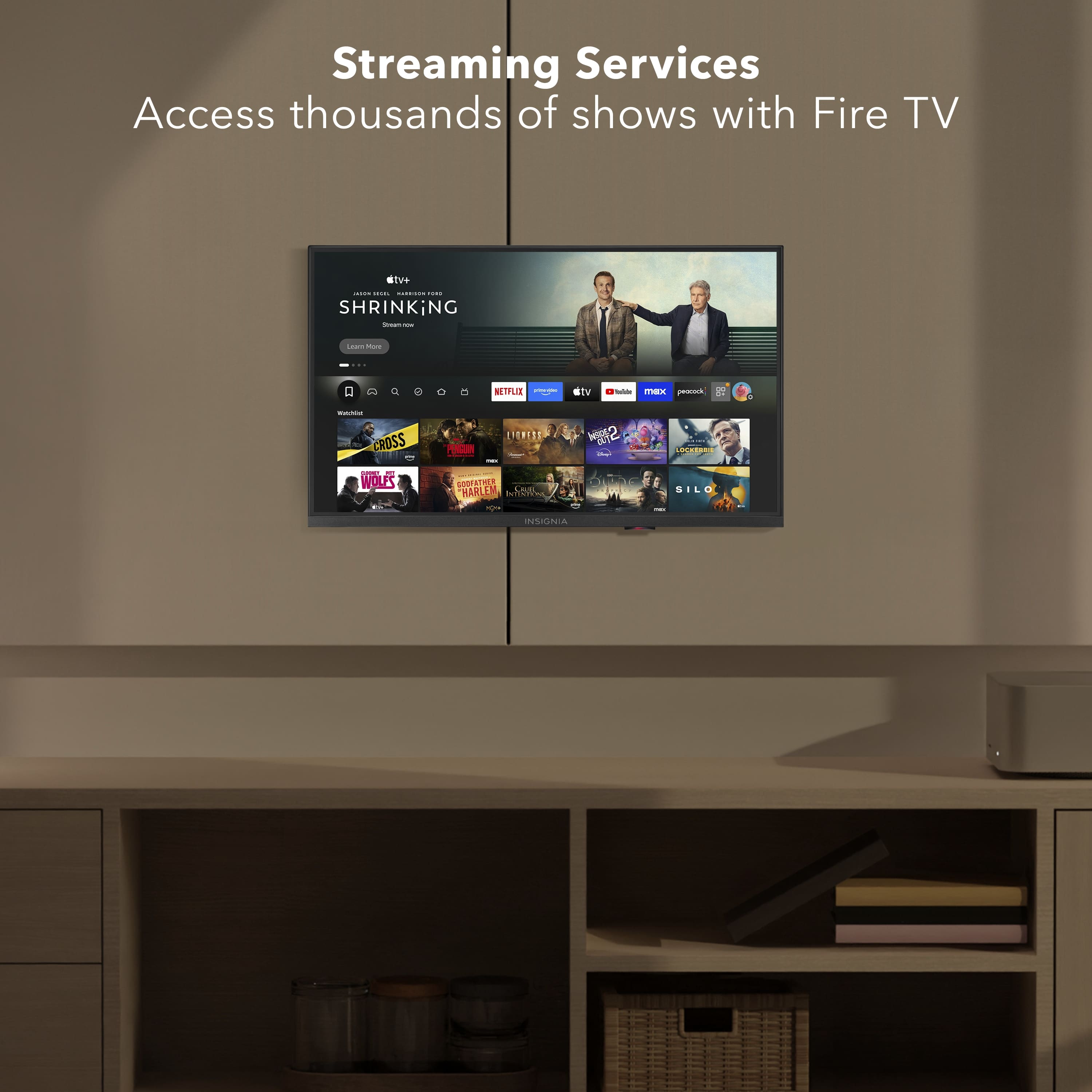
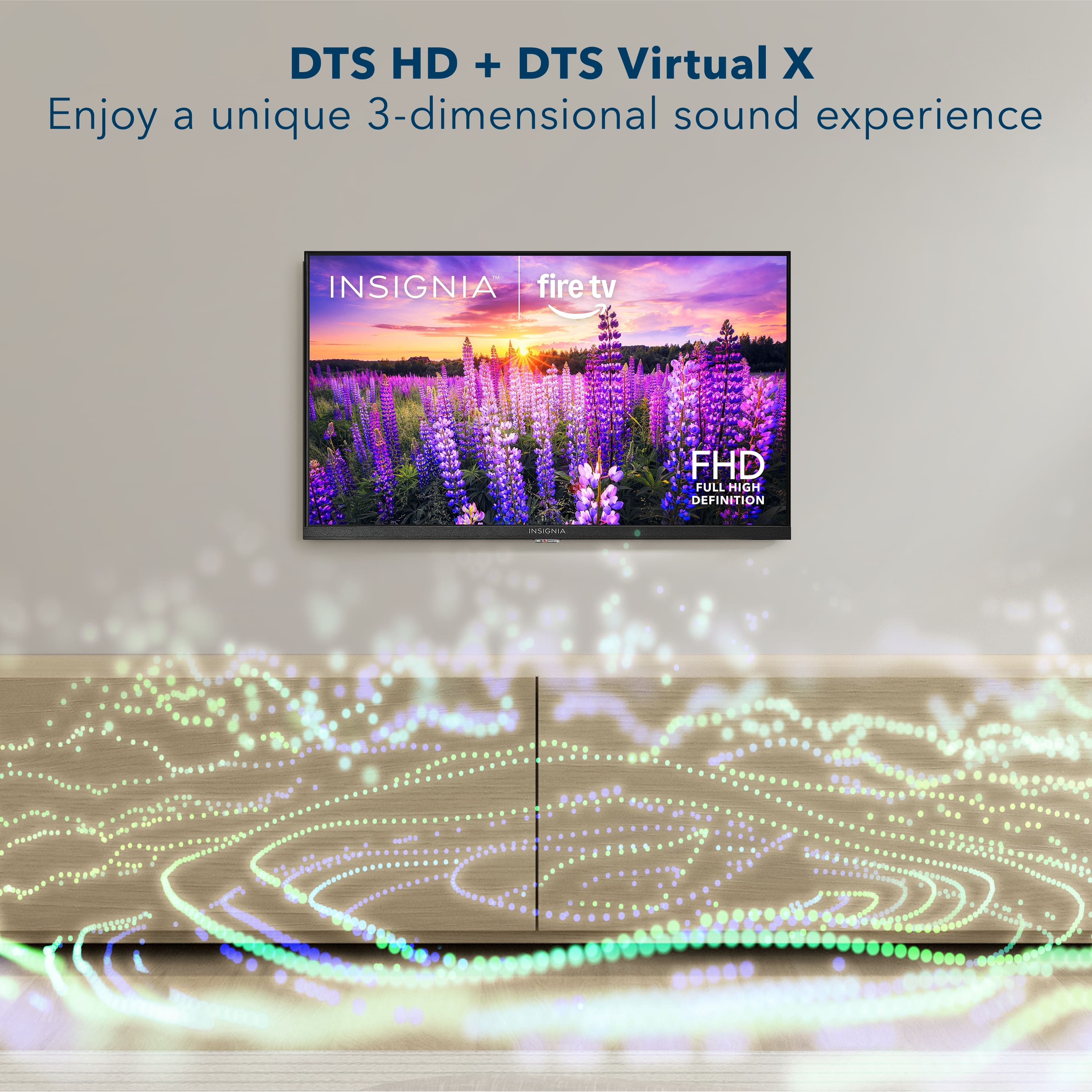
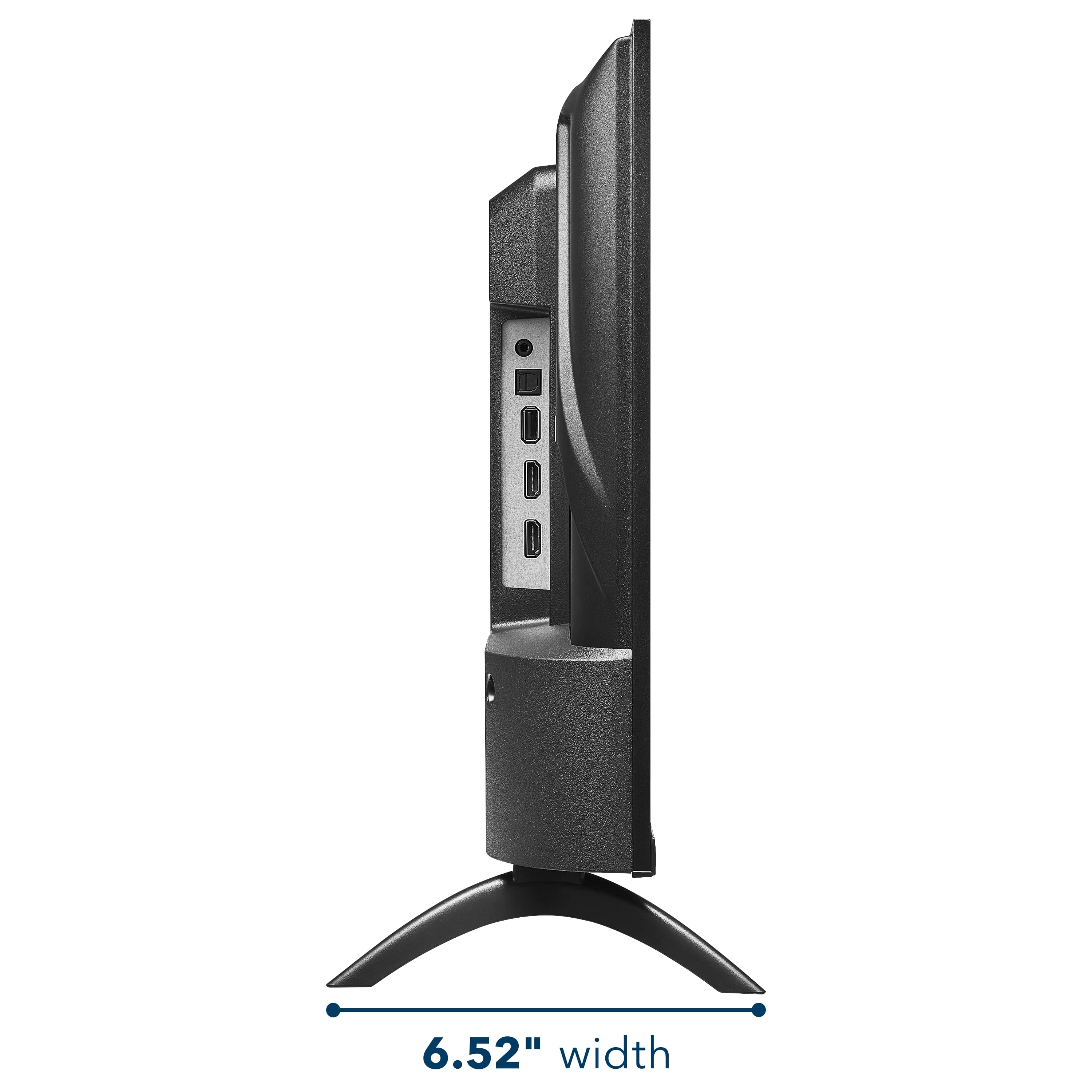
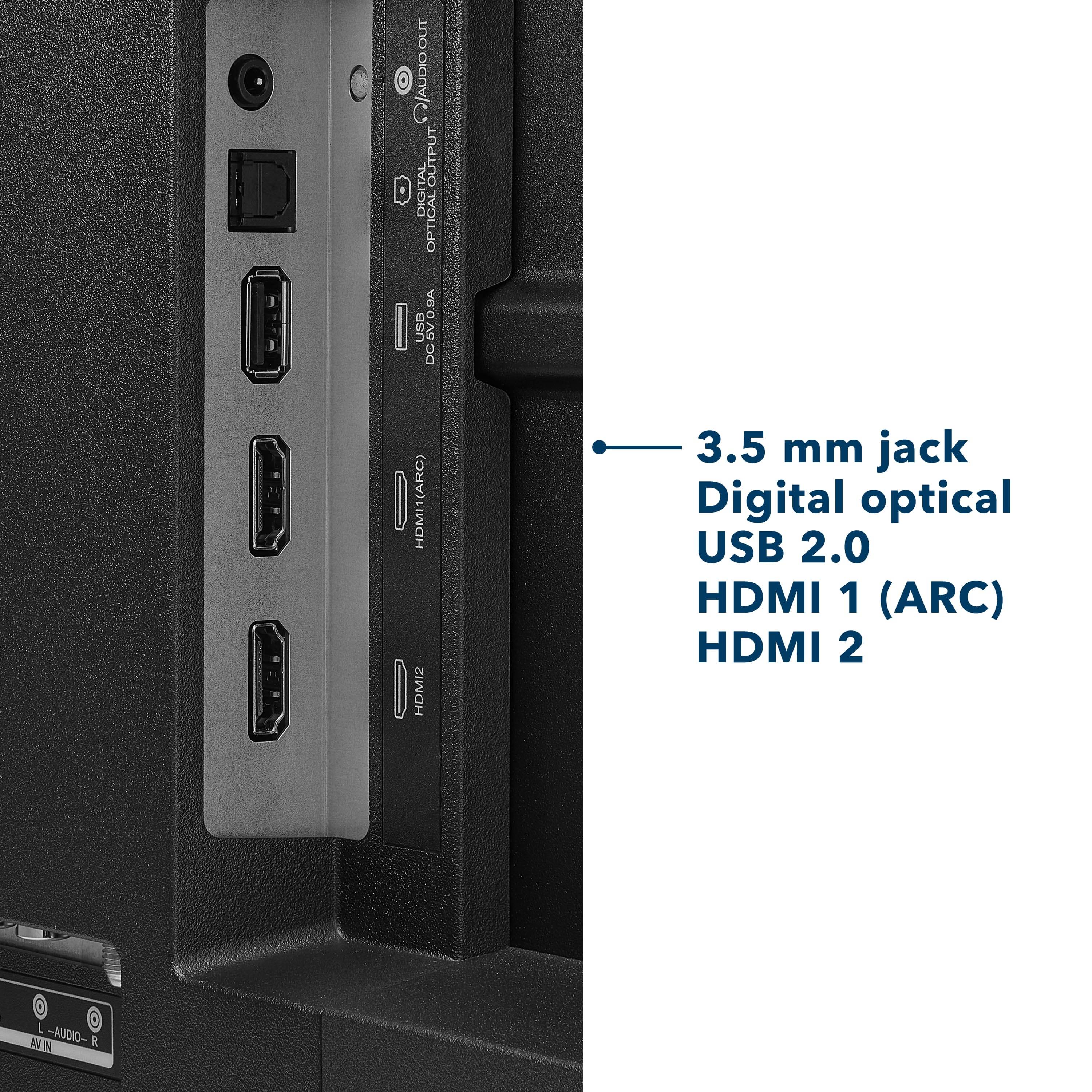
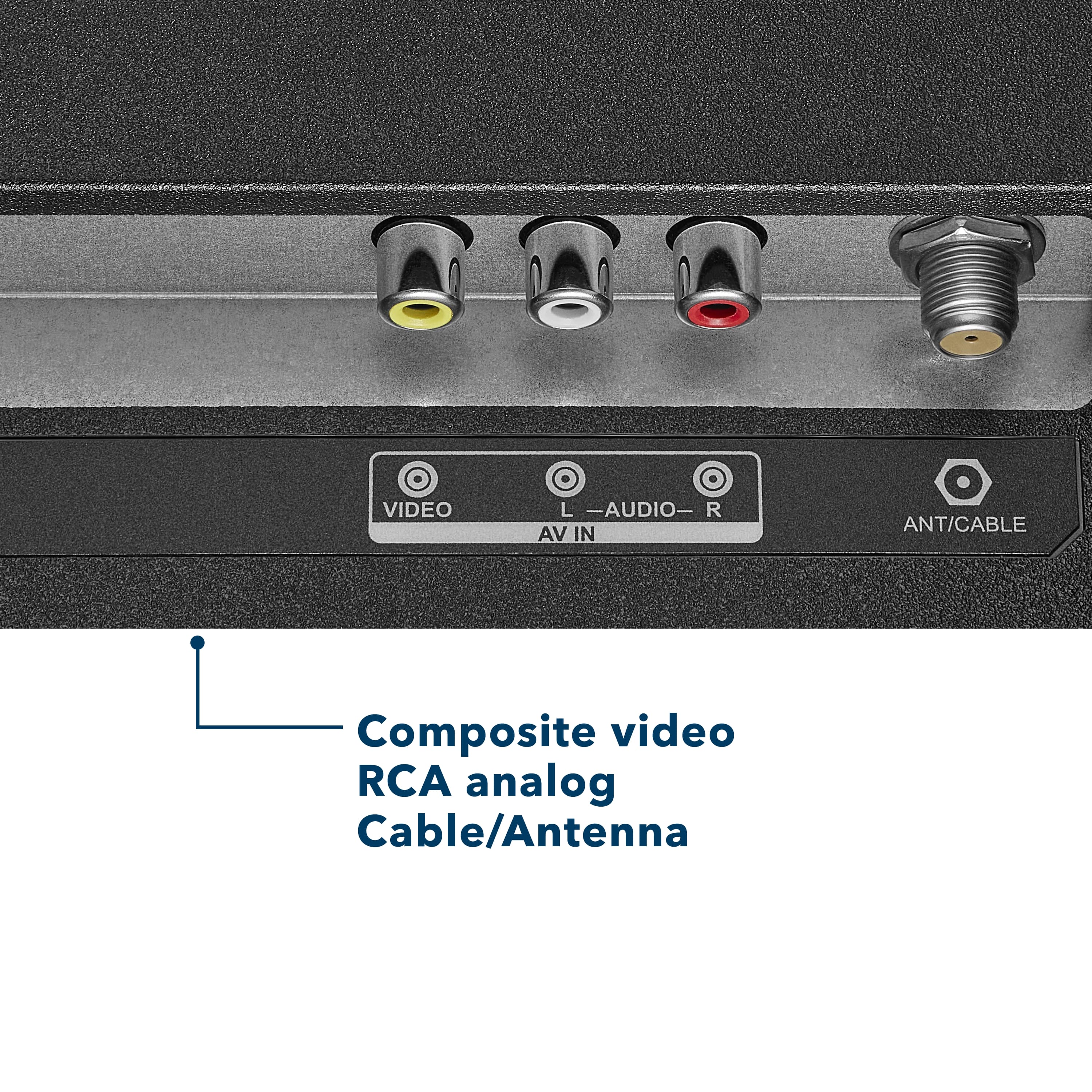
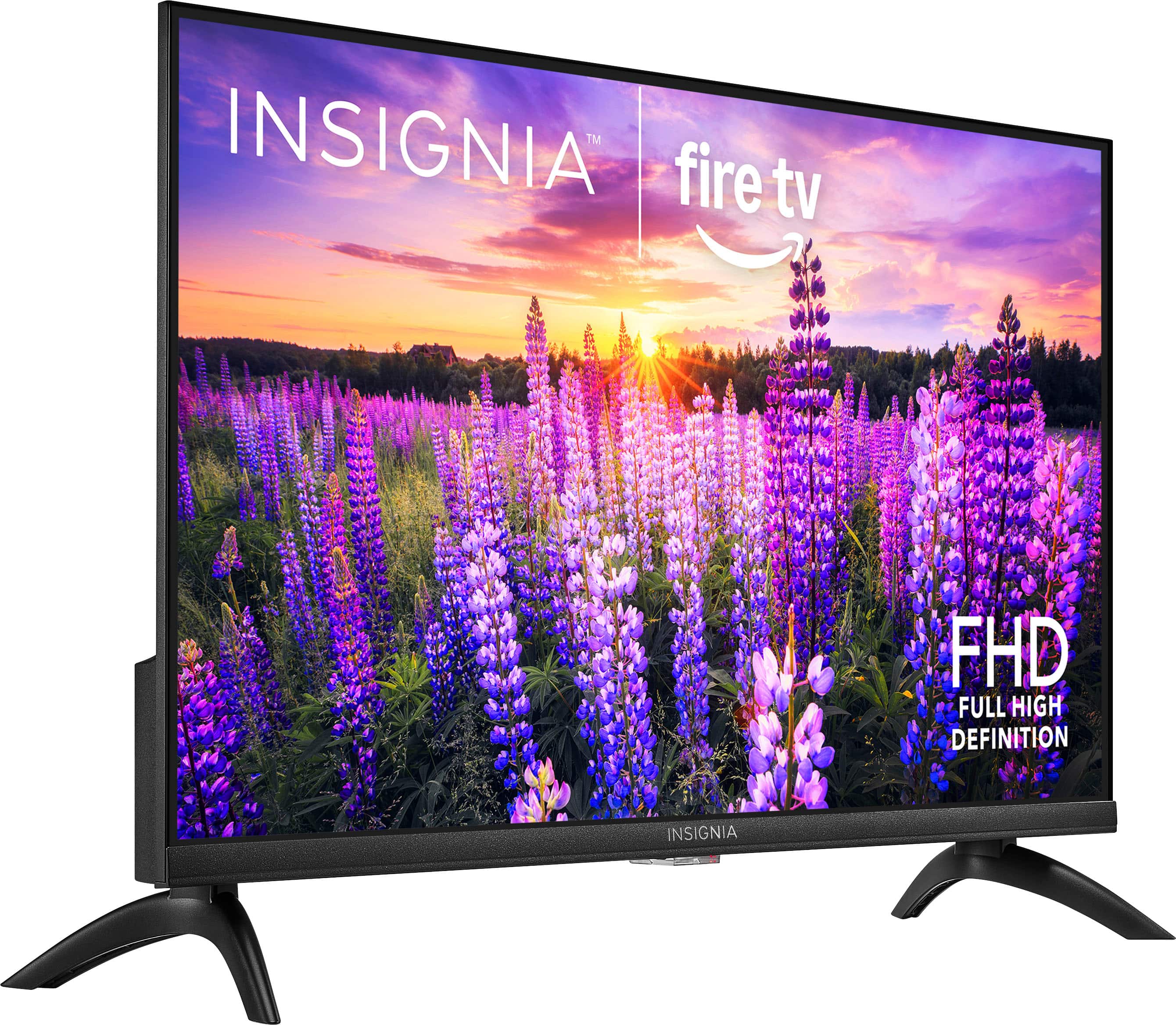
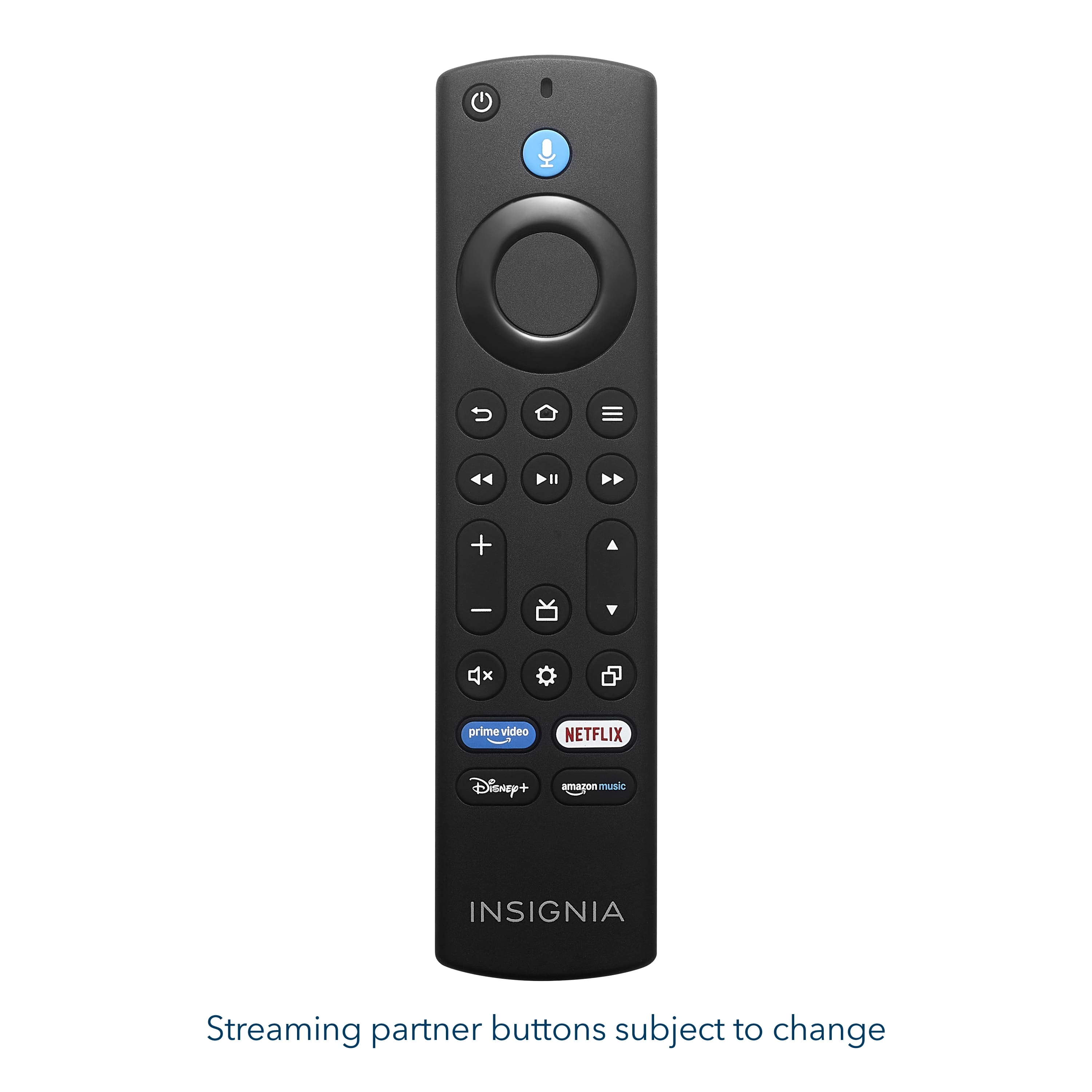
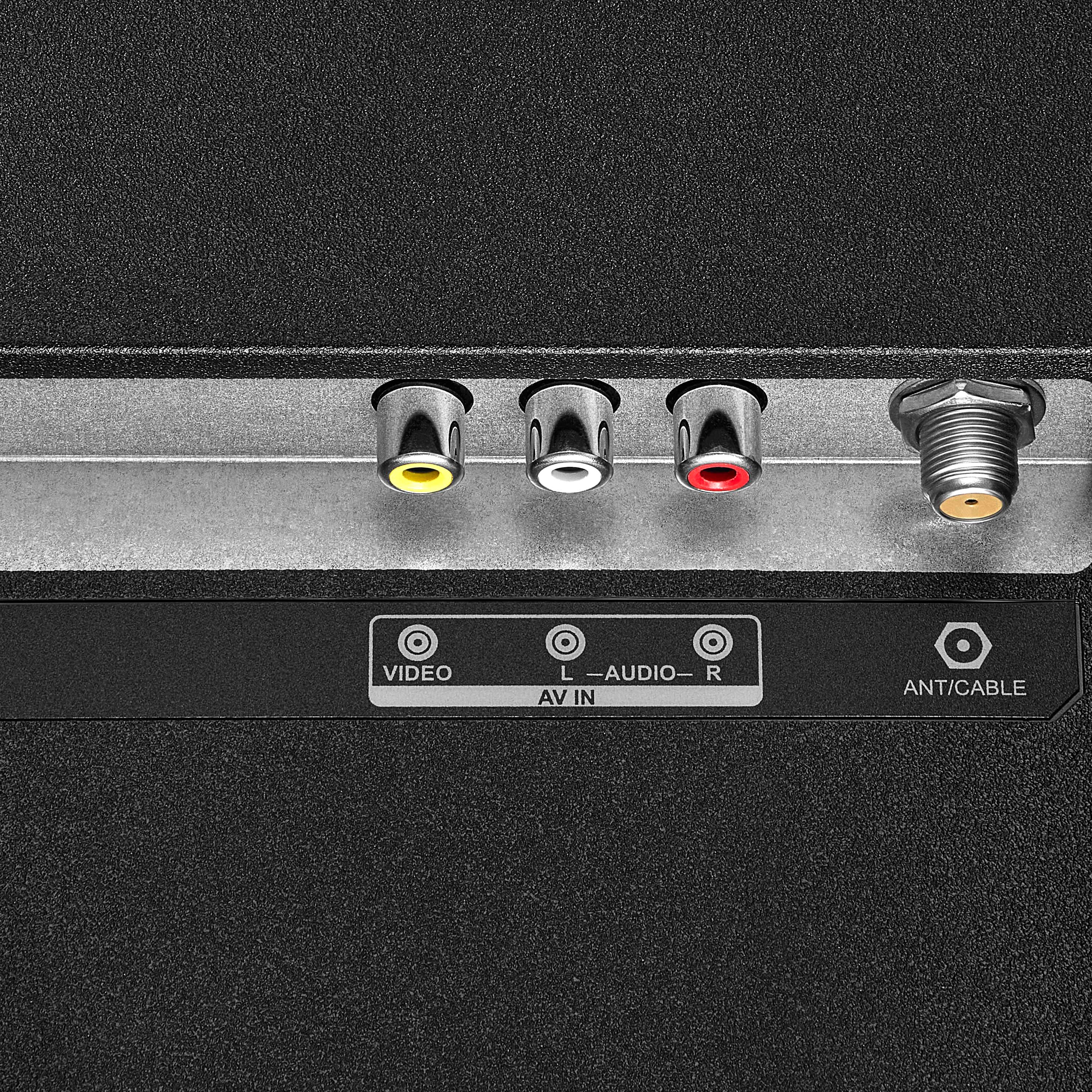
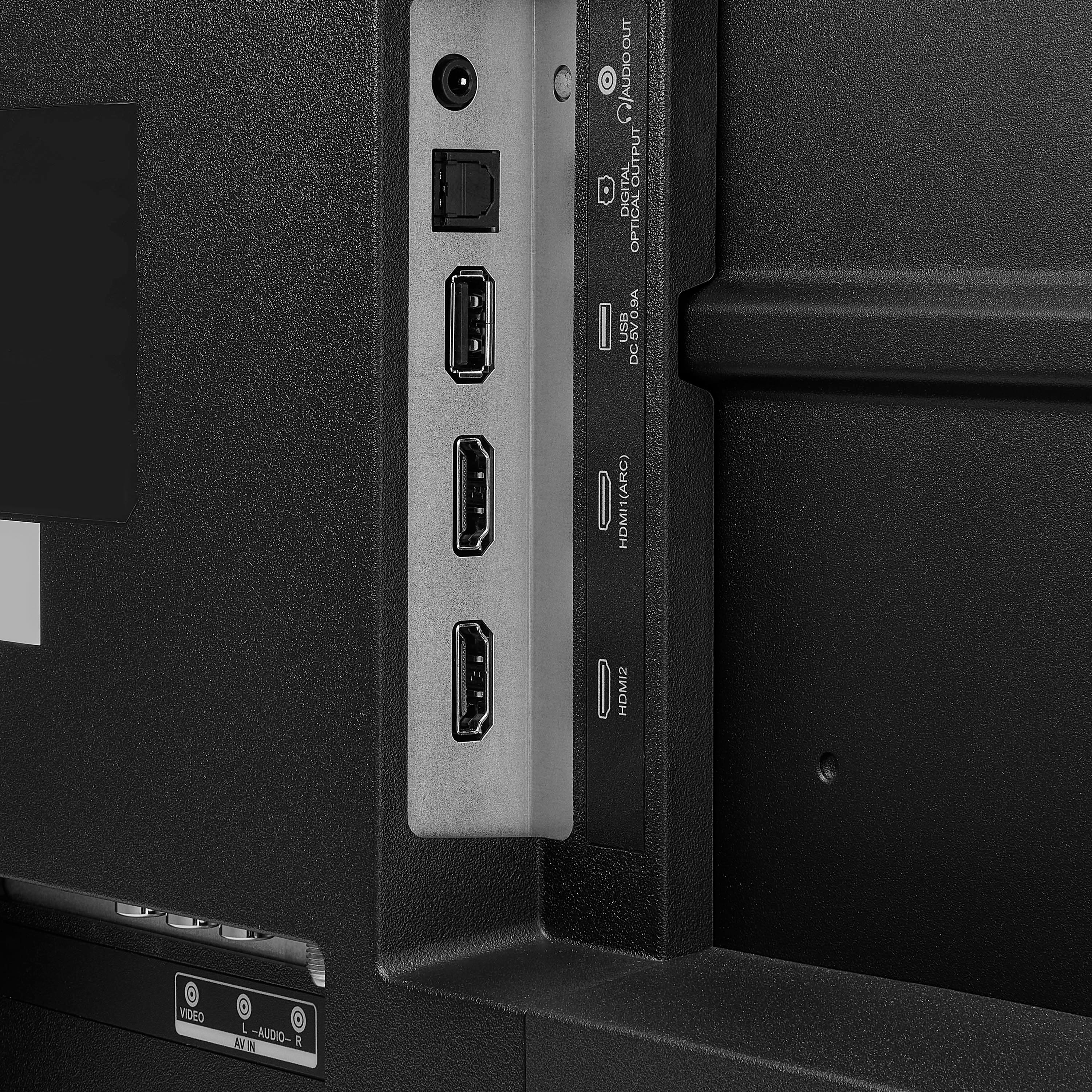
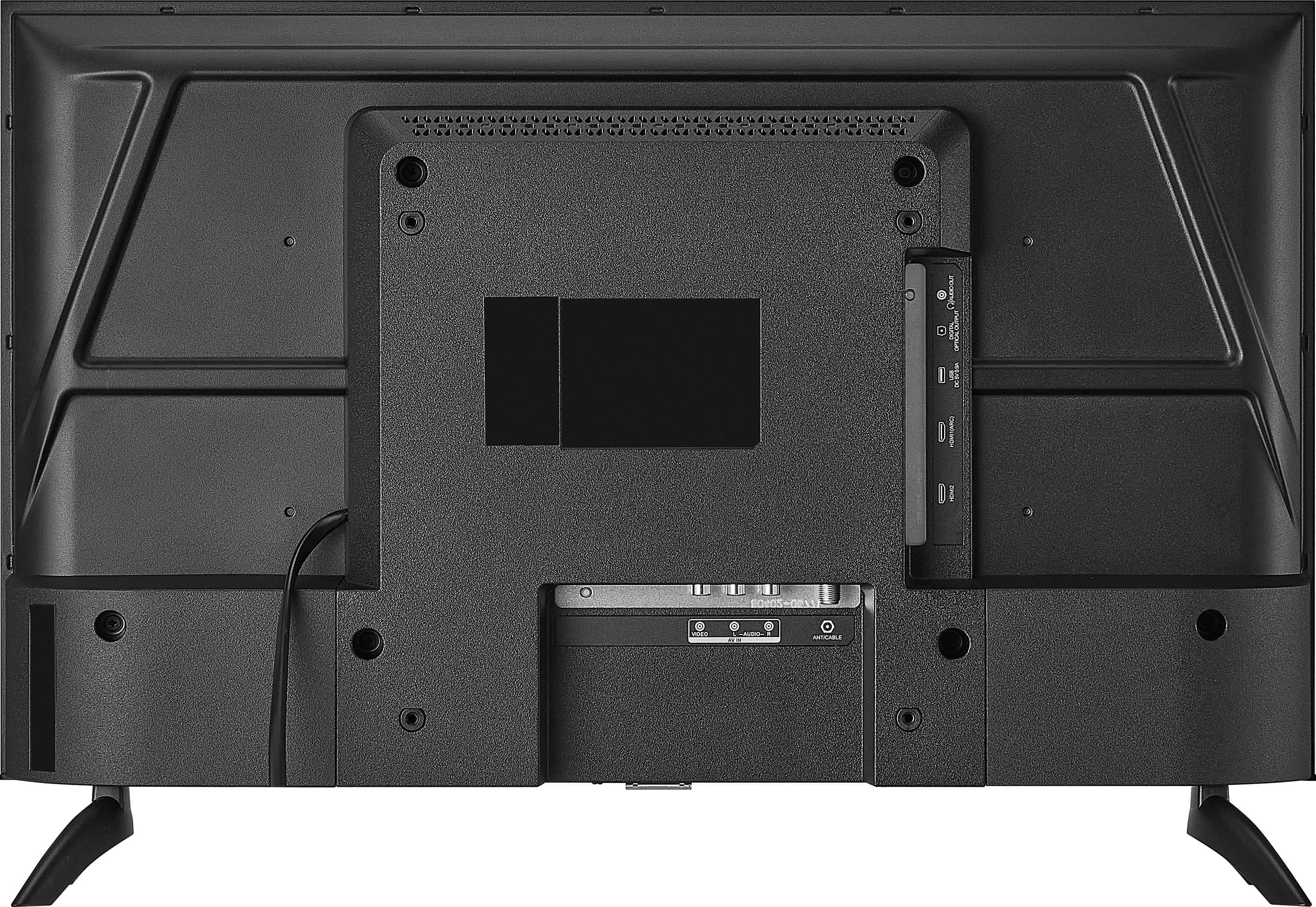
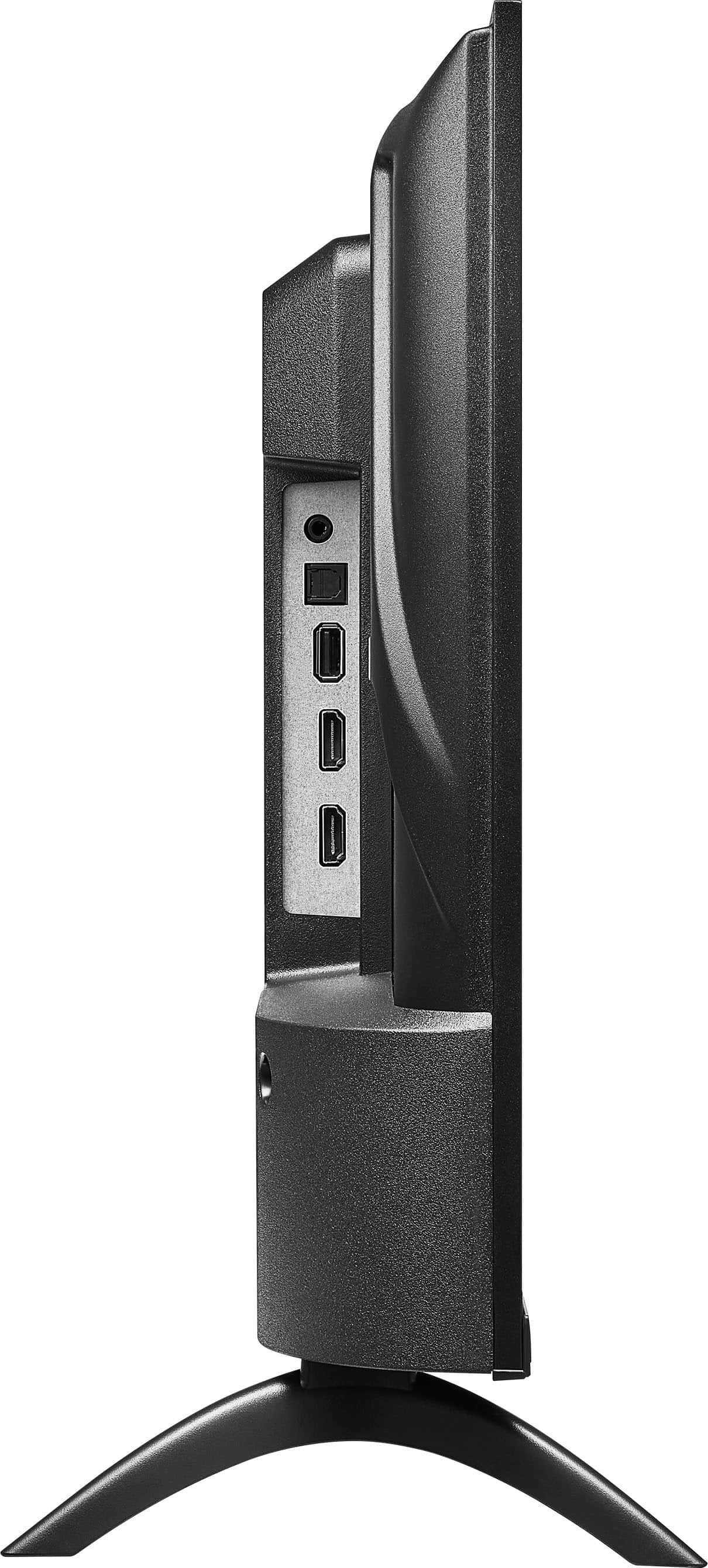
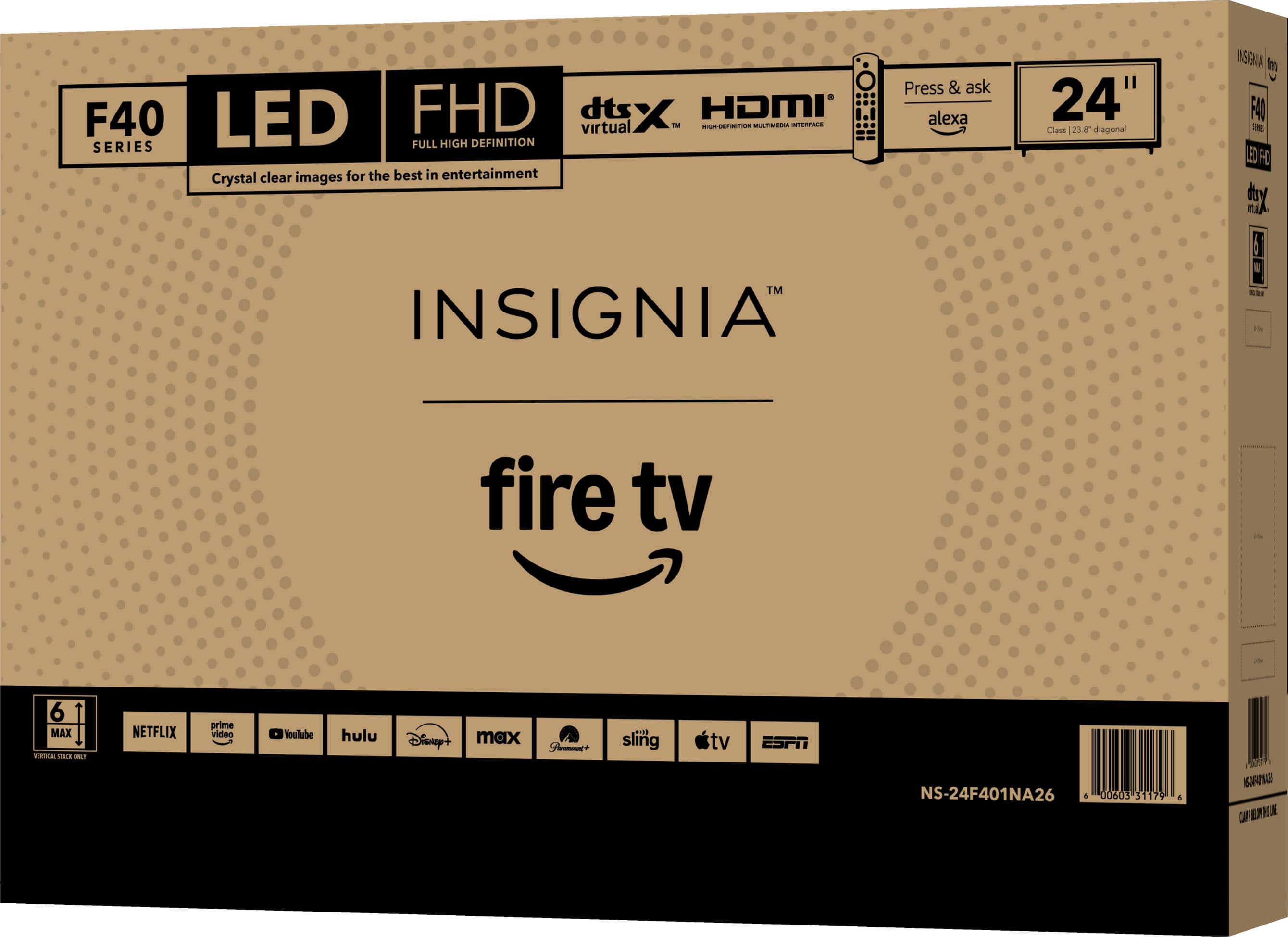
. LIMITED WARRANTY. Features: 1080p screen resolution, Inputs: ARC (Audio Return Channel) Composite digital audio (optical), Antenna/Cable Headphone output, Wireless (802.11 Wi-Fi) INCLUDED: Monitor, Batteries, Stand, Screws, Quick Setup Guide.](https://pisces.bbystatic.com/image2/BestBuy_US/images/products/9a25e35c-971f-49cf-ad41-892d6ec7ec59.jpg)