A:AnswerI wanted to let you know that the Insignia™ - 32" Class F20 Series LED HD Smart Fire TV does have Bluetooth capability. However, I wanted to manage expectations and mention that not all audio devices can be paired with the TV or other mobile devices via Bluetooth. Patricia | Insignia Support https://www.bestbuy.com/site/insignia-32-class-f20-series-led-hd-smart-fire-tv/6482022.p?skuId=6482022
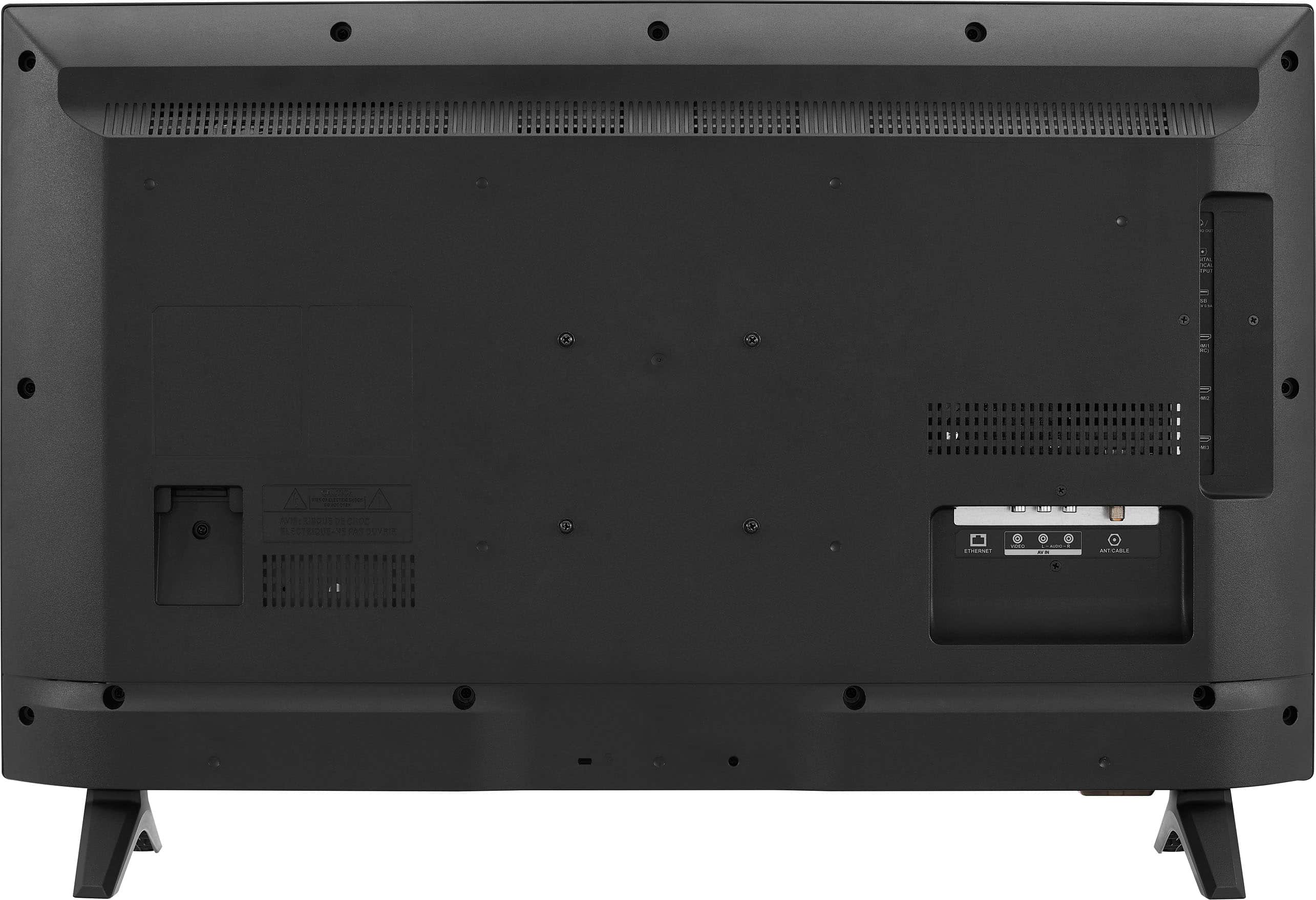
A:AnswerTo mount your Insignia™ 32" Class F20 Series LED HD Smart Fire TV on the wall, you’ll need the following accessories:
Wall Mount Bracket:
Look for a Tilt/Swivel Wall Mount designed specifically for TVs that are 32 inches or smaller1.
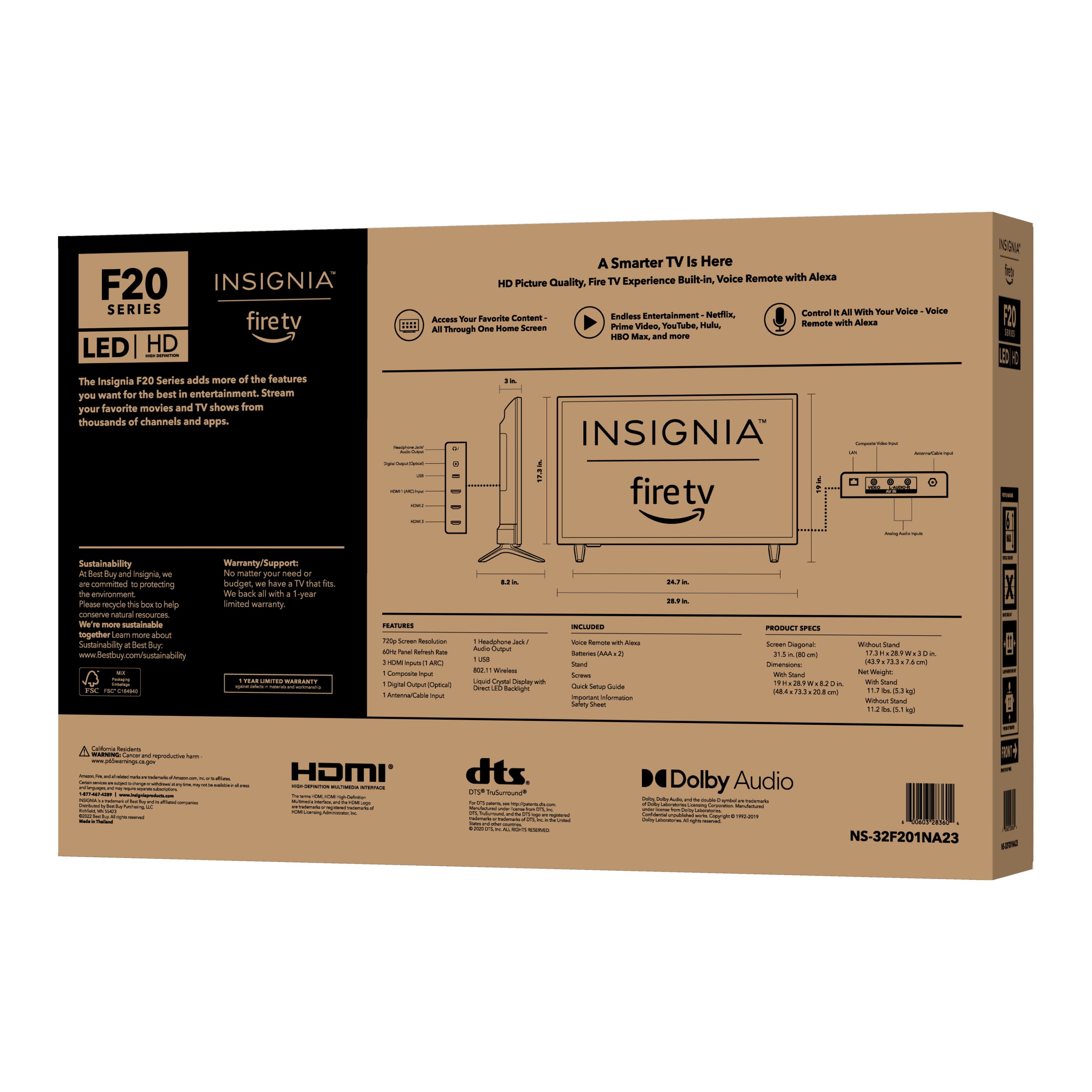
Ensure it supports the screen depth of your TV (less than 4.5 inches from edge to edge).
Screws and Lag Bolts:
Use the correct screws to attach the wall mount to the TV.
Insignia recommends using lag bolts to secure the mount to the wall studs for added stability.
Remember to follow the installation instructions carefully and consider professional installation if needed. Enjoy your mounted TV! If you have any more questions or need assistance, feel free to ask! - Mae | Insignia Support | https://www.bestbuy.com/site/brands/best-buy-brands/pcmcat1596746025285.c?id=pcmcat1596746025285
A:AnswerWe appreciate your inquiry. Unfortunately, we do not have access to the processor information at the moment. However, we can confirm that the RAM capacity is 1.5 GB. Thank you for understanding. Patricia | Insignia Support https://www.bestbuy.com/site/insignia-32-class-f20-series-led-hd-smart-fire-tv/6482022.p?skuId=6482022
A:AnswerThank you for your inquiry! The Insignia™ 32" Class F20 Series LED HD Smart Fire TV uses around 50-60 watts of power. Keith | Insignia Support https://www.bestbuy.com/site/insignia-32-class-f20-series-led-hd-smart-fire-tv/6482022.p?skuId=6482022
A:AnswerThank you for your inquiry! Yes, the Insignia™ - 32" Class F20 Series LED HD Smart Fire TV should support the Spectrum TV app. The Fire TV operating system is compatible with many popular streaming apps, including Spectrum TV. You should be able to download and use the Spectrum TV app on this TV. Keith | Insignia Support https://www.bestbuy.com/site/insignia-32-class-f20-series-led-hd-smart-fire-tv/6482022.p?skuId=6482022
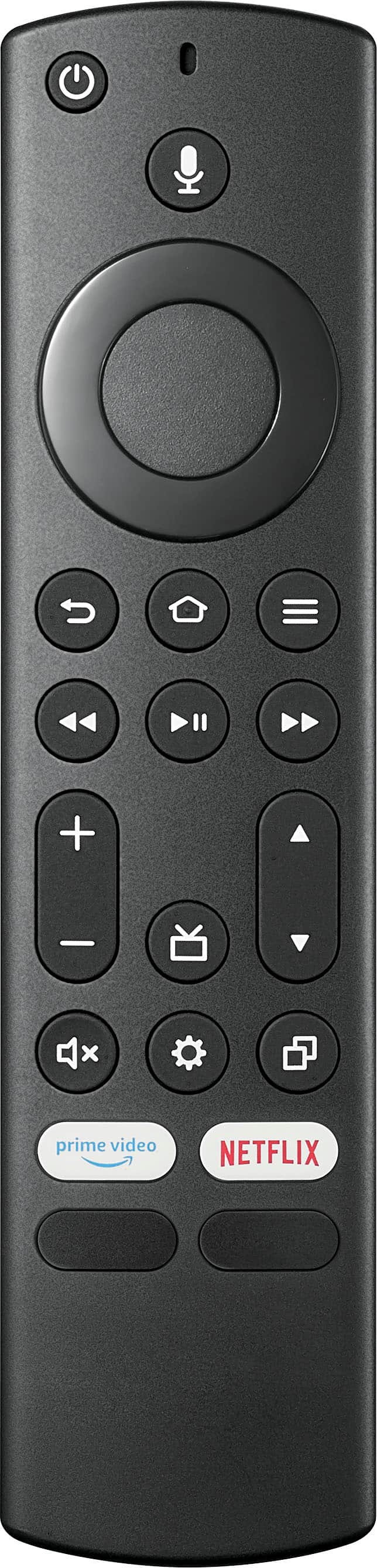
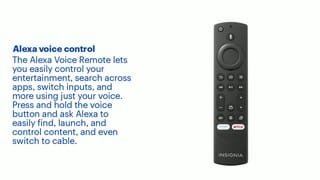
A:AnswerHi NavyDoc! Thank you for inquiring about our Insignia™ - 32" Class F20 Series LED HD Smart Fire TV. Unfortunately, this wouldn't be compatible with Clean Remote CR1. But no need to worry, since the remote that comes with the TV has only few buttons and integrates voice command using the built in Alexa feature. Allowing viewers to orally command the TV by just pressing and holding the voice button on the remote. I hope you would consider buying this TV. If you need further assistance, please let us know. Have a nice day! - James | Insignia Support |
https://www.bestbuy.com/site/brands/best-buy-brands/pcmcat1596746025285.c?id=pcmcat1596746025285