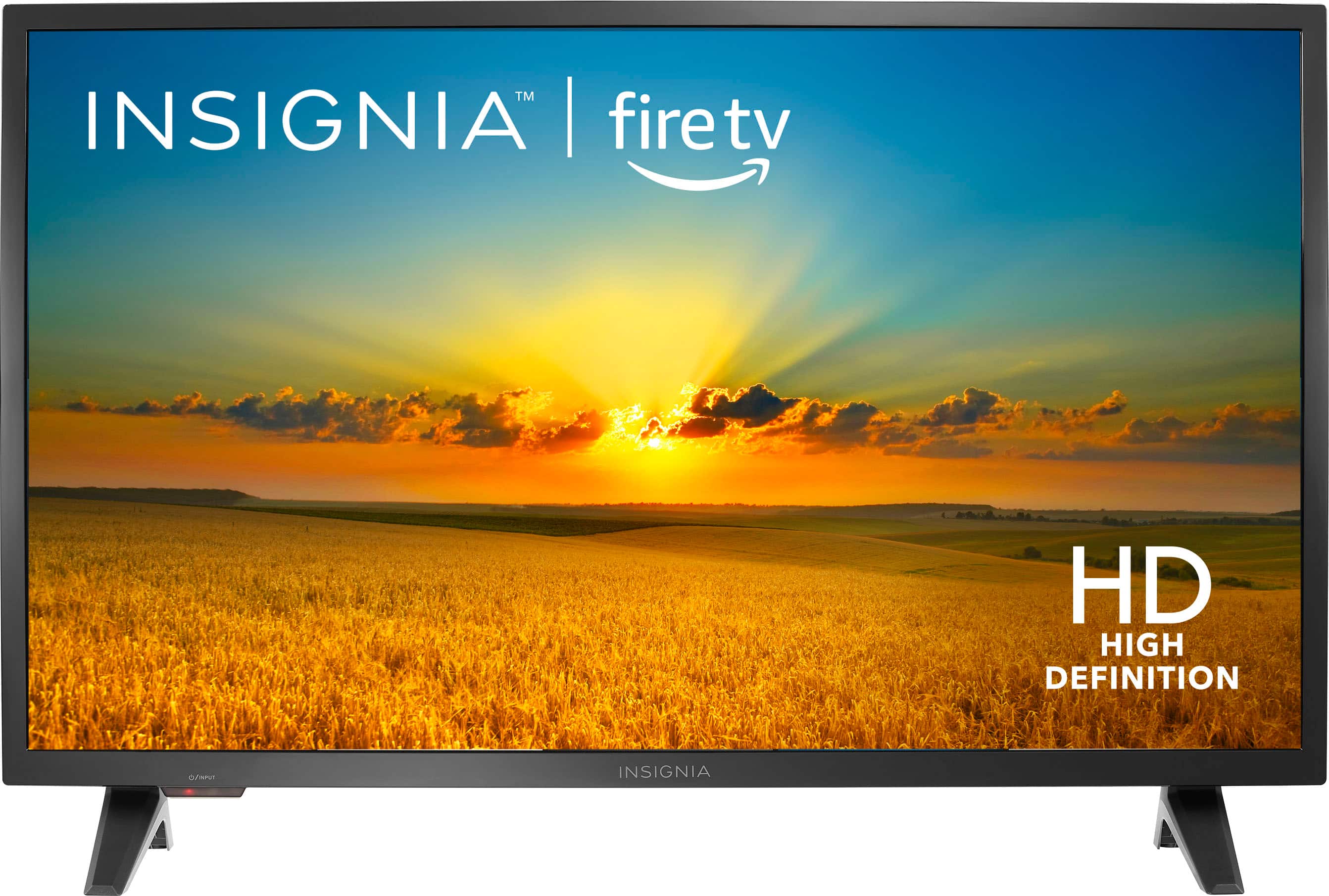
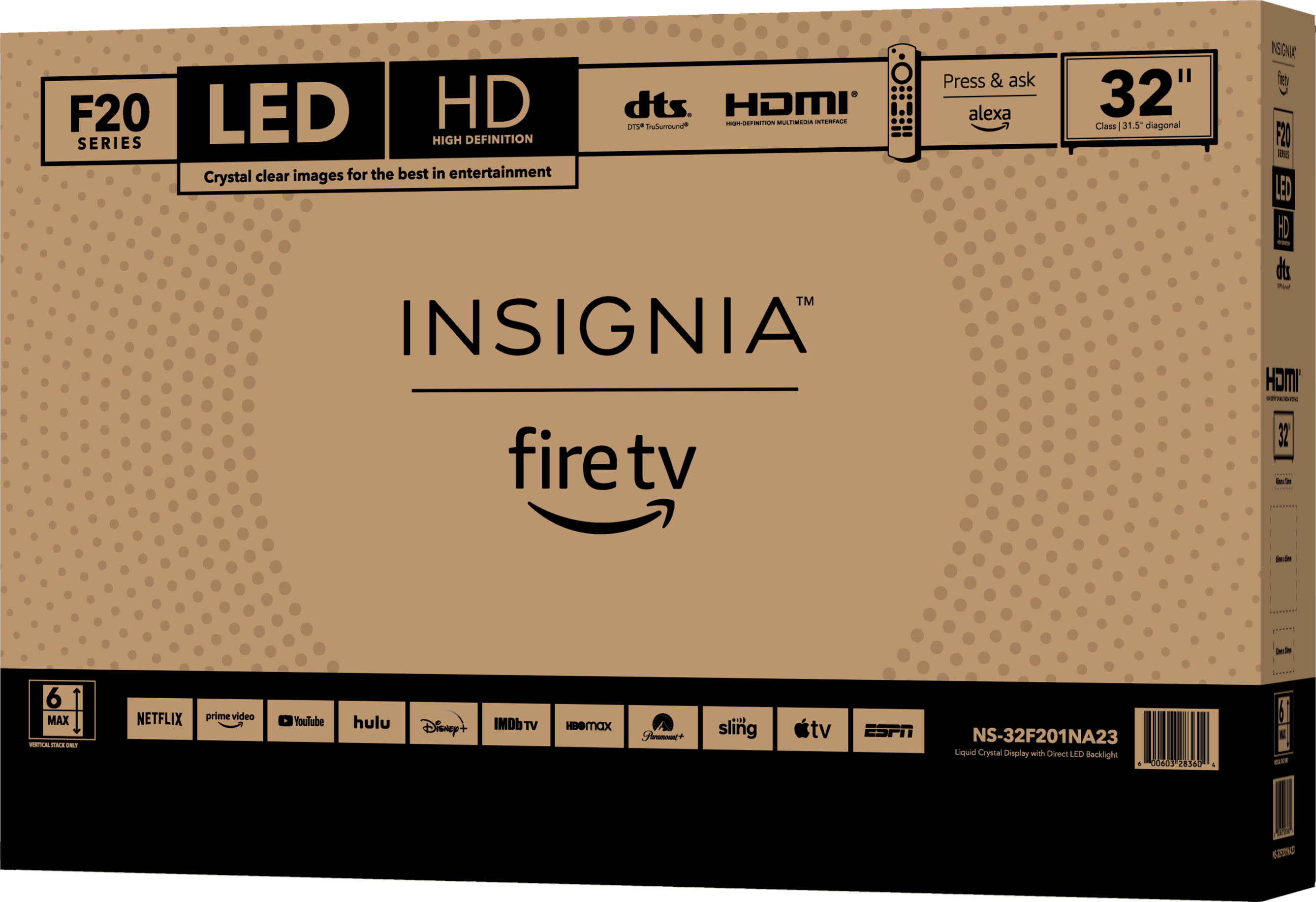
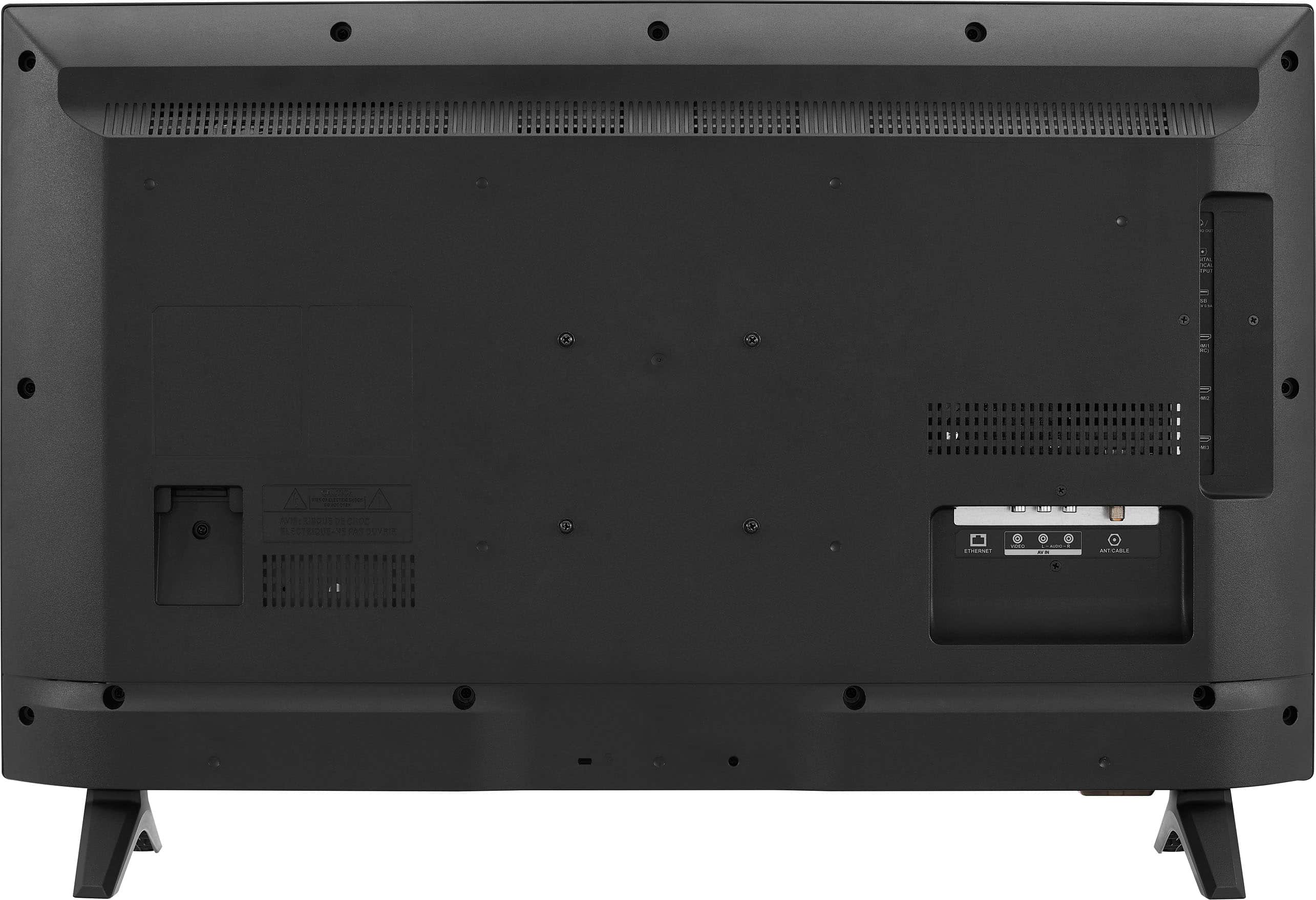
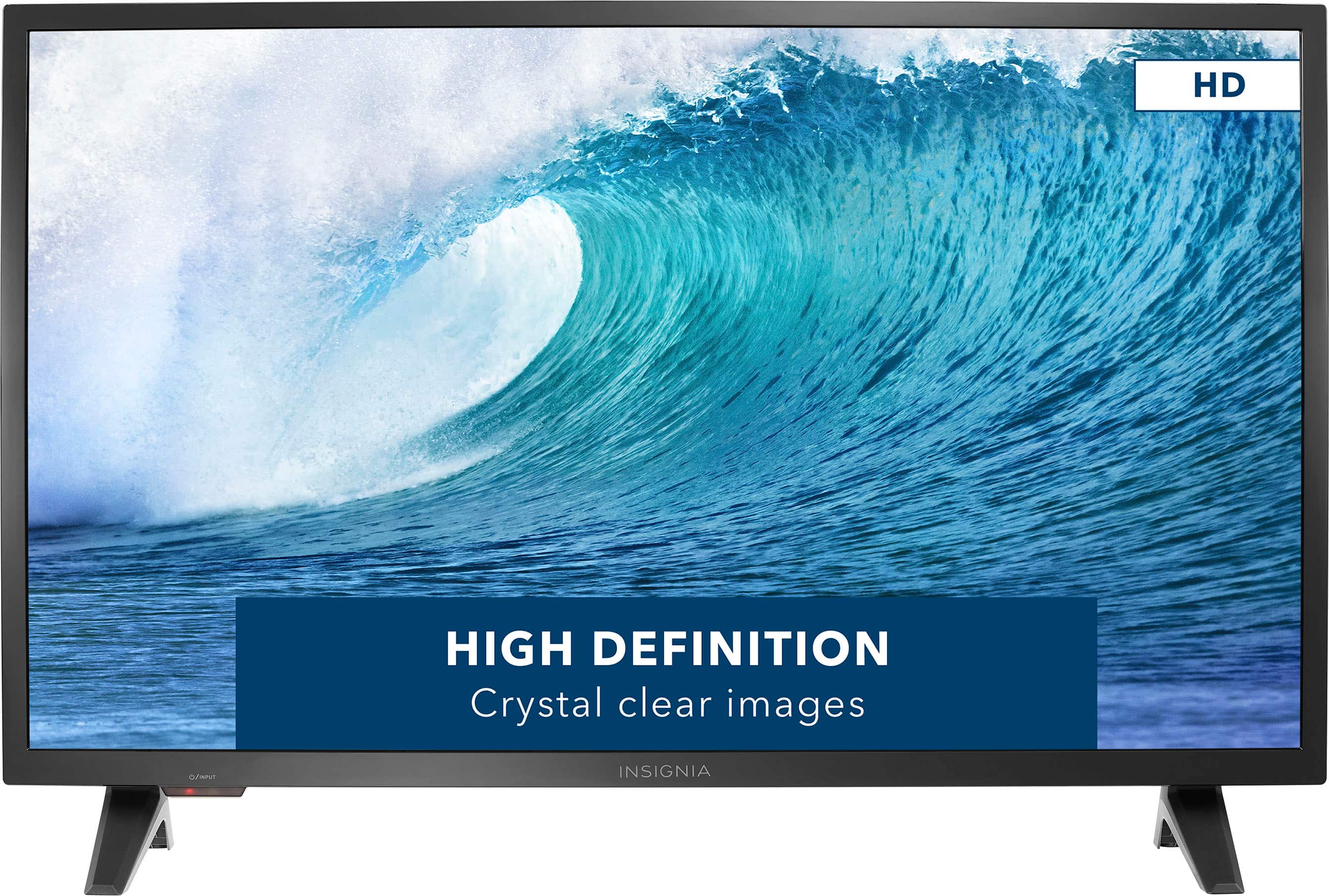
A:AnswerThank you for your inquiry! The Insignia™ - 32" Class F20 Series LED HD Smart Fire TV is designed specifically for landscape display mode, which is horizontal orientation. This orientation is optimized for typical TV viewing experiences, where the width of the screen is greater than its height. The physical design of the TV, including the placement of inputs, speakers, and ventilation, is tailored for landscape orientation. As a result, the TV does not support switching to portrait mode. The software and settings of the TV are also configured for landscape viewing, with user interfaces, apps, and content optimized accordingly. If you require a display in portrait mode for specific applications, it's advisable to consider monitors or commercial displays that support vertical mounting and are designed with features and settings for portrait orientation. Keith | insignia Support https://www.bestbuy.com/site/insignia-32-class-f20-series-led-hd-smart-fire-tv/6482022.p?skuId=6482022
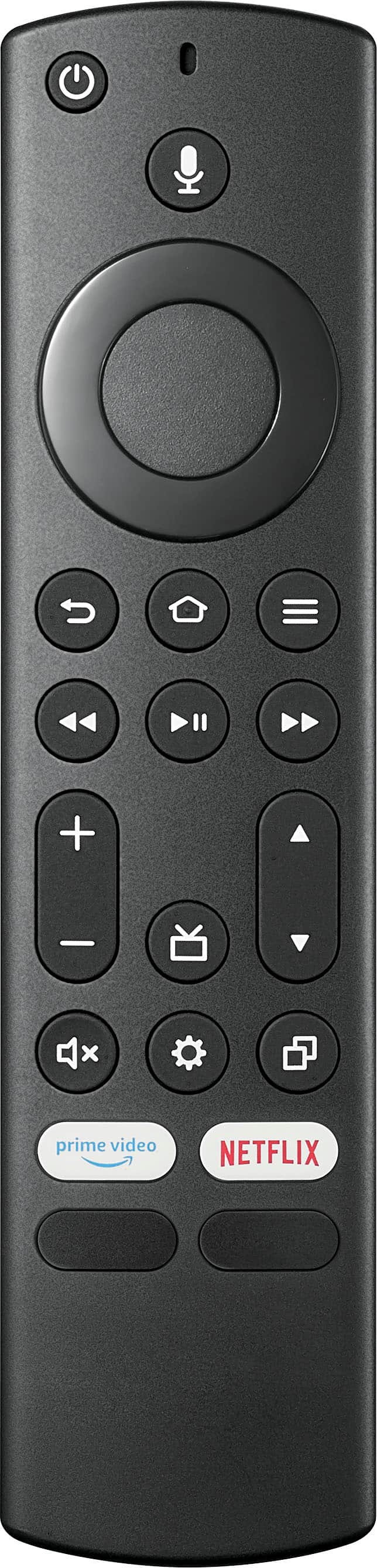
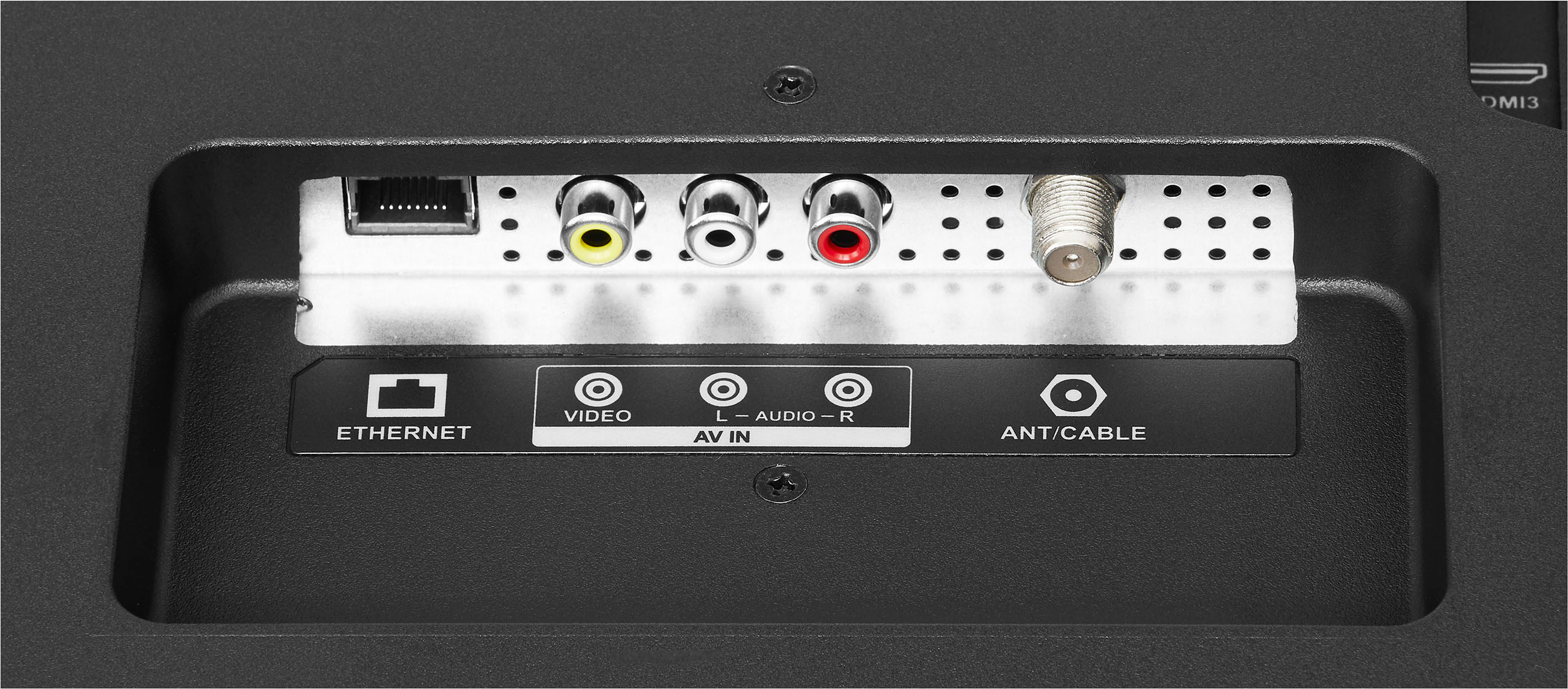
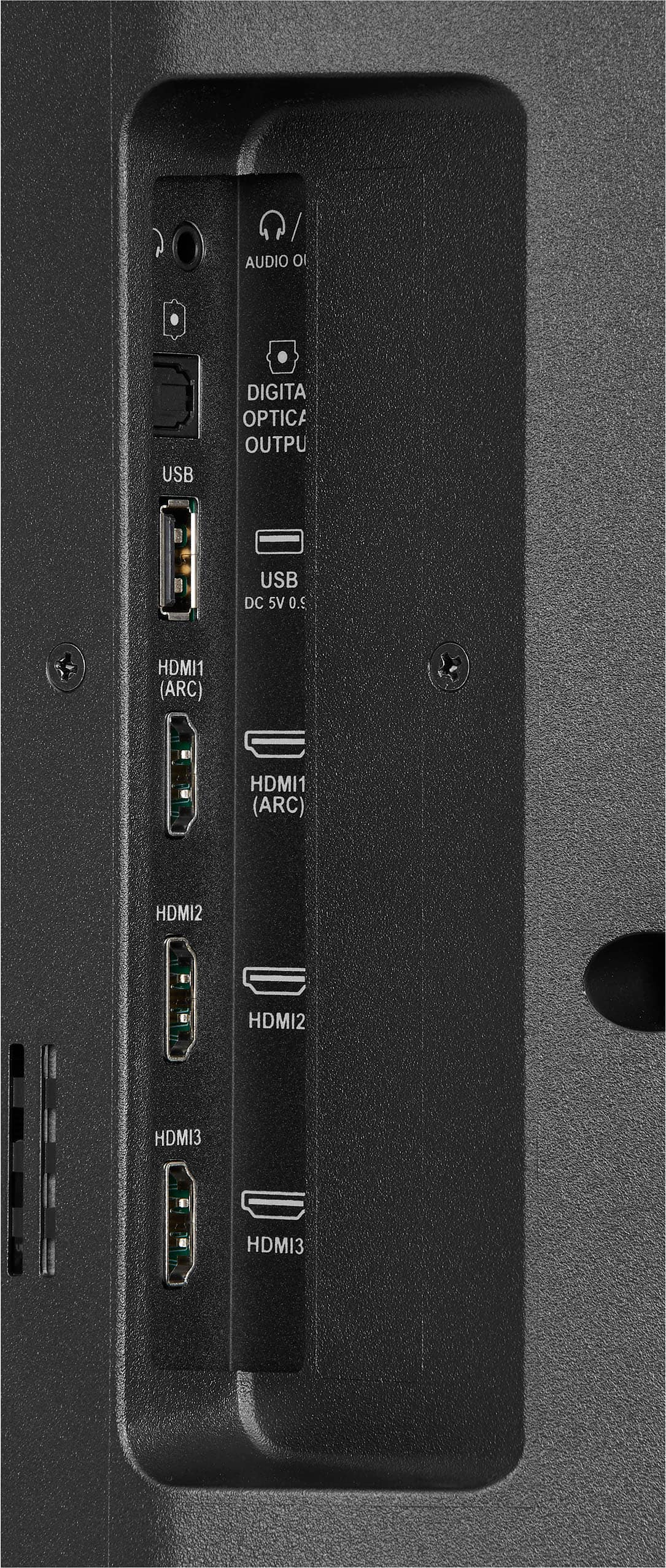
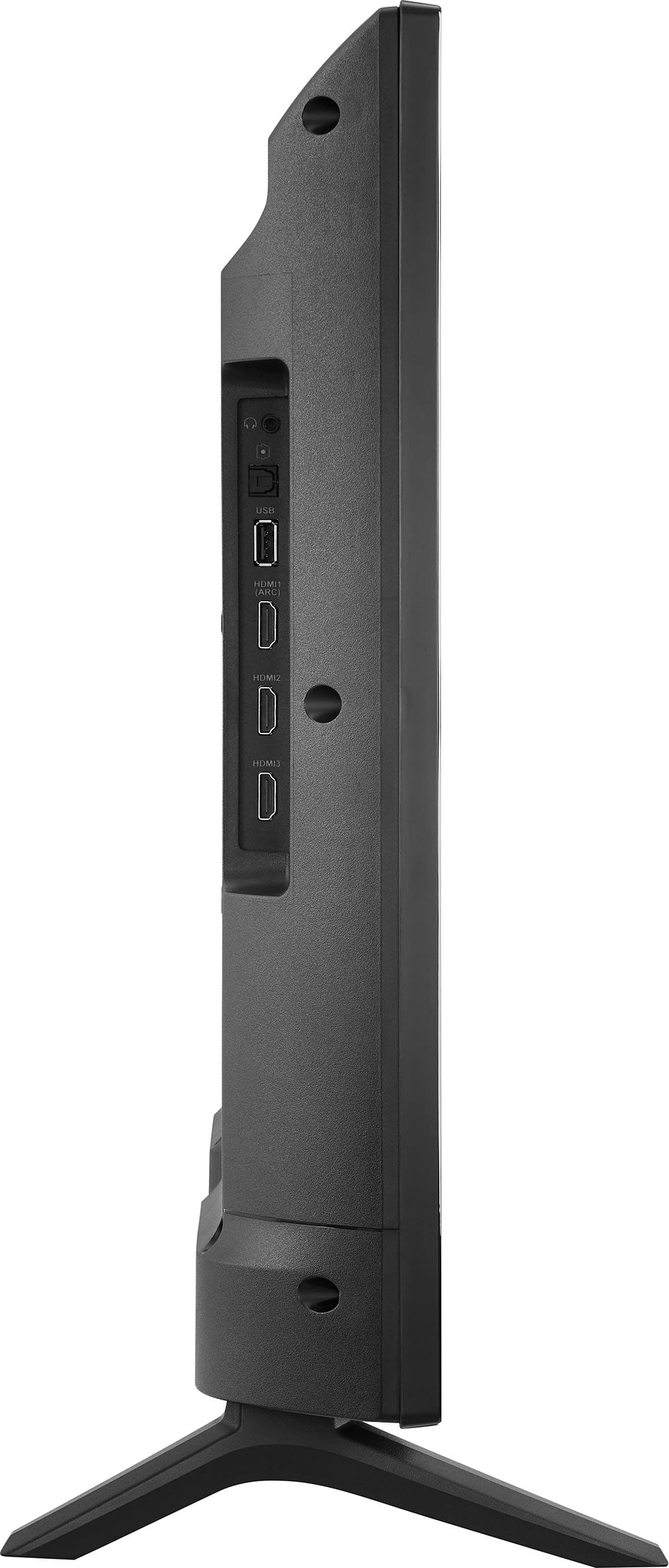
A:AnswerThank you for your inquiry! To connect your Insignia™ 32" Class F20 Series LED HD Smart Fire TV to a cable or satellite receiver box, start by gathering an HDMI cable. Locate the HDMI ports on both devices—the TV typically has ports on its back or sides. Connect one end of the HDMI cable to the receiver box and the other end to any available HDMI port on the TV. Power on both the TV and receiver box. Use your TV remote to select the HDMI input corresponding to the port you connected. If necessary, follow your TV manual to set up the remote to control the receiver box. Once set up, you can use the TV remote to change channels and manage basic functions of the receiver box. This setup enables you to enjoy cable or satellite programming on your Insignia Fire TV seamlessly. Keith | Insignia Support https://www.bestbuy.com/site/insignia-32-class-f20-series-led-hd-smart-fire-tv/6482022.p?skuId=6482022
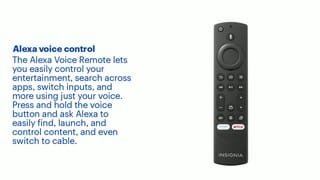
A:AnswerHi there! Roku TV and Fire TV have different operating systems, so they won’t work together if you use remotes from different brands. - Carl | Insignia Support
A:AnswerHi hislittlelel! The Insignia™ 32" Class F20 Series LED HD Smart Fire TV (model NS-32F201NA23) does not have a specific feature for enlarging the picture. However, you can adjust the picture settings manually to optimize your viewing experience. If you have any more questions, feel free to ask!
JC | Insignia Support https://www.bestbuy.com/site/insignia-32-class-f20-series-led-hd-smart-fire-tv/6482022.p?skuId=6482022
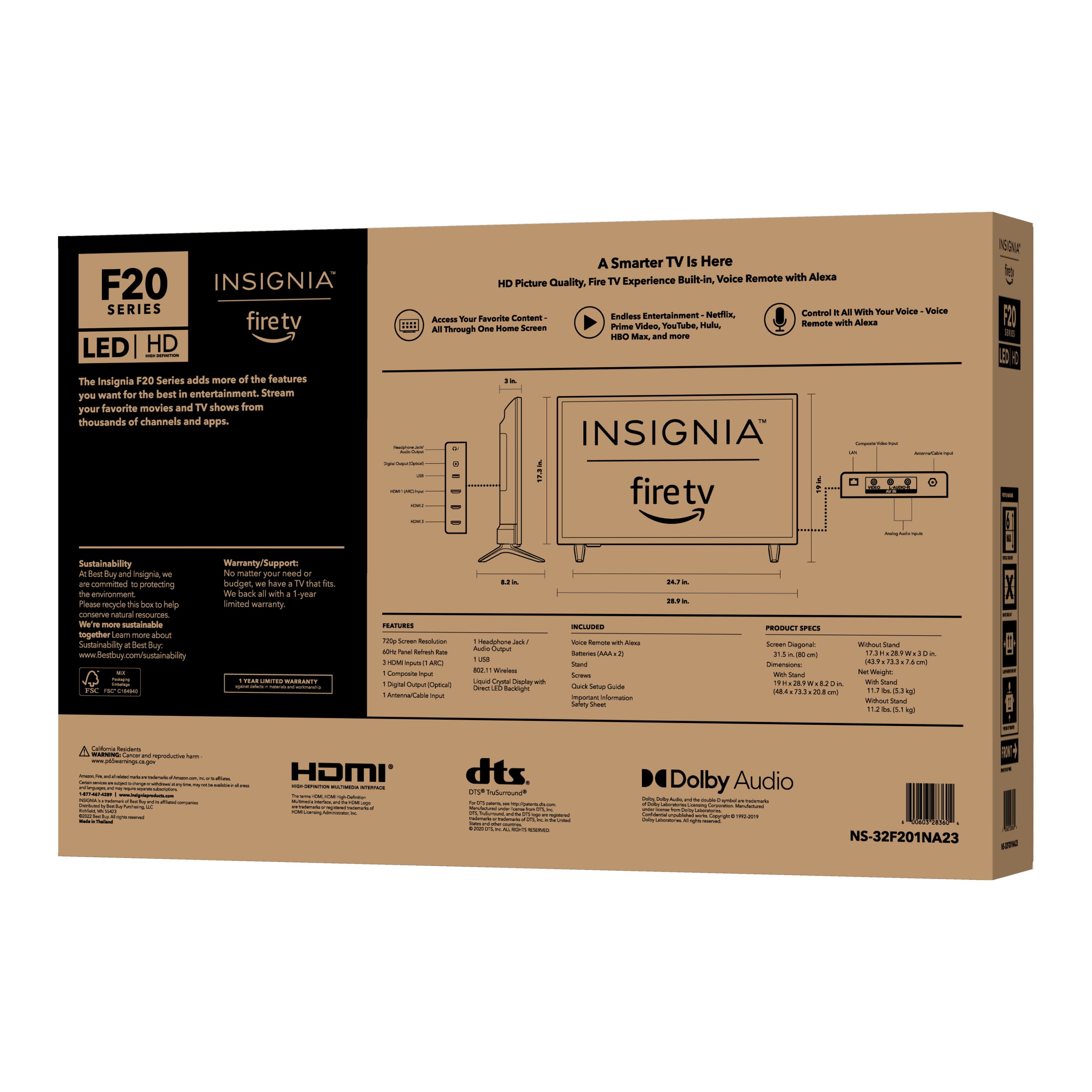
A:AnswerThis TV is 29" wide by 19" high (with the legs), so there's NO WAY that's gonna fit into that space.
You'll probably need to opt for the smaller 24-inch version instead.
A:AnswerThank you for your inquiry! The Insignia™ - 32" Class F20 Series LED HD Smart Fire TV is designed to work with standard North American voltage, which is typically 120 volts. It may not be compatible with 240 volts unless you use a voltage converter or transformer. It's essential to verify the voltage compatibility before using the TV to avoid damaging the device or causing safety hazards. Keith | Insignia Support https://www.bestbuy.com/site/insignia-32-class-f20-series-led-hd-smart-fire-tv/6482022.p?skuId=6482022
A:AnswerHi, Scottnblack. Thank you for your inquiry! Yes, the Insignia™ - 32" Class F20 Series LED HD Smart Fire TV supports the use of an Apple TV device. You can connect an Apple TV device to one of the HDMI ports on the TV to access Apple TV content and services. Keith | Insignia Support https://www.bestbuy.com/site/insignia-32-class-f20-series-led-hd-smart-fire-tv/6482022.p?skuId=6482022
A:AnswerHi, Rick. Thank you for your Information! Yes, the Insignia™ - 32" Class F20 Series LED HD Smart Fire TV supports the Miracast protocol, allowing you to wirelessly mirror the screen of compatible devices such as smartphones, tablets, and laptops to your TV. This feature enables you to easily share photos, videos, presentations, and more on the larger screen of your TV without the need for cables. Keith | Insignia Support https://www.bestbuy.com/site/insignia-32-class-f20-series-led-hd-smart-fire-tv/6482022.p?skuId=6482022
A:AnswerI haven’t downloaded anything on this TV. IT is in our other bedroom. Our other TV messed up, my son-in-law picked this name TV for our living room & master bedroom. They are 40+in. I trust him.
I’m sorry I couldn’t help you.
A:AnswerHi Notsotechsavy! Thank you for reaching us out regarding to your inquiry with Insignia™ - 32" Class F20 Series LED HD Smart Fire TV. Yes, you can turn on the app you use for working out from your phone to your TV by doing the screen share or screen mirroring. Fo more product information, please check the link below. |Angelica| Insignia Support| https://www.bestbuy.com/site/insignia-32-class-f20-series-led-hd-smart-fire-tv/6482022.p?skuId=6482022
A:AnswerHi Rosco, thank you for your inquiry. To get the user guide of this television, kindly go to this link: https://www.bestbuy.com/site/insignia-32-class-f20-series-led-hd-smart-fire-tv/6482022.p?skuId=6482022 > Features > scroll down until you see the Manual & Guides > User Manual. If you have any questions, do not hesitate to reach out to us. Patricia | Insignia Support https://www.bestbuy.com/site/brands/best-buy-brands/pcmcat1596746025285.c?id=pcmcat1596746025285