A:AnswerHello Marie311,
To fix the TV from lagging, you may try the following steps:
1. Unplug the television from the power outlet.
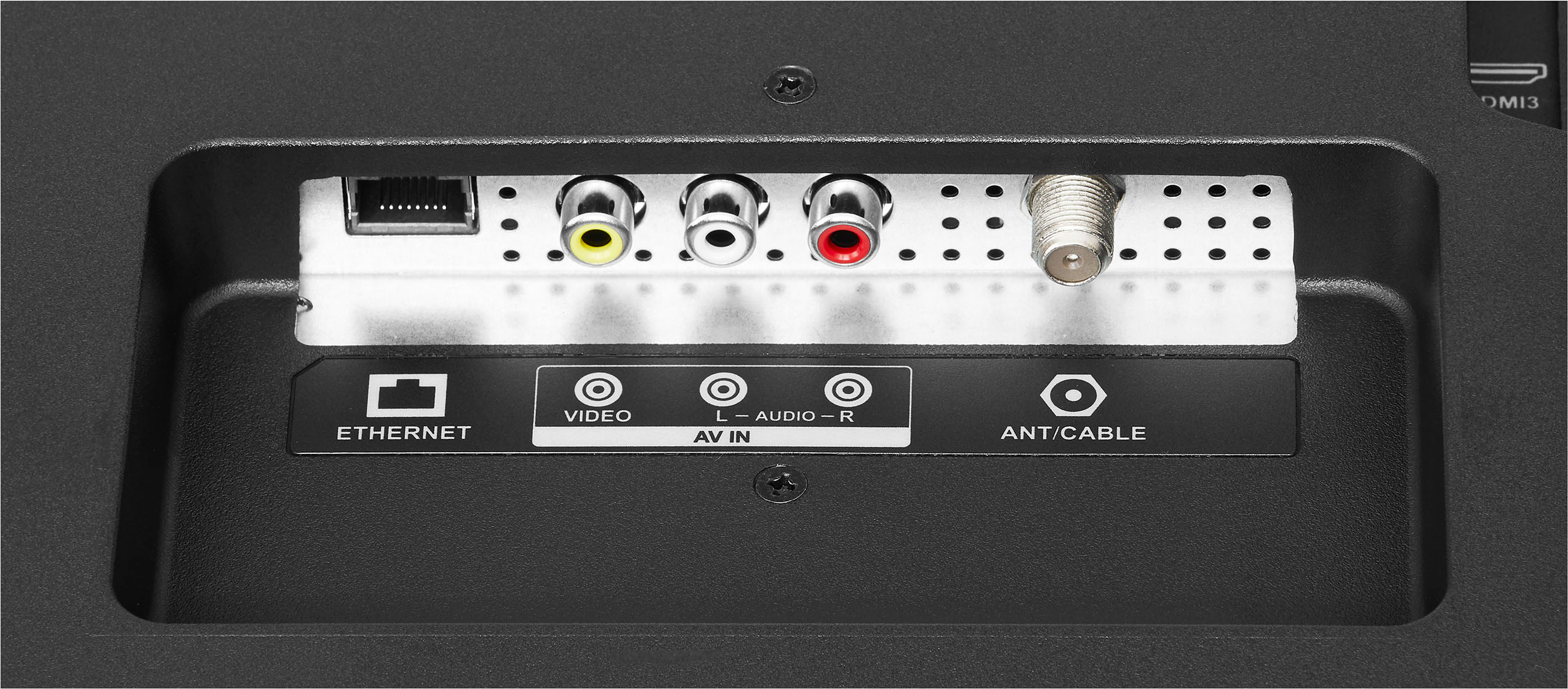
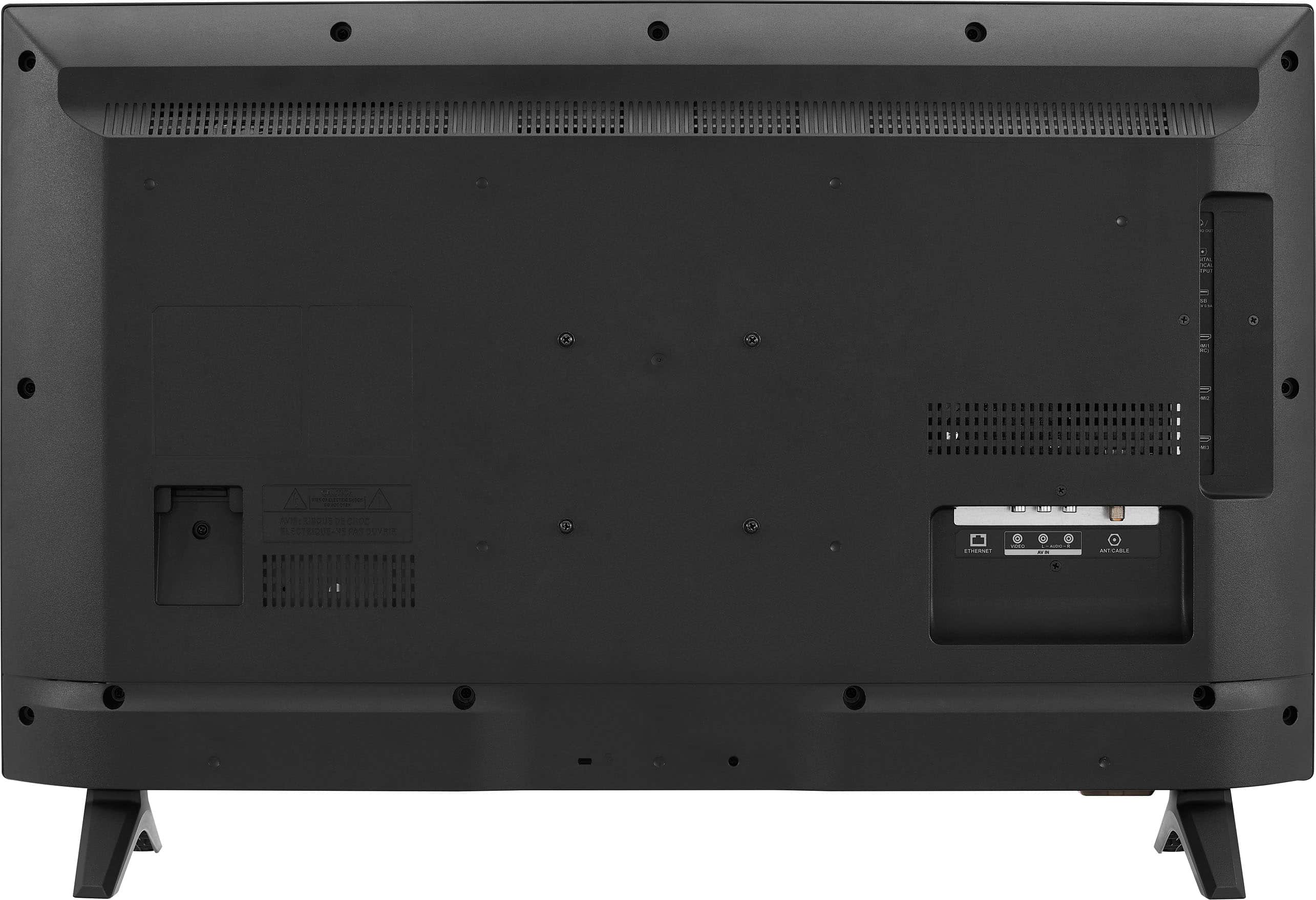
2. Remove all connections from the back of the television.
3. While everything is unplugged, press and hold the "Power" button on your TV for 60 seconds.
4. Connect all devices back into the television, making sure all of them are properly connected
5. Plug the set to the power outlet, if possible, to a different power outlet or a surge protector
6. Turn it on and test it.
Insignia Support
Molina
https://www.bestbuy.com/site/brands/best-buy-brands/pcmcat1596746025285.c?id=pcmcat1596746025285
A:AnswerHi kkocincki!
You must create your Roku account first in order for you to add channels.
To add Roku Channel to your Amazon Fire TV, you can follow these steps:
- Go to the Home Screen on your Amazon Fire TV.
- Launch the app store and search for “Roku Channel” on your Amazon Fire TV. Alternatively, Click here to install the app.
- Select “Download” to install the app.
You can now stream Roku Channel on Amazon Fire TV.
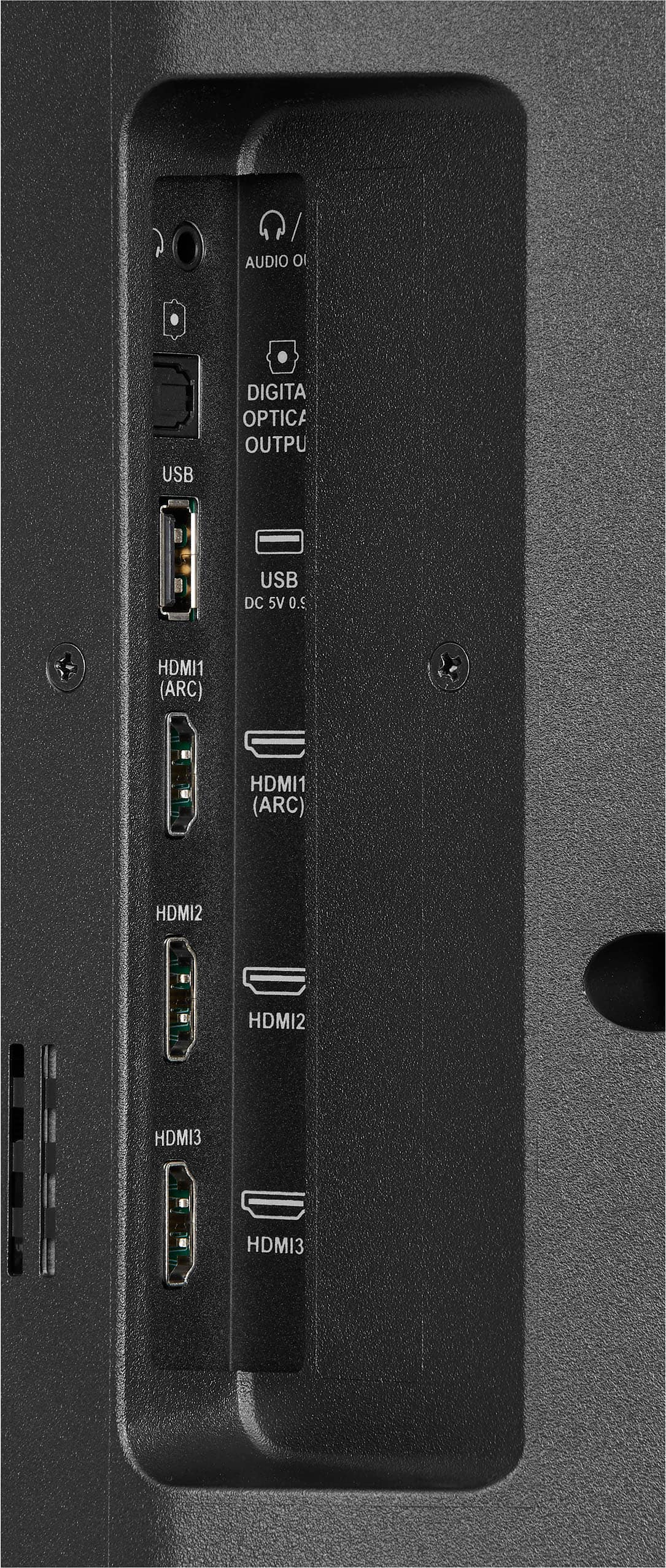
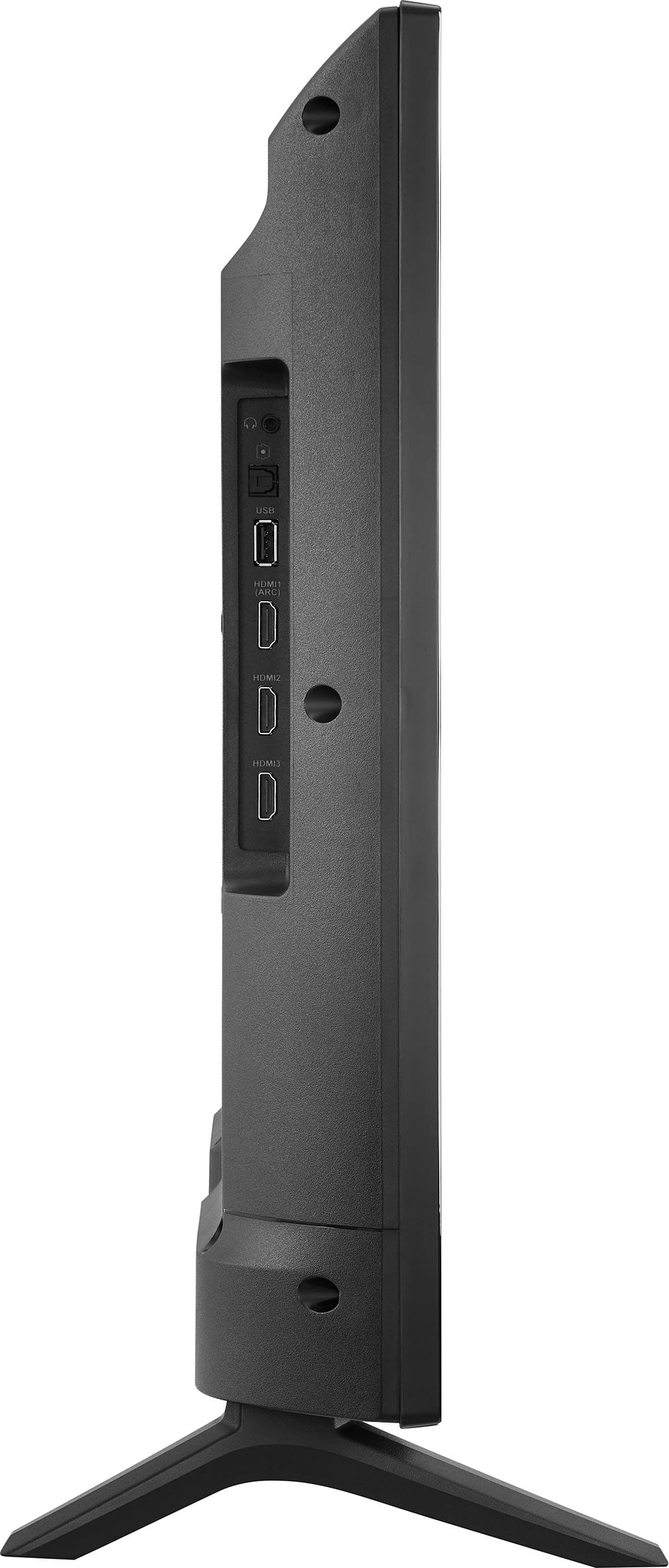
Alternatively, you can add a Roku device through the HDMI port of your Fire TV3. You can also install the app directly from the Amazon App Store4.
Insignia Support
Irene
https://www.bestbuy.com/site/brands/best-buy-brands/pcmcat1596746025285.c?id=pcmcat1596746025285
A:AnswerHello there,
For first time setup, turn on your TV. select your language. Choose your Wi-Fi network; if more than one exists choose the fastest one. Then choose Yes or No to set up parental controls. If you choose Yes, create a Pin as prompted. Watch the introductory video, where applicable. Click Choose Apps and select the apps you want to use. Use the right-facing arrow to see more. When you’re finished, click the Play button on the remote control. Wait while the tv finishes the setup process.
Dina || Insignia Support || https://www.bestbuy.com/insignia
A:AnswerHi Lee,
No, but you can connect a DVD player using HDMI cable.
Ritchie |Insignia Support
https:https://www.bestbuy.com/site/brands/best-buy-brands/pcmcat1596746025285.c?id=pcmcat1596746025285