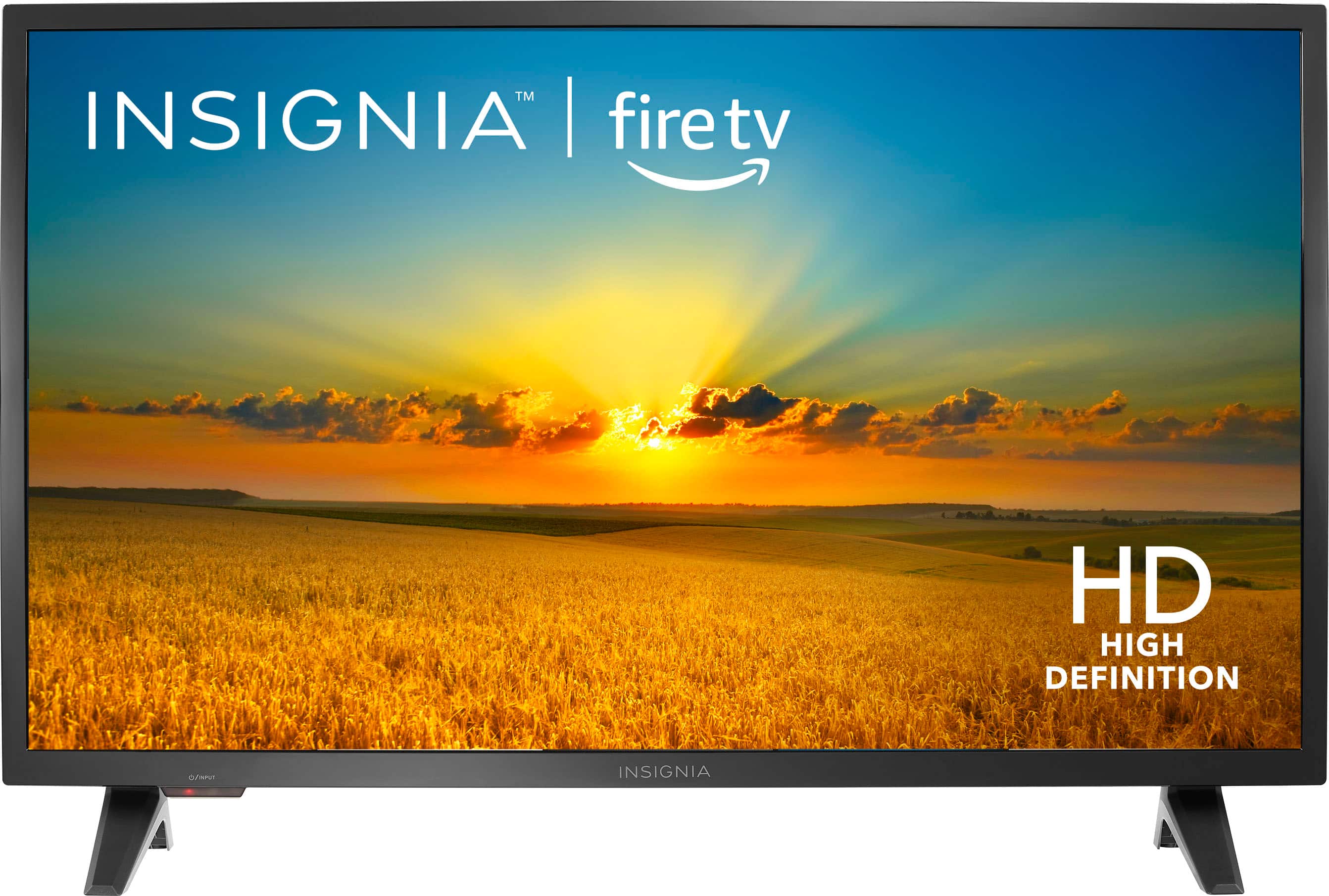
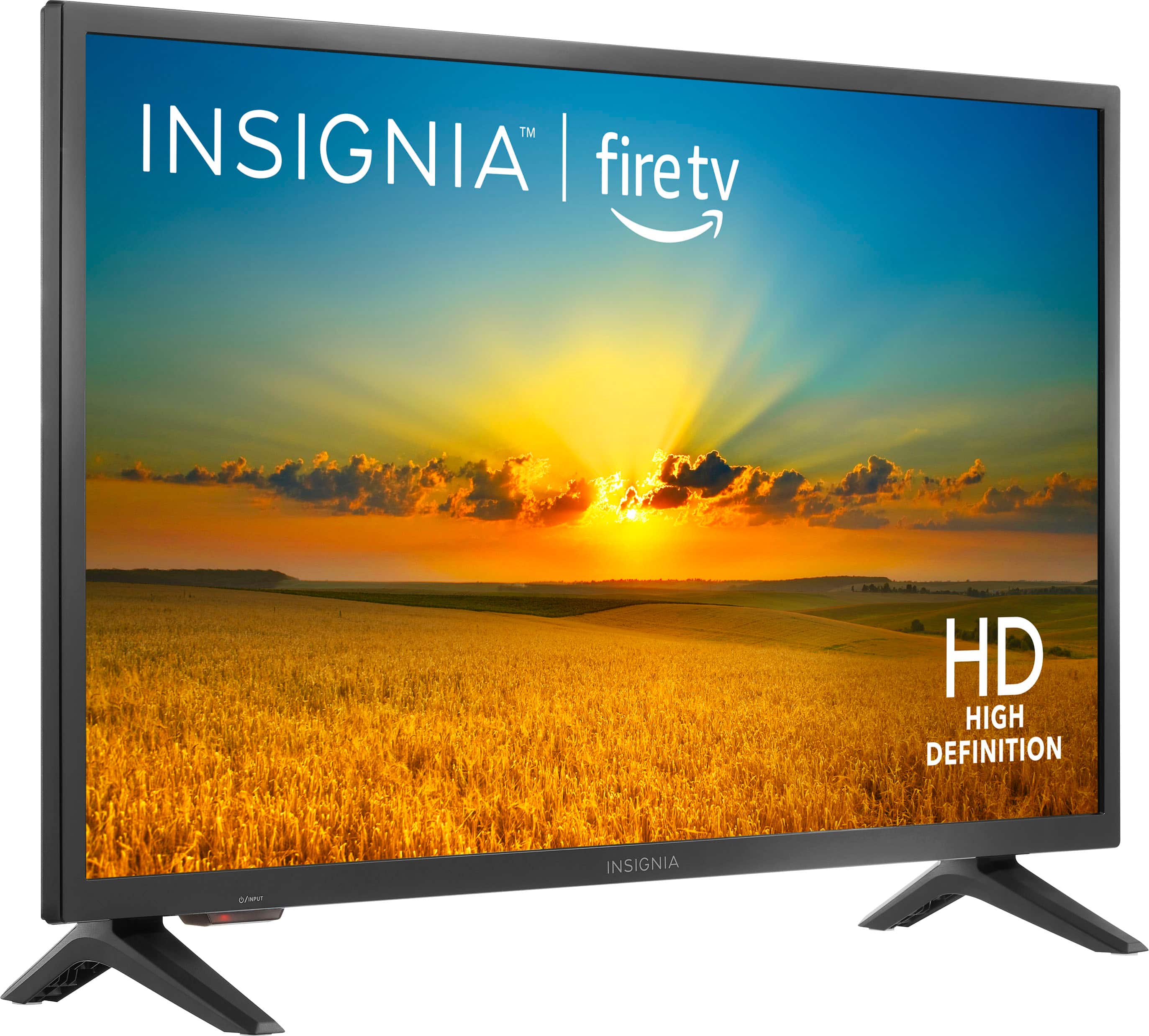
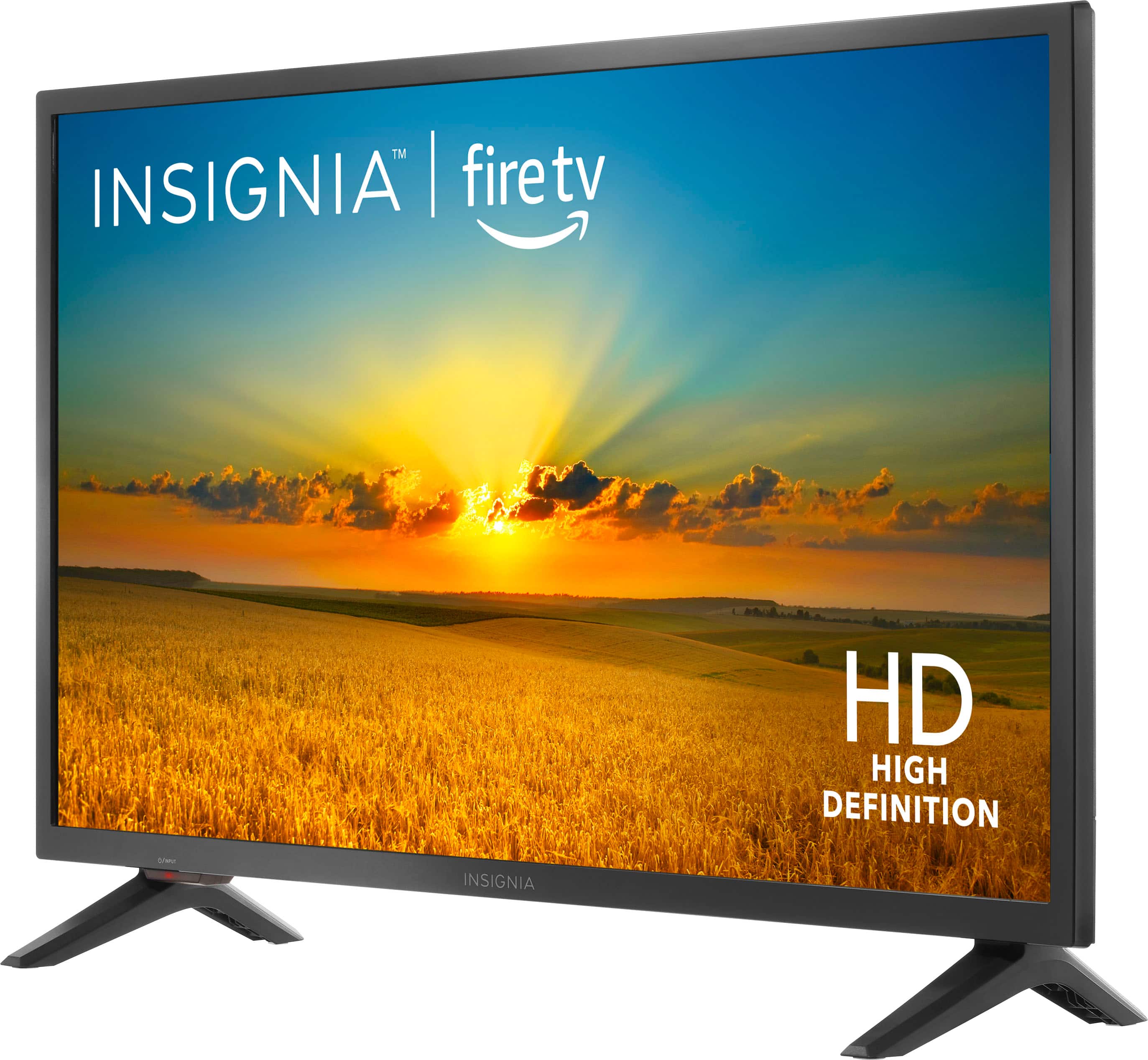
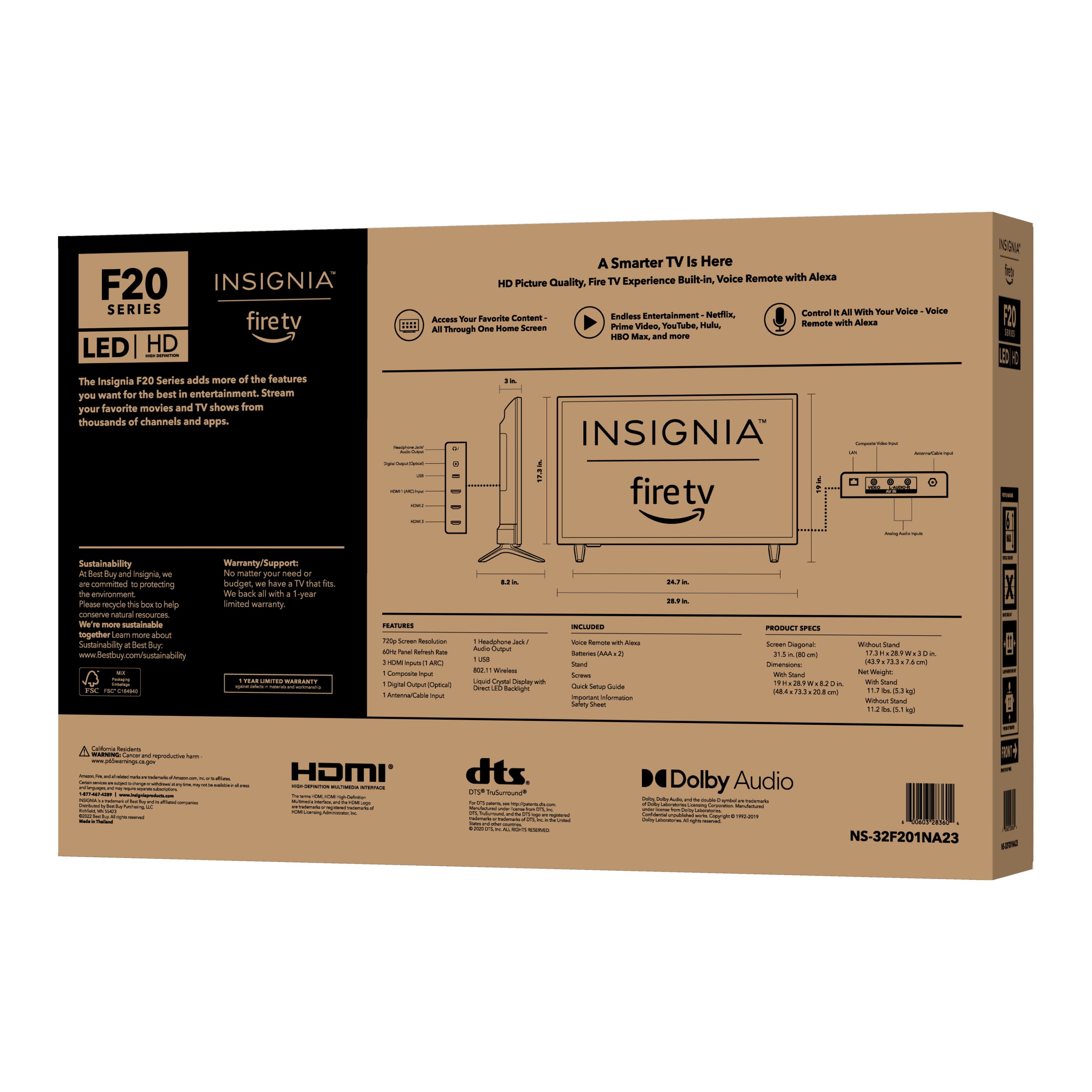
A:AnswerYou can mount it landscape or portrait on the wall or stand. The content would have to be displayed in portrait mode. It won't auto rotate like a phone.
A:AnswerYes and it was very easy to set up I took it out the box put it to the legs on Cisco to schools in the bottom of it plug-in HDMI cord until like Internet service and it was on. I don’t really have to do too much. The only thing I have to do is just put my information accident even have to do that. I took my phone and scanned to open up the apps that I already have like Hulu Netflix Disney. I scan to see Uncle on my phone and it put all my information in the Phone app open up right away I love this TV I really do. I bought two of them it’s worth.
A:AnswerJust mount it that way. The legs are only for normal landscape mode. The content would have to be displayed in portrait mode. No different than any other monitor. Just set the output to the desired mode.
A:AnswerHi there, Yes, you can use Dish anywhere app on my iPhone with fire TV.
Rudson S.| Insignia Support. https://www.insigniaproducts.com/contact-us
A:AnswerThis tv comes with the LG Smart connection. No fire stick is needed to watch other stations.
Your question on using your dish I would submit to the technicians to properly answer your questions.
A:AnswerYou’d probably have to purchase the external DVR from Amazon for their firetv feature for a seamless and trouble/hassle free integration. Most DVR features get pricey from external services which is why they’re usually added as an incentive or a selling point from most tv service providers. However, it will just be a onetime purchase from Amazon for that device.
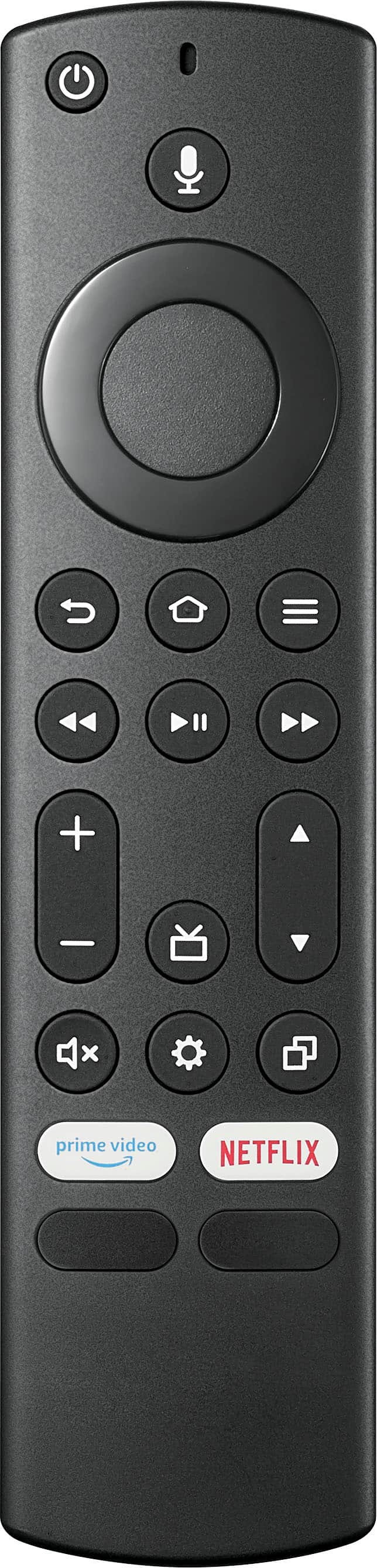
A:AnswerWith it being an Insignia television, I don’t see why not. However, other than maybe turning the tv on and off and perhaps also changing the volume, I would say that you’d have extremely minimal or very low capabilities from another remote seeing how this is a smart tv and requires the actual firetv features programmed/built within the remote to access most features on the device. Therefore, I would not recommend it.