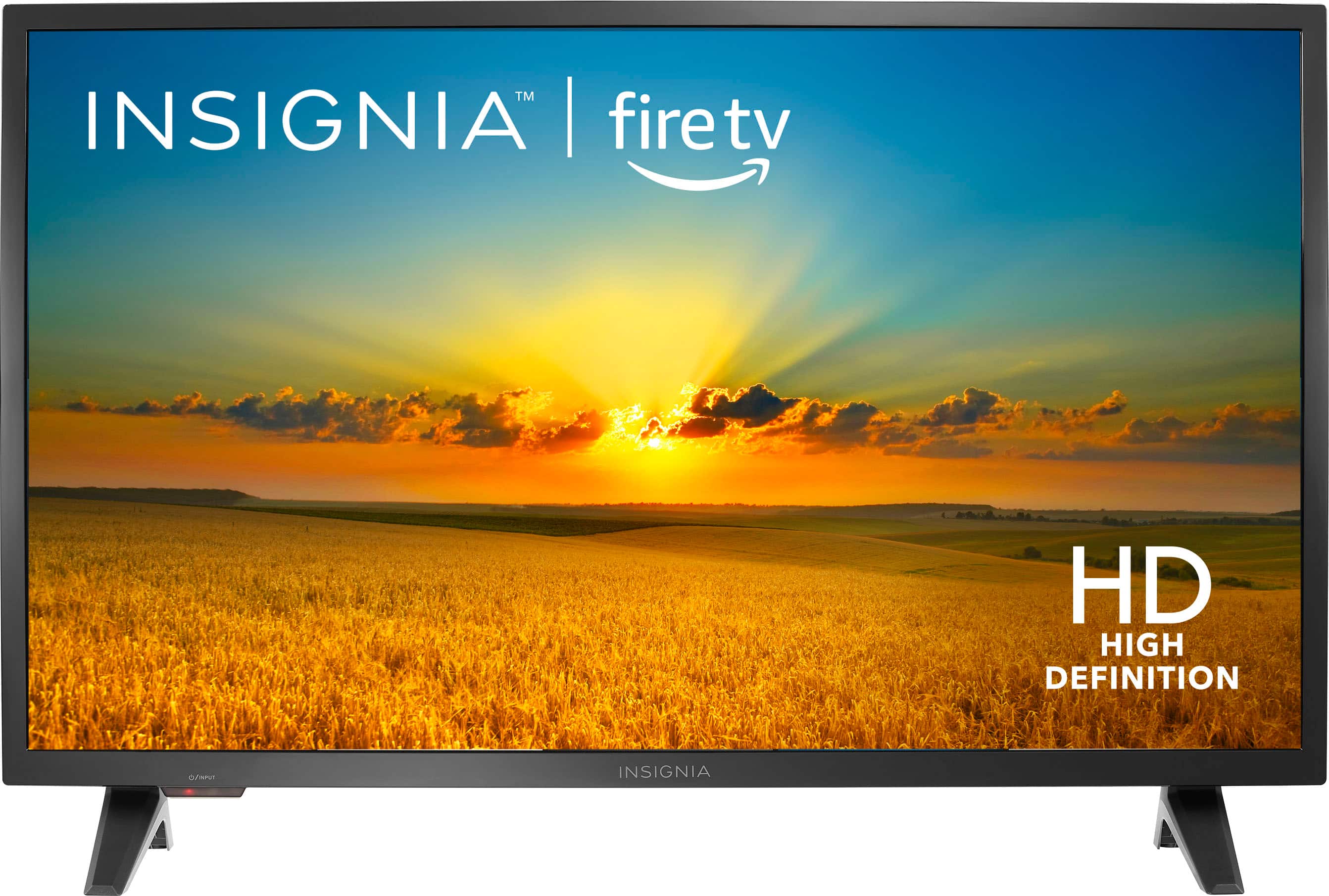
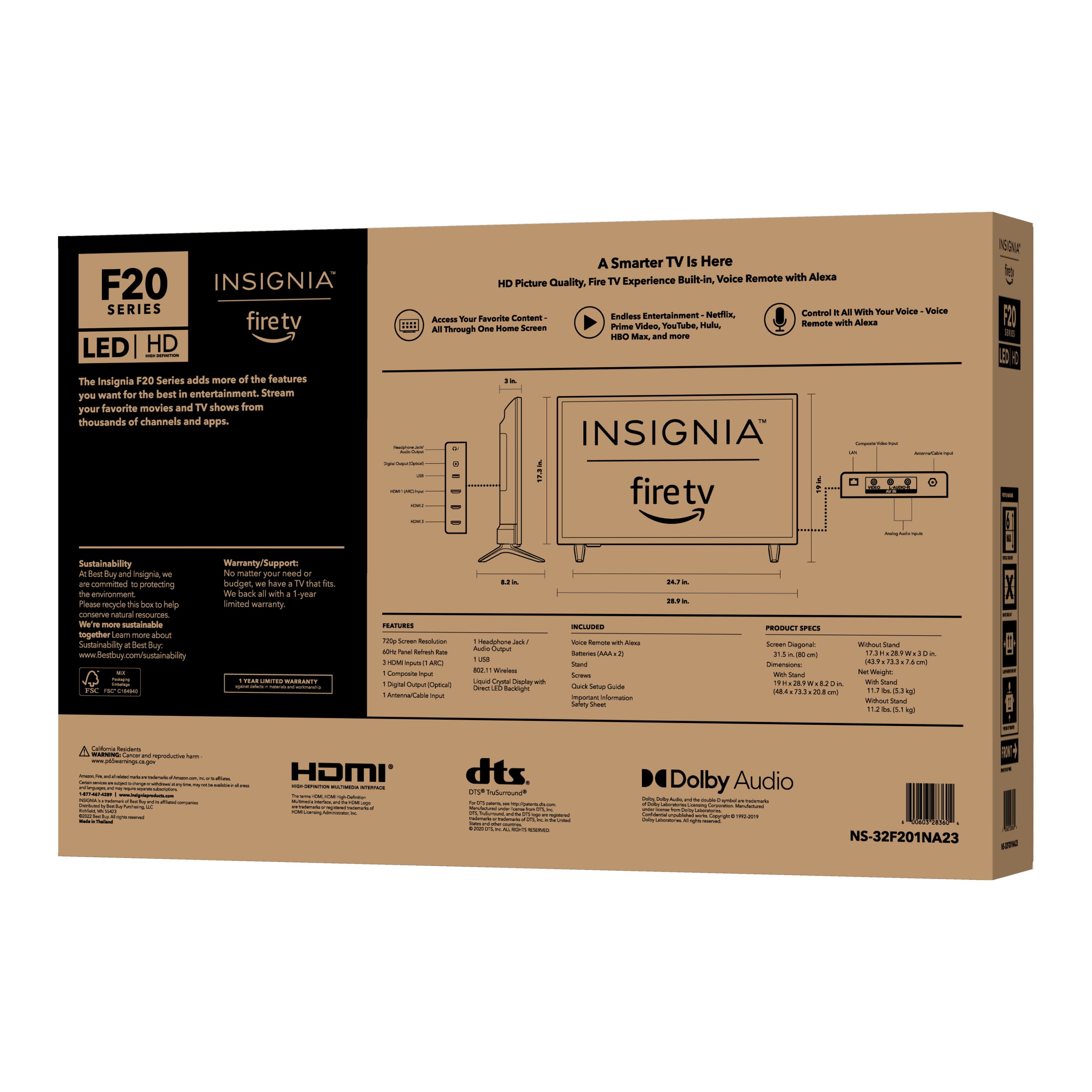
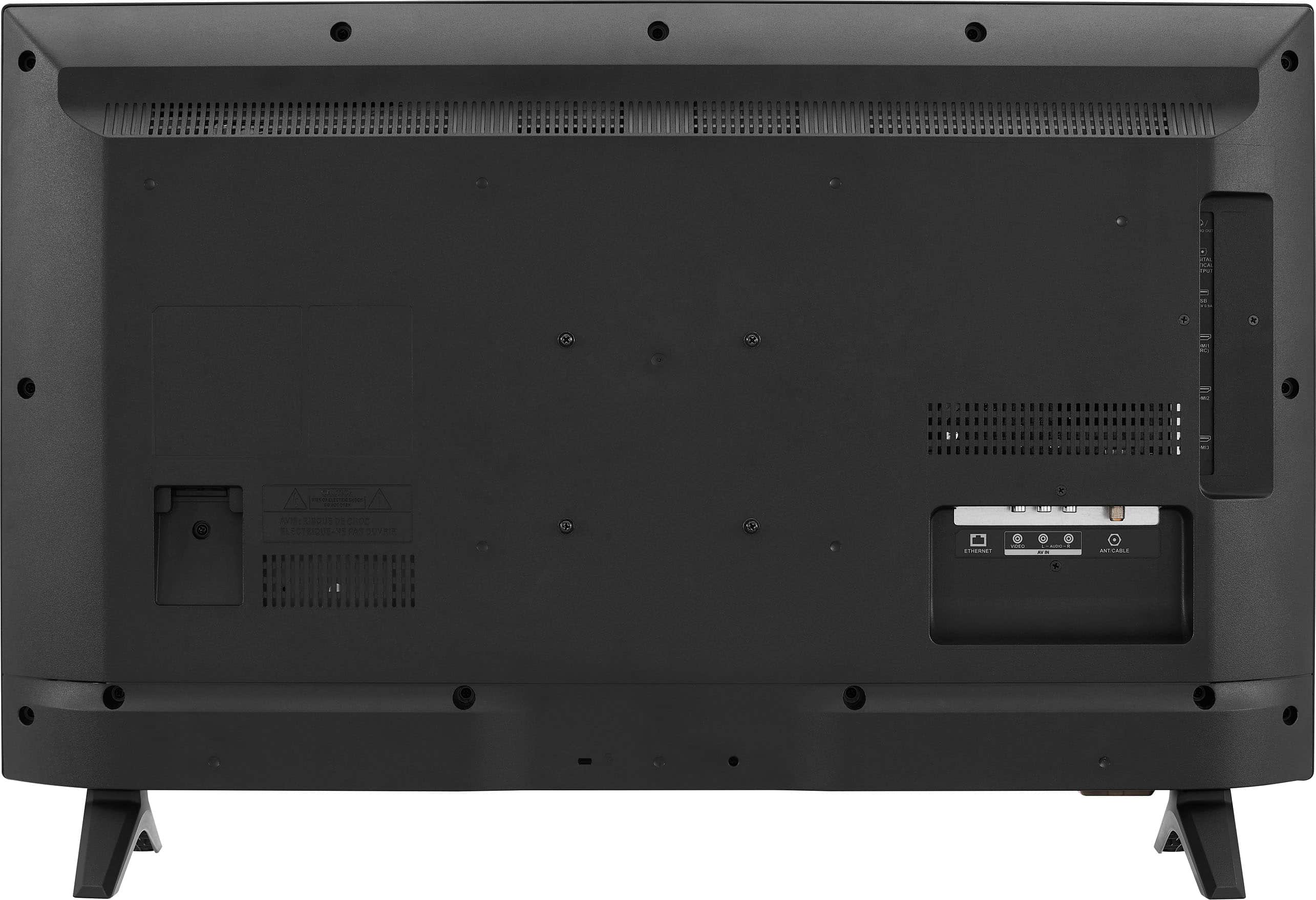
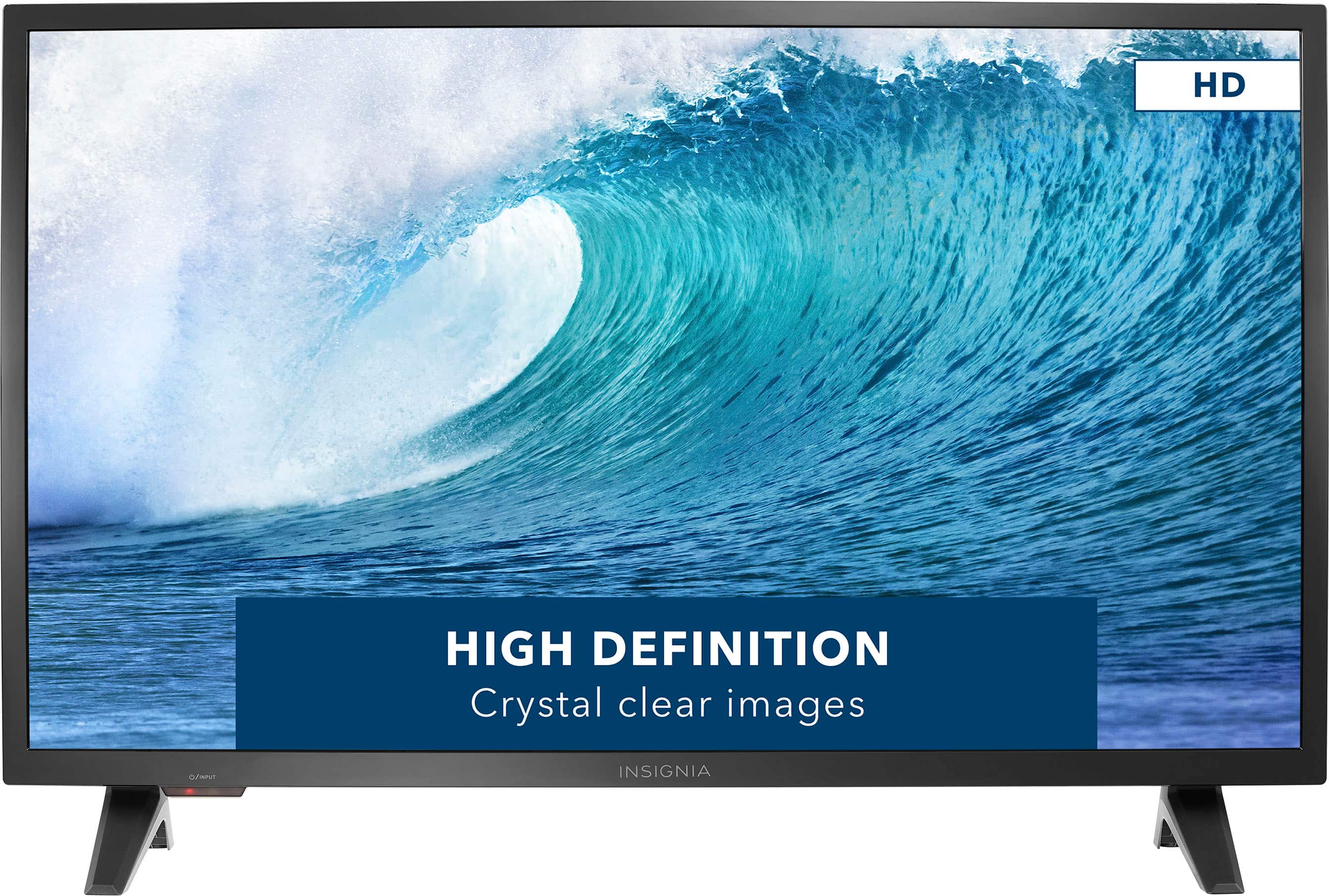
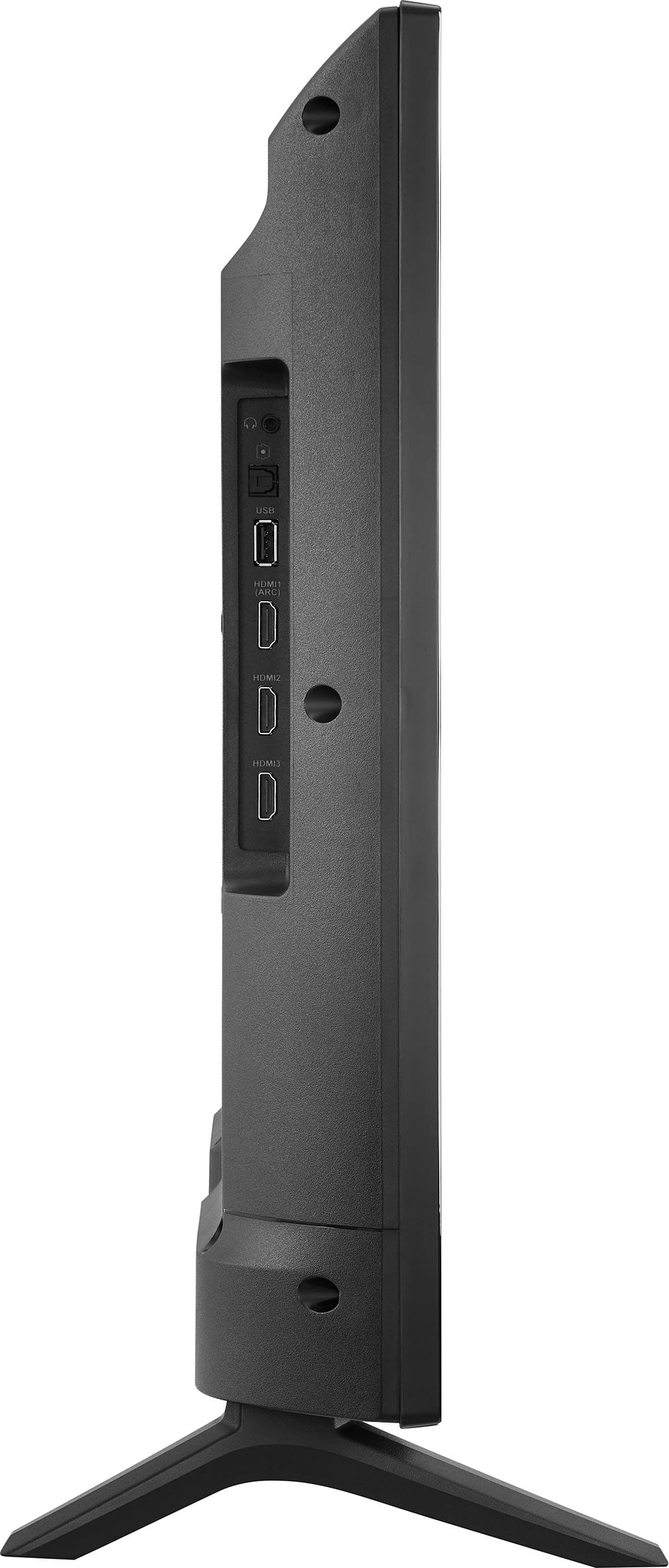
A:AnswerOnly the legs will fit (they are 24 inches apart).
You will need at least 29 to 30 inches of horizontal space to fit this TV into wherever you plan to put it at.
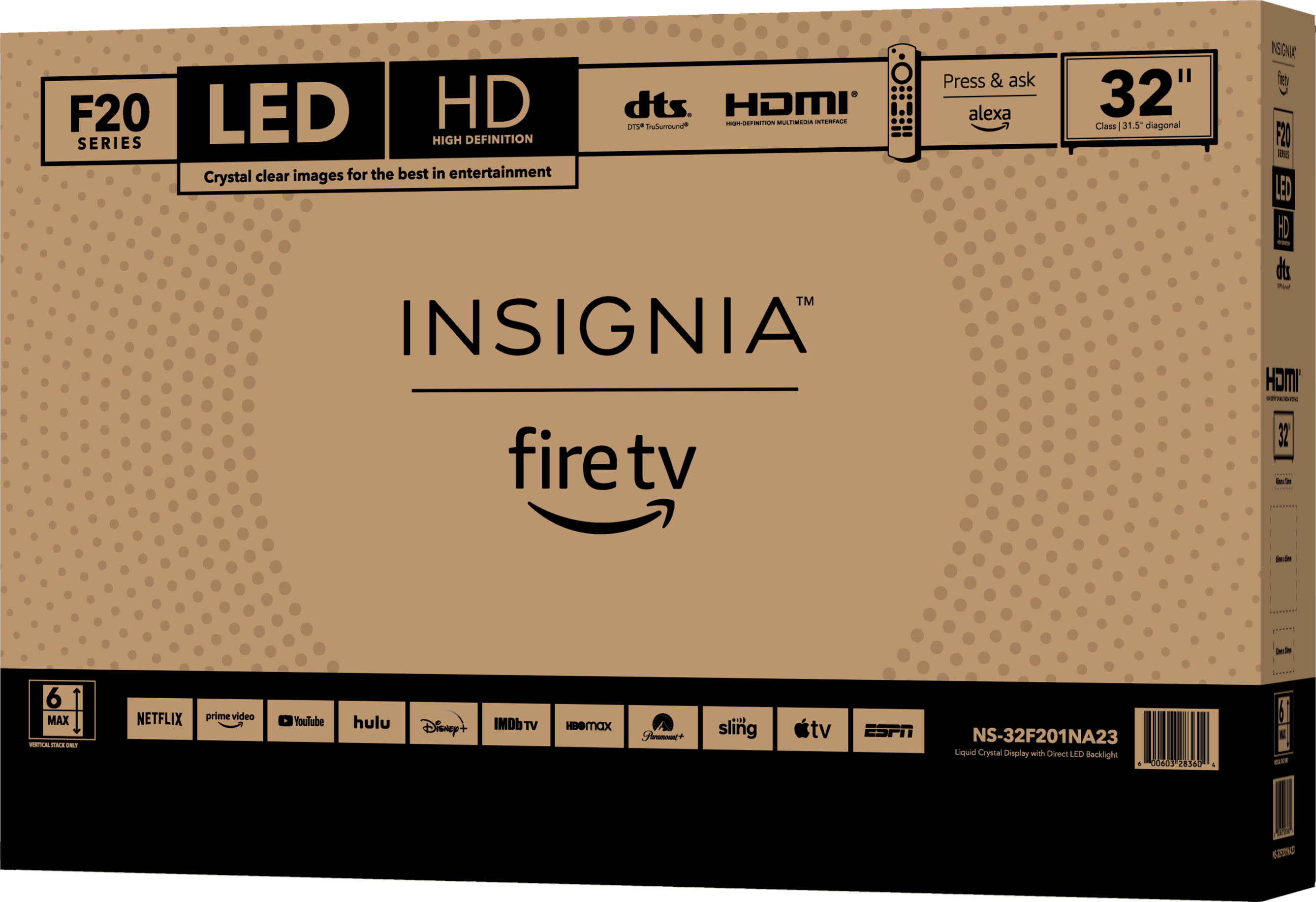
A:AnswerHi, Isabell. Thank you for your inquiry! Yes, you should be able to watch the Univision channel on the Insignia™ - 32" Class F20 Series LED HD Smart Fire TV as long as it's available in your area and included in your cable or streaming service package. You can typically access cable channels through the TV's built-in tuner or by connecting a cable box or streaming device. Keith | Insignia Support https://www.bestbuy.com/site/insignia-32-class-f20-series-led-hd-smart-fire-tv/6482022.p?skuId=6482022
A:AnswerHi Malibuman77,
We apologize for your experience with this product. We really want to help you address this issue. For us to better assist you, please contact us directly at 1-877-467-4289 so we can provide the best possible solution.
Insignia Products
Marites
www.bestbuy.com/site/brands/best-buy-brands/pcmcat1596746025285.c?id=pcmcat1596746025285
A:AnswerWhen I first got the TV, Xfinity Steam worked great. Then Xfinity forced a password change and when I had to re-sign in, the authorize process said I didn't have Watch TV thru Xfinity. Went through multiple levels of useless help at Xfinity because the agents don't have Insignia listed as a brand that works with it so they don't have a script. They sent me to Insignia (which means Best Buy). They had me install updates (Settings, About, Check for Updates). I had to do 2 sets of software installs. Short answer is yes Xfinity Stream works with this TV. Longer answer is that Xfinity support is useless for this TV and it's dumb that software updates are automatically processed on the TV since it's connected to a wireless network.