A:AnswerHi Bud,
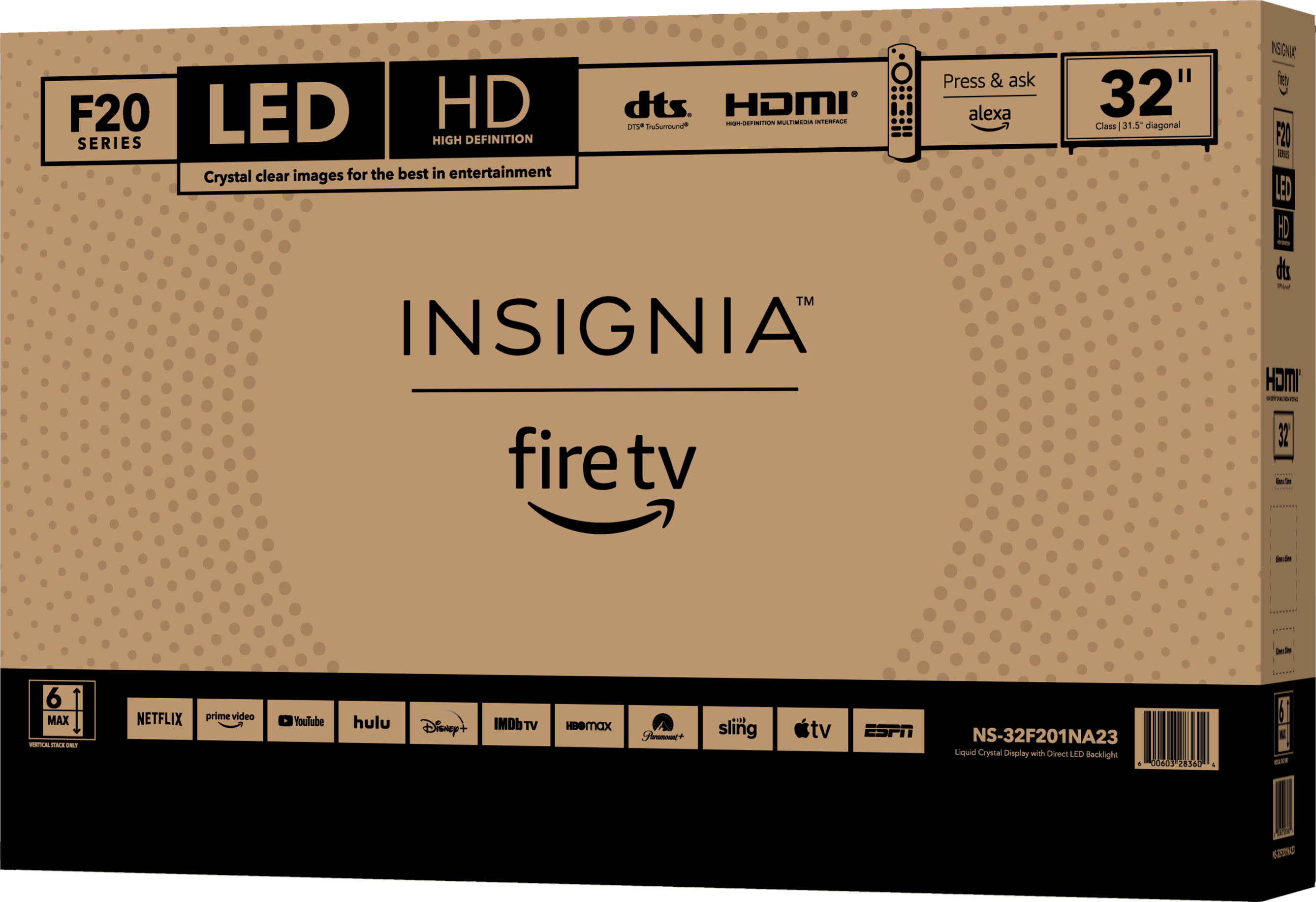
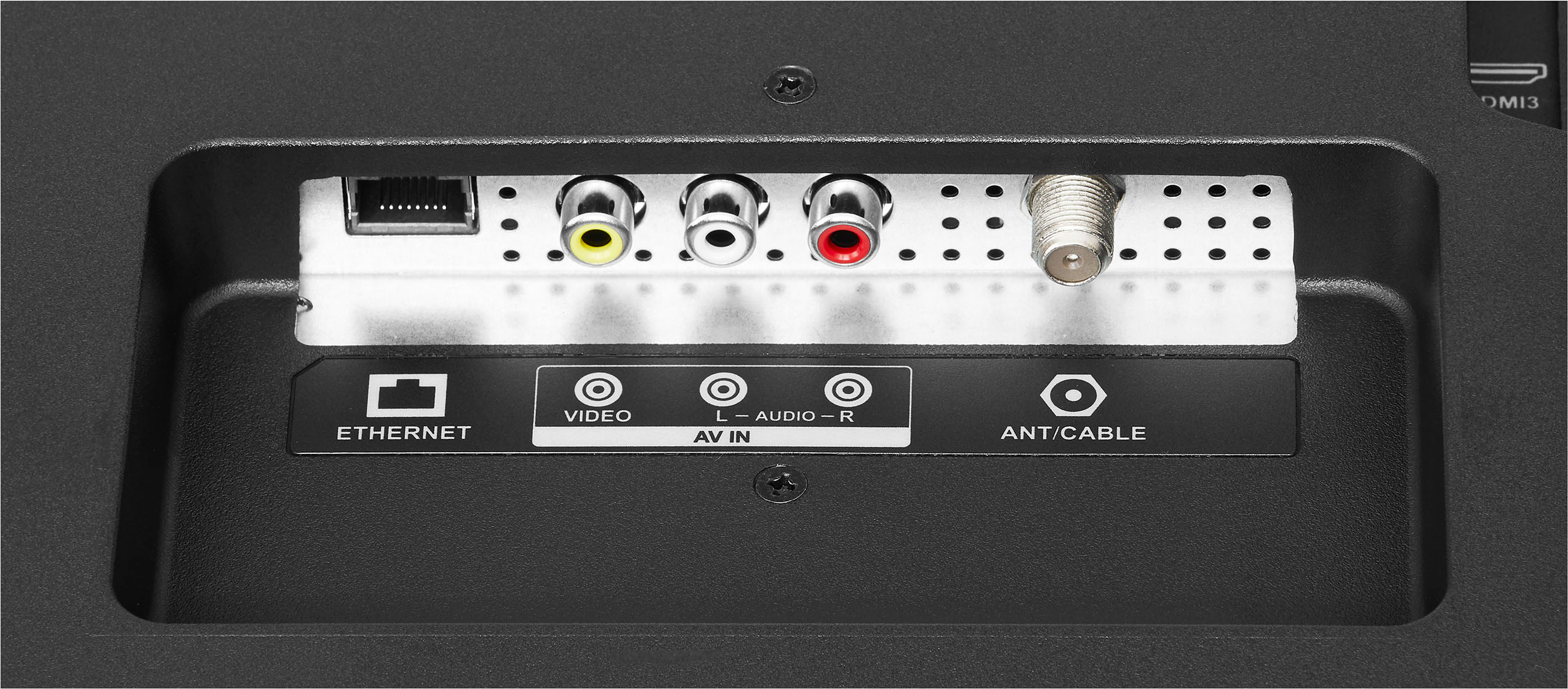
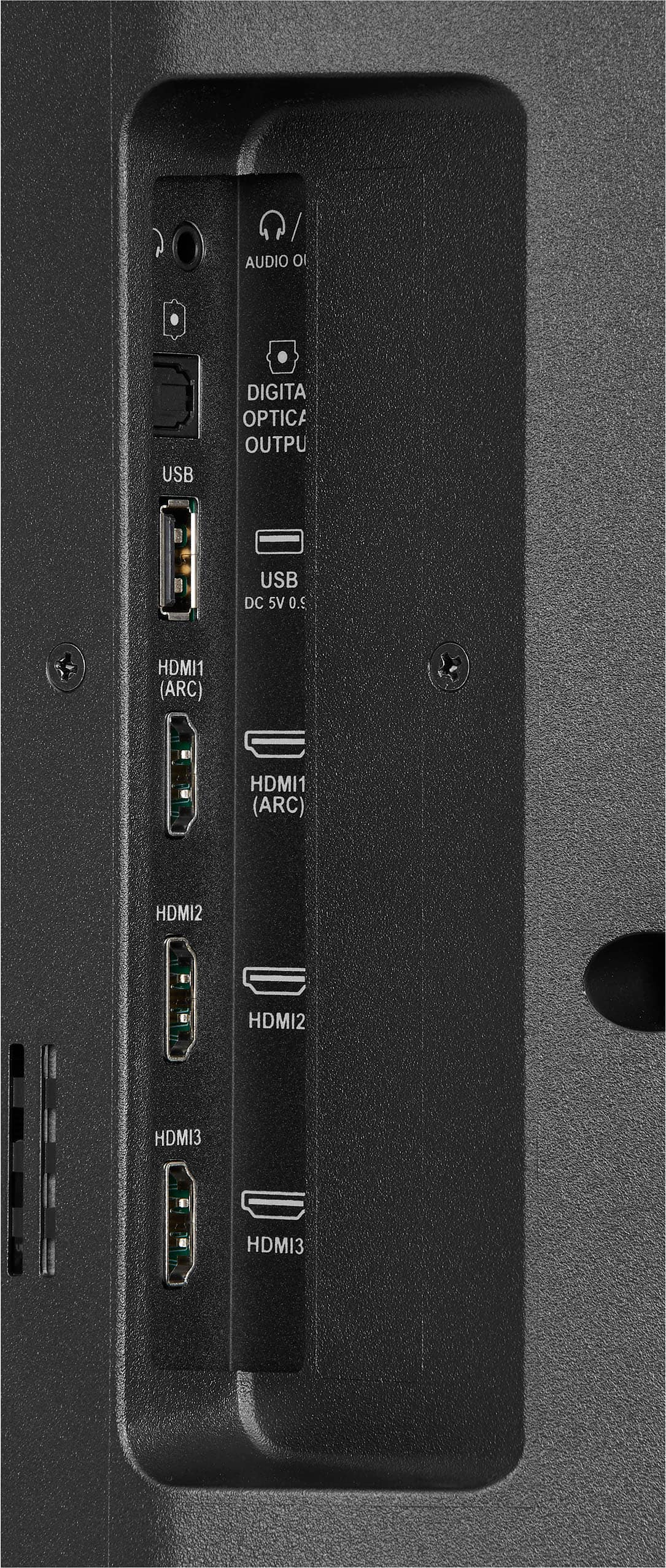
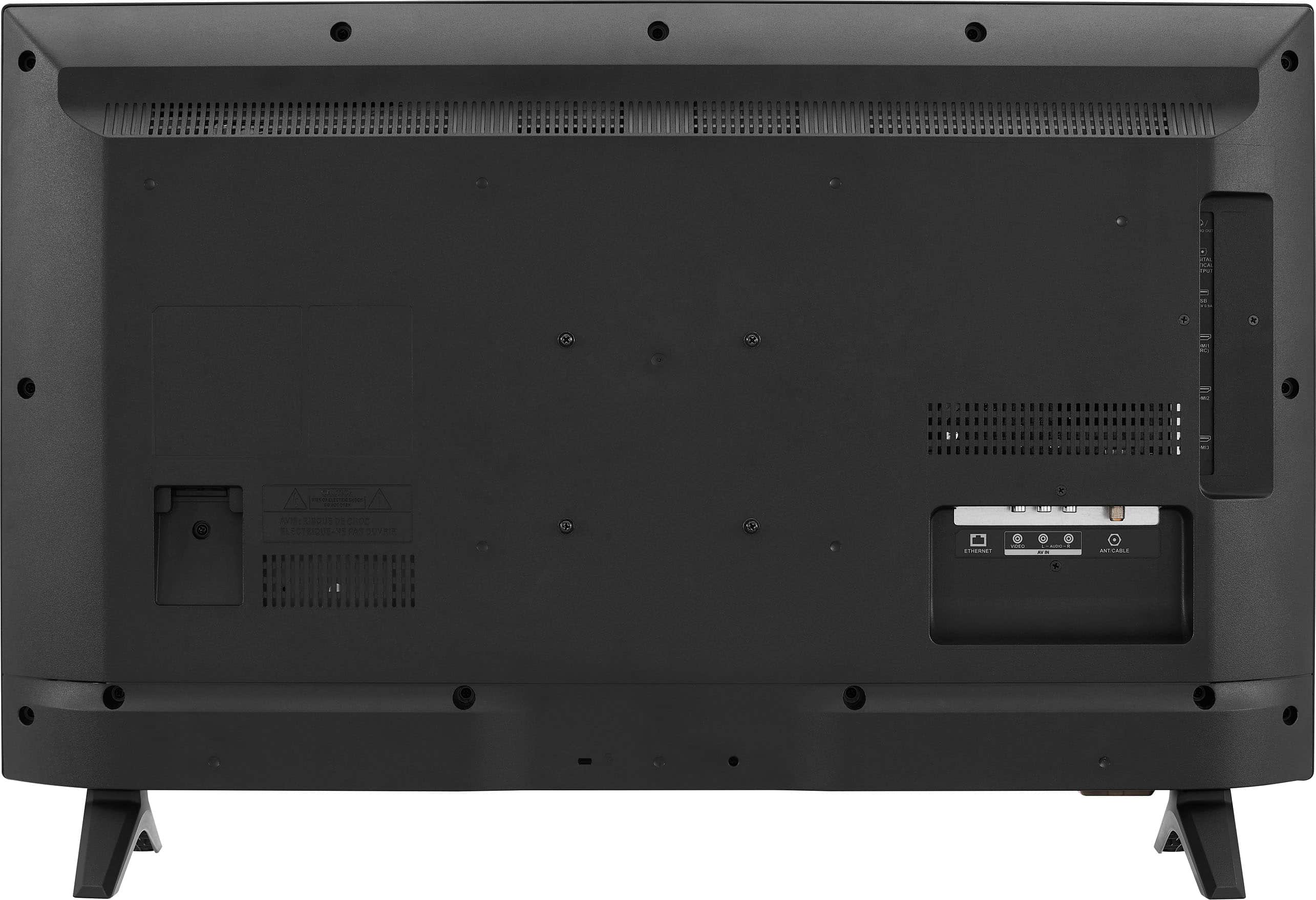
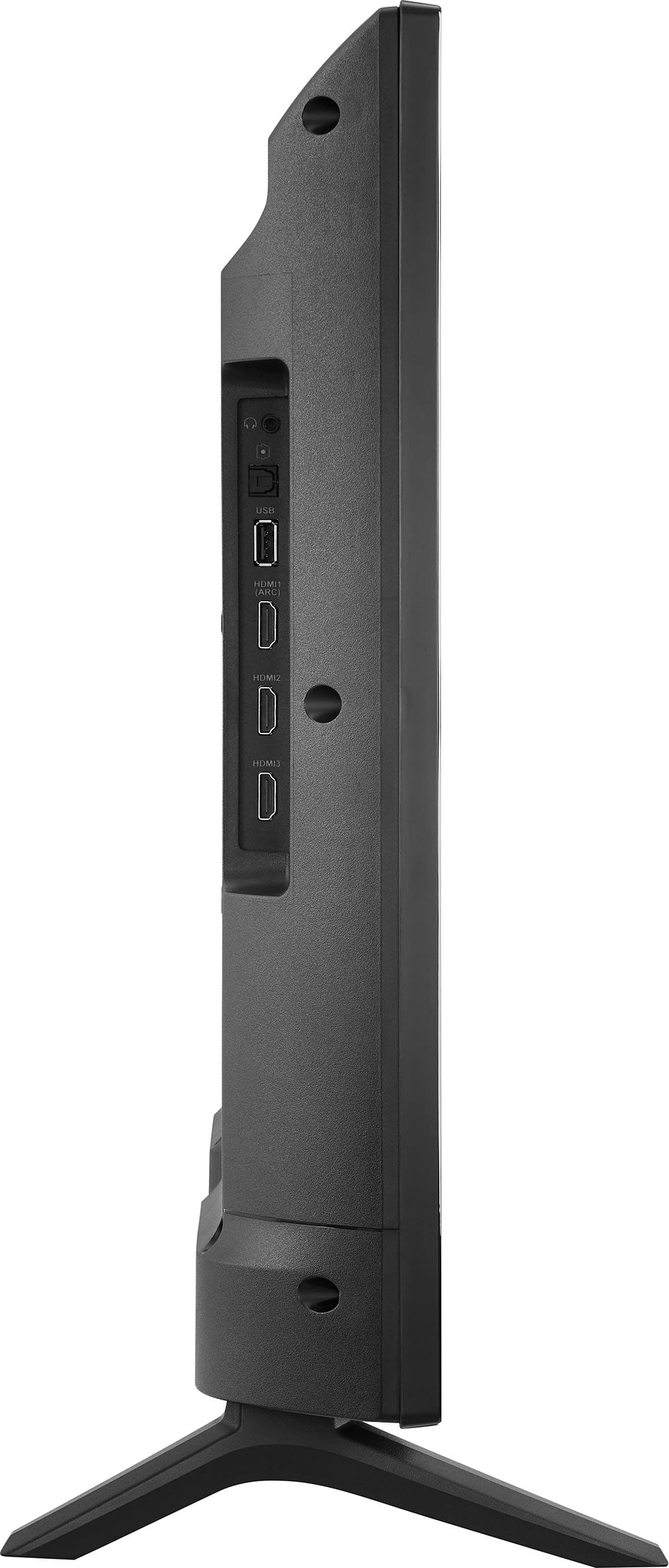
Yes, an Insignia TV can be used as a computer monitor. You will need to plug it into your computer using an HDMI cord to connect it. This will allow your computer to recognize your TV as a monitor.
Renee,
Insignia Support
A:AnswerLow on storage means it space is getting full. Image a box and pennies going into it. Works same way but with the application, like for example, crackle, peacock, utube. Those are apps. Maybe has a lot of apps already downloaded. You can delete apps you dont use. Or call best buy to walk you thru it. If you just bought it it should have sufficient store and it shouldn't be saying low on storage. But easy fix just remove the ones you dont use. Hope this helps.
A:AnswerThe answer is yes. You have to pair the earbuds as if they were speakers. Once you find it in the menus, it works reliably and easily as long as you aren't pairing both speakers AND earbuds. If you do that, you might find yourself frequently in the system menus telling it which speakers to use.
A:AnswerHi Eli, we appreciate your inquiry. Thank you for reaching out. Regarding about on how you can redeem your 3 months of free Apple tv trial, I'll walk you through the process on how to redeem your 3 months of free Apple tv trial, just follow the steps:
Turn on your new Apple device (in this case, your 32" Class F20 Series LED HD Smart Fire TV) and sign in with your Apple ID.
Open the Apple TV app on your device. Make sure your device is running the latest version of iOS, iPadOS, tvOS, or macOS.
The offer should be presented immediately after you launch the app. If not, go to the Apple TV+ tab, where you’ll see the offer.
Tap “Enjoy 3 Months Free” to activate your free Apple TV+ subscription.
Apple TV+ features a variety of Apple Originals, including shows and films, available on demand. You can watch them in stunning 4K HDR with Dolby Atmos sound. Plus, one subscription includes access for up to six family members at no additional cost. Enjoy your favorite content on the Apple TV app, which is available on various devices, including streaming platforms, smart TVs, gaming consoles, and even on the web at tv.apple.com.
Remember that you have 90 days after first setting up your device to take advantage of your free three months of Apple TV+.
-Yanne | Insignia Support | https://www.bestbuy.com/site/insignia-32-class-f20-series-led-hd-smart-fire-tv/6482022.p?skuId=6482022