A:AnswerHi, Ron.
Due to our commitment with the environment and to our Green Policy, we no longer print out manuals. However, you can locate the PDF file of your TV's User Guide on our website under the Support & Downloads tab after searching for your model number.
Cesar G. - Insignia Support
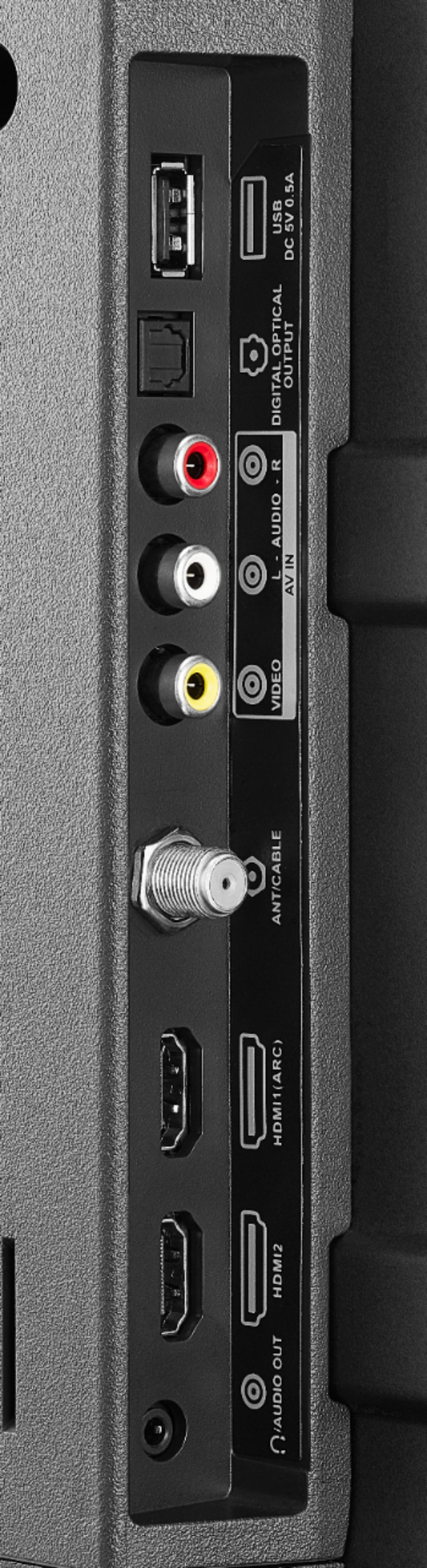
A:AnswerThis is not a smart TV but I have hooked up my Fire stick and Xfinity box to it with great results. I am not familiar with Chromecast or Apple TV. If they attach via the HDMI inputs then they should work fine.
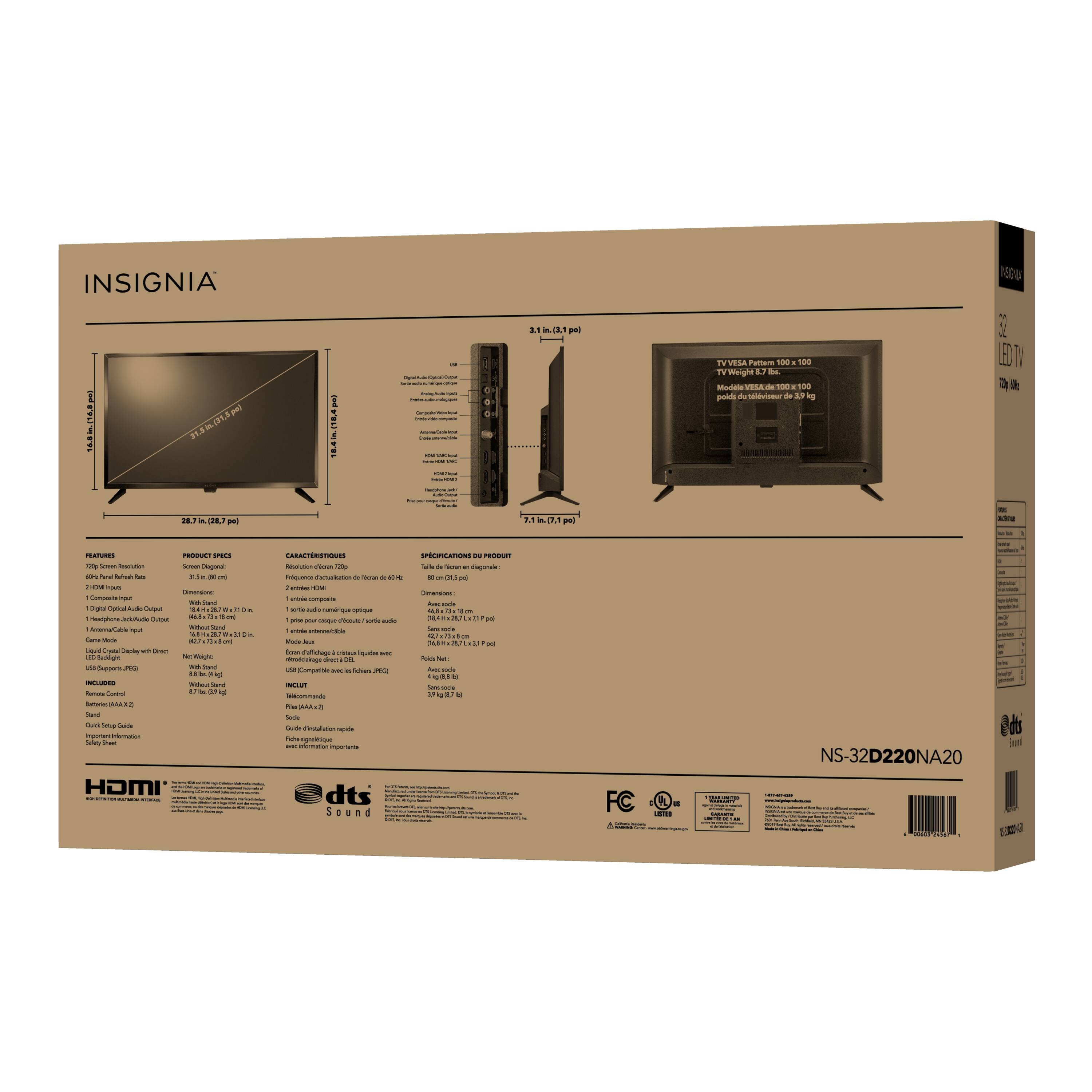
A:AnswerHi! The power cord only comes in one size, so we recommend you to use an extension.
Viridiana E.
Insignia Support.
https://www.insigniaproducts.com/contact-us
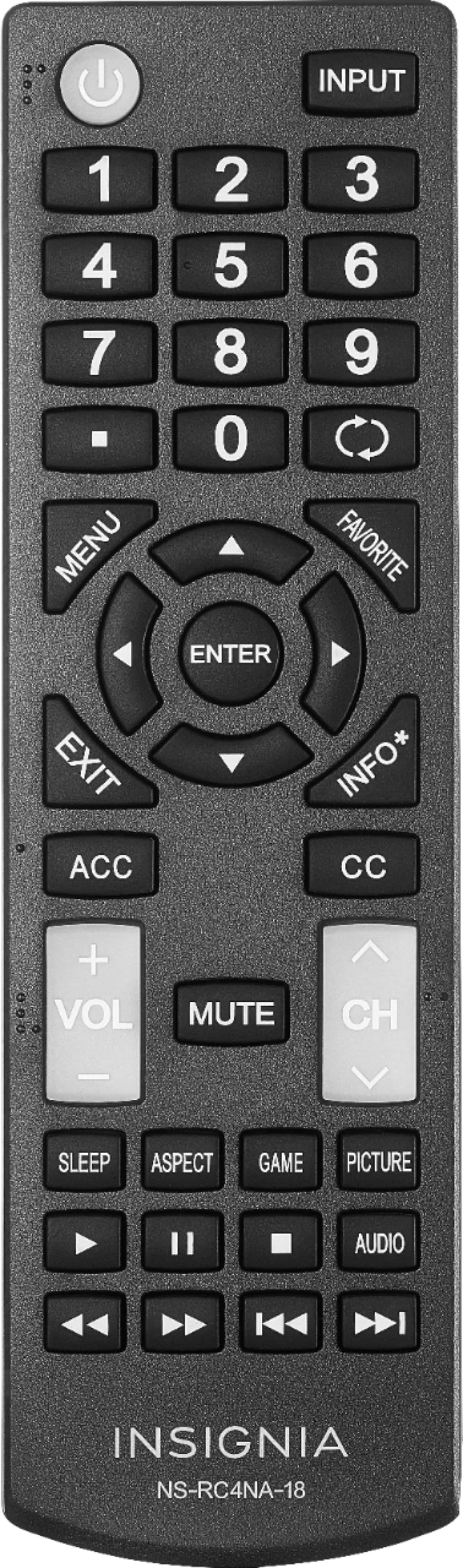
A:AnswerYes, nearly all TV's, if not all, support CC (Closed Caption) signals. Specifically, there e is a CC button on the remote to select CC (just above the Channel up-down button).
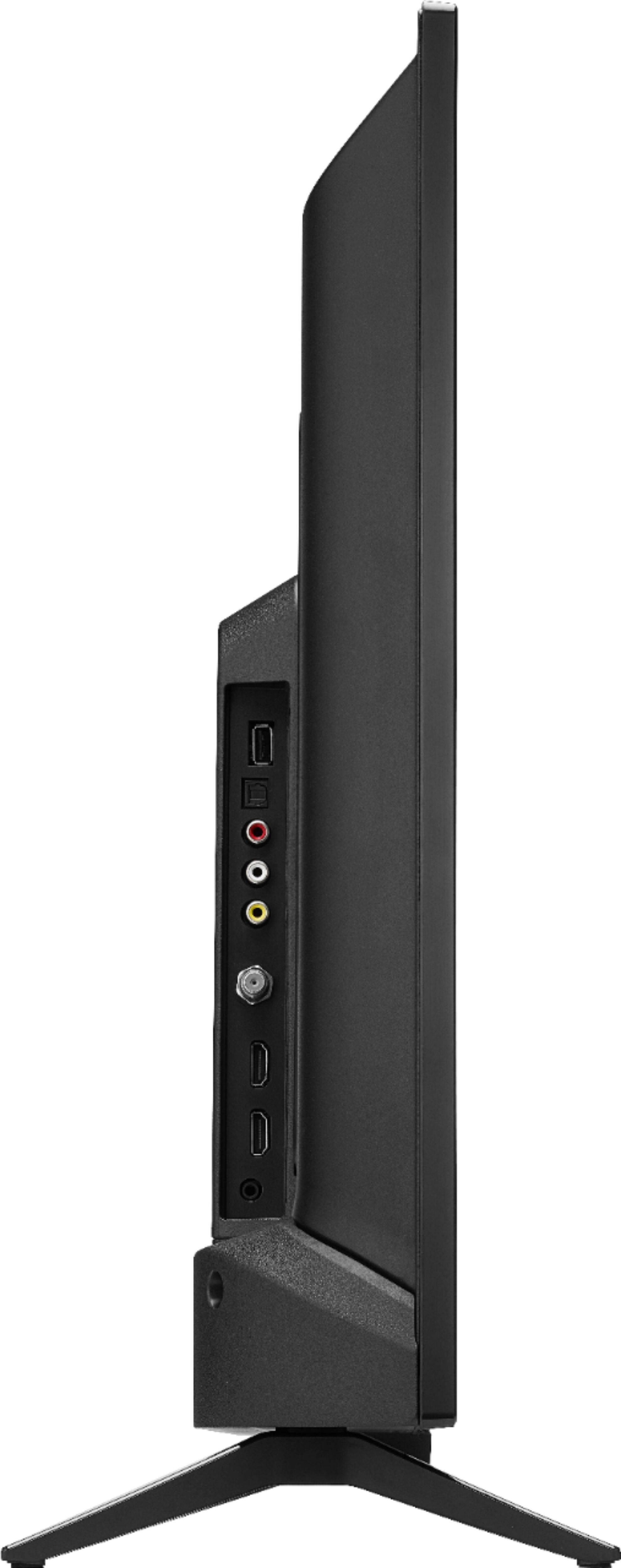
A:AnswerThis TV, an just about all TVs sold in the United States, have a coaxial cable jack which accepts a standard "F-Type" screw on plug. This F connector is found on virtually all TV type coaxial cable, such as RG-59, RG-6, RG-174 as found on many rabbit ear or indoor type antennas, for example. It is the standard connector fo cable TV also where the TV is fed from a coax cable (i.e., not from a HDMI or Composite or component cable, which is a different way to connect a cable box). In short, any type of coax intended for TV will fit the standard antenna jack on this TV.
A:AnswerAn antenna receives the signal sent by the TV station. This signal is sent from the antenna to the TV over a cable. Most used today is coaxial cable , but 300 ohm twinned was used frequently in the past, but in either case the CABLE does NOT pick up the signal, it transfers it. It transfers it from the antenna to the TV, or in the case of cable TV the cable signal to the TV. The cable is just a signal pipe, it will not receive anything by itself. In reference to your question, I think you are asking if you need an antenna to receive over the air (OTA) TV signals...if so, yes you will, and it will need a cable attached to it to deliver the signal from the antenna to the TV. If your question related to if the TV will only receive from a Cable TV provider, the answer is it is capable to receive OTA signals or cable TV (including Satellite providers such as Dish or Direct TV) via a cable connected to a cable/satellite box. In summary, the cable is a signal pipe which delivers a signal picked up from an antenna or cable box signal source. You will need one or the other to get a TV signal. Note: there is also another possibility to use a streaming device, such as a Roku or Firestick, to deliver a TV signal from the internet through the HDMI jacks on the TV. These streaming sticks will connect to your WiFi network (if you have one) and get signals sent over the internet. In this case (some call "cutting the cord") the antenna/cable is optional if you feel you are getting enough programming from the internet sources. Most people will also subscribe to basic cable or use a TV antenna to pick up OTA local signals to supplement the streaming channels. But, I don't want to confuse you further, as this is another topic altogether you may want to explore further.
A:AnswerHi! To better assist you with this question and so we know exactly how are you setting it up, please contact us and we will gladly assist you. Viri E. Insignia Support. https://www.insigniaproducts.com/contact-us