A:AnswerHi,
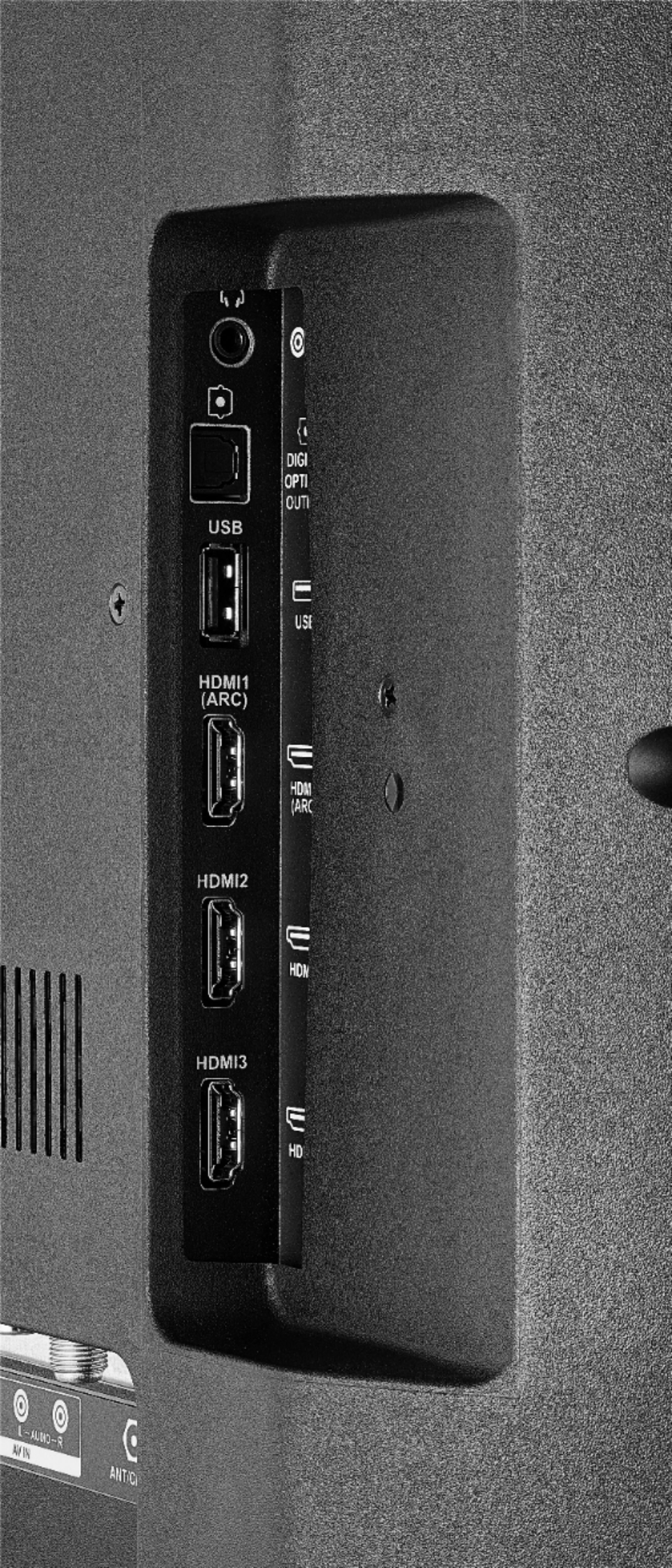
You can watch a video from a USB Flash Drive using the app VLC for Fire.
The app VLC for Fire supports the following formats:
MKV, MP4, AVI, MOV, Ogg, FLAC, TS, M2TS, Wv and AAC
Alan O. - Insignia Support
A:AnswerTo pair a Bluetooth device, go Home > Settings > Controllers & Bluetooth Devices.
For more information, please visit:
https://www.amazon.com/gp/help/customer/display.html?nodeId=GSBSBL44Y4QM59FV
David M. - Insignia Support
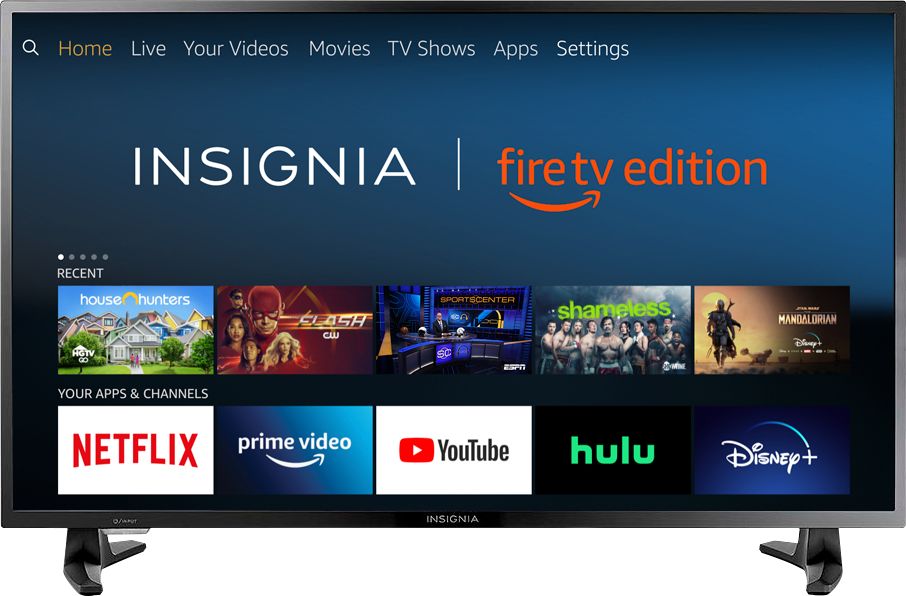
A:AnswerThe YouTube TV app shows as available for the Fire TV Edition television.
For more information, please visit: support.google.com/youtubetv
David M. - Insignia Support
A:AnswerHi, MAry.
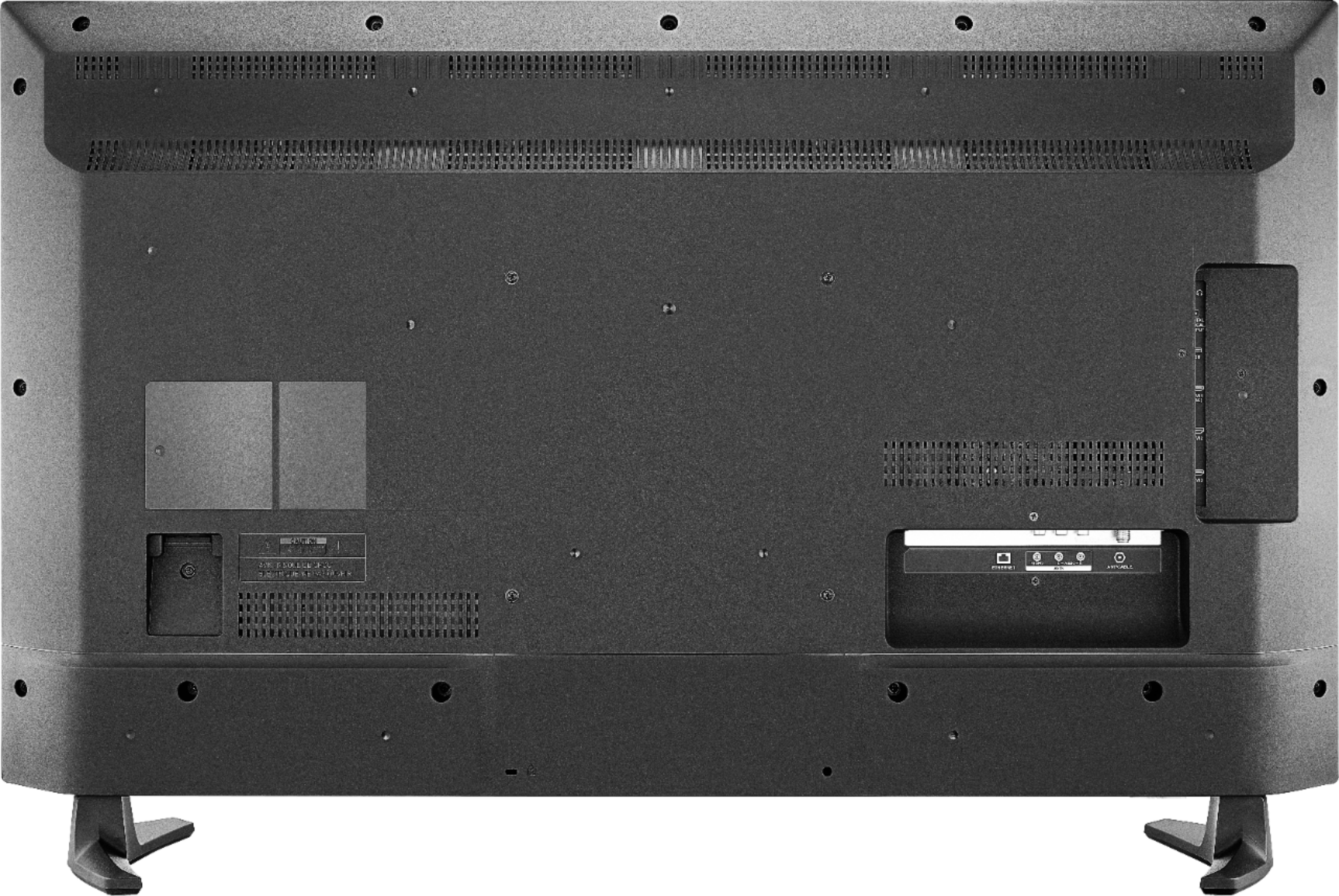
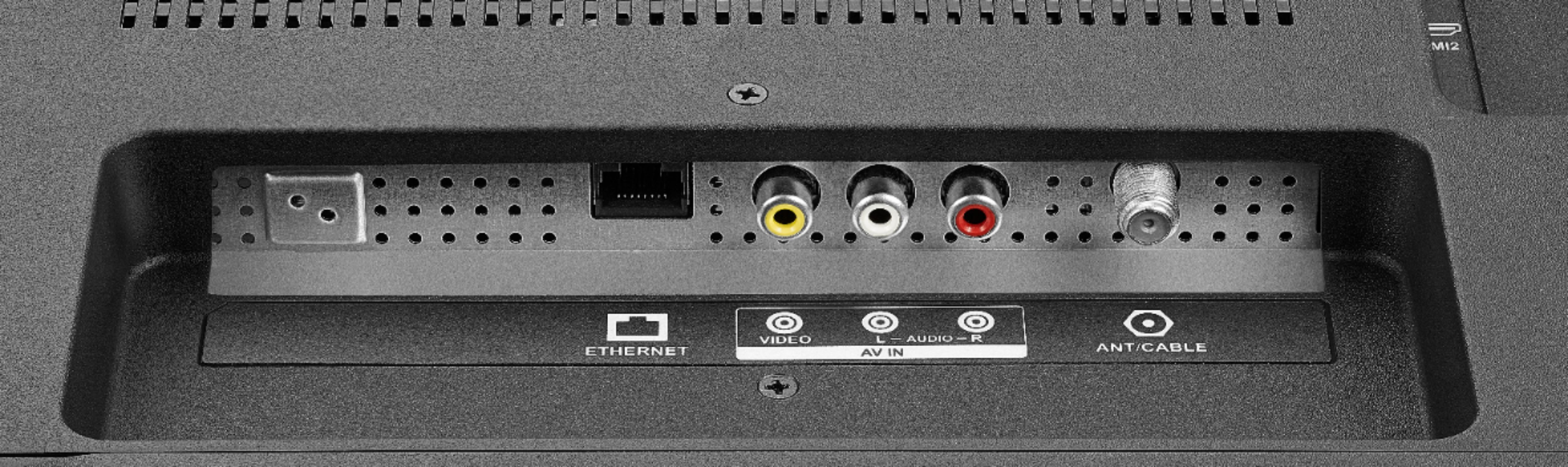
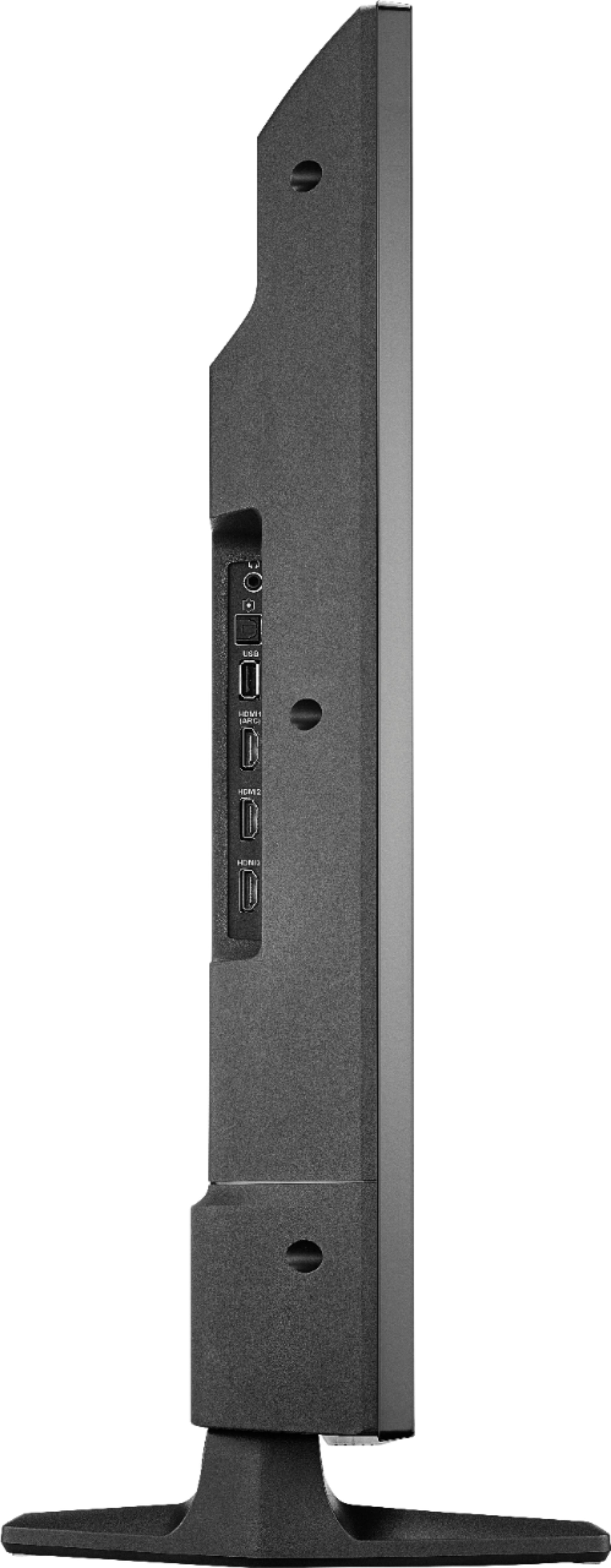
I appreciate you sharing your inquiry with us. You can connect a cable box to this TV by using either a coaxial or HDMI cable. Both connections are on the back of it.
Cesar G. - Insignia Support
A:AnswerThe internal storage is 8 GB.
You can try to move apps to USB External Storage
- To Format the USB Drive:
Home > Settings > Device and Software > USB Drive > Format to External Storage
-To Move the App
Home > Settings > Applications > Manage Installed Applications > Select the app > Move to External Storage
*Not all the apps support Moving to External Storage
David M. - Insignia Support
A:AnswerHi.
Thank you for sharing your inquiry. Disney+ is definitely available for you to download on this and any Fire TV edition TV.
Cesar G. - Insignia Support
A:AnswerSorry to hear that. I have this tv and have not experienced this problem. Based on what you have described, I think it is more likely a problem with the channel or app than the TV itself.