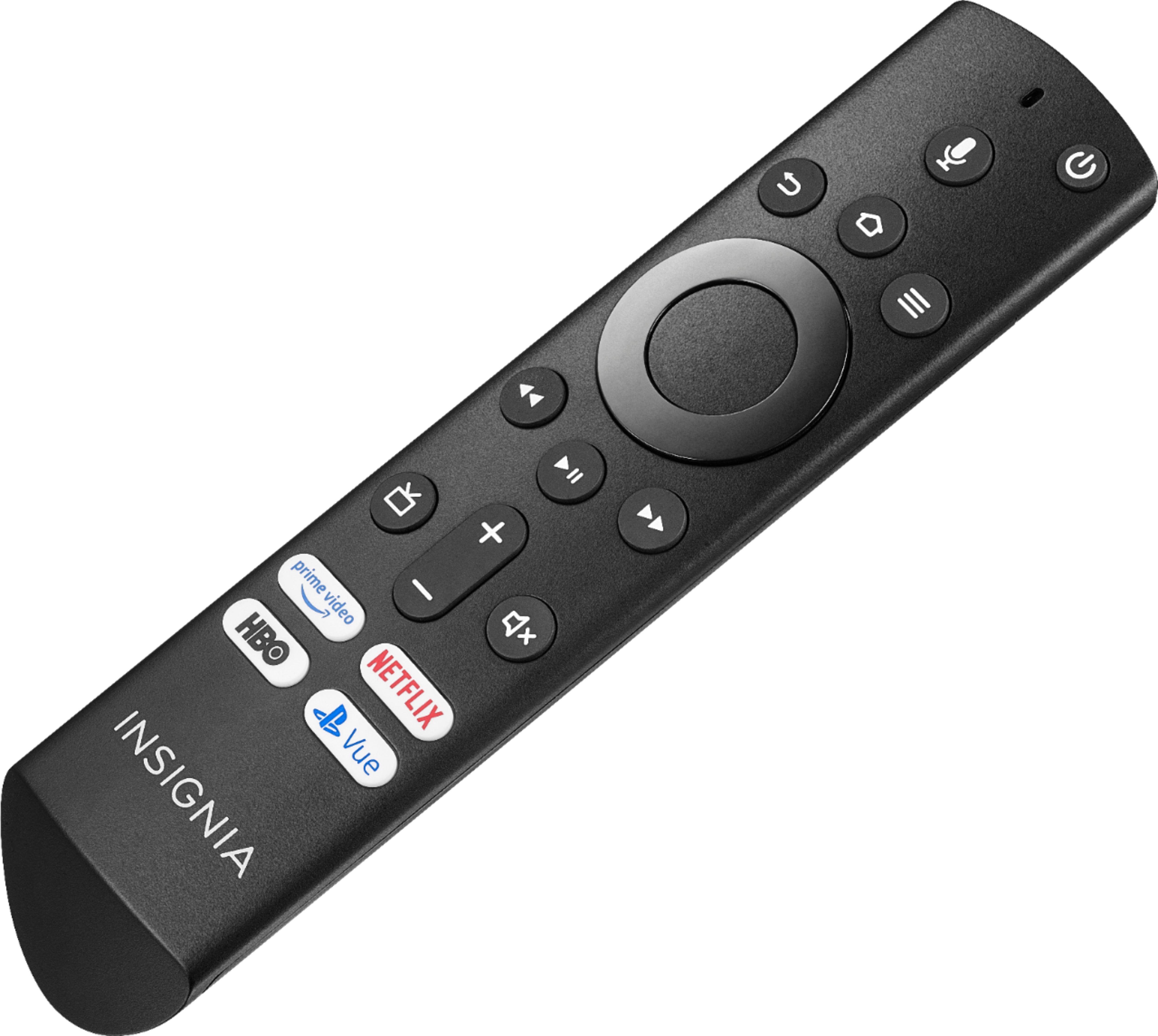
A:AnswerYou might be able to adjust the picture output of your Dish receiver - depending on which model you have. I have the Dish Hopper3 and to adjust the screen push the Home button on the Dish remote, push the up arrow , then the left arrow button then the select button - to get to the HOME options. Then go down and right to select the settings option. Move to the right and select the TV option. If you have the proper video resolution set you can push the down area twice and select adjust screen option. There you can adjust the Dish output to match your screen. I needed to adjust mine slightly fir this TV. Hope this helps.
A:AnswerHi,
Try to restart the Fire TV Edition television by pressing and holding the Power/Input Button on the TV. If you need further assistance, please call 1-877-467-4289 available from 8am to 9pm CT daily.
Alan O. - Insignia Support
A:AnswerHi! Yes, you can connect your Bluetooth speakers to this TV. To pair a Bluetooth device, go to Home > Settings > Controllers & Bluetooth Devices.
Viridiana E.
Insignia Support.
https://www.insigniaproducts.com/contact-us