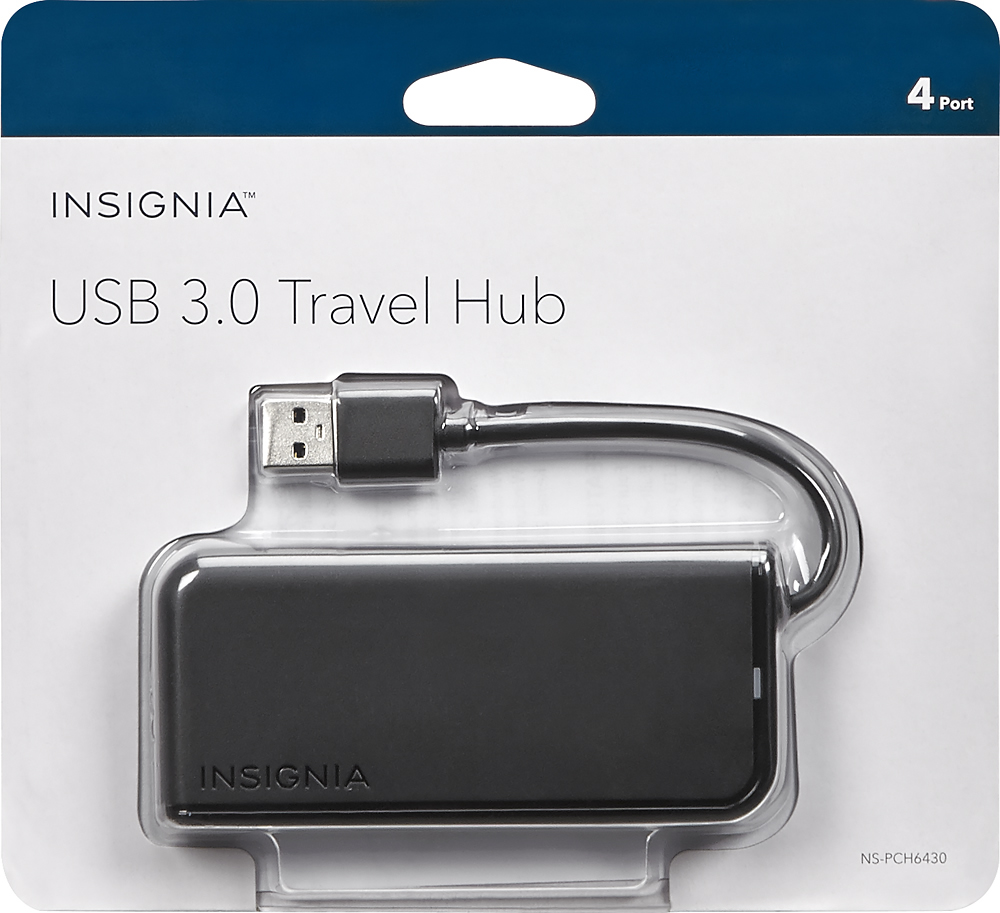
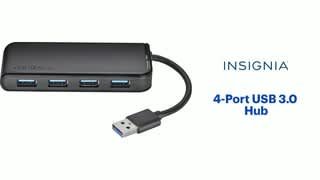
A:AnswerAs long as it has a USB 3.0 (including Super Speed USB) Type-A port, it will work. If you plug this into a USB 2.0 Type-A port, you'll experience a loss in bandwidth.
A:AnswerThis is a connector between 2 compatible items. I have a pen display i use as a monitor with my mac mini. If your items would be software/readable compatible with a different plug in then yes. If you cannot normally use a keyboard on a switch then no. It doesn't add anything to your product, simply expands the available ports.
A:Answer4-Port Insignia USB 3.0 Hub should make your machine with single port act like a laptop with four built-in USB ports. If your arrangement would work on such a laptop, should work with this hub. Inexpensive enough to try and return if not.
A:Answer4-Port Insignia USB 3.0 Hub should expand one PS4 USB 3.0 port into four ports and work with most devices same as if you'd plugged device directly into the PS4 USB port. Inexpensive enough to try and return if not.
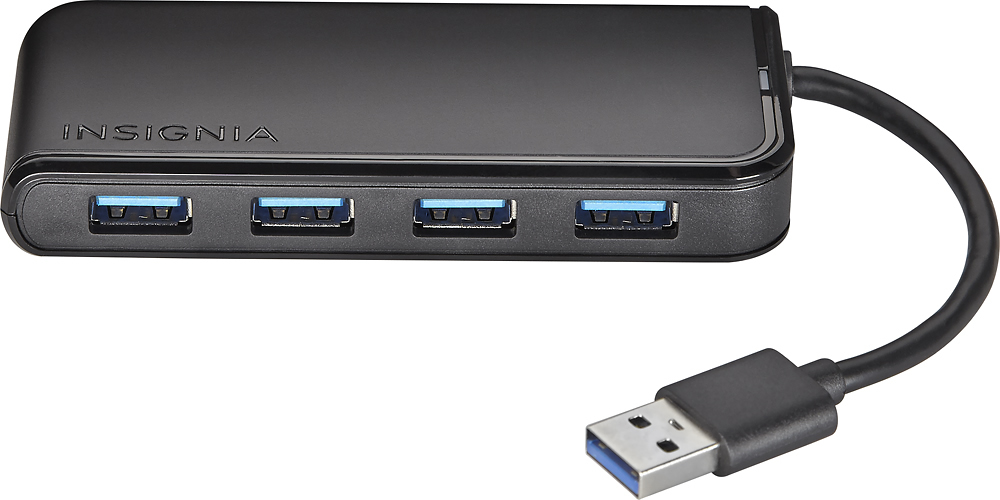
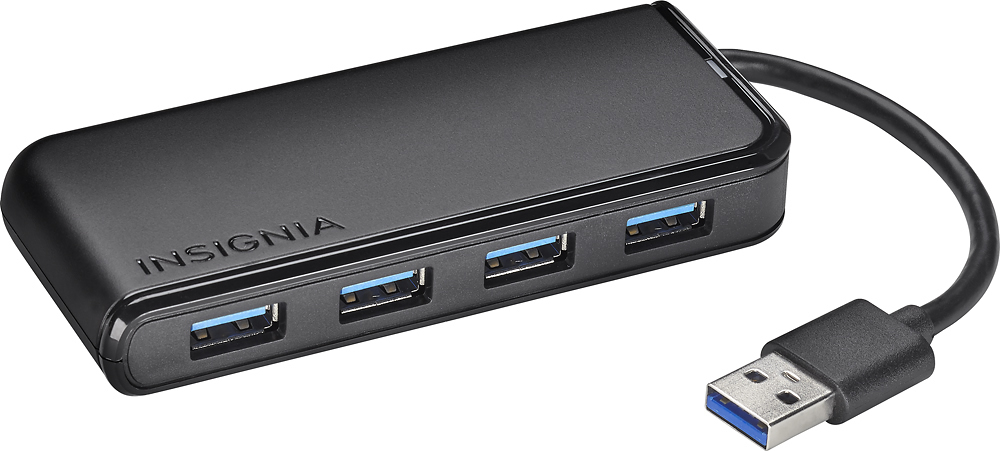
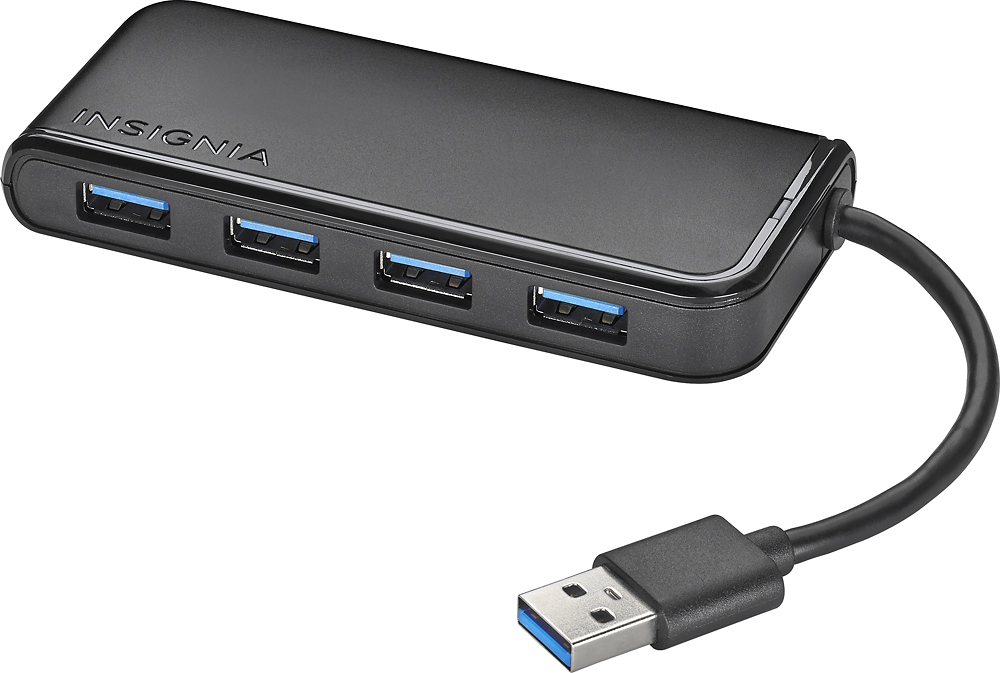
A:AnswerI think it will be useful for you. The cord for the hub isn't very long, about 4 inches. So an adapter to fit between it and the other port would be helpful.
A:AnswerI’m not exactly sure which item you’re referring to but.... the hub itself only plugs into the item you hook it up to. For instance, I use it with a laptop. I only have to plug it into a USB port on the laptop for it to work (there is no power cord to the hub which is why I like it, less cords). Now if you mean plugging in the item you hook it up to..., basically the hub will have power as long as the item does. As long as my laptop has battery life, I don’t have to plug in my laptop for the hub to work. Hope this answers your question.