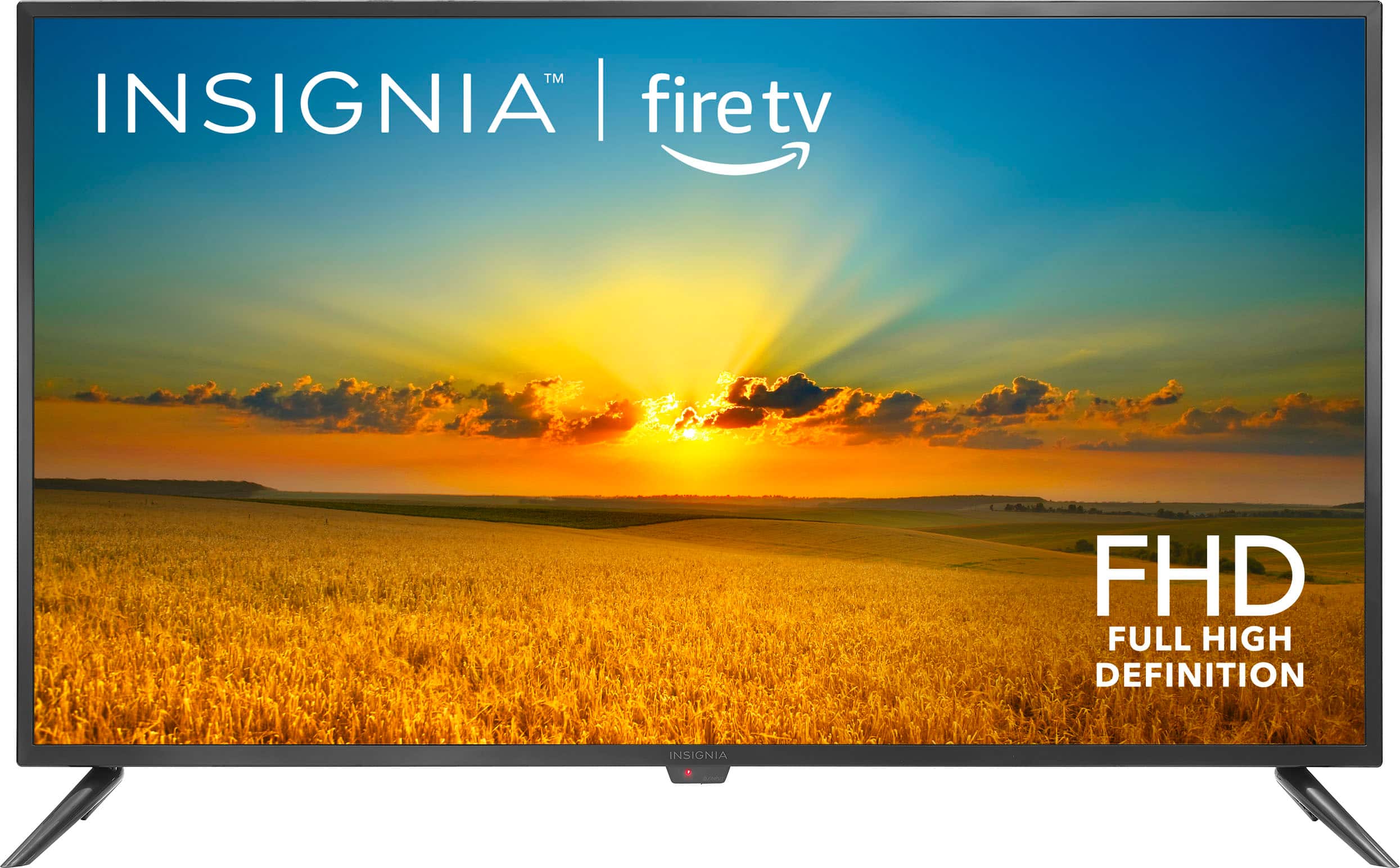
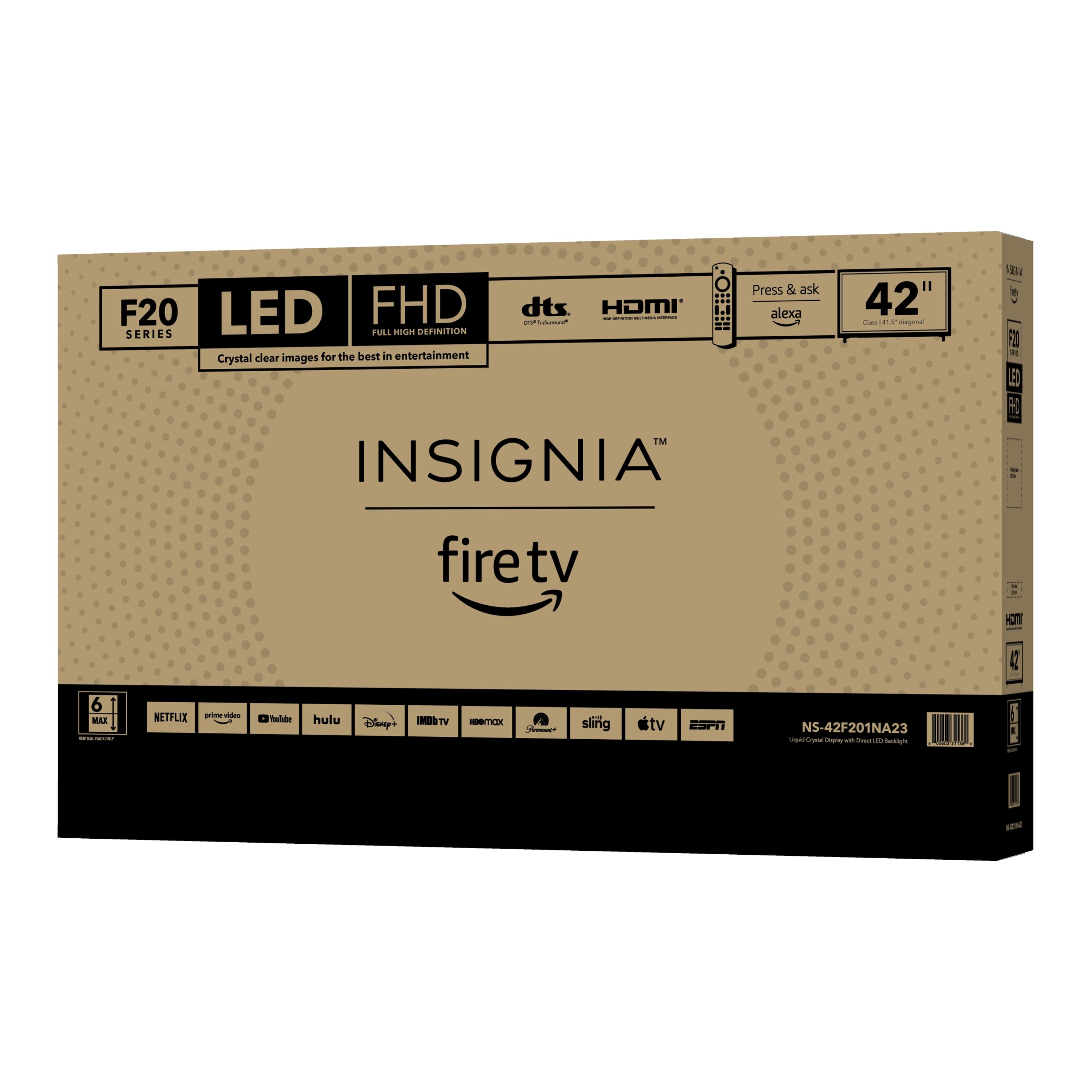
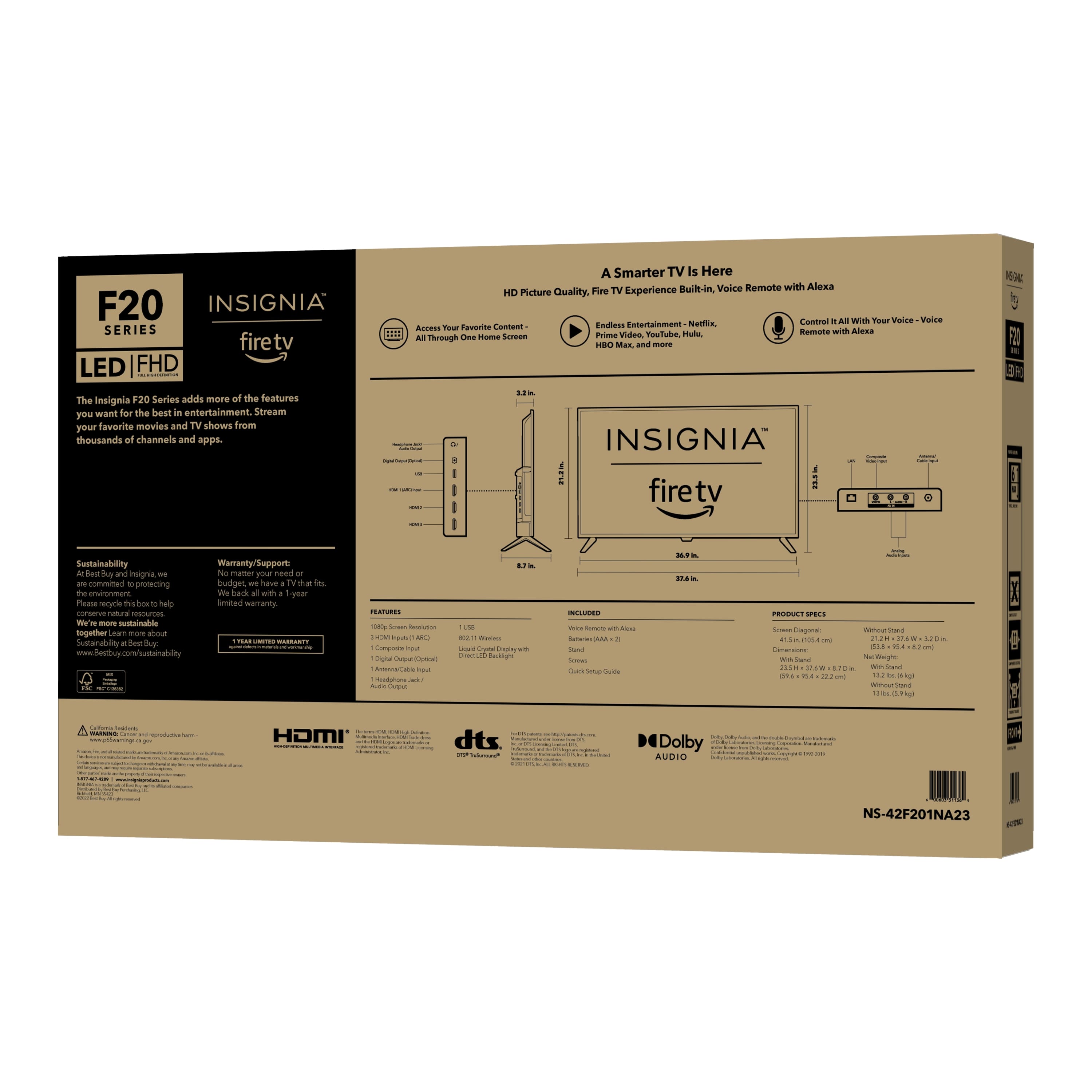
A:AnswerHi Bruce! Yes, the Insignia™ - 42" Class F20 Series LED Full HD Smart Fire TV can be paired with hearing aids. Many modern smart TVs are compatible with Bluetooth-enabled hearing aids and accessories, allowing users to stream audio directly to their devices. Additionally, some TVs may have audio settings that can enhance the listening experience for individuals with hearing difficulties.
JC | Insignia Support https://www.bestbuy.com/site/insignia-42-class-f20-series-led-full-hd-smart-fire-tv/6495088.p?skuId=6495088
A:AnswerHi Stengla! thank you for reaching us out with regards to your Insignia™ - 42" Class F20 Series LED Full HD Smart Fire TV. I Understand that you are confused about what is happening with your TV. Usually "loading programs" message indicates that your TV is booting up and initializing its software. Here's what you need to do, wait for the TV to complete the startup sequence, but if it is stuck for an extended period of time, you can restart your TV using the power button on your remote and wait for a couple of minutes and turn it back on. Furthermore, if the issue persists, you can perform the factory reset in your TV- by doing so, it will erase all settings and data on your TV-. For further assistance, you can contact Insignia Customer hotline at 1-877-467-4289. |Angelica| Insignia Support| https://www.bestbuy.com/site/insignia-42-class-f20-series-led-full-hd-smart-fire-tv/6495088.p?skuId=6495088
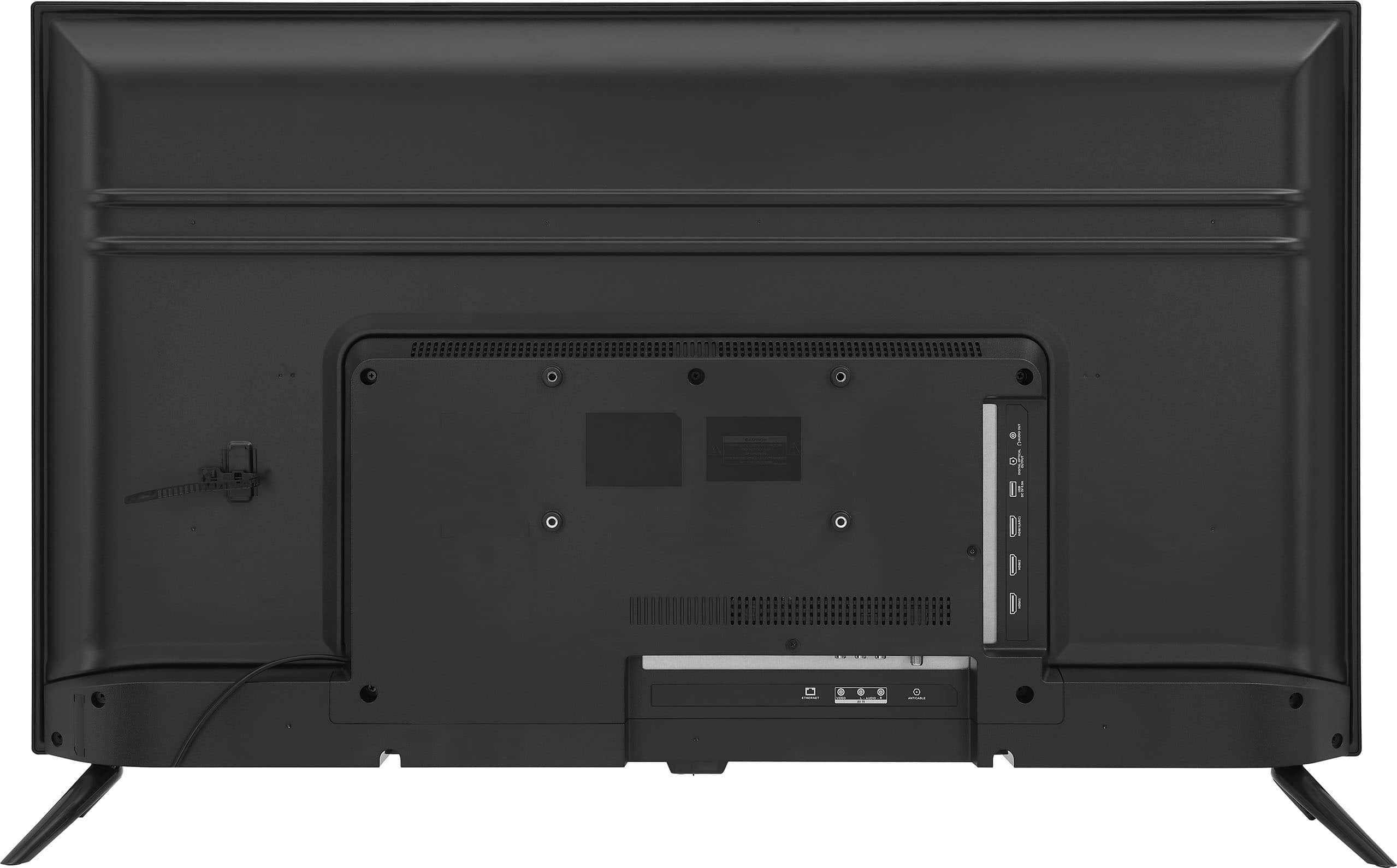
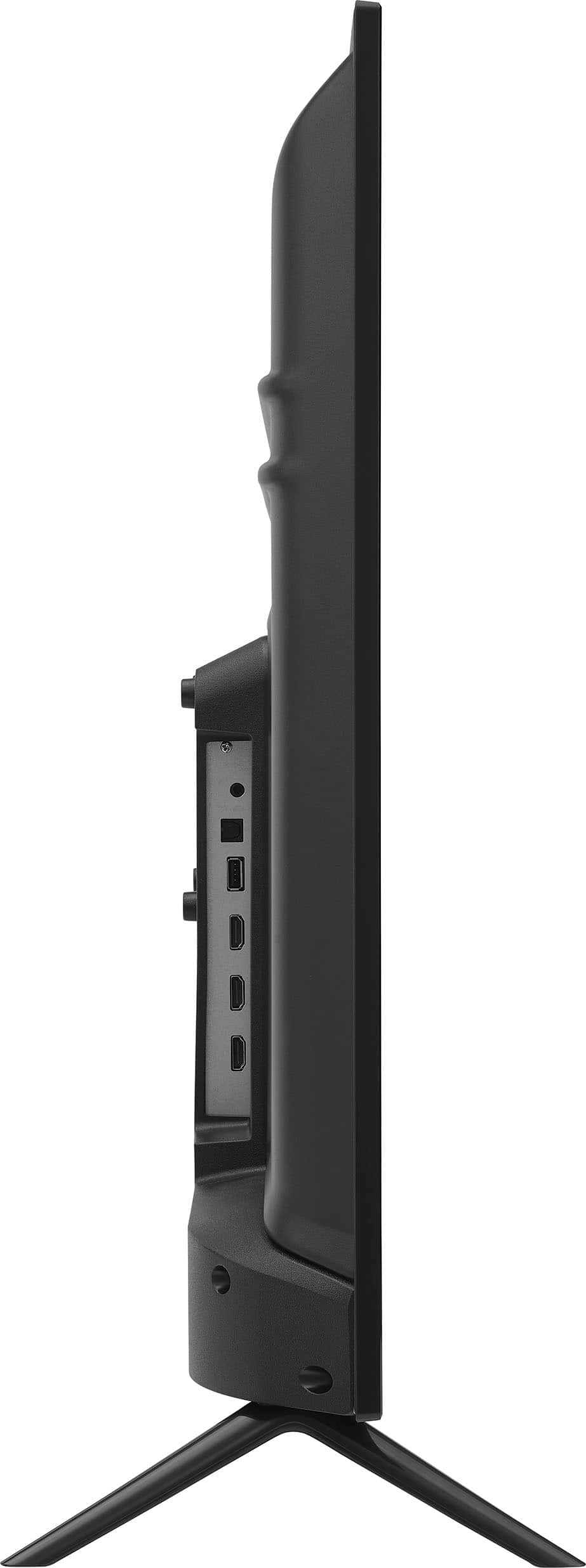
A:AnswerHi Diane! Thank you for inquiring about our Insignia™ - 42" Class F20 Series LED Full HD Smart Fire TV. Unfortunately, you cannot replace it with any stands since the tv do have a specific slot in where you can attach the stands and requires self-tapping screws (4 x 12 mm length). For more information, you can check the link below, go to features and download quick start guide. |Angelica| Insignia Support| https://www.bestbuy.com/site/insignia-42-class-f20-series-led-full-hd-smart-fire-tv/6495088.p?skuId=6495088
A:AnswerHello! Thank you for reaching out. Unfortunately, Zoom has not released a TV version of their app, which means it won't work directly on any televisions. However, you can still use Zoom on certain smart TVs through casting or screen mirroring features from compatible devices like smartphones, tablets, or computers. If you need assistance with setting this up or have any other questions, please let us know. We're here to help!
Carl | Insignia Support | https://www.bestbuy.com/site/insignia-19-class-n10-series-led-hd-tv/6394757.p?skuId=6394757
A:AnswerHi Lauren,
Typically support a wide range of video formats, including MPEG4.
Ritchie |Insignia Support
https:https://www.bestbuy.com/site/brands/best-buy-brands/pcmcat1596746025285.c?id=pcmcat1596746025285
A:AnswerHi Remote,
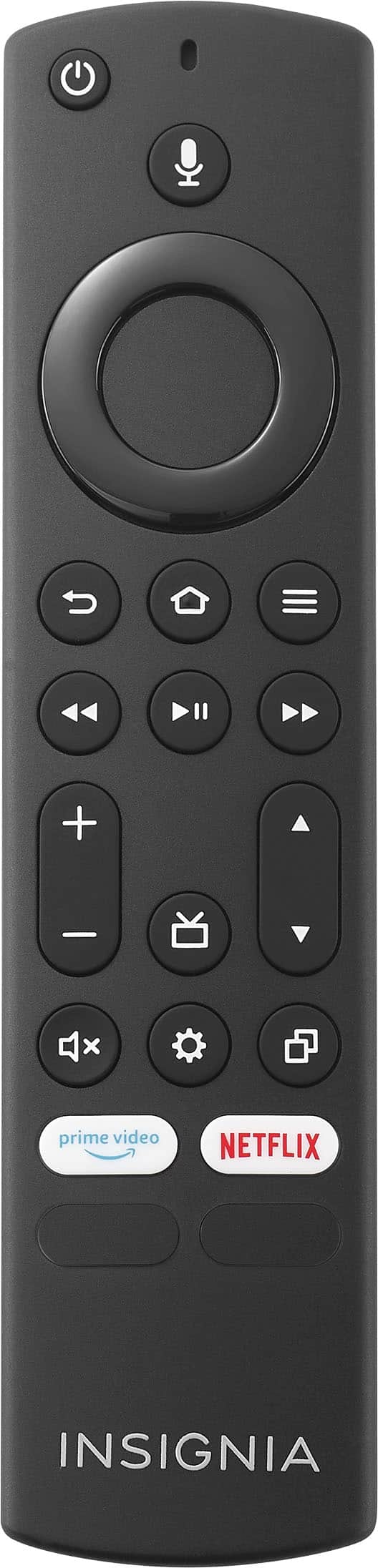
To remap buttons on Fire TV Smart TVs, the option is under Settings > Device & Software > Developer Options. If the Developer Options menu is not present, follow this guide to reveal it before continuing. Press the app button on your remote that you want to remap and install the real app for that button from the Amazon Appstore.
Dina || Insignia Support || https://www.bestbuy.com/insignia
A:AnswerHi Coop,
We apologize for your experience with this product. We really want to help you address this issue. For us to better assist you, please contact us directly at 1-877-467-4289 so we can provide the best possible solution.
Insignia Products
Marites
www.bestbuy.com/site/brands/best-buy-brands/pcmcat1596746025285.c?id=pcmcat1596746025285
A:AnswerHi there,
The TV was designed to be used in North America (United States and Canada). Some apps cannot be downloaded outside these countries due to geographical restrictions. It is not recommend using this TV outside Canada or the United States of America.
Shai | Insignia Support
https://www.bestbuy.com/site/best-buy-brands/support/pcmcat1693515381920.c?id=pcmcat1693515381920
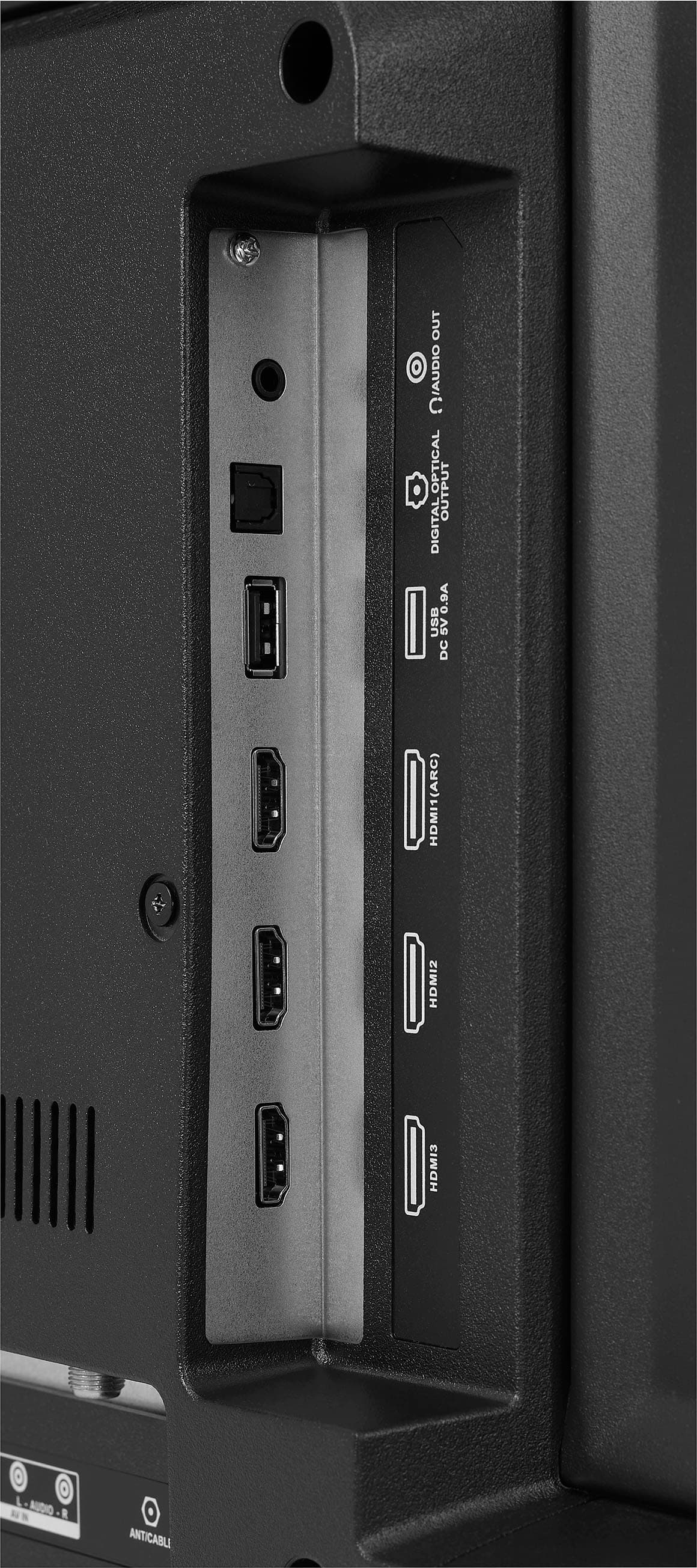
A:AnswerHi there, Yes, you can use earphones on fire TV.
Rudson S.| Insignia Support. https://www.bestbuy.com/site/brands/best-buy-brands/pcmcat1596746025285.c?id=pcmcat1596746025285
A:AnswerHi Nana,
It should be 3.5mm (standard headphone) output.
Shai | Insignia Support
https://www.bestbuy.com/site/best-buy-brands/support/pcmcat1693515381920.c?id=pcmcat1693515381920
A:AnswerHi,
It was on 2022. For more product details, please visit https://www.bestbuy.com/site/brands/best-buy-brands/pcmcat1596746025285.c?id=pcmcat1596746025285
Insignia Support
https://www.bestbuy.com/site/brands/best-buy-brands/pcmcat1596746025285.c?id=pcmcat1596746025285
A:AnswerHello summguy01,
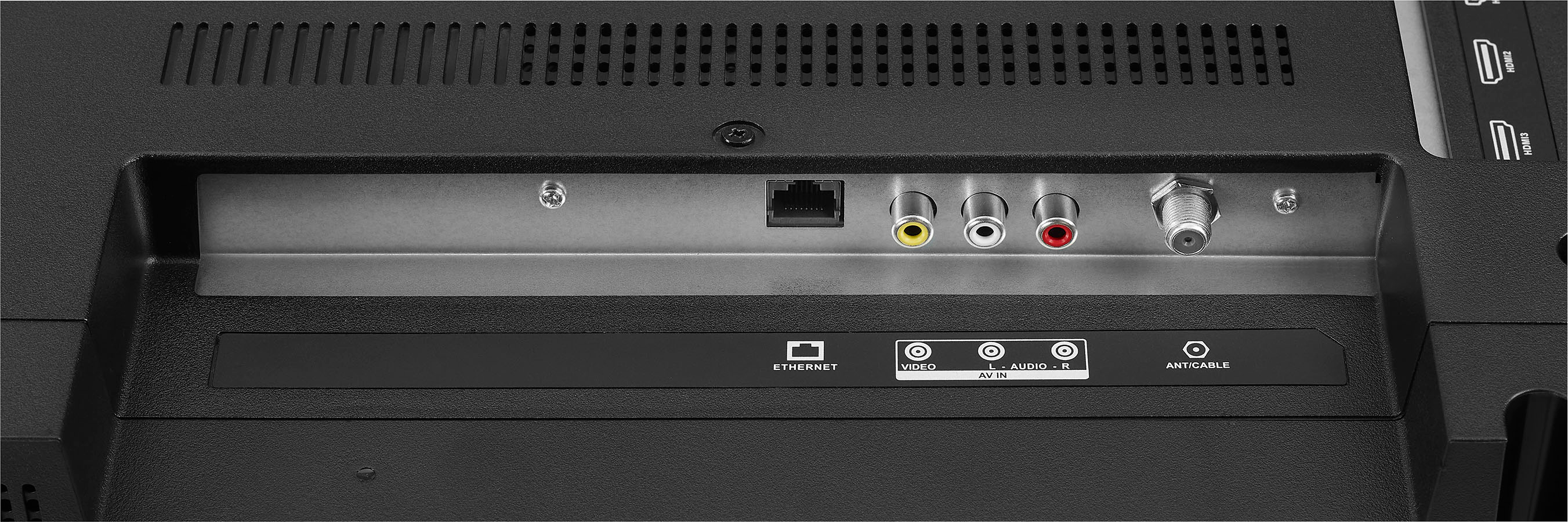
The product has HDMI and USB ports for connecting other devices for display. You may check www.bestbuy.com or contact Best Buy at 1 (888) 237-8289 for information on the central mount.
Insignia Support
Molina
https://www.bestbuy.com/site/brands/best-buy-brands/pcmcat1596746025285.c?id=pcmcat1596746025285
A:AnswerHi Bradjo,
The wide of the stand legs is 37.4 inches.
Insignia Support
Shella
https://www.bestbuy.com/site/brands/best-buy-brands/pcmcat1596746025285.c?id=pcmcat1596746025285
A:AnswerHi Nik,
Yes, This TV can Access millions of shows with Fire TV Watch over 1 million streaming movies and TV episodes with access to thousands of channels, apps and Alexa skills, including Netflix, Apple TV, Prime Video, Disney +, Hulu, Sling TV, YouTube, HBO Max, Spotify, Peacock, ESPN+ and more right from this TV.
Insignia Support
Shella
https://www.bestbuy.com/site/brands/best-buy-brands/pcmcat1596746025285.c?id=pcmcat1596746025285
A:AnswerJust search the TV name & user manual on the Internet, & you’ll find sites that upload manuals.. that's how I got it. That's how I get most manuals