A:AnswerHi Chris,
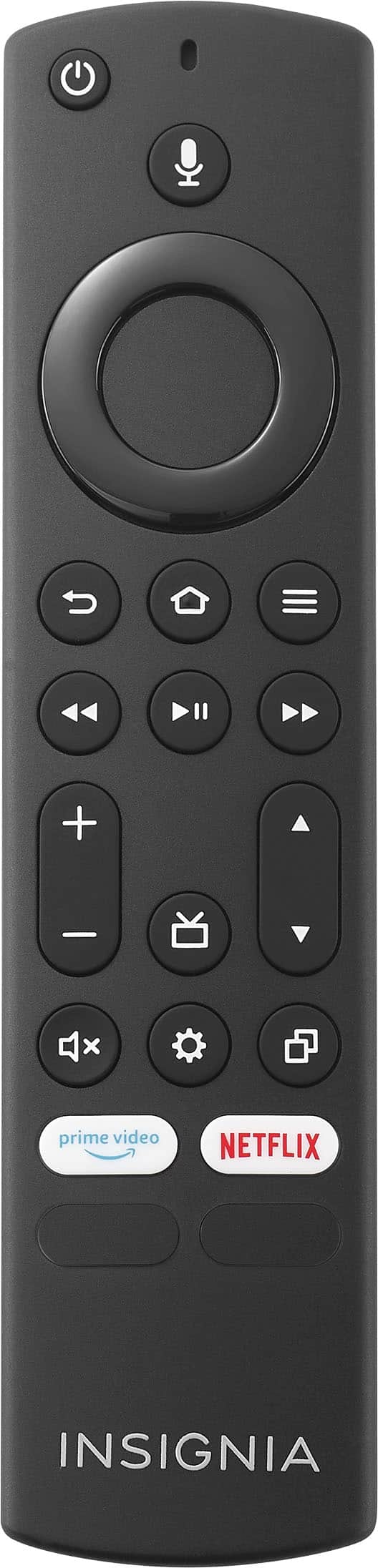
To disable the Motion Smoothing feature, soft reset your TV by unplugging it and pressing the power button for 60 seconds and then turning it back on. Check the remote buttons and batteries, then update the firmware.
Dina || Insignia Support || https://www.bestbuy.com/insignia
A:AnswerHello Mikey, To perform the troubleshooting steps, please follow the steps below:
1.Unplug your TV from the power outlet.
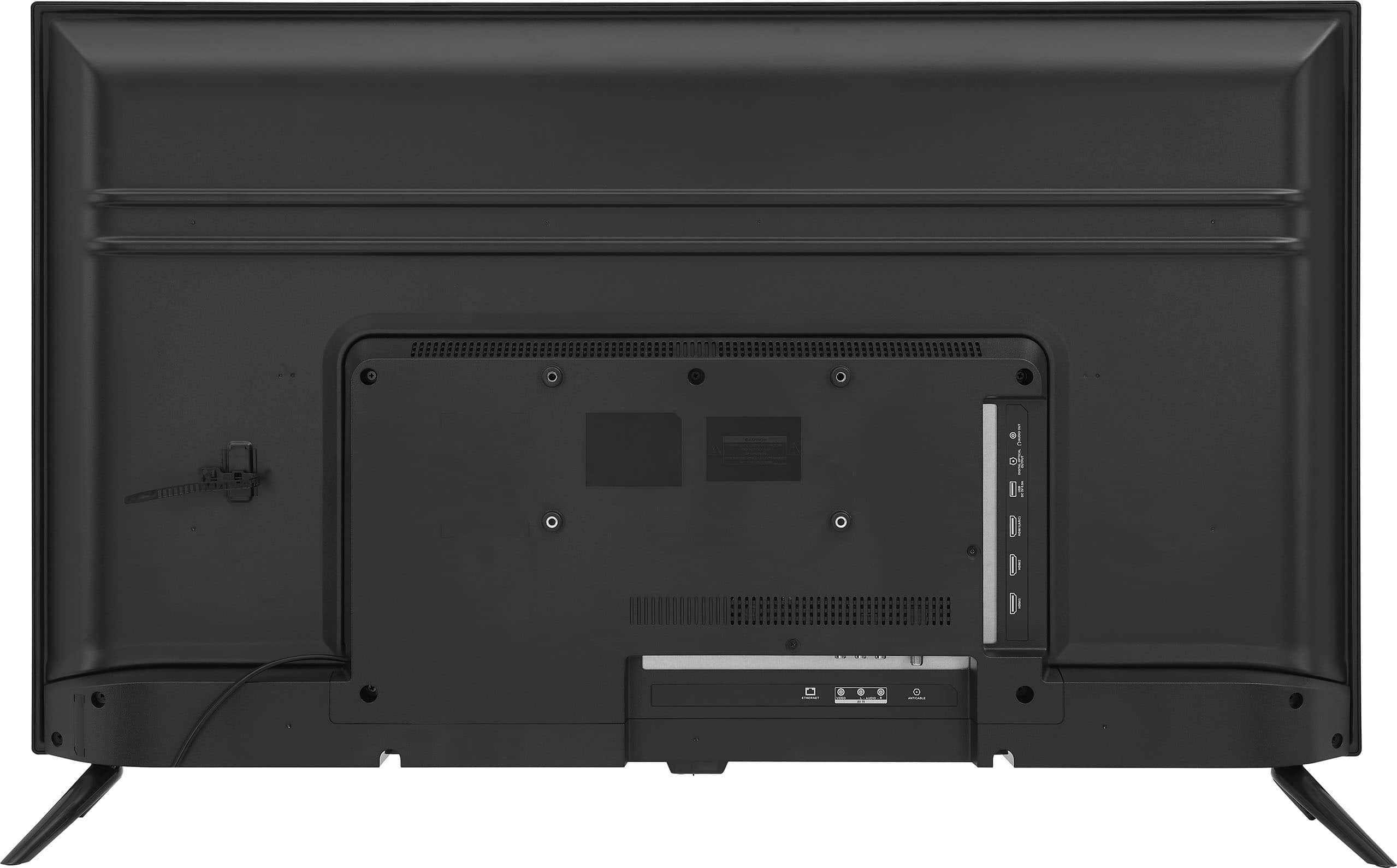
2.Remove all connections from the back of the TV.
3.While everything is unplugged, press and hold the "POWER" button on your TV for 60 seconds.
4.Plug all connections at the back of your TV making sure all of them are properly connected.
5.Plug the set to the power outlet, if possible, try to connect to a different power outlet or a surge protector.
6.Turn it on and test it. For further assistance, please contact our Insignia Customer service directly at 1-877-467-4289 Monday to Saturday 8 a.m. to 9 p.m. CT to sort this out.
Insignia Support
Shella
https://www.bestbuy.com/site/brands/best-buy-brands/pcmcat1596746025285.c?id=pcmcat1596746025285
A:AnswerHi Bryangor,
Please click the link for your reference below:
https://www.amazon.com/gp/help/customer/display.html?nodeId=GJU2FQK7R4TKK4VR#:~:text=%22Turn%20Fire%20TV%20%5Bon%2F,Switch%20to%20%5Binput%5D.%22
A:AnswerThis YouTube video (link below) shows the process to get Spectrum on your Fire TV. It is a work around.
https://www.youtube.com/watch?v=DtaQYoTjAos
Otherwise, you will have to buy a Roku device and install the Spectrum App on the Roku.
Cheers!!!
A:AnswerYou would use the search feature to find the app you're looking for. Once you locate the app you can download it. To subscribe you login into the app for the subscription. To access specific channels through Prime Video you need to access Amazon Prime account for that.
A:AnswerYes you should be able to you will have to go through downloader and type it in Google then type in the app that you want then you should be able to download it from there