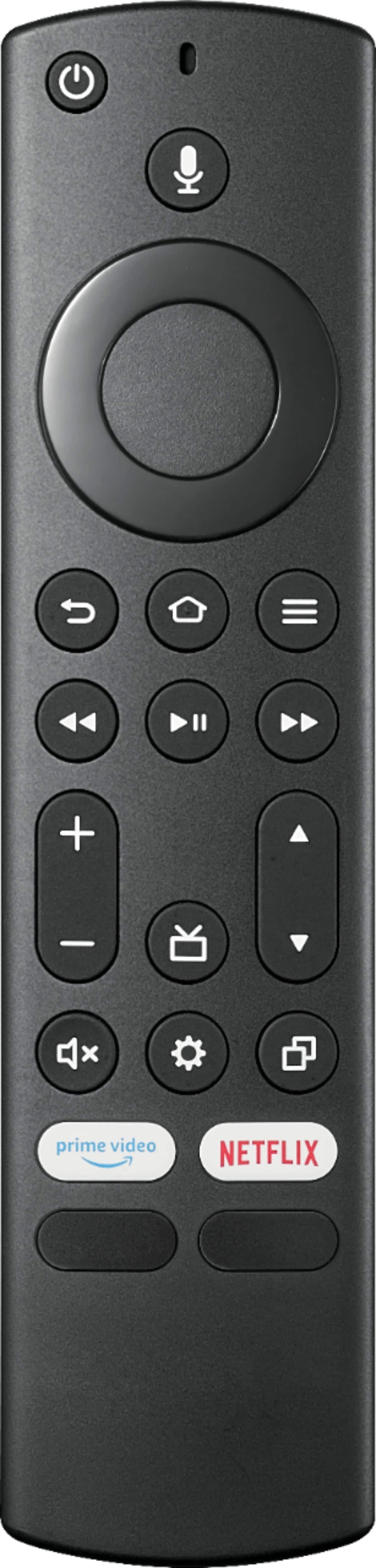
A:AnswerIt goes to sleep after a specified time which can be adjusted in Settings under Sleep Timer. I just hit the center button to wake up and go back to where it was.
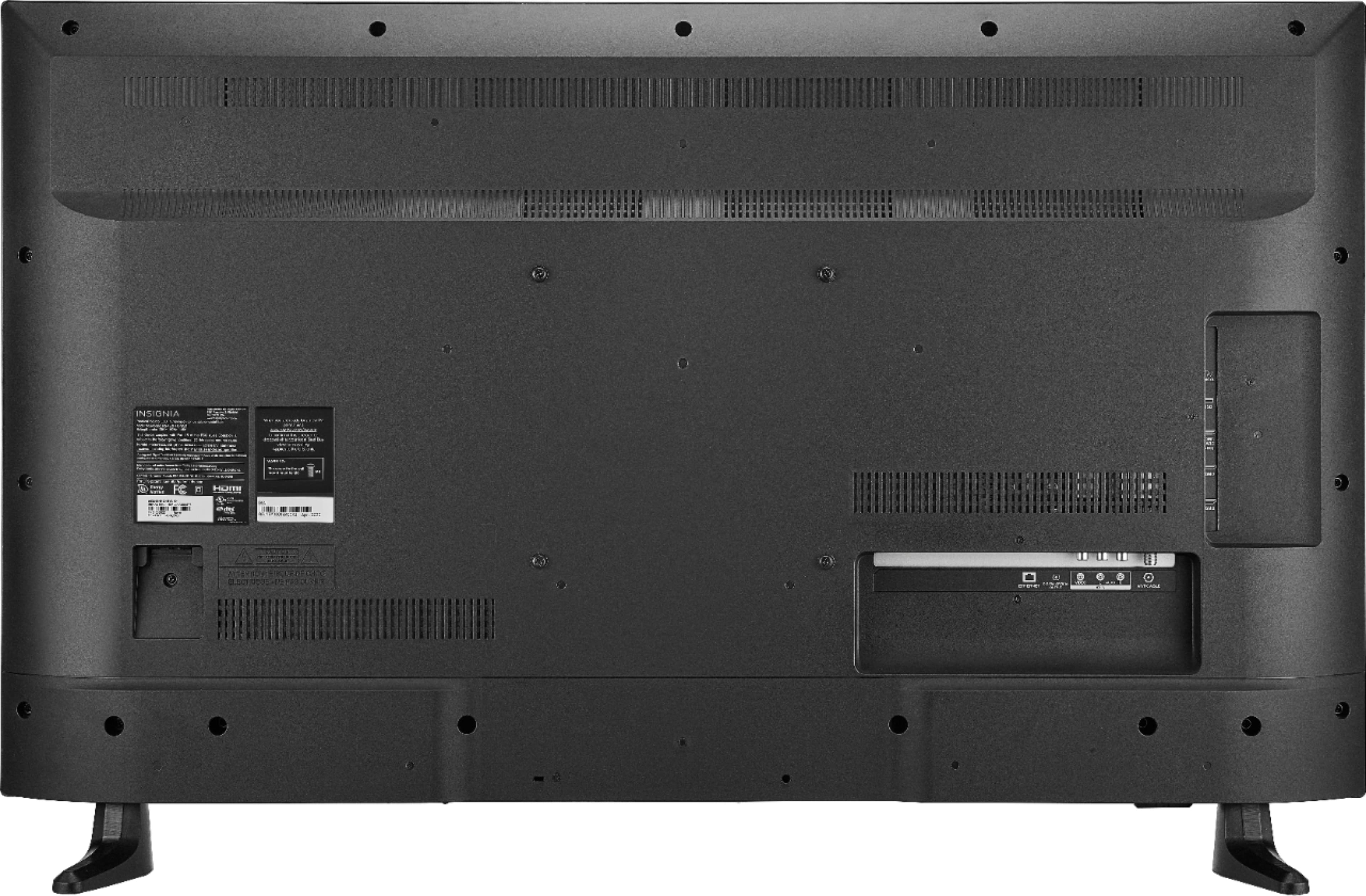
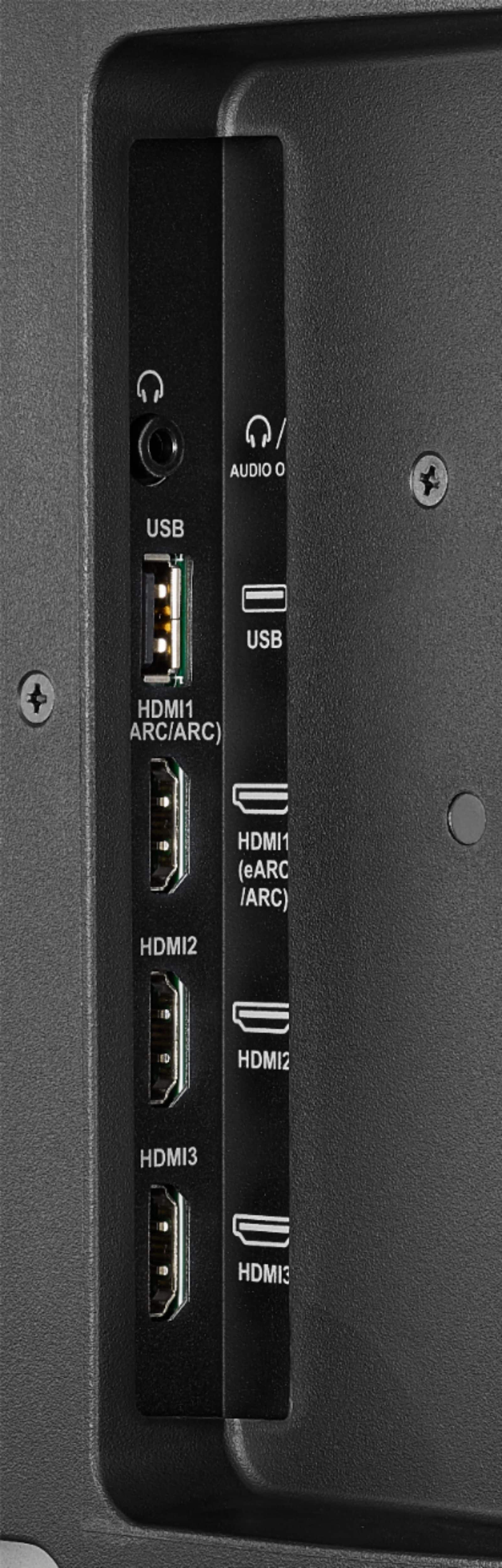
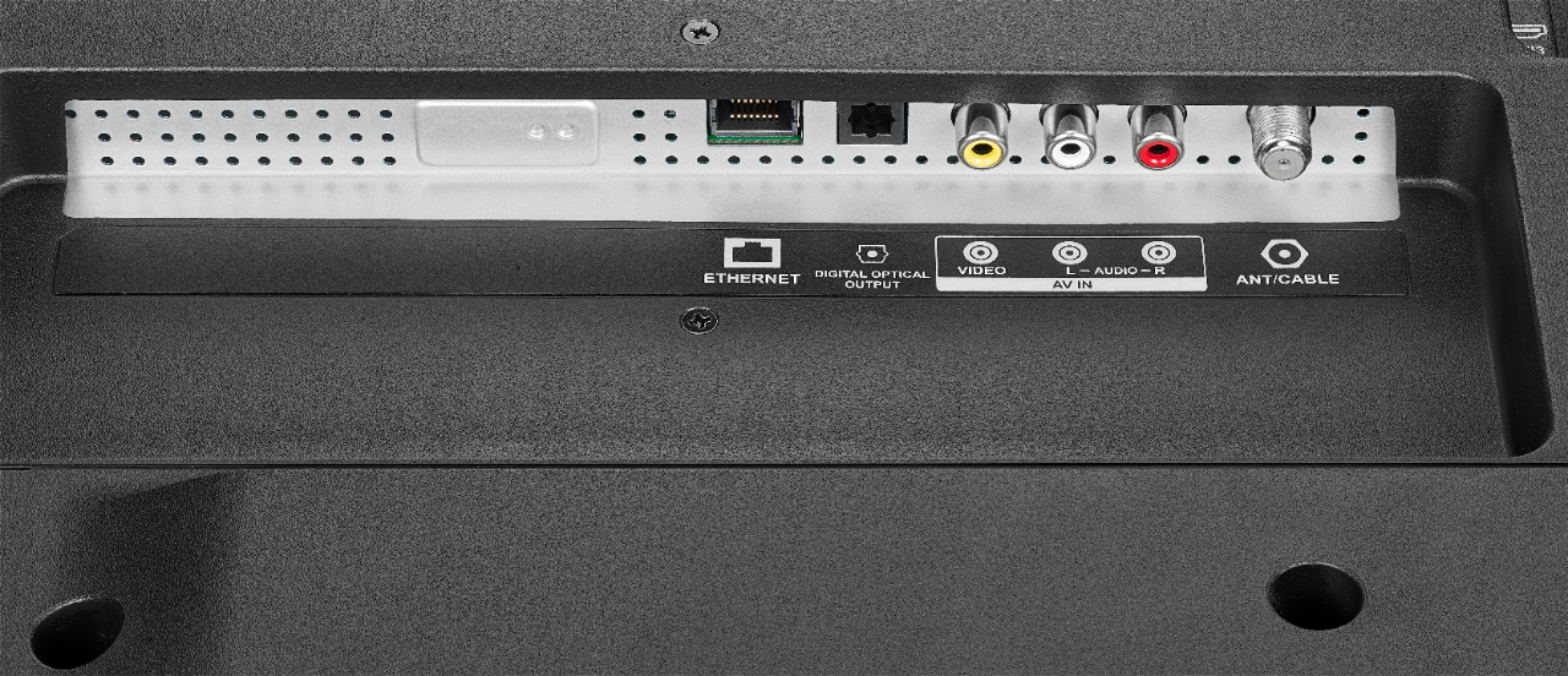
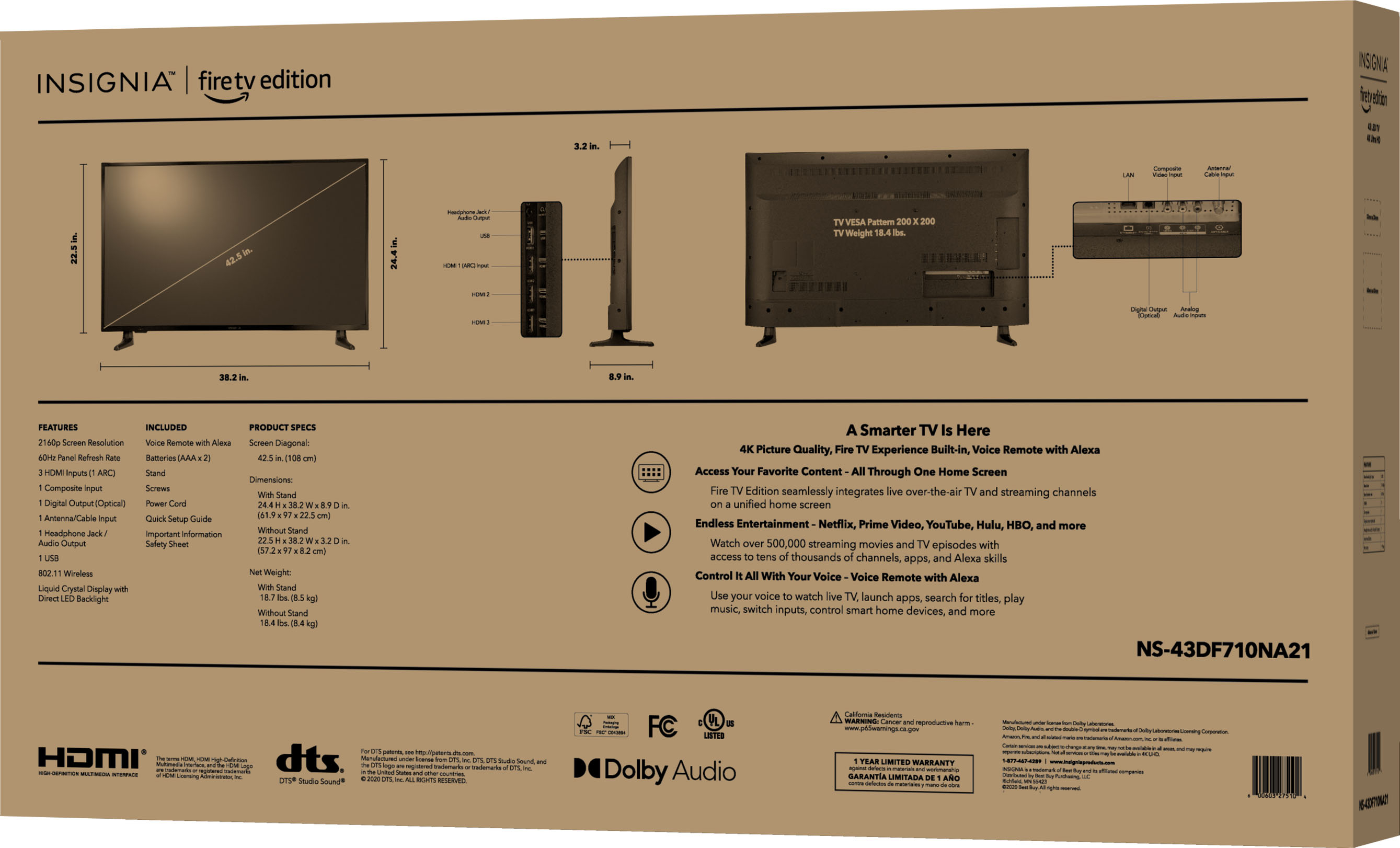
A:AnswerNot sure; BUT, it let me plug in my headphones to the TV HR output (small pin) and I could still run the volume up and down on my receiver (my setup is using optical out from TV to Denon receiver = really exceptional sound - with a 4K movie, it's better than ANY theater I've been in and I just use a five (no sub) Klipsch speakers arrangement in my bedroom/office suite).
So glad you asked that. Most TVs don't allow that; NOW I can listen with headphones and control TV WITH SOUND over headphones and all streaming (not to mention Alexa) using only ONE remote versus previously using the Denon remote for sound level.
A:AnswerHere is the link for the User Guide: https://files.bbystatic.com/w4LeoifjUPb2bumM9KS6CA%3D%3D/Insignia_FireTVEdition_WEB_20-0301_V4_EN_Final_lr.pdf