Main Content

Questions & Answers

Page Showing 181-200 of 255 questions
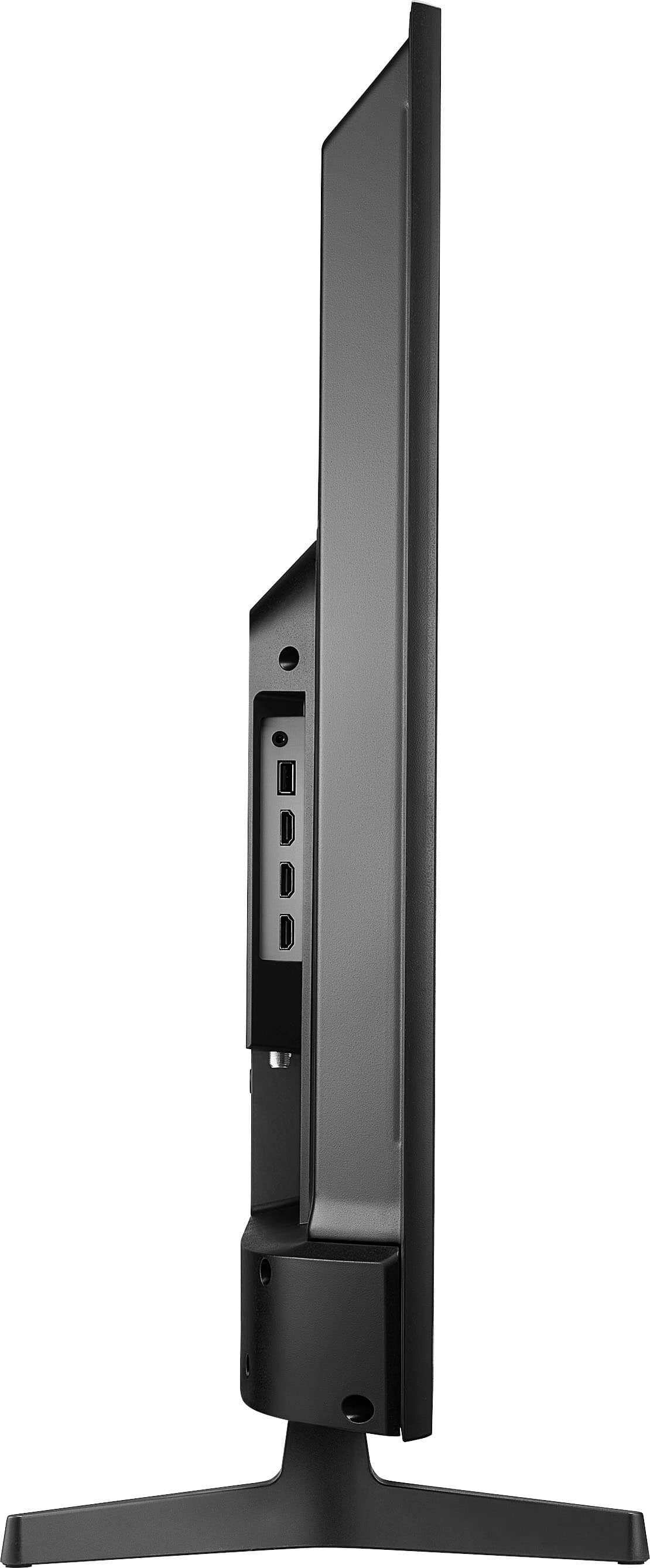
  • QuestionHow far apart are the legs on the tv stand

    Asked by Lisa.

    • Answer The distance between the legs of the Insignia™ 43" Class F30 Series LED 4K UHD Smart Fire TV is approximately 36.6 inches. This should help you determine if it will fit on your TV stand. If you have any other questions or need further assistance, feel free to ask! - Mae | Insignia Support | https://www.bestbuy.com/site/brands/best-buy-brands/pcmcat1596746025285.c?id=pcmcat1596746025285

      Answered by InsigniaCustomerSupport

  • QuestionCan this be connected to a sound bar?

    Asked by JBD123.

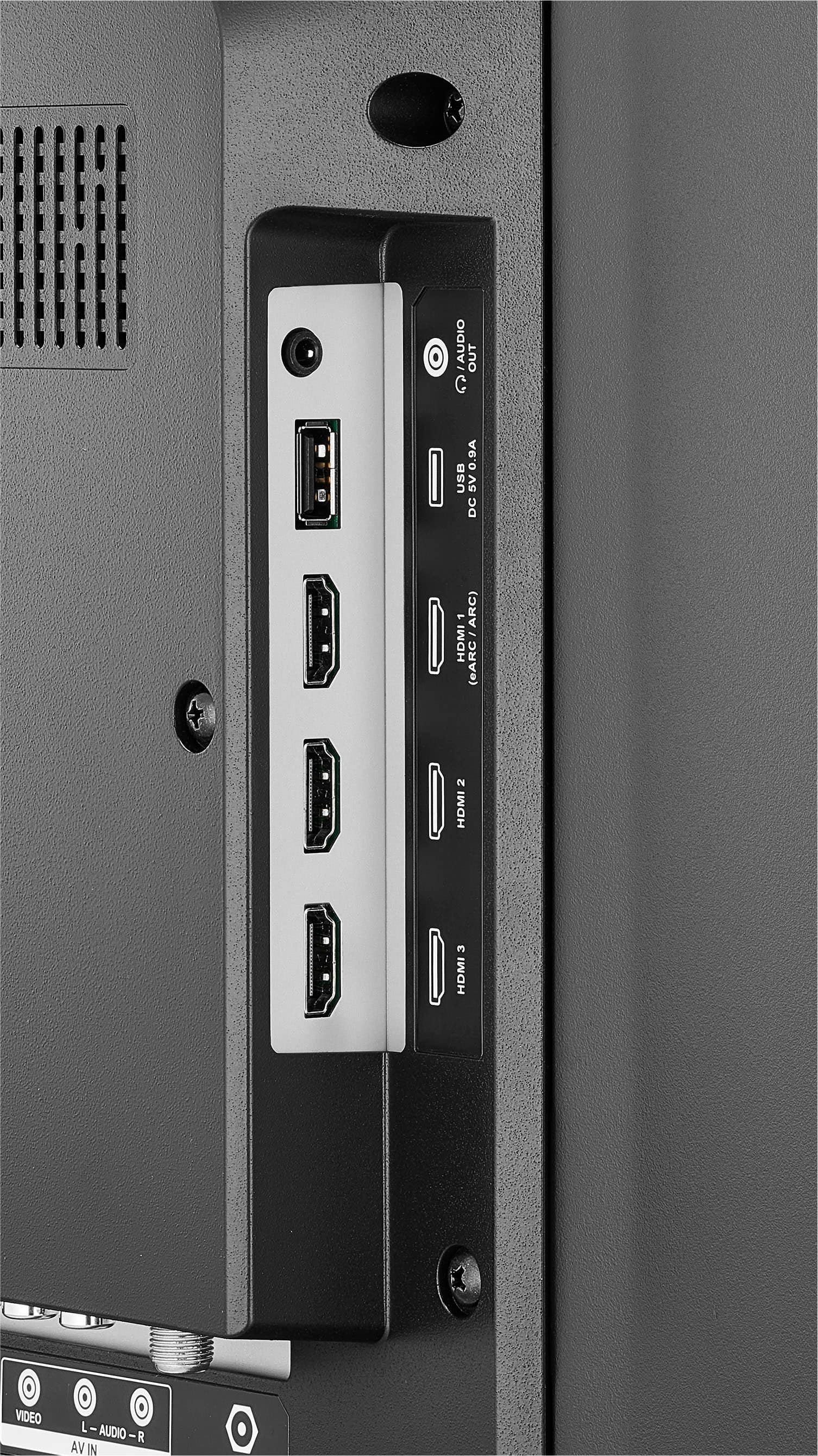
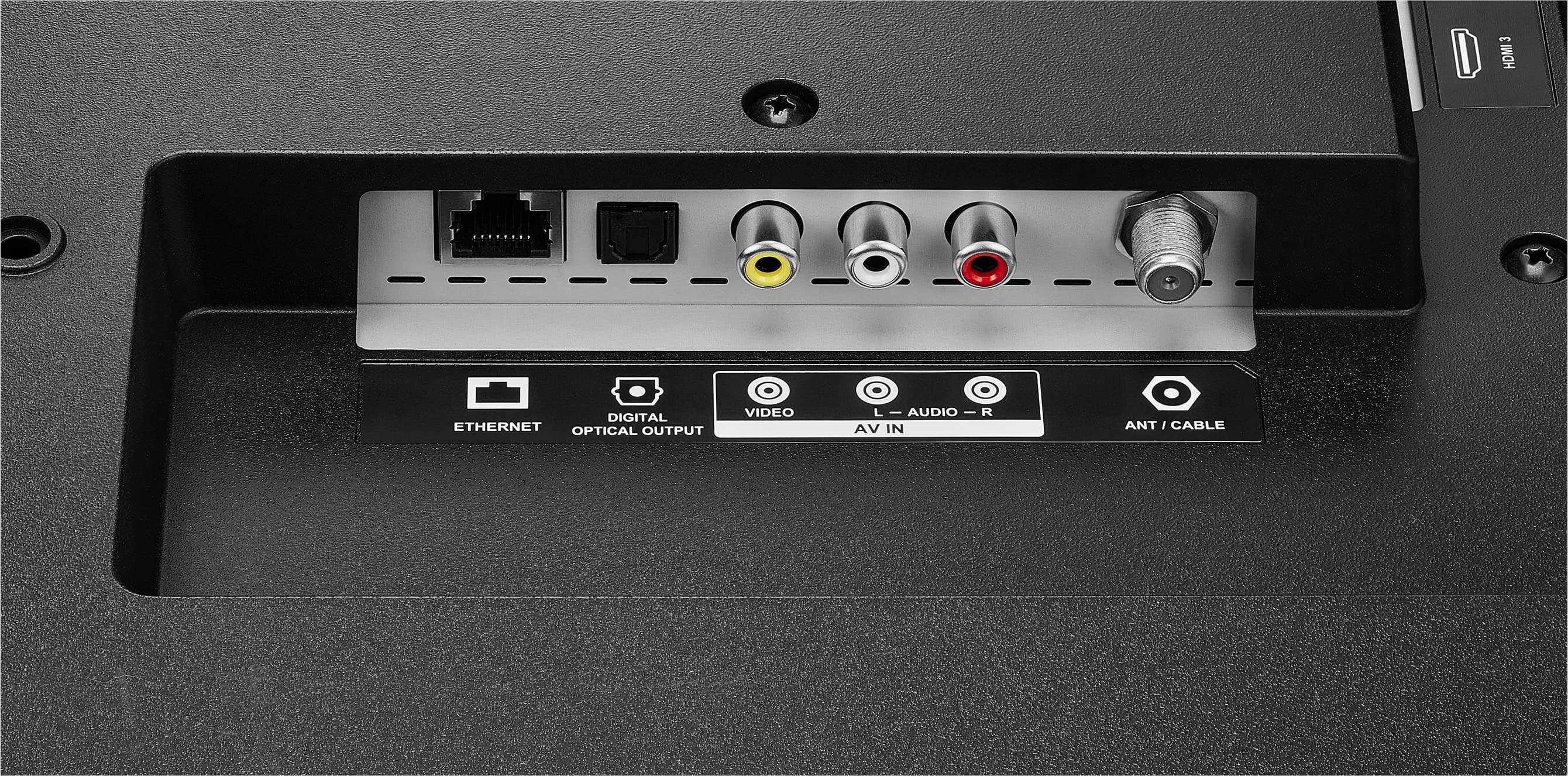
    • Answer Hi there! Thank you for reaching out! Yes, our Insignia TV can be connected to any soundbar. I hope this answers your question. If you have any further inquiries, please feel free to ask. - Carl | Insignia Support

      Answered by InsigniaCustomerSupport

  • QuestionCan I use the TV as a second screen (external monitor) for video editing?

    Asked by DinahA.

    • Answer Yes, you can use the Insignia™ 43" Class F30 Series LED 4K UHD Smart Fire TV as a second screen for video editing. This TV supports 4K resolution, which is beneficial for detailed video editing work. Here are a few steps to set it up: 1. Connect via HDMI: Use an HDMI cable to connect your computer to the TV. Ensure your computer’s graphics card supports 4K output. 2. Adjust Display Settings: On your computer, go to the display settings and select the TV as your second screen. You can choose to extend or duplicate your display. 3. Calibrate the Display: For accurate color representation, you might want to calibrate the TV’s display settings to match your editing needs. If you have any questions or need further assistance, please don't hesitate to reach out. Thank you for choosing Insignia! - Emman | Insignia Support | https://www.bestbuy.com/site/brands/best-buy-brands/pcmcat1596746025285.c?id=pcmcat1596746025285

      Answered by InsigniaCustomerSupport

  • Questionis Xfinity stream app available on this tv?

    Asked by emac.

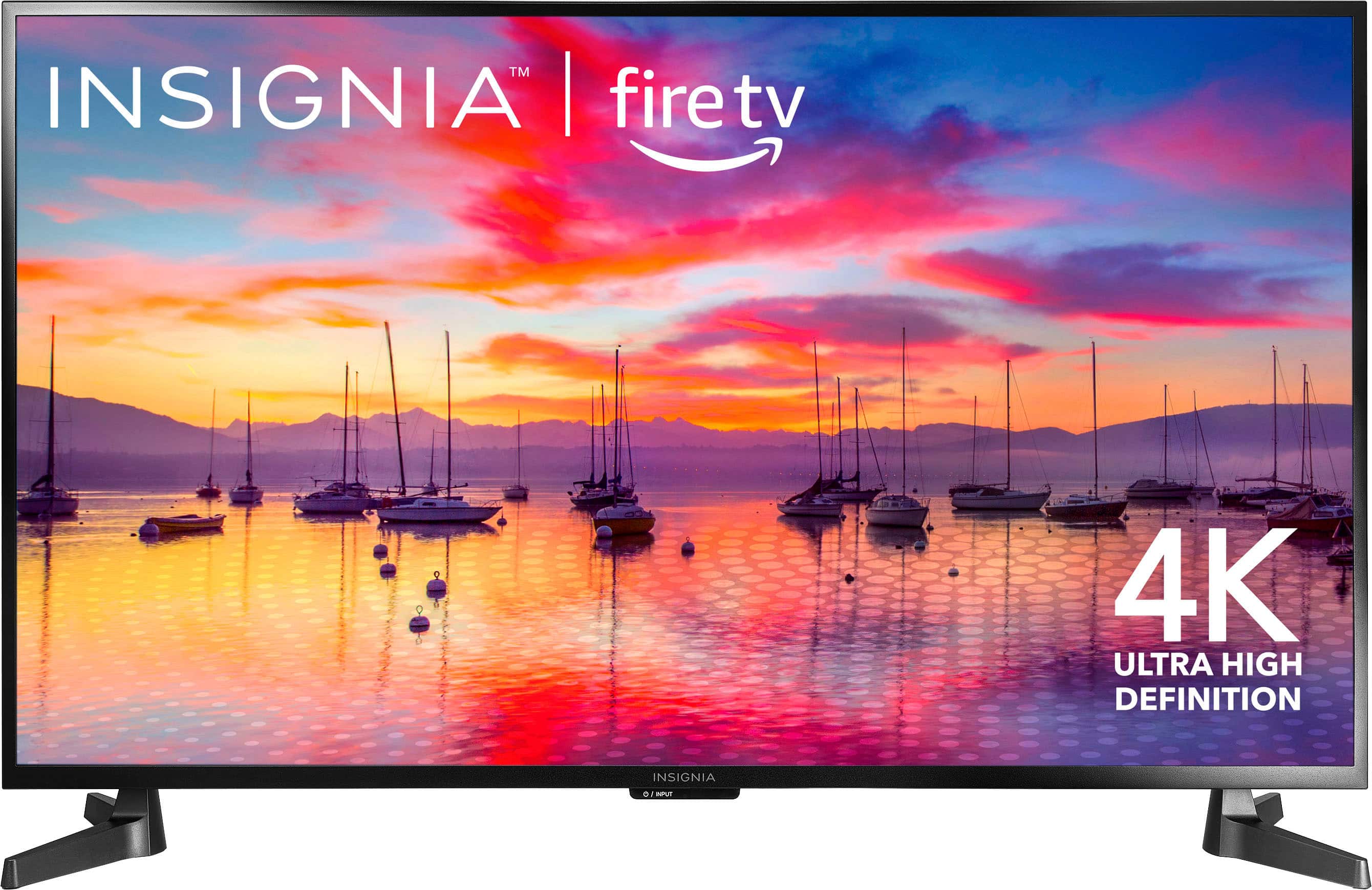
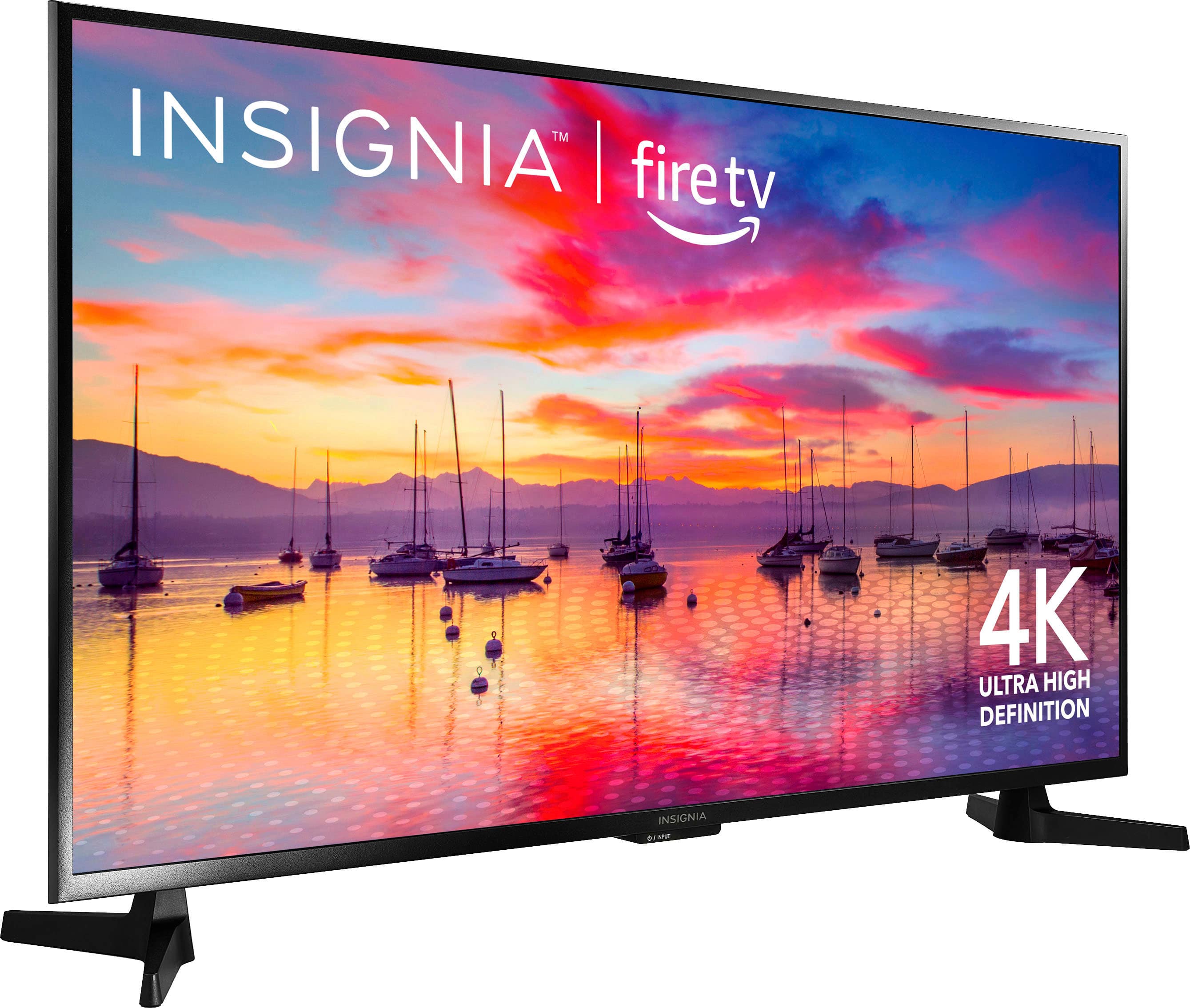
    • Answer Yes, the Xfinity Stream app is available on the Insignia™ - 43" Class F30 Series LED 4K UHD Smart Fire TV. Since this TV runs on the Amazon Fire TV platform, you can download and install the Xfinity Stream app directly from the Amazon Appstore. Patricia | Insignia Support https://www.bestbuy.com/site/insignia-43-class-f30-series-led-4k-uhd-smart-fire-tv/6562495.p?skuId=6562495
      Answered by InsigniaCustomerSupport

  • QuestionIs this compatible for a tabletop stand?

    Asked by tabletopstand.

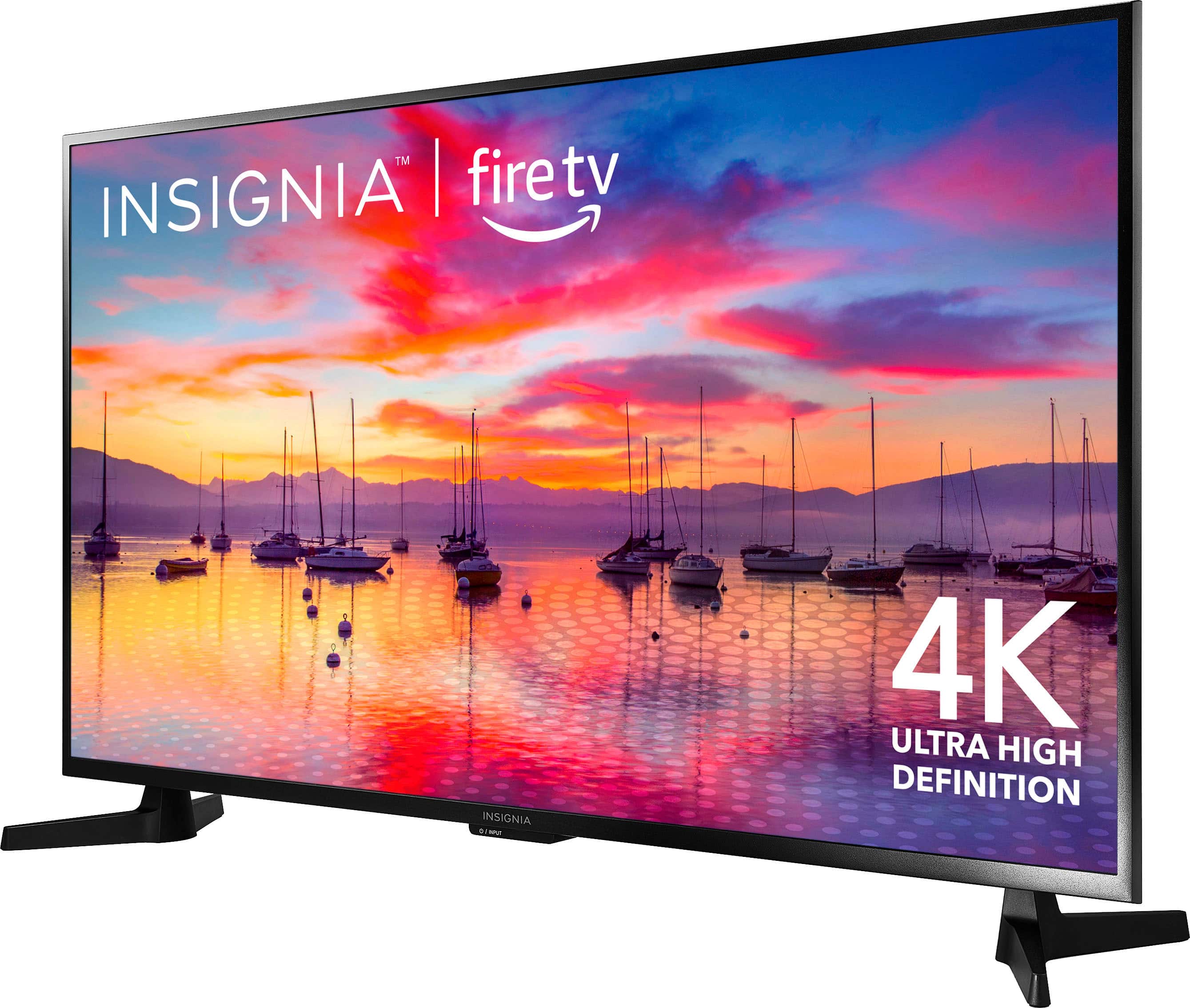
    • Answer Yes, the Insignia™ 43" Class F30 Series LED 4K UHD Smart Fire TV is compatible with a tabletop stand. It comes with two feet that can be attached to the bottom of the TV, allowing it to stand securely on a flat surface. Patricia | Insignia Support https://www.bestbuy.com/site/insignia-43-class-f30-series-led-4k-uhd-smart-fire-tv/6562495.p?skuId=6562495
      Answered by InsigniaCustomerSupport

  • QuestionCan you use this as an addon laptop monitor? Cheers N

    Asked by Northstar.

    • Answer Hello! Thank you for reaching out. Yes, our TV can be used as an additional laptop monitor by connecting it via an HDMI cable. I hope this answers your question. If you have any further questions, please feel free to ask. - Carl | Insignia Support

      Answered by InsigniaCustomerSupport

  • QuestionModel:NS-43F301NA25 Specs lists the TV with bluetooth. How do I setup my bluetooth hearing aids?

    Asked by Jimbob.

    • Answer Hi there! Thank you for reaching out! Yes, our Insignia TVs are Bluetooth compatible. You can set up your Bluetooth hearing aids by going to "Settings" > "Controllers & Bluetooth Devices" > "Other Bluetooth Devices" > "Add Bluetooth Devices." I hope this information is helpful! If you have any further questions, please feel free to reach out.- Carl | Insignia Support

      Answered by InsigniaCustomerSupport

  • QuestionWhat year is this TVym

    Asked by Sunshine.

    • Answer I just got mines recently, and the sticker on the backside says it was manufactured in August 2024.

      Answered by averagegamer

  • QuestionDoes this TV have a web browser?

    Asked by Amine.

    • Answer The Insignia™ 43" Class F30 Series LED 4K UHD Smart Fire TV does not come with a built-in web browser. However, you can access a wide range of streaming apps and services, including popular ones like Netflix, Hulu, Disney+, and Prime Video. If you need a web browser, you might consider using a streaming device like an Amazon Fire Stick or a Roku, which can be connected to the TV and offer web browsing capabilities through specific apps. If you have any questions or need further assistance, please don't hesitate to reach out. Thank you for choosing Insignia! - Emman| Insignia Support | https://www.bestbuy.com/site/brands/best-buy-brands/pcmcat1596746025285.c?id=pcmcat1596746025285

      Answered by InsigniaCustomerSupport

  • Questiondo this tv work on spectrum cable app

    Asked by Anonymous.

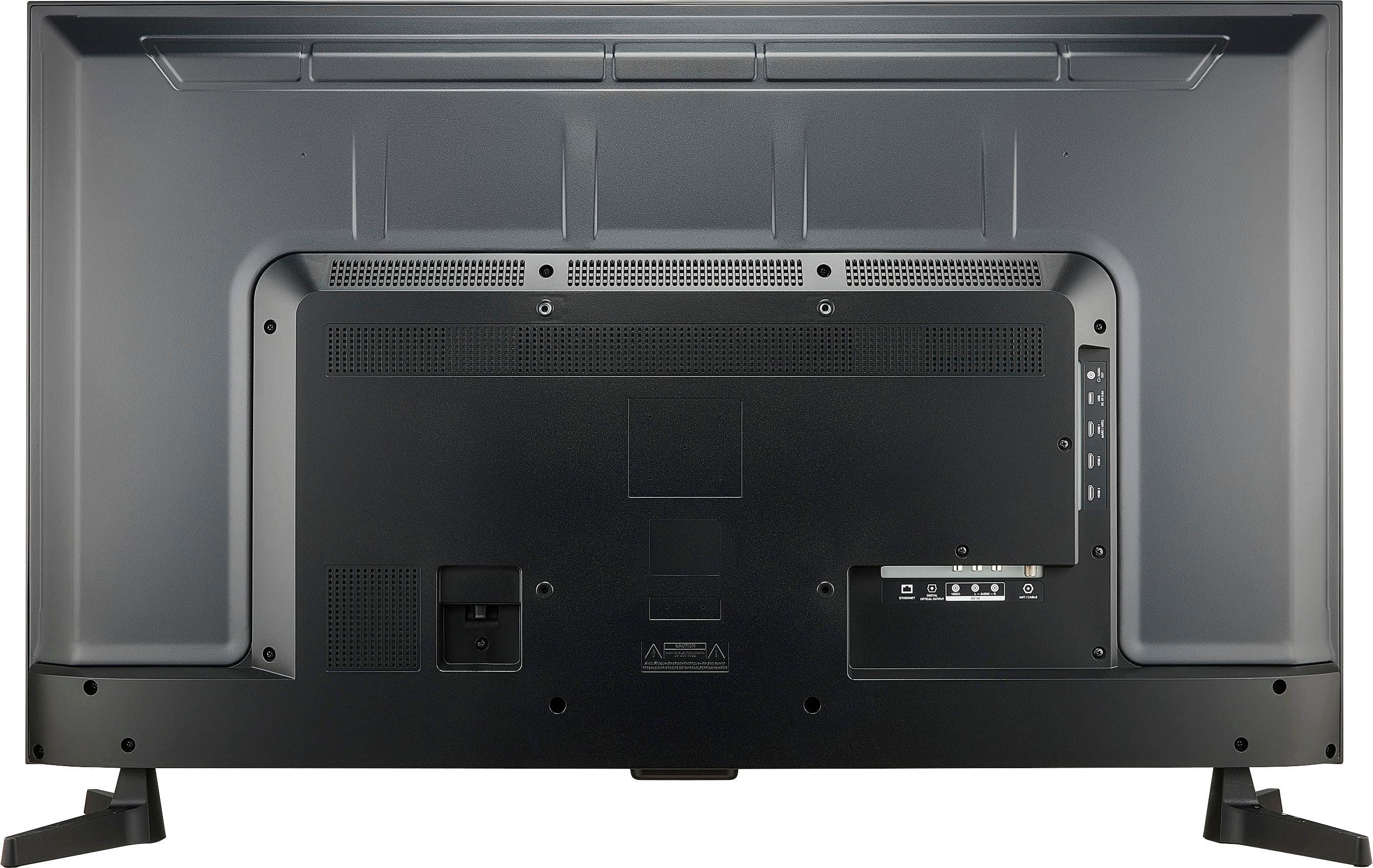
    • Answer Hi, the Spectrum TV app is not available for download on Fire TV Editions. Patricia | Insignia Support https://www.bestbuy.com/site/insignia-43-class-f30-series-led-4k-uhd-smart-fire-tv/6562495.p?skuId=6562495
      Answered by InsigniaCustomerSupport

  • QuestionDoes TV has a screen save mode which means after predetermined time of inactivity the TV will play pictures stored on USB drive plugged into the TV

    Asked by Rickie.

    • Answer The tv does have a screen saver mode however the pictures have to be uploaded to amazon photos for them to show up

      Answered by Frank

  • QuestionCan I Bluetooth and hotspot this tv

    Asked by Scott.

    • Answer Hi Scott! Yes, the Insignia™ - 43" Class F30 Series LED 4K UHD Smart Fire TV does support Bluetooth. You can use it to connect wireless headphones or speakers. However, the TV itself does not have a built-in hotspot feature. If you want to use it with a mobile hotspot, you can connect the TV to your phone’s hotspot via Wi-Fi. This way, you can stream content even without a traditional home internet connection. For more product information, please check the link below. |Angelica| Insignia Products| https://www.bestbuy.com/site/insignia-43-class-f30-series-led-4k-uhd-smart-fire-tv/6562495.p?skuId=6562495
      Answered by InsigniaCustomerSupport

  • QuestionCan I used AirPlay from my iPhone

    Asked by Anonymous.

    • Answer Yes! You can “share videos, photos, music and more from an Apple device to your TV with the touch of a button.”

      Answered by Patti

  • QuestionDoes this come with extra set of legs like the larger models?

    Asked by Katie.

    • Answer It has legs if you don't want to mount it.

      Answered by JamieC

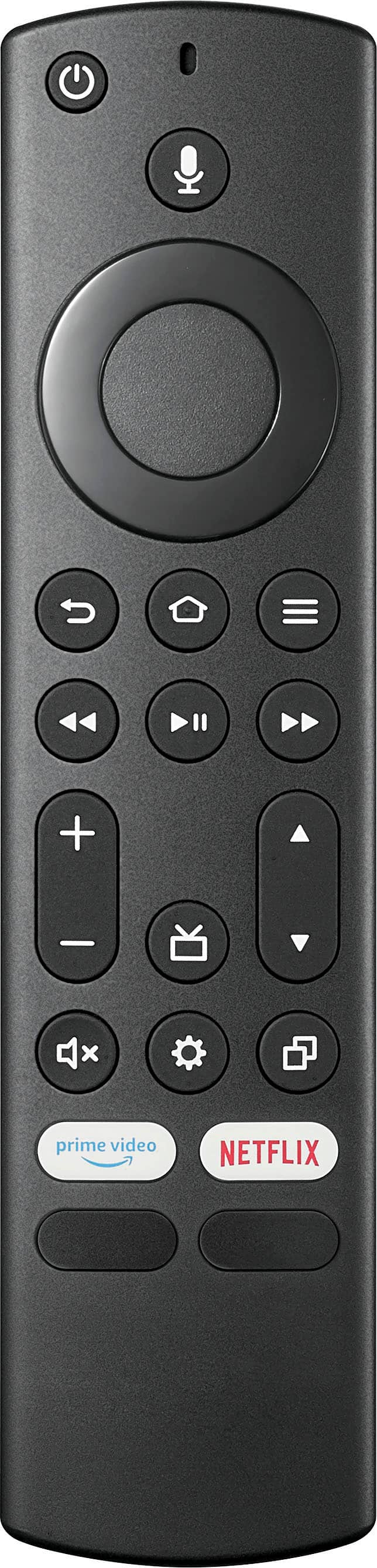
  • Questiondoes it come with a remote, if you do not have alexa

    Asked by msg.

    • Answer What kind of remote comes with the 32in insignia in

      Answered by Anonymous

  • QuestionWe are full time rver's and travel the country. When scanning for over the air channels and locking in and we move onto another area. does this tv forget the old channels as we scan for channels in the new location? Our do we manually have to edit?

    Asked by motohomer.

    • Answer It would probably forget the old channels. When you do a channel scan on most TVs it will erase the old channel list and update it with the new list.

      Answered by aaarrrrrgggggggg

  • QuestionI looked at the Samsung-Plus 55" at Best Buy. Does it receive the three main stations - ABC, NBC, & CBS - and if it does, does it show the three closest local stations for those networks? I live just outside Nashville. Would it show channels 2, 4 & 5?.

    Asked by BOBBYKINS.

    • Answer Thank you for your inquiry! The Insignia™ - 43" Class F30 Series LED 4K UHD Smart Fire TV, as well as the Samsung Plus 55" TV, can receive local channels such as ABC, NBC, and CBS if an antenna is connected. The ability to receive these channels depends on your location and the strength of the broadcast signals. Since you live just outside Nashville, using an appropriate antenna should allow you to receive local stations, including WKRN (Channel 2 for ABC), WSMV (Channel 4 for NBC), and WTVF (Channel 5 for CBS). The TVs themselves do not automatically provide access to these channels; they rely on the antenna to capture the signals broadcast by the local stations. With a good quality antenna and being within range of the broadcast towers, you should be able to receive these channels clearly. Some smart TVs also offer streaming apps that might provide access to local channels through internet services, but this depends on the availability of such services in your area. Keith | Insignia Support https://www.bestbuy.com/site/insignia-43-class-f30-series-led-4k-uhd-smart-fire-tv/6562495.p?skuId=6562495
      Answered by InsigniaCustomerSupport

  • QuestionHOW DO I CONNECT MY SPECTRUM REMOTE AND NOT USE INSIGNIA REMOTE UNLESS I WANT TOO. HAVE TRIED THE WHY SPECTRUM SAYS WITH CODE AND KEEP GETTING INSIGNIA HOME SCREEN.

    Asked by CC.

    • Answer You can’t. The tv is junk

      Answered by WillK

  • QuestionHow much space is available for adding more channel apps? I own a Toshiba Fire TV with limited space, so apps need to be deleted to add new ones.

    Asked by Bluey.

    • Answer After OS, it has close to 12 gigs available. For reference, I have 25 apps (some preloaded and some by me) and still have just over 8 gigs still available. You can also use an external storage device such as a usb stick to expand it substantially if needed for pretty cheap.

      Answered by JPrincipali