A:AnswerIt sounds like you're experiencing a frustrating issue with your USB flash drive. Here are some steps you can try to resolve the problem:
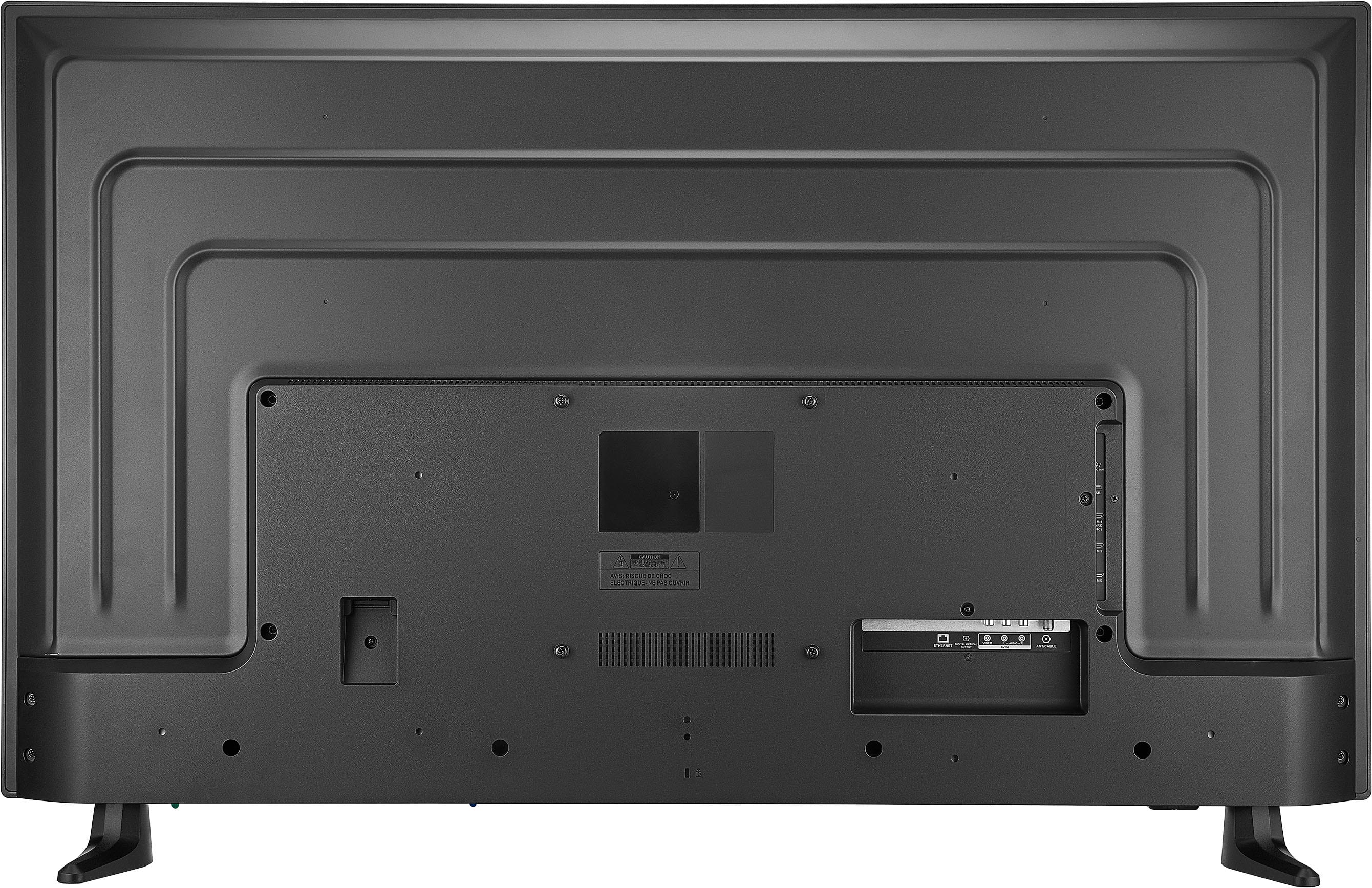
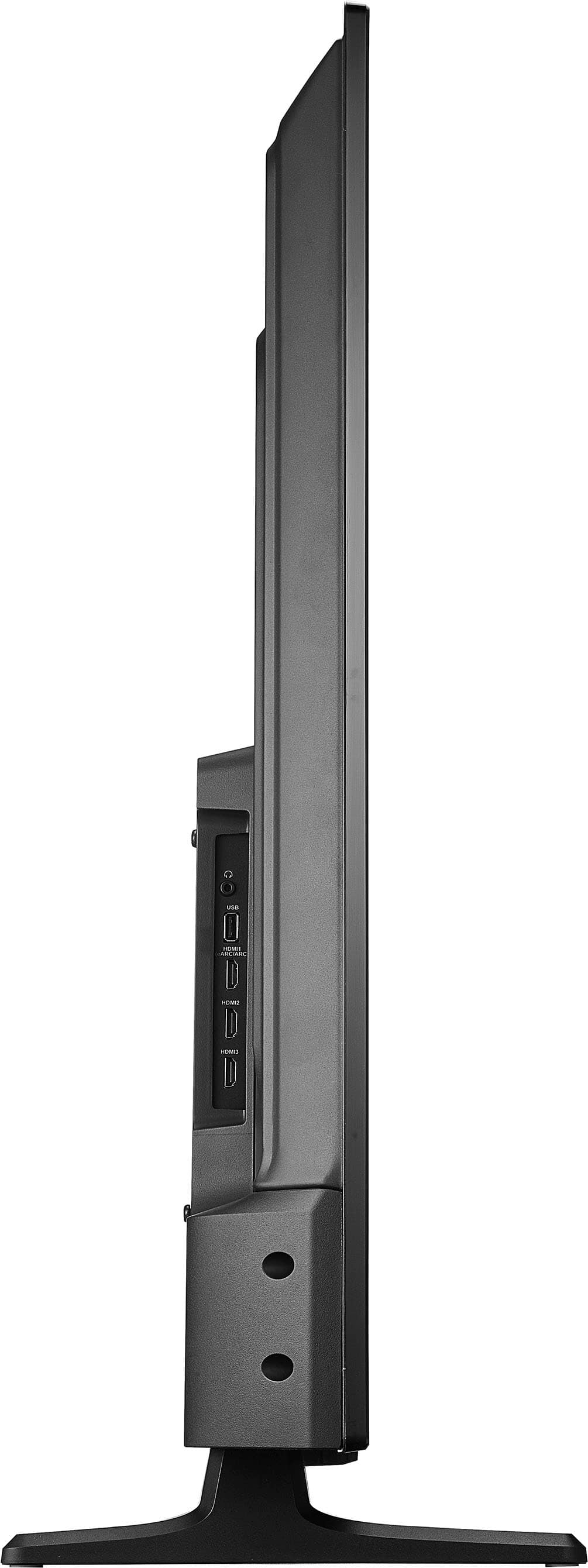
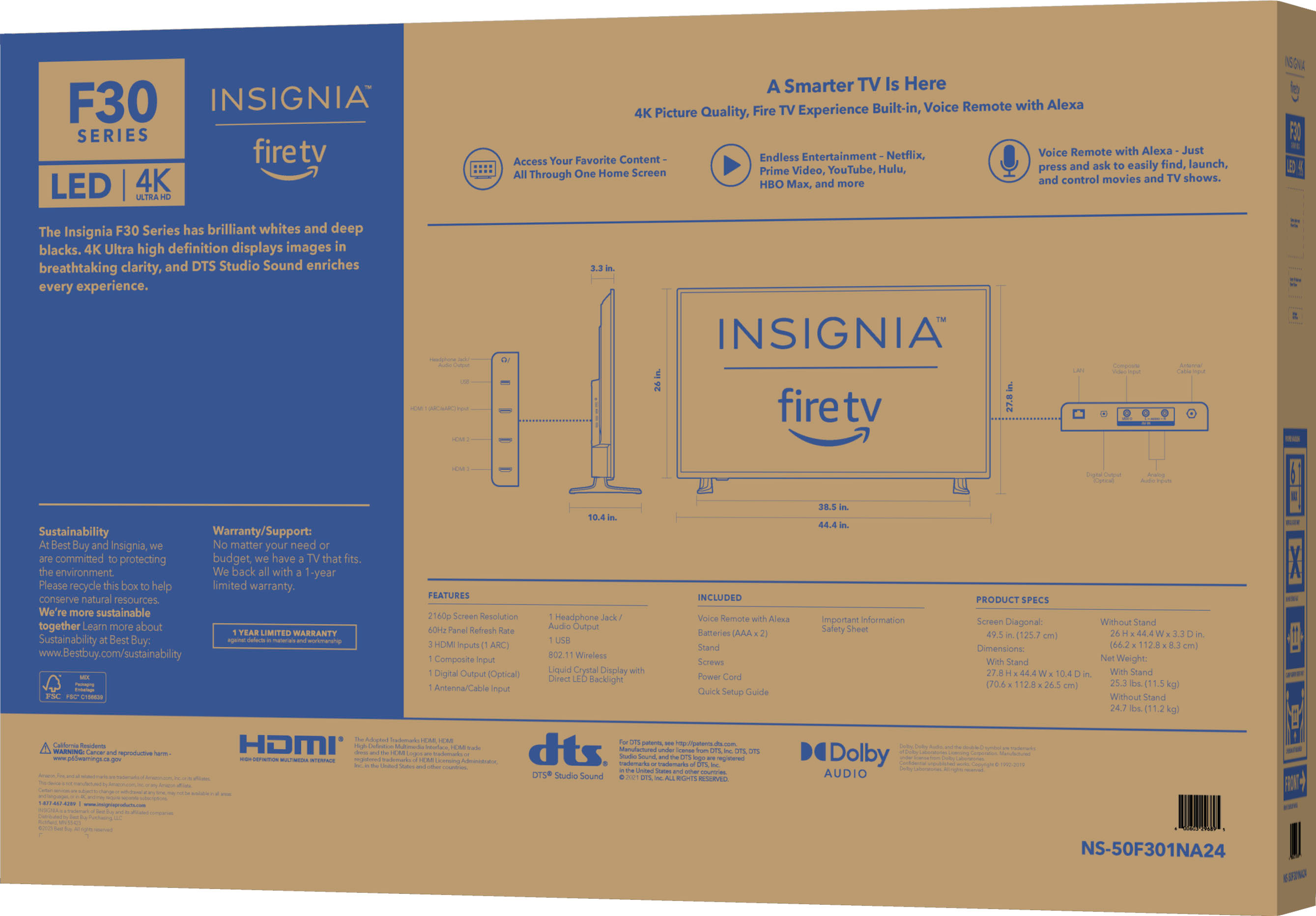
1. Check USB Compatibility: Ensure that your USB flash drive is compatible with the TV. The Insignia F30 Series supports USB drives formatted in FAT32 or NTFS.
2. Remove Write Protection:
- On Windows 10:
1. Insert the USB flash drive into your PC.
2. Open Command Prompt as an administrator.
3. Type `diskpart` and press Enter.
4. Type `list disk` and press Enter to see all connected drives.
5. Identify your USB drive from the list and type `select disk X` (replace X with your USB drive number).
6. Type `attributes disk clear readonly` and press Enter.
7. Type `exit` to close Diskpart.
3. Reformat the USB Drive:
- On Windows 10:
1. Open File Explorer and right-click on the USB drive.
2. Select "Format".
3. Choose FAT32 or NTFS as the file system.
4. Click "Start" to format the drive.
4. Reinsert the USB Drive into the TV: After reformatting, insert the USB drive back into your Insignia TV and check if it is recognized.
If these steps don't resolve the issue, you might want to try a different USB flash drive to see if the problem persists. If you continue to experience difficulties, it could be helpful to contact Insignia customer support for further assistance.
Let me know if you need any more help!
A:AnswerWe recommend the Insignia TV Stand for Most Flat-Panel TVs Up to 65" with model number NS-HTMS1. -Ed | Insignia Support | https://www.bestbuy.com/site/brands/best-buy-brands/pcmcat1596746025285.c?id=pcmcat1596746025285 .
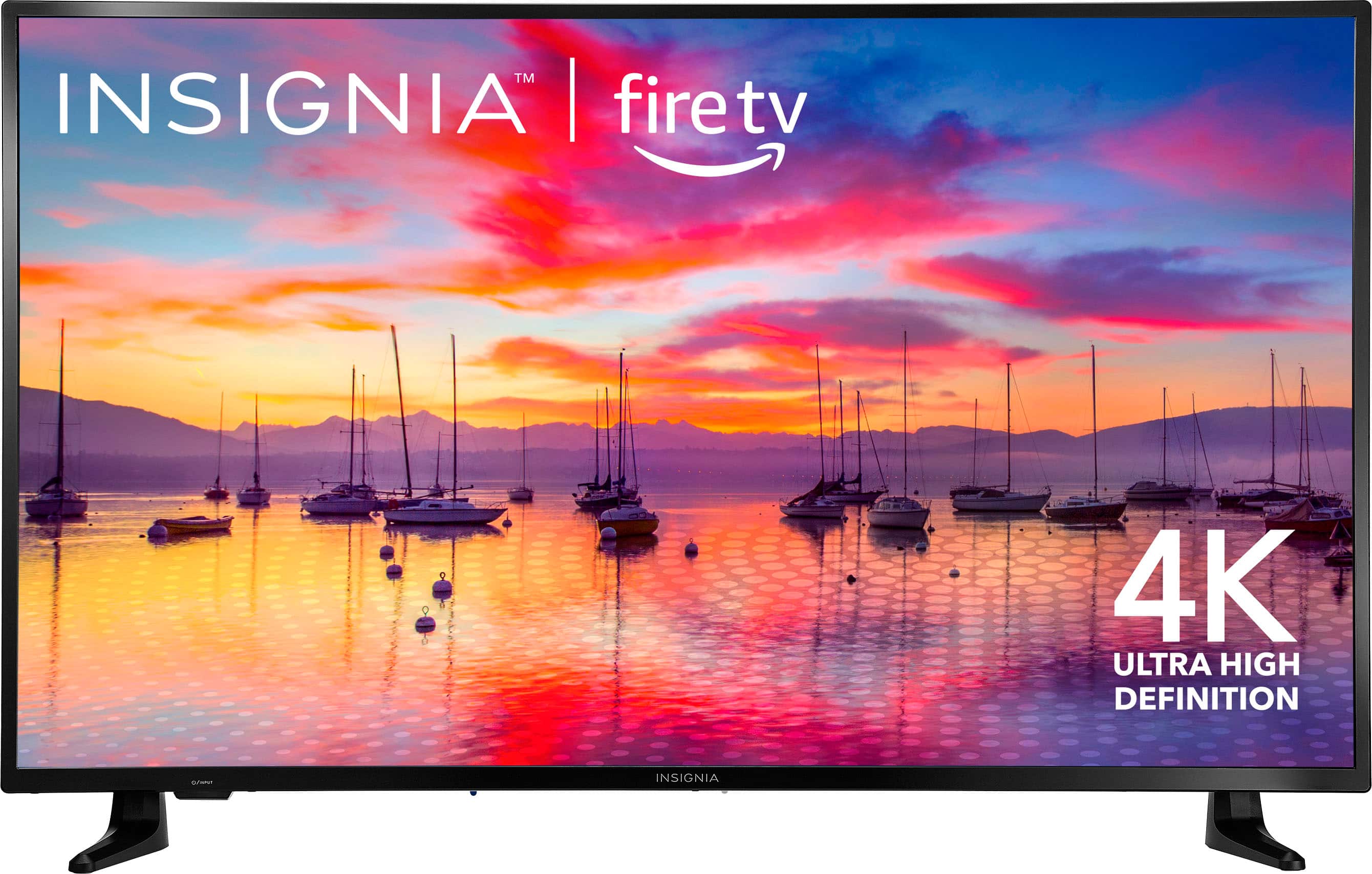
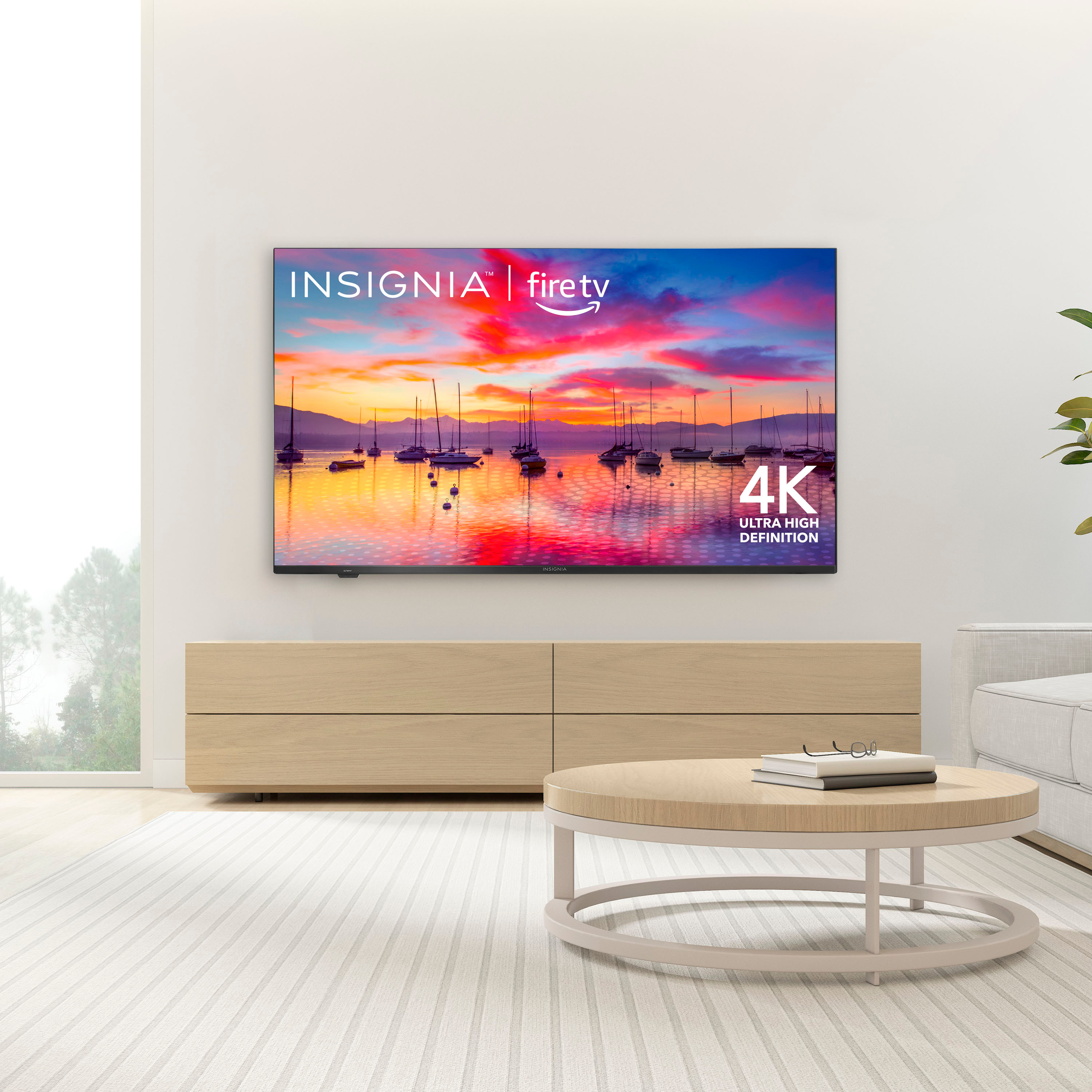
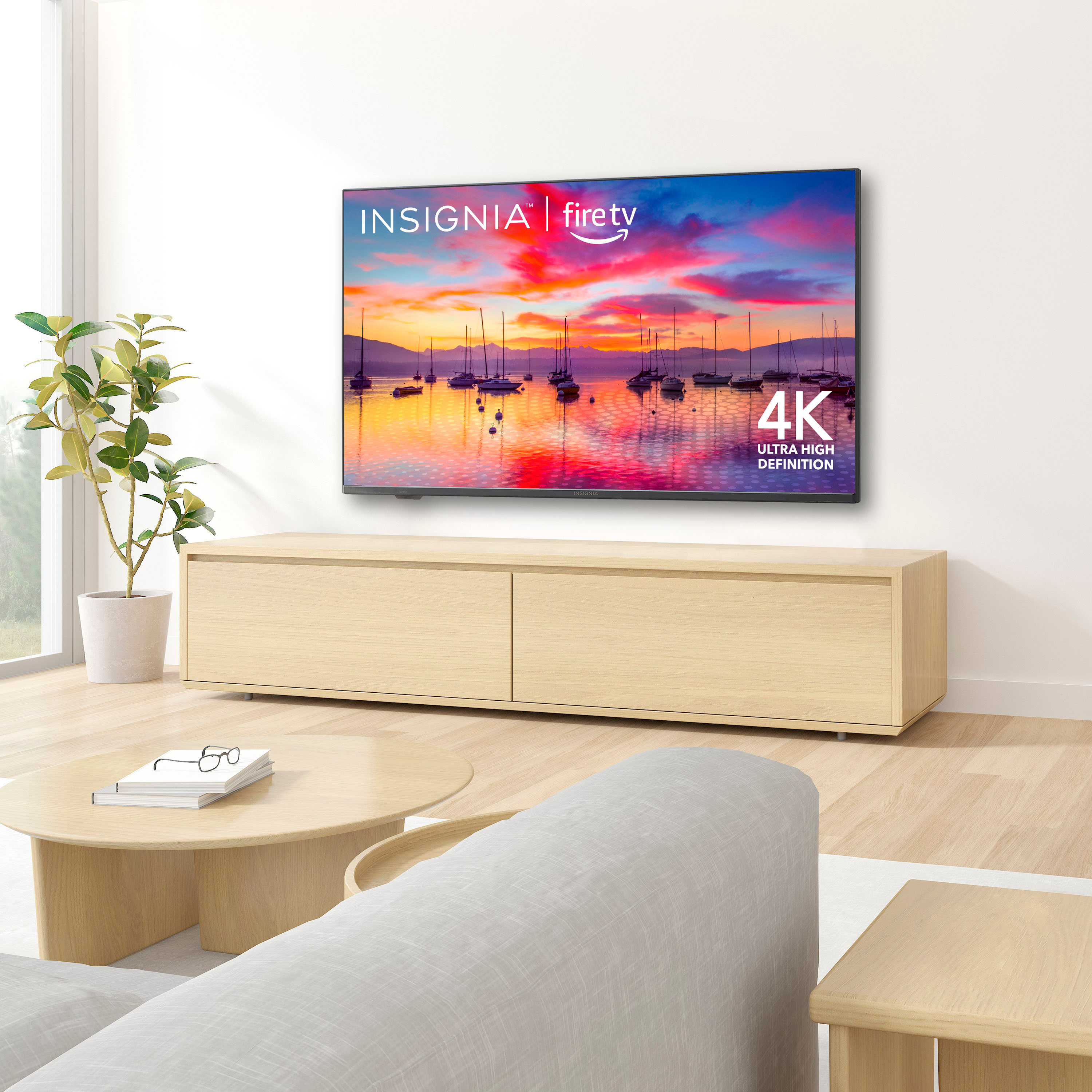
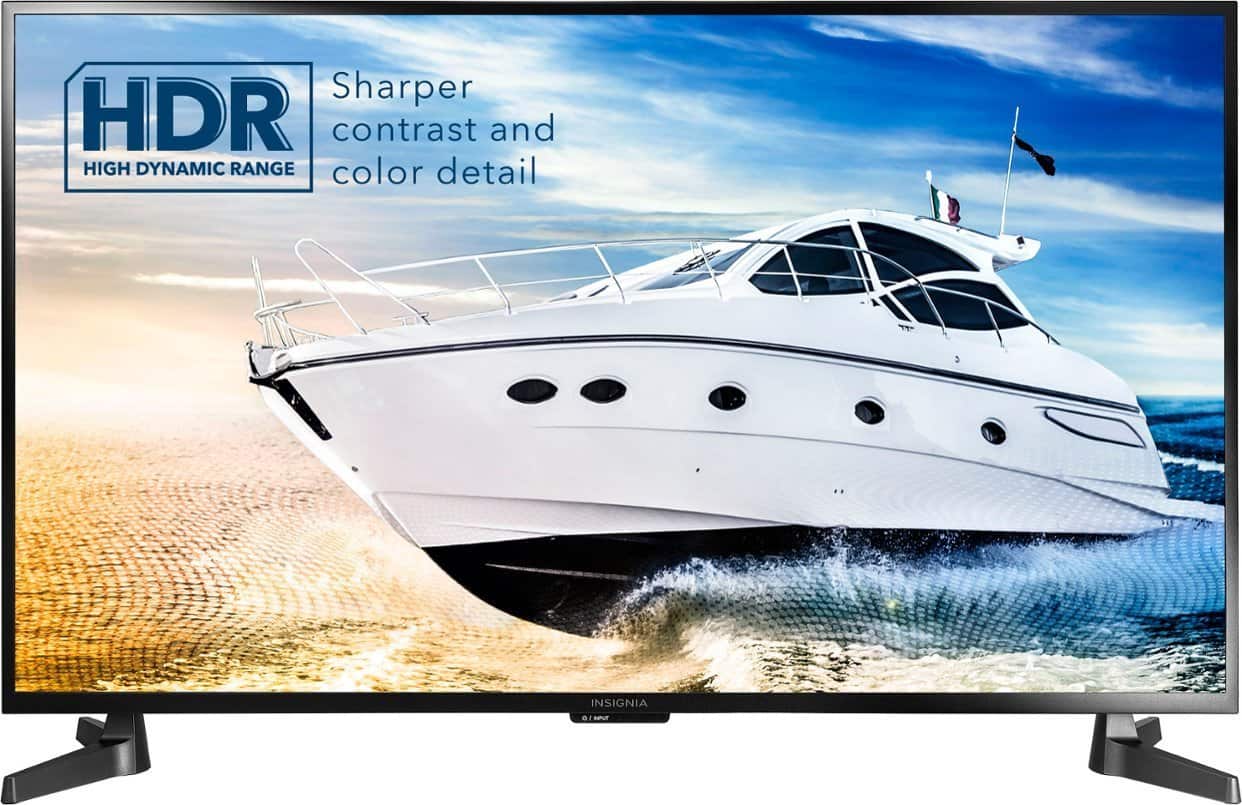
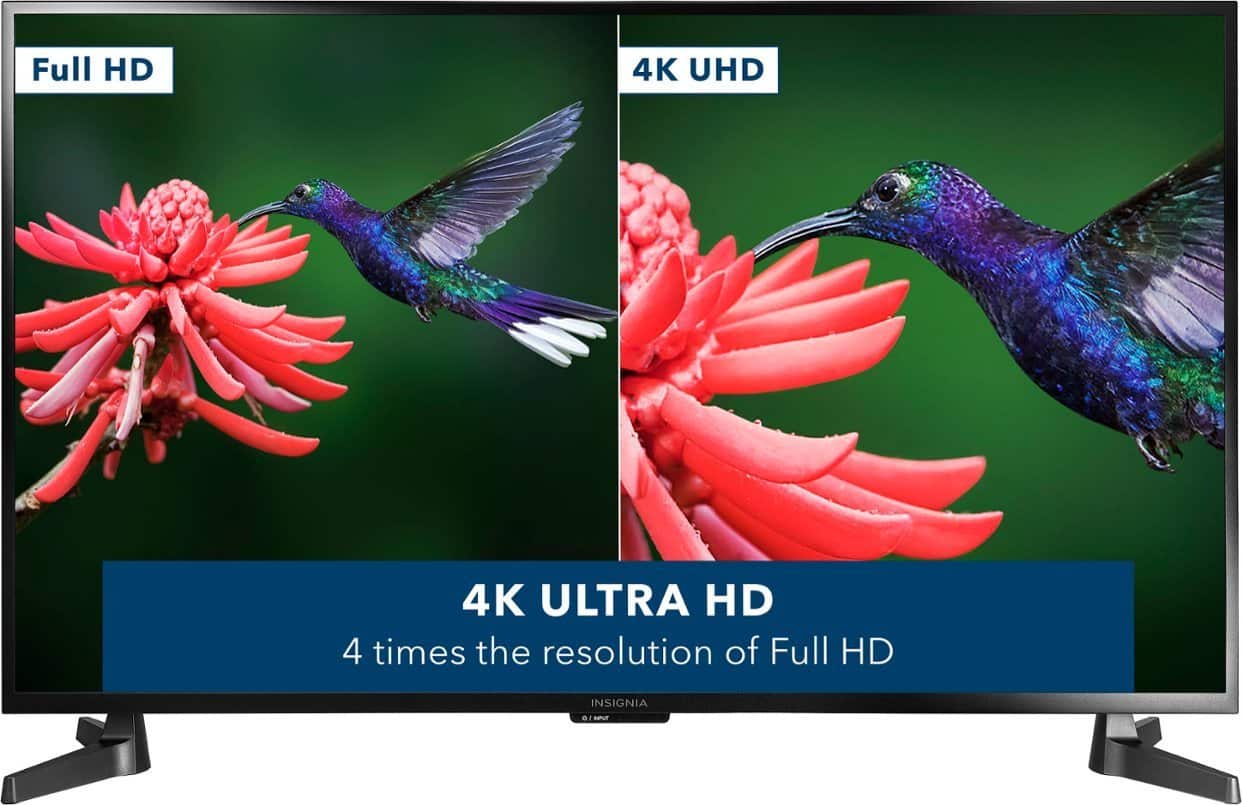
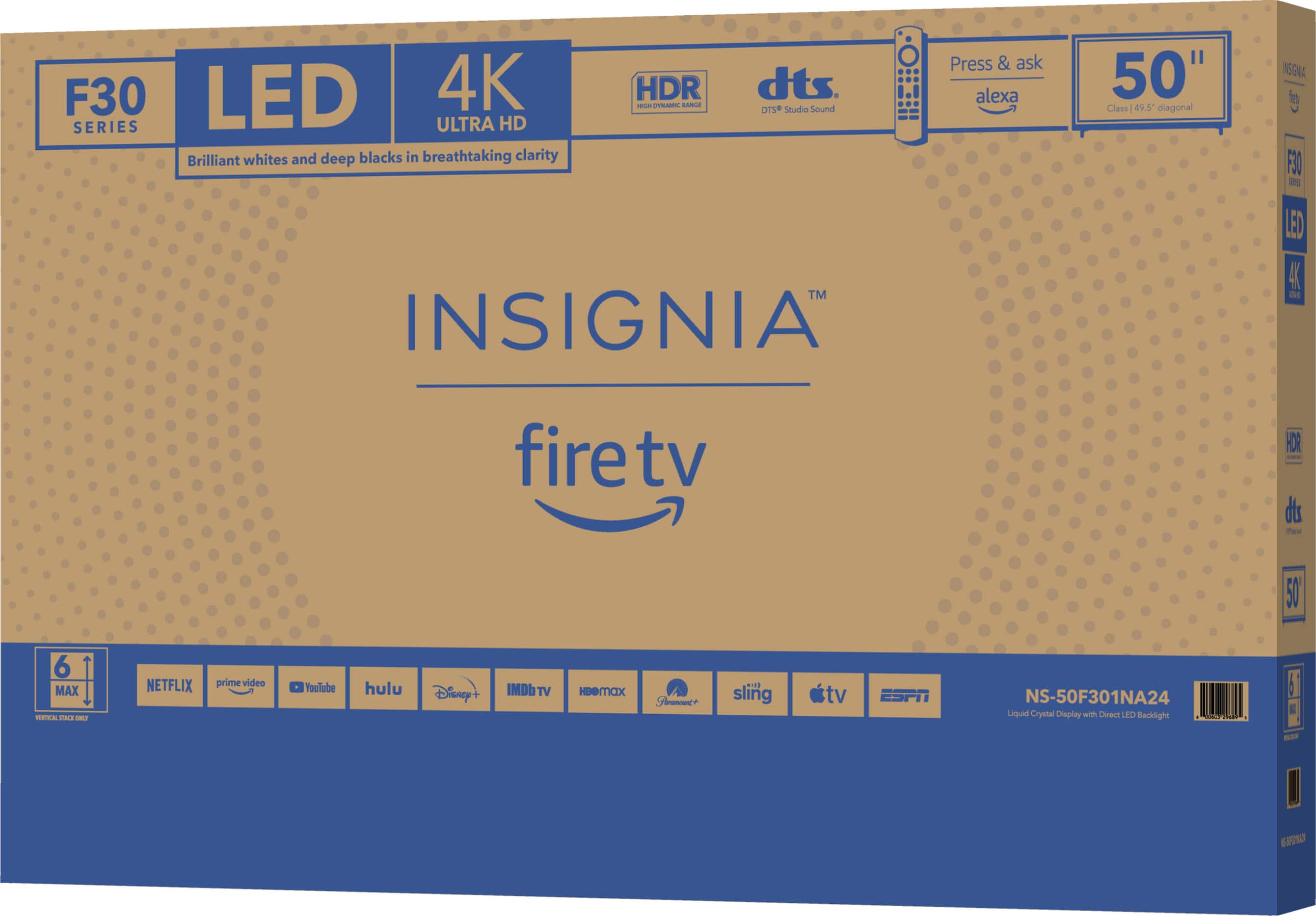
A:AnswerThe Insignia™ F30 Series is a line of budget-friendly smart TVs that offer 4K Ultra HD resolution and HDR support, providing clear and vibrant images. These TVs come with built-in Fire TV for easy access to streaming services and include an Alexa Voice Remote for convenient voice control. Patricia | Insignia Support https://www.bestbuy.com/site/insignia-50-class-f30-series-led-4k-uhd-smart-fire-tv/6525240.p?skuId=6525240
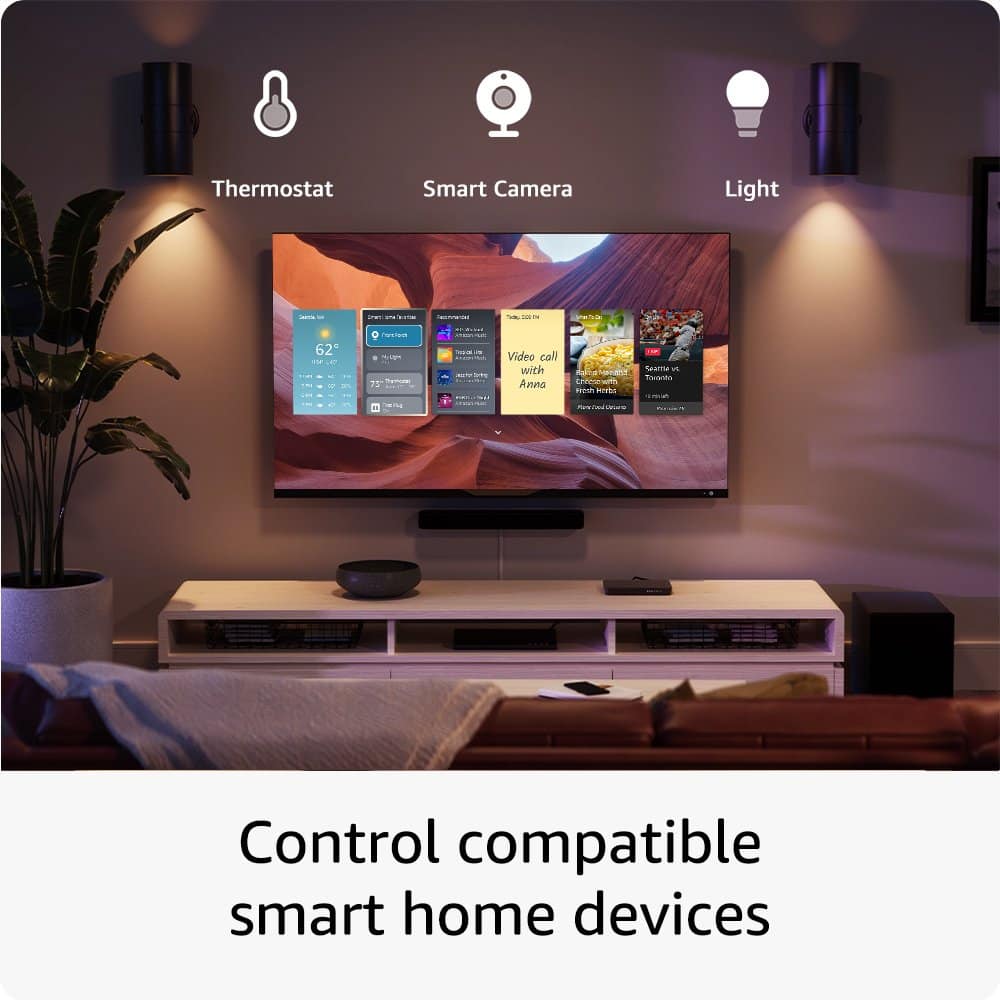
A:AnswerI'm not fully answering your question, but my tv advertises the same talking zoom and picture in a picture video calls...I have yet to see all this. This TV is a nice appliance so far, but it's far from user intuitive