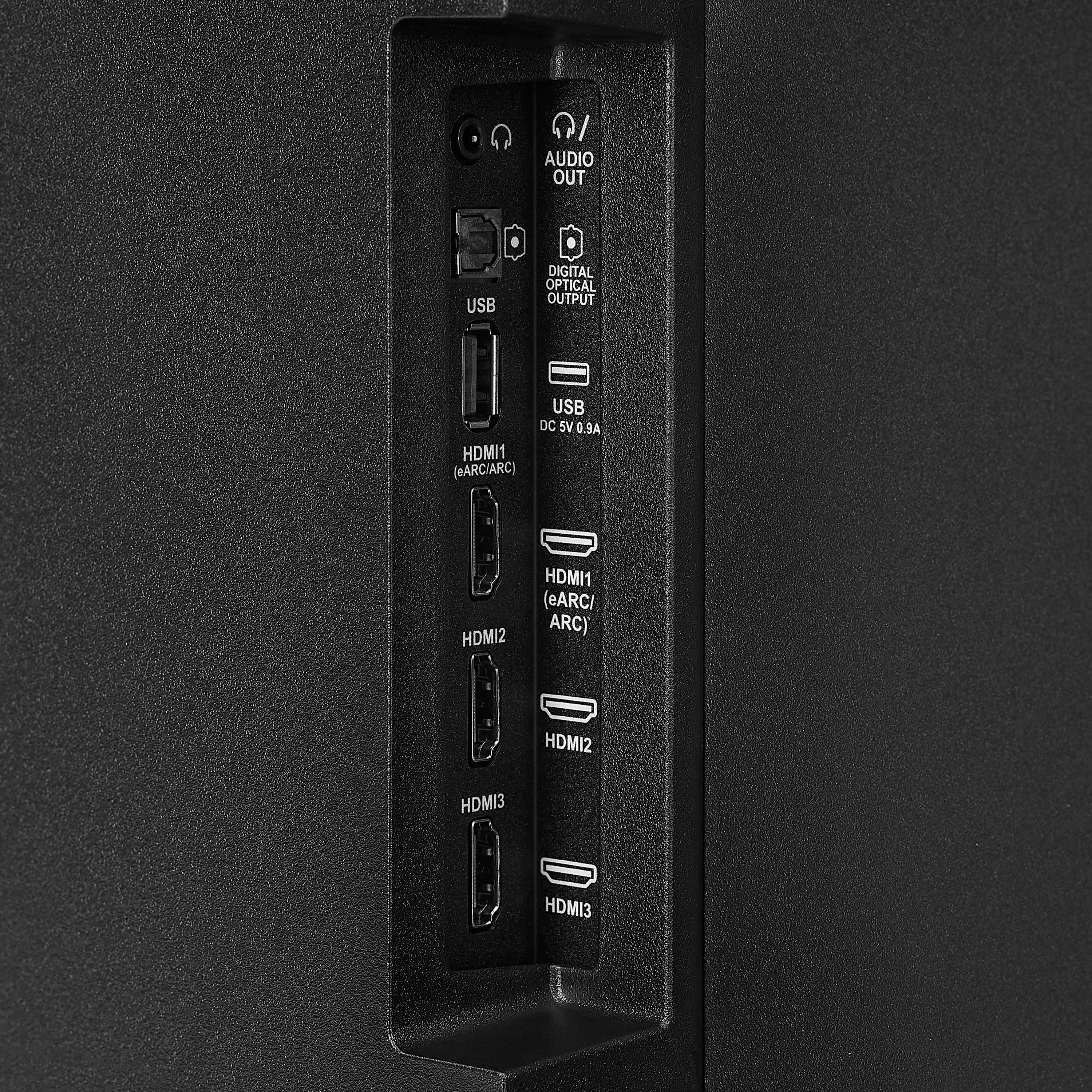
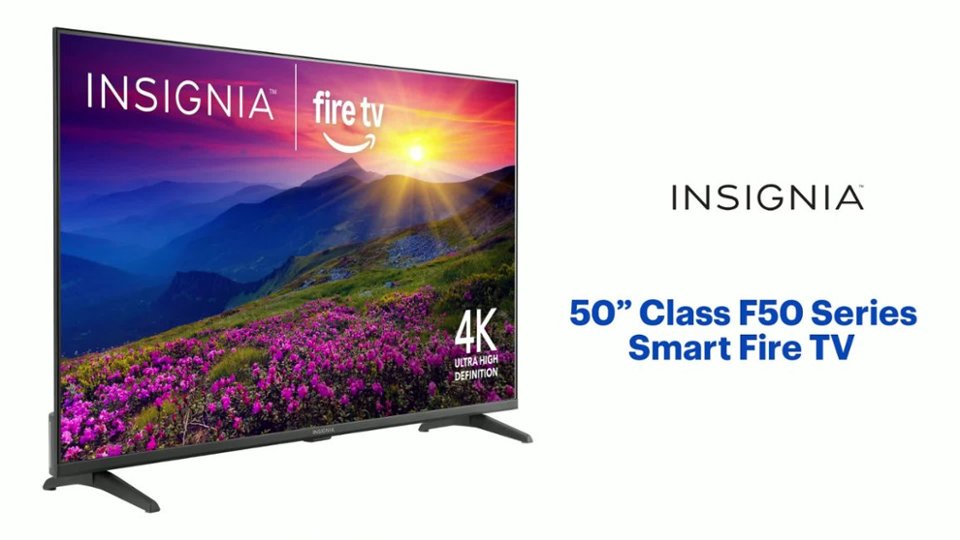
A:AnswerHi GreenFrog, thanks for reaching out!
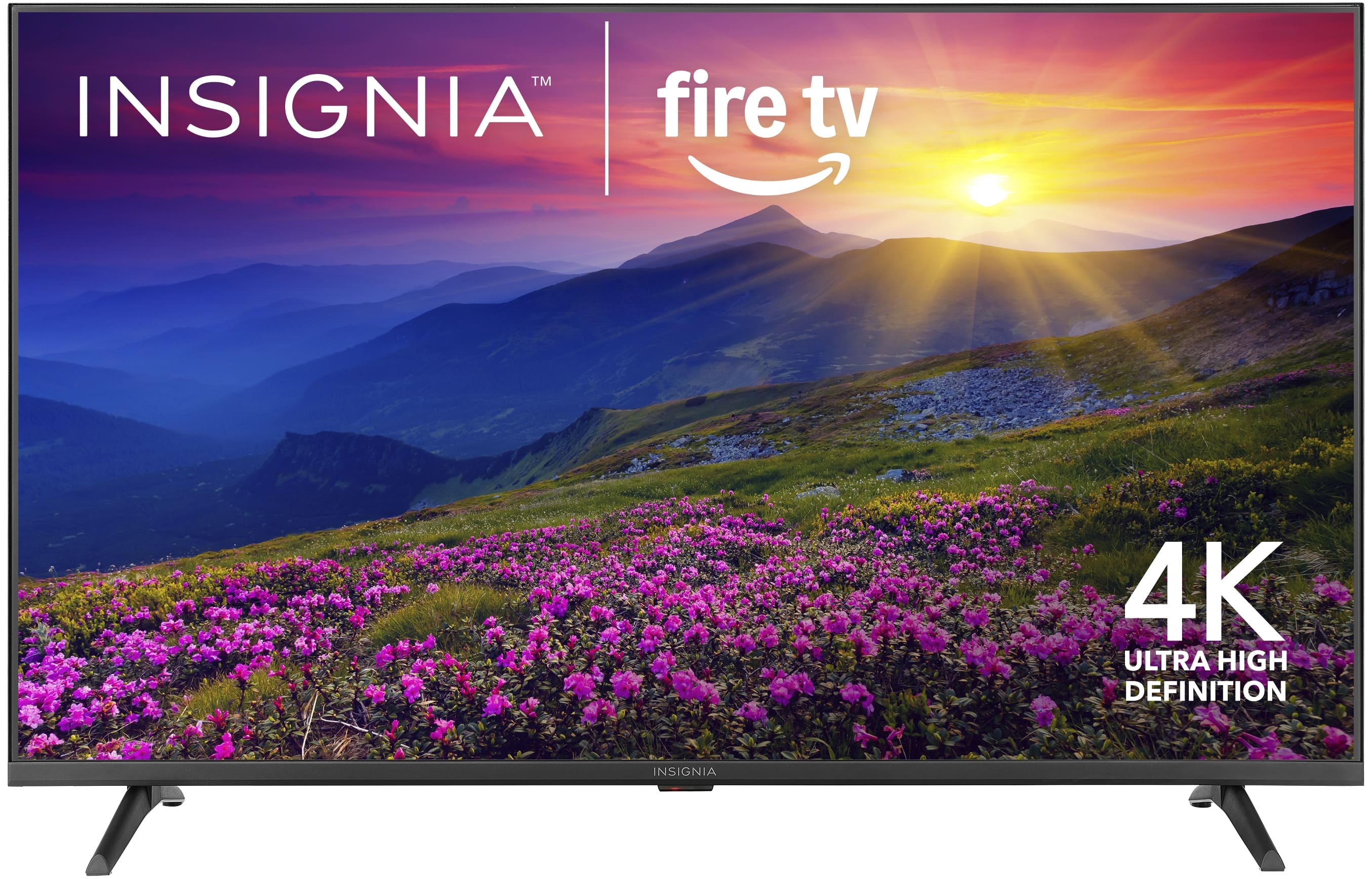
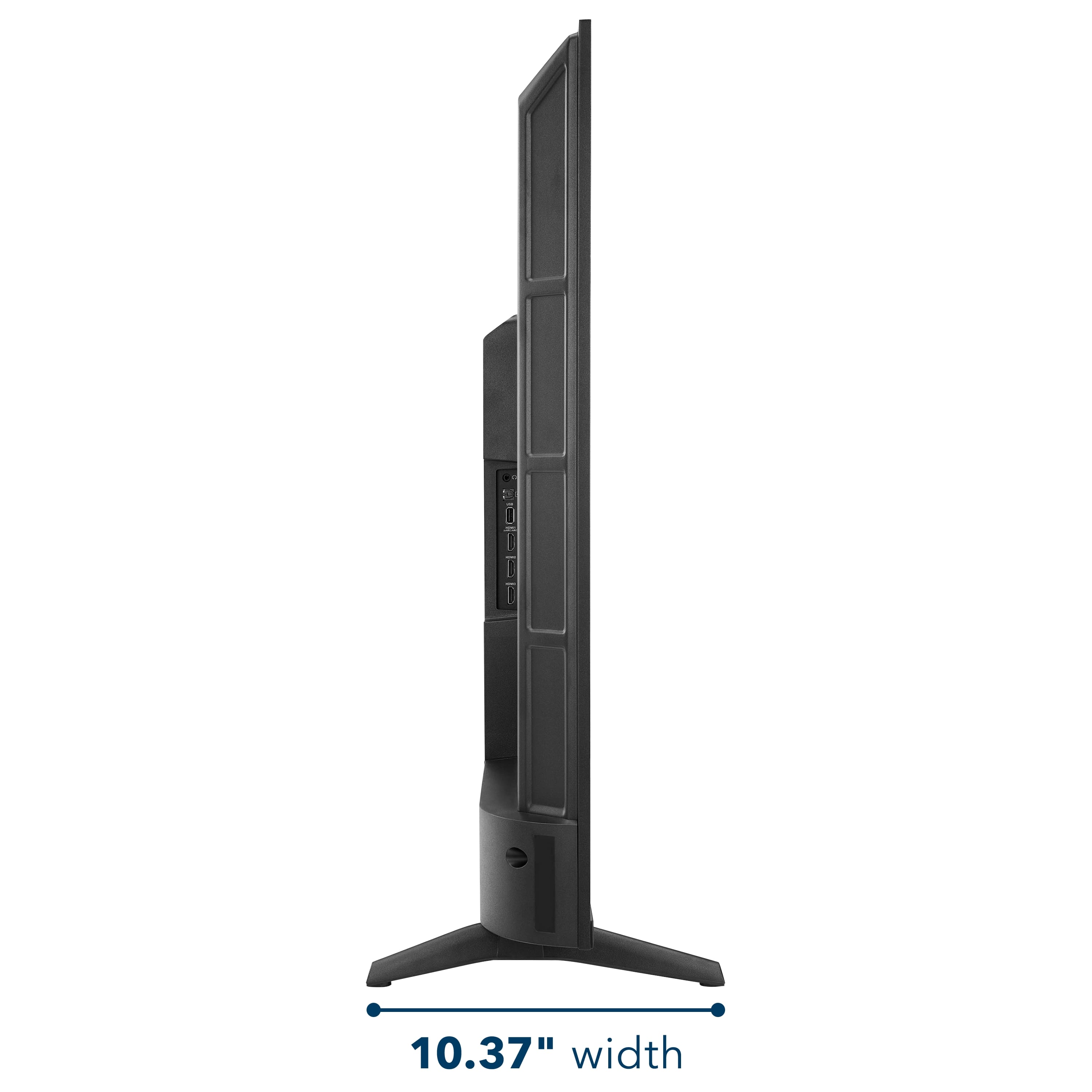
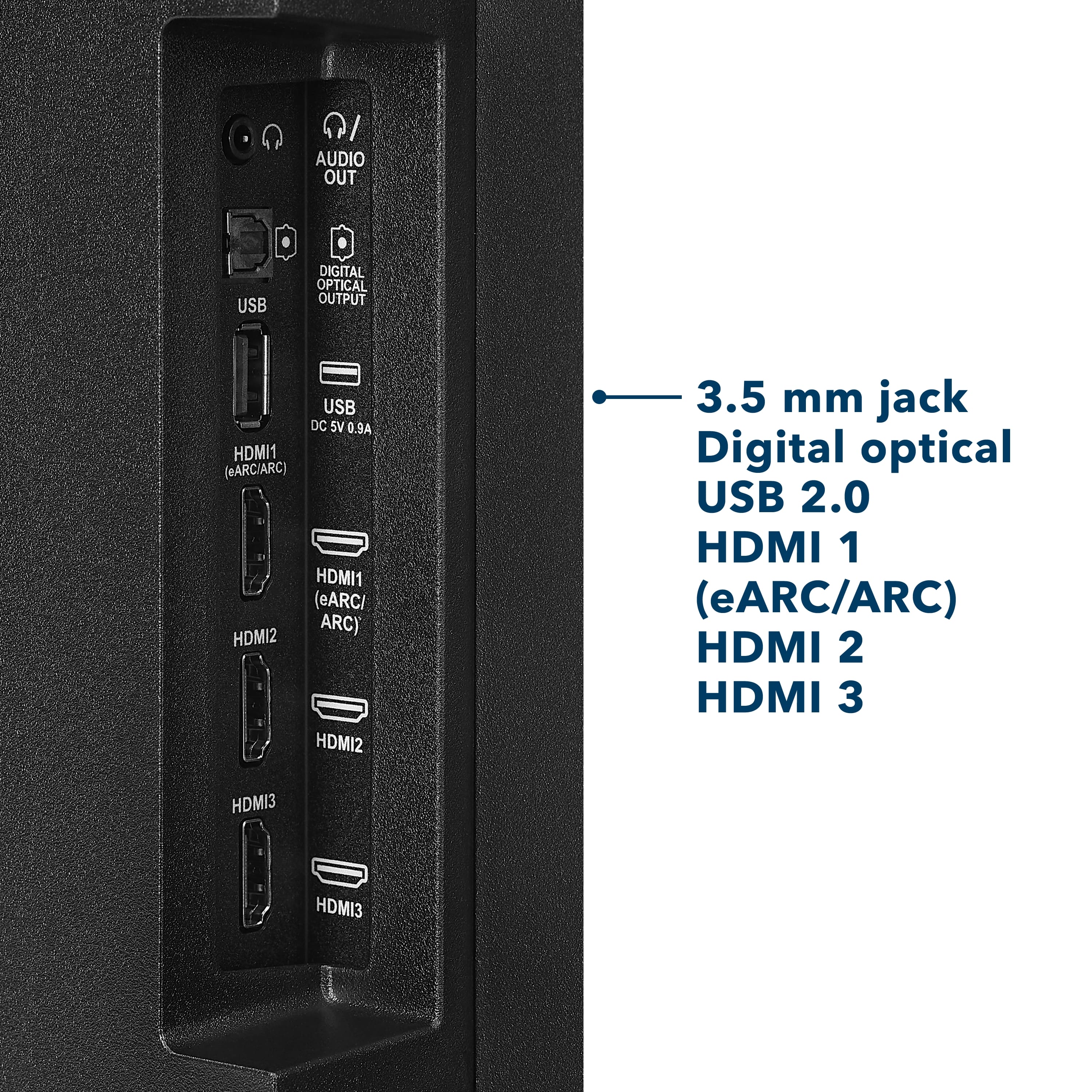
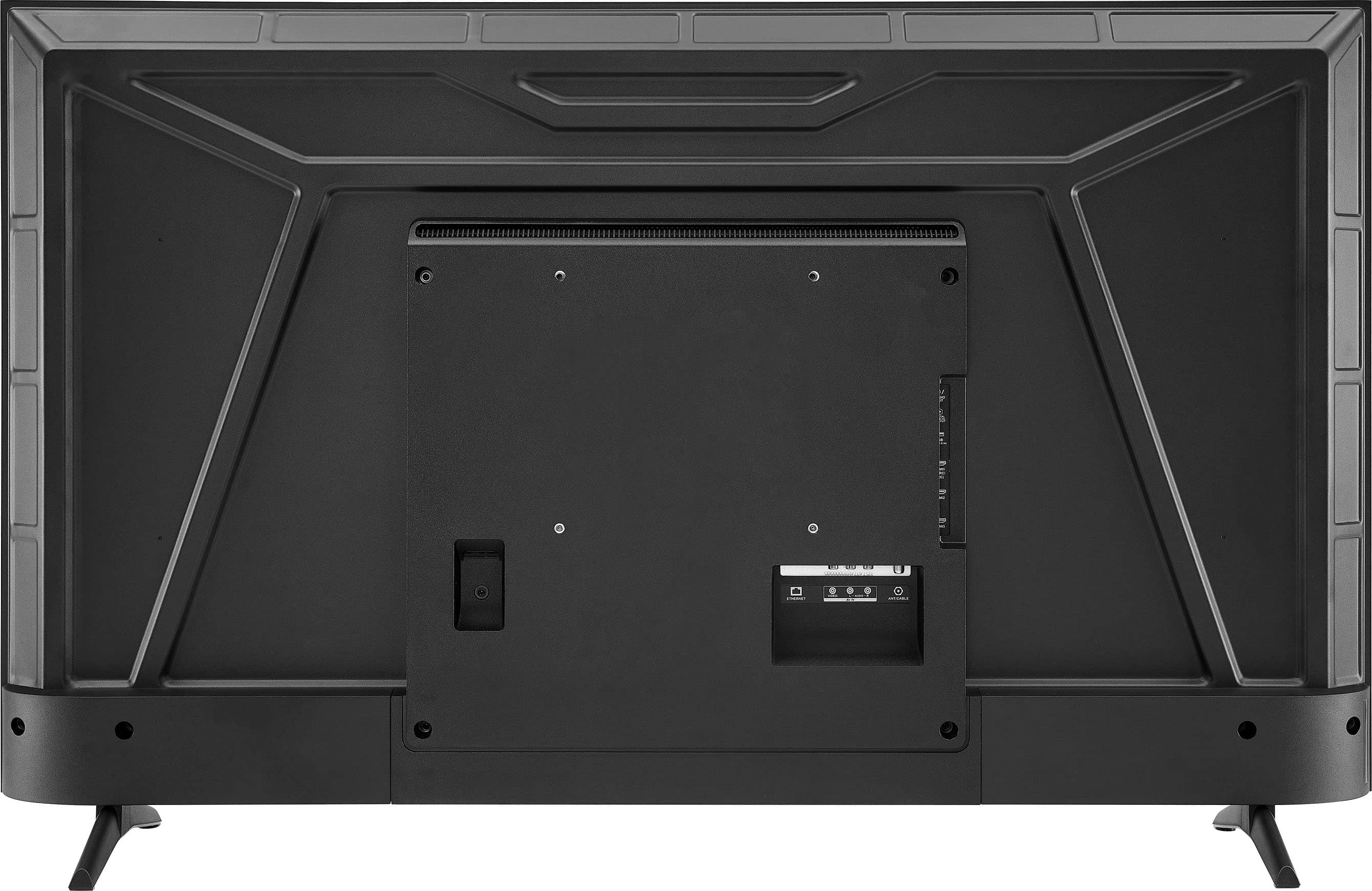
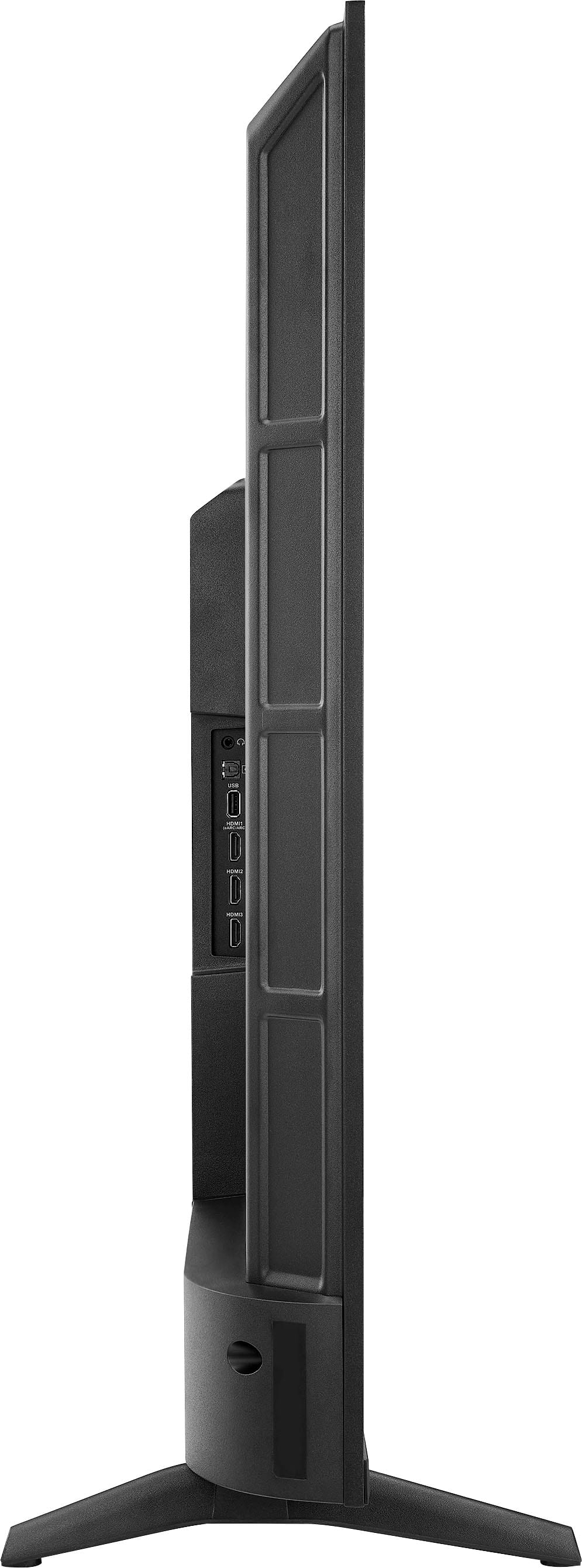
Yes, all of the HDMI ports on your TV are 4K compatible. We hope this helps answer your question.
If you have any further questions, please feel free to ask!
- Carl | Insignia Support
A:AnswerThe Insignia™ 50” Class F50 Series LED 4K UHD Smart Fire TV does not currently support the Spectrum TV app directly through the Fire TV platform. However, you can still watch Spectrum cable channels by connecting a Spectrum cable box to the TV using an HDMI cable. Once connected, simply switch the TV’s input to the correct HDMI port to access live TV and on-demand content through the cable box. This setup provides a reliable and high-quality viewing experience, even without the app. Patricia | Insignia Support
A:AnswerThank you for your inquiry! The Insignia™ 50” Class F50 Series LED 4K UHD Smart Fire TV has an outside height of approximately 25.7 inches without the stand. With the stand attached, the height increases to about 27.5 inches. Keith | Insignia Support
A:AnswerThank you for your inquiry! Yes, you can use the AirPlay feature to stream content from your Apple iPhone to the Insignia™ 50” Class F50 Series LED 4K UHD Smart Fire TV. This TV supports Apple AirPlay, allowing you to wirelessly share videos, music, photos, and even mirror your iPhone’s screen directly to the television. To use this feature, ensure that both your iPhone and the TV are connected to the same Wi-Fi network. Then, simply open the content you want to stream, tap the AirPlay icon on your iPhone, and select your Insignia TV from the list of available devices. This makes it easy and convenient to enjoy your favorite media on a larger screen. If you have further questions, please feel free to reach us via phone 1-877-467-4289 Monday-Saturday 8 a.m. to 9 p.m. CT.
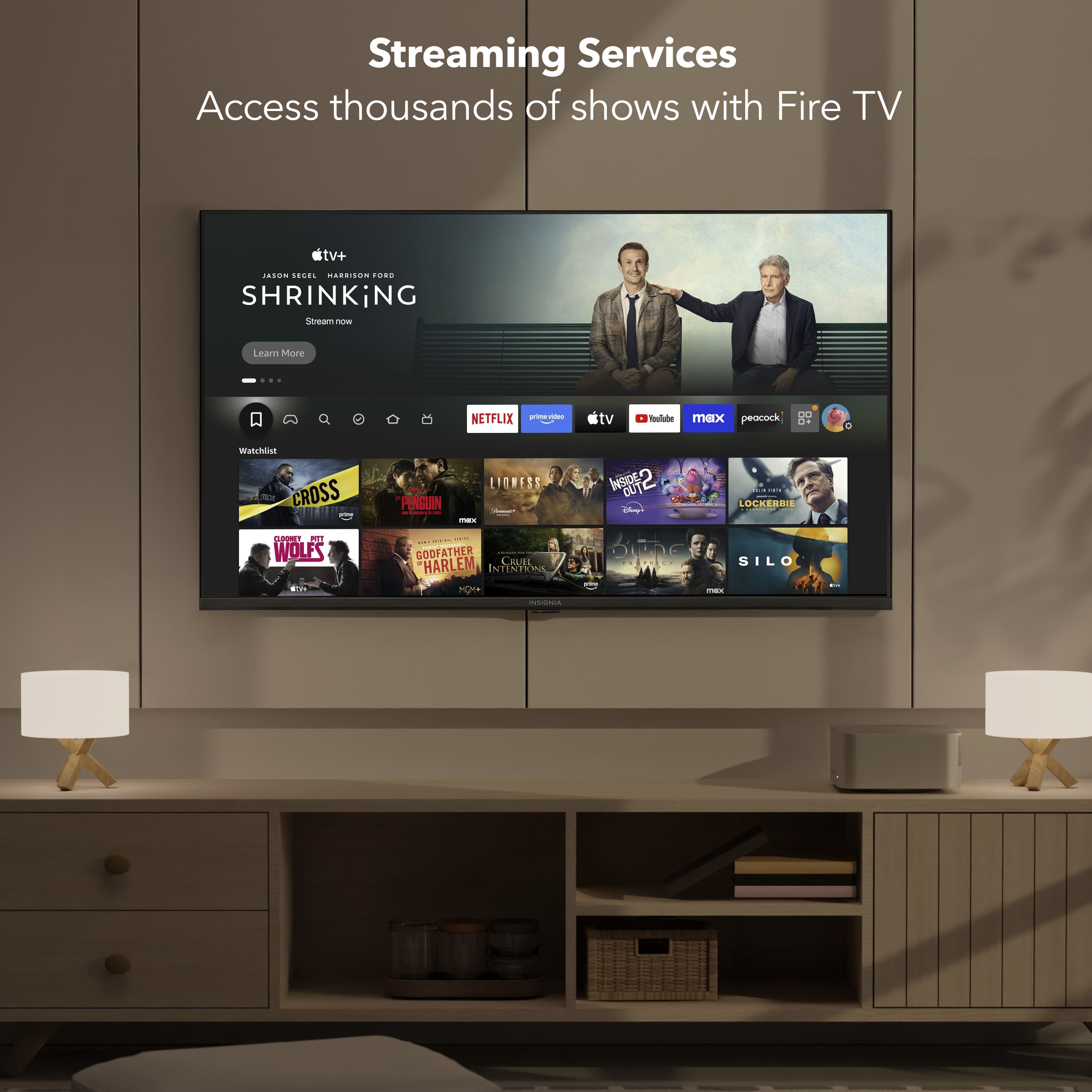
A:AnswerThank you for your inquiry! Yes, the Insignia™ 50” Class F50 Series LED 4K UHD Smart Fire TV supports downloading and using streaming apps like DirecTV (DTV) and Sling TV directly on the TV. Since it runs on the Fire TV platform, you do not need an external streaming device like Roku to access these services. You can simply go to the built-in Appstore, search for the desired app, and download it. Once installed, you can log in with your account and start streaming right away, making it a convenient all-in-one solution for your entertainment needs.
A:AnswerYes, the Insignia™ 50” Class F50 Series LED 4K UHD Smart Fire TV allows you to mirror your laptop screen wirelessly, depending on the type of laptop you have. If you're using a MacBook, you can use Apple AirPlay to mirror your screen directly to the TV. For Windows laptops, you can use Miracast, as long as your laptop supports it and both devices are connected to the same Wi-Fi network. If you have any questions or need further assistance, please don't hesitate to reach out. Ivy | Insignia Support
A:AnswerThe Insignia™ 50” Class F50 Series LED 4K UHD Smart Fire TV does not come with a built-in web browser. Like other Fire TV-based smart TVs, it focuses on streaming apps such as Prime Video, Netflix, Disney+, Hulu, and others. However, you can install a web browser like Amazon Silk or Firefox from the Amazon Appstore if you want to browse the internet. Jeth|Insignia Support.
A:AnswerThe Insignia™ 50” Class F50 Series LED 4K UHD Smart Fire TV offers solid performance for casual gaming. It features a 60Hz refresh rate, which is suitable for most console games, and includes a dedicated Game Mode that helps reduce input lag by minimizing image processing. Patricia | Insignia Support
A:AnswerHi there. The Insignia™ 50” Class F50 Series LED 4K UHD Smart Fire TV does not have the built-in ability to pause or rewind live over-the-air TV. This feature typically requires a built-in DVR or support for an external USB storage device, which this model does not offer. However, you can still achieve this functionality by connecting a compatible external DVR device, such as the Amazon Fire TV Recast, which works well with Fire TV and allows you to pause, rewind, and record live TV broadcasts. If you have any questions or need further assistance, please don't hesitate to reach out. Ivy | Insignia Support
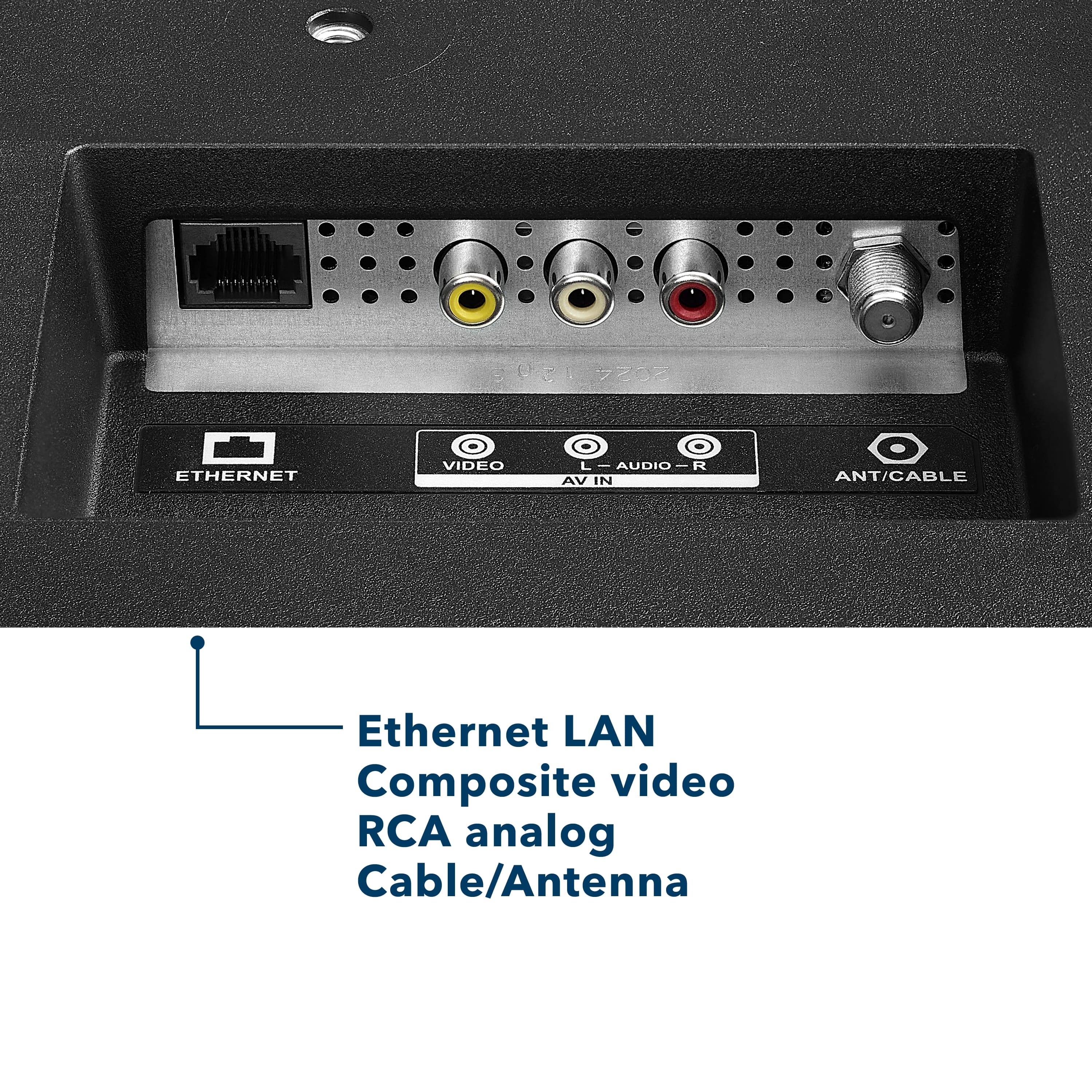
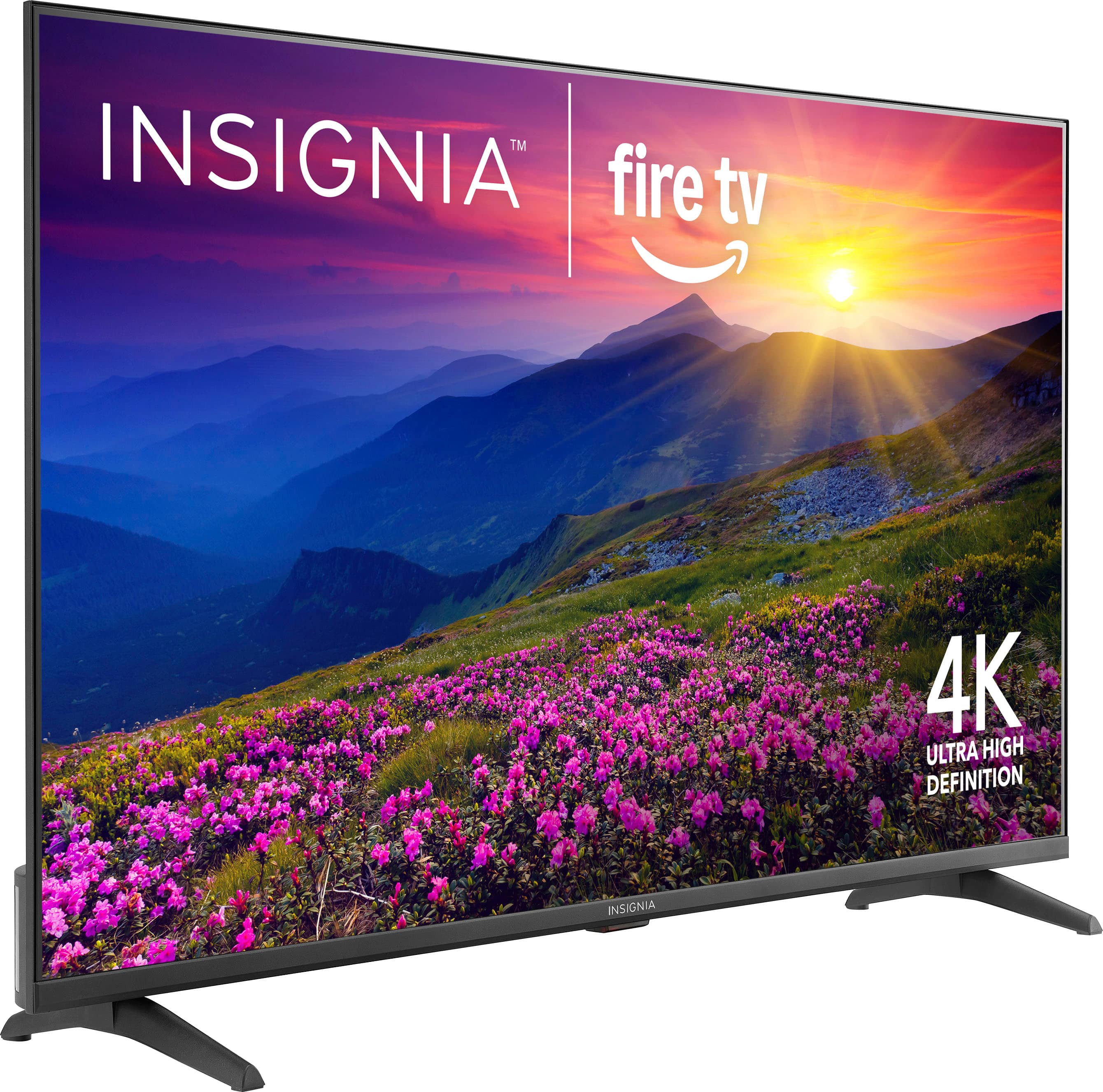
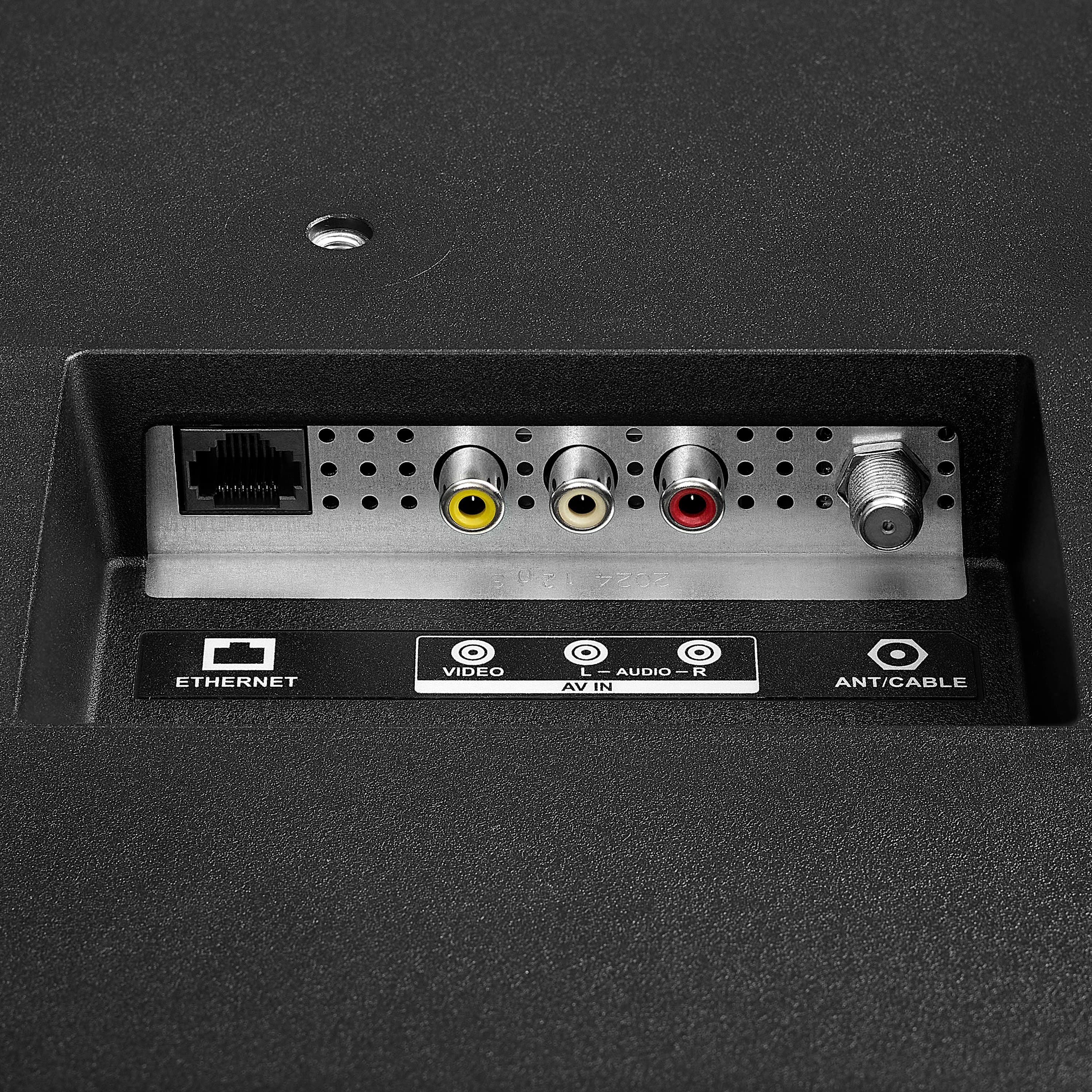
A:AnswerThe Insignia™ 50” Class F50 Series LED 4K UHD Smart Fire TV requires a surface that is at least 36.7 inches wide to accommodate the distance between its two feet when not wall-mounted. This ensures the TV sits securely on a table or stand without overhang. Additionally, the TV is equipped with a coaxial (RF) input, allowing you to connect an antenna or cable TV source directly to it. Patricia | Insignia Support
A:AnswerHi there! If you're having trouble disabling standby mode on your Insignia™ 50” Class F50 Series LED 4K UHD Smart Fire TV, and the Fire TV settings haven’t resolved the issue, it’s possible that the TV’s built-in settings may need to be accessed or there may be a hardware-related concern.
For further assistance and to explore advanced troubleshooting options, we recommend reaching out to Insignia Customer Service directly at 1-877-467-4289. They’ll be able to guide you through the correct steps or determine if service is needed.
— Shiela | Insignia Support
A:AnswerThank you for your inquiry! For cleaning your Insignia™ 50” Class F50 Series LED 4K UHD Smart Fire TV, a highly recommended product is the Insignia™ LCD Screen Cleaner Kit (Model: NS-HCL301), which is available at Best Buy. This cleaner is specifically designed for LED screens and features an alcohol- and ammonia-free formula, making it safe for delicate surfaces. It comes with a microfiber cloth that helps prevent scratches and reduces streaks during cleaning. To use it properly, turn off and unplug your TV, spray the cleaner onto the cloth (never directly on the screen), and gently wipe the screen in circular or vertical motions. Be careful not to over-saturate the cloth to avoid moisture damage.
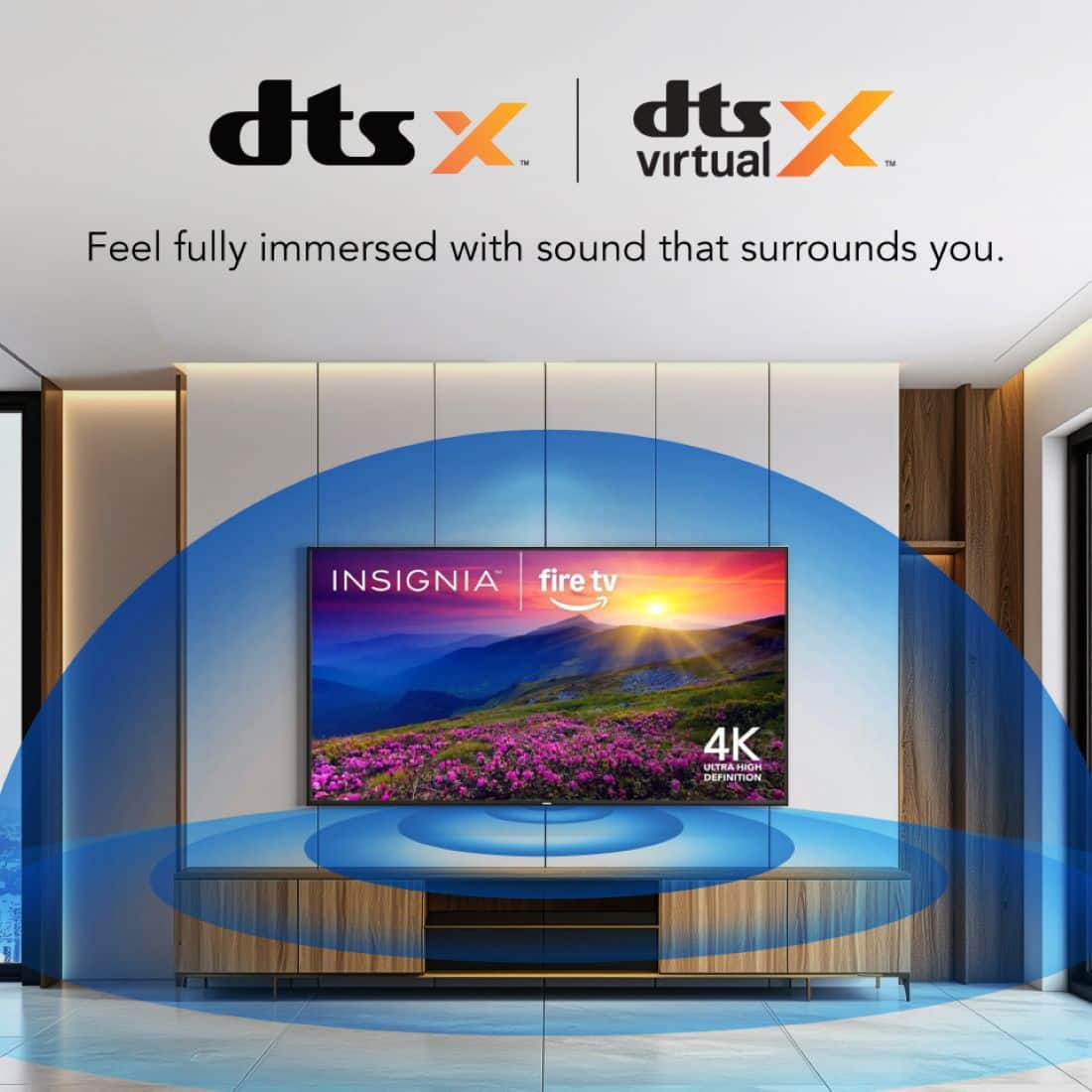
A:AnswerHi there! Yes, the Insignia™ - 50” Class F50 Series LED 4K UHD Smart Fire TV does have Bluetooth connectivity. This means you can connect wireless Bluetooth speakers, headphones, or other audio devices to the TV for a more immersive sound experience.
— Shiela | Insignia Support
A:AnswerHi Matt! Yes! The Insignia 50” Class F50 Series LED 4K UHD Smart Fire TV runs on Amazon Fire TV, which supports YouTube TV along with many other streaming apps. You can download the YouTube TV app from the Fire TV app store and start streaming right away. Hope that helps! |Angelica| Insignia Products|
A:AnswerThe Insignia™ 50” Class F50 Series LED 4K UHD Smart Fire TV is not designed for outdoor use. It is an indoor TV and lacks the necessary weatherproofing to protect it from elements like moisture, dust, direct sunlight, and extreme temperatures. Using it outdoors—even in a covered area—can lead to damage or reduced performance over time. If you have any questions or need further assistance, please don't hesitate to reach out. Ivy | Insignia Support
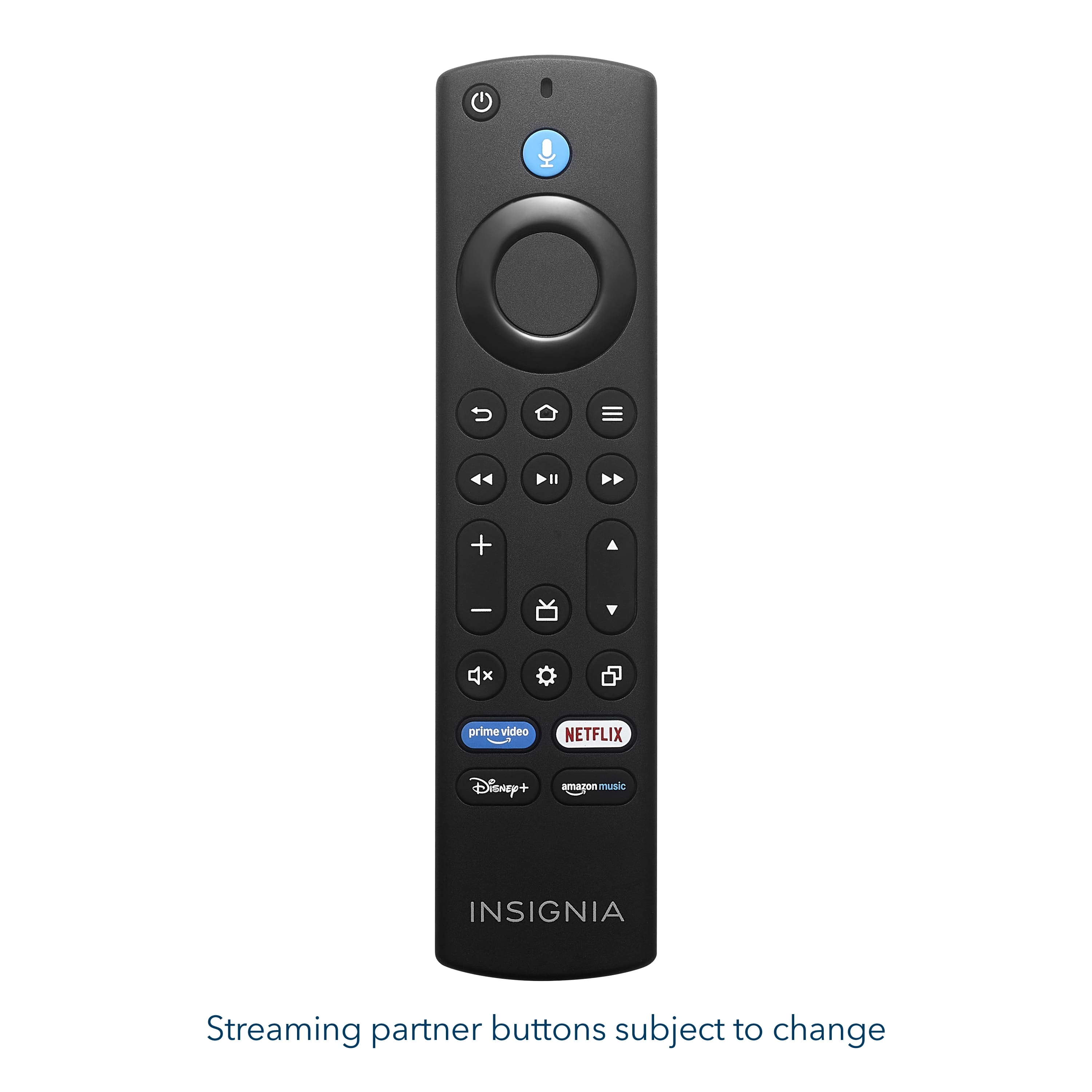
A:AnswerTo manually change the resolution on your Insignia™ 50” Class F50 Series 4K UHD Smart Fire TV, especially when it's connected to a device like the Xbox Series X and displaying at 720p, you can use a built-in remote shortcut. Simply press and hold the top part of the navigation ring (the "Up" button) and the Fast Forward button on your Fire TV remote at the same time. Hold both buttons together for about 10 seconds. The TV will begin cycling through the available resolution settings such as 720p, 1080p, and 4K. Patricia | Insignia Support
A:AnswerHi Seth, you can adjust the aspect ratio on the Insignia™ 50” Class F50 Series LED 4K UHD Smart Fire TV, though there are a few limitations. The television's native aspect ratio is 16:9, which is standard for most modern content. You can, however, modify the screen size or zoom settings through the Picture Settings menu. The options available to you, such as Auto, Normal, Zoom, Wide, or Cinema, may vary based on the input source (like HDMI, cable, or a streaming service).
Keep in mind that some streaming applications or HDMI sources might lock the aspect ratio, which means the TV will defer to the content's original formatting and disable manual adjustment. Therefore, while the feature is available, its functionality depends on what you're watching or how it's connected. If you're running into a specific issue or need help navigating the settings, please don't hesitate to call us at 1-877-467-4289.
— Shiela | Insignia Support
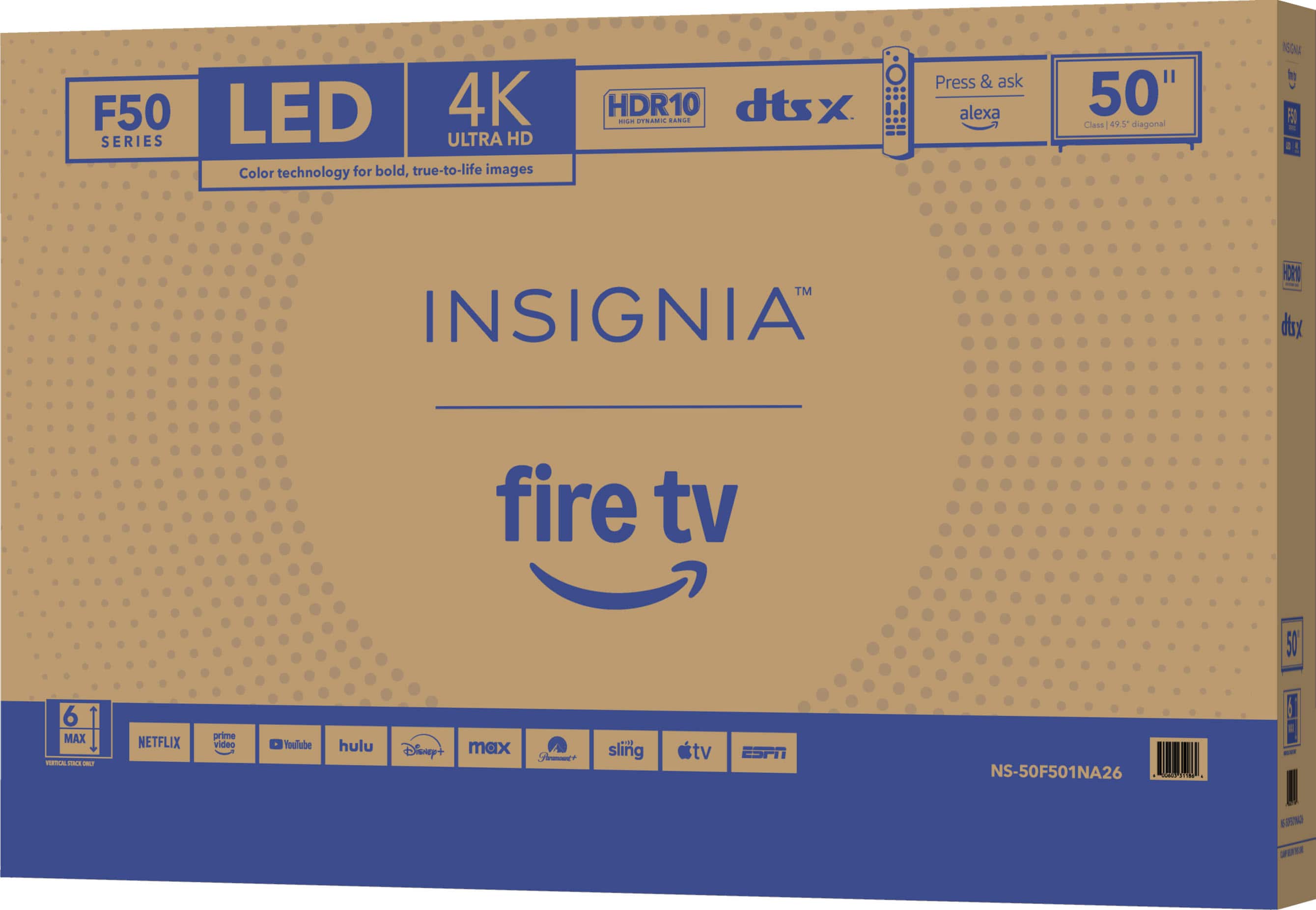
A:AnswerThank you for your inquiry! Yes, the Insignia™ 50” Class F50 Series LED 4K UHD Smart Fire TV (Model: NS-50F501NA26) can be wall-mounted. Keith | Insignia Support