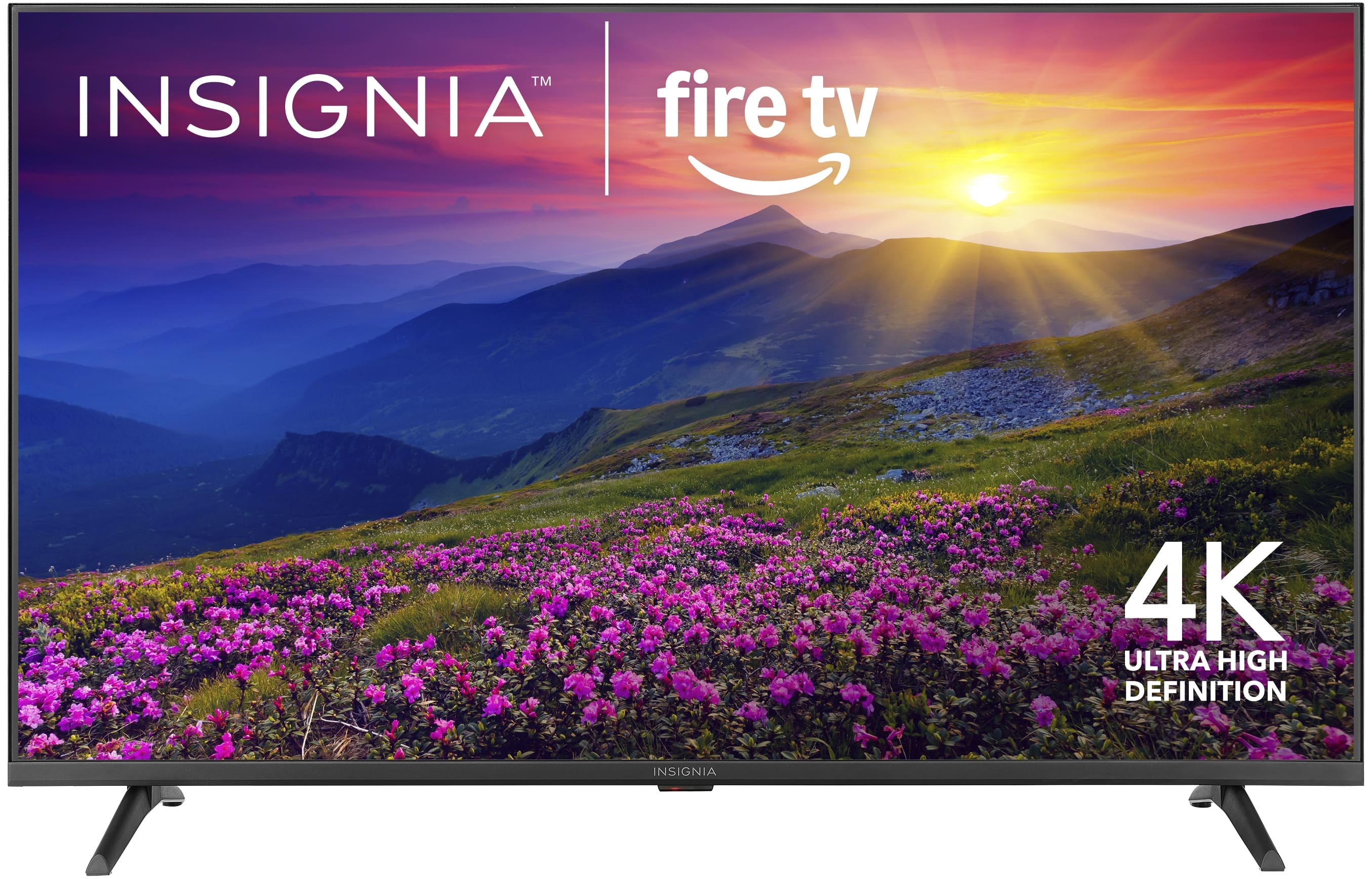
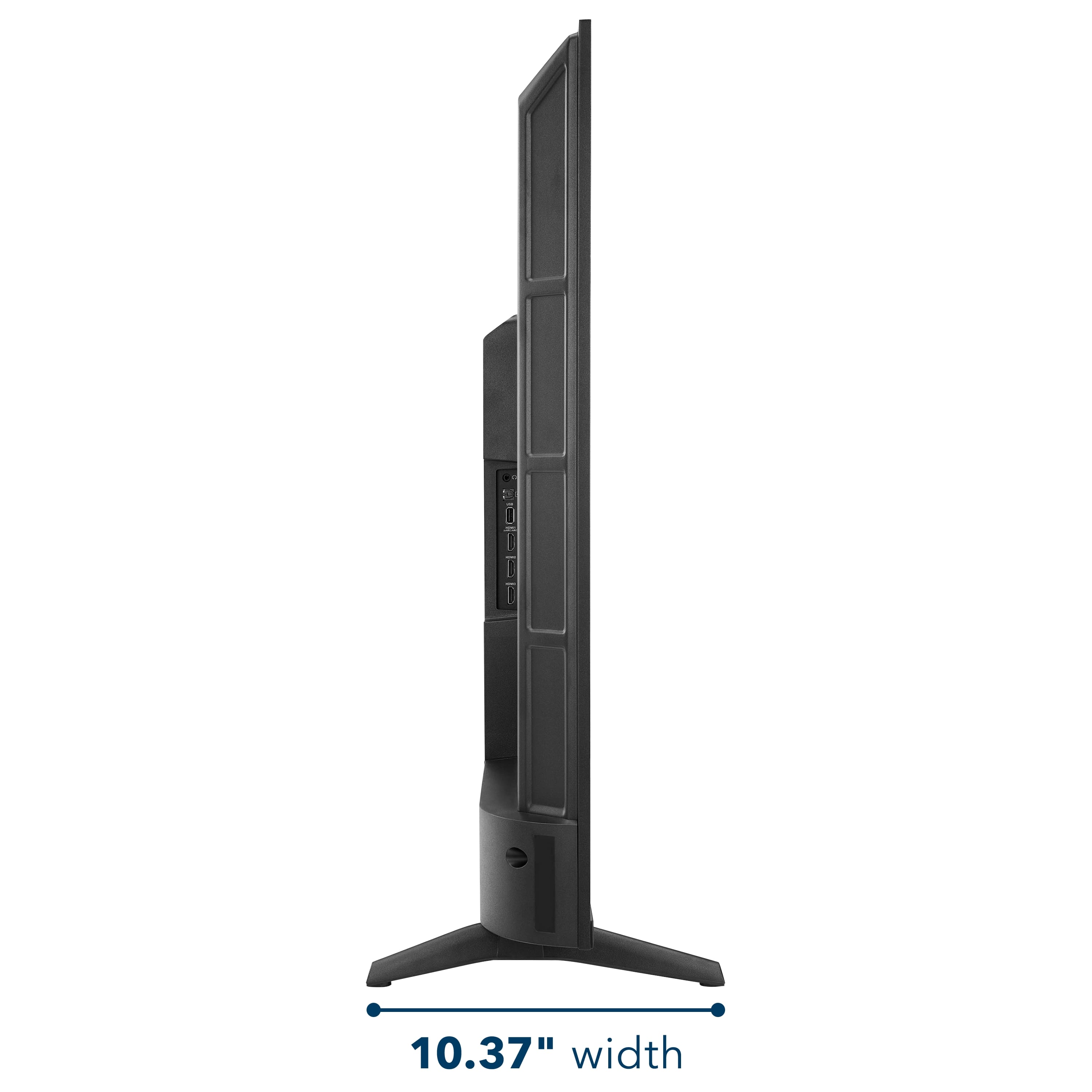
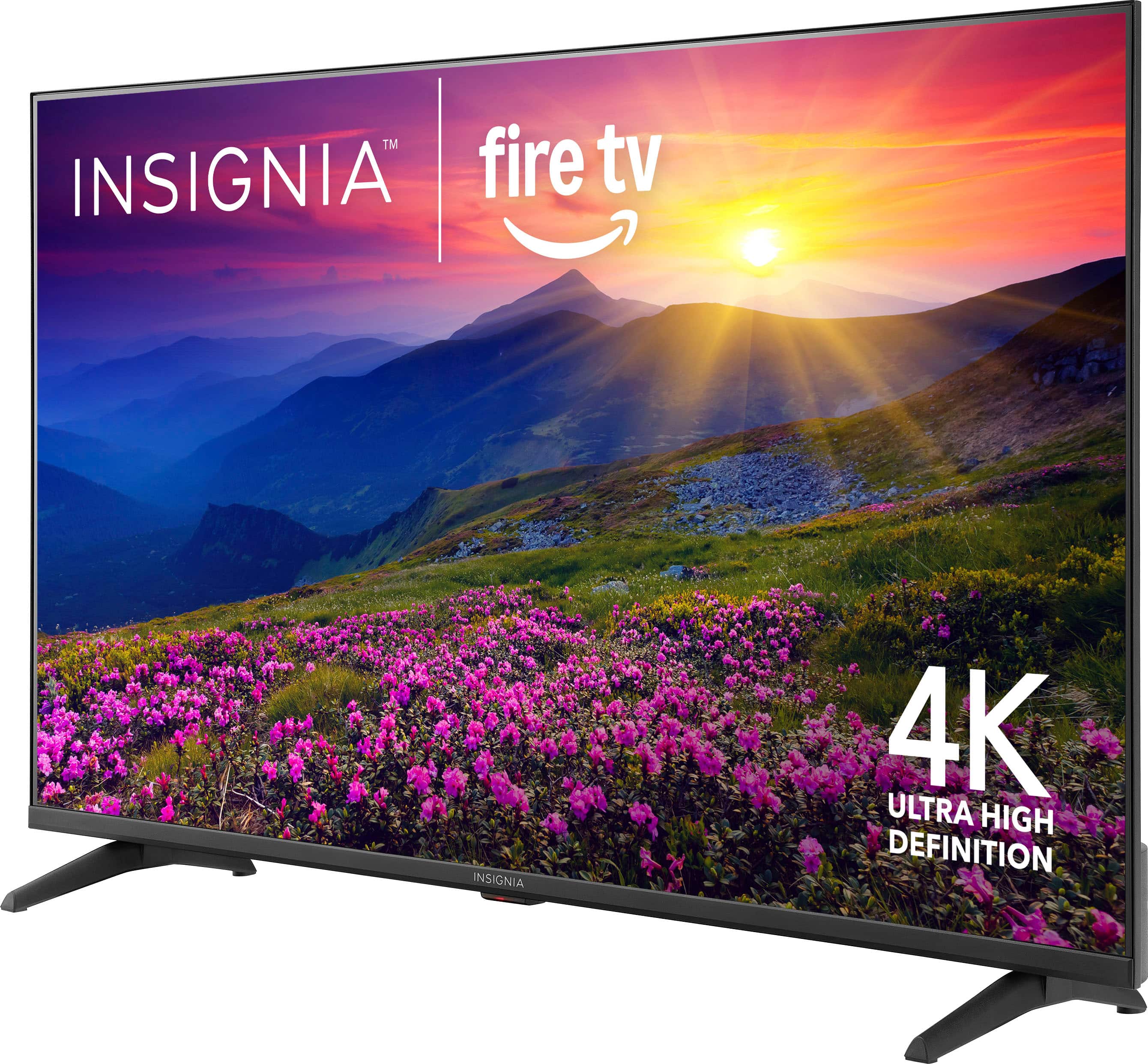
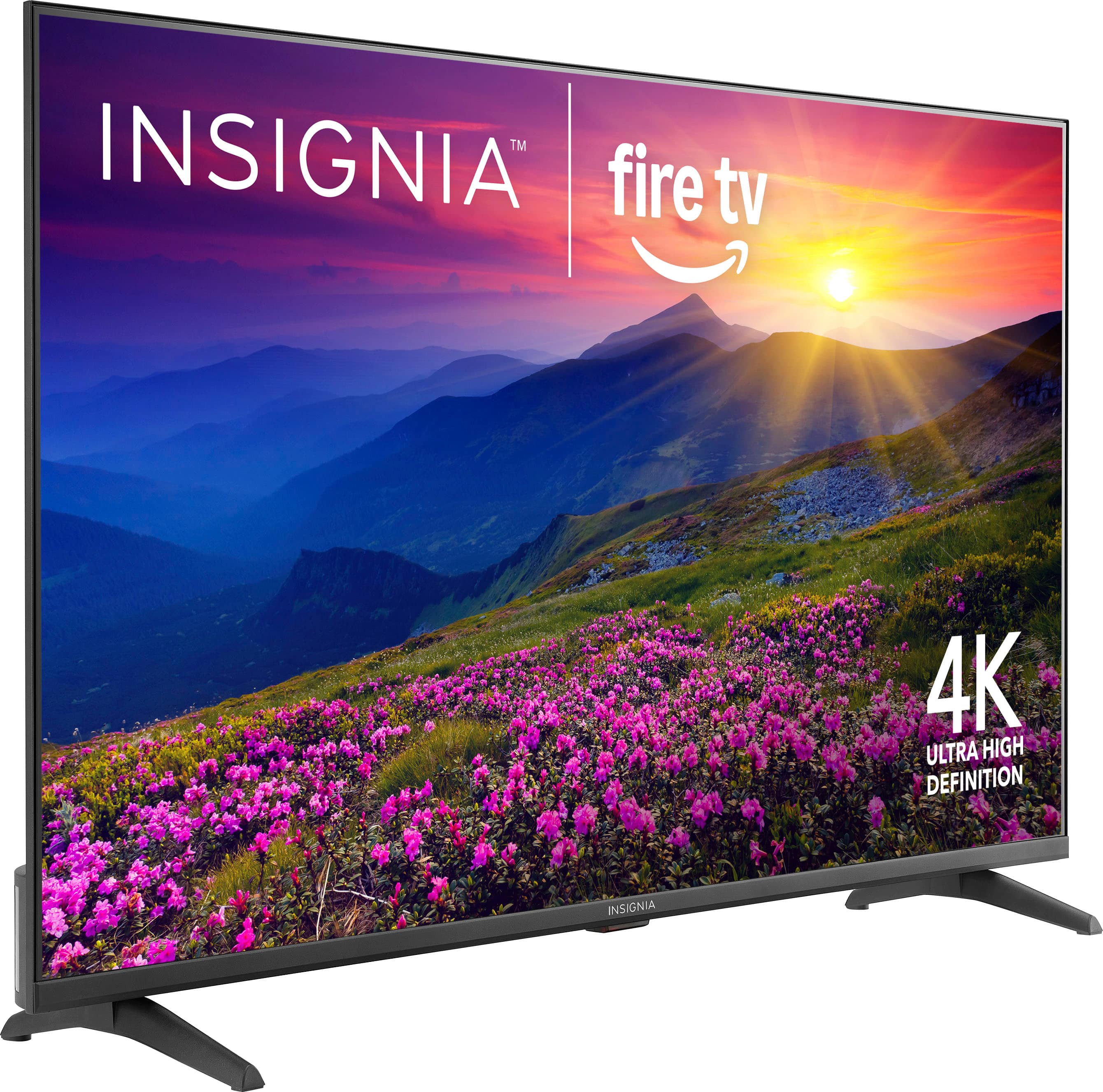
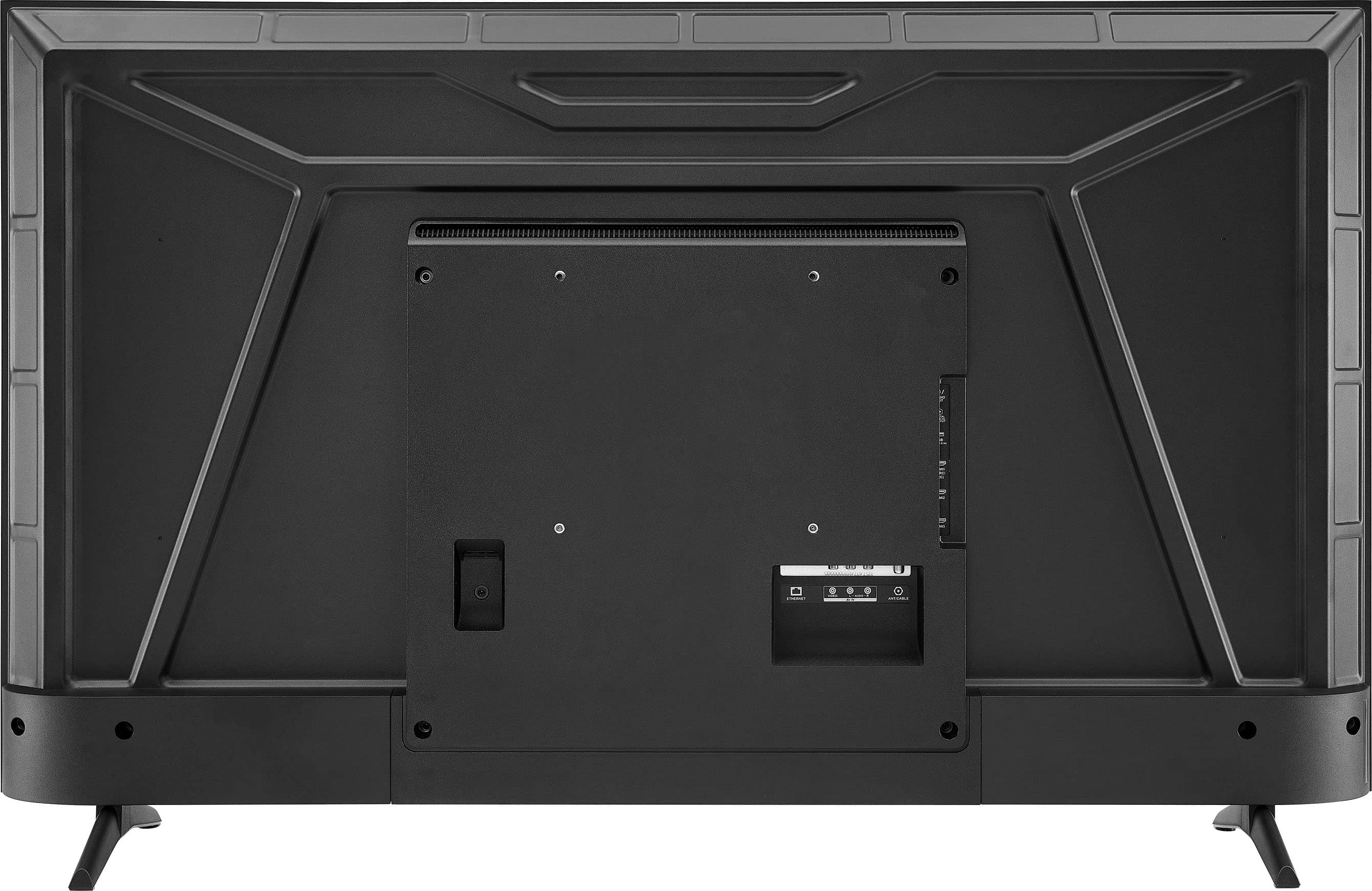
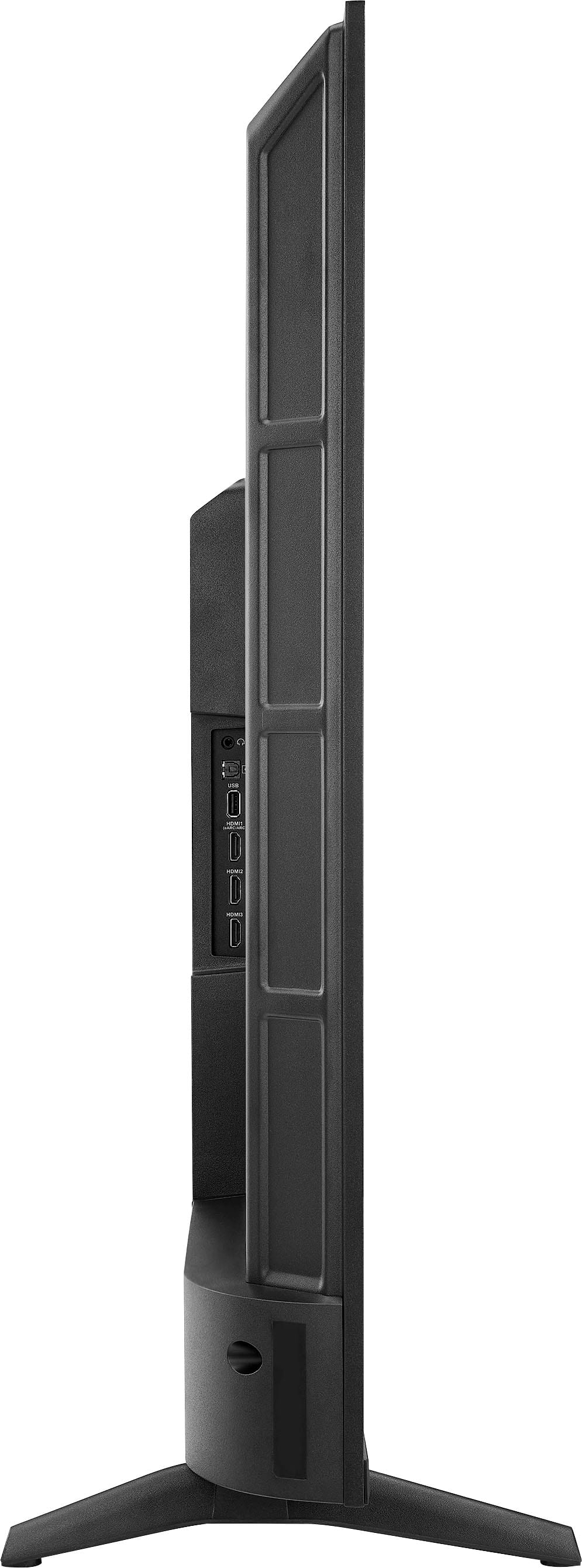
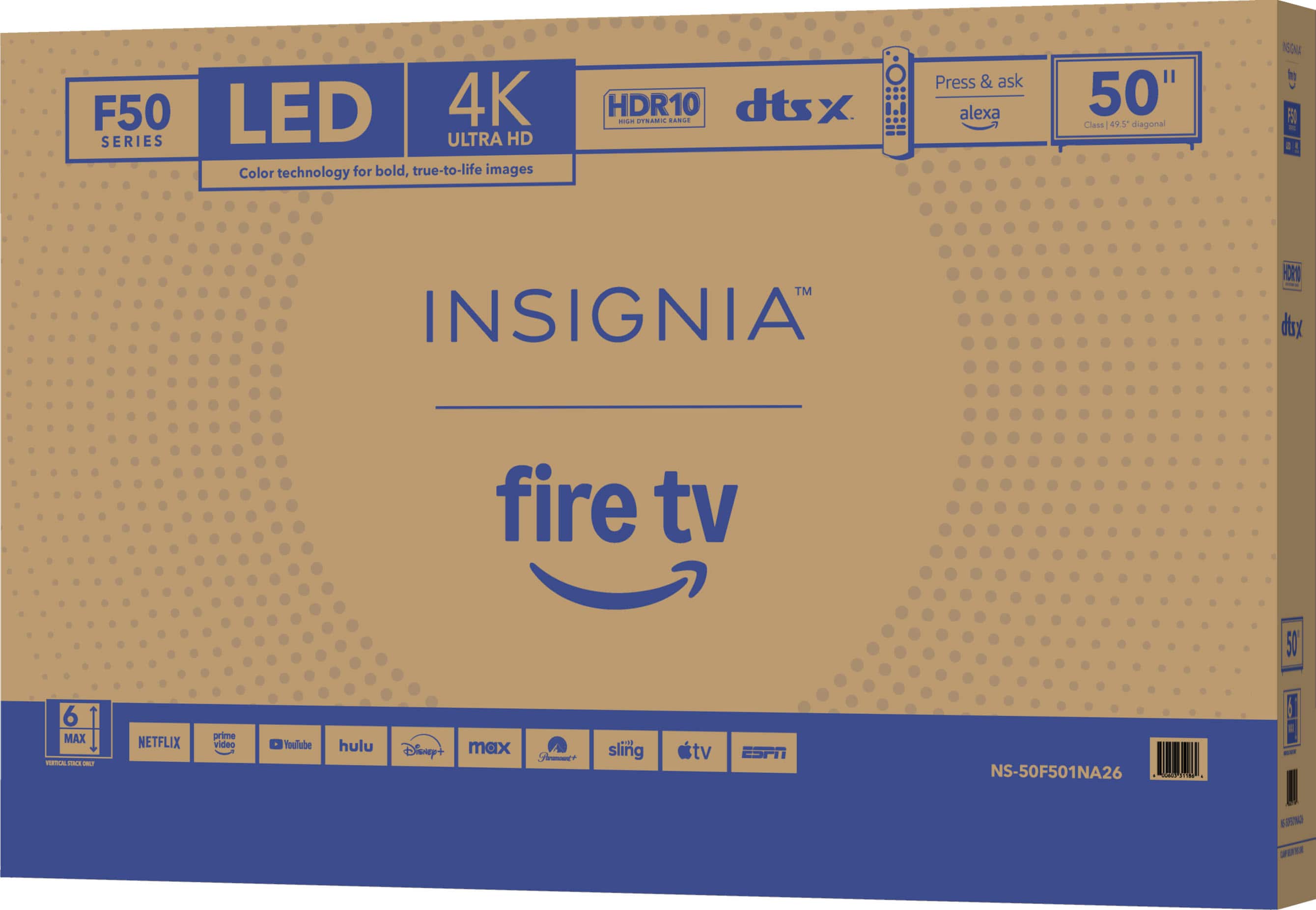
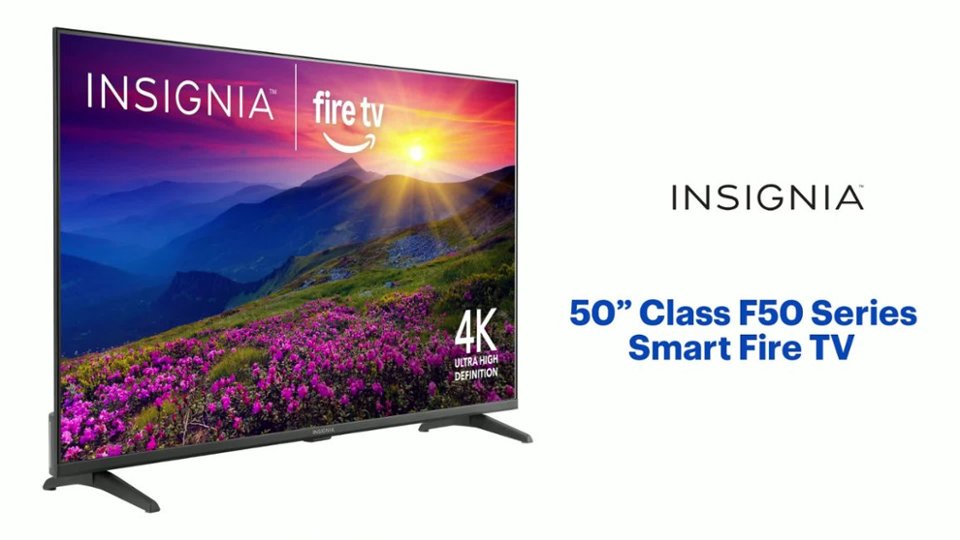
A:AnswerHi there. The Insignia™ 50” Class F50 Series LED 4K UHD Smart Fire TV (Model: NS-50F501NA26) measures approximately 43.8 inches wide, 27.5 inches high, and 10.39 inches deep with the stand. Without the stand, the height and depth are reduced, though the exact measurements may vary slightly. If you have any questions or need further assistance, please don't hesitate to reach out. Ivy | Insignia Support
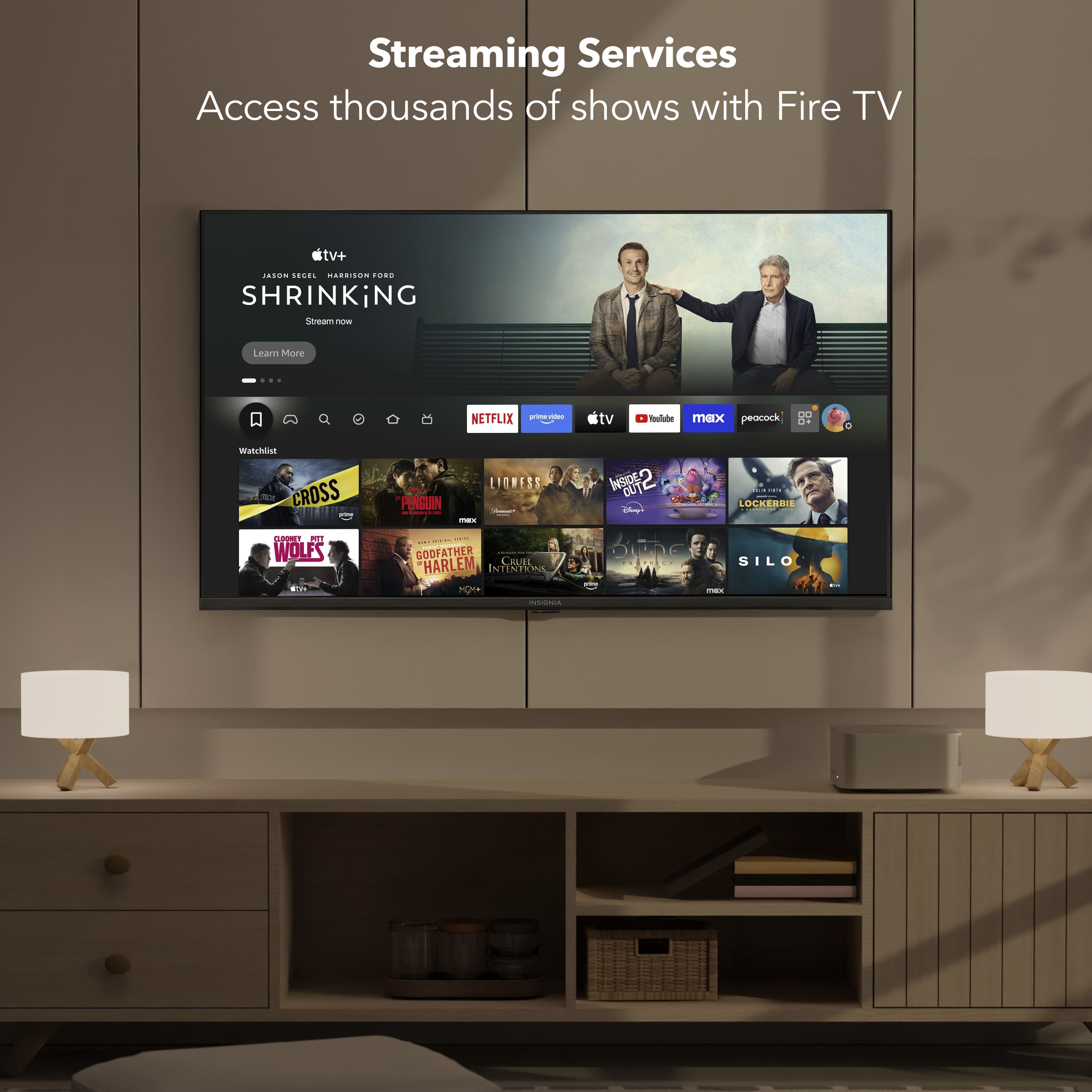
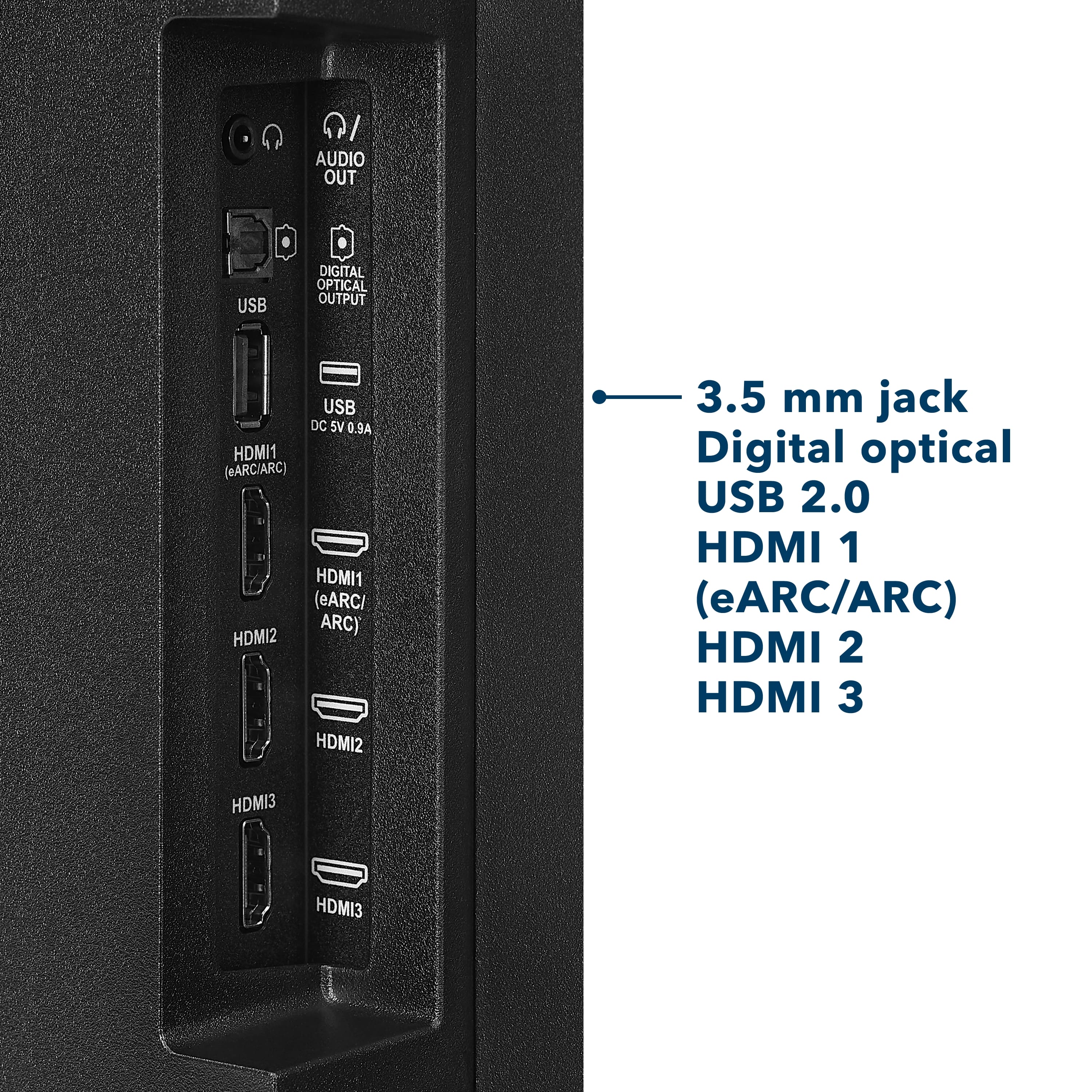
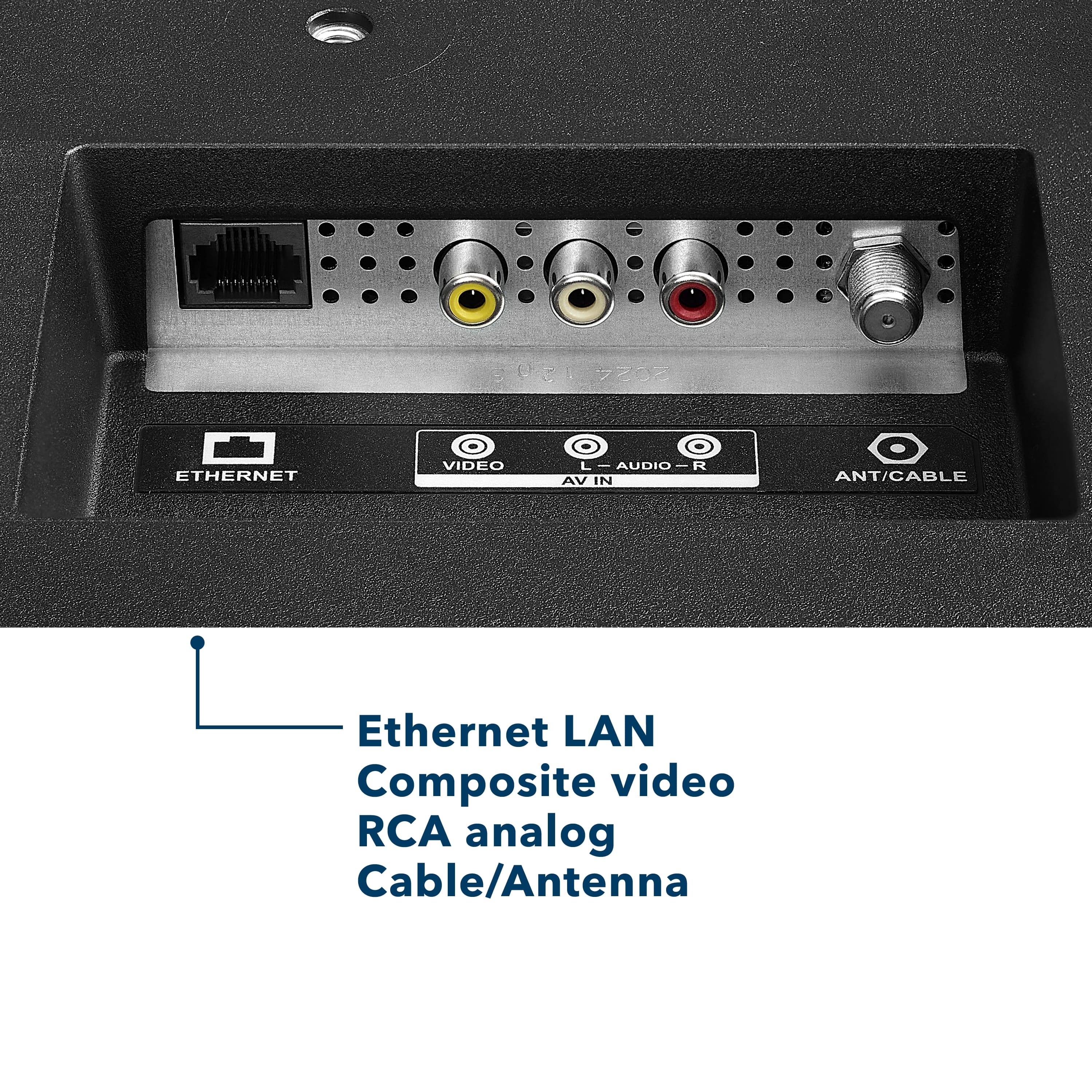
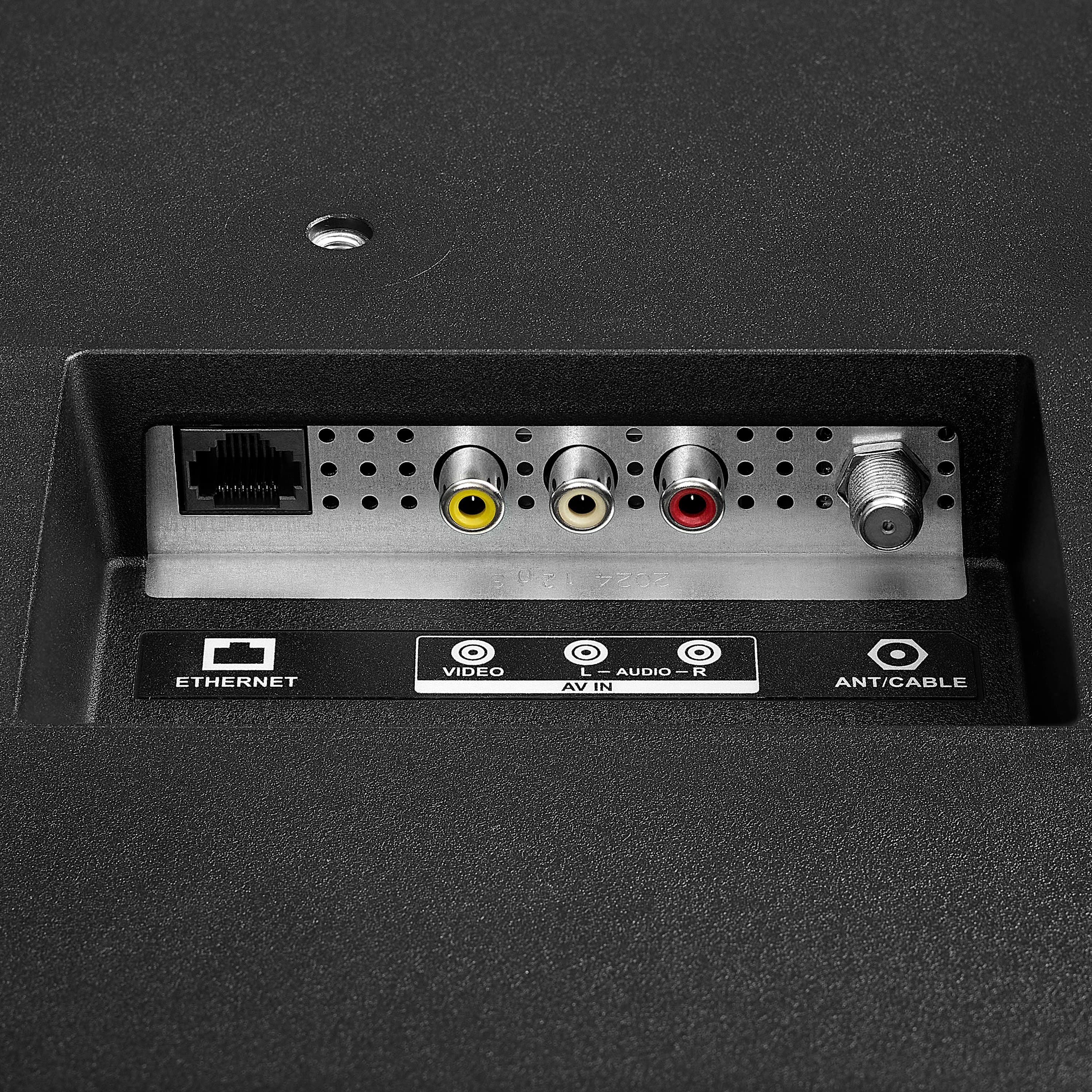
A:AnswerHi there! Great question. Yes, you can definitely use an indoor or outdoor antenna with your Insignia™ 50” Class F50 Series 4K UHD Smart Fire TV even without cable or Wi-Fi. Simply connect your antenna to the coaxial input on the back of the TV. Then, use the TV’s built-in tuner to scan for over-the-air (OTA) channels. This will allow you to watch local broadcast channels like ABC, CBS, NBC, FOX, and PBS, depending on your location and the strength of your antenna. Keep in mind that without a Wi-Fi connection, you won't be able to use streaming apps such as Netflix, Prime Video, or YouTube, nor will you have access to smart features or updates from Fire TV. So, if you're just planning to watch regular broadcast TV, your antenna setup will work perfectly!
— Shiela | Insignia Support
A:AnswerHi there! Yes, To adjust the brightness on your Insignia™ 50” Class F50 Series LED 4K UHD Smart Fire TV, follow these steps:
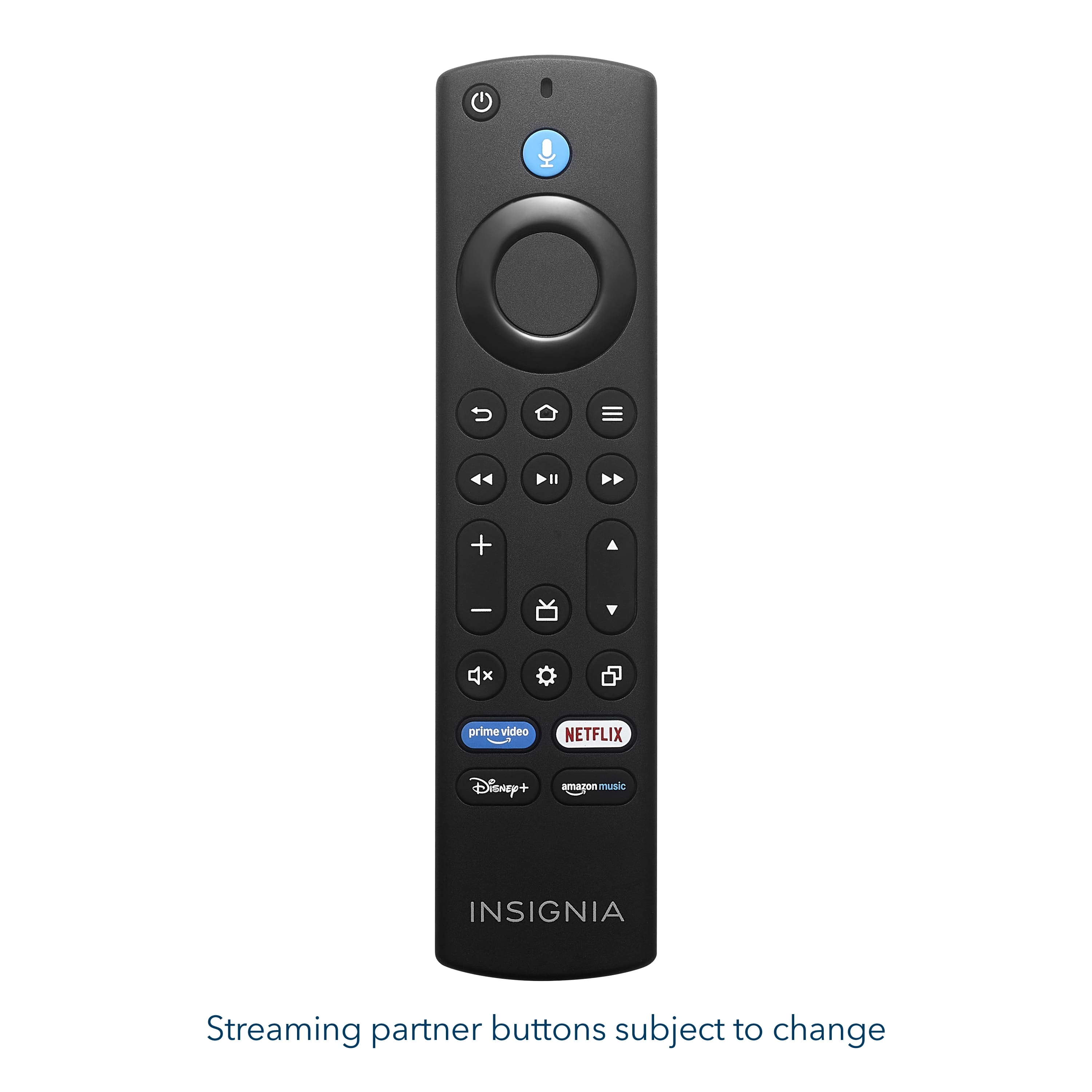
Press the Home button on your remote to open the Fire TV interface.
Navigate to "Settings" using the directional buttons.
Select "Display & Sounds" from the menu.
Choose "Picture Settings" or a similar option.
Adjust the brightness using the slider or preset picture modes. If you need further assistance feel free to ask |Angelica| Insignia Products|
A:AnswerThank you for your inquiry! The power cord for the Insignia™ 50” Class F50 Series Fire TV is approximately 5 feet (1.5 meters) long. This length should be enough for most standard setups, but if you're planning to wall mount the TV high and your outlet is near the floor, you may need a power extension cord or a concealed cable management kit to reach comfortably and keep things tidy. Keith | Insignia Support
A:AnswerHi there. Thank you for your interest in the Insignia™ 50” Class F50 Series LED 4K UHD Smart Fire TV. This model is designed specifically for indoor use and is not recommended for installation in outdoor environments, including open-air porches—even if they are covered. While a roof may offer some protection, the TV is not built to withstand humidity, temperature fluctuations, dust, or moisture, which are common in semi-outdoor spaces. Additionally, the screen may experience glare in bright natural light, which can affect your viewing experience. Using the TV in such conditions may also void your warranty, as it falls outside the intended usage environment. For outdoor setups, we recommend looking into weather-resistant TVs or protective enclosures designed for electronics in open-air settings. If you have any questions or need further assistance, please don't hesitate to reach out. Ivy | Insignia Support
A:AnswerHi there. Yes, to use the Insignia™ - 50” Class F50 Series LED 4K UHD Smart Fire TV with the built-in Fire TV platform, you do need an Amazon account. This is required to access and manage apps, personalize content, and use features like Alexa voice control. If you have any questions or need further assistance, please don't hesitate to reach out. Ivy | Insignia Support
A:AnswerNo, the Insignia™ 50” Class F50 Series LED 4K UHD Smart Fire TV does not have local dimming. It uses a direct-lit LED panel, which provides decent brightness and uniformity. Patricia | Insignia Support
A:AnswerThank you for your inquiry! The Insignia™ 50” Class F50 Series LED 4K UHD Smart Fire TV includes Bluetooth support, which allows it to connect to Bluetooth-enabled audio devices. This can be especially helpful for individuals with hearing difficulties, as it enables them to pair the TV with Bluetooth headphones, earbuds, or hearing amplifiers for clearer and more personalized sound. However, while the TV can connect to general Bluetooth audio devices, it may not be directly compatible with all Bluetooth hearing aids, particularly those that require specialized protocols like Bluetooth Low Energy (LE Audio) or Made for iPhone (MFi) technology. In such cases, using a Bluetooth transmitter that supports the specific hearing aid protocol can help bridge the gap. For the best experience, it’s helpful to know the exact model of the hearing device to ensure compatibility or explore the most effective connection method. Keith | Insignia Support
A:AnswerThe Insignia™ 50” Class F50 Series LED 4K UHD Smart Fire TV, the bottom VESA mounting holes are typically located approximately 2 to 3 inches from the bottom edge of the TV.
Keep in mind that the VESA pattern for this TV is 200mm x 200mm, meaning the holes are 200 millimeters (about 7.9 inches) apart both horizontally and vertically. The distance from the bottom of the TV to the bottom set of VESA holes is what varies slightly. When mounting, ensure your brackets are positioned level on the back of the TV using the VESA pattern.
If you have any other questions or need further assistance, feel free to contact our Insignia customer support team (877-467-4289). - Mae | Insignia Support
A:AnswerHello Jae! Thank you for your question. You can claim the special offers that come with the Insignia 50" F50 Series TV by contacting Best Buy’s customer support at 1‑888‑237‑8289, where a representative can look up your purchase and help you redeem any promotions included with your order.
Darshan | Insignia
A:AnswerHello, thank you for reaching out and we are sorry you’re experiencing firmware update errors on your Insignia F50 Series (Model NS‑50F501NA26), even after performing all resets. That’s not the experience we want for you. For further assistance and to review the device in more detail, please contact Insignia Support so we can help determine the next steps and provide additional troubleshooting or warranty options at insigniasupport@bestbuy.com or 877‑467‑4289. Sandhya | Insignia Products
A:AnswerThank you for your inquiry! The warranty for your Insignia™ 50” Class F50 Series LED 4K UHD Smart Fire TV is typically automatic and begins from the date of purchase, as long as you have proof of purchase (like a receipt or Best Buy account record). You do not need to mail anything in to activate the standard warranty. Keith | Insignia Support
A:AnswerHi there! Yes, this TV can work without Wi-Fi for basic functions like watching cable, satellite, or using HDMI devices. However, smart features like streaming apps will need an internet connection.
— Shiela | Insignia Support
A:AnswerHi Dave! Yes, the Insignia™ 50” Class F50 Series LED 4K UHD Smart Fire TV supports the Xfinity Stream app. Since it runs on Amazon's Fire TV operating system, you can download the Xfinity Stream app directly from the Amazon Appstore. Once installed and activated, you'll be able to stream live TV, On Demand content, and DVR recordings included with your Xfinity subscription. Jeth | Insignia Support.
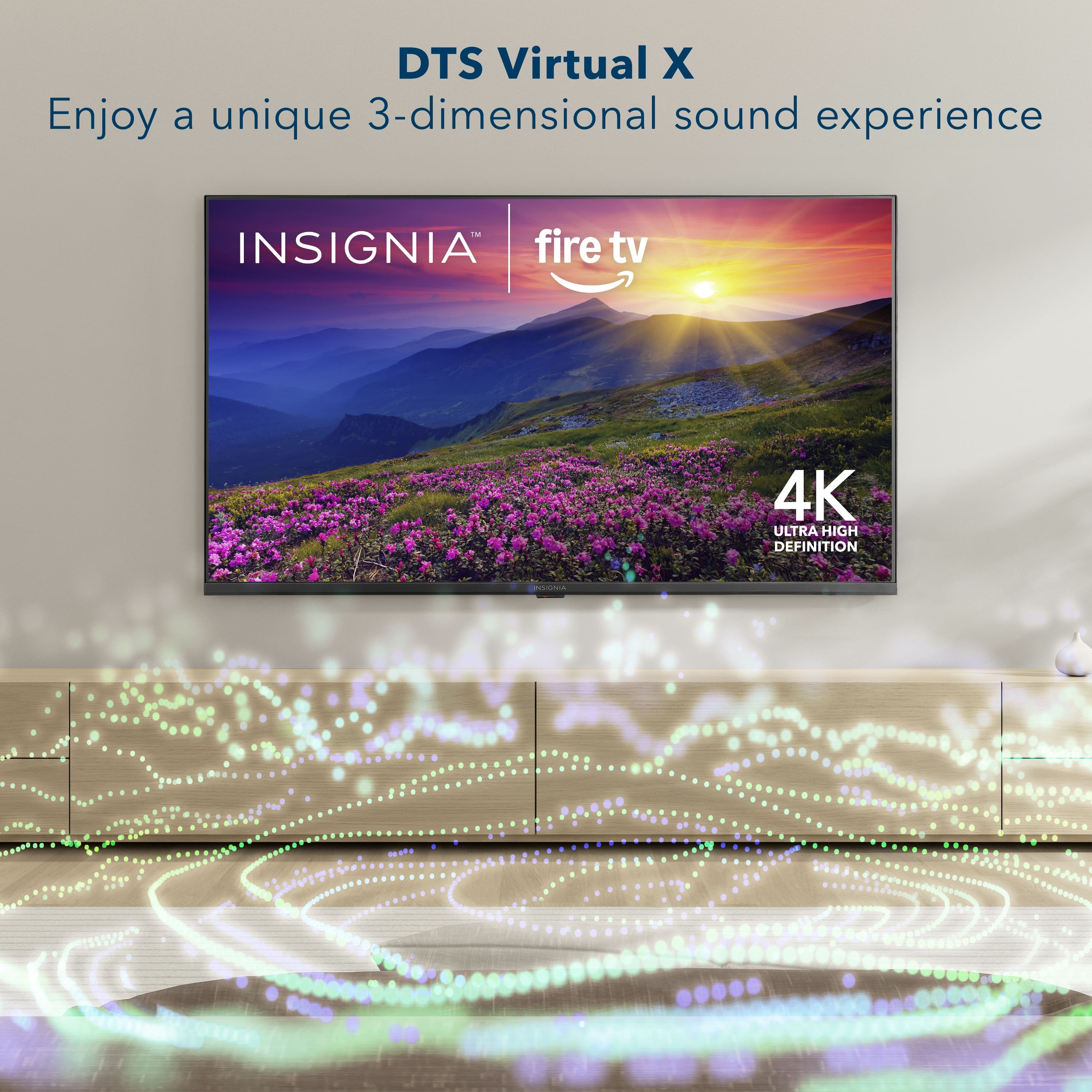
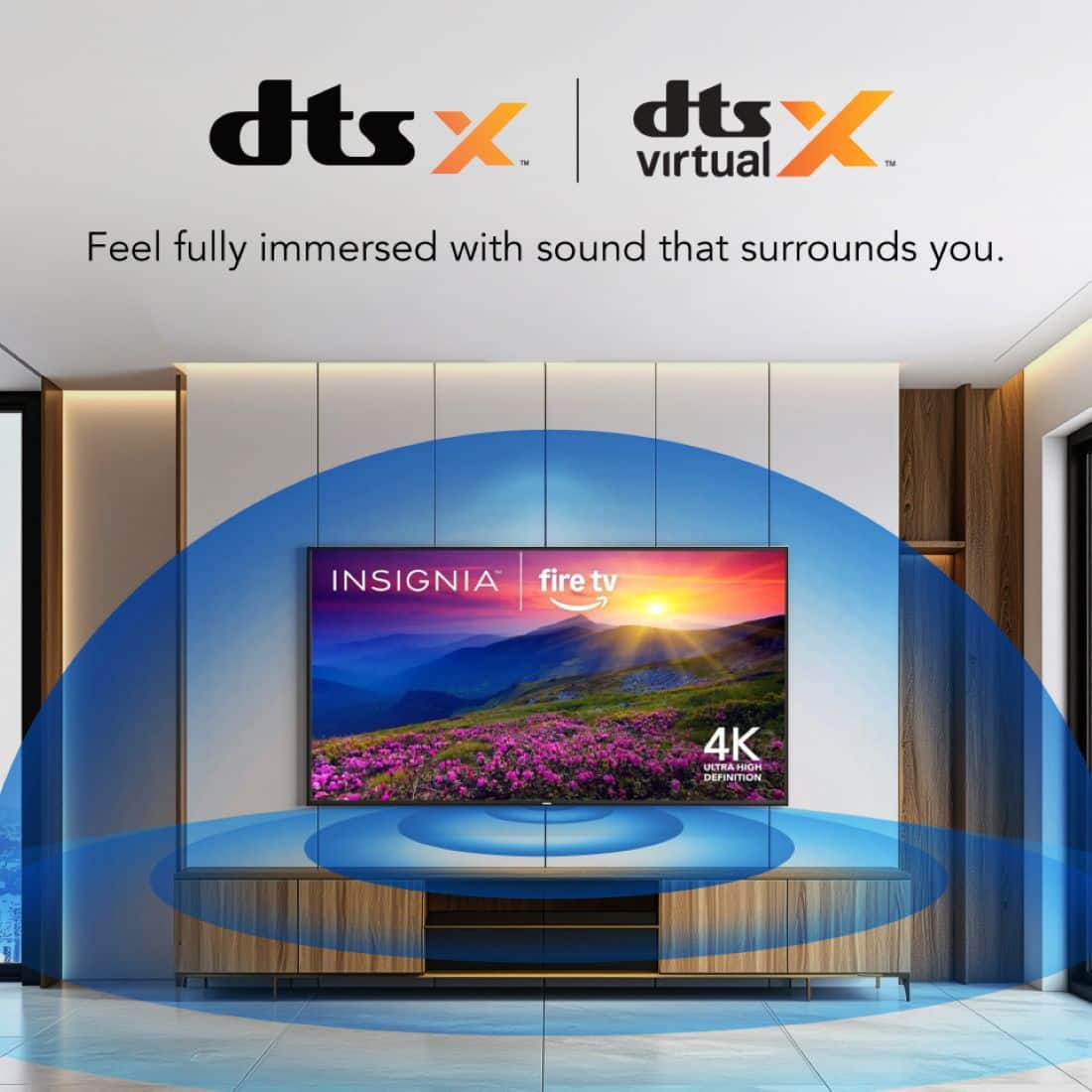
A:AnswerHi Ed! Thanks for reaching out. While the Insignia™ 50” Class F50 Series QLED 4K UHD Smart Fire TV boasts immersive audio thanks to DTS Virtual:X technology, the specific wattage of its integrated speakers isn't detailed in the official product specifications.
- Shiela | Insignia Support