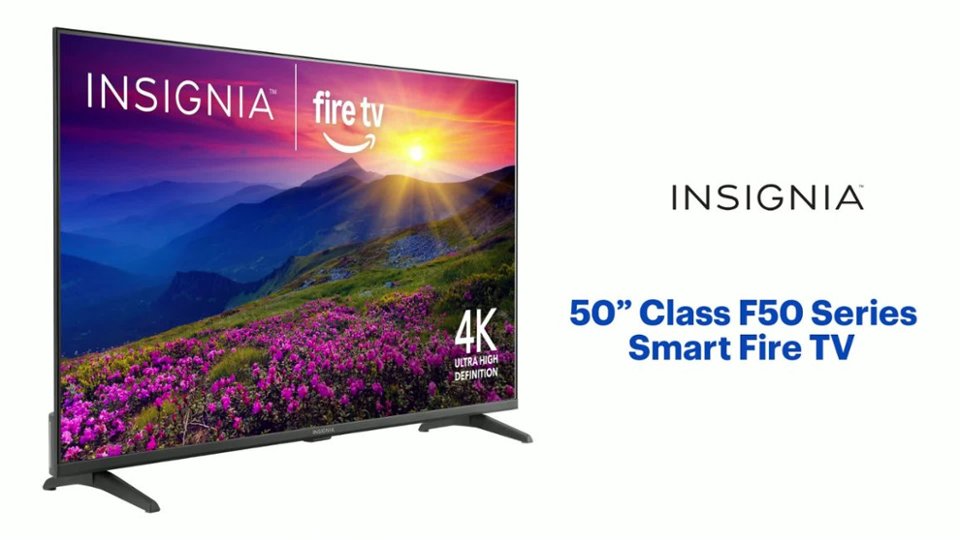
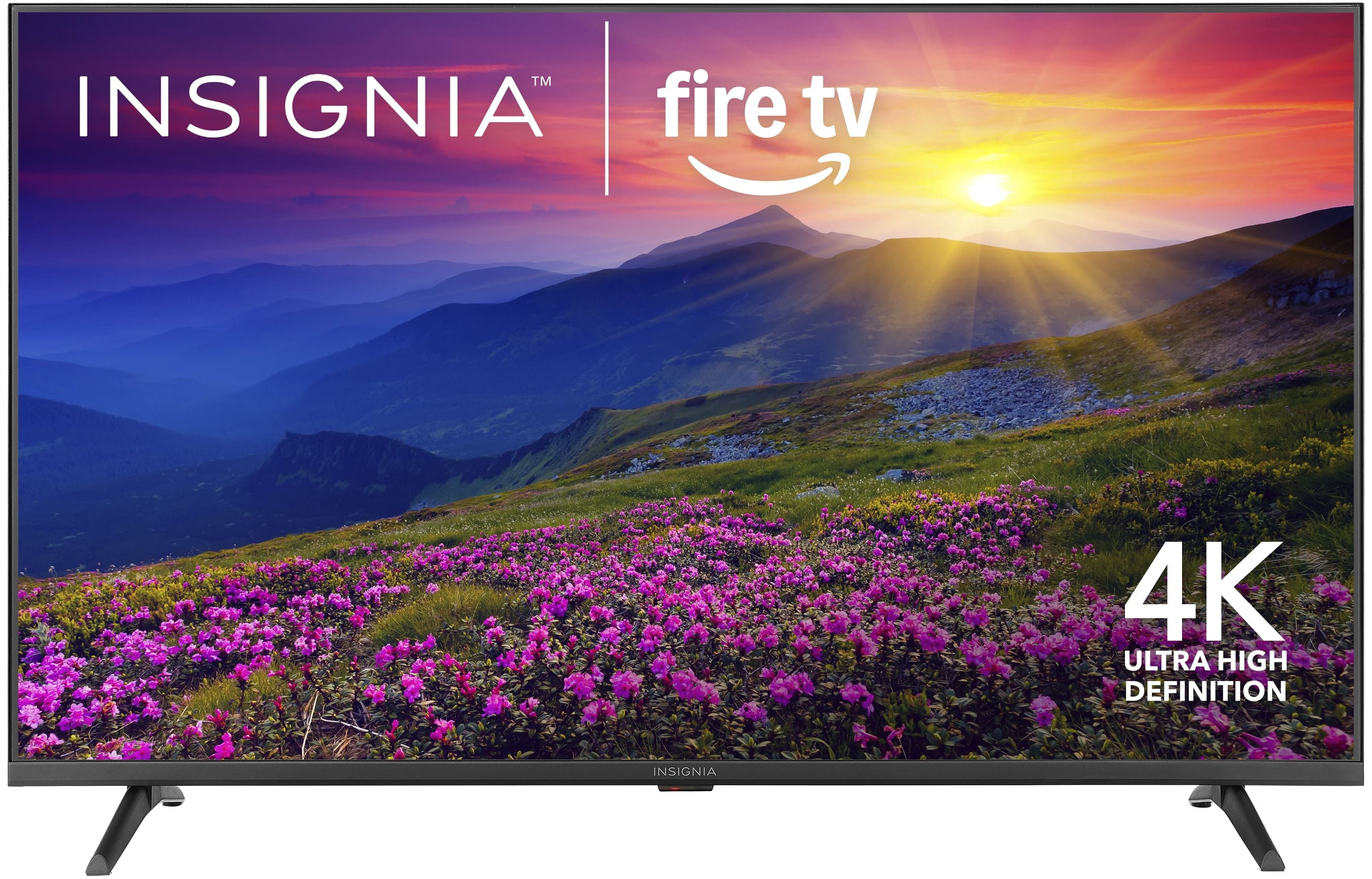
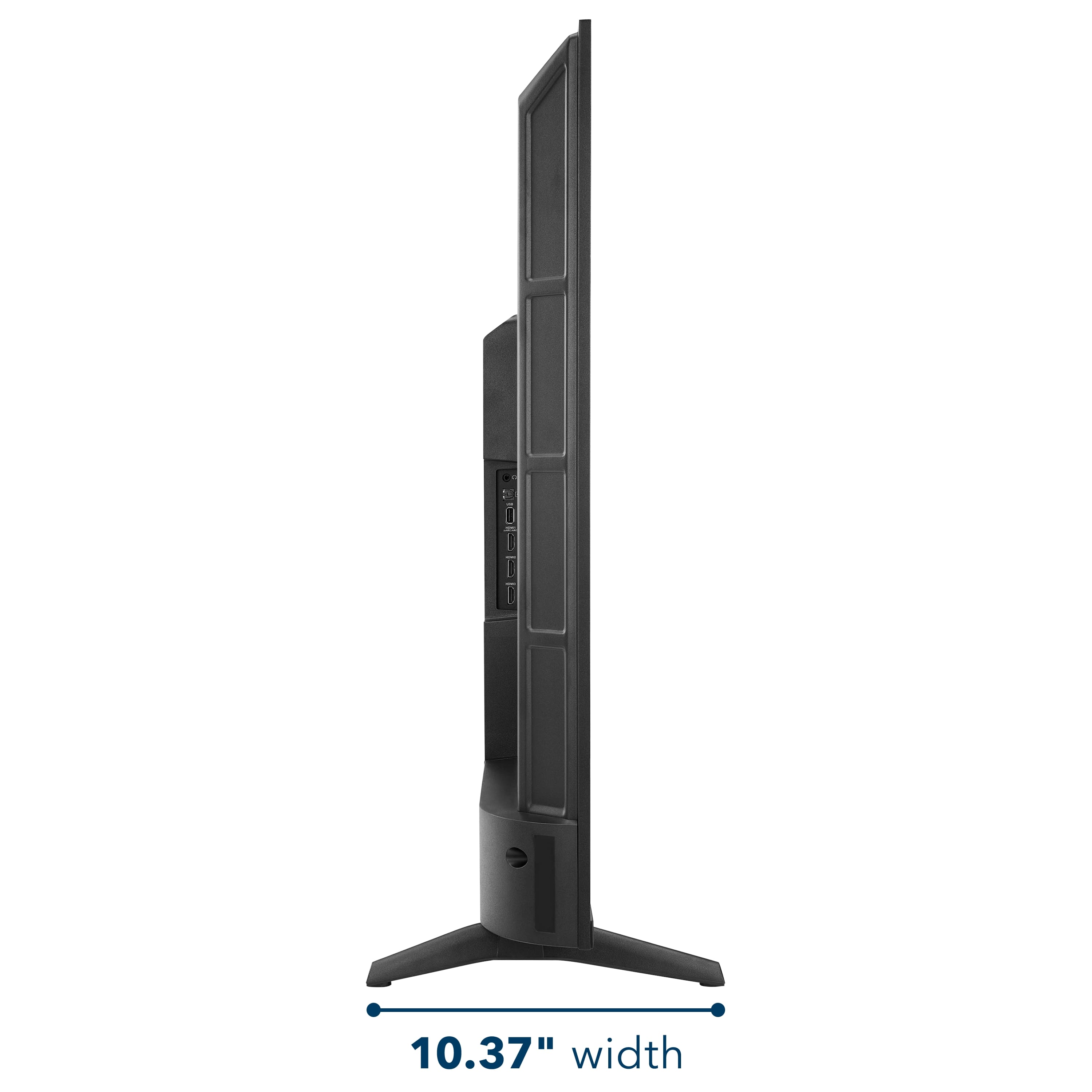
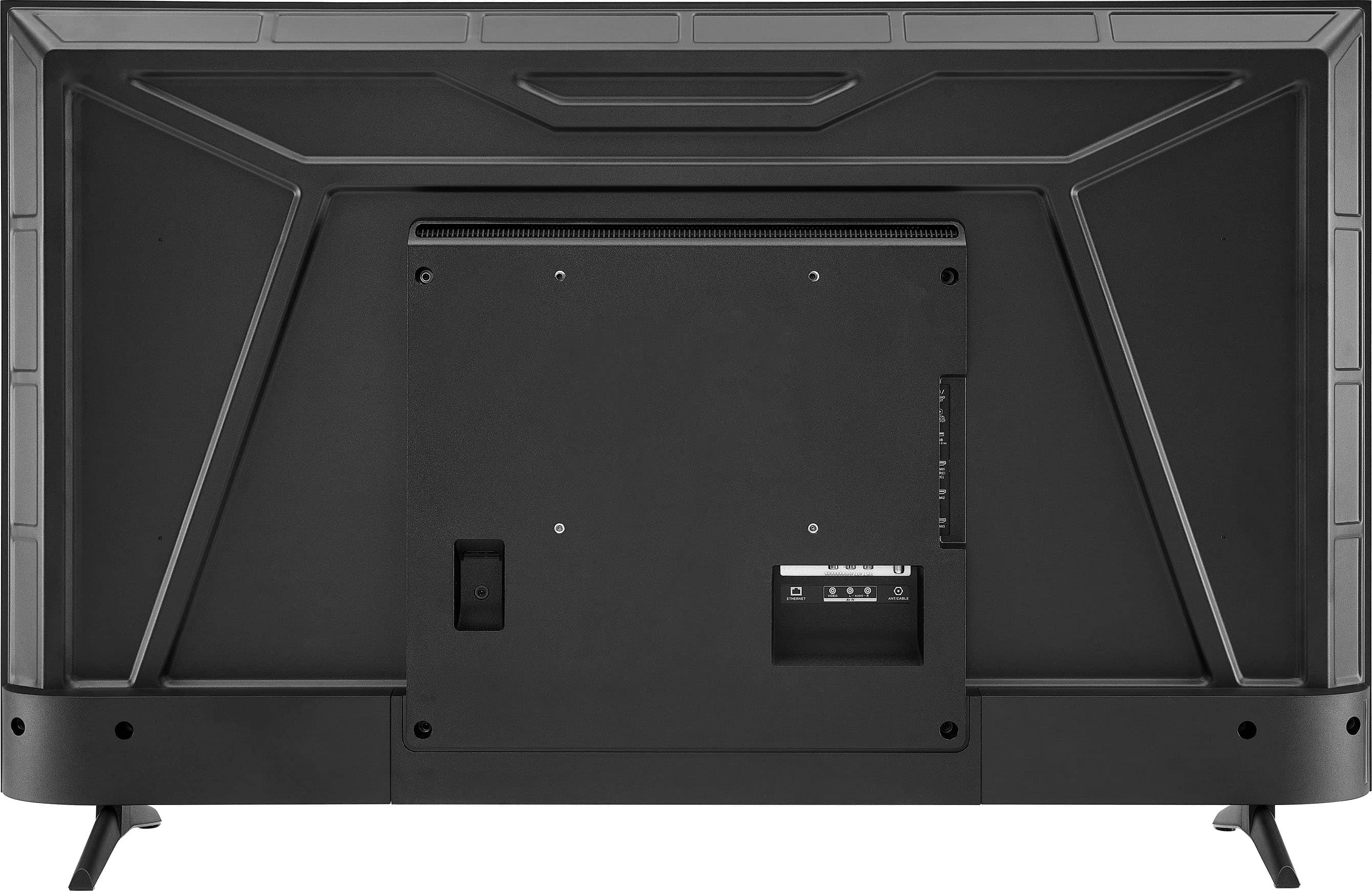
A:AnswerThe Insignia™ 50” Class F50 Series LED 4K UHD Smart Fire TV, the bottom VESA mounting holes are typically located approximately 2 to 3 inches from the bottom edge of the TV.
Keep in mind that the VESA pattern for this TV is 200mm x 200mm, meaning the holes are 200 millimeters (about 7.9 inches) apart both horizontally and vertically. The distance from the bottom of the TV to the bottom set of VESA holes is what varies slightly. When mounting, ensure your brackets are positioned level on the back of the TV using the VESA pattern.
If you have any other questions or need further assistance, feel free to contact our Insignia customer support team (877-467-4289). - Mae | Insignia Support
A:AnswerHello Jae! Thank you for your question. You can claim the special offers that come with the Insignia 50" F50 Series TV by contacting Best Buy’s customer support at 1‑888‑237‑8289, where a representative can look up your purchase and help you redeem any promotions included with your order.
Darshan | Insignia
A:AnswerHello, thank you for reaching out and we are sorry you’re experiencing firmware update errors on your Insignia F50 Series (Model NS‑50F501NA26), even after performing all resets. That’s not the experience we want for you. For further assistance and to review the device in more detail, please contact Insignia Support so we can help determine the next steps and provide additional troubleshooting or warranty options at insigniasupport@bestbuy.com or 877‑467‑4289. Sandhya | Insignia Products
A:AnswerThank you for your inquiry! The warranty for your Insignia™ 50” Class F50 Series LED 4K UHD Smart Fire TV is typically automatic and begins from the date of purchase, as long as you have proof of purchase (like a receipt or Best Buy account record). You do not need to mail anything in to activate the standard warranty. Keith | Insignia Support
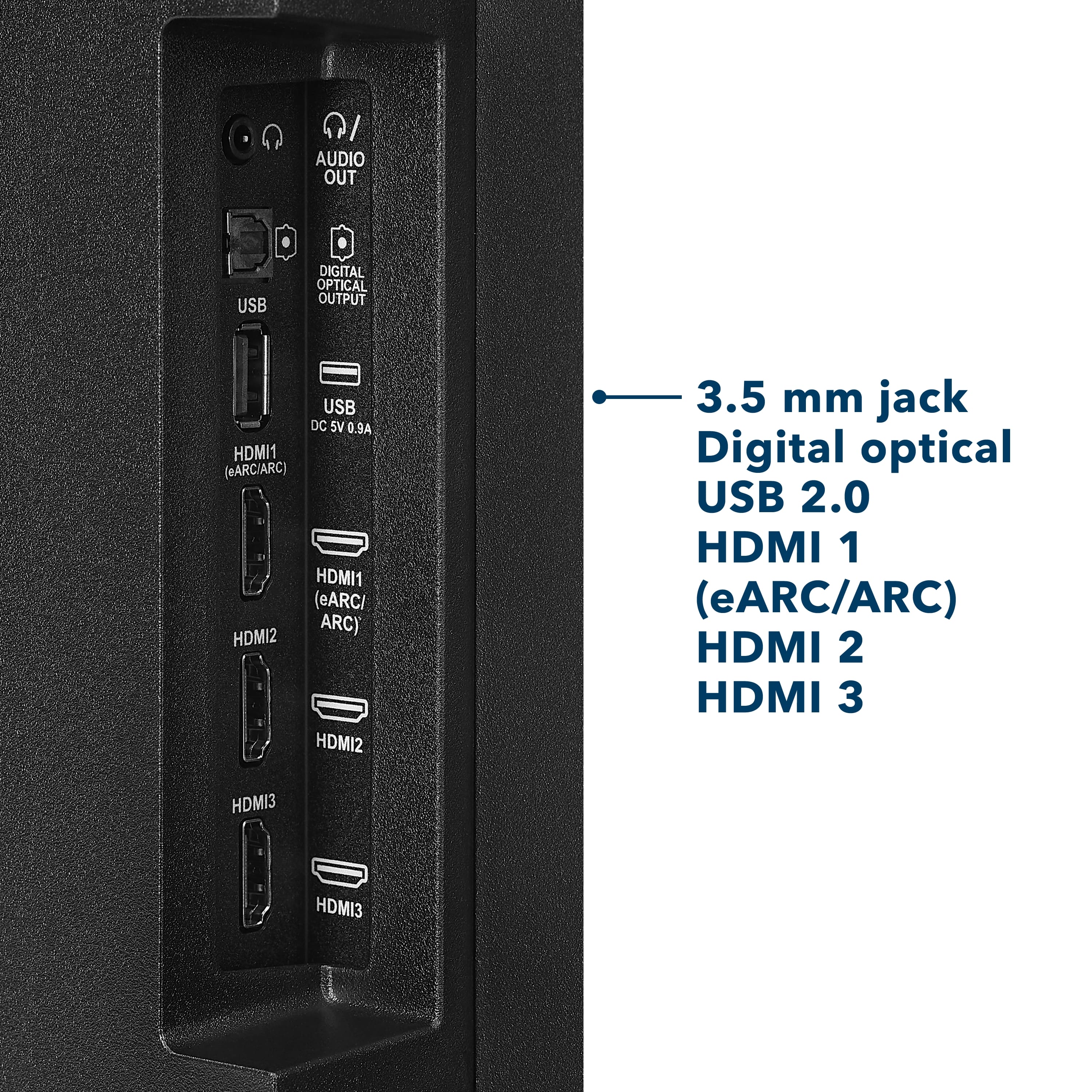
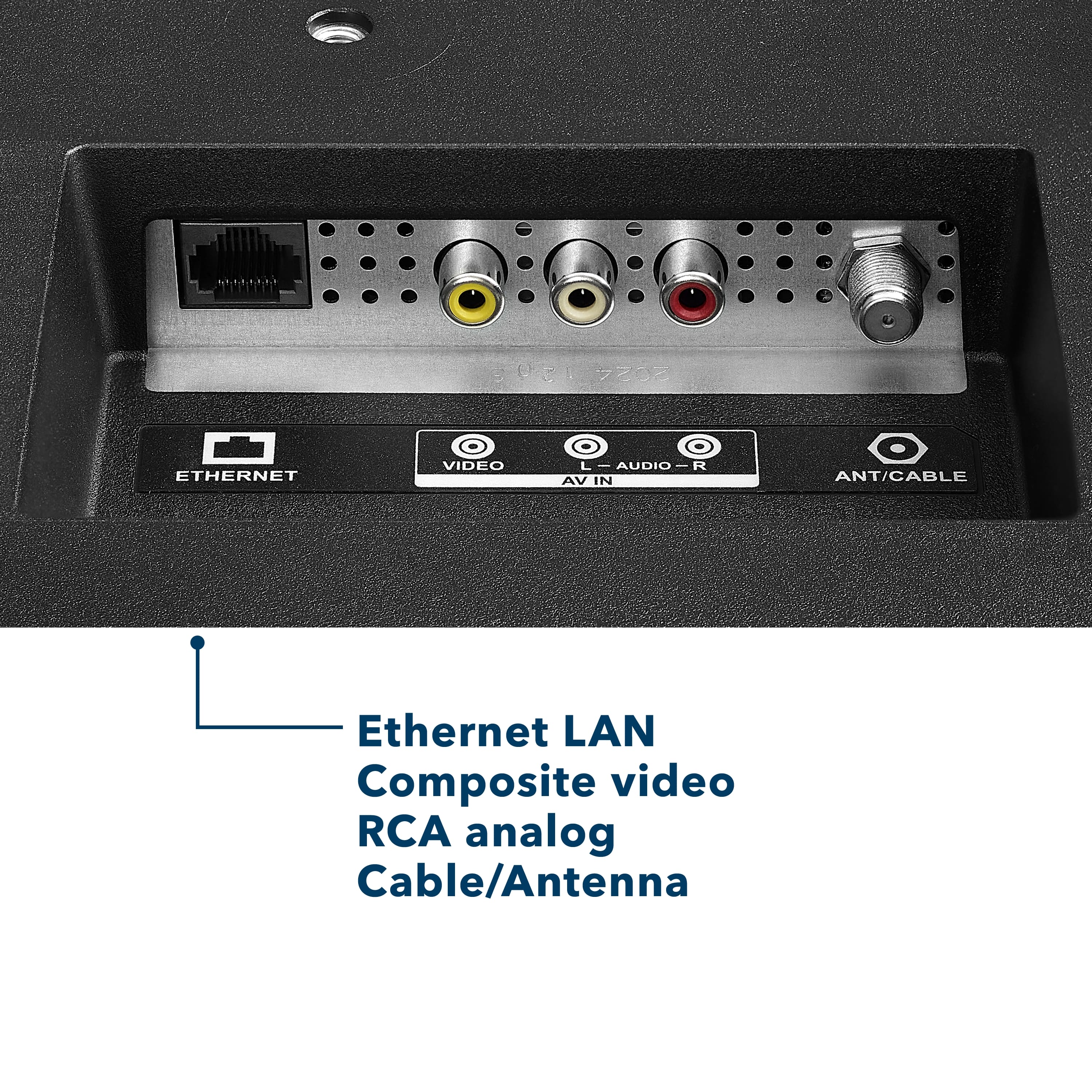
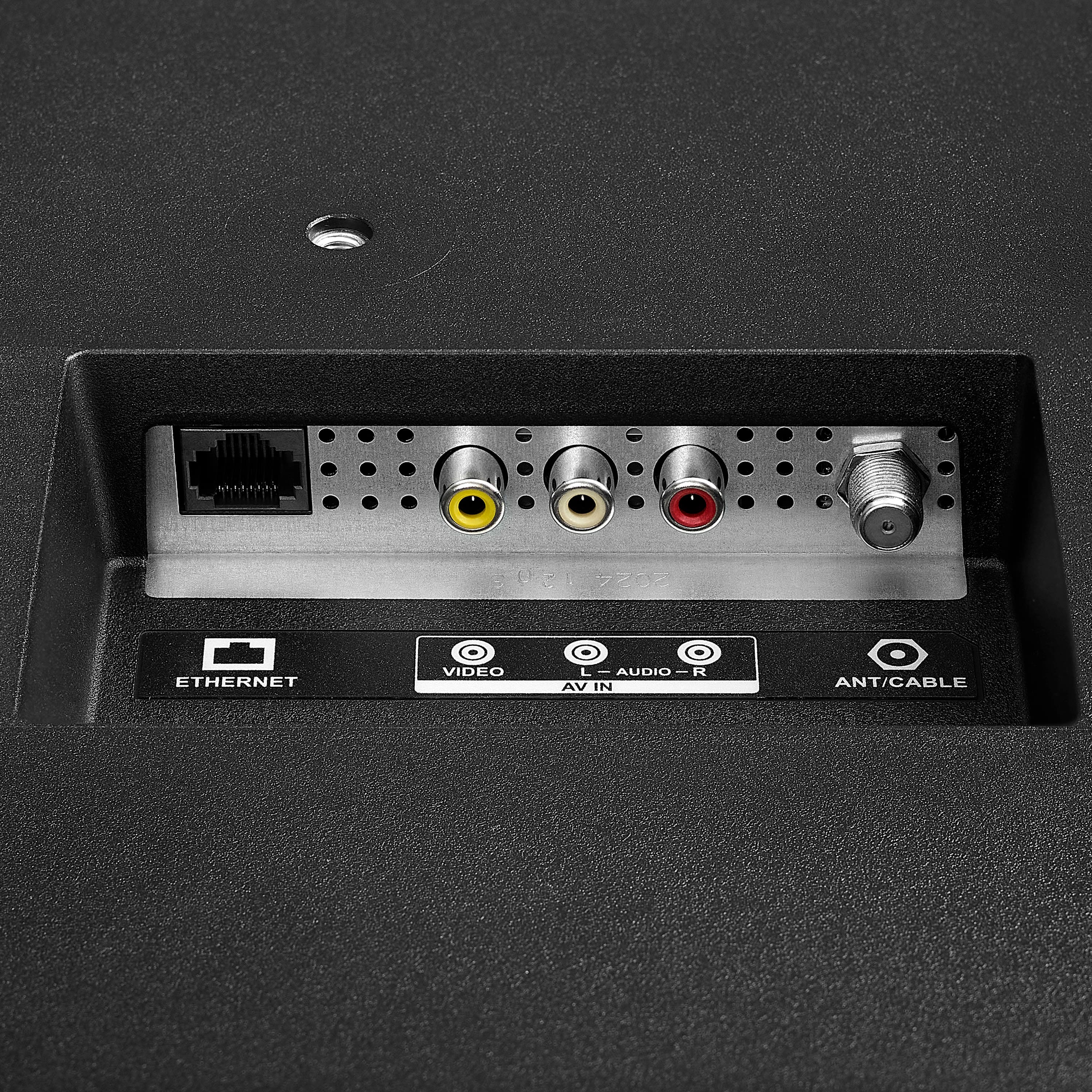
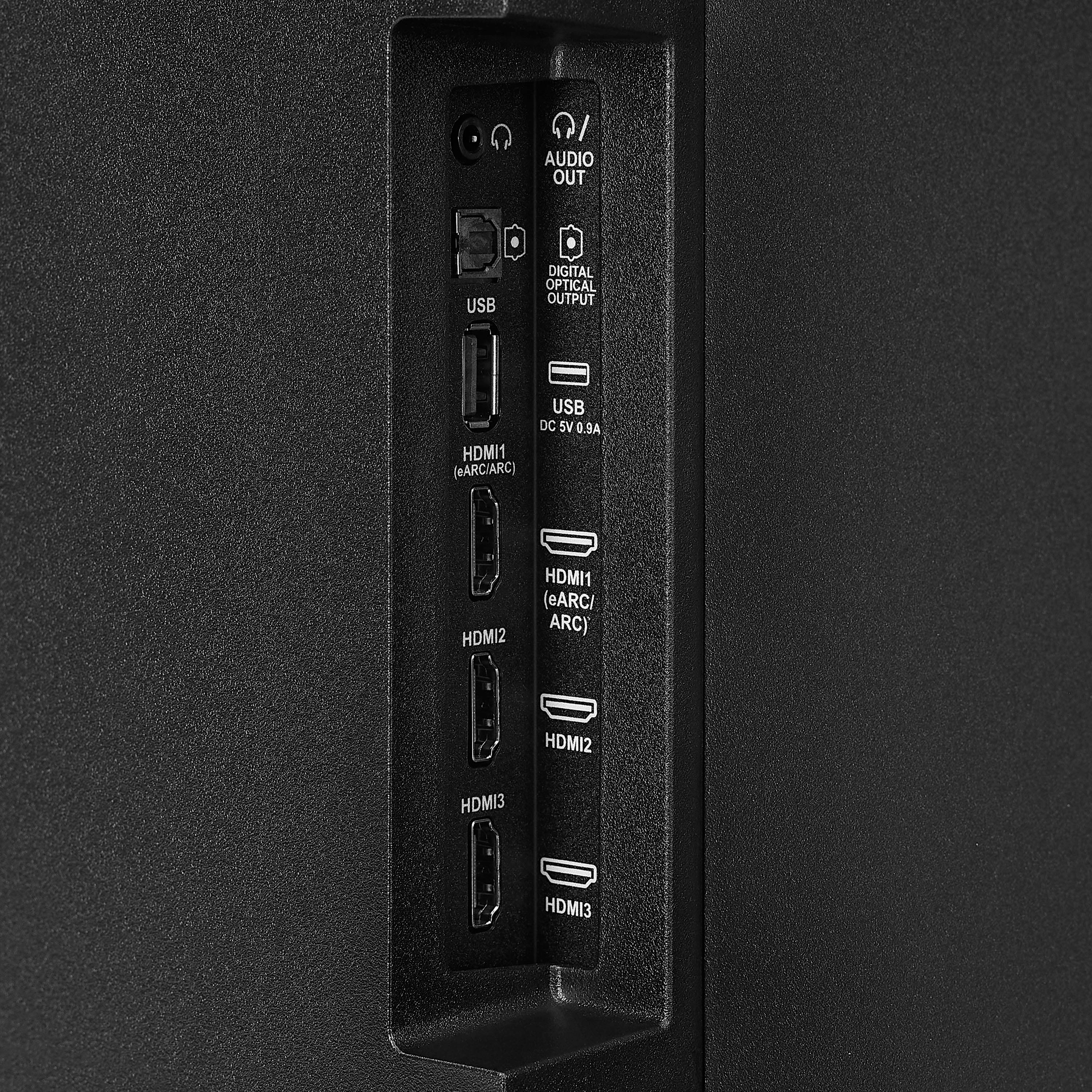
A:AnswerHi there! Yes, this TV can work without Wi-Fi for basic functions like watching cable, satellite, or using HDMI devices. However, smart features like streaming apps will need an internet connection.
— Shiela | Insignia Support
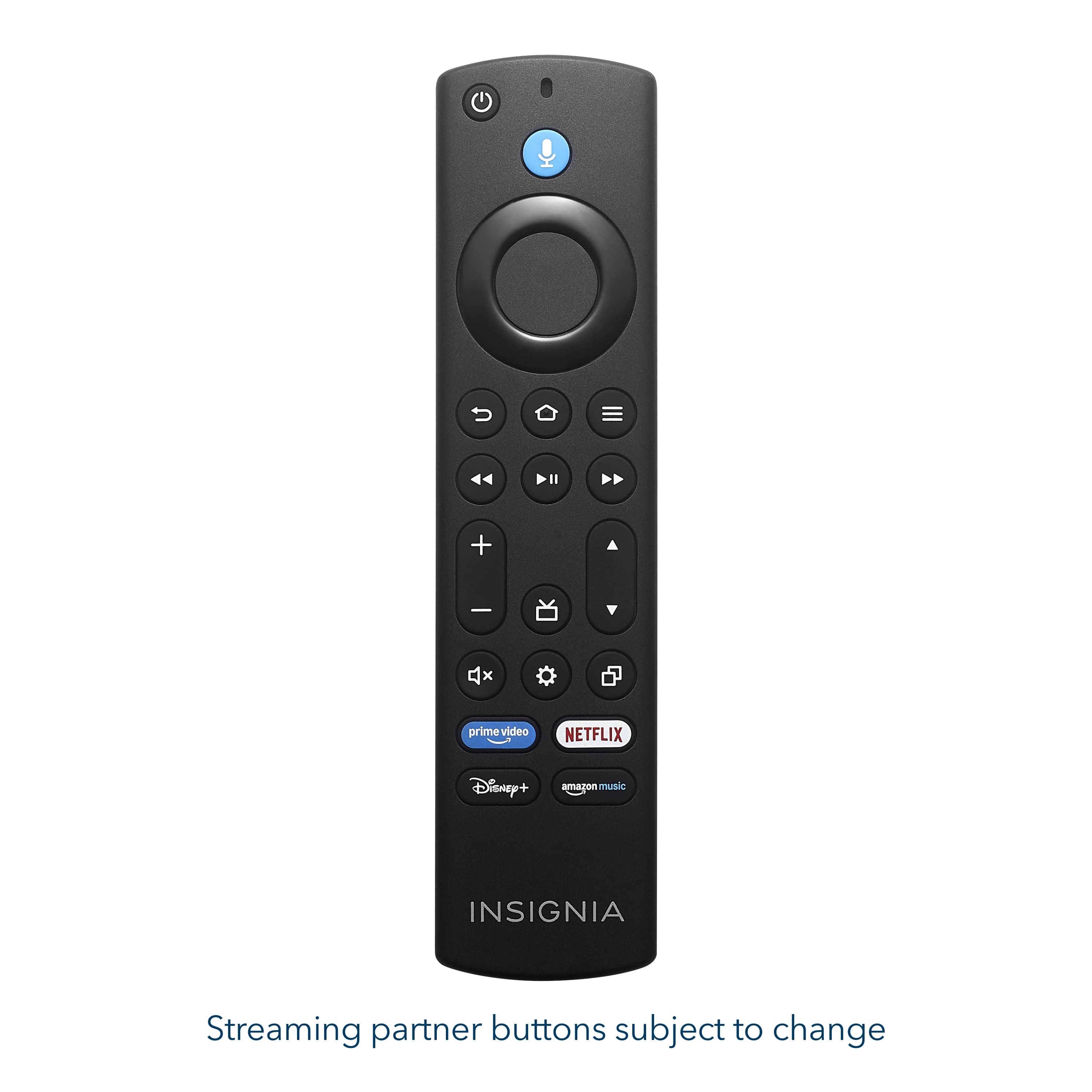
A:AnswerTo manually change the resolution on your Insignia™ 50” Class F50 Series 4K UHD Smart Fire TV, especially when it's connected to a device like the Xbox Series X and displaying at 720p, you can use a built-in remote shortcut. Simply press and hold the top part of the navigation ring (the "Up" button) and the Fast Forward button on your Fire TV remote at the same time. Hold both buttons together for about 10 seconds. The TV will begin cycling through the available resolution settings such as 720p, 1080p, and 4K. Patricia | Insignia Support
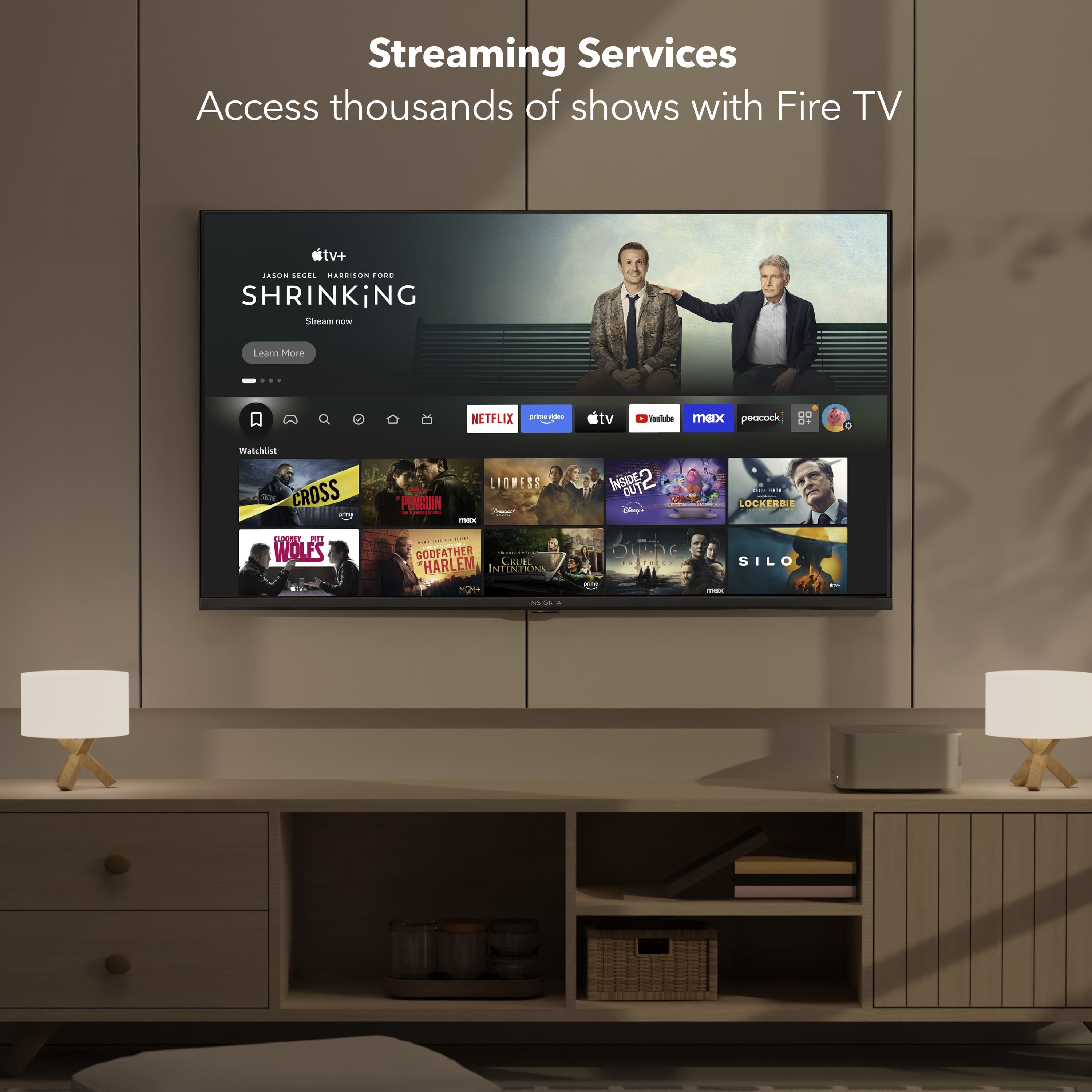
A:AnswerHi Dave! Yes, the Insignia™ 50” Class F50 Series LED 4K UHD Smart Fire TV supports the Xfinity Stream app. Since it runs on Amazon's Fire TV operating system, you can download the Xfinity Stream app directly from the Amazon Appstore. Once installed and activated, you'll be able to stream live TV, On Demand content, and DVR recordings included with your Xfinity subscription. Jeth | Insignia Support.
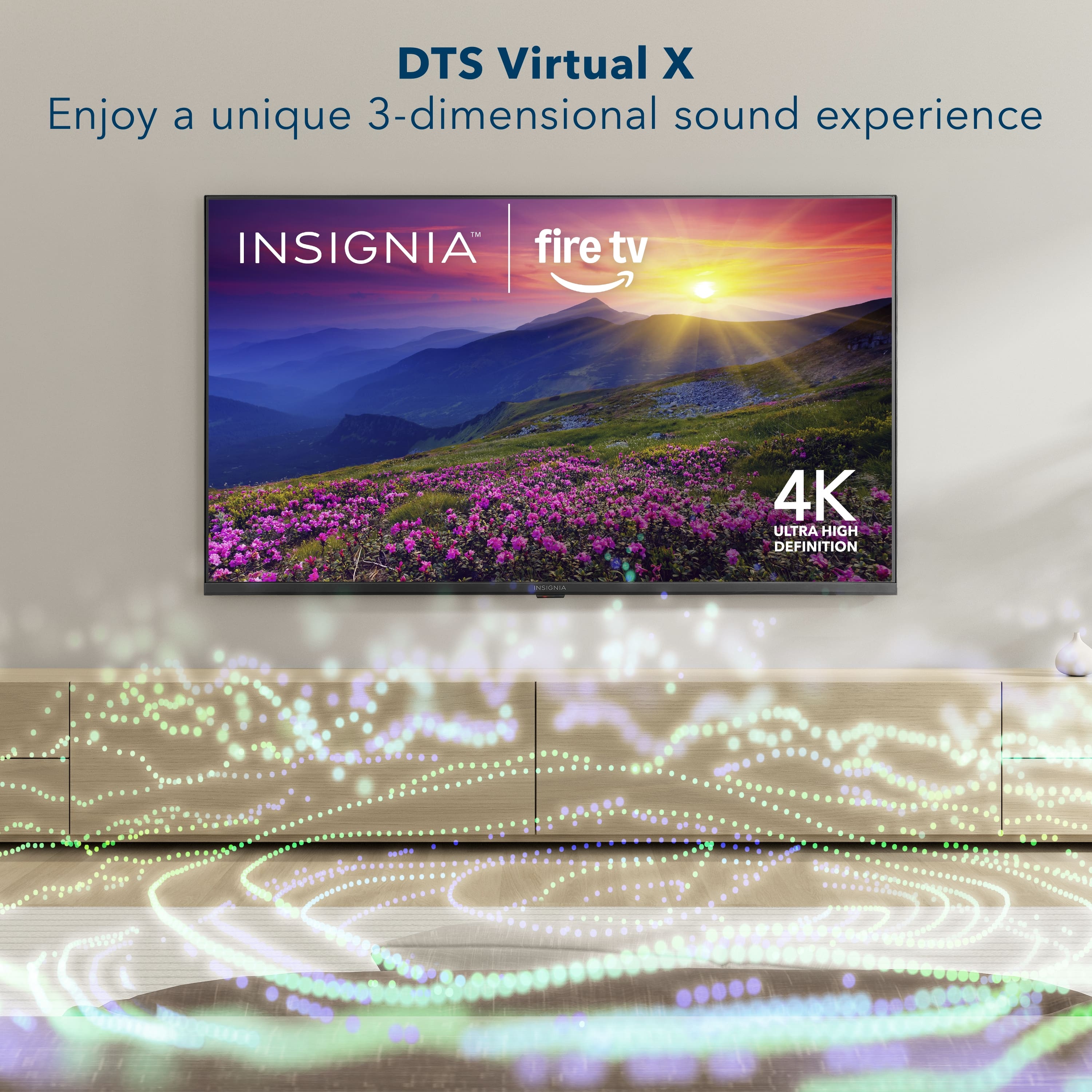
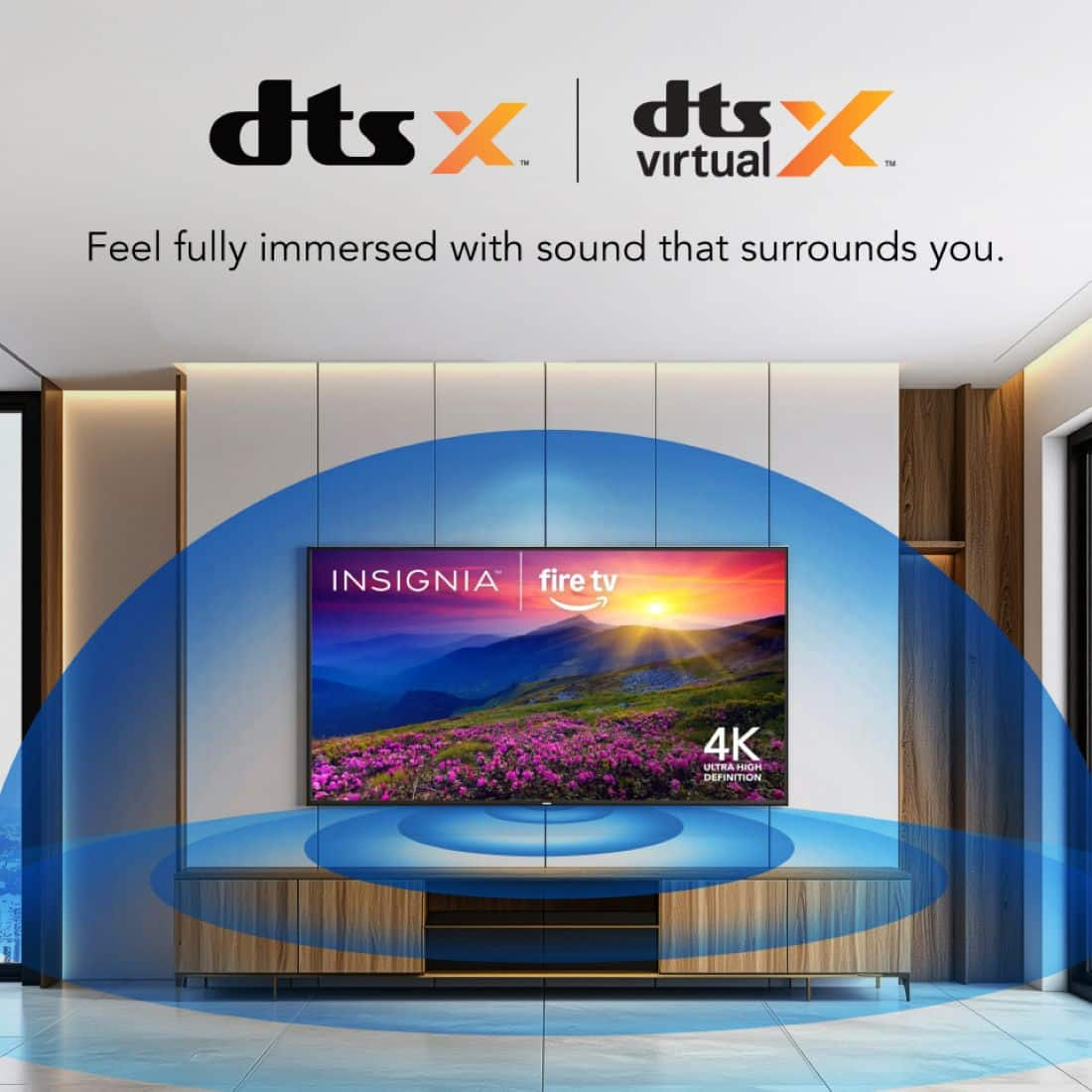
A:AnswerHi Ed! Thanks for reaching out. While the Insignia™ 50” Class F50 Series QLED 4K UHD Smart Fire TV boasts immersive audio thanks to DTS Virtual:X technology, the specific wattage of its integrated speakers isn't detailed in the official product specifications.
- Shiela | Insignia Support
A:AnswerDear Insignia Customer, thank you for your question. I’m sorry to hear that the volume on your Insignia 50" Class F50 Series LED 4K UHD Smart Fire TV suddenly sounds muted and low. Please contact us at 1-877‑467‑4289 or insigniasupport@bestbuy.com and we will be happy to check and help you with this. Rafay | Insignia
A:AnswerHi Jimmy, thanks for reaching out!
Most Insignia products come with a One-Year Limited Warranty. This covers manufacturing defects for a year from your purchase date.
If you have any further questions, please feel free to ask!
Carl | Insignia Support
 Pedlogig FEAR LIMITID WARRANTY Cintateg LARANTIA LIMITADA AD FSC SC* C150839 FEATURES 21400 Smaan Reskton Ced CM ipun MRC C Componite rput Digital Crpu po Armanna aboe input Headphors SAT Ad Cutput Wrelens NCLUDED voce tamote Aids Aymura A Pow."](https://pisces.bbystatic.com/image2/BestBuy_US/images/products/2dd2a379-3045-411a-98ea-5c8a4feb02ac.jpg)