Ultimate Upgrade SaleEnds Sunday. Limited quantities. No rainchecks.Shop now

Main Content

Questions & Answers

$179.99
Save $120
The comparable value is $299.99
Page Showing 161-180 of 181 questions
  • Questionis the aspect ratio adjustable? and if not why the freak would you leave out such an important feature

    Asked by seth.

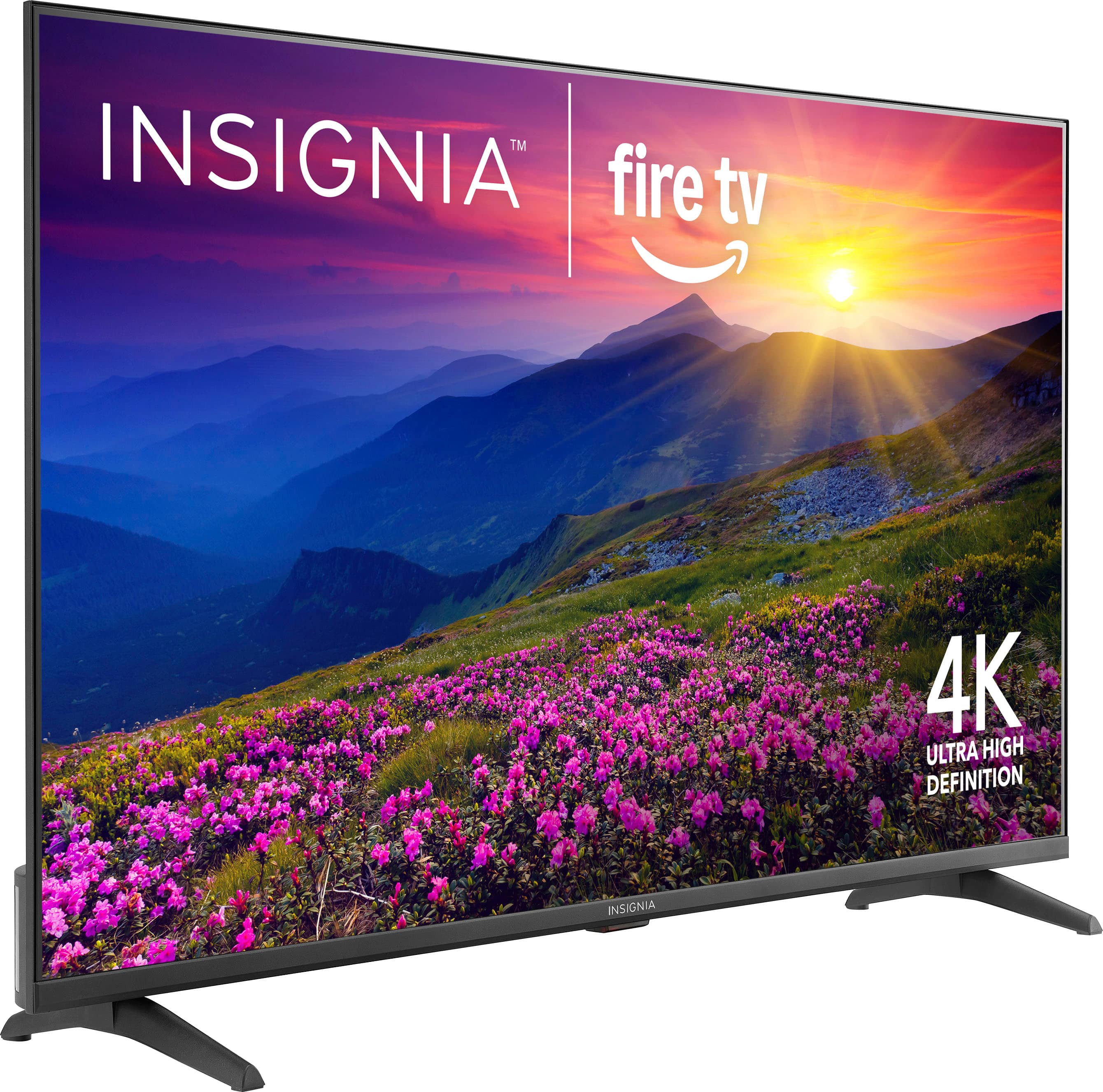
    • Answer Hi Seth, you can adjust the aspect ratio on the Insignia™ 50” Class F50 Series LED 4K UHD Smart Fire TV, though there are a few limitations. The television's native aspect ratio is 16:9, which is standard for most modern content. You can, however, modify the screen size or zoom settings through the Picture Settings menu. The options available to you, such as Auto, Normal, Zoom, Wide, or Cinema, may vary based on the input source (like HDMI, cable, or a streaming service). Keep in mind that some streaming applications or HDMI sources might lock the aspect ratio, which means the TV will defer to the content's original formatting and disable manual adjustment. Therefore, while the feature is available, its functionality depends on what you're watching or how it's connected. If you're running into a specific issue or need help navigating the settings, please don't hesitate to call us at 1-877-467-4289. — Shiela | Insignia Support

      Answered by InsigniaCustomerSupport

  • Questionthis have a Tv wall mount that i can hang up the tv on? the wall?

    Asked by Drew.

    • Answer Thank you for your inquiry! Yes, the Insignia™ 50” Class F50 Series LED 4K UHD Smart Fire TV (Model: NS-50F501NA26) can be wall-mounted. Keith | Insignia Support

      Answered by InsigniaCustomerSupport

  • QuestionWhat would the dimensions be for the tv wall mount for example 200mmx200mm or 200mmx100mm because I see a lot of different sizes mounts but I don’t know which one to get for this tv.

    Asked by Leon.

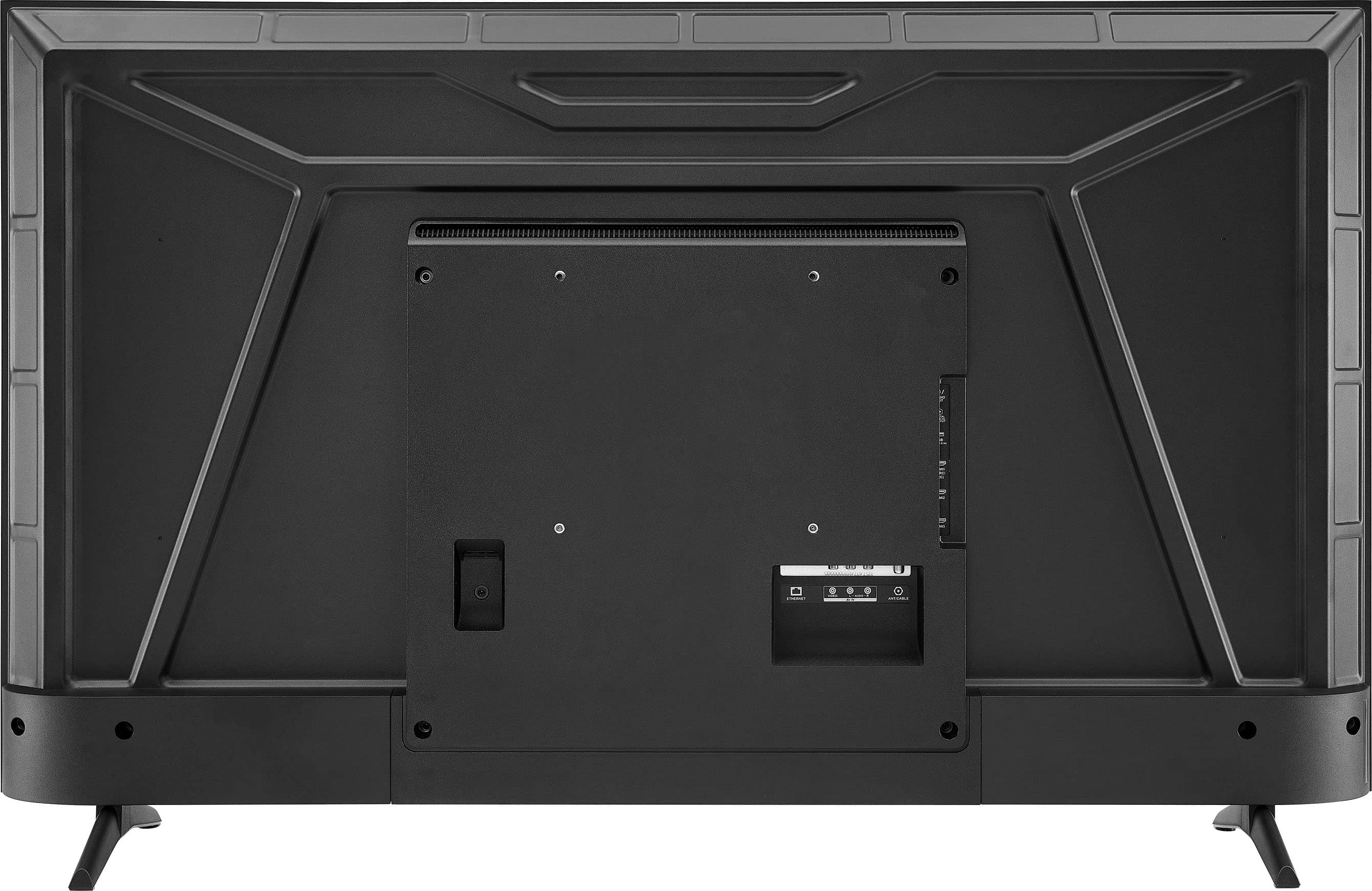
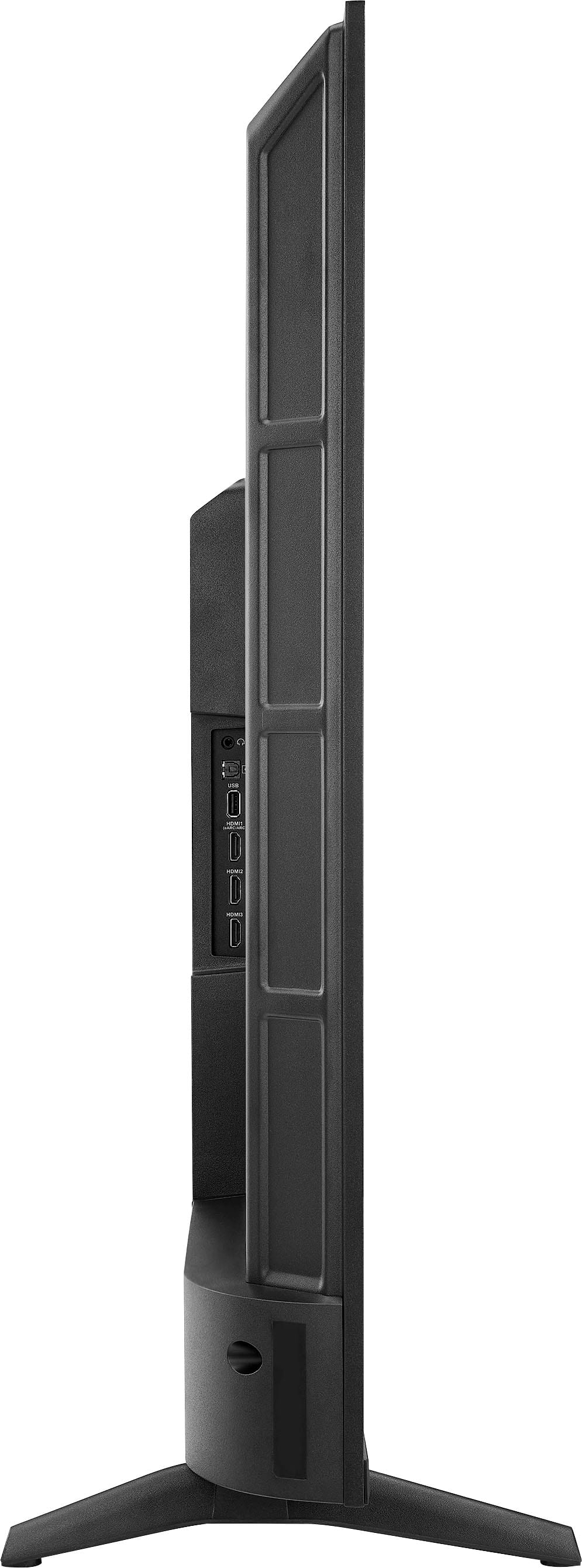
    • Answer The Insignia™ 50” Class F50 Series LED 4K UHD Smart Fire TV uses a VESA mounting pattern of 200 x 200 mm. Patricia | Insignia Support

      Answered by InsigniaCustomerSupport

  • QuestionWhat are the dimensios

    Asked by Anonymous.

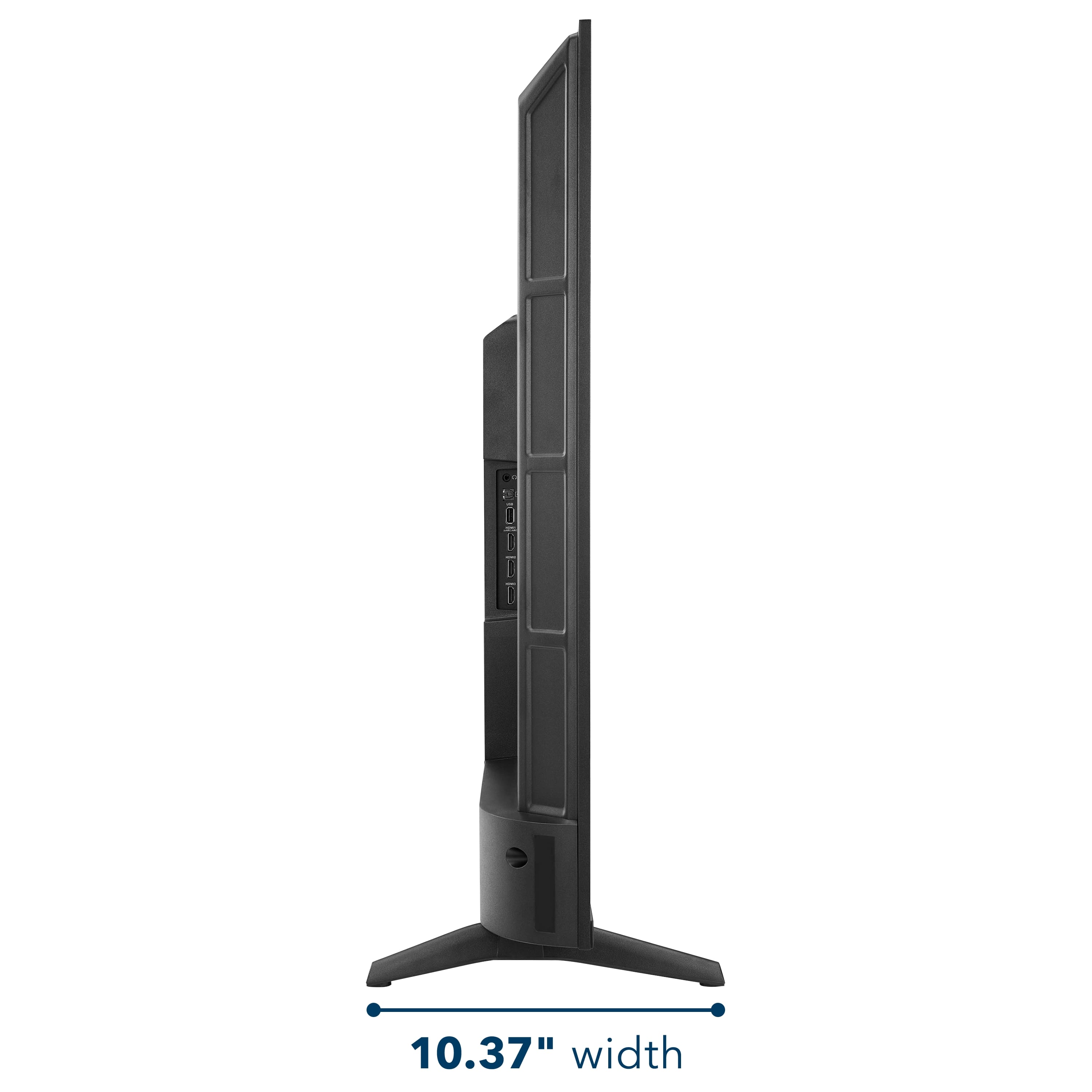
    • Answer Hi there. The Insignia™ 50” Class F50 Series LED 4K UHD Smart Fire TV (Model: NS-50F501NA26) measures approximately 43.8 inches wide, 27.5 inches high, and 10.39 inches deep with the stand. Without the stand, the height and depth are reduced, though the exact measurements may vary slightly. If you have any questions or need further assistance, please don't hesitate to reach out. Ivy | Insignia Support

      Answered by InsigniaCustomerSupport

  • QuestionDoes this television support the Xfinity streaming app?

    Asked by Belz.

    • Answer Hi Dave! Yes, the Insignia™ 50” Class F50 Series LED 4K UHD Smart Fire TV supports the Xfinity Stream app. Since it runs on Amazon's Fire TV operating system, you can download the Xfinity Stream app directly from the Amazon Appstore. Once installed and activated, you'll be able to stream live TV, On Demand content, and DVR recordings included with your Xfinity subscription. Jeth | Insignia Support.

      Answered by InsigniaCustomerSupport

  • QuestionI will not be using cable (comcast/infinity) for this TV. Will I be able to connect my indoor/outdoor antenna for regular usage. I do not have wi-fi access.

    Asked by Boo13.

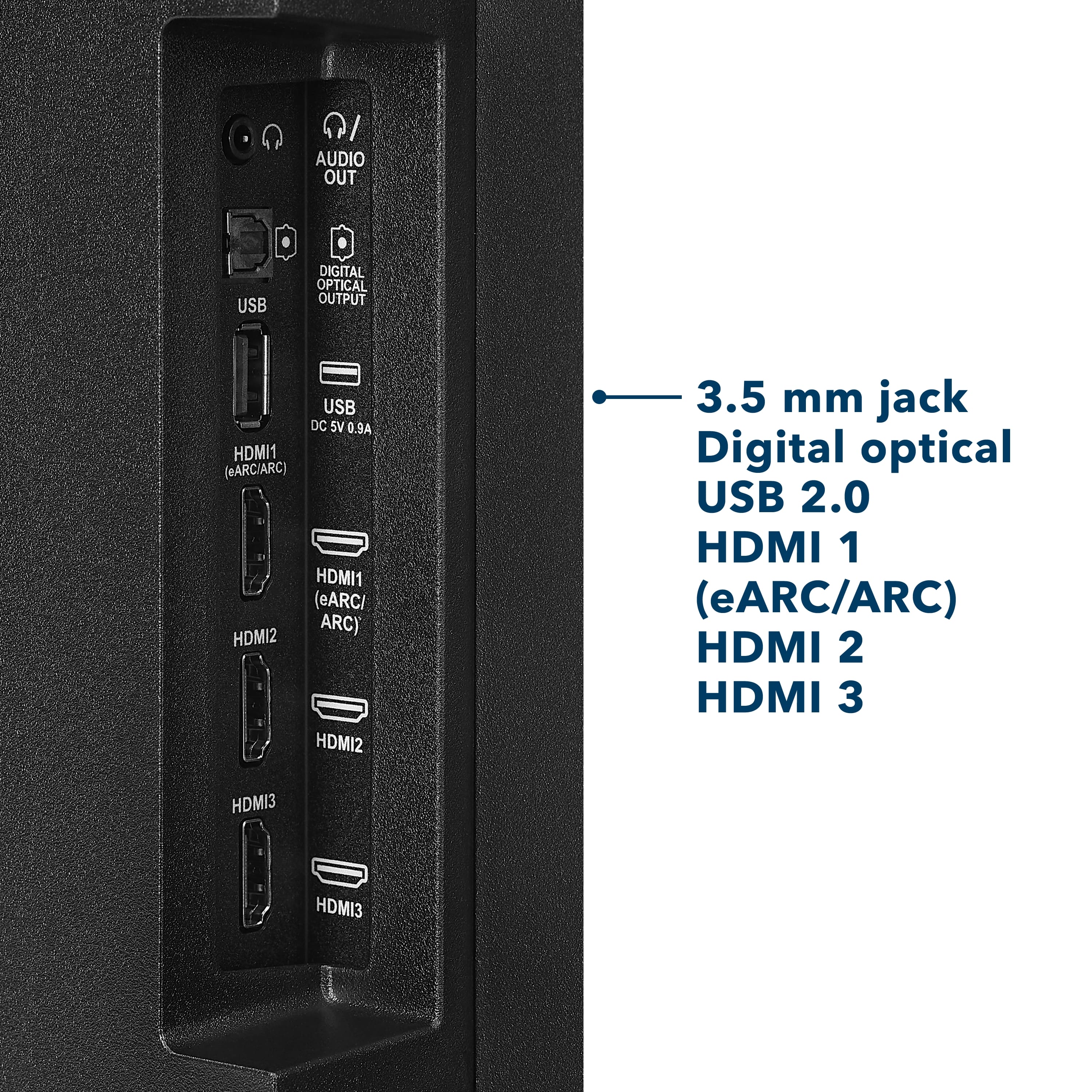
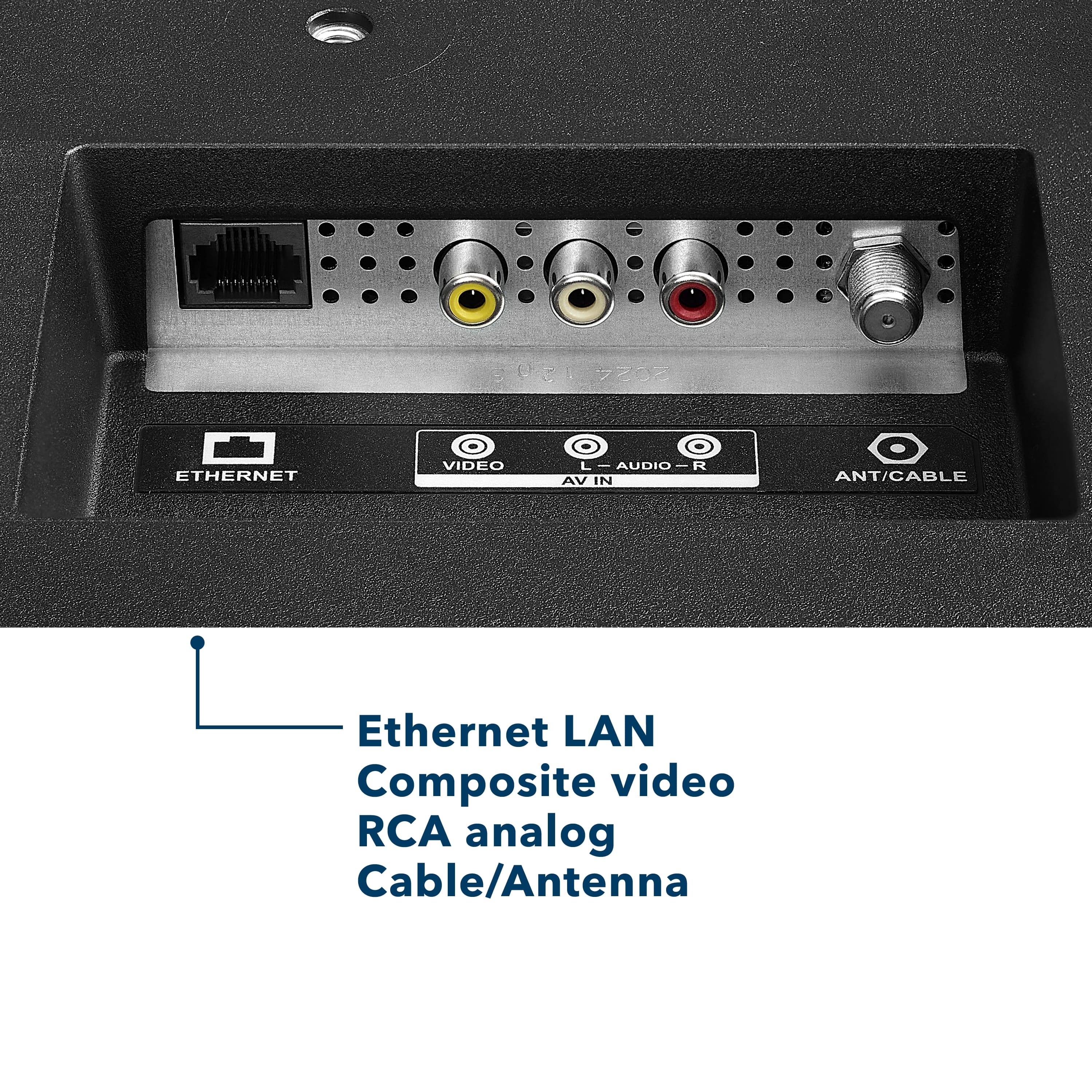
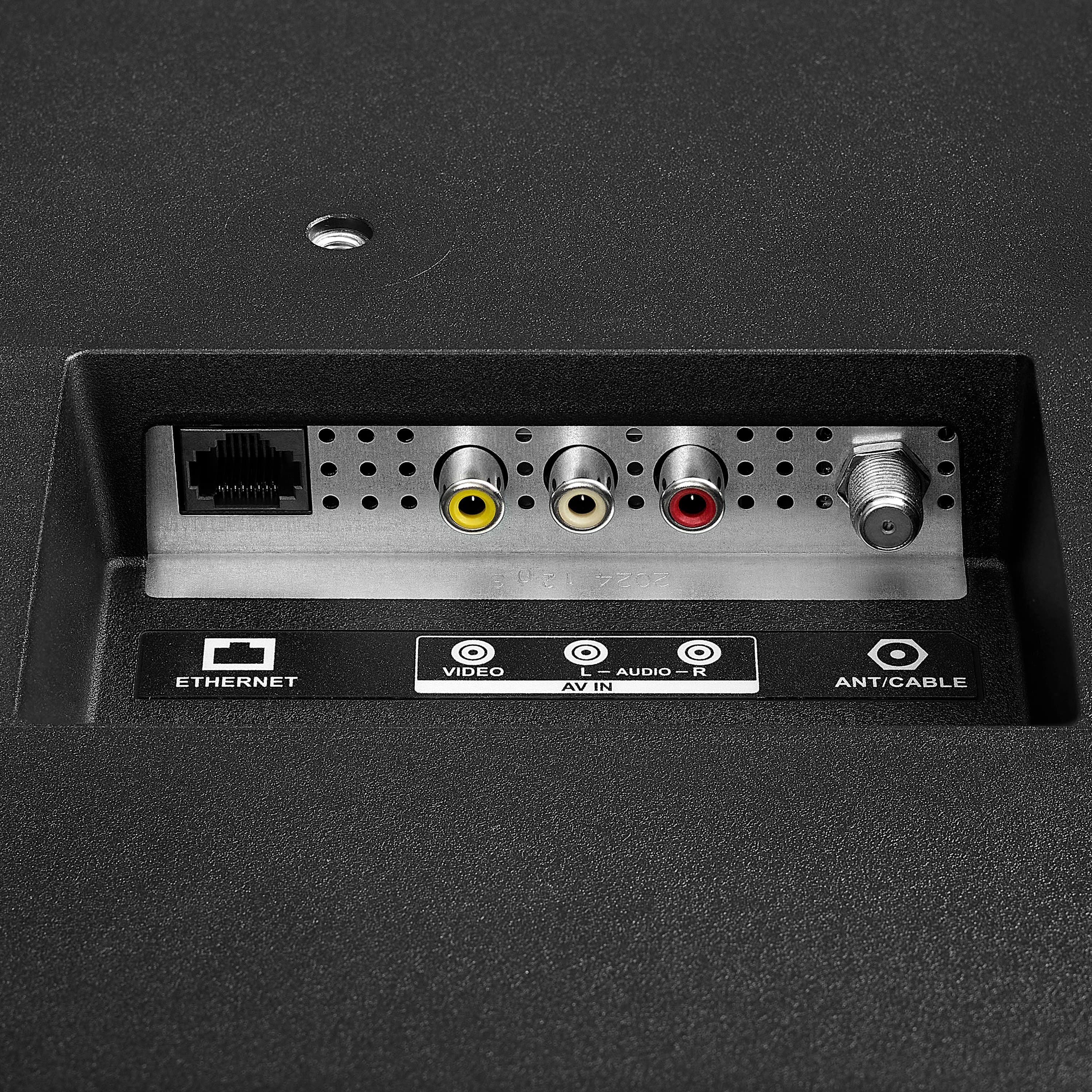
    • Answer Hi there! Great question. Yes, you can definitely use an indoor or outdoor antenna with your Insignia™ 50” Class F50 Series 4K UHD Smart Fire TV even without cable or Wi-Fi. Simply connect your antenna to the coaxial input on the back of the TV. Then, use the TV’s built-in tuner to scan for over-the-air (OTA) channels. This will allow you to watch local broadcast channels like ABC, CBS, NBC, FOX, and PBS, depending on your location and the strength of your antenna. Keep in mind that without a Wi-Fi connection, you won't be able to use streaming apps such as Netflix, Prime Video, or YouTube, nor will you have access to smart features or updates from Fire TV. So, if you're just planning to watch regular broadcast TV, your antenna setup will work perfectly! — Shiela | Insignia Support

      Answered by InsigniaCustomerSupport

  • QuestionCan this tv brightness be dimmed with the remote?

    Asked by adapter.

    • Answer Hi there! Yes, To adjust the brightness on your Insignia™ 50” Class F50 Series LED 4K UHD Smart Fire TV, follow these steps: Press the Home button on your remote to open the Fire TV interface. Navigate to "Settings" using the directional buttons. Select "Display & Sounds" from the menu. Choose "Picture Settings" or a similar option. Adjust the brightness using the slider or preset picture modes. If you need further assistance feel free to ask |Angelica| Insignia Products|

      Answered by InsigniaCustomerSupport

  • QuestionPlan to wall mount, high and outlet is near the floor. How long is the power cord?

    Asked by MUCC.

    • Answer Thank you for your inquiry! The power cord for the Insignia™ 50” Class F50 Series Fire TV is approximately 5 feet (1.5 meters) long. This length should be enough for most standard setups, but if you're planning to wall mount the TV high and your outlet is near the floor, you may need a power extension cord or a concealed cable management kit to reach comfortably and keep things tidy. Keith | Insignia Support

      Answered by InsigniaCustomerSupport

  • QuestionCan this tv be used in a open air porch with covered roof?

    Asked by Couchpotato.

    • Answer Hi there. Thank you for your interest in the Insignia™ 50” Class F50 Series LED 4K UHD Smart Fire TV. This model is designed specifically for indoor use and is not recommended for installation in outdoor environments, including open-air porches—even if they are covered. While a roof may offer some protection, the TV is not built to withstand humidity, temperature fluctuations, dust, or moisture, which are common in semi-outdoor spaces. Additionally, the screen may experience glare in bright natural light, which can affect your viewing experience. Using the TV in such conditions may also void your warranty, as it falls outside the intended usage environment. For outdoor setups, we recommend looking into weather-resistant TVs or protective enclosures designed for electronics in open-air settings. If you have any questions or need further assistance, please don't hesitate to reach out. Ivy | Insignia Support

      Answered by InsigniaCustomerSupport

  • QuestionDo I have to have an Amazon account to stream with this tv?

    Asked by Kay.

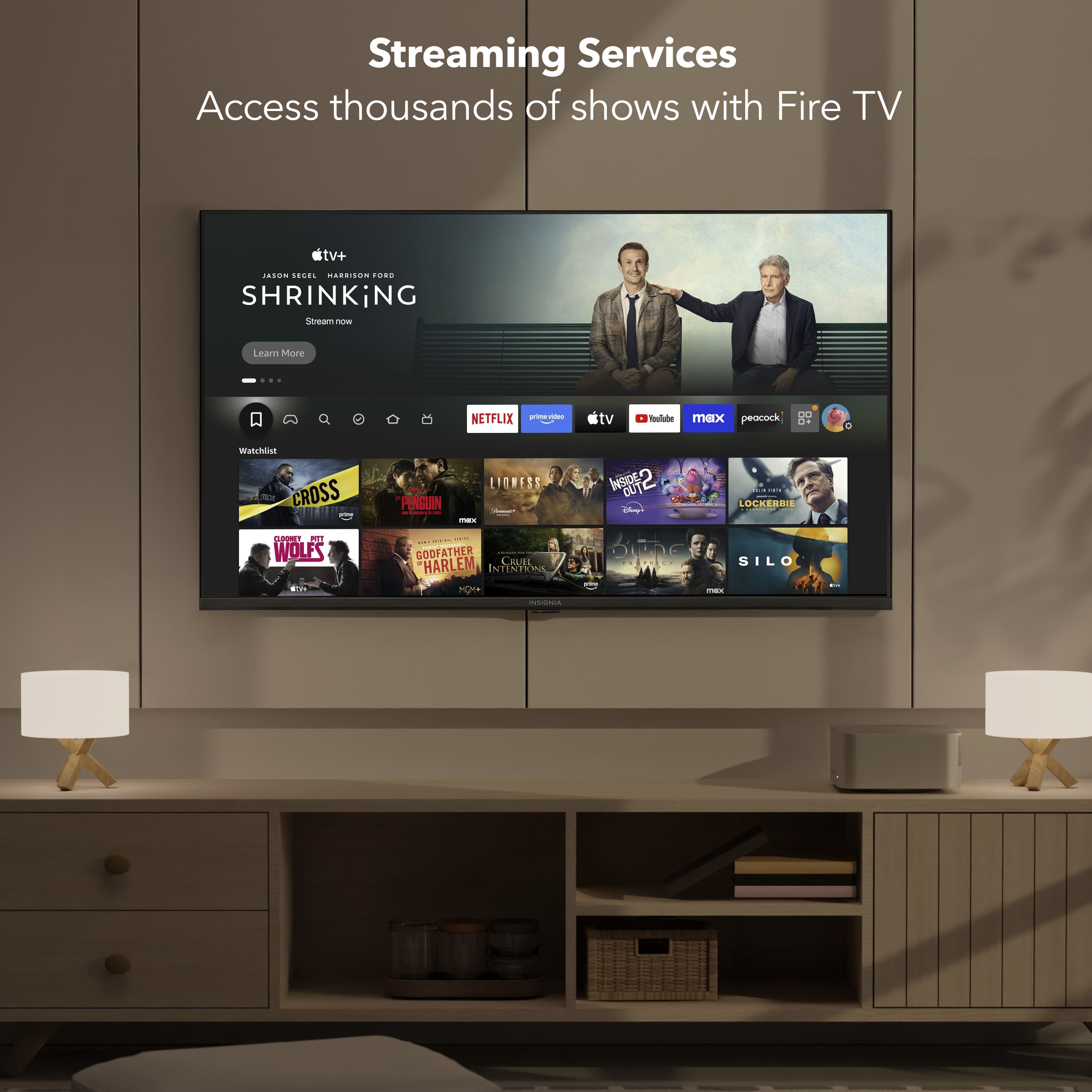
    • Answer Hi there. Yes, to use the Insignia™ - 50” Class F50 Series LED 4K UHD Smart Fire TV with the built-in Fire TV platform, you do need an Amazon account. This is required to access and manage apps, personalize content, and use features like Alexa voice control. If you have any questions or need further assistance, please don't hesitate to reach out. Ivy | Insignia Support

      Answered by InsigniaCustomerSupport

  • QuestionDoes this TV have local dimming?

    Asked by Rodney.

    • Answer No, the Insignia™ 50” Class F50 Series LED 4K UHD Smart Fire TV does not have local dimming. It uses a direct-lit LED panel, which provides decent brightness and uniformity. Patricia | Insignia Support

      Answered by InsigniaCustomerSupport

  • QuestionCan you connect Bluetooth for someone that has hearing issues?

    Asked by KK.

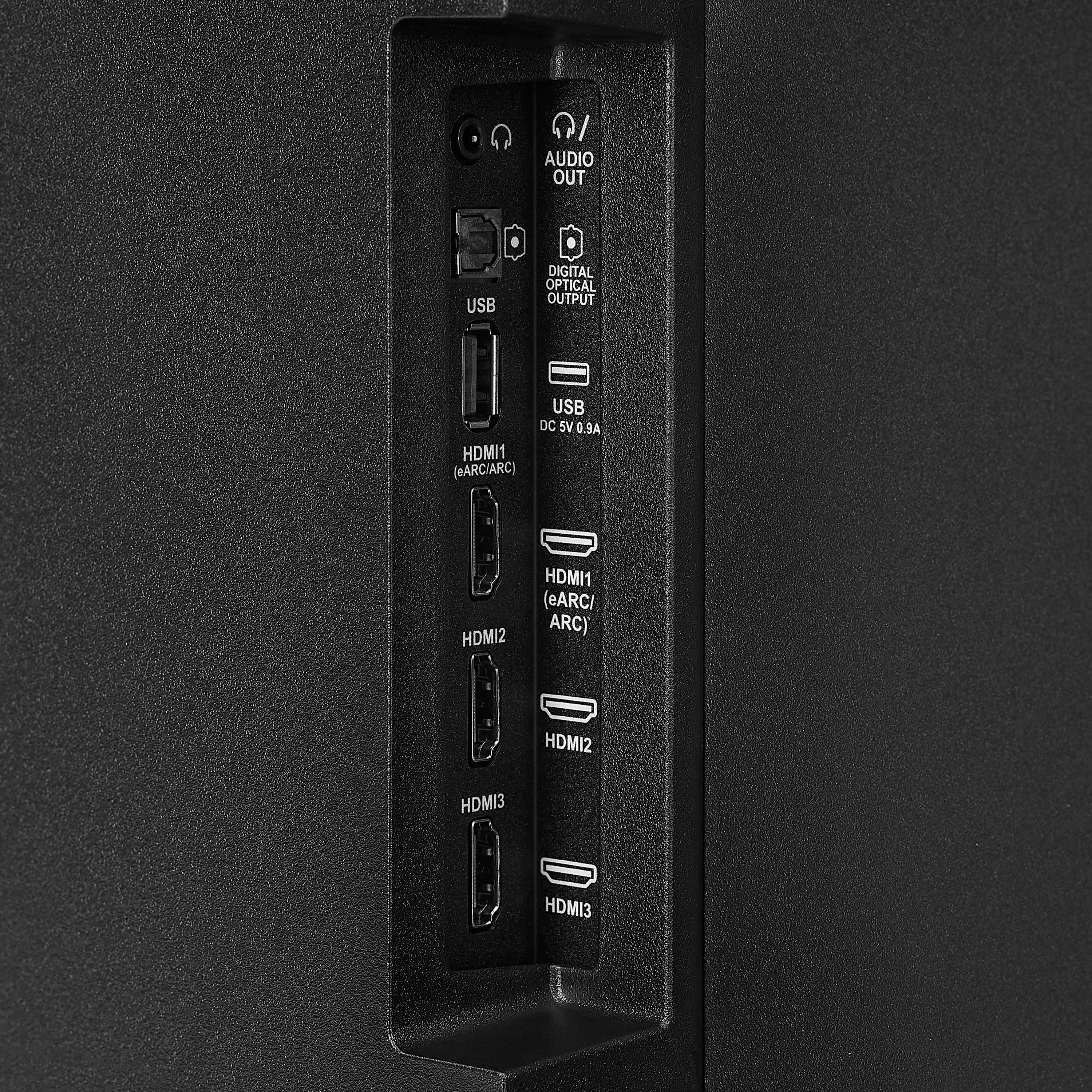
    • Answer Thank you for your inquiry! The Insignia™ 50” Class F50 Series LED 4K UHD Smart Fire TV includes Bluetooth support, which allows it to connect to Bluetooth-enabled audio devices. This can be especially helpful for individuals with hearing difficulties, as it enables them to pair the TV with Bluetooth headphones, earbuds, or hearing amplifiers for clearer and more personalized sound. However, while the TV can connect to general Bluetooth audio devices, it may not be directly compatible with all Bluetooth hearing aids, particularly those that require specialized protocols like Bluetooth Low Energy (LE Audio) or Made for iPhone (MFi) technology. In such cases, using a Bluetooth transmitter that supports the specific hearing aid protocol can help bridge the gap. For the best experience, it’s helpful to know the exact model of the hearing device to ensure compatibility or explore the most effective connection method. Keith | Insignia Support

      Answered by InsigniaCustomerSupport

  • QuestionWhat is the input latency when put on game mode?

    Asked by Matthew.

  • QuestionHow many watts are the speakers?

    Asked by Ed.

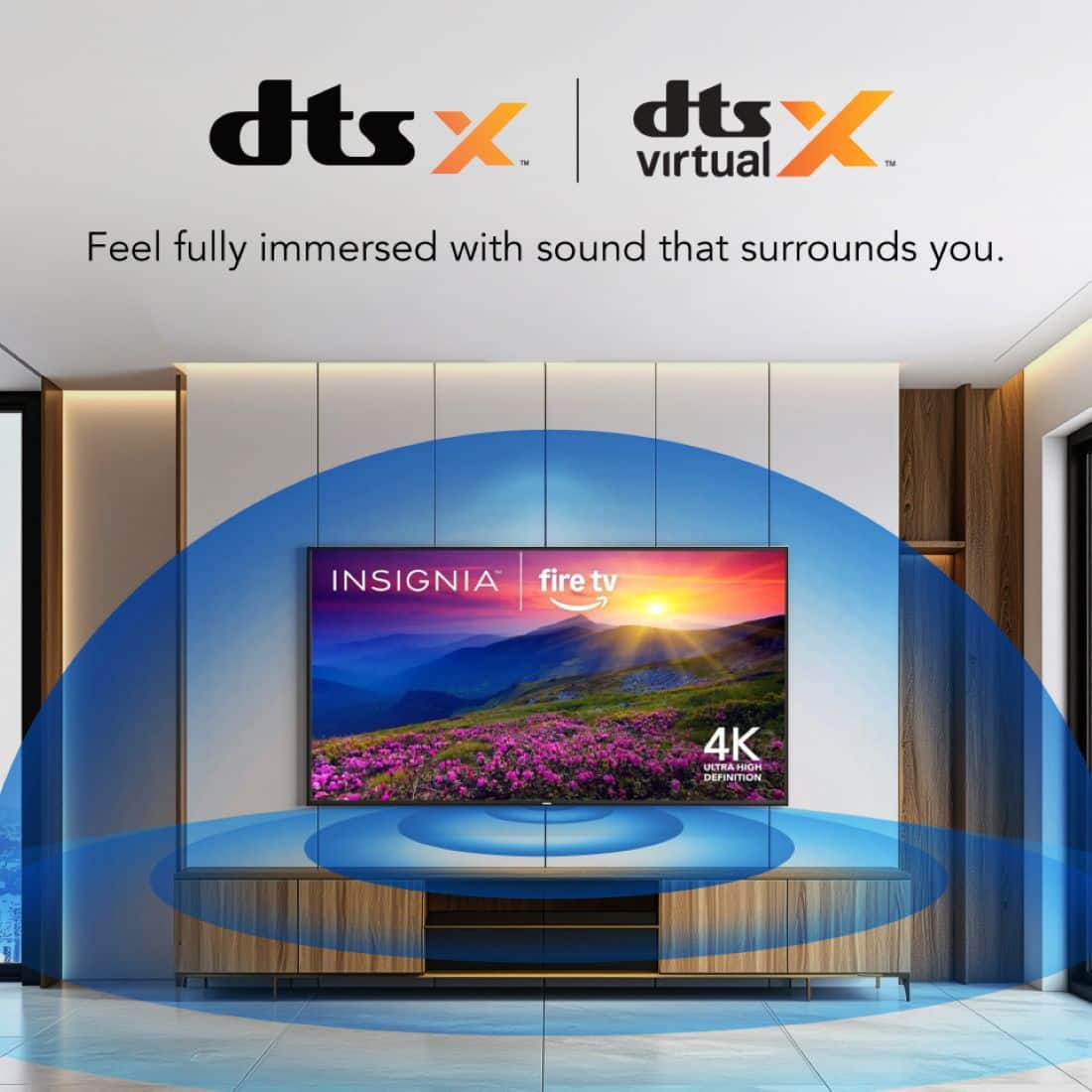
    • Answer Hi Ed! Thanks for reaching out. While the Insignia™ 50” Class F50 Series QLED 4K UHD Smart Fire TV boasts immersive audio thanks to DTS Virtual:X technology, the specific wattage of its integrated speakers isn't detailed in the official product specifications. - Shiela | Insignia Support

      Answered by InsigniaCustomerSupport

  • QuestionHow many inches is it from the bottom of the TV to the bottom VESA holes?

    Asked by Duff.

    • Answer The Insignia™ 50” Class F50 Series LED 4K UHD Smart Fire TV, the bottom VESA mounting holes are typically located approximately 2 to 3 inches from the bottom edge of the TV. Keep in mind that the VESA pattern for this TV is 200mm x 200mm, meaning the holes are 200 millimeters (about 7.9 inches) apart both horizontally and vertically. The distance from the bottom of the TV to the bottom set of VESA holes is what varies slightly. When mounting, ensure your brackets are positioned level on the back of the TV using the VESA pattern. If you have any other questions or need further assistance, feel free to contact our Insignia customer support team (877-467-4289). - Mae | Insignia Support

      Answered by InsigniaCustomerSupport

  • QuestionAll of a sudden the volume on TV sounds muted and low. I’ve unplugged to try and reset however, no change. Just purchased August of last year (2025). What can I do to resolve?

    Asked by TJ.

    • Answer Dear Insignia Customer, thank you for your question. I’m sorry to hear that the volume on your Insignia 50" Class F50 Series LED 4K UHD Smart Fire TV suddenly sounds muted and low. Please contact us at 1-877‑467‑4289 or [email protected] and we will be happy to check and help you with this. Rafay | Insignia

      Answered by InsigniaCustomerSupport

  • QuestionI have this TV, bought it on Amazon, its from Best Buy. It will not hook up to my internet. It just says it was unable to connect to Amazon.com. Why. This new one is replacing my old one that suddenly got purple lines on the picture.

    Asked by Kraft.

    • Answer It hooks up to my internet just fine. It has a black line from top to bottom

      Answered by Nothardtopleasemisscampbe

  • QuestionIs the warranty on my insignia 50" automatica or do I have to send something in

    Asked by NatashaB365.

    • Answer Thank you for your inquiry! The warranty for your Insignia™ 50” Class F50 Series LED 4K UHD Smart Fire TV is typically automatic and begins from the date of purchase, as long as you have proof of purchase (like a receipt or Best Buy account record). You do not need to mail anything in to activate the standard warranty. Keith | Insignia Support

      Answered by InsigniaCustomerSupport

  • QuestionWill this TV work without wifi or the internet?I am looking for a regular flat screen tv.

    Asked by Anonymous.

    • Answer Hi there! Yes, this TV can work without Wi-Fi for basic functions like watching cable, satellite, or using HDMI devices. However, smart features like streaming apps will need an internet connection. — Shiela | Insignia Support

      Answered by InsigniaCustomerSupport

  • QuestionWhere do I find user manual

    Asked by Fuzz.

    • Answer In the box with the television

      Answered by RandyD