A:AnswerAll you do is put it on pause and when you come back you press play and this where you left off at even if you just stop it and come back it’s still where you left off at so you do not have to reset it at all!!
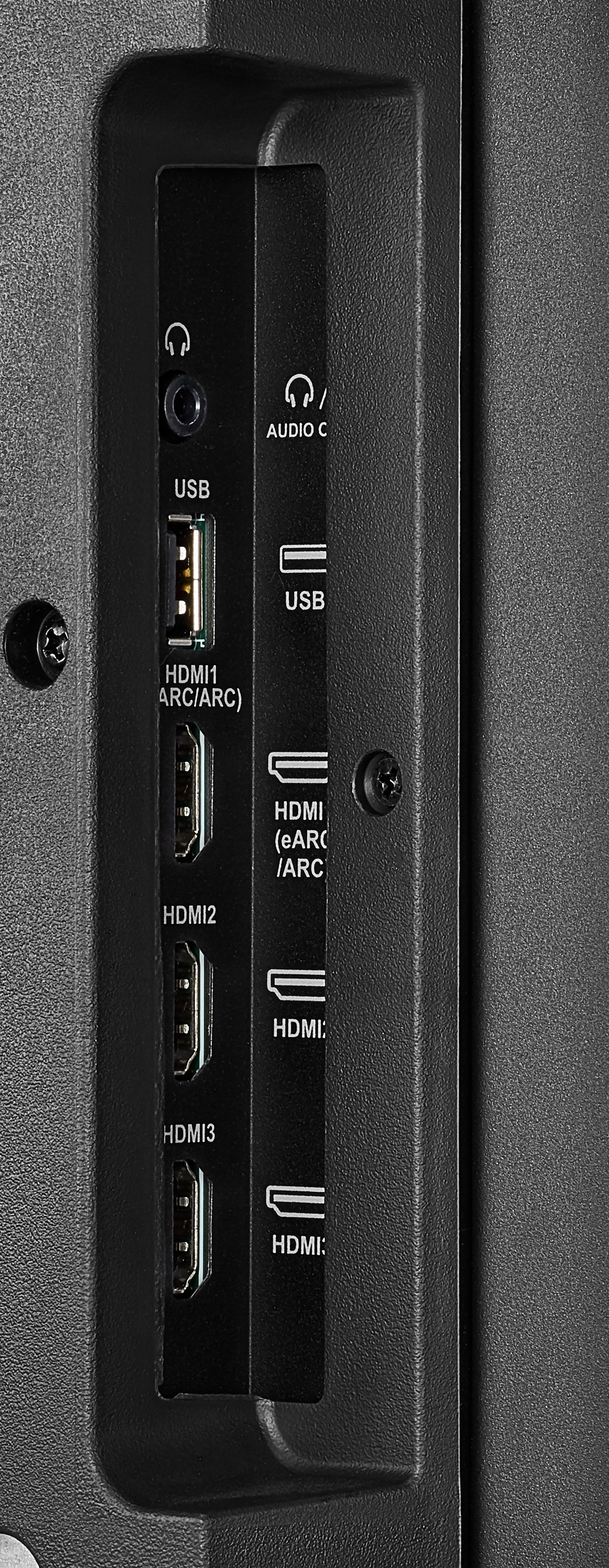
A:AnswerI have an F50 series and and F30 series. I do not experience that issue with either of mine. In fact, if you have the TV on and then turn on a different source, it should automatically switch to that source. I would suggest that you try the cheapest thing first - switch out the HDMI cable and make sure youre using a newer one. Hopefully that will work.
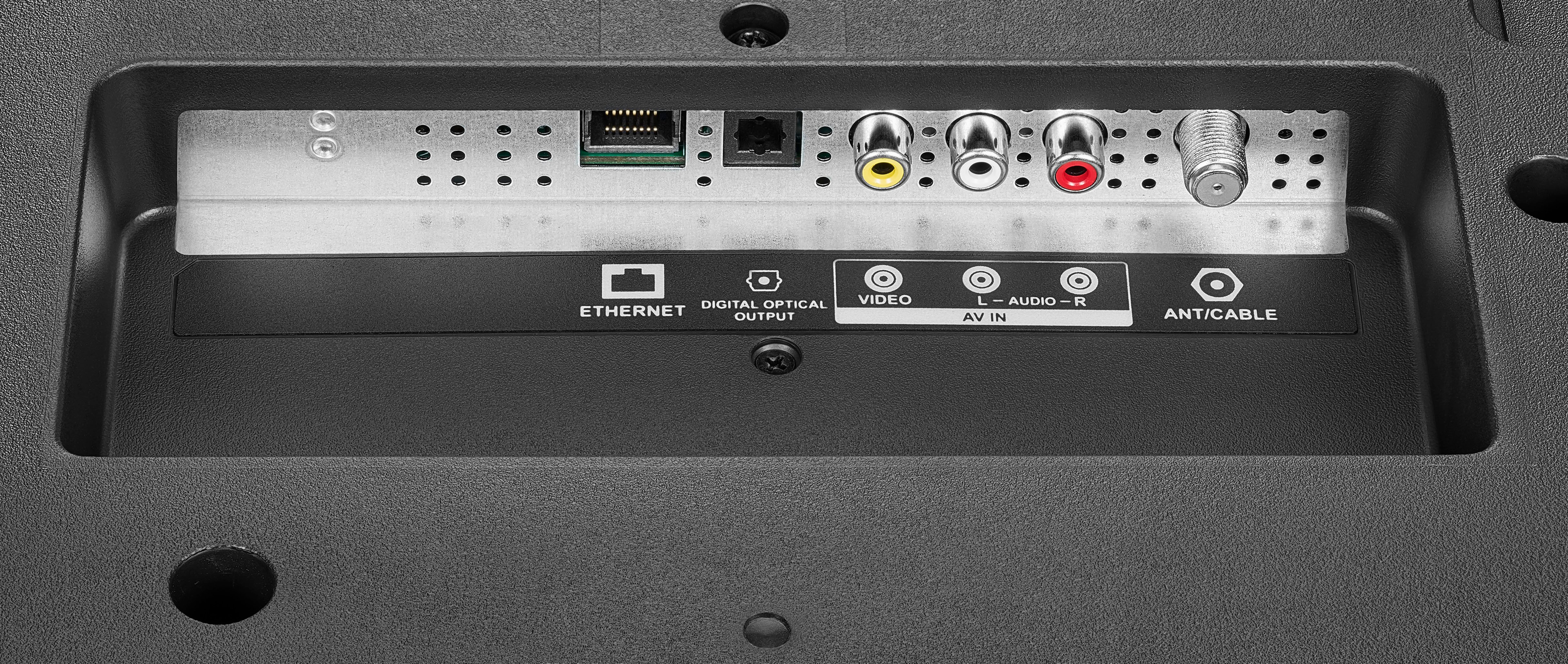
A:AnswerYes, this is Google friendly like I said also with Alexa too it’s a great TV. The quality I got 4K HDRLED and I have my ether core plugged in to the back for my Wi-Fi box and the picture is excellent. I feel like I’m in the movie myself.
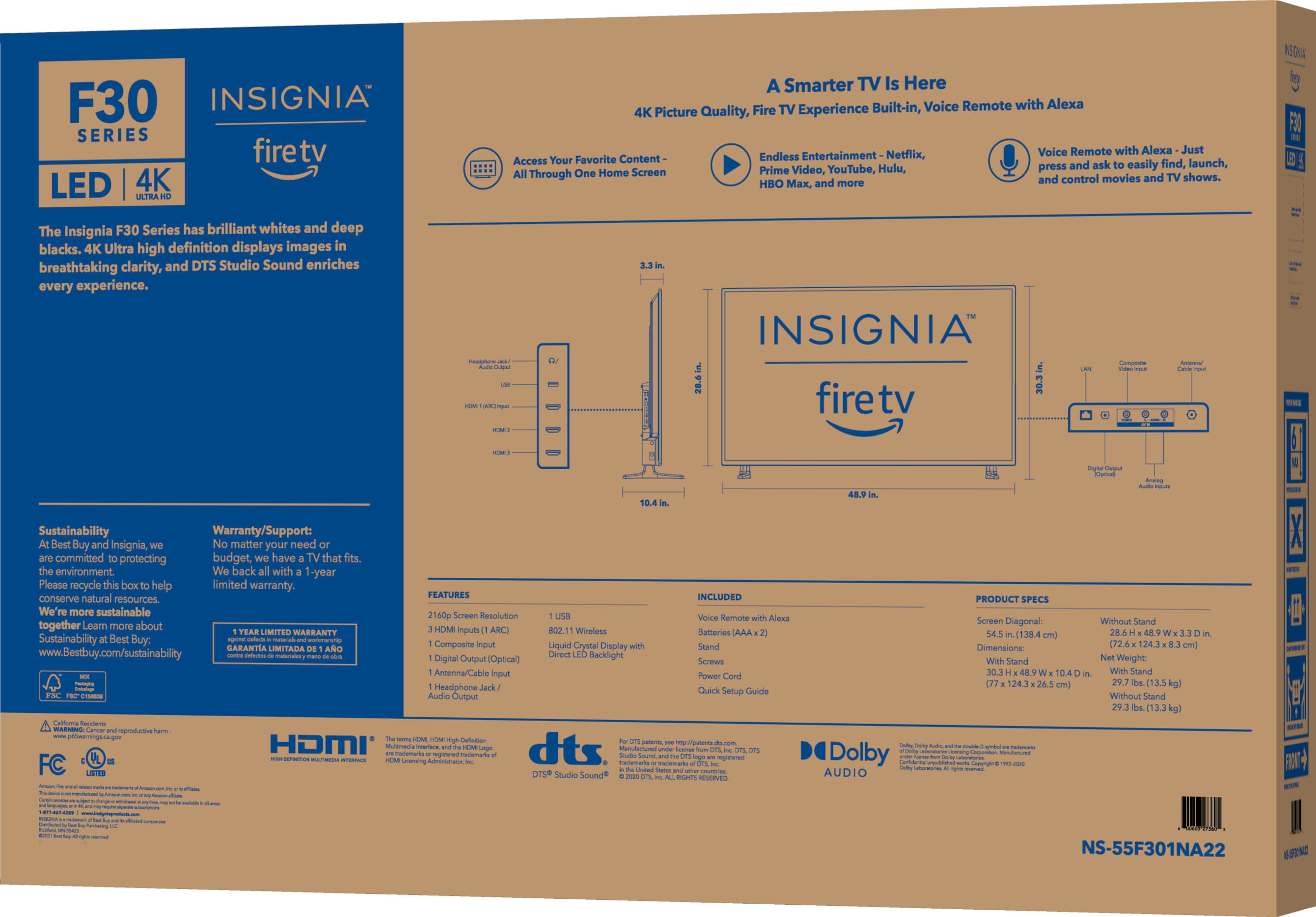
A:AnswerYou can pair with your tv remote control and when you turn on the tv your sound bar turn on too and the same for turn off but do you need conect via optical cable
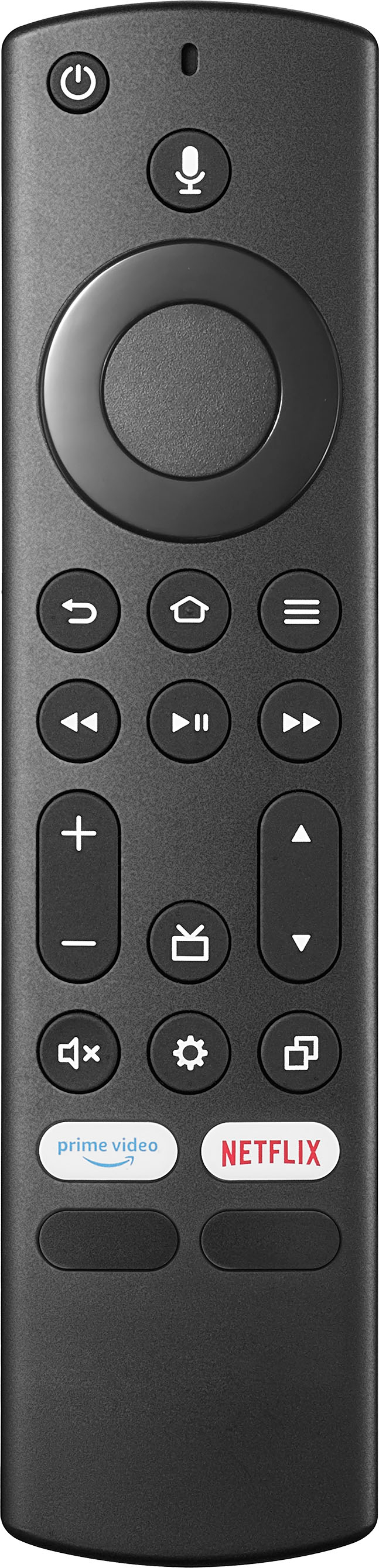
A:AnswerYes, please use the main menu on your Fire TV to search for apps. You can also use your voice to search for specific apps. Just press the voice button on your Alexa Voice Remote. Select the app you want to download. Select Get or the shopping cart icon to start your download.