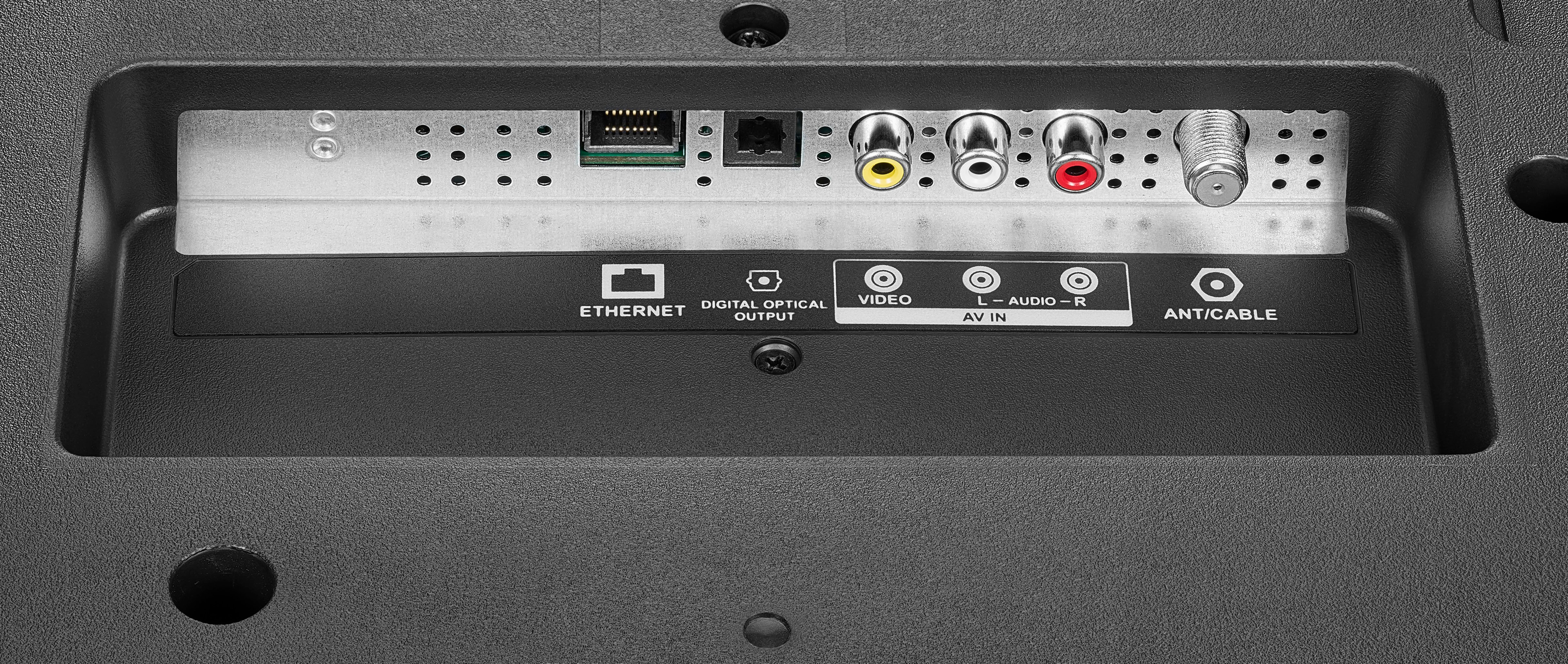
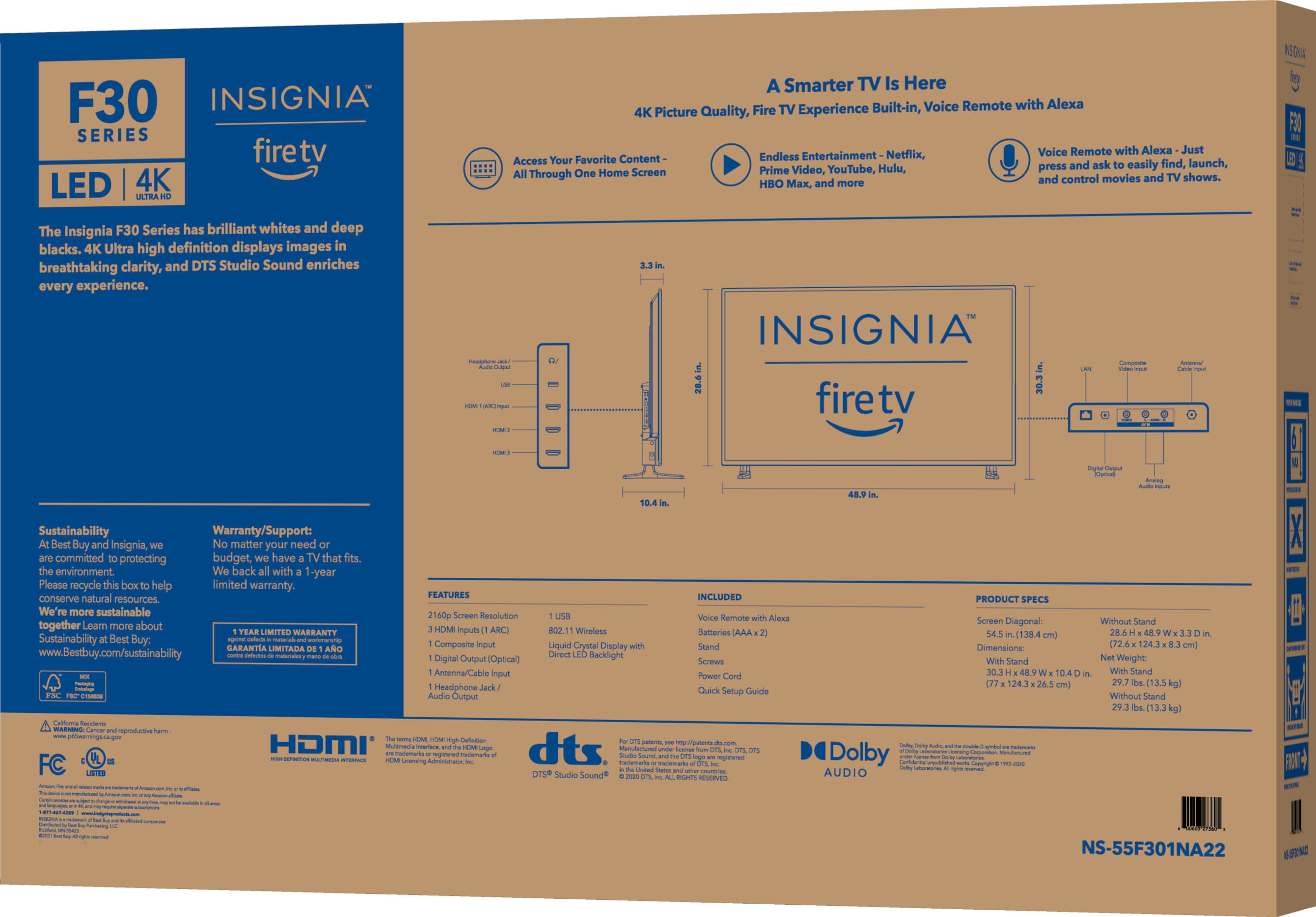
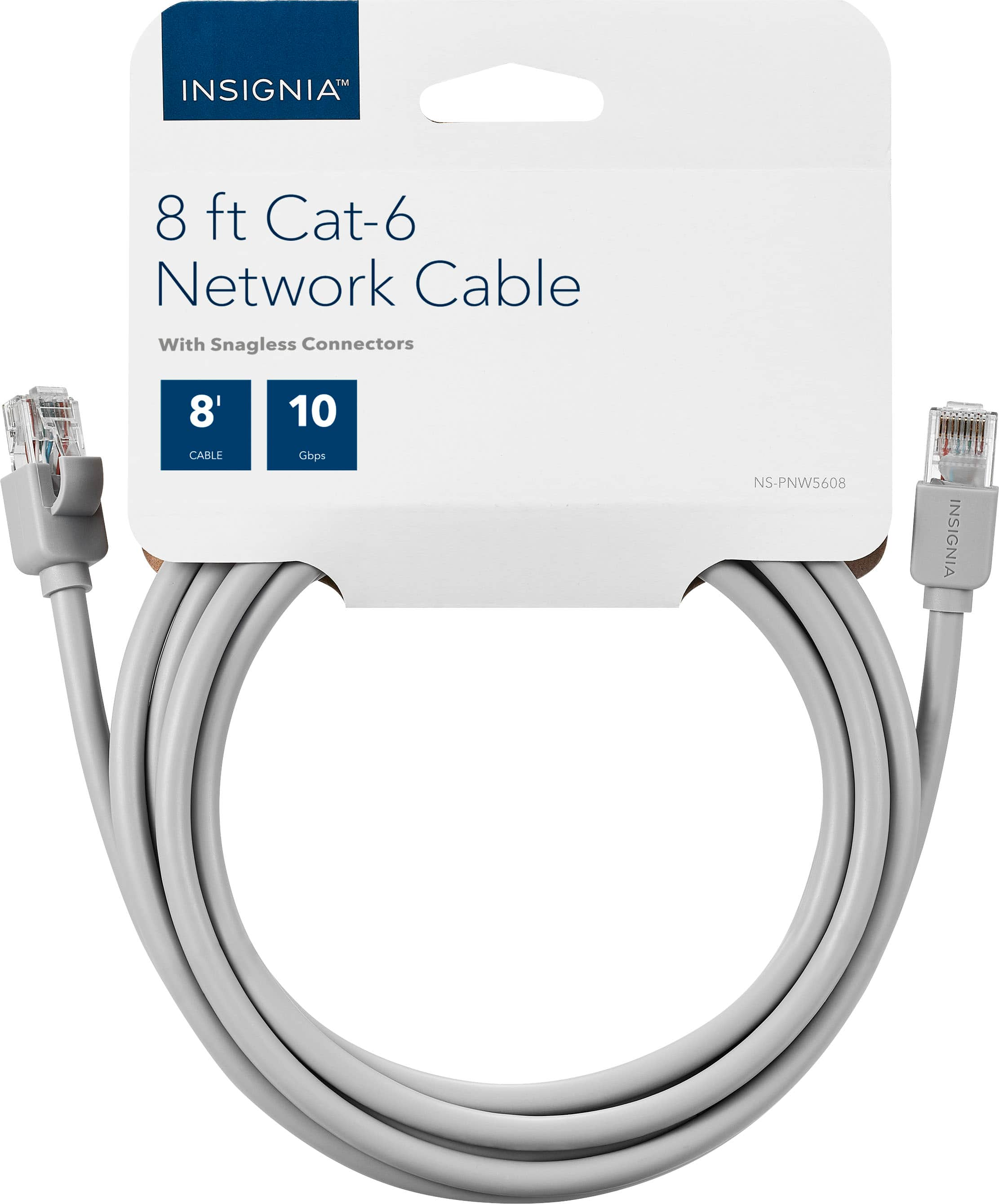
A:AnswerYou can use Wi-Fi, but Ethernet is much faster and will give you a better picture and sound. Just to add, Ethernet is not cable but a line connection from your router to the back of the TV.
A:AnswerI believe you would need to download the Alexa app from Amazon for your PC. You should then be able to cast it to the TV. Never tried casting to the TV from my laptop.
A:AnswerYou can reset it back to the factory picture settings. Unfortunately I have had 2 recently (different brands) that the backlights went out. Both were under warranty. Picture should not be dark, you need to call them (particularly if you have the extended warranty). It will (from my experience) need to be repaired or replaced. The problem keeps spreading until you’re looking at a black screen. Sorry to hear you’re having problems. Been there done that.
A:AnswerHold down the “Home” button. Options will show on screen. Toggle down to “Display”, click. Turn off “Auto Aspect”. Toggle up to “Picture Size”, click. Select the desired screen size/ratio. Undo the above after watching your ill fitting movie(s).