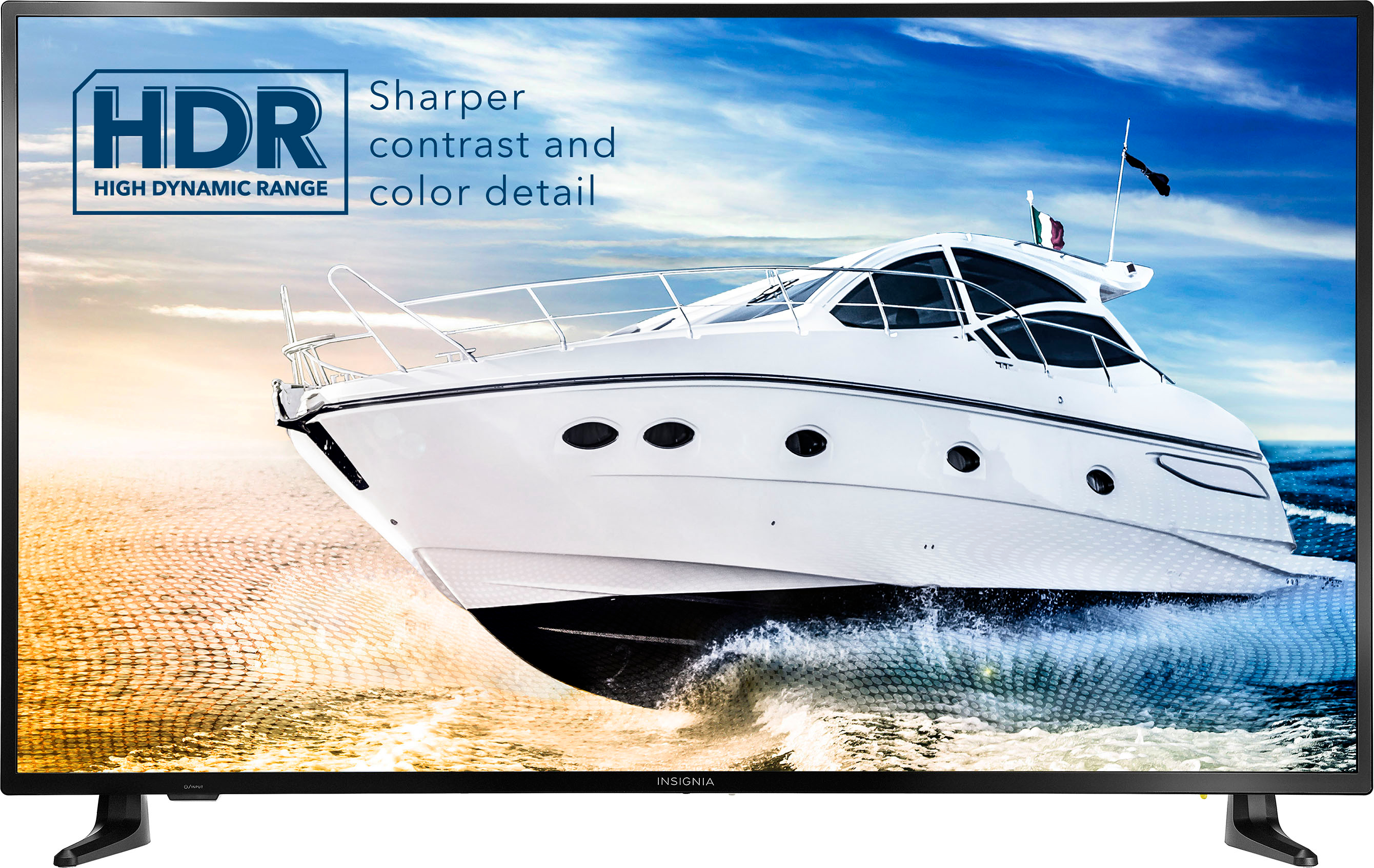
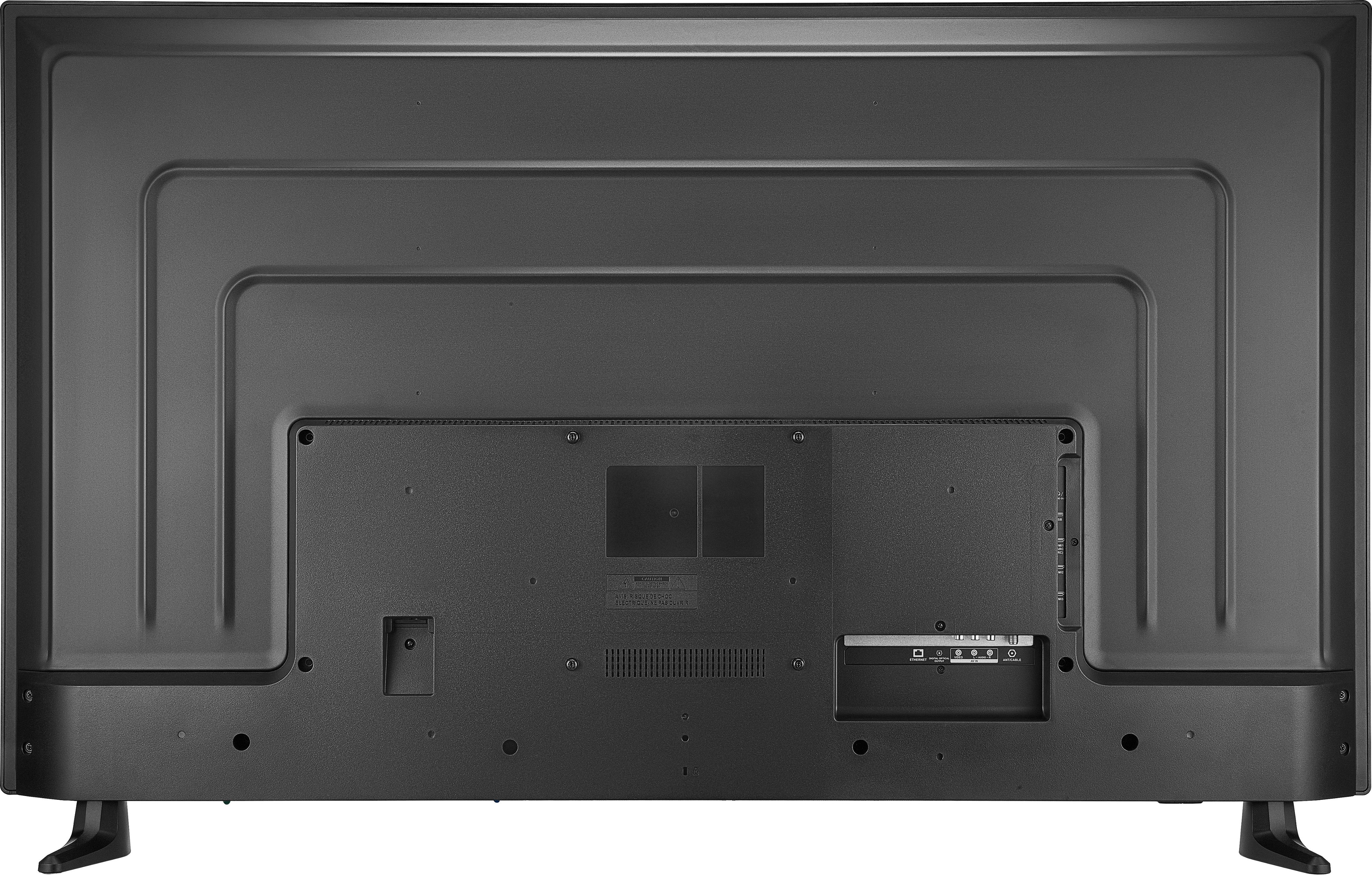
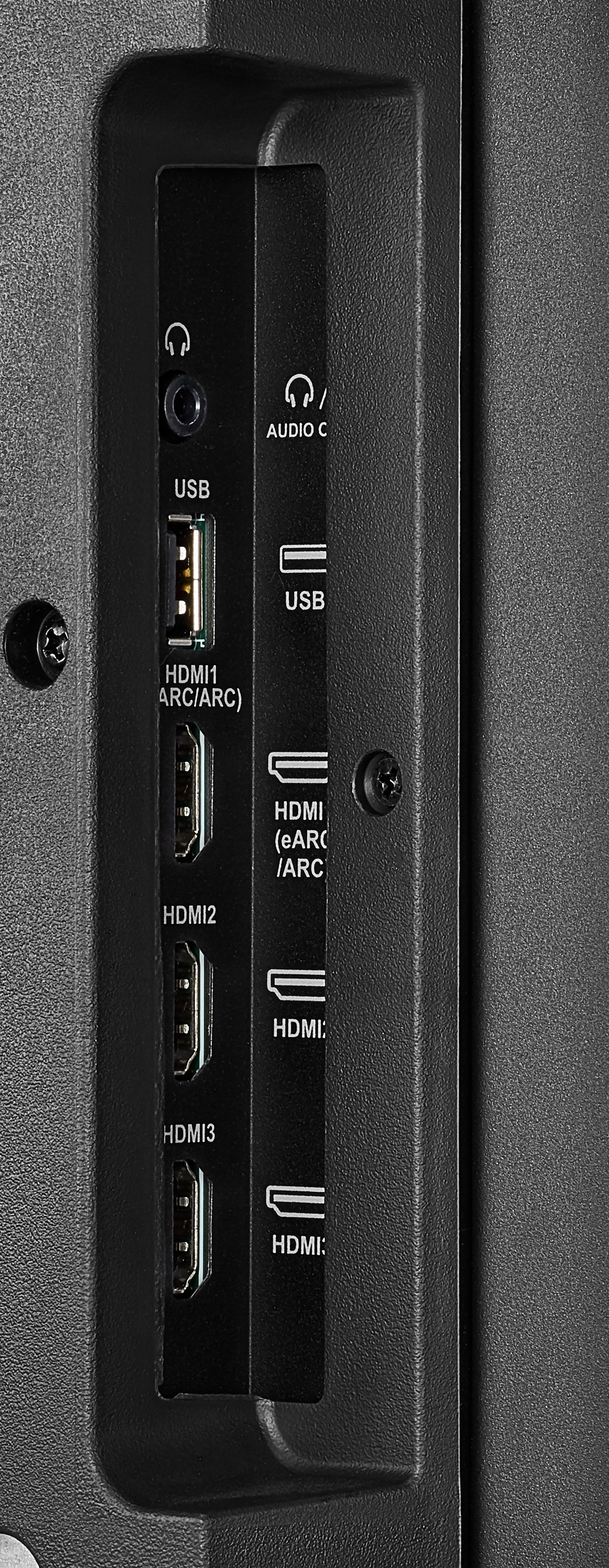
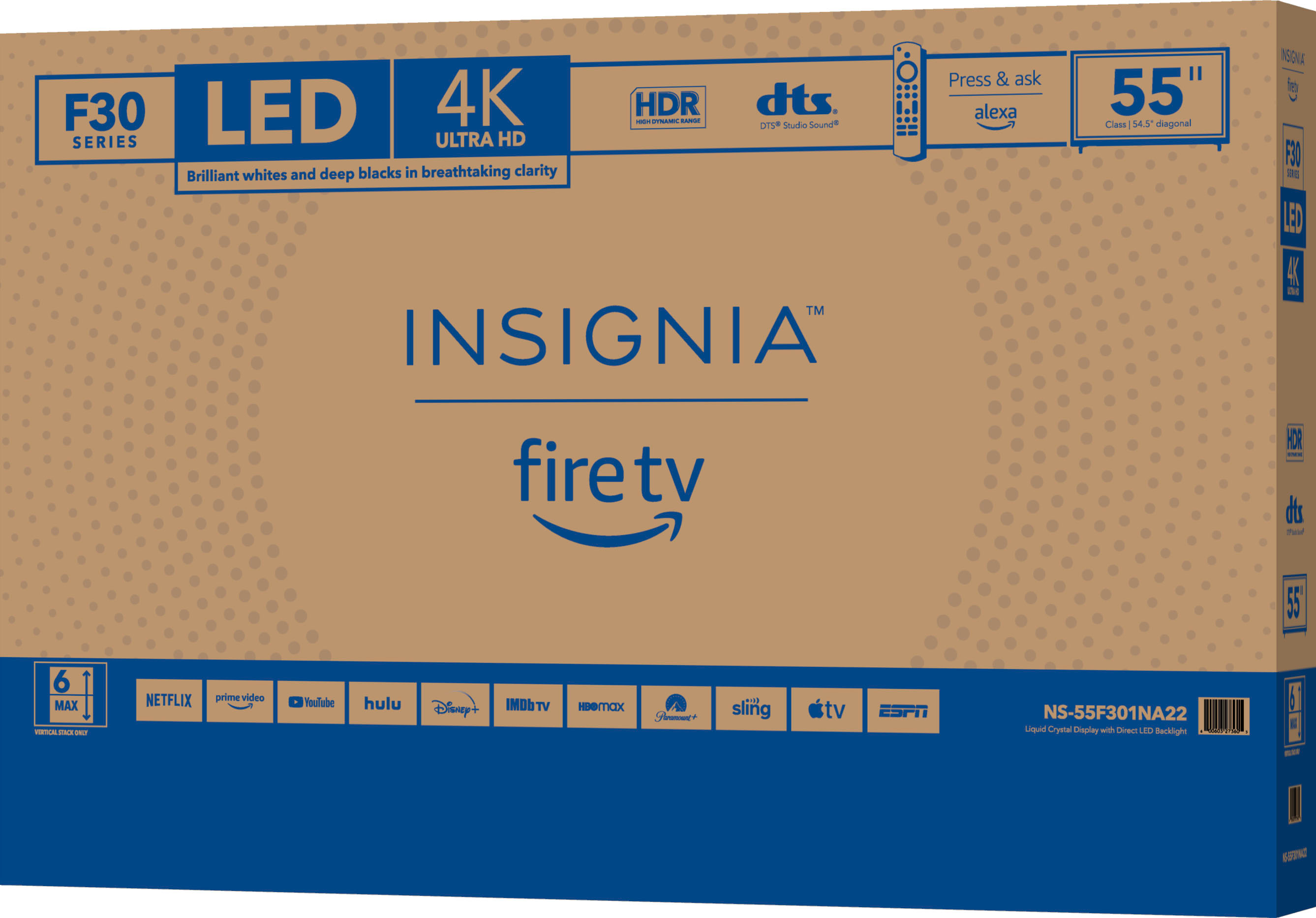
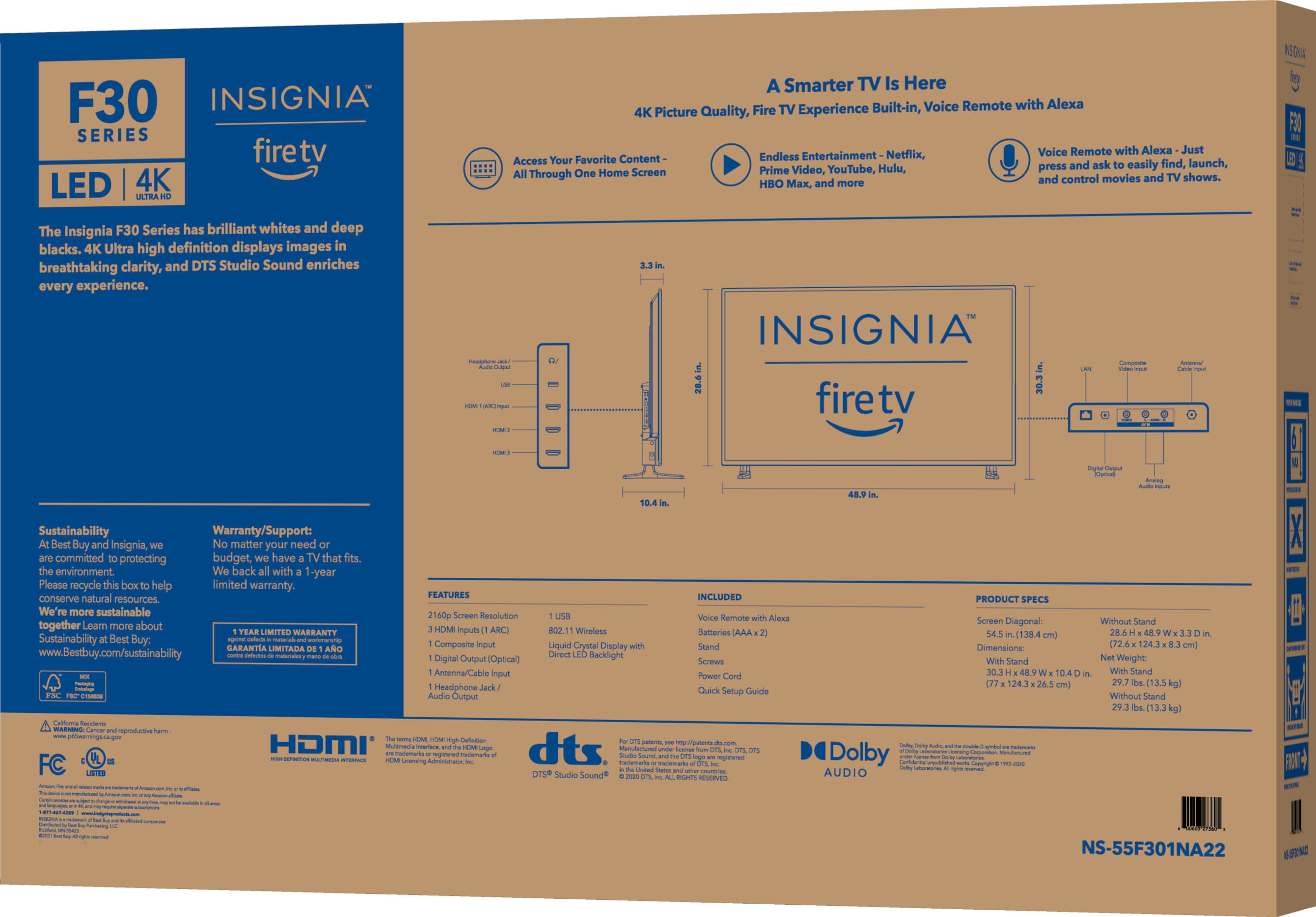
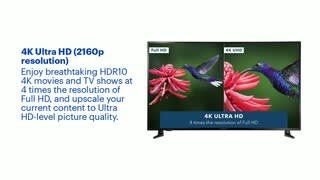
A:AnswerThis TV supports High Dynamic Range, provides a wide range of color details and sharper contrast, from the brightest whites to the deepest blacks.
A:AnswerWhile I dont have a solution I was experiencing the same thing where sound wasnt getting fed to sound bar and it fixed itself after a power outage. So maybe try disconnecting the power? I hope that helps.
A:AnswerHello Emudad,
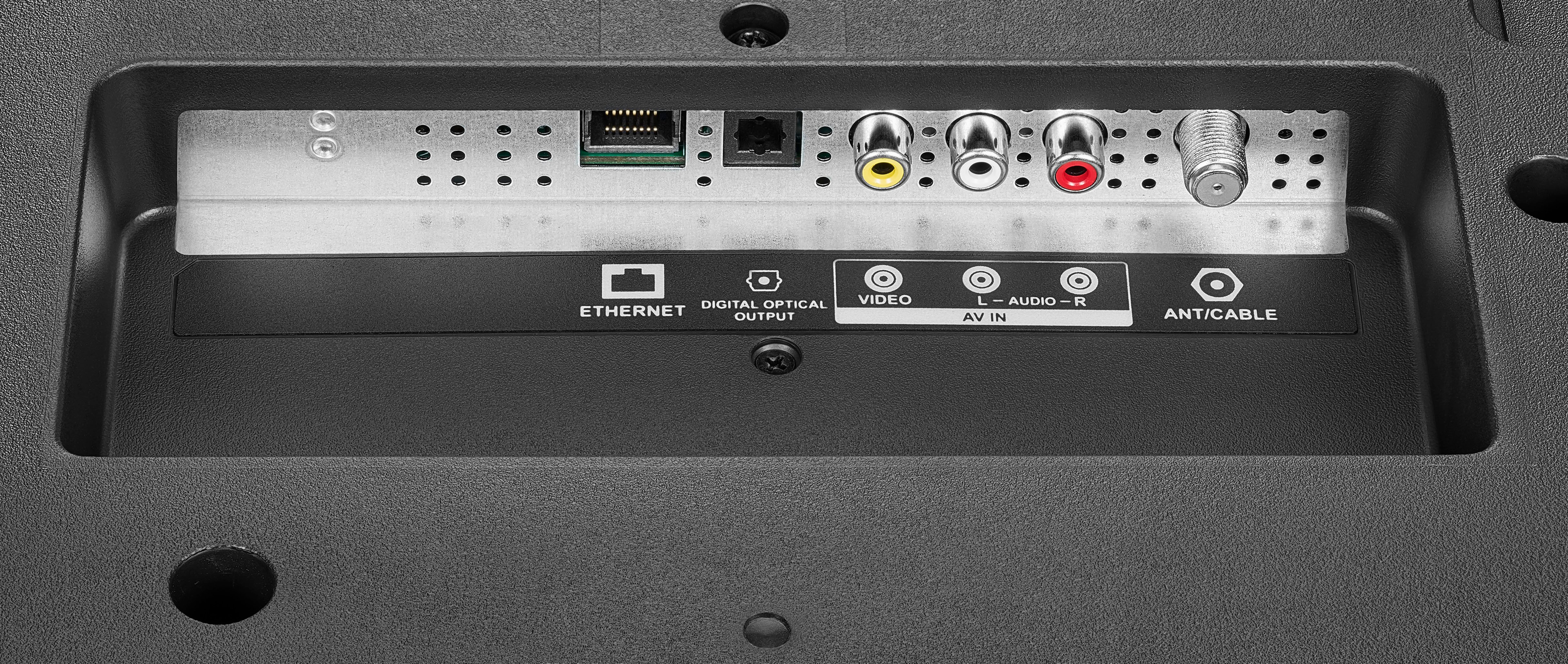
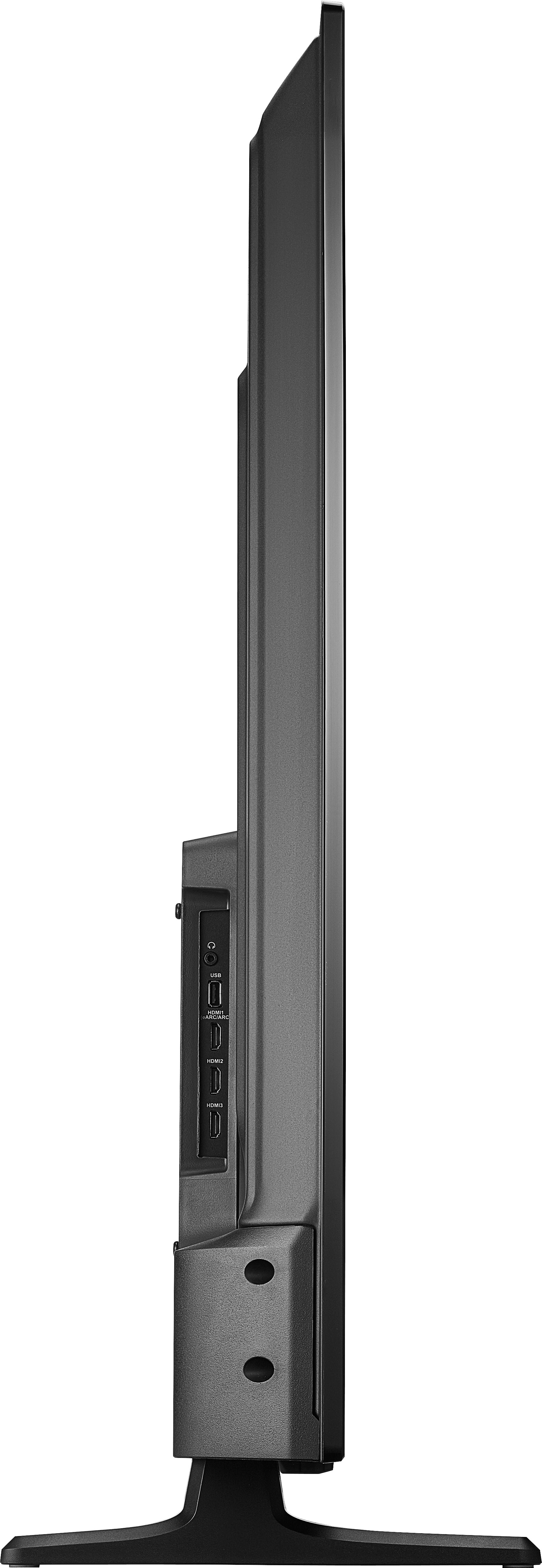
To connect an external speakers or a sound bar using a digital optical audio jack, please follow the steps below:
1. Make sure that your TV’s power cord is unplugged and the digital speaker system or sound bar is turned off.
2. Connect a digital optical audio cable (not provided) to the digital output jack on your TV and to the audio in jack on the
digital speaker system or sound bar.
3. Plug your TV’s power cord into a power outlet, then turn on your TV.
4. Turn on the digital speaker system or sound bar, then set it to the correct source. See the documentation that came with
the digital speaker system or sound bar.
5. If you need to change the digital audio format, go to the Home menu, select Settings, then select Display & Sounds. Select Audio Output, then select Digital Audio Format and change the setting to PCM or Dolby Digital.
6. If you want to turn off your TV speakers, go the Home menu, select Settings, then select Display & Sounds. Select Audio
Output, then select TV Speakers and change the setting to OFF. For more questions and product support you may contact our customer service at 1-(877)-467-4289 Monday to Saturday 8am - 9pm CST.
Chelsea
Insignia Support
Please give us a visit at: https://www.bestbuy.com/site/brands/best-buy-brands/pcmcat1596746025285.c?id=pcmcat1596746025285
A:AnswerHello there. Turning on your TV for a long time will depend on your needs. But please consider that having your TV turn on for a whole day may develop overheating the inverter or the lamp. Resulting it to go dim.
Mary II Insignia Products II https://www.insigniaproducts.com/contact-us
A:AnswerThe User Guide is available under the Overview section, next to Manuals & Guides. Also, you can visit https://www.insigniaproducts.com/pdp/NS-55F301NA22/6450247 the User Guide is available under the Support & Downloads tab.
A:AnswerThere are genetic videos demonstrating how to troubleshoot by replacing the t-con board and/or reseating the ribbons. I had hoped to find clear answer here, but alas.
Anyway, I'm in the same boat with a TV that is out of warranty, but just barely. I will attempt the repairs I saw online, and will try to report back.
A:AnswerTo search for available apps go to amazon.com > ≡ All > under Digital Content & Devices select Fire TV > under Moves, TV and Games select Fire TV Apps & Channels > on the left side under Device Type select Fire TV Edition TV and search for apps at the top of the page.