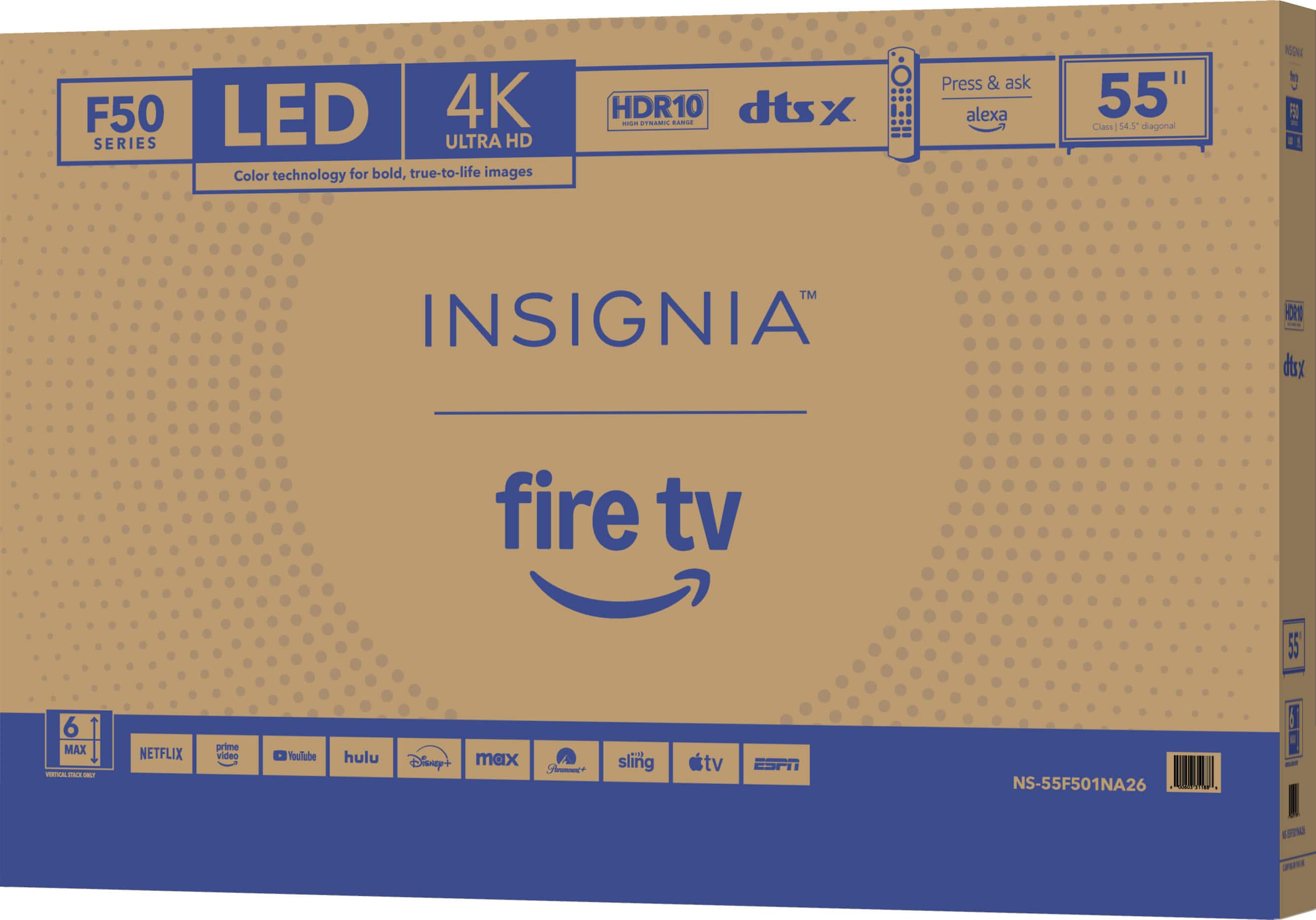
A:AnswerThe Insignia™ 55" Class F50 Series LED 4K UHD Smart Fire TV (Model: NS-55F501NA26) does include Bluetooth support. This allows you to connect compatible Bluetooth devices such as headphones, soundbars, or speakers directly to the TV for wireless audio. Jeth| Insignia Support.
A:AnswerThank you for your inquiry! When purchasing the Insignia™ 55" Class F50 Series LED 4K UHD Smart Fire TV as an open-box item from Best Buy, the exact condition can vary depending on the specific unit. Open-box products may have been returned after use, used as floor models, or simply have damaged packaging. Best Buy typically categorizes these items with labels which indicate the level of wear and whether all accessories are included. To know the exact reason a particular TV is open-box—whether it was returned, used for display, or just has cosmetic packaging damage—you would need to check the product’s condition notes on the Best Buy website or contact their customer service. Despite being open-box, these TVs are usually still covered by the manufacturer’s warranty, and you can also purchase additional protection through Best Buy’s Geek Squad. This means you can still have peace of mind regarding repairs or replacements, even though the item isn’t brand new.
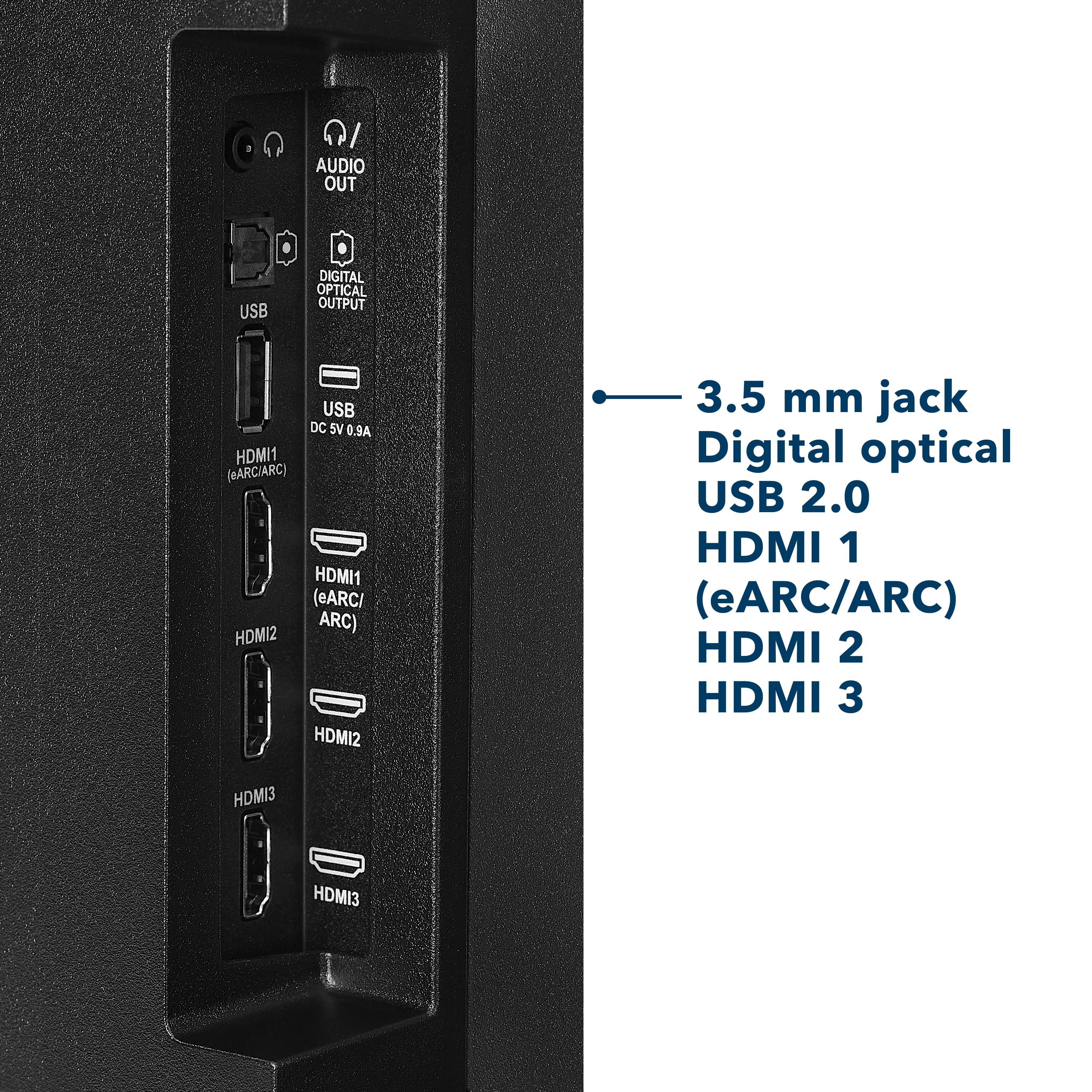
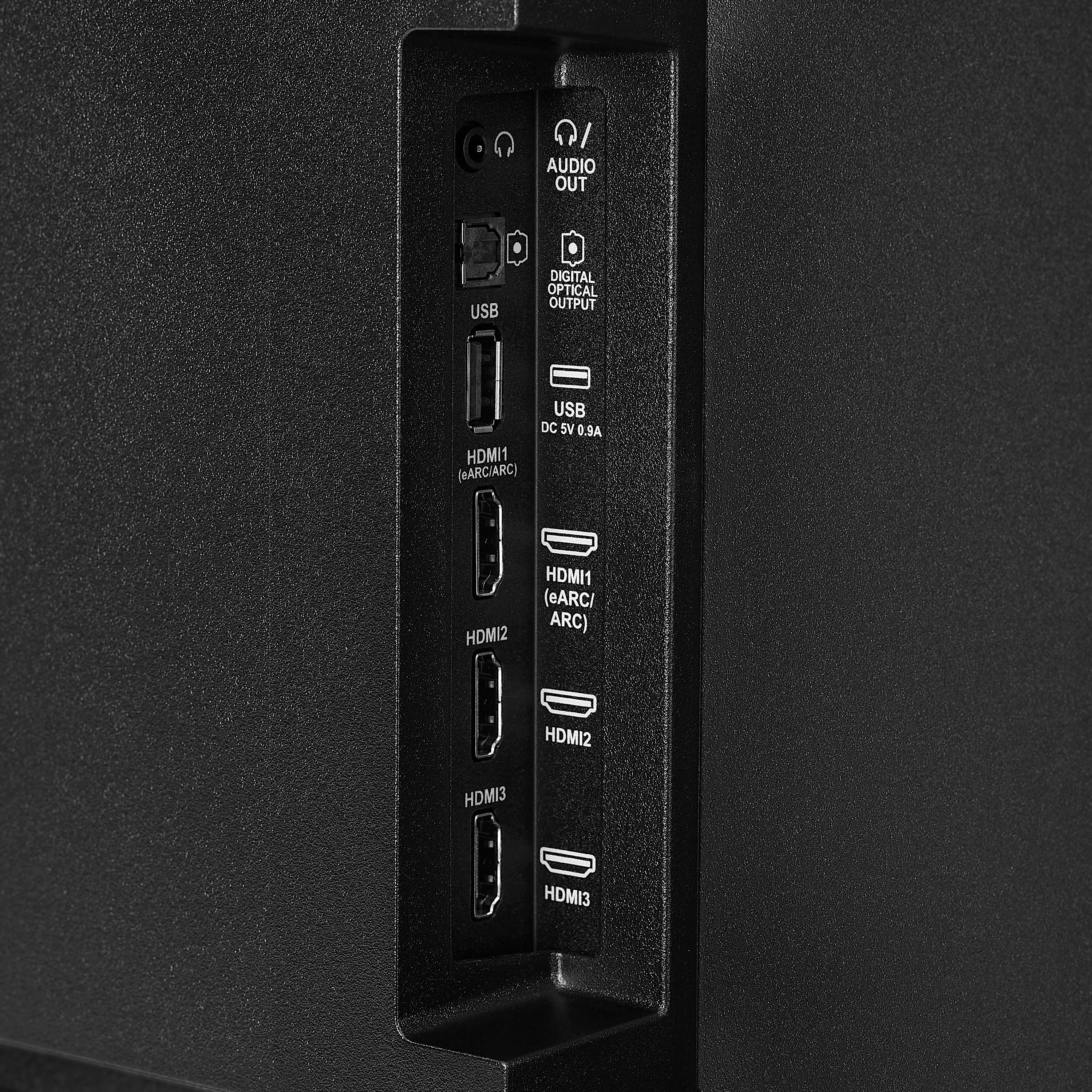
A:AnswerThe Insignia™ 55" Class F50 Series LED 4K UHD Smart Fire TV does not have a built-in Blu-ray disc player, so it cannot play Blu-ray discs on its own. However, it fully supports Blu-ray playback when connected to an external Blu-ray player via one of its HDMI ports. Patricia | Insignia Support
A:AnswerThe Insignia™ 55" F50 Series Fire TV doesn’t have a “picture off, sound only” feature. Some apps may still let you play music with the screen dimmed or on a screensaver, but the screen can’t be fully turned off while sound plays. Patricia | Insignia Support
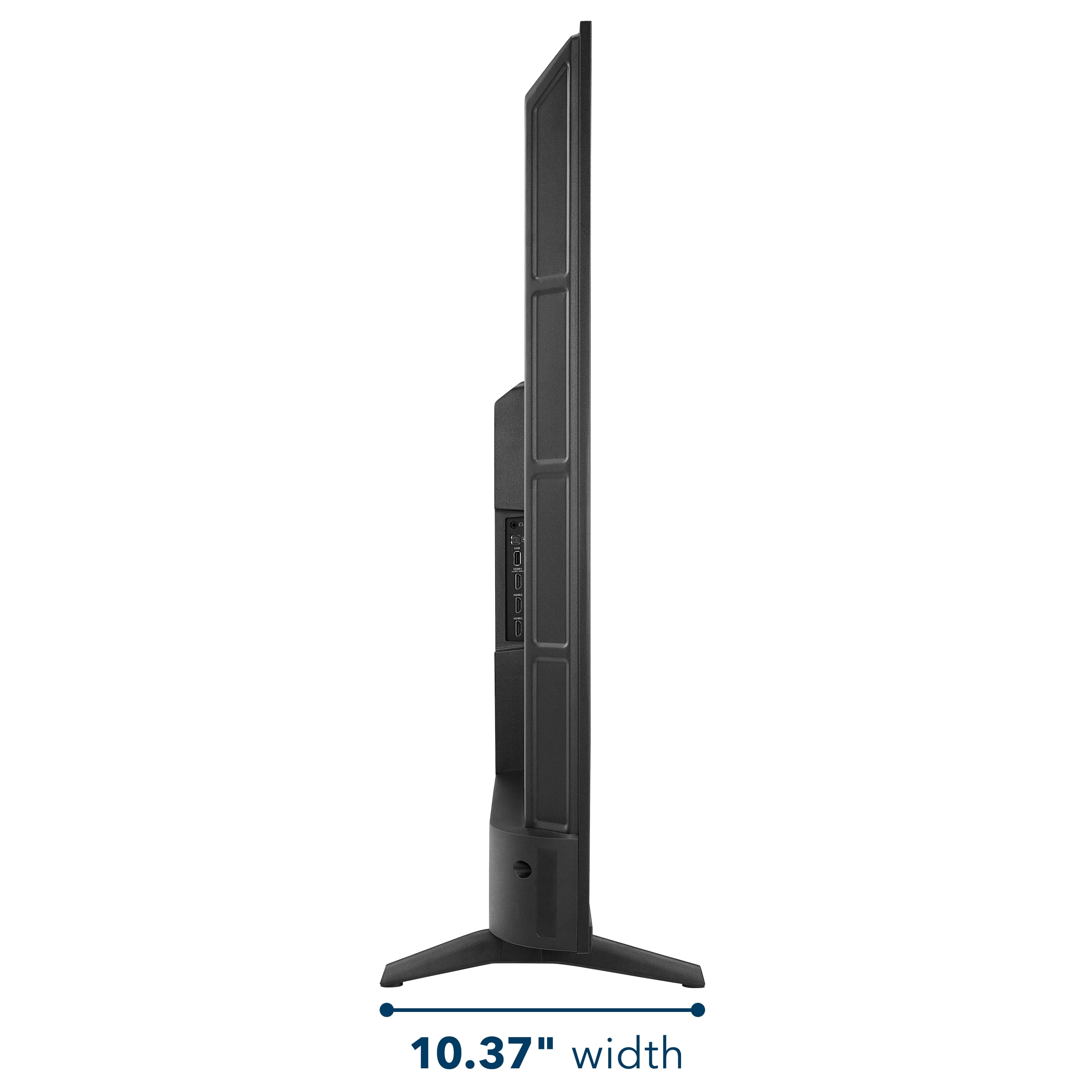
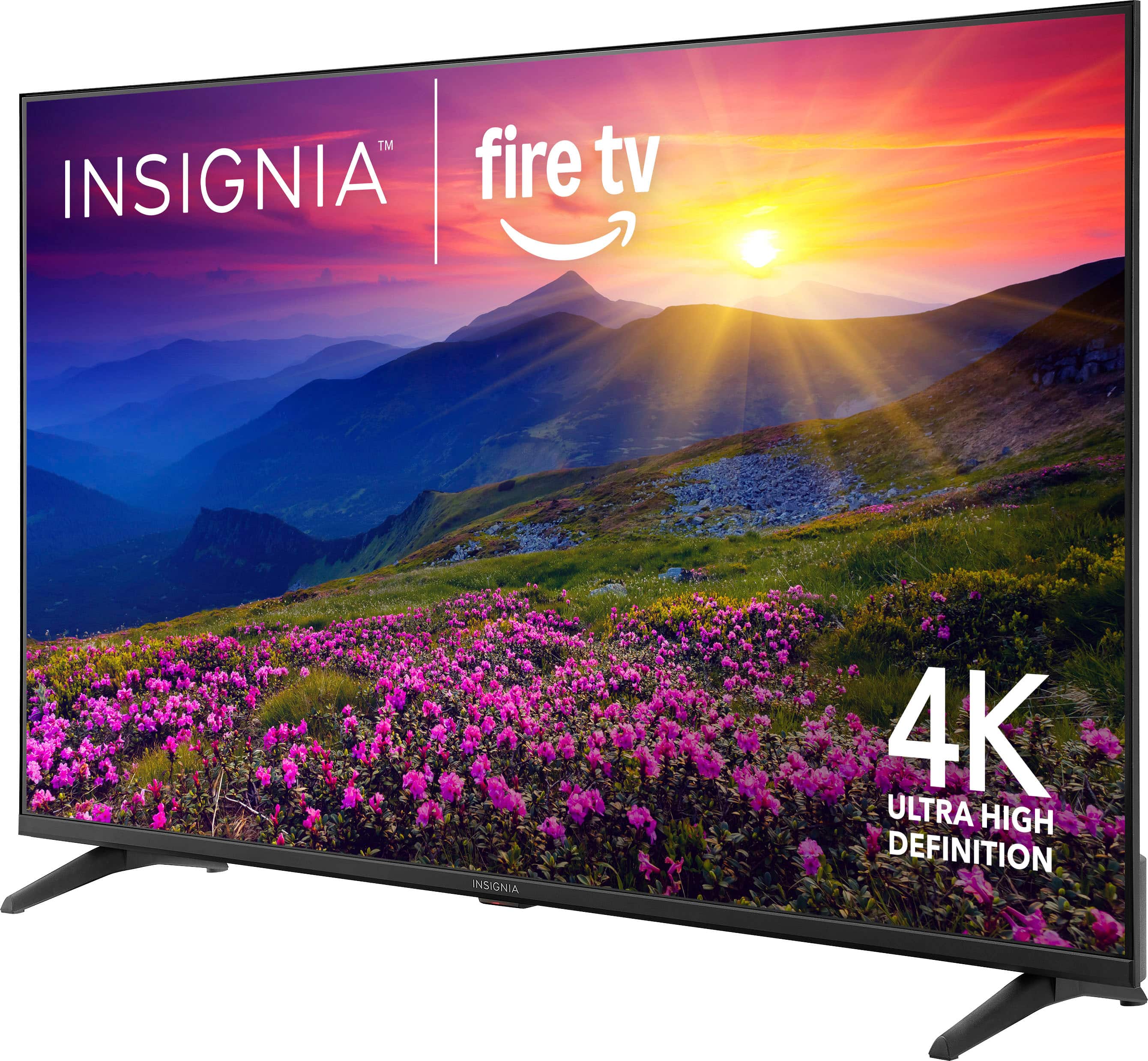
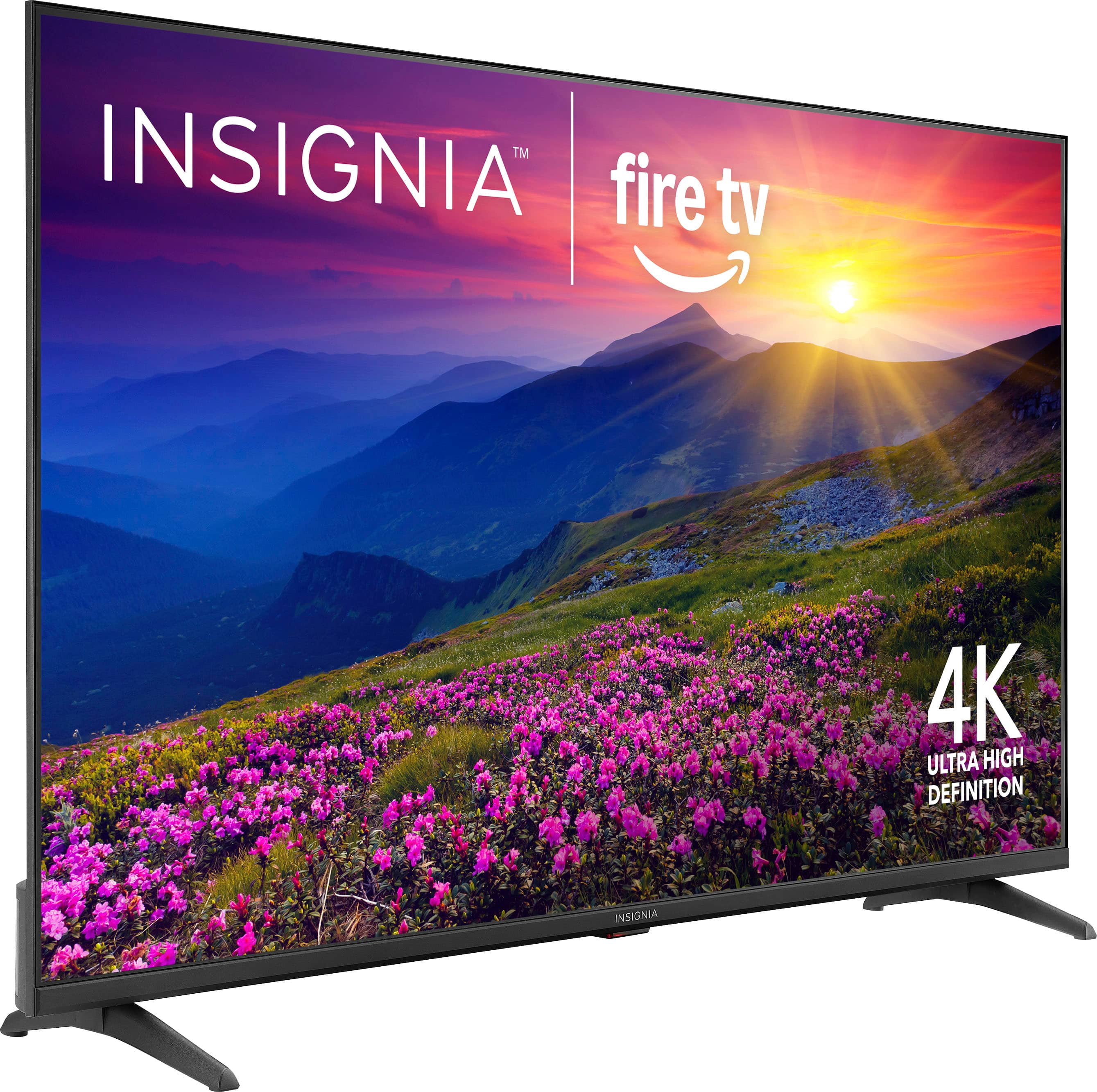
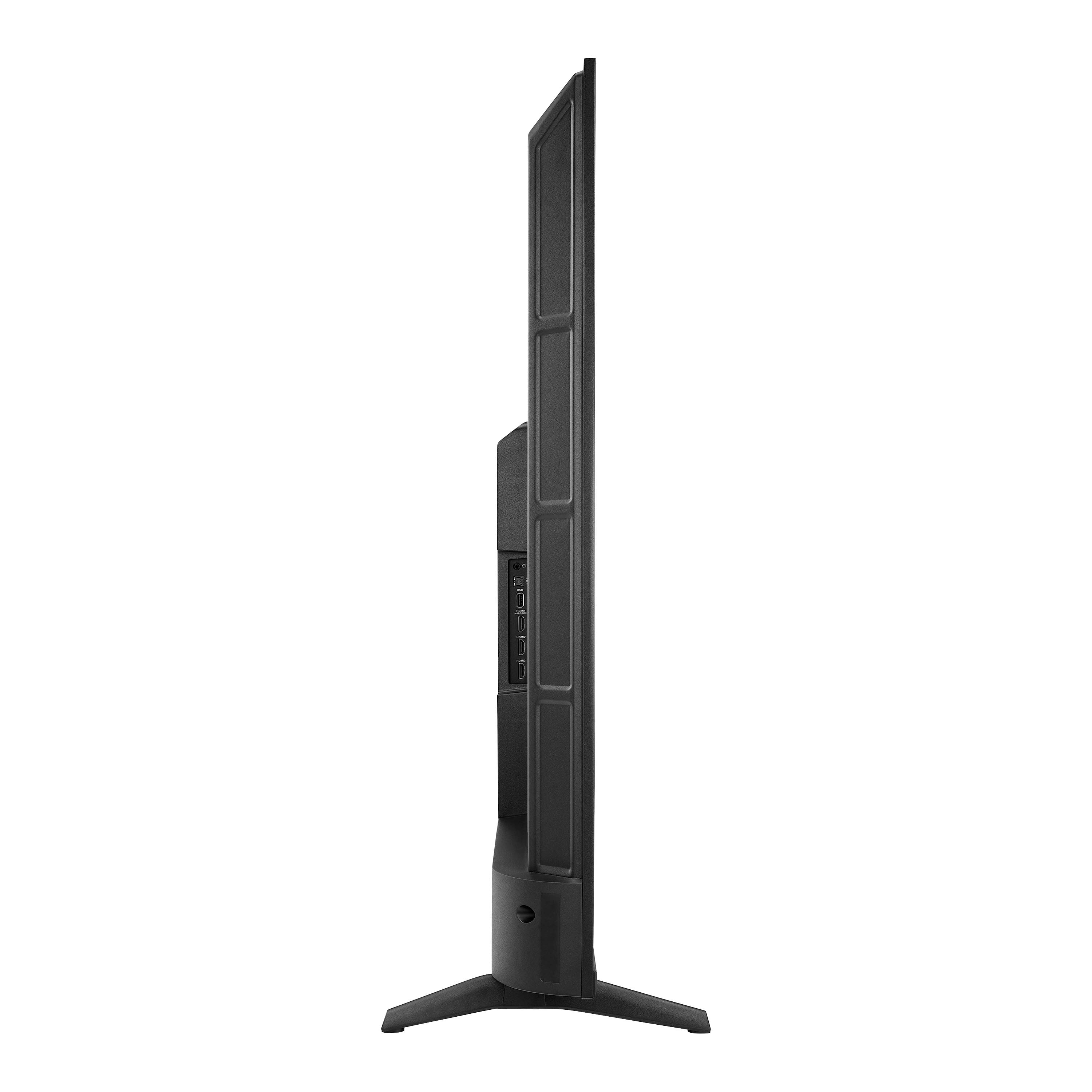
A:AnswerHi there! The legs on the Insignia™ 55" Class F50 Series LED 4K UHD Smart Fire TV are spaced approximately 41.2 inches apart. This is important if you're planning to place the TV on a stand or entertainment center—make sure the surface is at least that wide to support both legs securely. |Angelica| Insignia Products|
A:AnswerYes, the Insignia™ 55" Class F50 Series LED 4K UHD Smart Fire TV typically includes a 1-year limited warranty covering defects in materials and workmanship. Patricia | Insignia Support
A:AnswerYes, you can cast your phone to the Insignia™ 55" Class F50 Series LED 4K UHD Smart Fire TV to view pictures and videos—Android users can use screen mirroring or casting features like Smart View or Cast (just ensure both devices are on the same Wi-Fi), while iPhone users can use Apple AirPlay by enabling it in the TV’s settings and selecting the TV from the Screen Mirroring option in the Control Center. Jeth | Insignia Support.
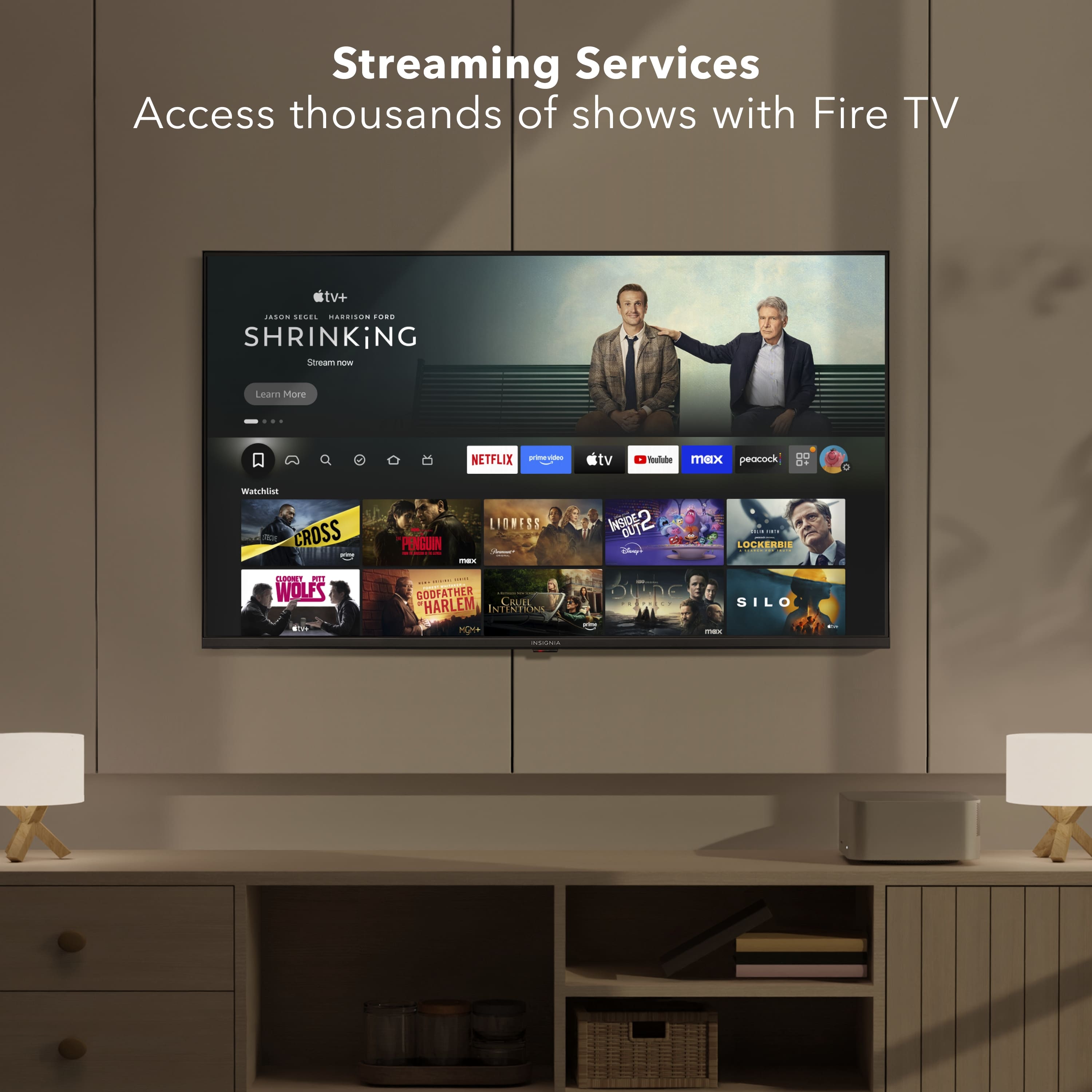
A:AnswerThank you for your inquiry! Yes, you can still download and use apps that aren’t preloaded on your Insignia™ 55" F50 Series Fire TV, thanks to its integration with Amazon’s Fire TV platform. First, you can search for and install many apps directly from the built-in Amazon Appstore by navigating to the Appstore from the home screen. Keith | Insignia Support
A:AnswerHi Curious, thank you for reaching out. While I don't have specific comparison data for other remotes on the market, I can tell you that our remote features Alexa voice assistance and includes preset shortcut buttons for popular streaming applications. - Carl | Insignia Support
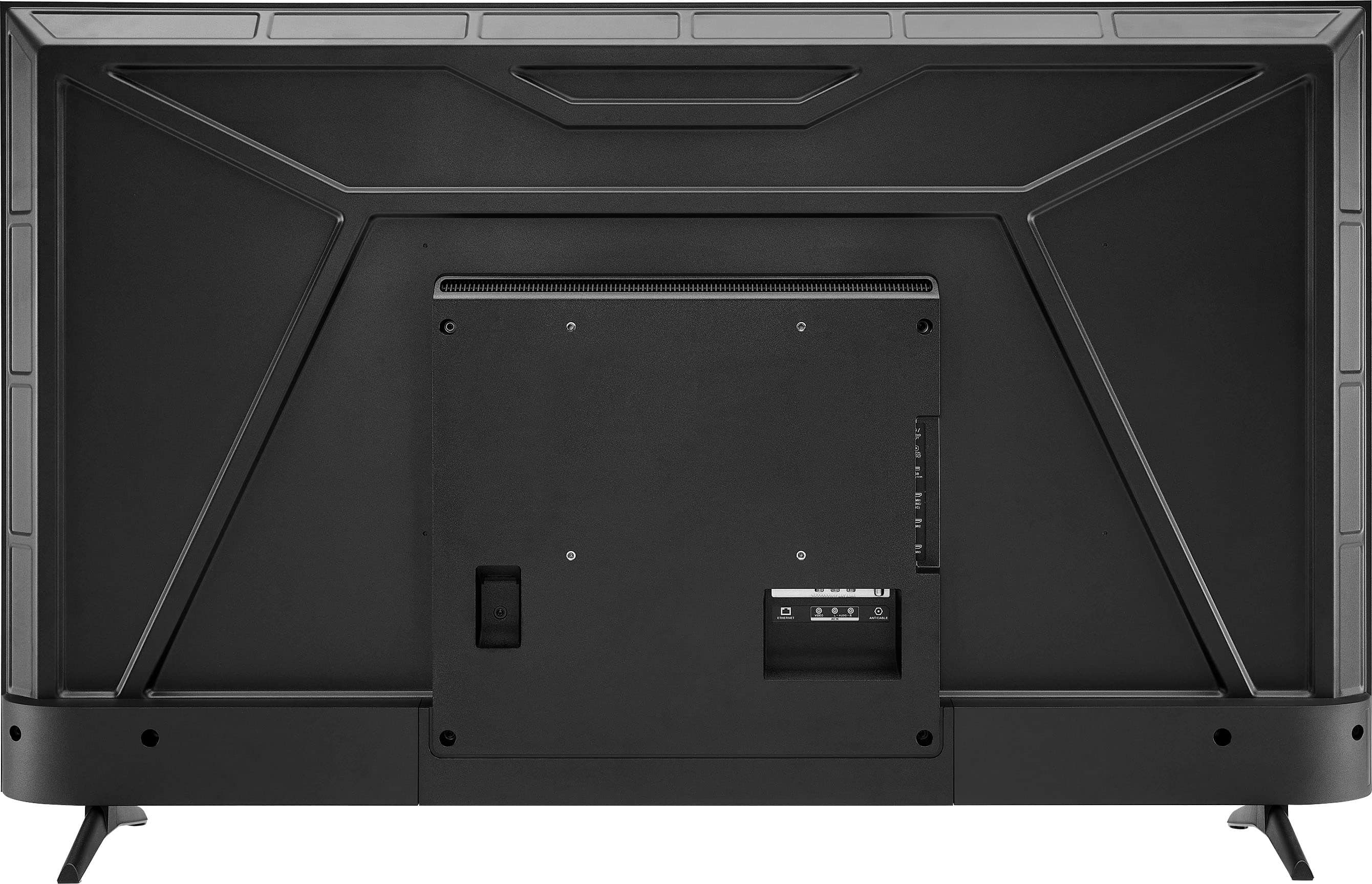
A:AnswerHi there! Yes, the Insignia™ 55" Class F50 Series LED 4K UHD Smart Fire TV is wall-mountable. It supports VESA mounting, which is the standard for most wall mounts. Specifically, this model uses a VESA pattern of 200mm x 300mm, so you'll want to choose a compatible wall mount that supports that size.
- Shiela | Insignia Support
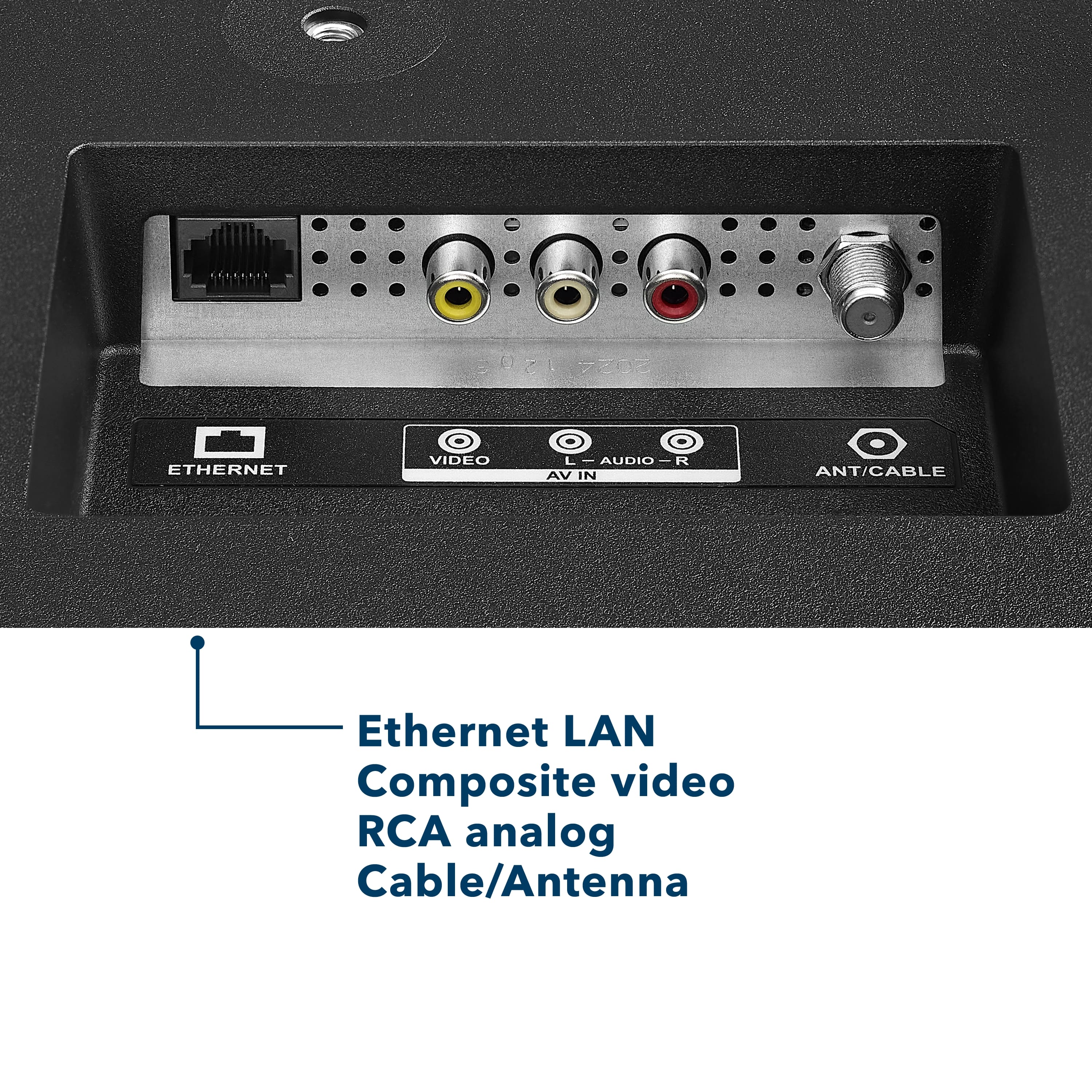
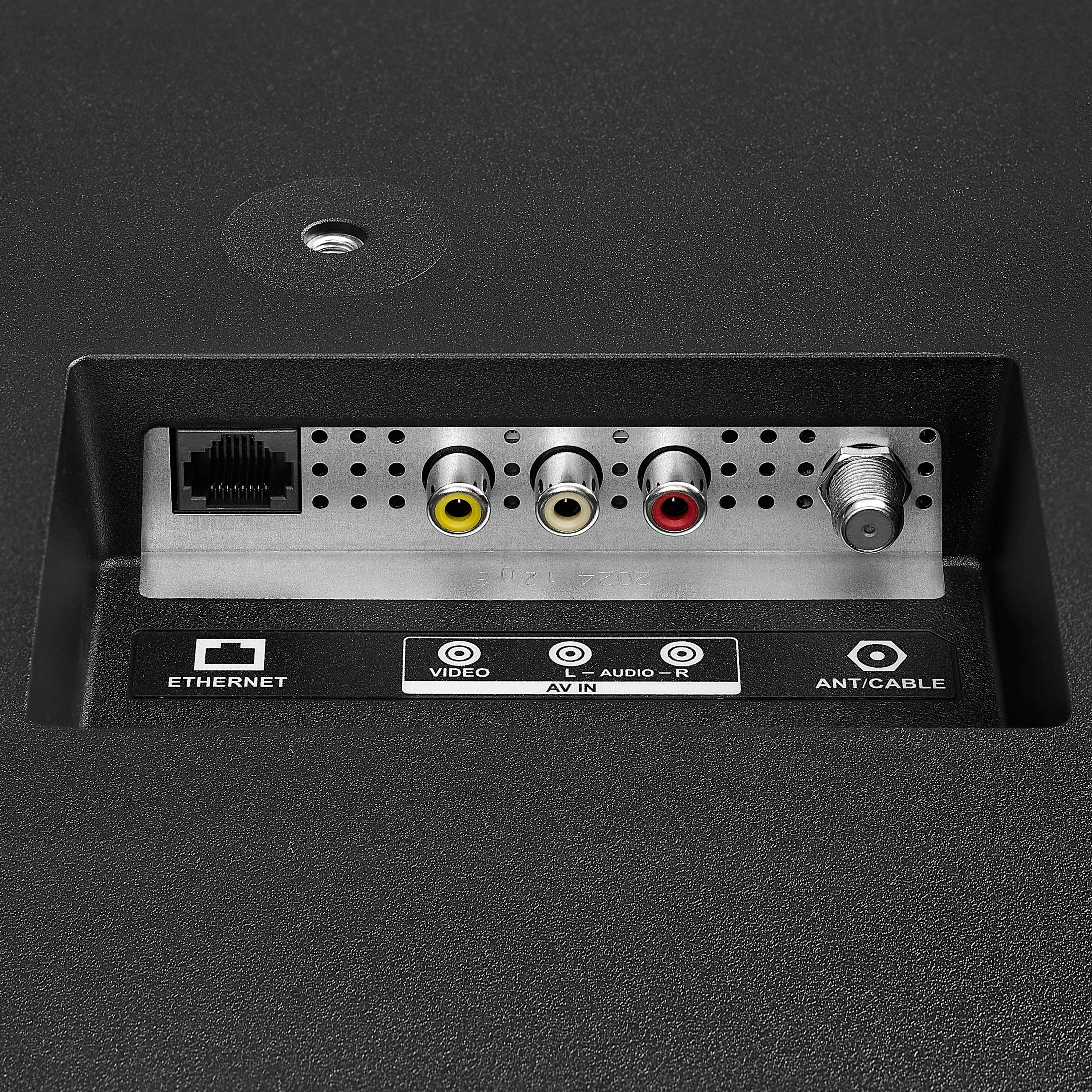
A:AnswerThank you for your inquiry! Yes, you can absolutely use a TV antenna with the Insignia™ 55" Class F50 Series LED 4K UHD Smart Fire TV. This model includes a built-in ATSC tuner, which allows it to receive over-the-air (OTA) broadcast channels when connected to an HD antenna. To set it up, simply connect the antenna to the coaxial input on the back of the TV. Then, using the remote, press the Home button and navigate to Settings, then to Live TV, and select Channel Scan or Scan for Channels. Follow the on-screen instructions to complete the scan. Once done, you’ll be able to watch local channels like ABC, CBS, NBC, FOX, and others without needing an internet connection. Keith | Insignia Support