A:AnswerHello, thank you for your question.
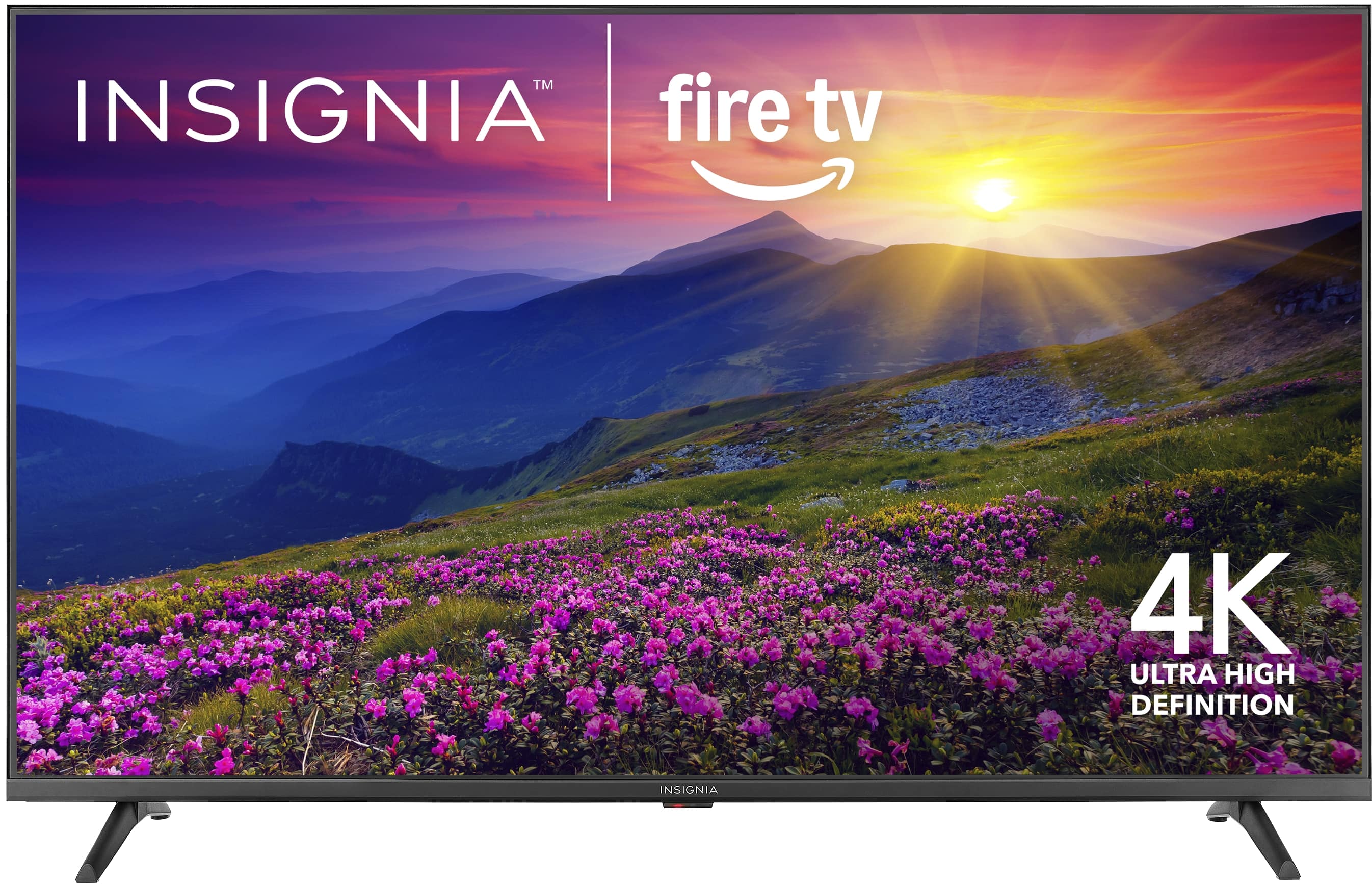
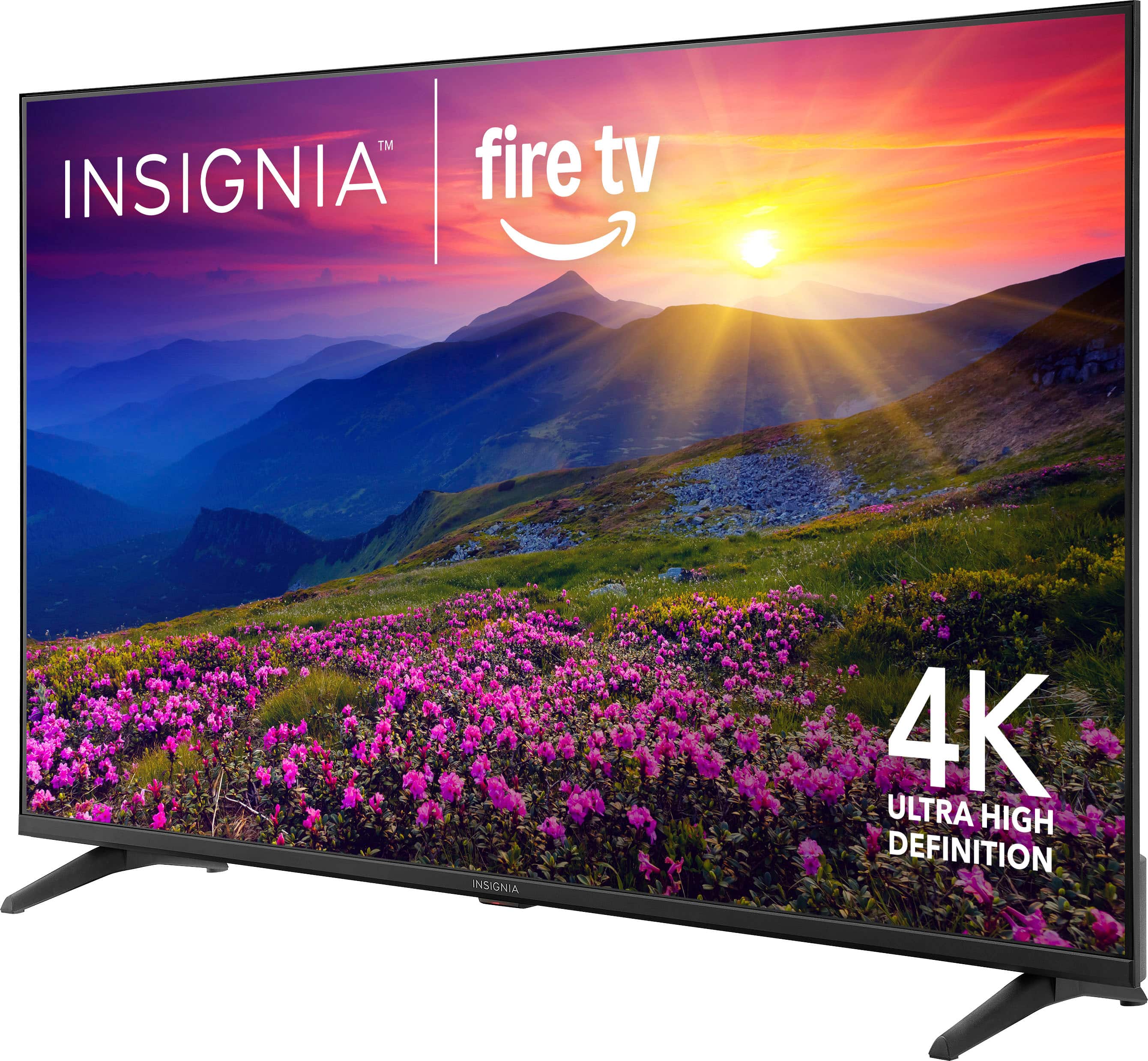
The Insignia™ 55" Class F50 Series LED 4K UHD Smart Fire TV includes a 1‑year limited manufacturer’s warranty.
Adam | Insignia
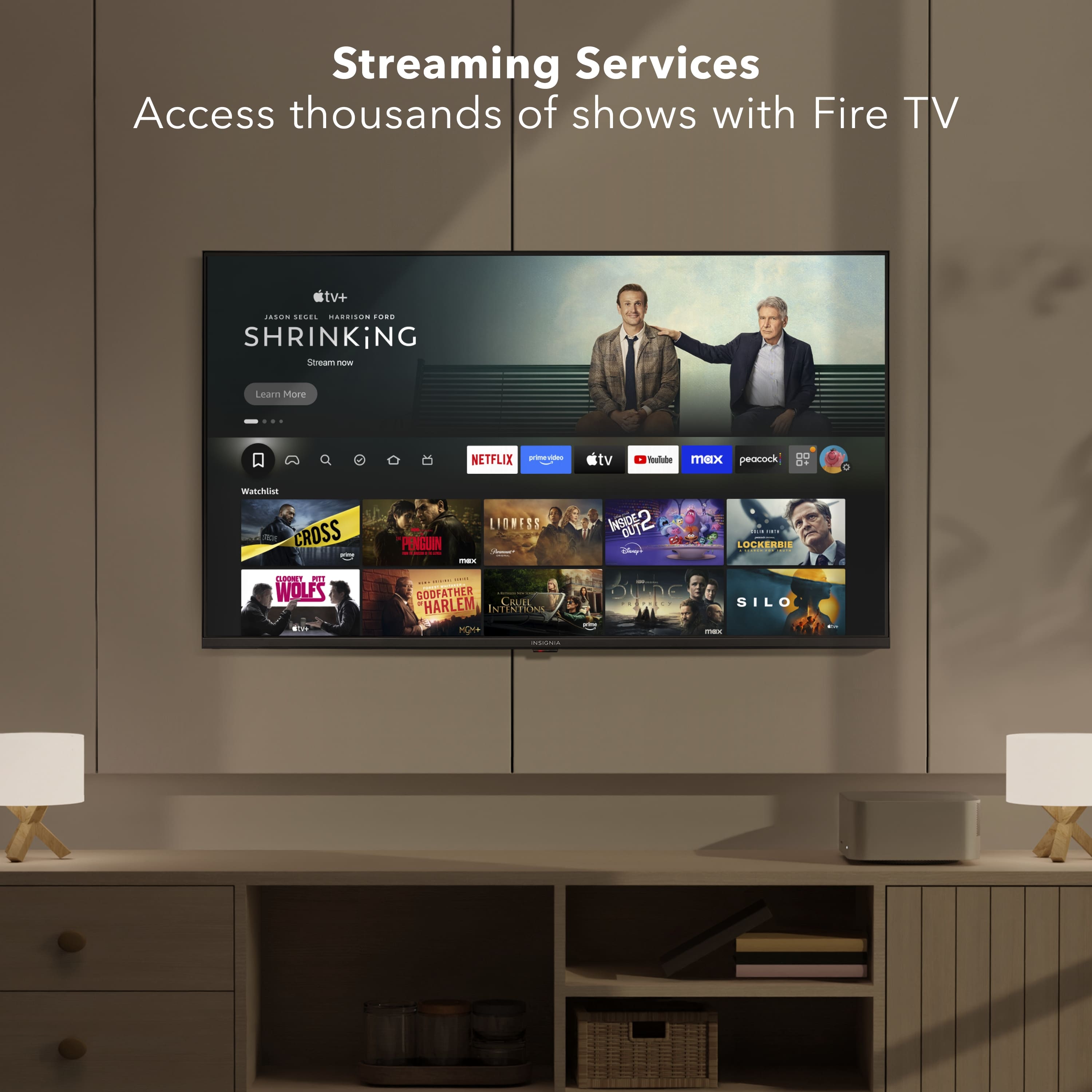
A:AnswerHello! Thank you for your question. Yes you can add apps to the Insignia 55" F50 Series 4K UHD Smart Fire TV. Since it runs Fire TV, you can download apps directly from the Amazon App store on the TV, including streaming services, music apps, sports apps, and more.
Darshan | Insignia
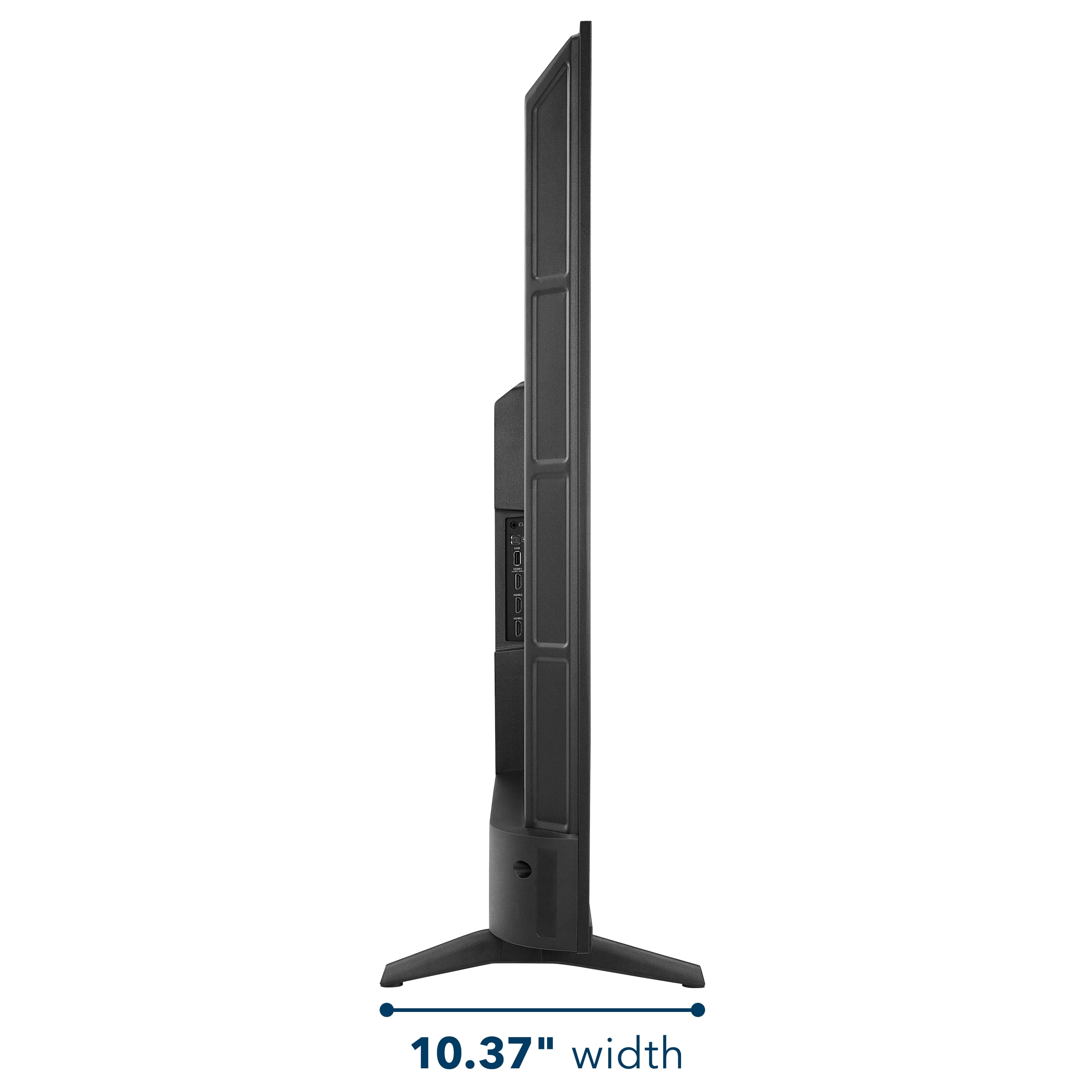
A:AnswerHello Ethan, thank you for your question. The mounting holes are the four VESA screw holes located on the back of the TV. These holes are used to securely attach a wall‑mount bracket to the TV. If you have any questions related to Insignia products, you can contact our team at 877‑467‑4289.
Sabiha | Insignia.
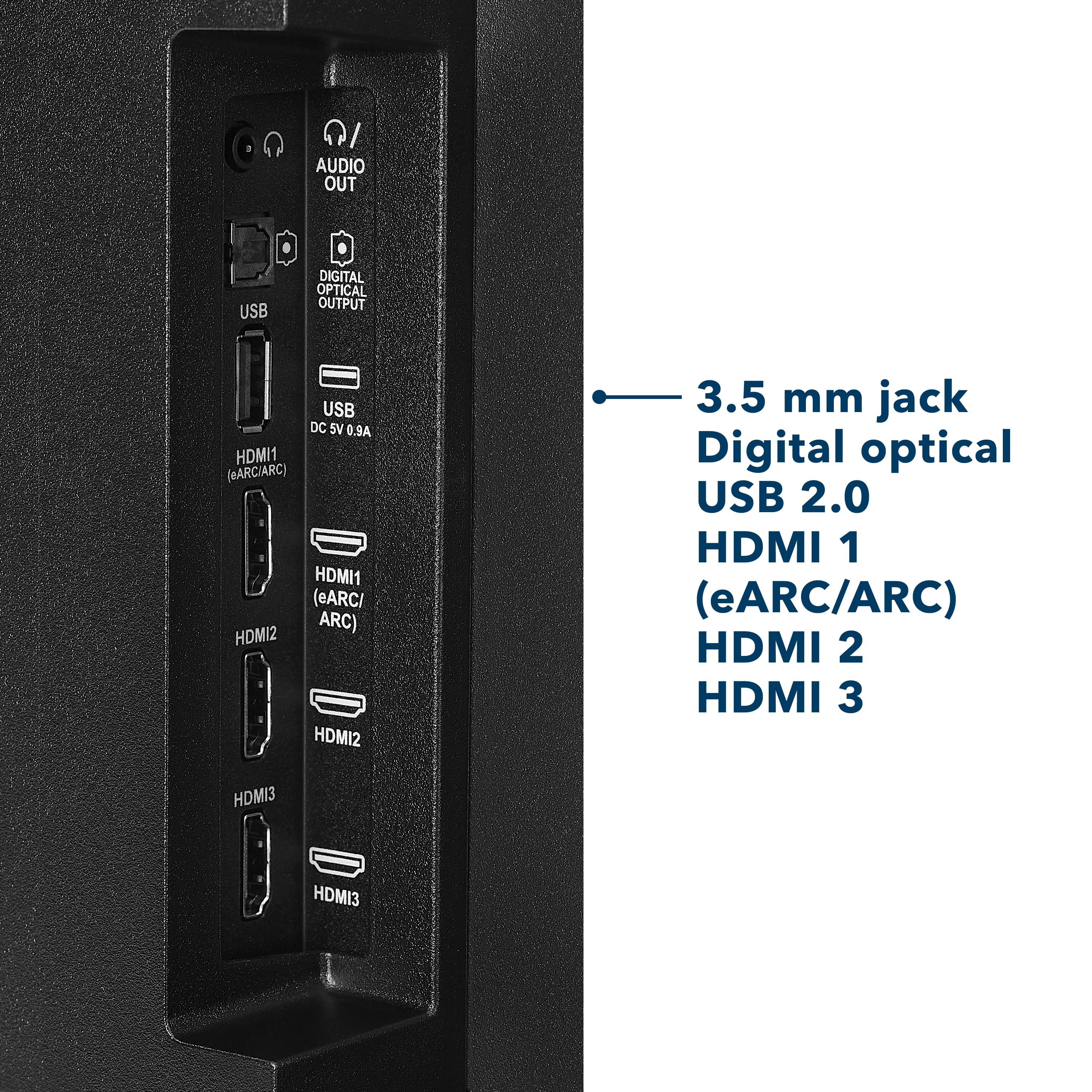
A:AnswerHello! Thank you for your question. Yes, you can use a Roku streaming stick with Insignia™ 55" F50 Series 4K UHD Smart Fire TV. Just plug the Roku device into one of the TV’s HDMI ports and you’re good to go. The TV will automatically detect it, and you can switch to the Roku input whenever you’d like.
Darshan | Insignia
A:AnswerMake sure the switch deck power is fully plugged in and the switch is as well. Try a different hdmi chord. Make sure the hdmi cord is compatible with the switch. Try turning it off and on
A:AnswerMy tv does the samething, so I am sure it is part of the feature in the tv. Because I notice when I turn my tv on as well after a few moments it turns off if I leave the room. So I don’t know if it can sense that you are no longer watching it and is set automatically to shut up to save on electricity or to save the tv.
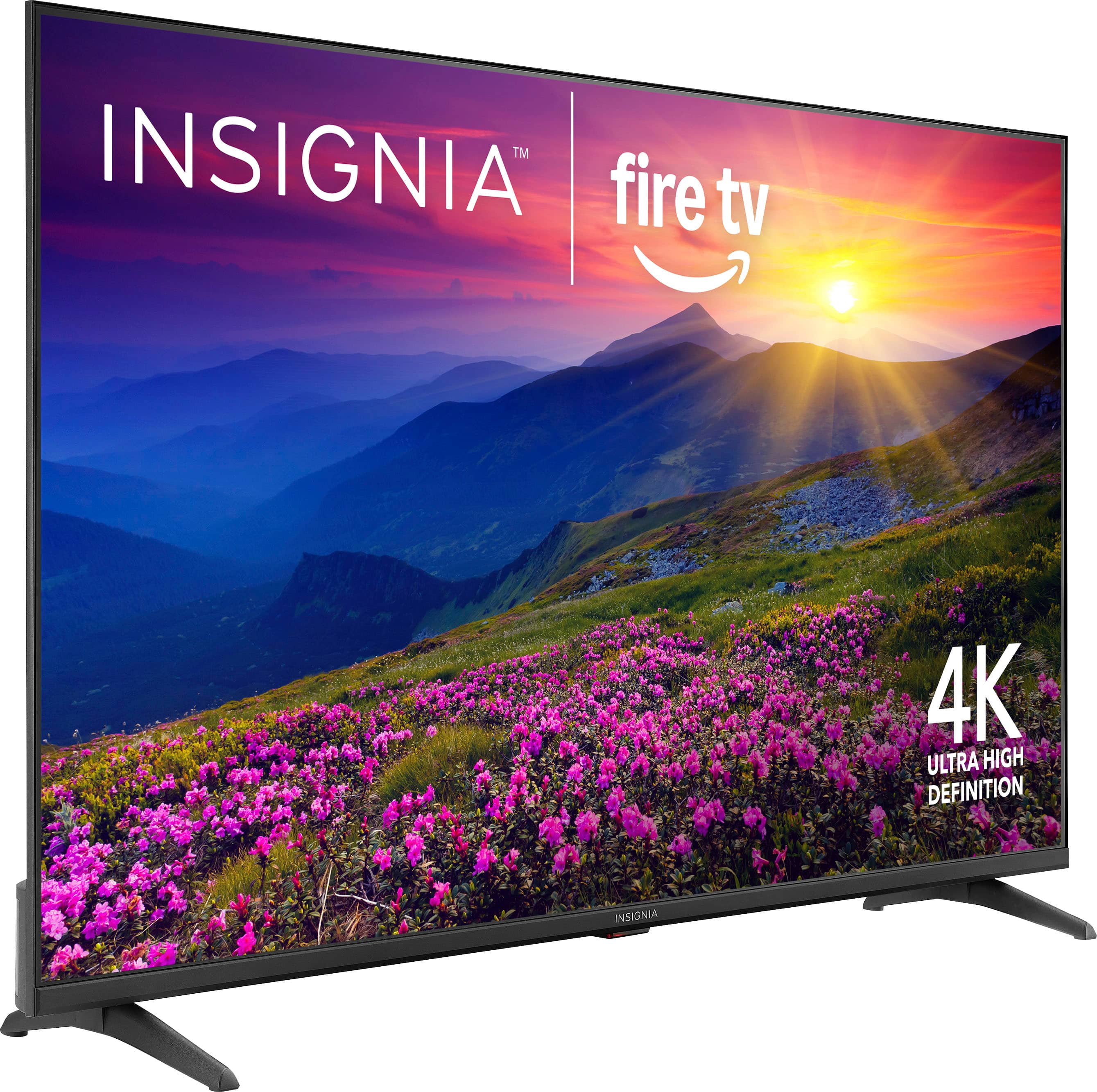

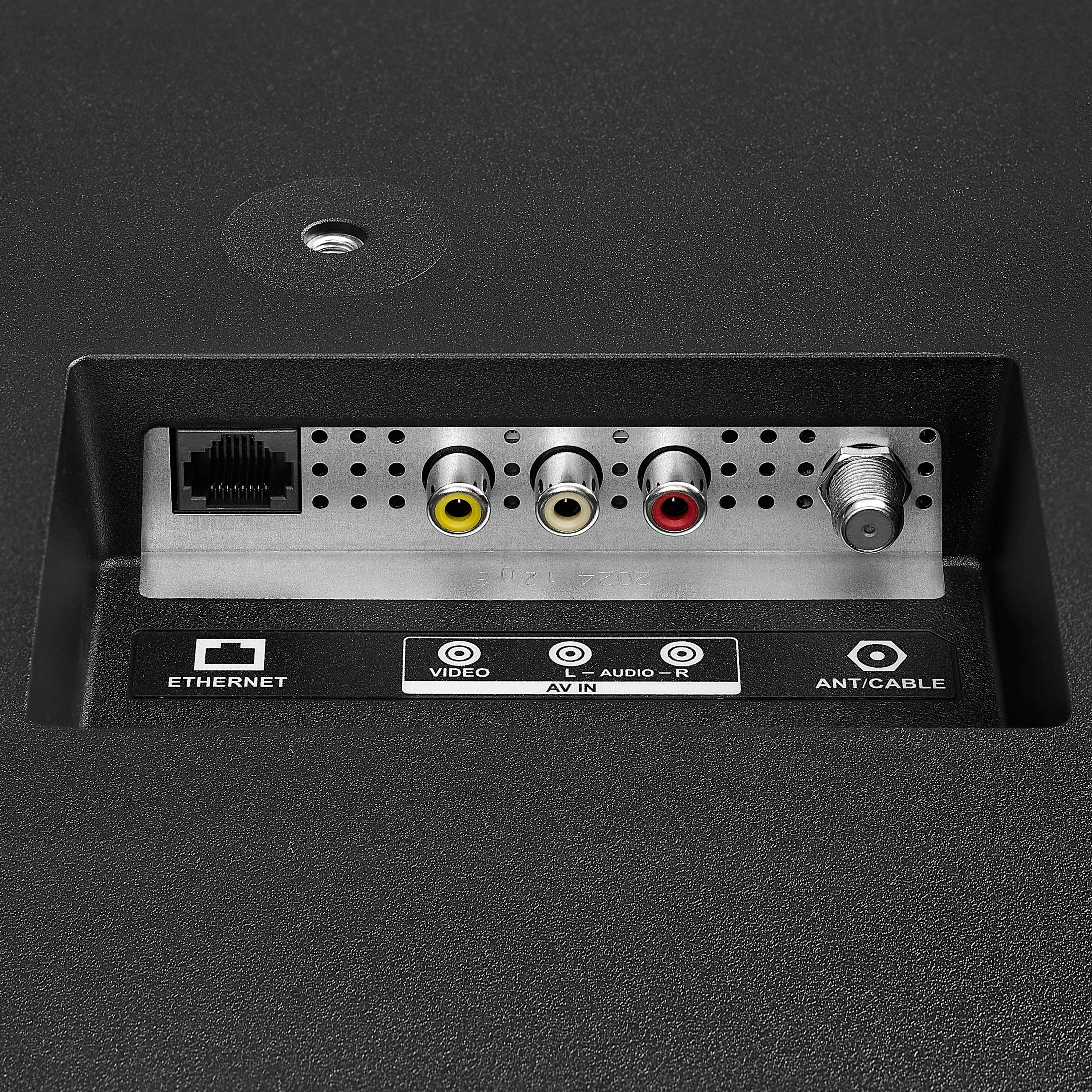
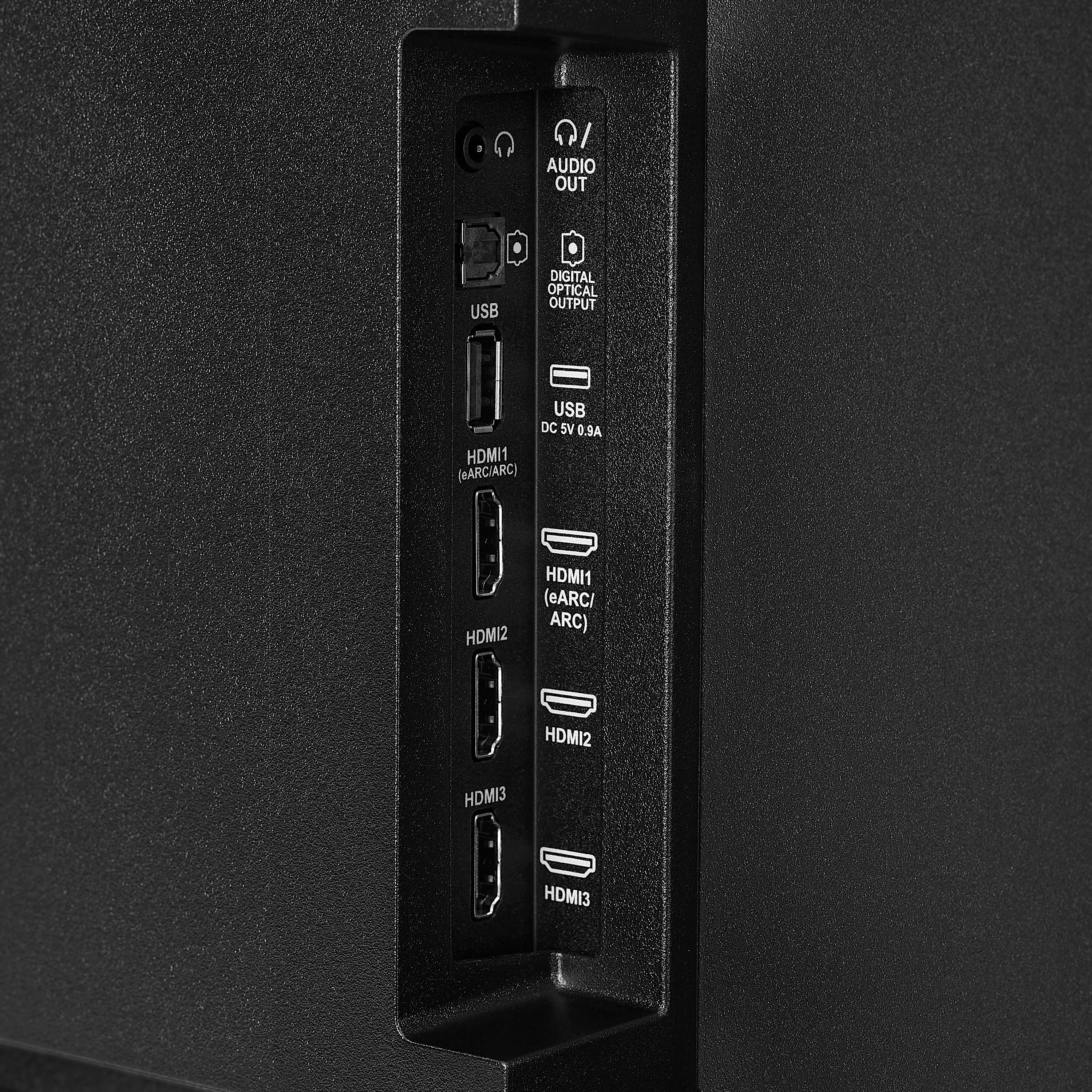
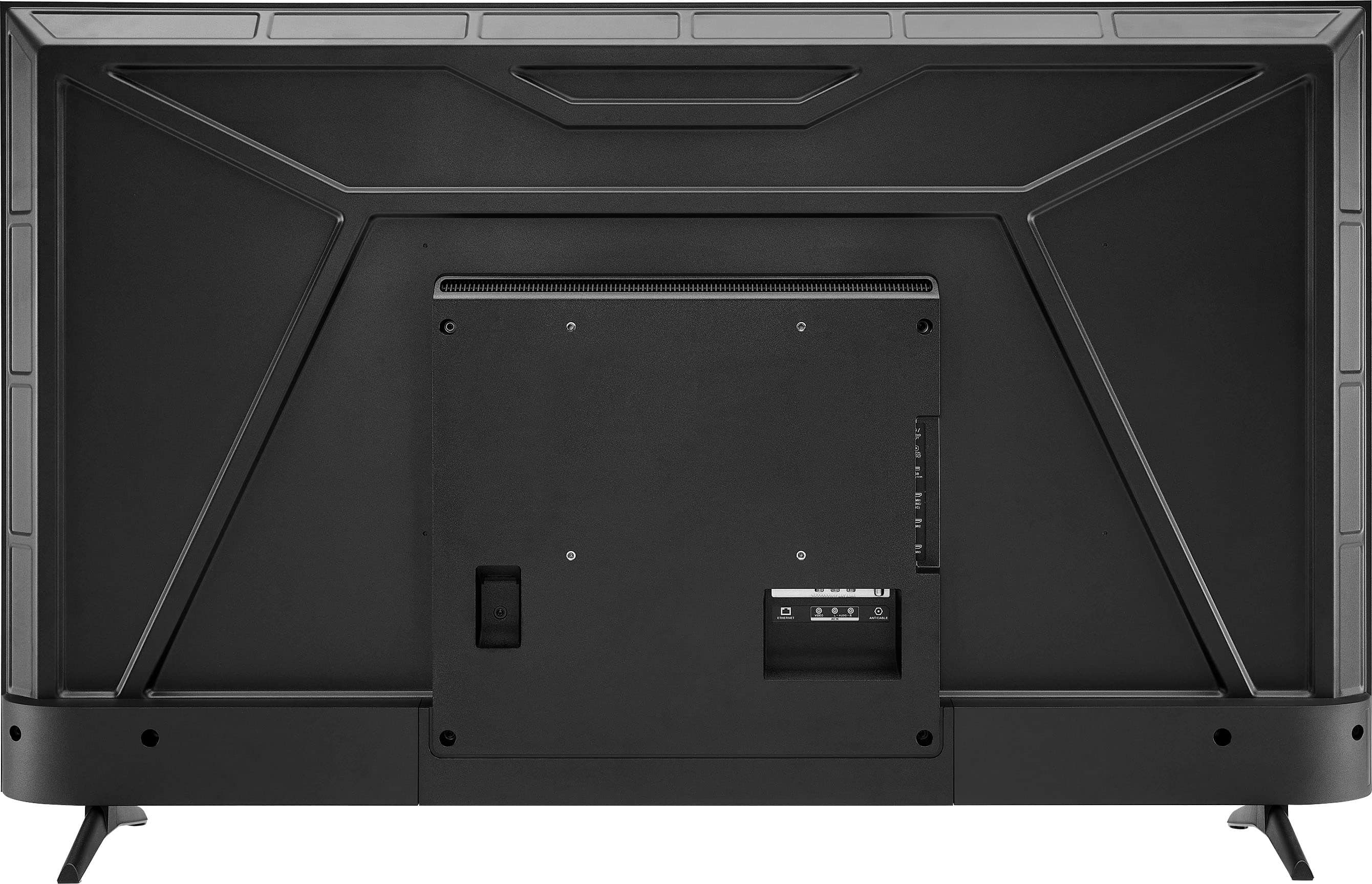
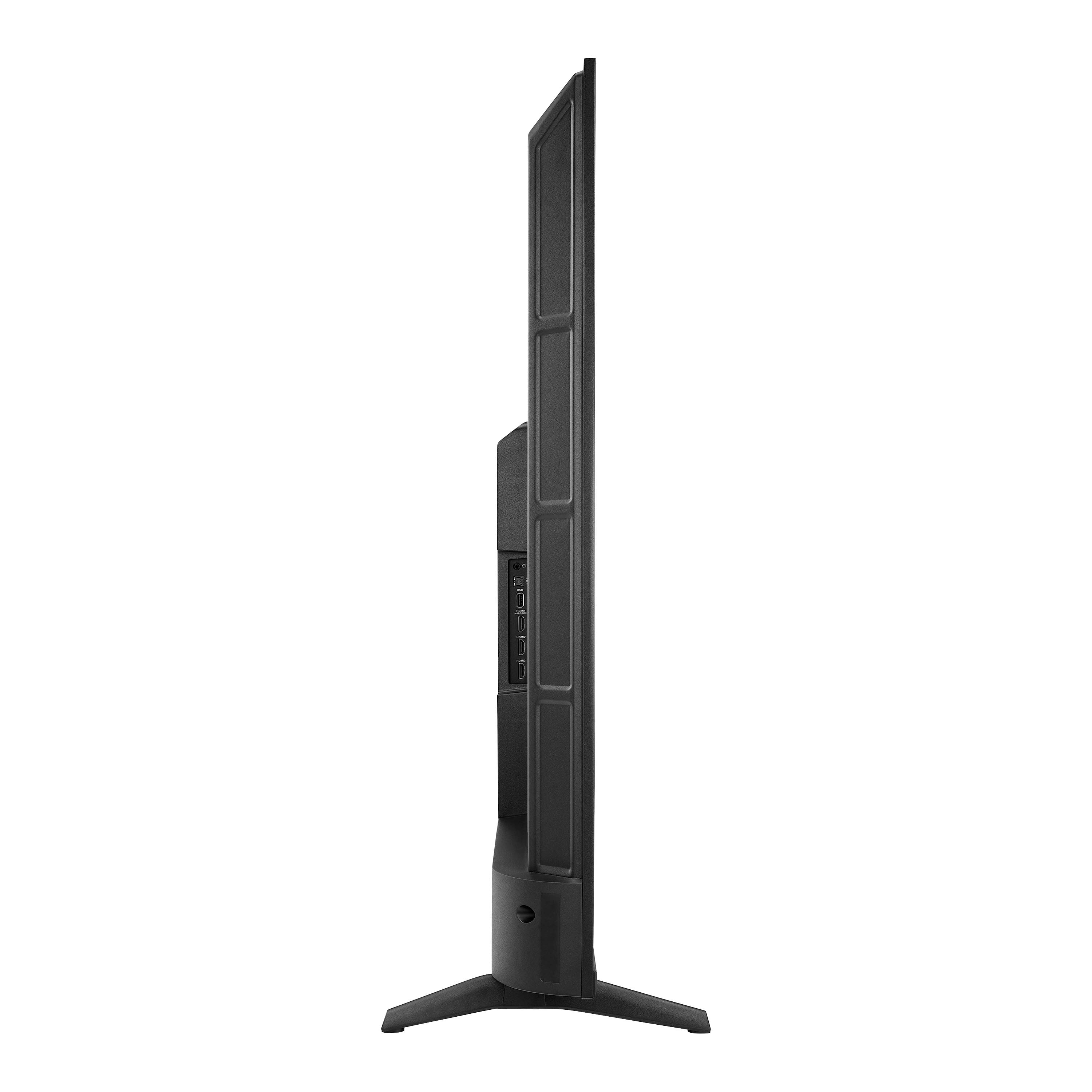
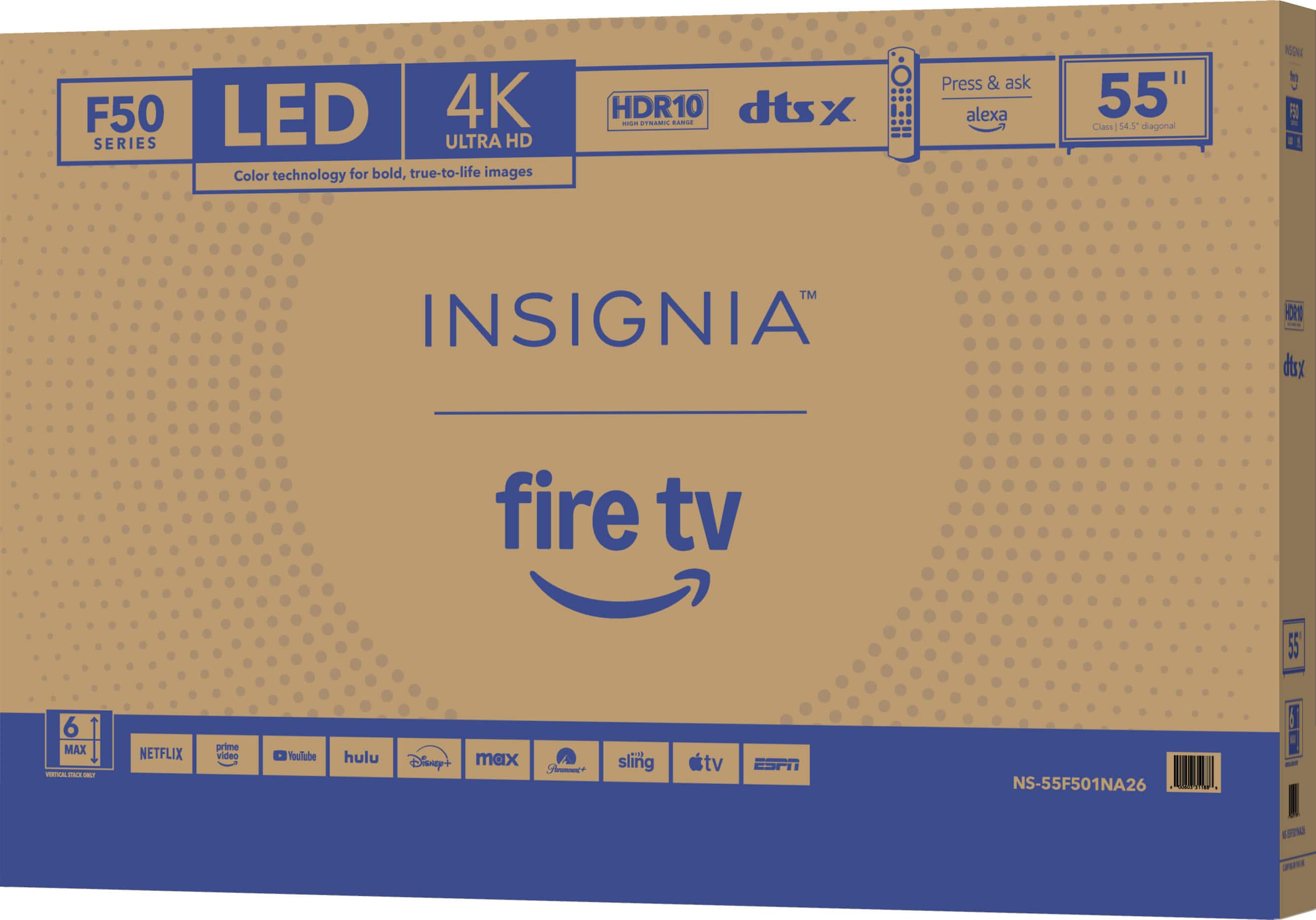
.
FEATURES:
- 160p Screen Resolution
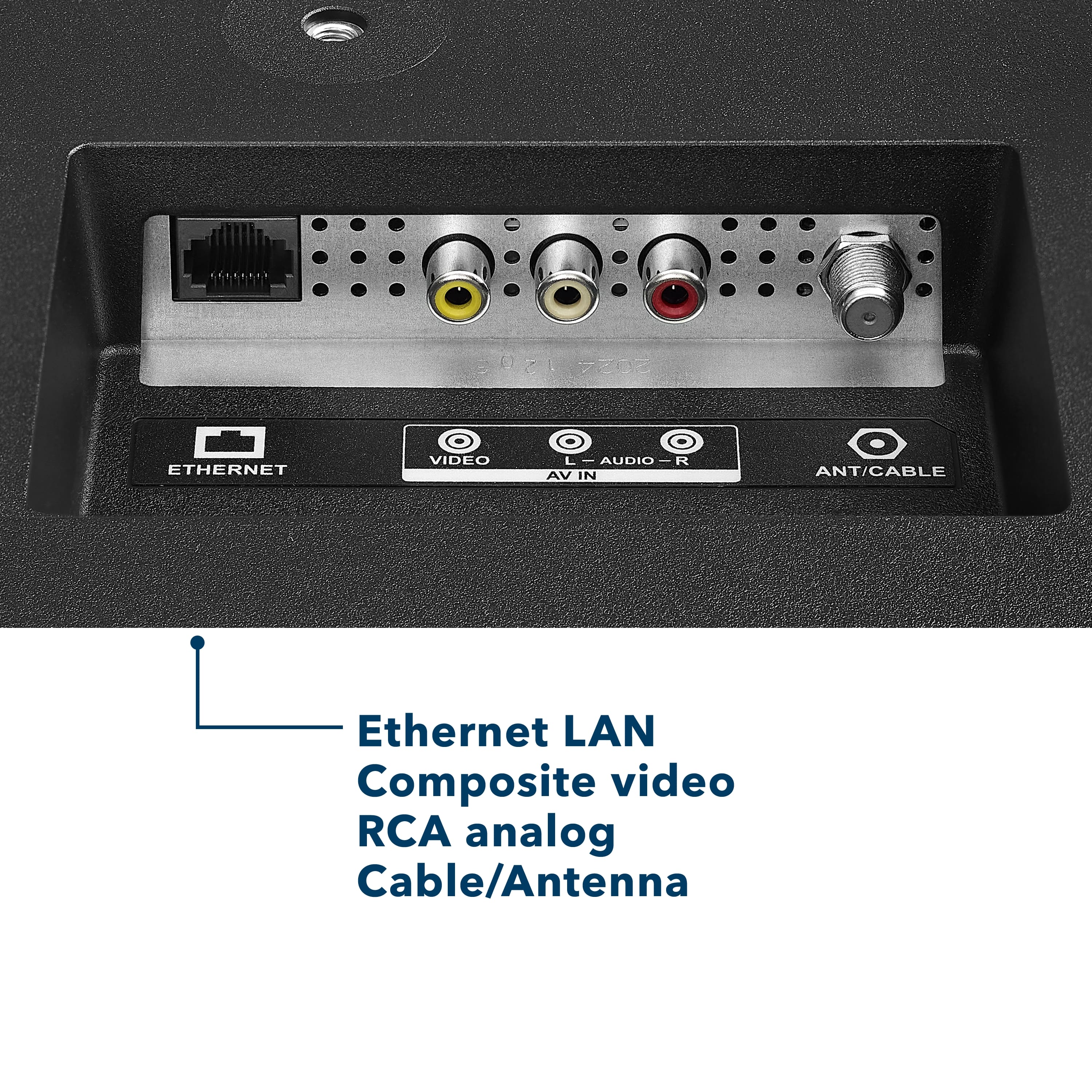
- Antenna/Cable Input
- HDMI Input
- Parallel Refresh Rate
- Headphone Jack
- Audio Output
- Wireless Digital Output
- Optical Audio Output
WARRANTY/SUPPORT:
- Best Buy and Insignia offer a limited warranty.
- Please recycle this box to help conserve natural resources.
- For more information about warranty and support, visit Best Buy.](https://pisces.bbystatic.com/image2/BestBuy_US/images/products/d9ec79da-15df-4d39-934a-5f9c9726d885.jpg)





