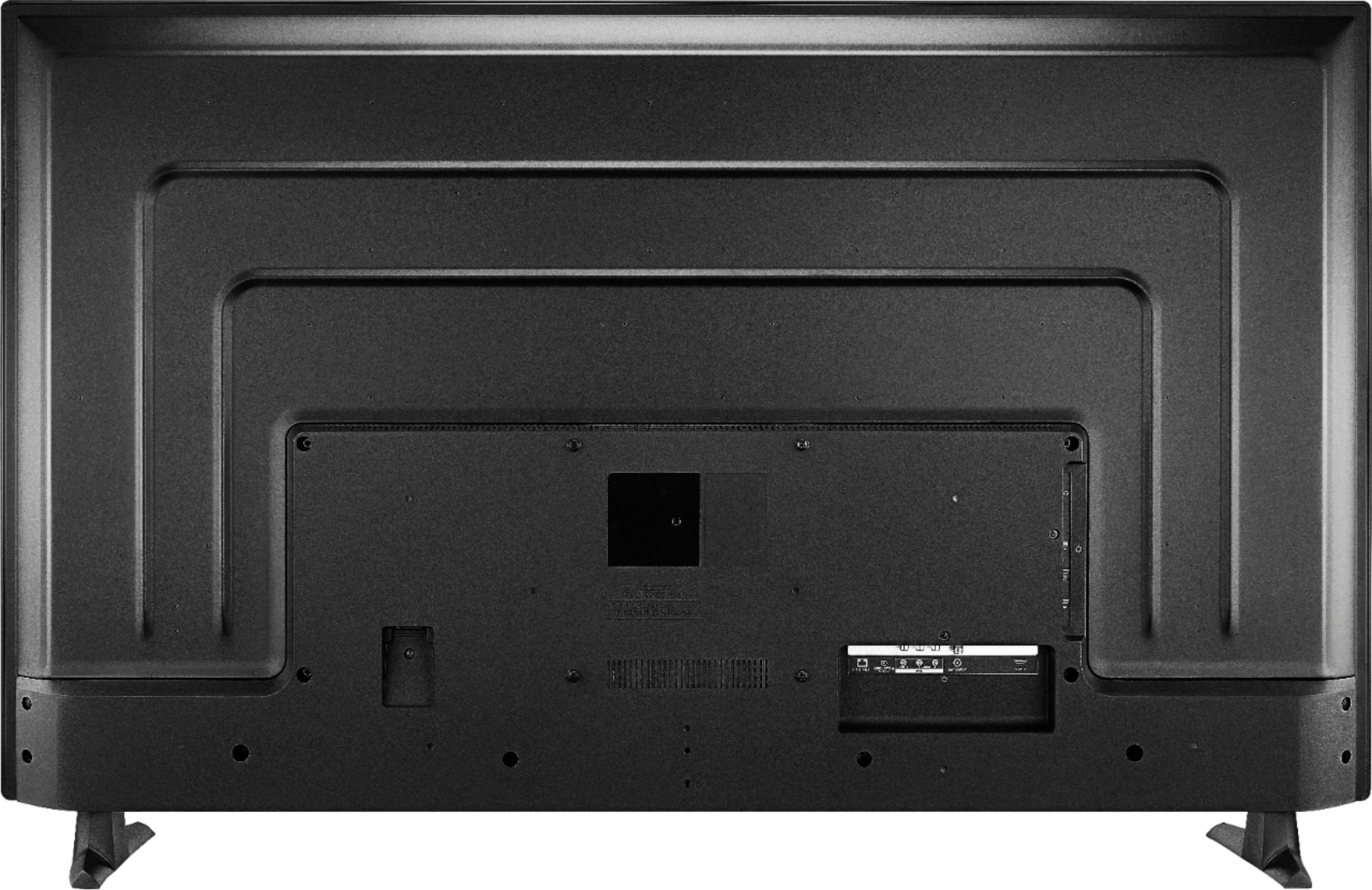
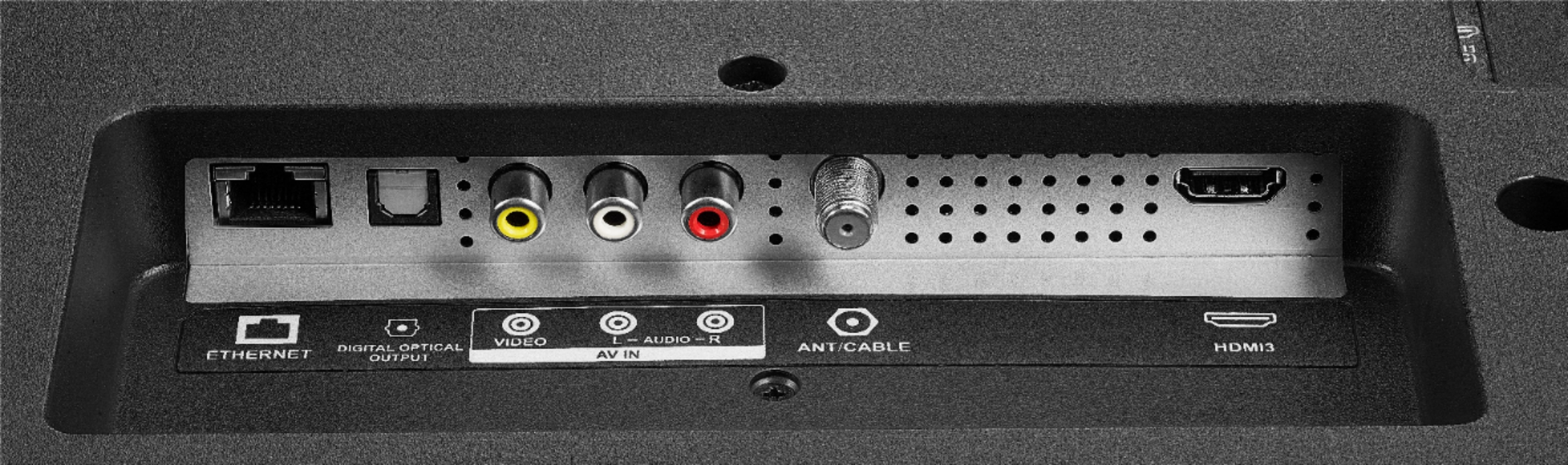
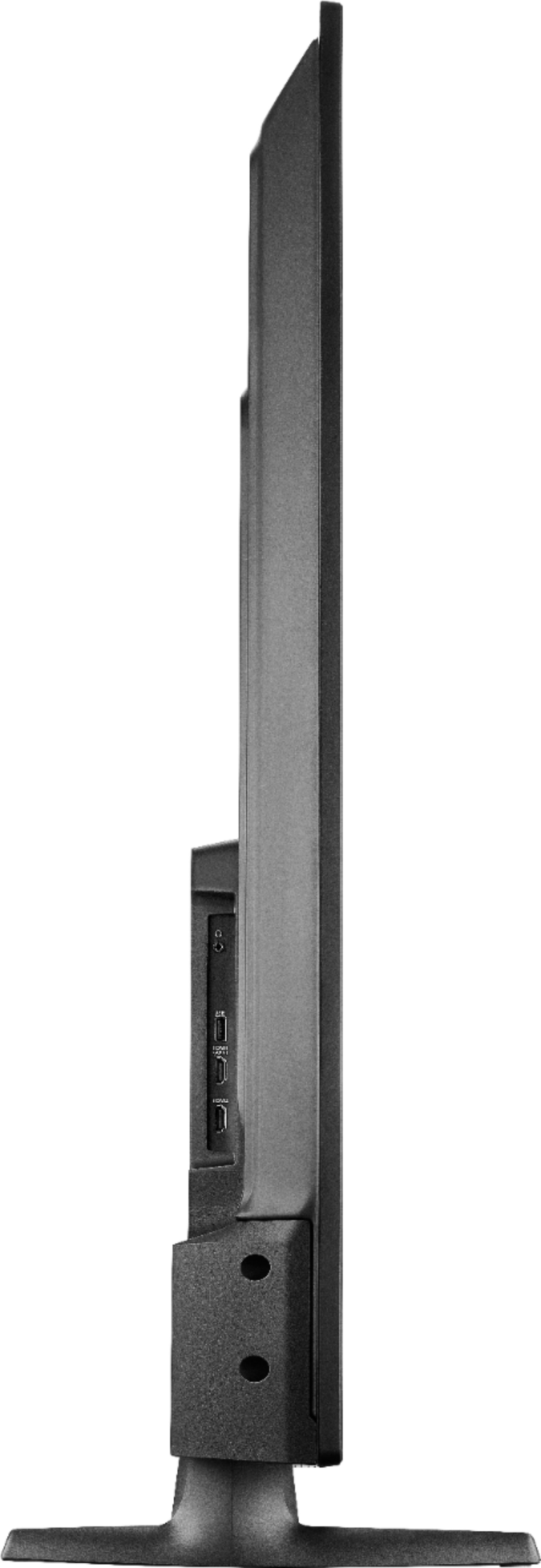
A:AnswerYou can connect your external Audio devices using one of the following audio outputs: 3.5 mm (Headphone Jack) or Digital Optical Output.
David M. - Insignia Support
A:AnswerTry to connect only the HDMI cable and adjust the audio settings from your computer.
If you need personalized assistance, please call 1-877-467-4289 available from 8am to 9pm CT daily.
David M. - Insignia Support
A:AnswerThe TV should not turn off as long as a video is playing.
Keep a video playing if you don't want the TV to turn off.
David M. - Insignia Support
A:AnswerIf you want far field voice control you can link an Echo device at any time using the Alexa app.
The Fire TV Edition television is not compatible with the Echo Home Theater system.
You can connect your external speakers to one of the following audio outputs: 3.5 mm (Headphone Jack) or Digital Optical Output.
David M. - Insignia Support
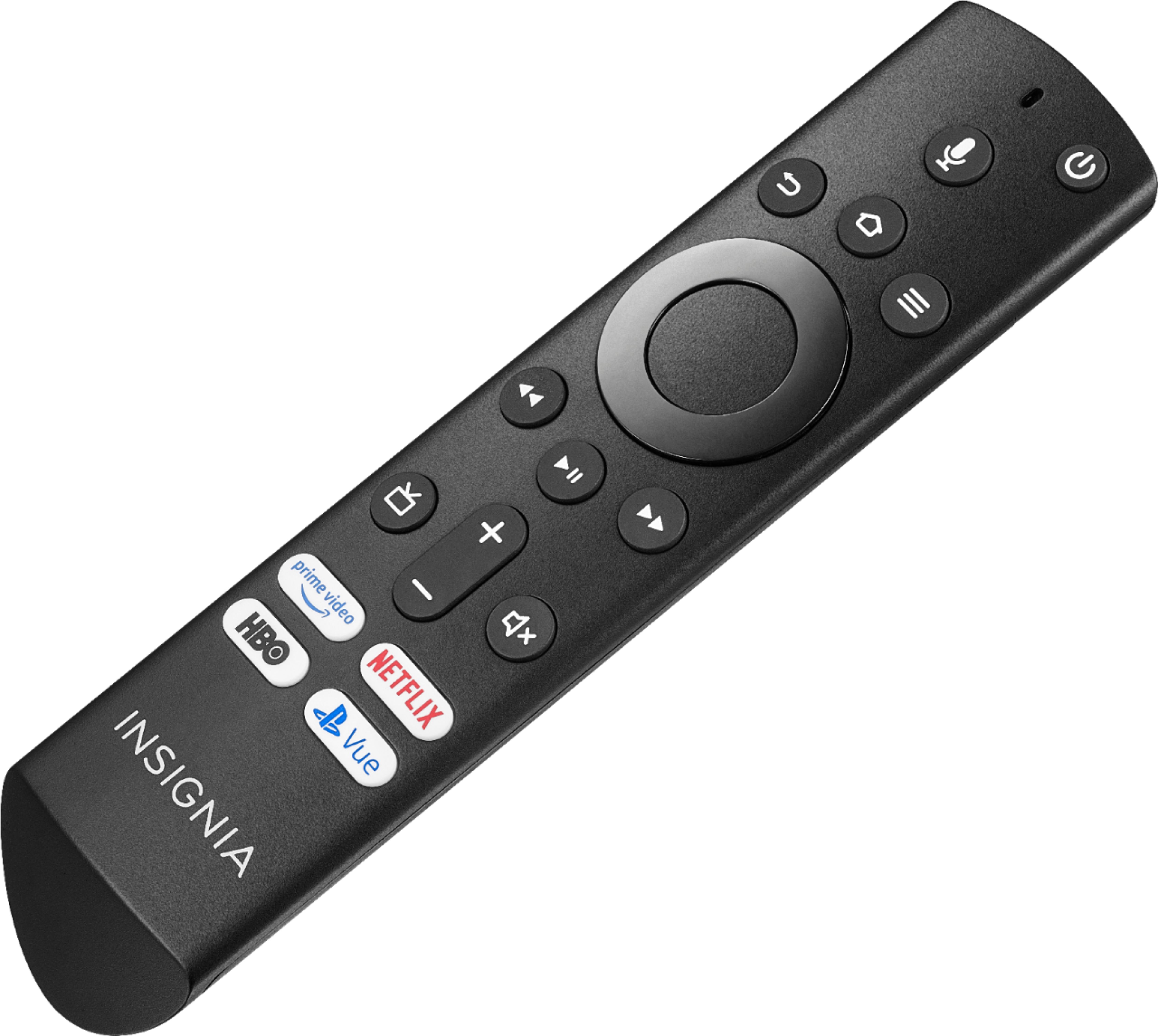
A:AnswerThe replacement remote for the Fire TV Edition TV is available at Best Buy Model: NS-RCFNA-19.
Also you can download the Amazon Fire TV app on your Smartphone to control the TV over Wi-Fi.
David M. - Insignia Support
A:AnswerHi, there.
This could be caused by several reasons and I would like to provide you with the correct troubleshooting. Please reach us at https://www.insigniaproducts.com/contact-us.
Cesar G. - Insignia Support
A:AnswerThe replacement remote for the Fire TV Edition TV is available at Best Buy Model: NS-RCFNA-19.
Also you can download the Amazon Fire TV app on your Smartphone to control the TV over Wi-Fi.
David M. - Insignia Support
A:AnswerHi LaVon,
You can find a replacement remote on Best Buys website as well as our Insignia Product page. The key words to search are '' Insignia Fire TV remote", it should be the first result.
- Janína G. | Insignia Support | https://www.insigniaproducts.com/contact-us