A:AnswerHi Ria,
It very well may be that your purchase was not for a new product. Please double check the receipt to ensure, you may have purchased an open box item, which could explain the missing pieces. Nonetheless, it does not affect the functionality as they are tested for performance, prior to being resold.
- Janína G. | Insignia Support | https://www.insigniaproducts.com/contact-us
A:AnswerThe TV has a physical Power button to turn it ON/OFF.
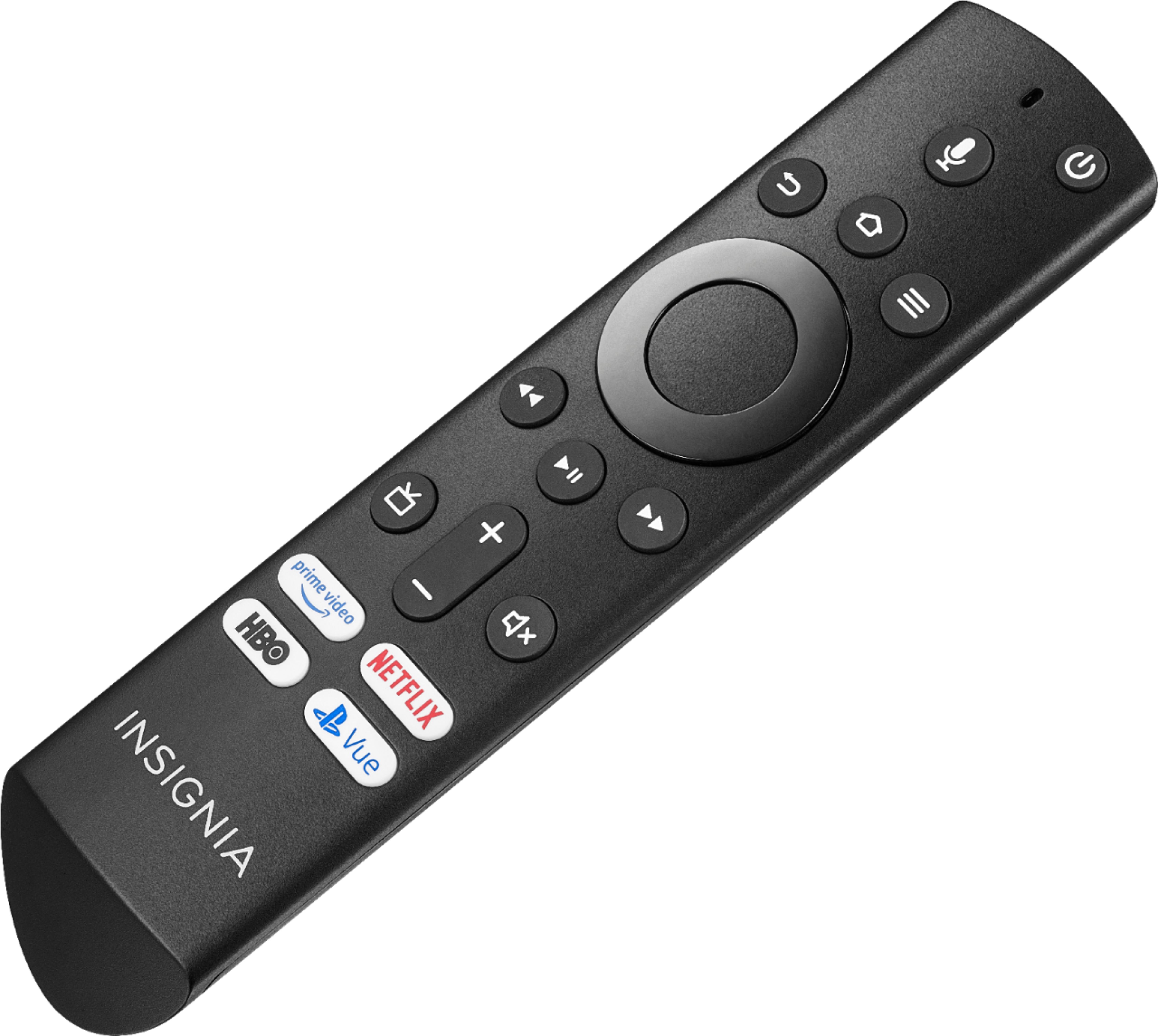
The replacement remote Model: NS-RCFNA-19 is available at Best Buy.
David M. - Insignia Support
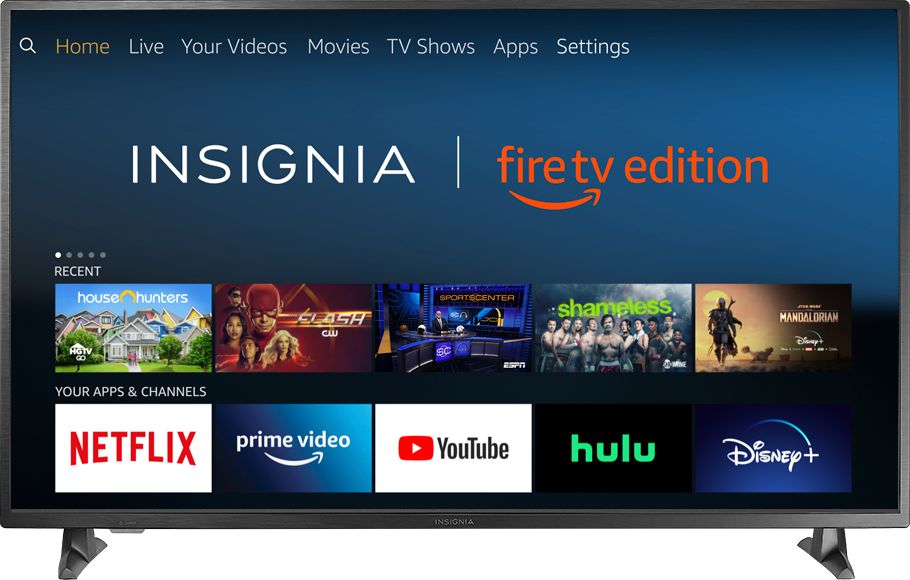
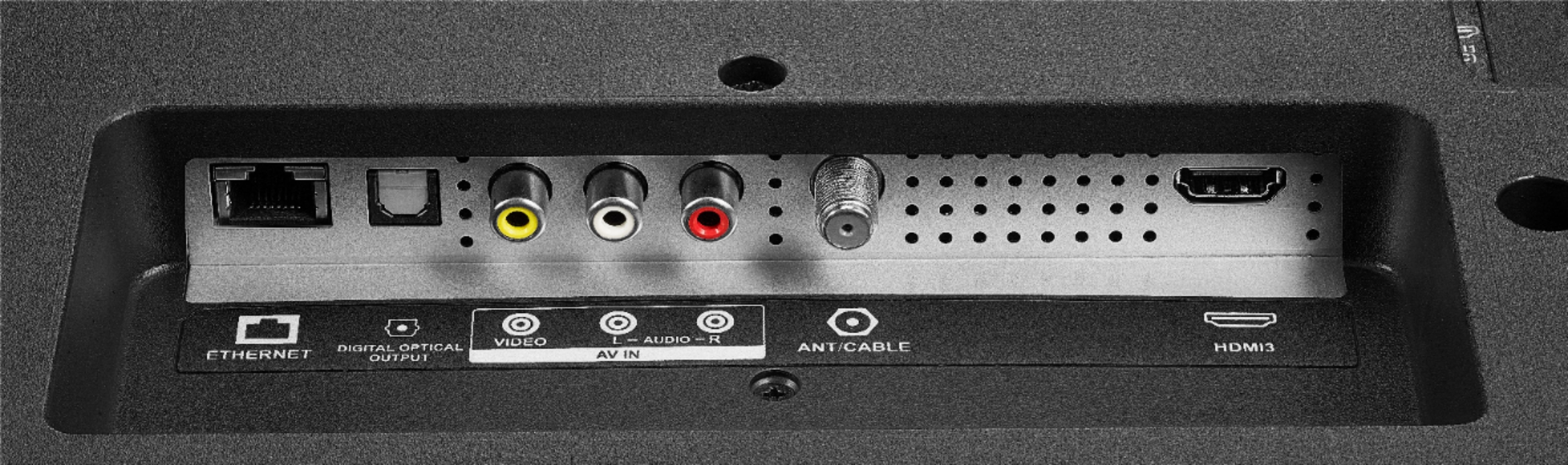
A:AnswerThe Fire TV Edition television has a built-in ATSC Tuner with Clear QAM; supports NTSC.
You can connect an antenna to watch over-the-air broadcasts from your local channels.
David M. - Insignia Support
A:AnswerThe Power Rating is 120V – 60Hz - 1.3A
The estimated yearly electricity use based on 5 hours use per day is 233 kWh
David M. - Insignia Support
A:AnswerThe screen should not turn off as long as a video is playing.
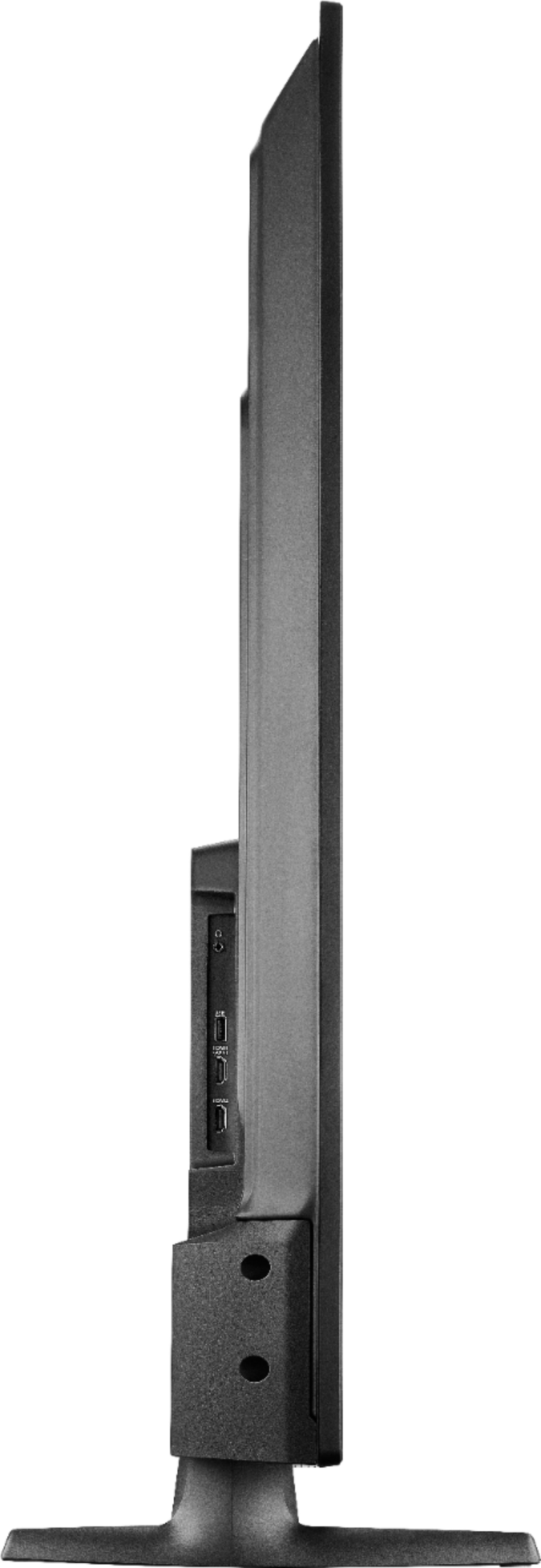
Download the VLC for Fire app to watch videos from a USB flash drive.
David M. - Insignia Support
A:AnswerYou can loop a MP4 video from a USB Flash Drive using the app VLC for Fire.
The TV should not turn off as long as a video is playing.
If you need personalized assistance, please call 1-877-467-4289 available from 8 am to 9 pm CT daily.
David M. - Insignia Support
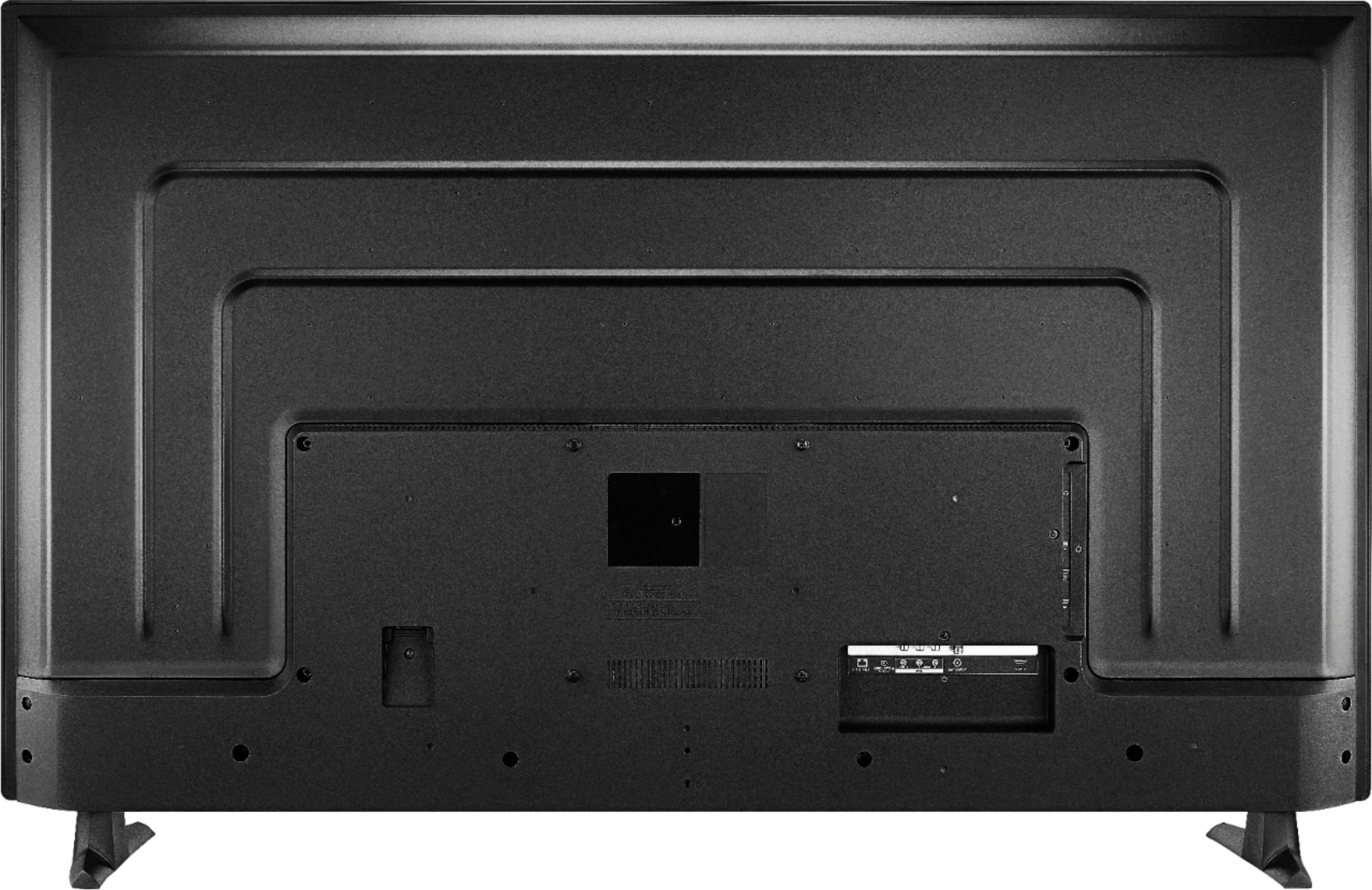
A:AnswerHi! This TV comes with a power cord and to be able to watch any streaming channel you will need to have a router. For other devices, it depends on what would you like to connect and the jacks available on that product. For further assistance, please know that you can contact us on the link below.
Viridiana E.
Insignia Support.
https://www.insigniaproducts.com/contact-us
A:AnswerYou could try different audio settings, press and hold for 3 seconds the Home button to launch the Quick Access menu and select Sound.
David M. - Insignia Support
A:AnswerFor Express VPN support, please contact the developer of the app:
[email protected]
https://www.expressvpn.com/support/
David M. - Insignia Support
A:AnswerHi,
No, the TV doesn't have a Media Player built in. You cannot stream from your Laptop to the Fire TV. You can connect you Laptop using an HDMI adapter.
Alan O. - Insignia Support
A:AnswerPress and hold the Home button for 3 seconds to launch the Quick Access menu, select Display settings to adjust the Picture Size and Aspect Ratio.
David M. - Insignia Support
A:AnswerHi,
You can try pressing the TV button on the remote to launch the Live TV Guide that will show you a short synopsis of the channels if available.
Alan O. - Insignia Support
A:AnswerPress and hold the Home button for 3 seconds to launch the Quick Access menu, select Display settings to adjust the Picture Size and Aspect Ratio.
David M. - Insignia Support