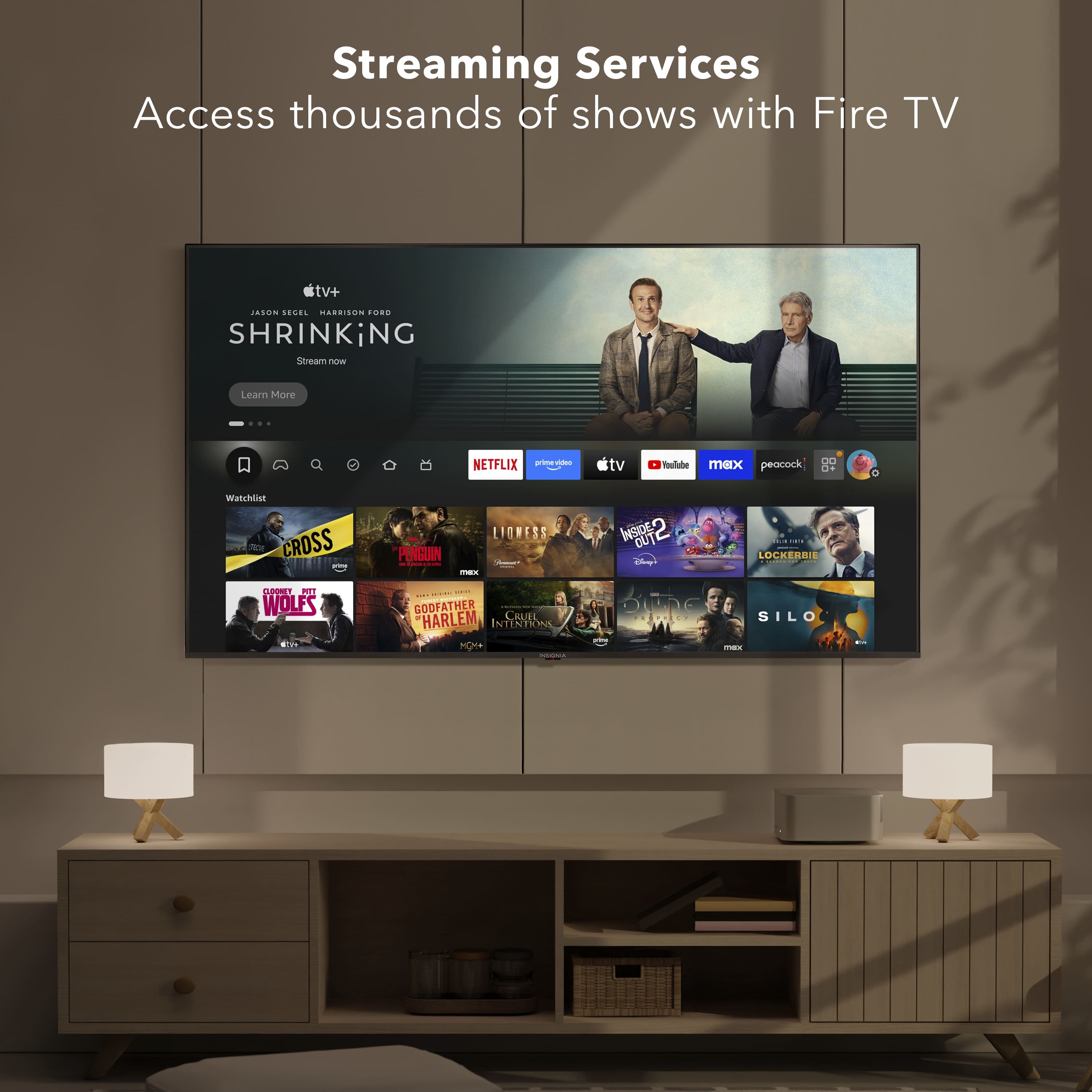
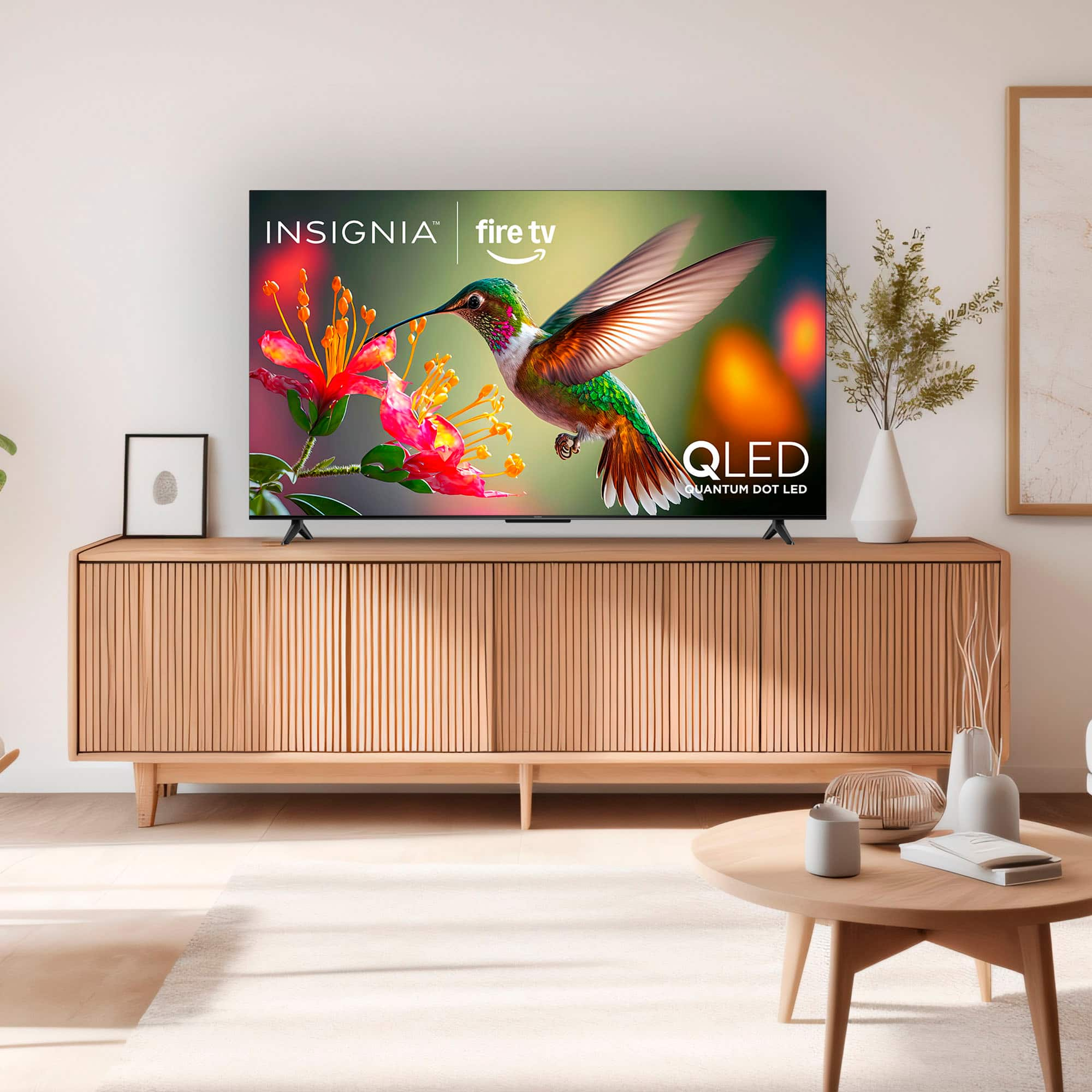
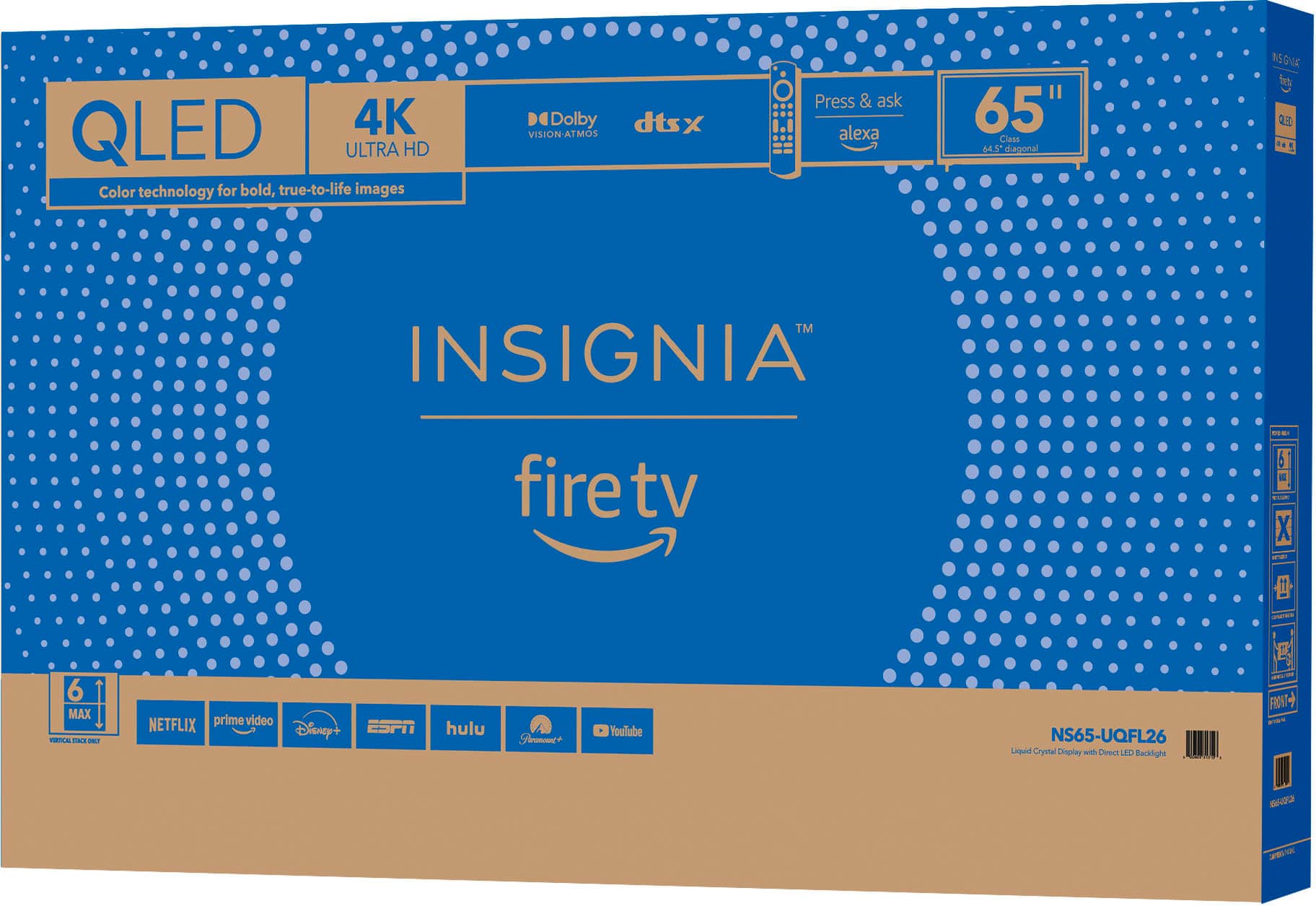
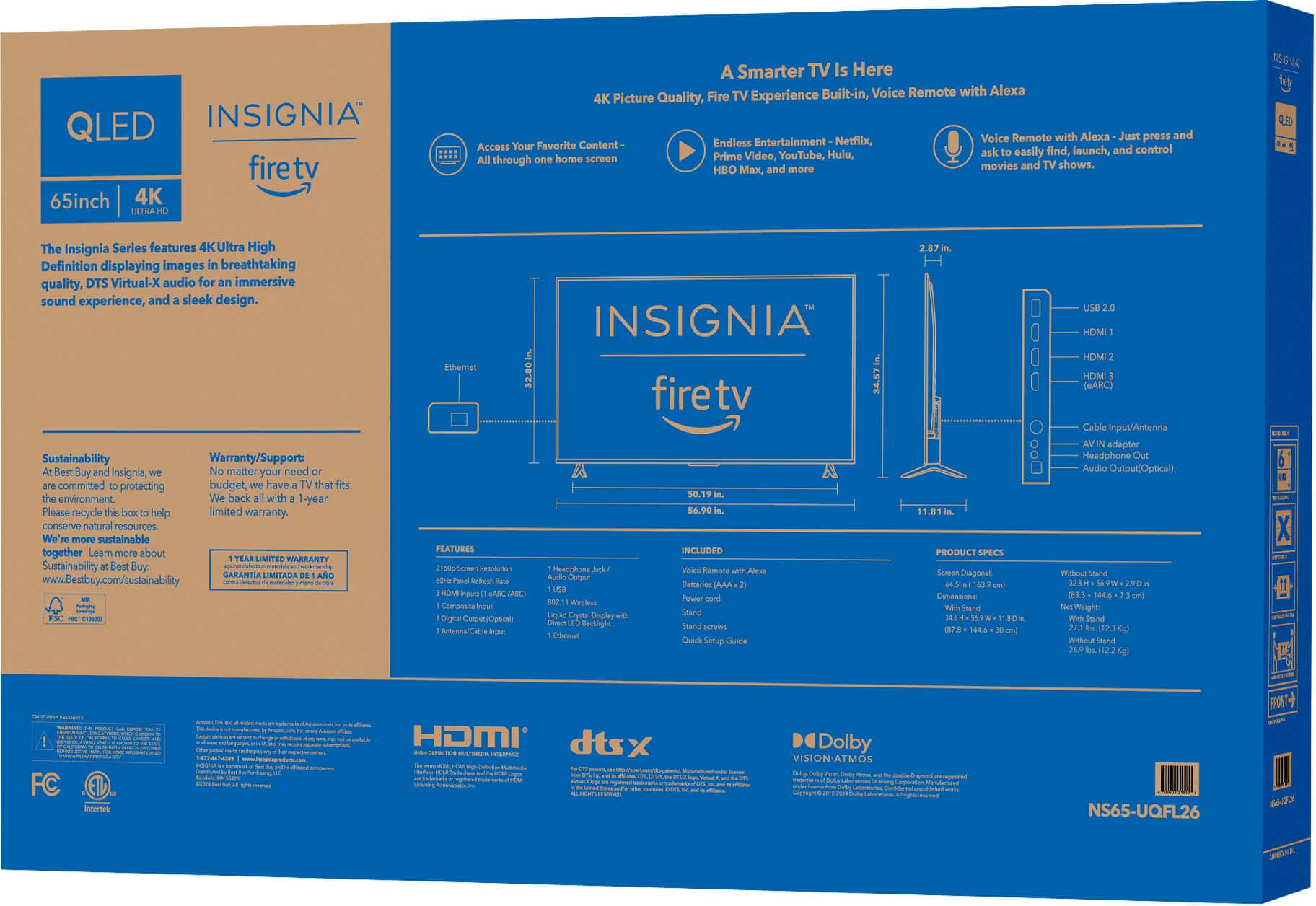
A:AnswerYes, you can get the DIRECTV app on your Insignia™ - 65" Class QF Series QLED 4K UHD Smart Fire TV. Since your TV runs on the Fire TV platform, you can download the DIRECTV app from the Amazon Appstore. Patricia | Insignia Support
A:AnswerThank you for your inquiry! The Insignia™ - 65" Class QF Series LED 4K UHD QLED Smart Fire TV is currently listed as "Coming Soon" on Best Buy's website1. Unfortunately, there isn't a specific release date mentioned yet. Keith | Insignia support
A:AnswerThank you for your inquiry! The Insignia™ 65" Class QF Series LED 4K UHD QLED Smart Fire TV features Bluetooth 5.0. This version of Bluetooth offers improved speed and range compared to previous versions, which can help reduce audio lag. Additionally, the TV supports Bluetooth personal audio, allowing you to pair your Bluetooth headphones for a private listening experience. Keith | Insignia Support
A:AnswerHello Adam and thank you for your question.
If your TV turns back on automatically after a power outage and you’d like to change this behavior, please contact our Insignia Support team at 1‑877‑467‑4289 or visit insigniabestbuy.com. They’ll guide you further.
Sidhartha | Insignia
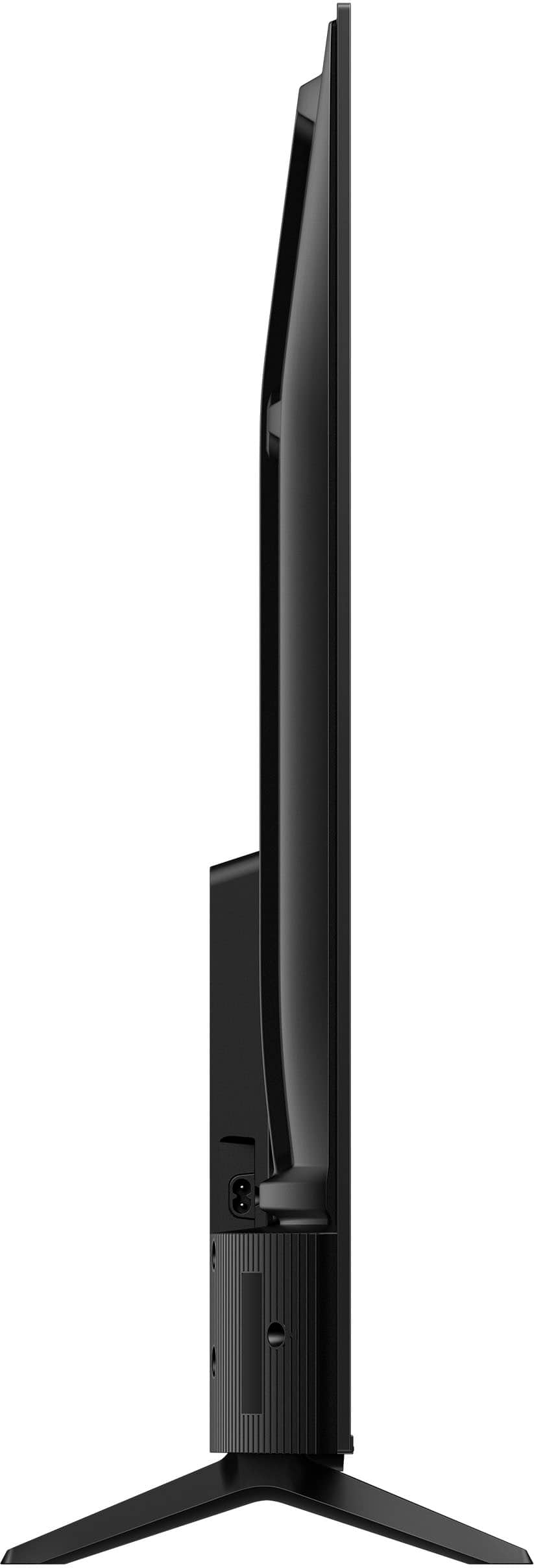
A:AnswerThe Insignia™ 65" Class QF Series QLED 4K UHD Smart Fire TV does indeed have a VESA mounting pattern of 200mm x 200mm. This means you can use a compatible VESA wall mount to securely attach your TV to the wall. Patricia | Insignia Support
A:AnswerThank you for your inquiry! The Insignia™ 65" Class QF Series QLED 4K UHD Smart Fire TV (Model: NS-65UQFL26) is equipped with standard **VESA mounting holes on the back panel, allowing it to be securely mounted on a wall. These screw holes are located in the central area of the back of the TV and follow the VESA 400mm x 300mm pattern, which is a common configuration for 65-inch televisions. To mount the TV, you’ll need a compatible wall mount that supports this VESA size, along with M6 screws of appropriate length, depending on the thickness of the mounting bracket. When installing, ensure the wall mount is properly anchored to a stud or solid surface, and it’s recommended to have another person assist with lifting and positioning the TV to avoid damage or injury. Shiela | Insignia Support