A:AnswerTry this, go Home > Settings > Device & Software > Reset to Factory Defaults.
For product support, please call 1-877-467-4289 available from 8am to 9pm CT daily.
A:AnswerThere is an option to allow the installation of applications that are not from Appstore, this option is used only to install apps from reliable sources as a developer.
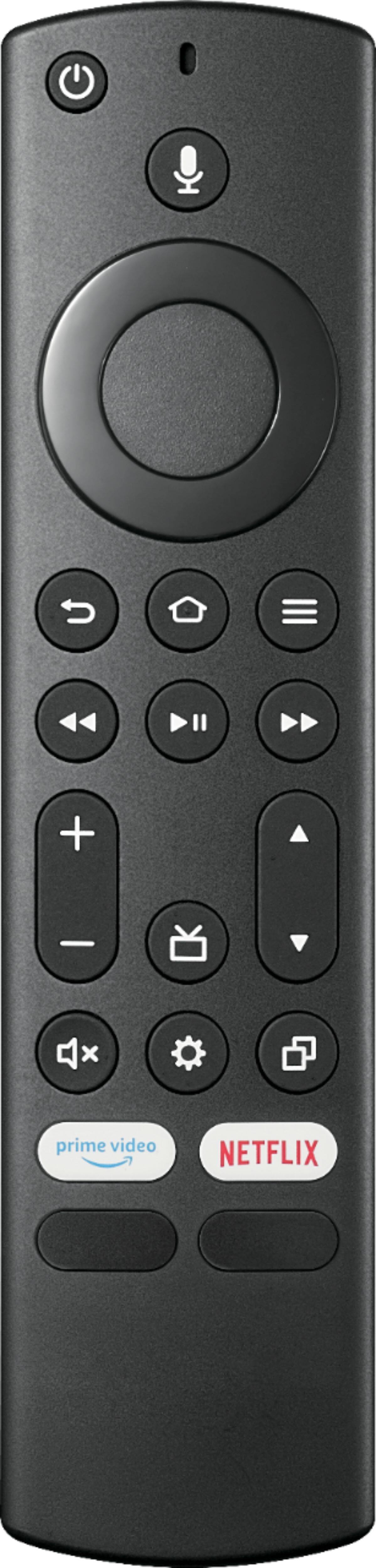
A:AnswerHit the HOME button & then look for the SETTINGS (gear icon all the way on the right) & select the following: > Display & Sounds (top right) > Power Controls > Power On menu (4th from the top). From there, change the option to “Last Input” and the TV will always go to the last input that was used when it is turned on.
Dina | Insignia Support | https://www.insigniaproducts.com/contact-us
A:AnswerYou may try resetting your TV to factory default to check if it's just an internal glitch with your set.
Dina | Insignia Support | https://www.insigniaproducts.com/contact-us
A:AnswerHi,
Power off the TV box.
Detach the power cable from the back of the unit, and from the wall outlet or power bar.
Wait 30 seconds and then reconnect the power cable to the unit and the power source.
Wait up to 2 minutes for the TV box to reboot.
Power on your TV box and test it again.
Please contact Insignia at 1-877-467-4289 for further assistance.
Insignia Support
Lea
https://www.insigniaproducts.com/
A:AnswerThe Spectrum app is not available for download on this TV. But you can search for DirecTV in the Fire TV appstore, and the D stream app is there.
Mary II Insignia Products II Please visit https://www.insigniaproducts.com/