A:AnswerHi! This product weights 4.4 pounds. For more information please check the "Specifications" section on the Best Buy's website.
Viridiana E.
Insignia Support.
https://www.insigniaproducts.com/contact-us
A:AnswerThanks Anonymous. I eventually got it to pair by trying over and over and over. After reading reviews, this seems to be a common problem with the boombox. Your method would have probably been faster. Lol
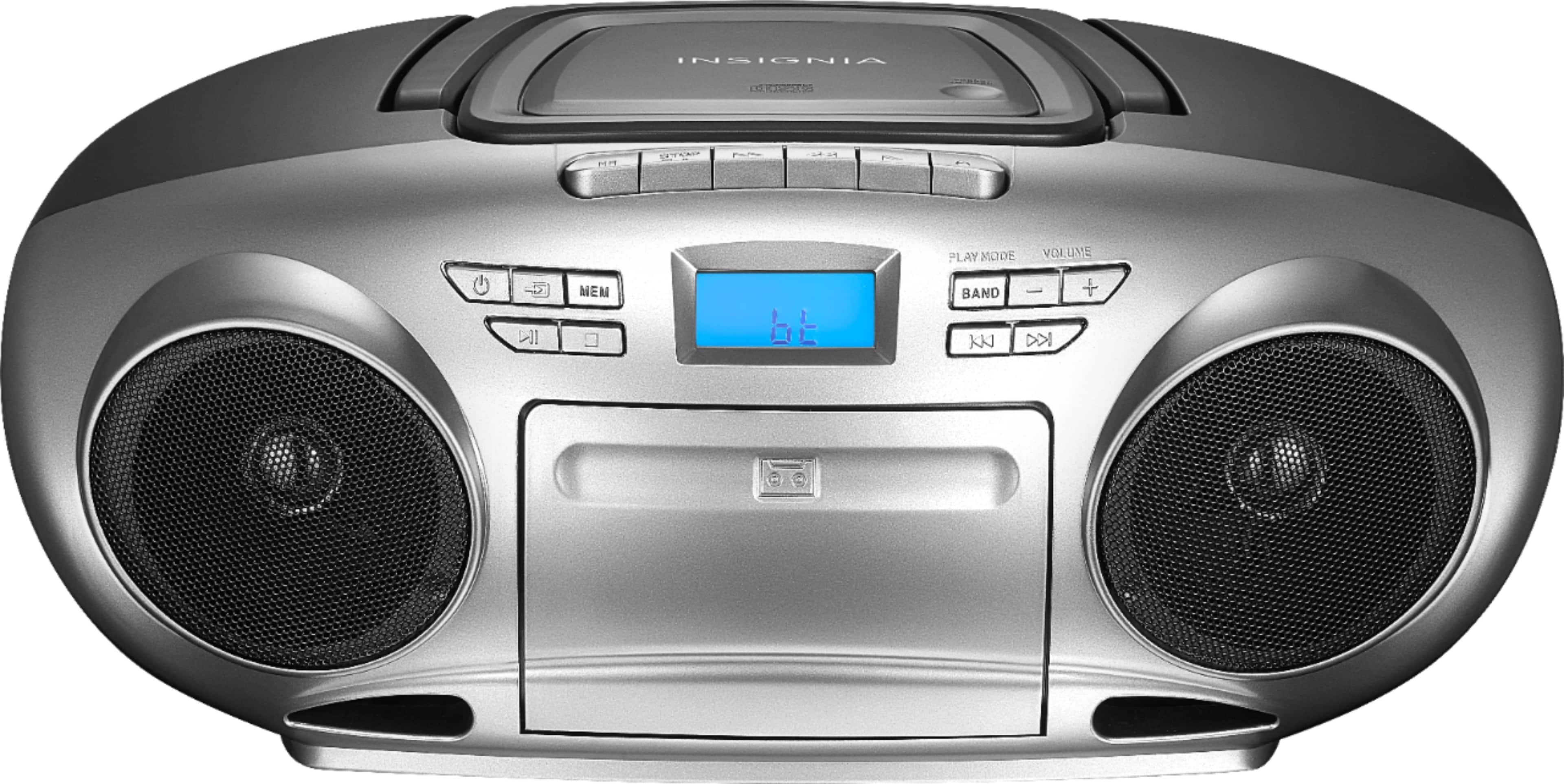
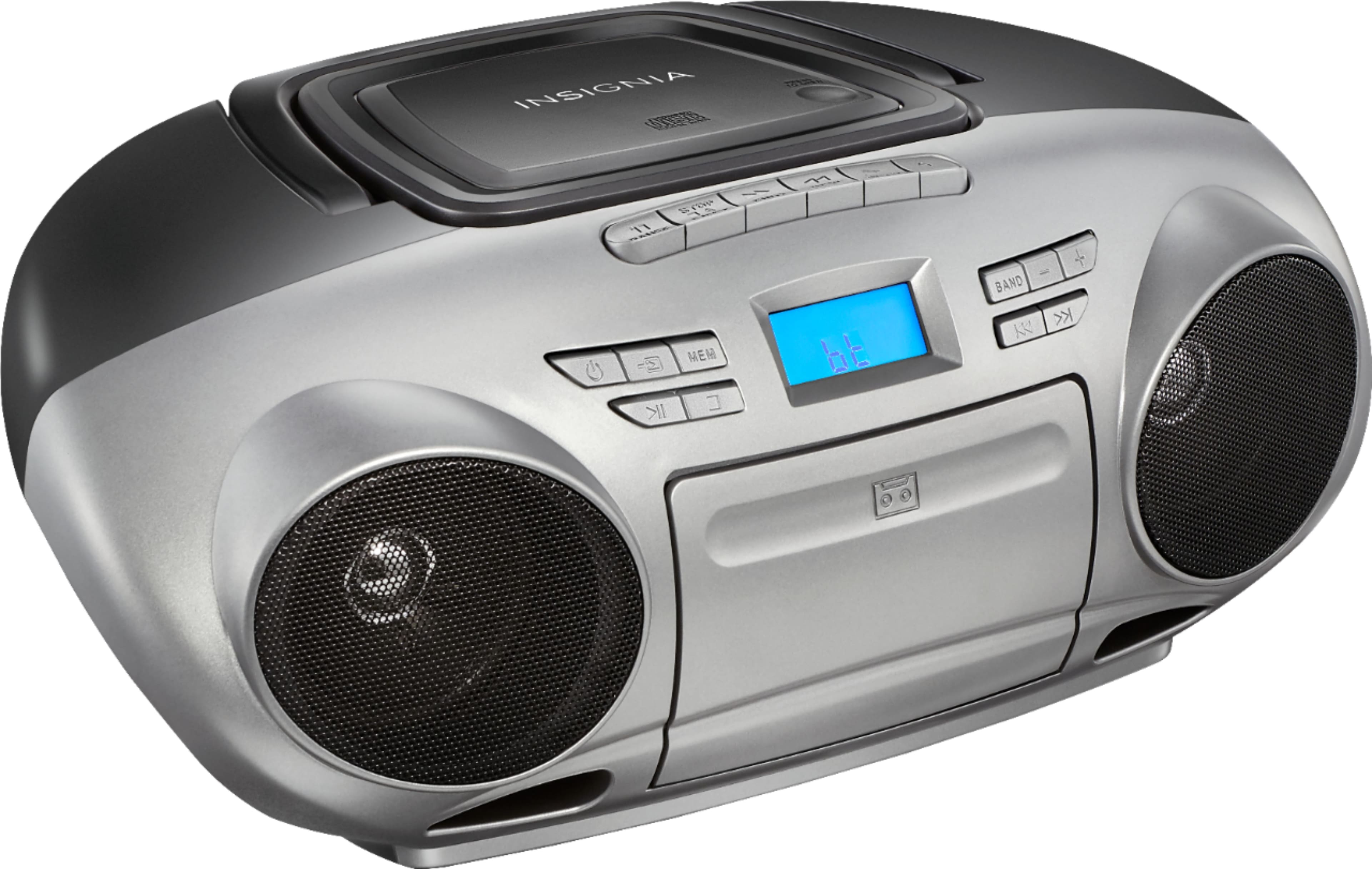
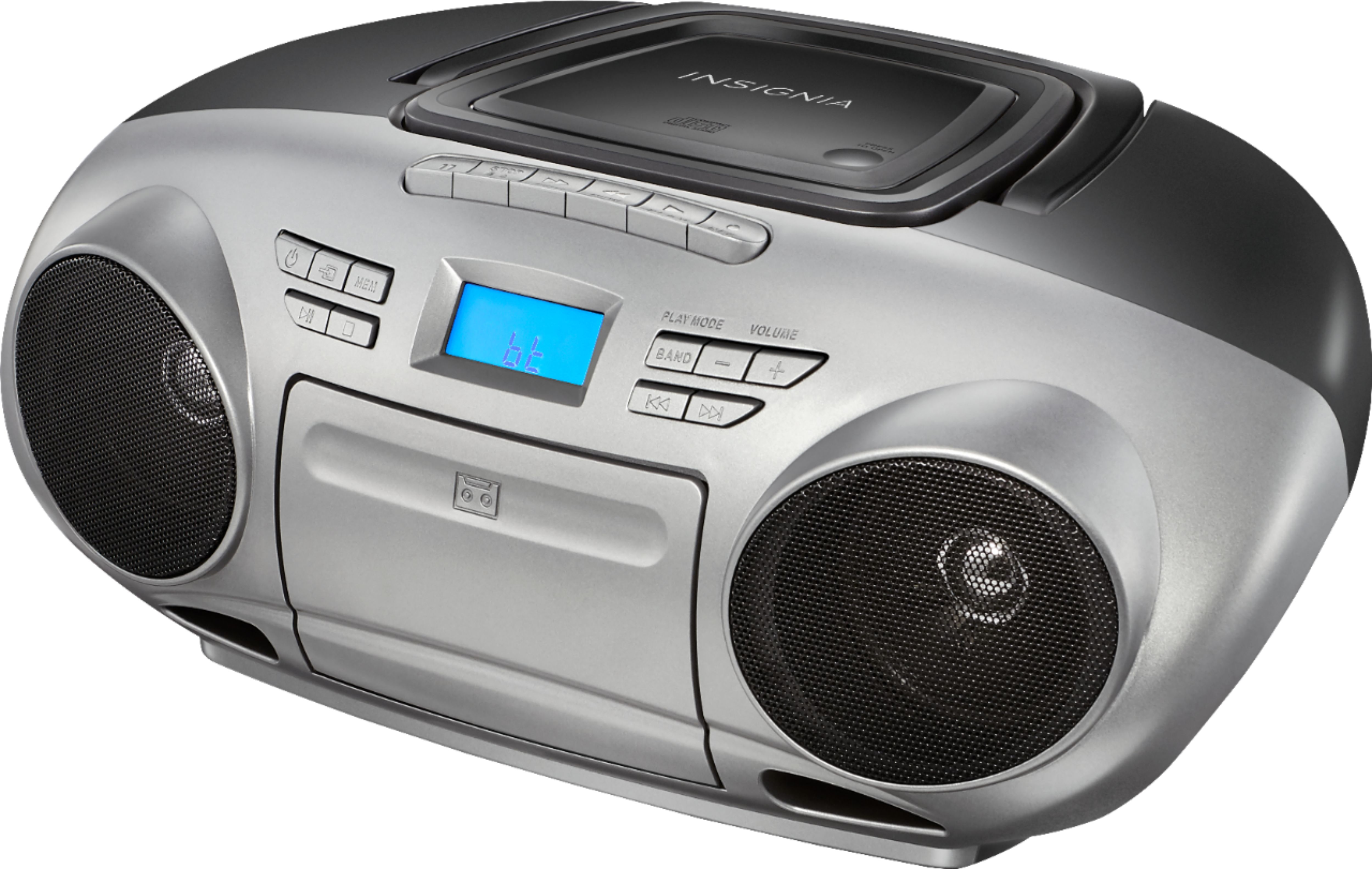
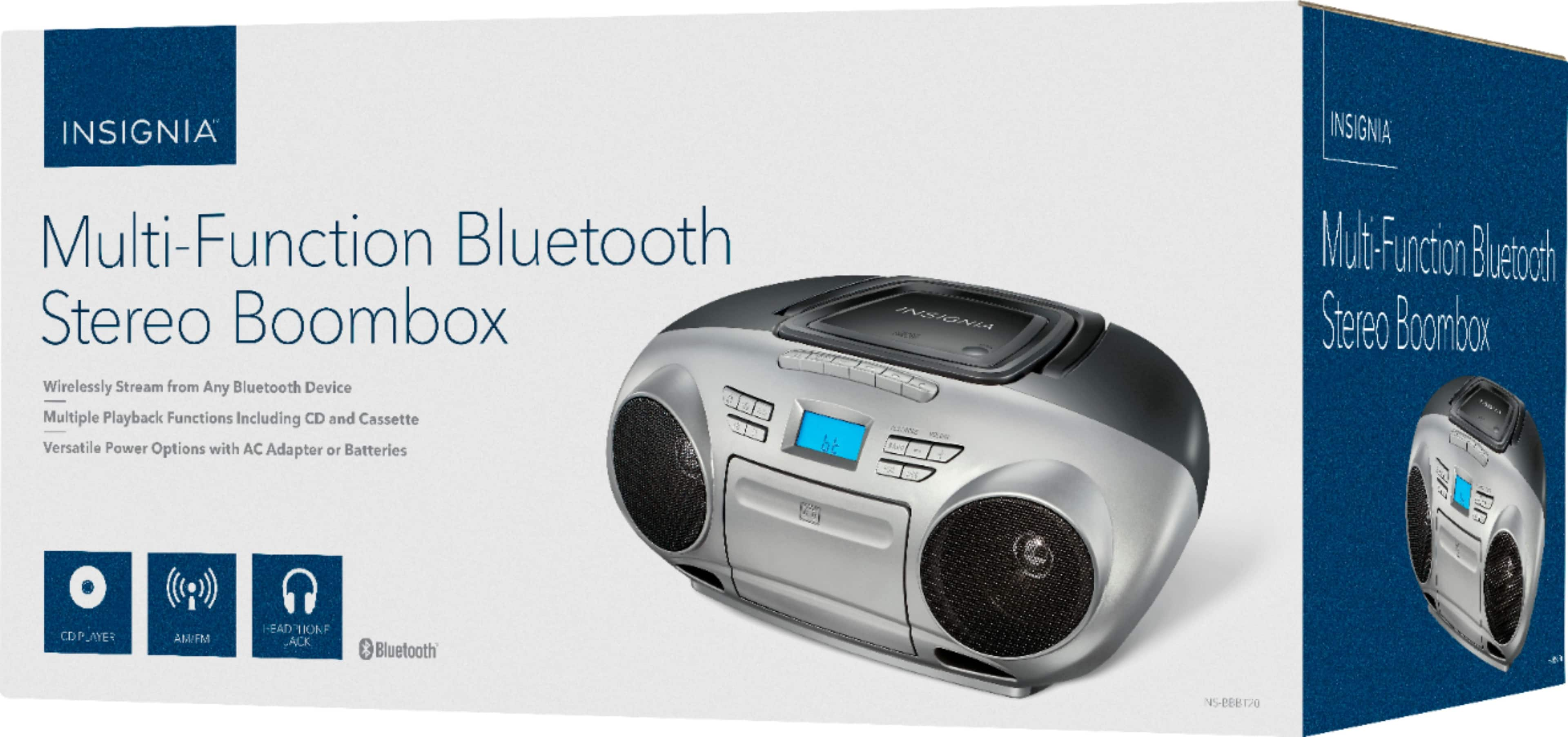
A:AnswerHi! This AM/FM Radio Portable CD Boombox with Bluetooth product has an AM/FM radio, and cassette and CD compatibility provide multiple playback options, while two stereo speakers ensure immersive sound reproduction.
Viridiana E.
Insignia Support.
https://www.insigniaproducts.com/contact-us
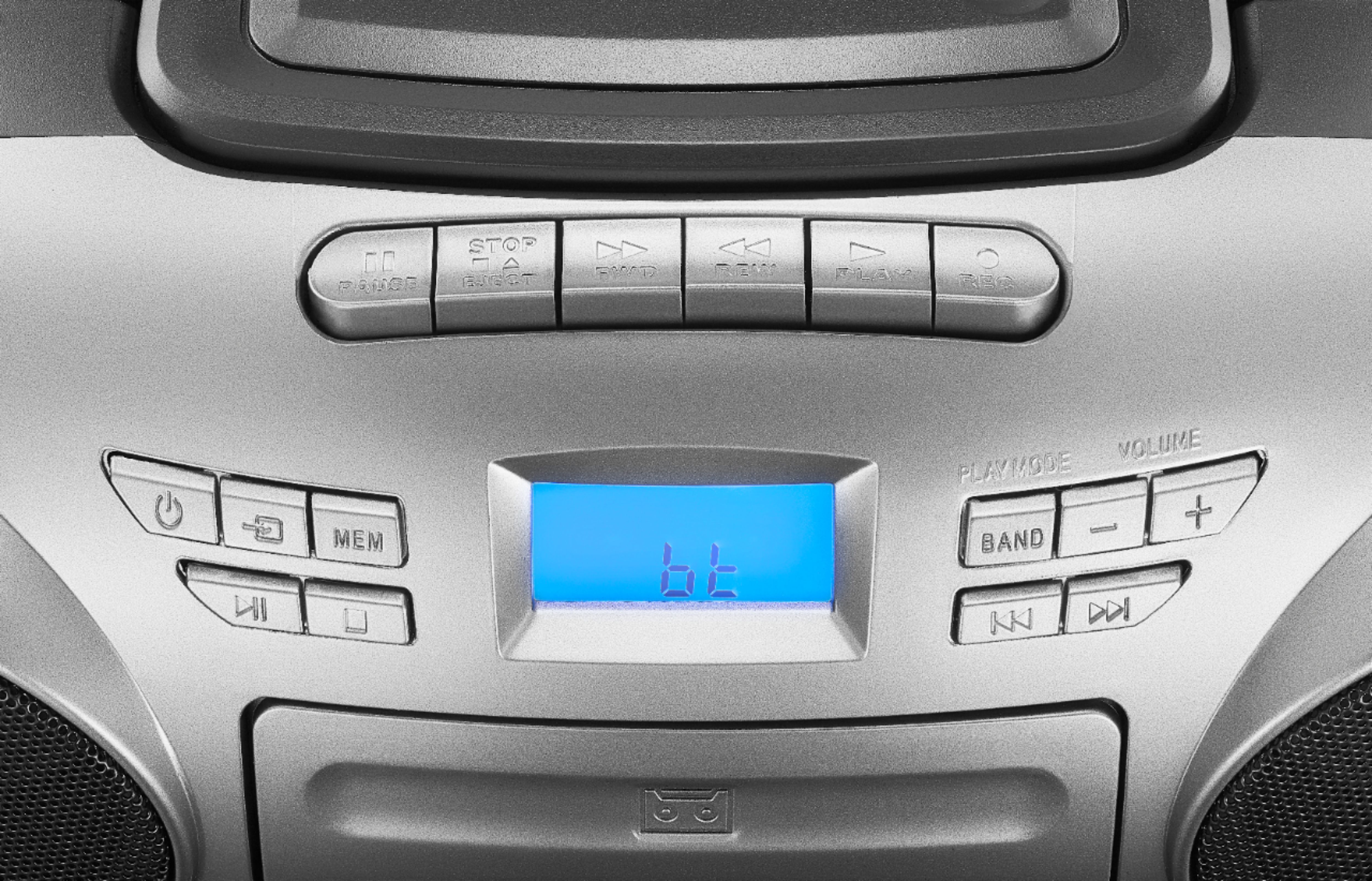
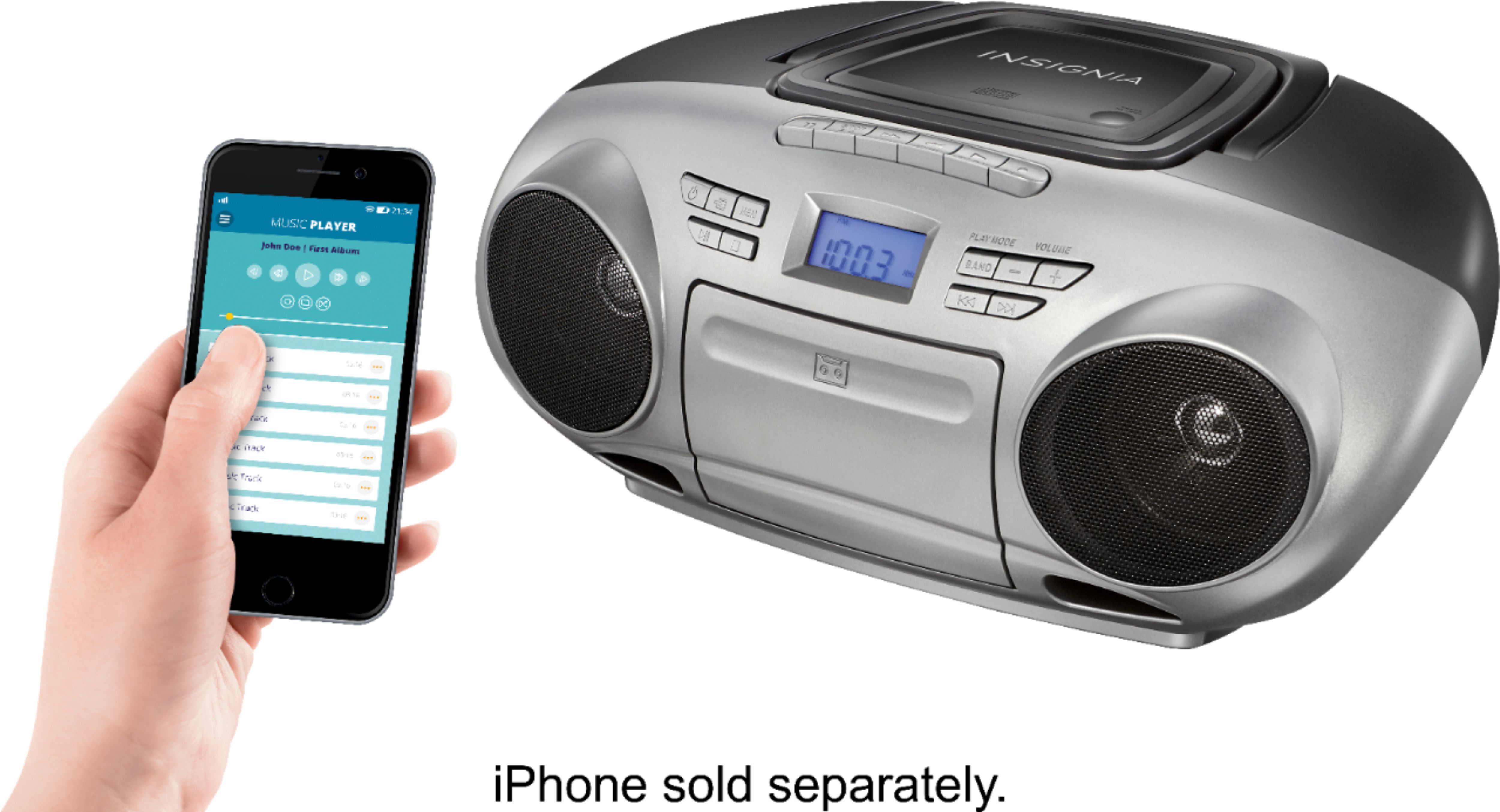
A:AnswerCycle source button to Bluetooth(Bt);
Pair phone to NS-BBBT20 within 20 seconds;
If this doesn’t occur within 20 seconds, cycle the source button to Bluetooth (Bt) again, and attempt to pair.
A:AnswerHi, WJMONY.
Thank you for sharing your inquiry with us. You can pair any Bluetooth enabled device with the A2DP Bluetooth profile to this Boombox.
Cesar G. - Insignia Support
A:AnswerHi LOrtiz,
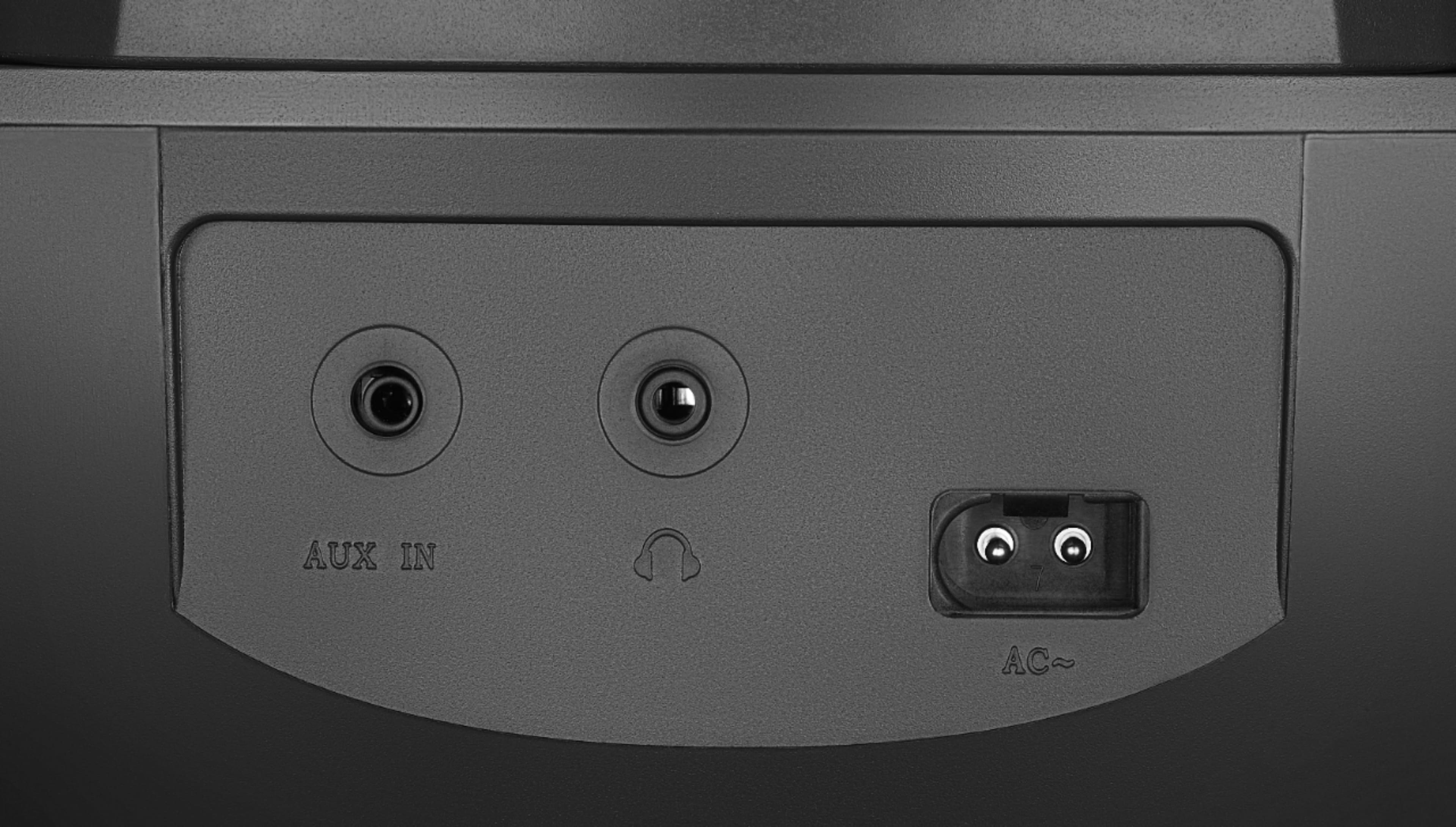
This does have Bluetooth though it does not have a USB port. The port on the Boombox is a 3.5 mm auxiliary.
- Janína G. | Insignia Support | https://www.insigniaproducts.com/contact-us
A:AnswerThank you for your inquiry! The Insignia™ AM/FM Radio Portable CD Boombox with Bluetooth – Silver/Black, available at Best Buy, features two stereo speakers that deliver immersive sound reproduction. While the exact wattage or decibel level of the volume output isn't specified in the product listing, it's designed for casual listening and portable use, so you can expect a moderate volume level suitable for small to medium-sized rooms.