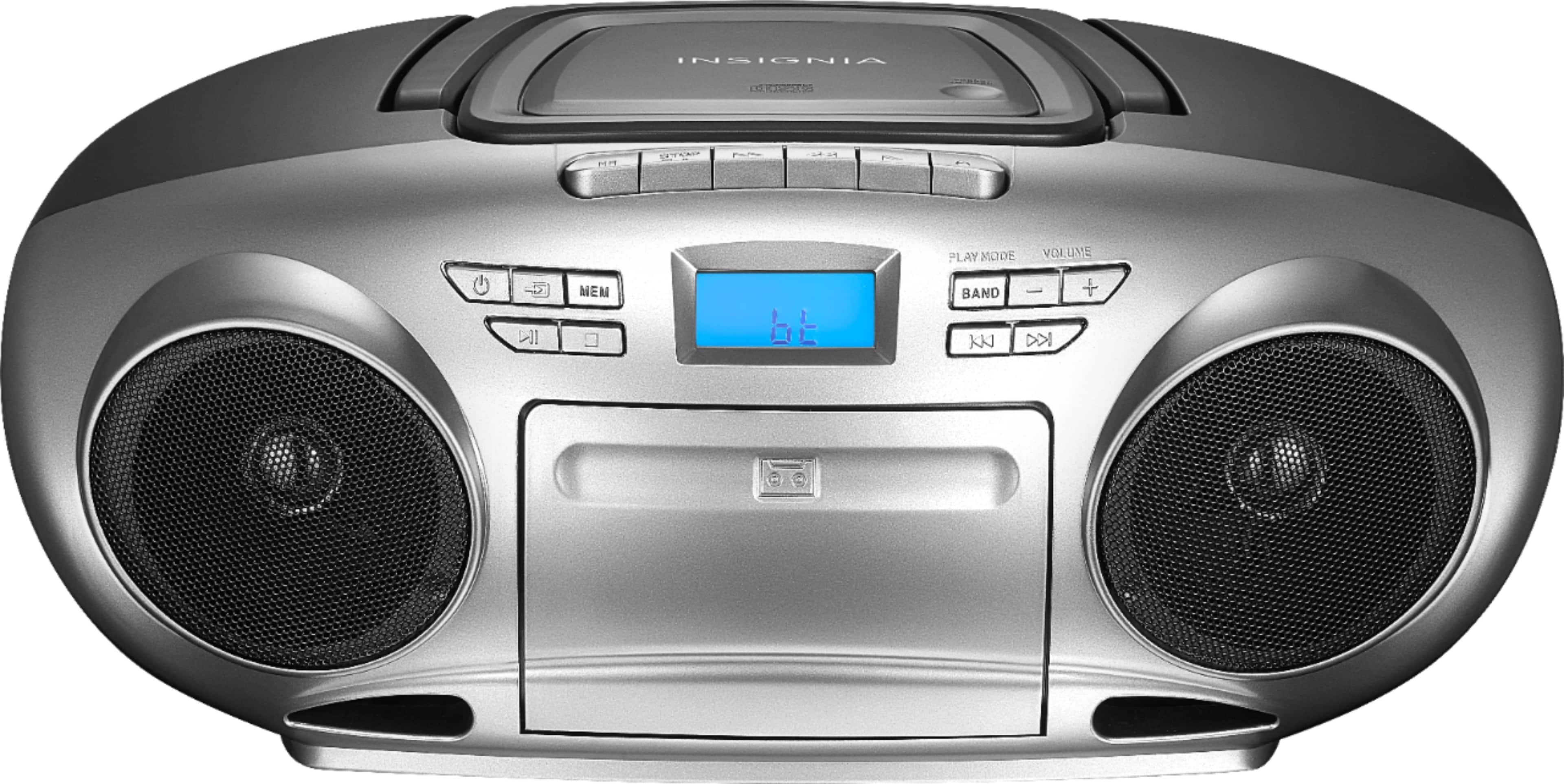
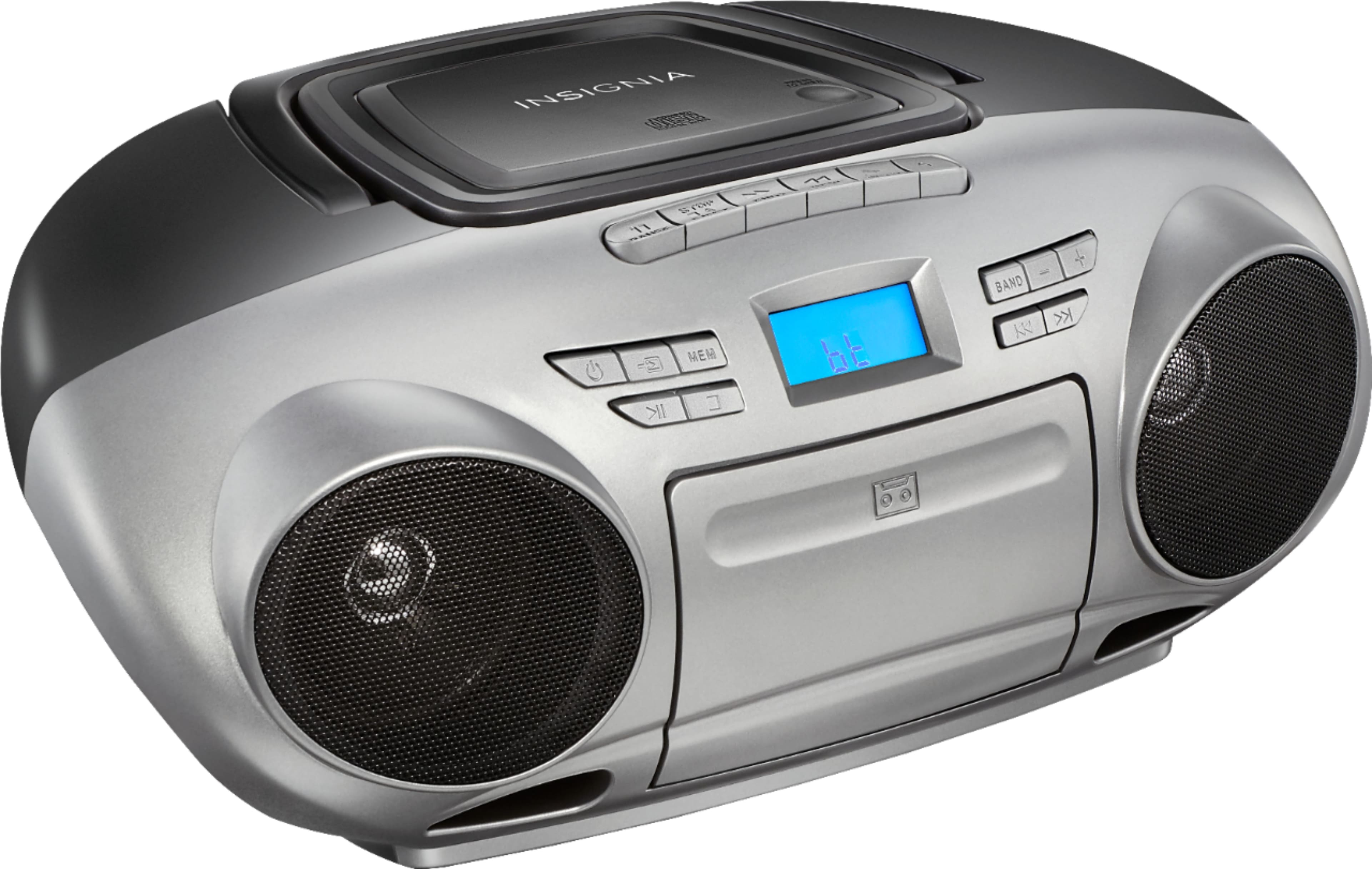
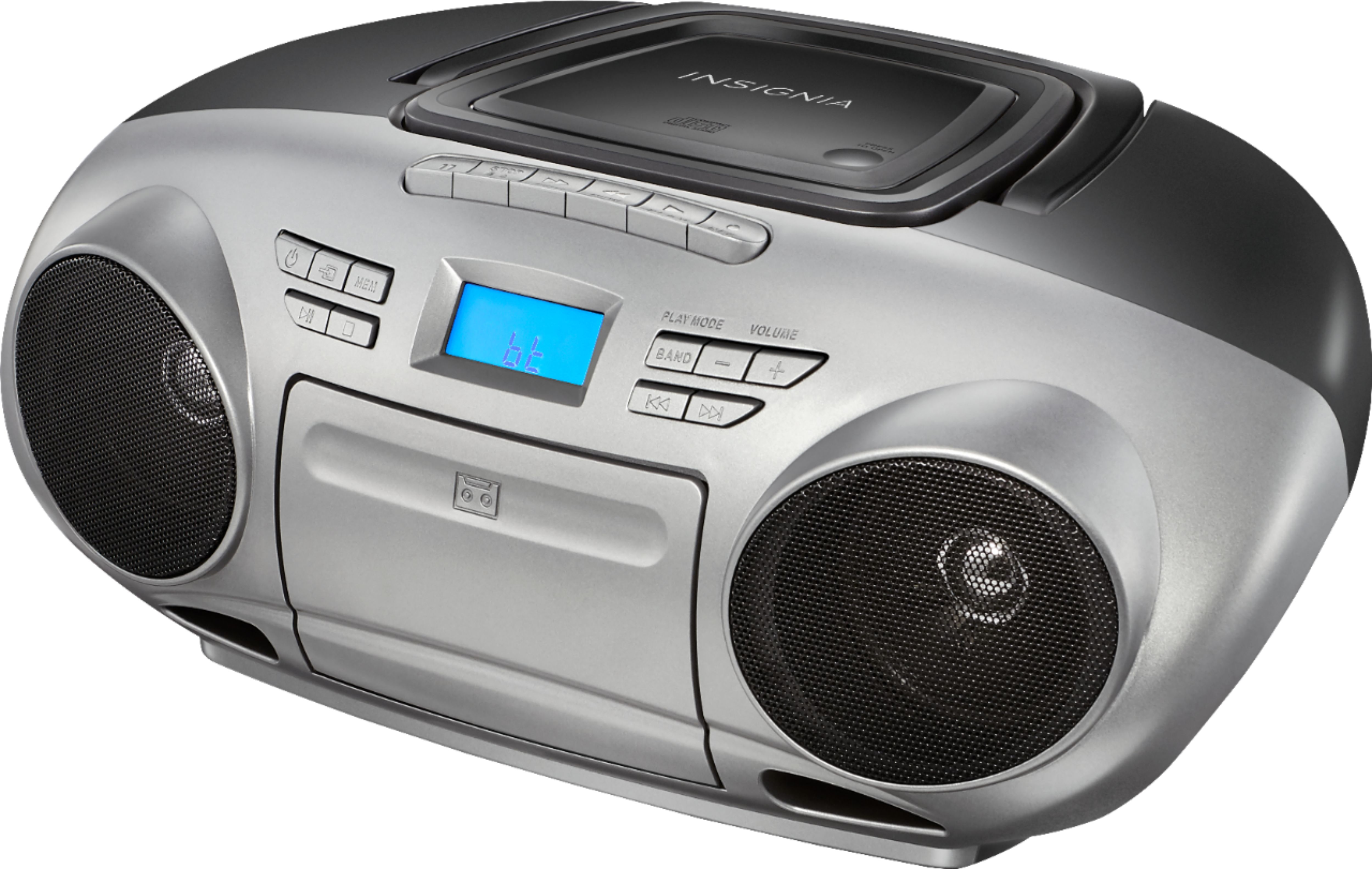
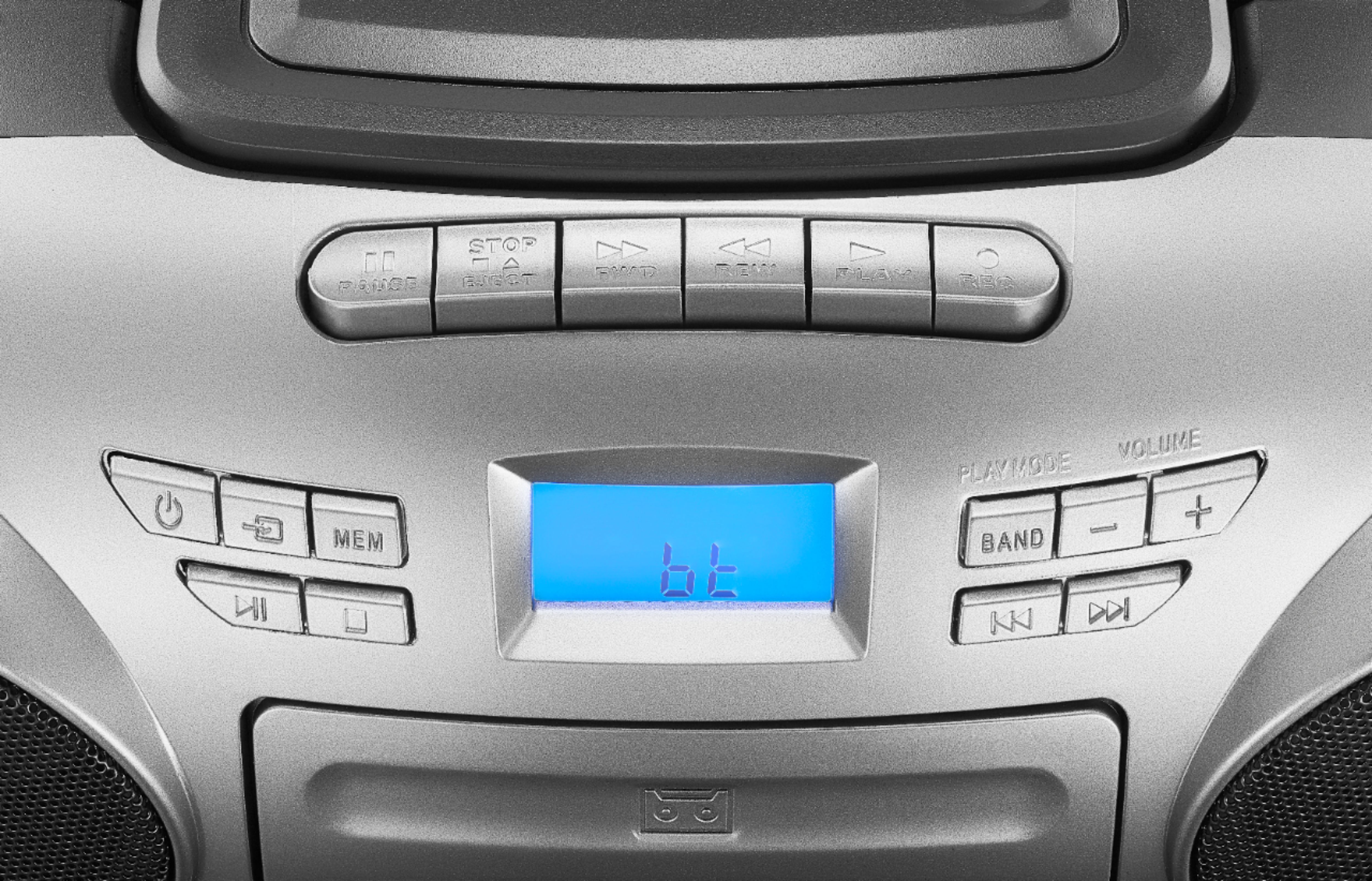
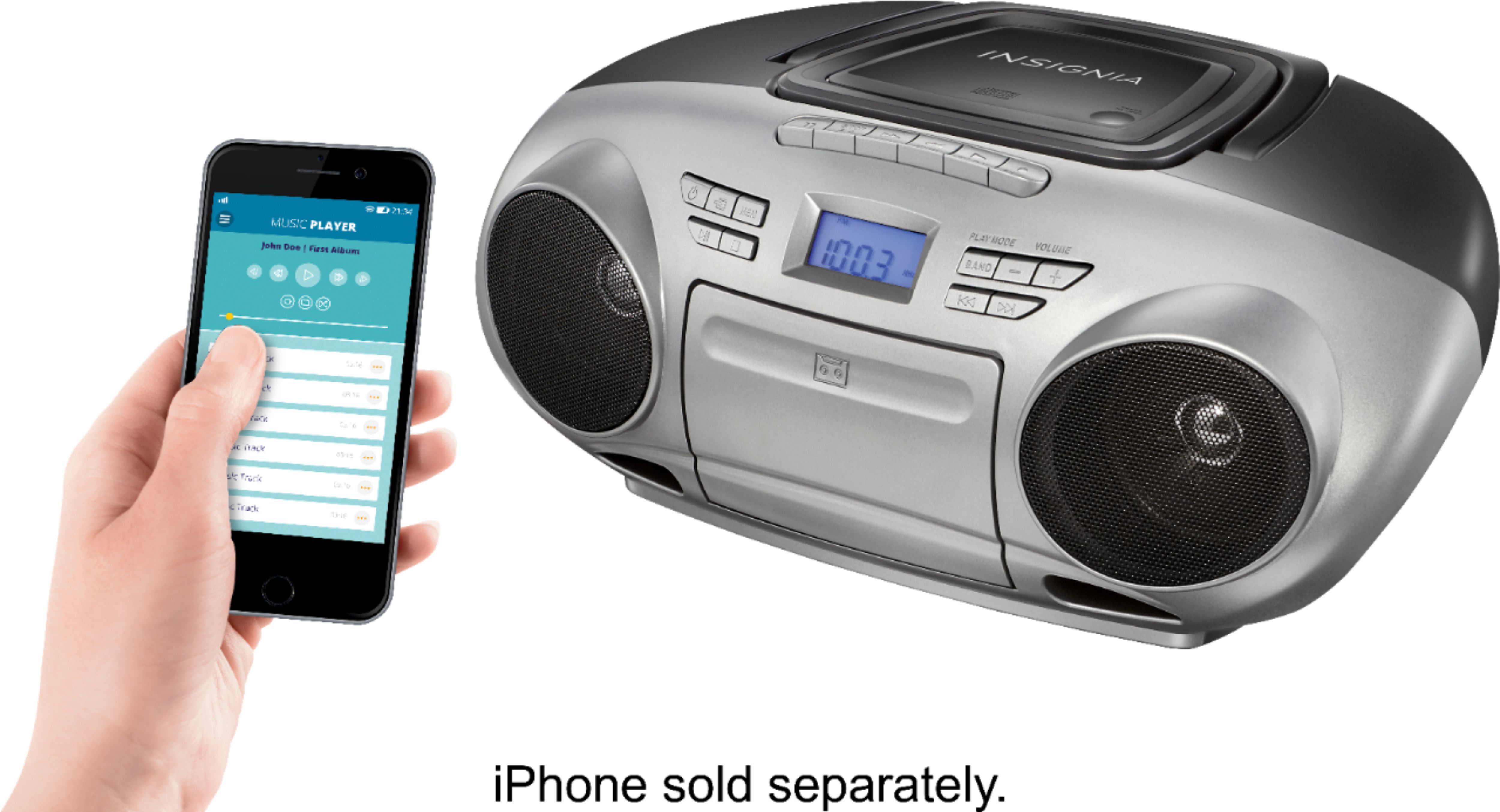
A:AnswerHello! Thank you for reaching out. You can adjust the volume of the unit using the volume buttons located on the right side of the display panel, indicated with "+" and "-" signs. I hope this information is helpful. Please don't hesitate to ask if you have any further questions. - Carl | Insignia Support
A:AnswerYes it plays mp3's as well as wav files. Just make sure when you burn them on your computer you follow the instructions that allow you to play it on another device.
A:AnswerWhy have it delivered to your place if it isn’t safe and if you think it is. Think again cuz now days, you can’t even leave your doors opens. Just have it delivered to Best Buy. Besides, it doesn’t hurt to take a drive to Best Buy and pick it up there. Seems a lot safer and you never know. You might see something you want or need.
A:AnswerTry this:
1) If the NS-BBBT20 is not seen by the smartphone, cycle through the inputs until back at the Bluetooth input.
2) If the device is seen and it fails to pair/connect:
a. Try pairing/connecting again.
b. Try cycling through the inputs until back to the Bluetooth input.
c. Try power cycling the NS-BBBT20 and attempting pairing/connecting again.
3) If there is no audio after pair/connect, try power off/on the NS-BBBT20 as well as turning off and on the smartphones Bluetooth radio.