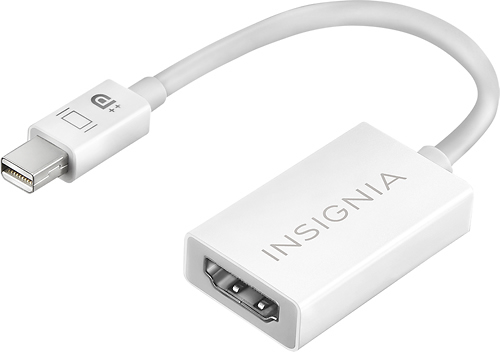
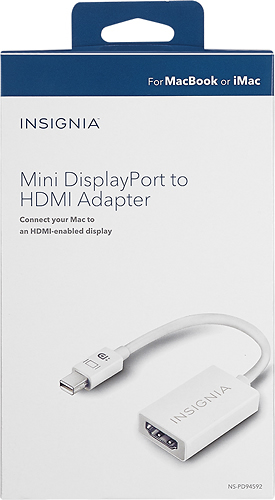
A:AnswerI think Mini DisplayPort & Thunderbolt 2 look alike - I don't know what the difference is. I had a MacBook Air of about the same vintage with those ports. I used a similar adapter & it worked fine.
A:AnswerI didn't know HDMI was used for printers: I thought it was video.audio only. But if your docking station has a Mini DisplayPort, as does mine, It should work.
A:Answer"dp" probably is Display Port. "Digital AV" may be something different. Bring everything down to best Buy & they will sell you something that works.
A:AnswerI have a mini Mac and see that it has the same port on the back as my Mac air laptop that I use with this adapter to hook up to the HDMI port on my Sony TV. I have not hooked up the Mac mini to the tv as it’s in the office. My laptop can be placed nearer to the tv for easier connection with a 6ft. HDMI cable. So, it’s conceivable that it would work if your iMac desktop has that same connector port. I don’t know what it’s called, but it’s the one on my Mac mini that I use to connect to my monitor . It has a Screen icon on it.
A:AnswerI'm running Catalina 10.15.7 on a 2017 MacBook Pro with ThunderBolt 3/ USC-C ports. I'm using this adapter connected to a multiport dock. One of the ports is MiniDisplayPort driving a 24" HP monitor through the HDMI cable. It all works perfectly. If you have a Mac, I don't think you have a driver problem.