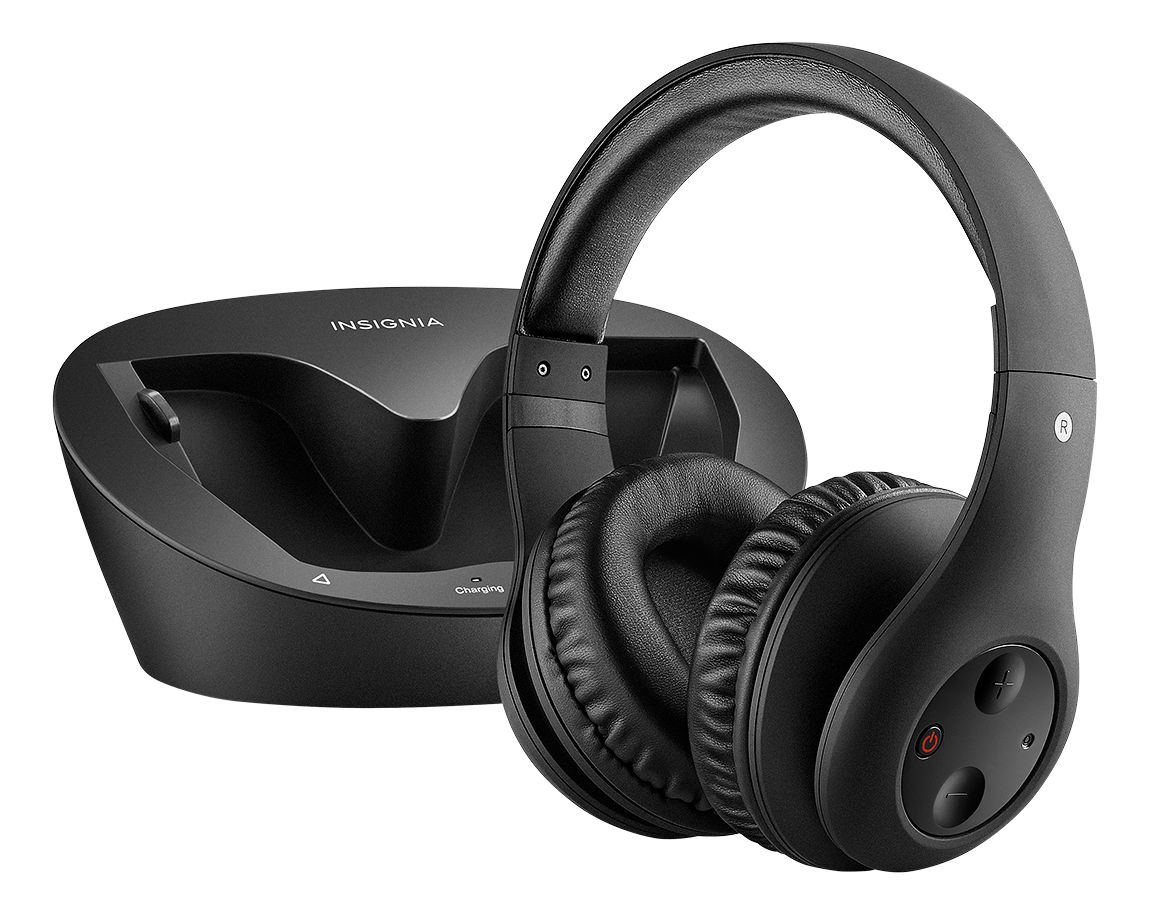
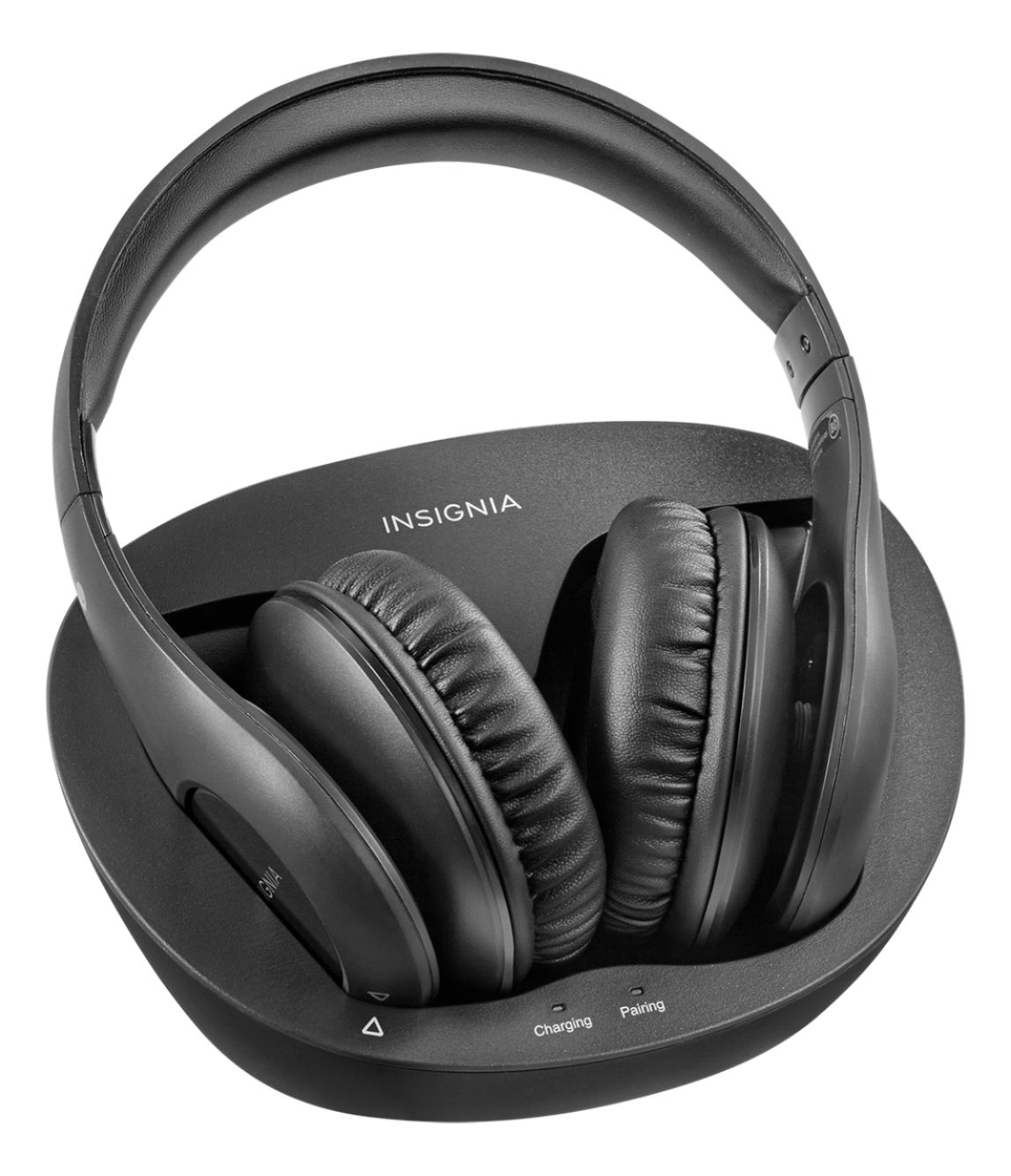
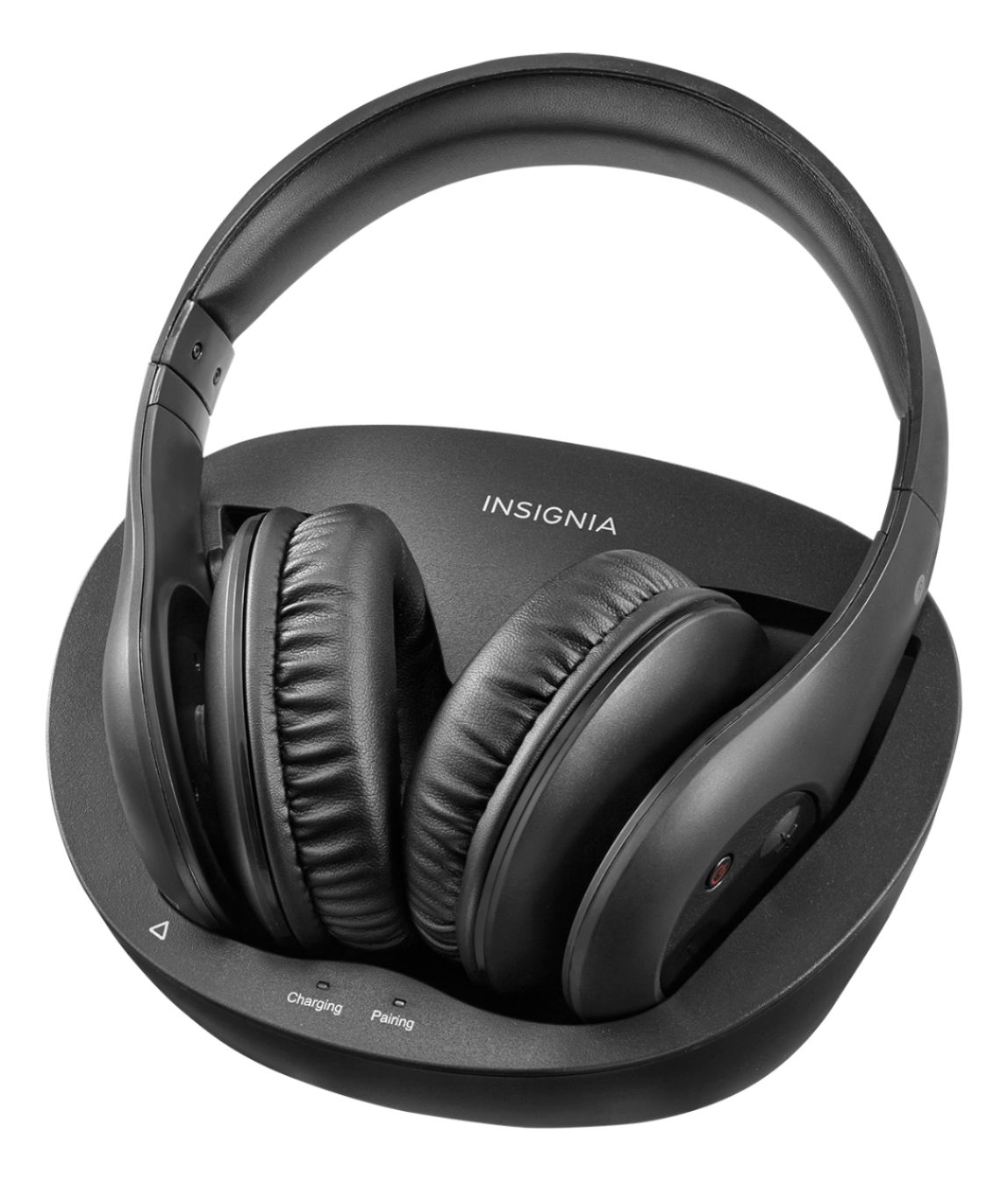
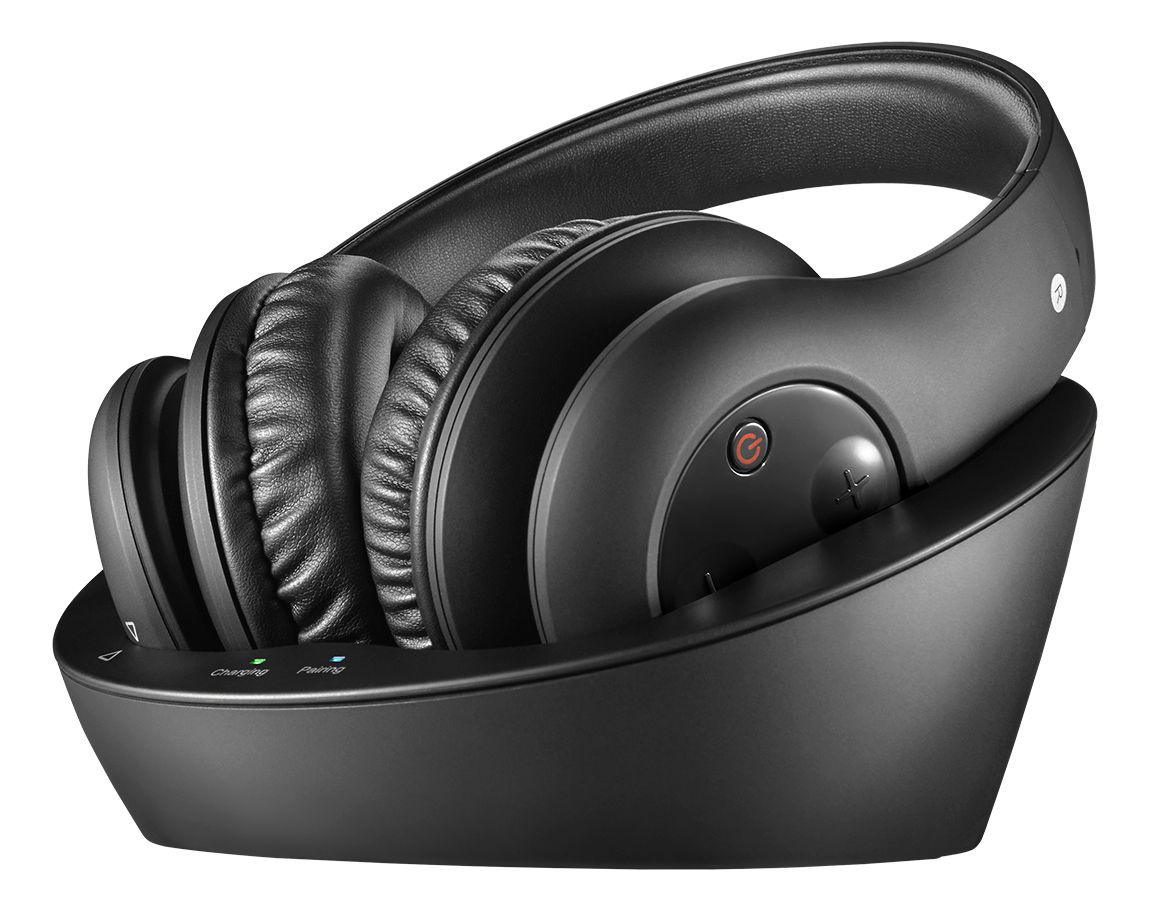
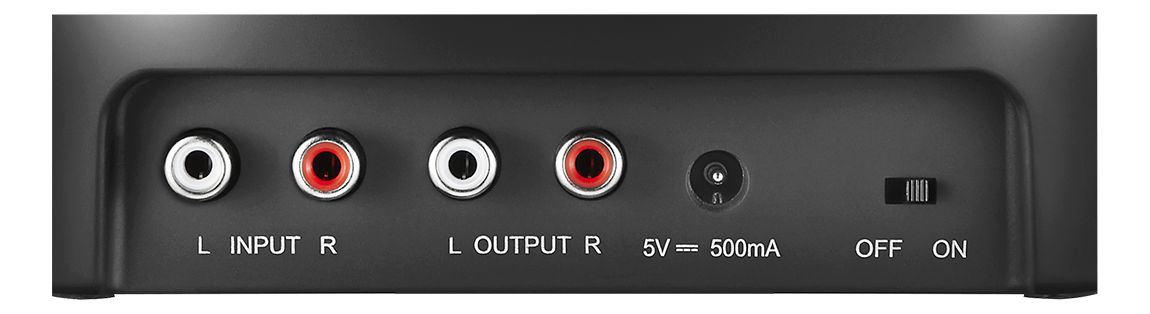
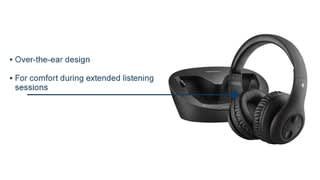
A:AnswerHello, thank you for your interest in these headphones. In response to your inquiry, this device can be connected either using the RCA audio cable or the 3.5 mm-to-RCA adapter cable (both included).
If you are unsure about the audio outputs on your TV, do not hesitate on contacting us at https://www.insigniaproducts.com/contact-us
Deneb M.- Insignia Support.
A:AnswerHappens to us too. unplug audio cables. unplug dc power. plug it all back in and that has worked for us every time. seems to happen about once every 2 months or so
A:AnswerYou should be able to as long as the stereo has a 3.5mm output or dual RCA connection.
You'll still have to use the stereo's volume control to control the volume.
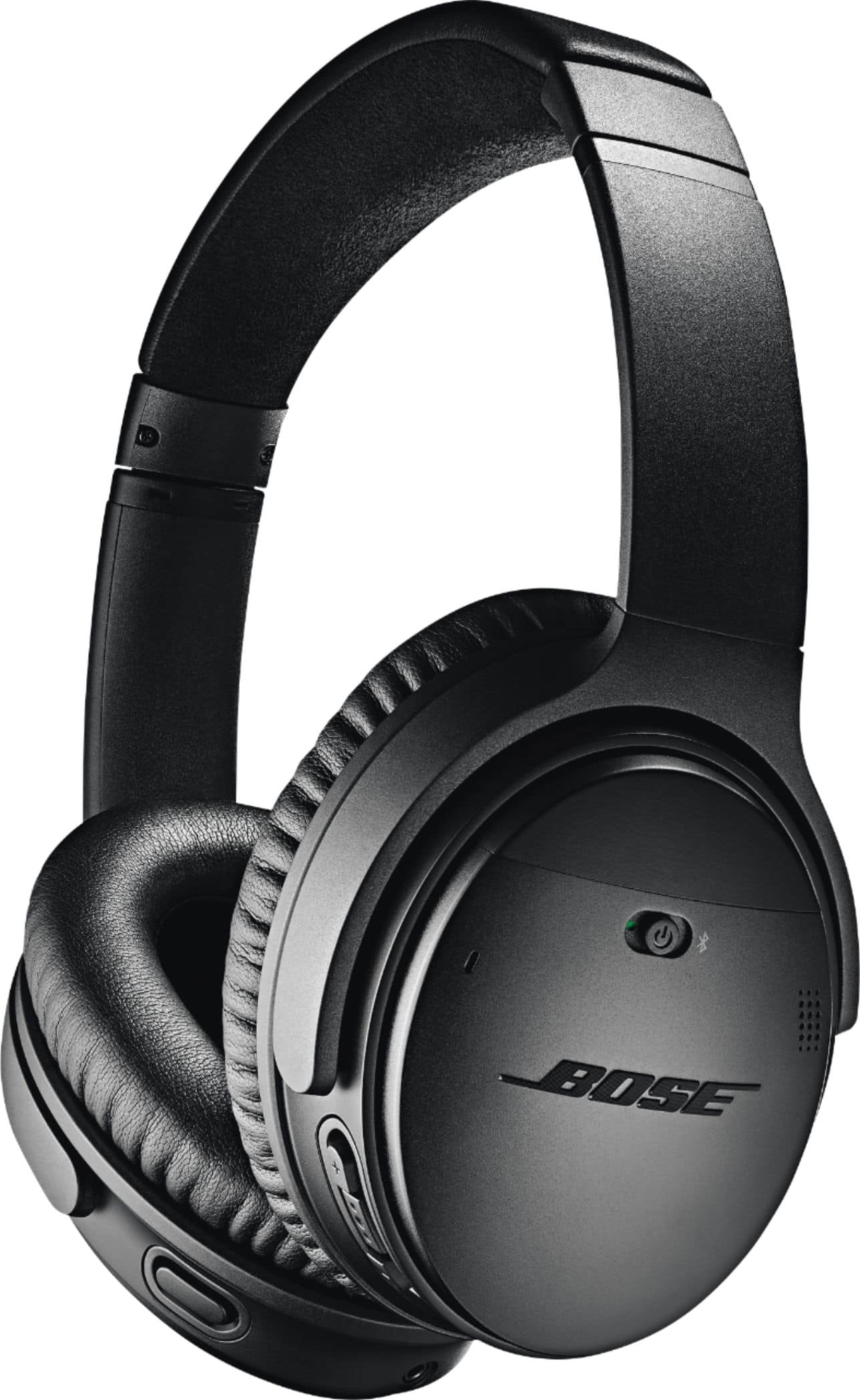
I'd look into a pair of Bose headphones; as much as you spent on the stereo, you might as well no cheap out on the headphones.
A:AnswerBest Buy's customer service reps are very savvy and all you need to tell them is what you need. They sell separate accessories but I suggest you check their www.bestbuy.com or just call, their number is also on their site, or go to the store with our broken AC adapter.
A:AnswerThank you very much for sharing with us your questions in regards the compatibility of this Over-The-Ear headset. This headset will be compatible with all TVs that allow RCA audio outputs or an analog 3.5mm audio jack. Please know we are always here for you. Feel free to contact us anytime at www.insiginaproducts.com/contact-us for tech support or more information.
Karina R. -Insignia Support