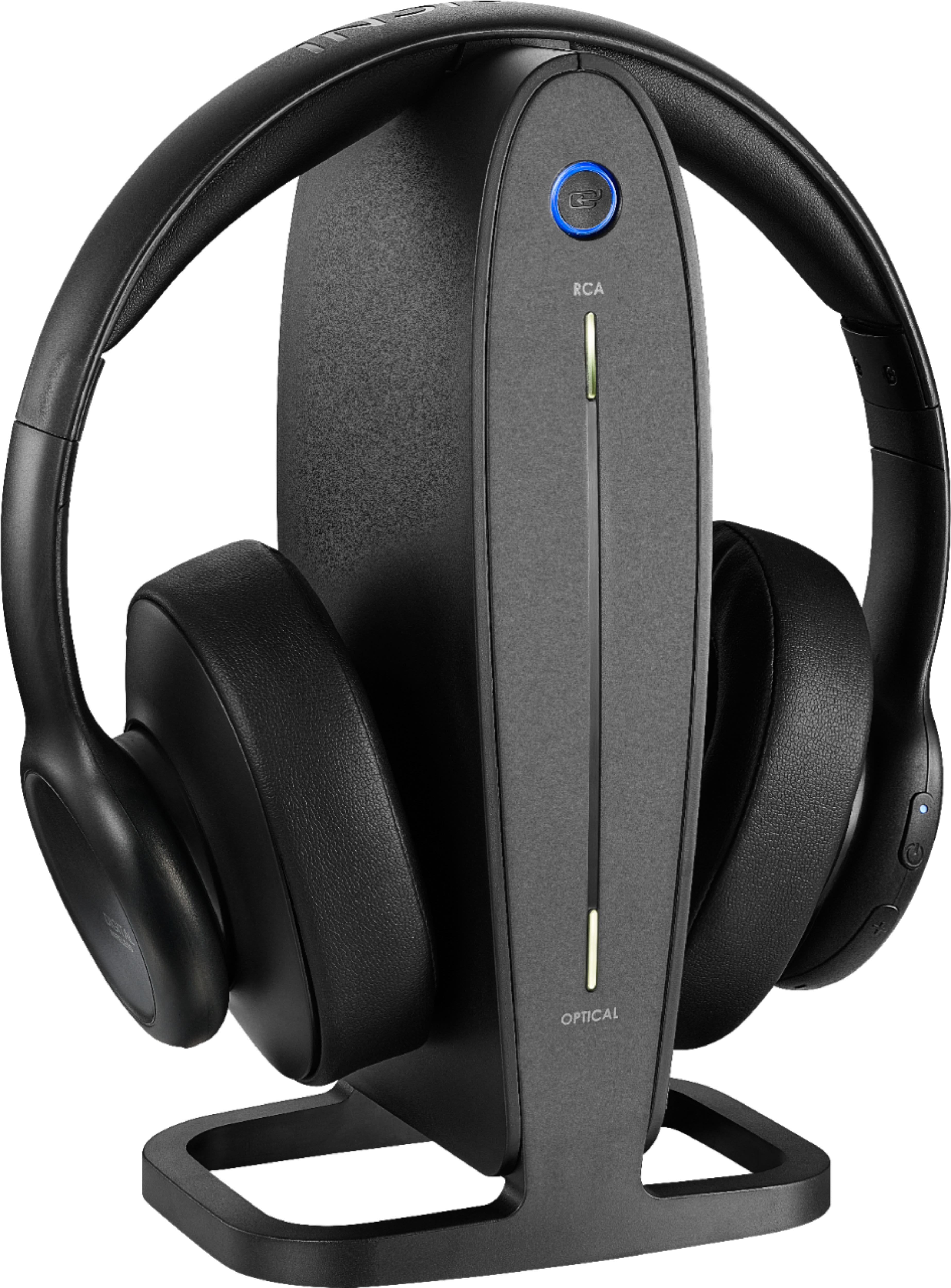
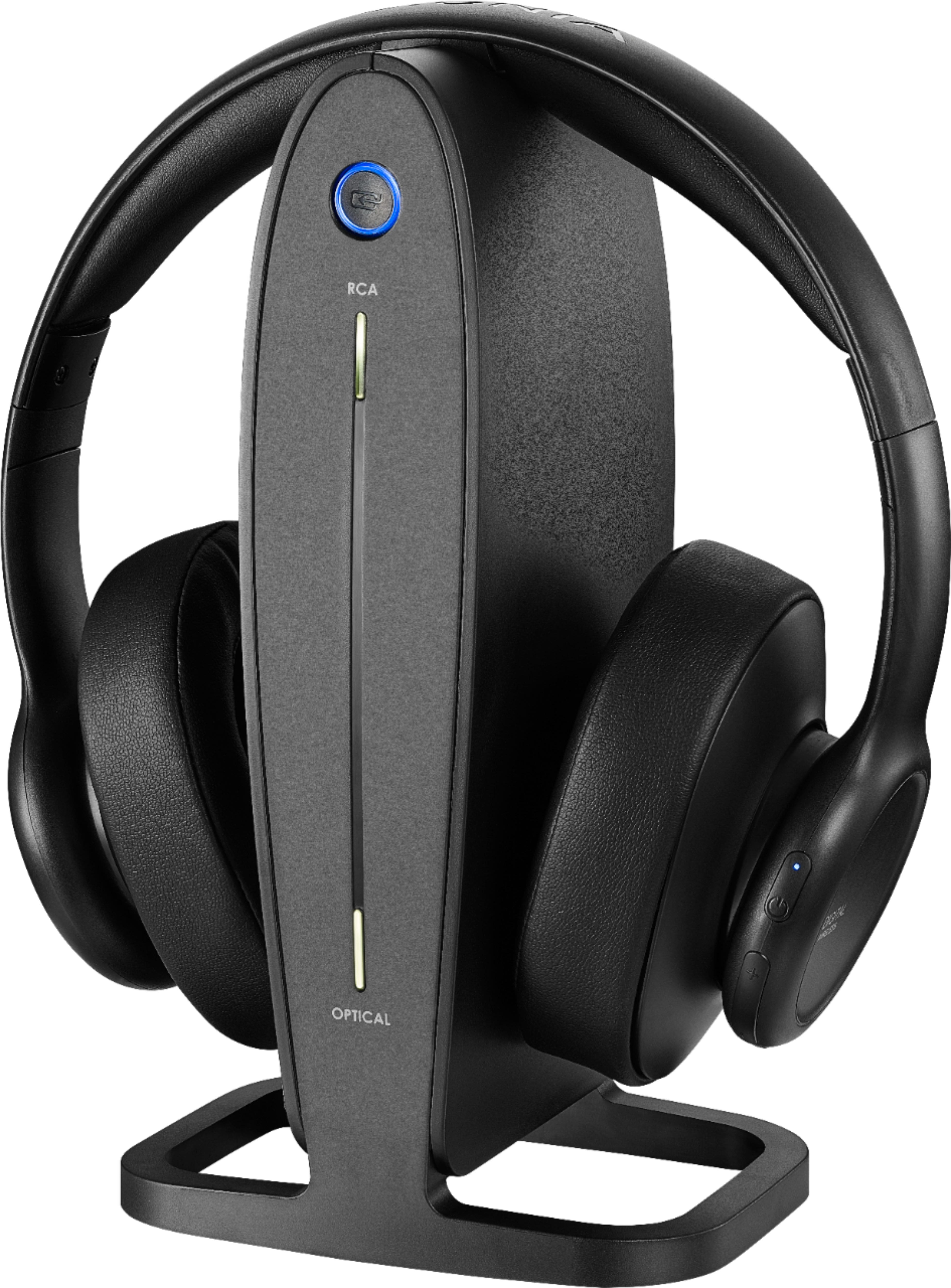
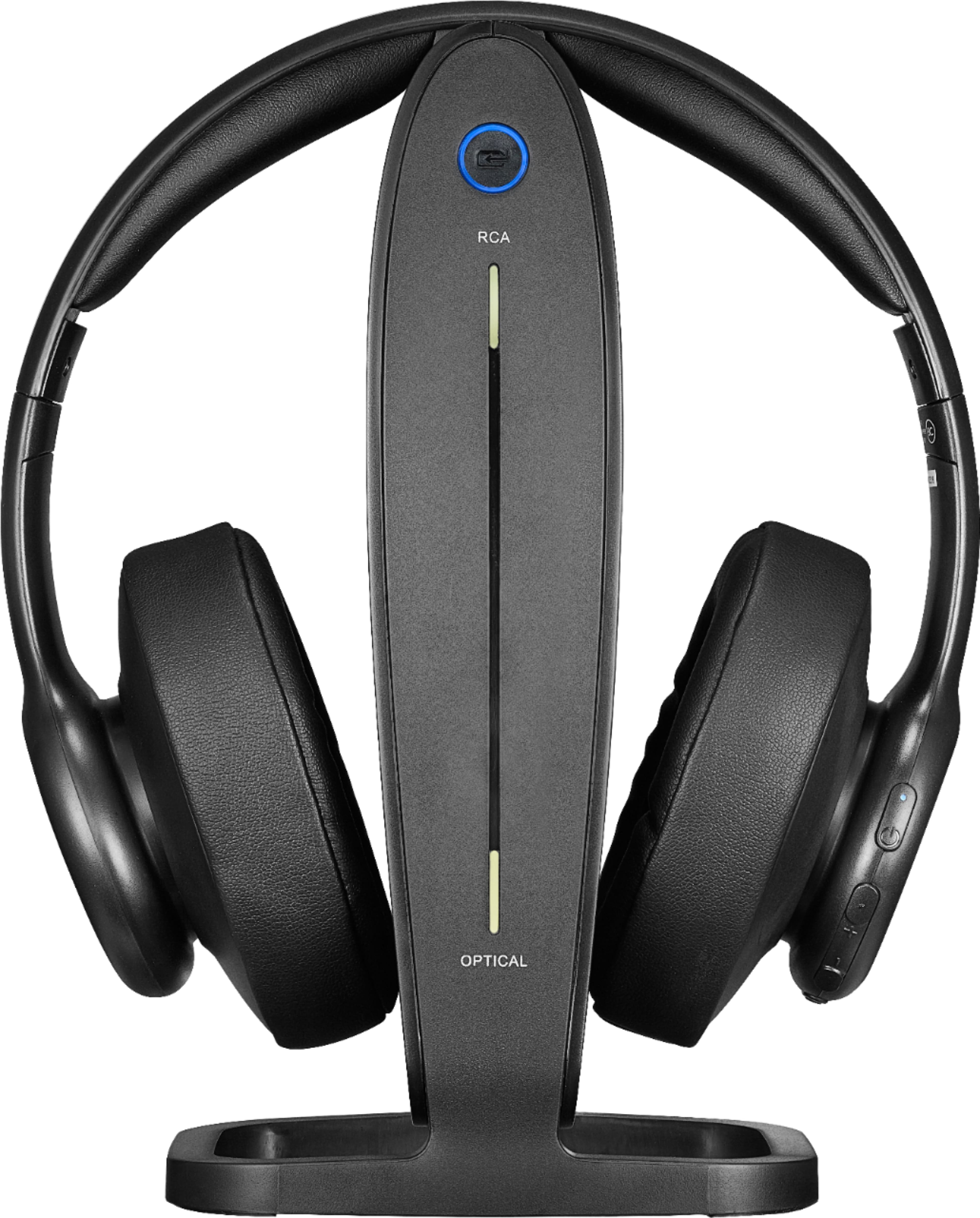
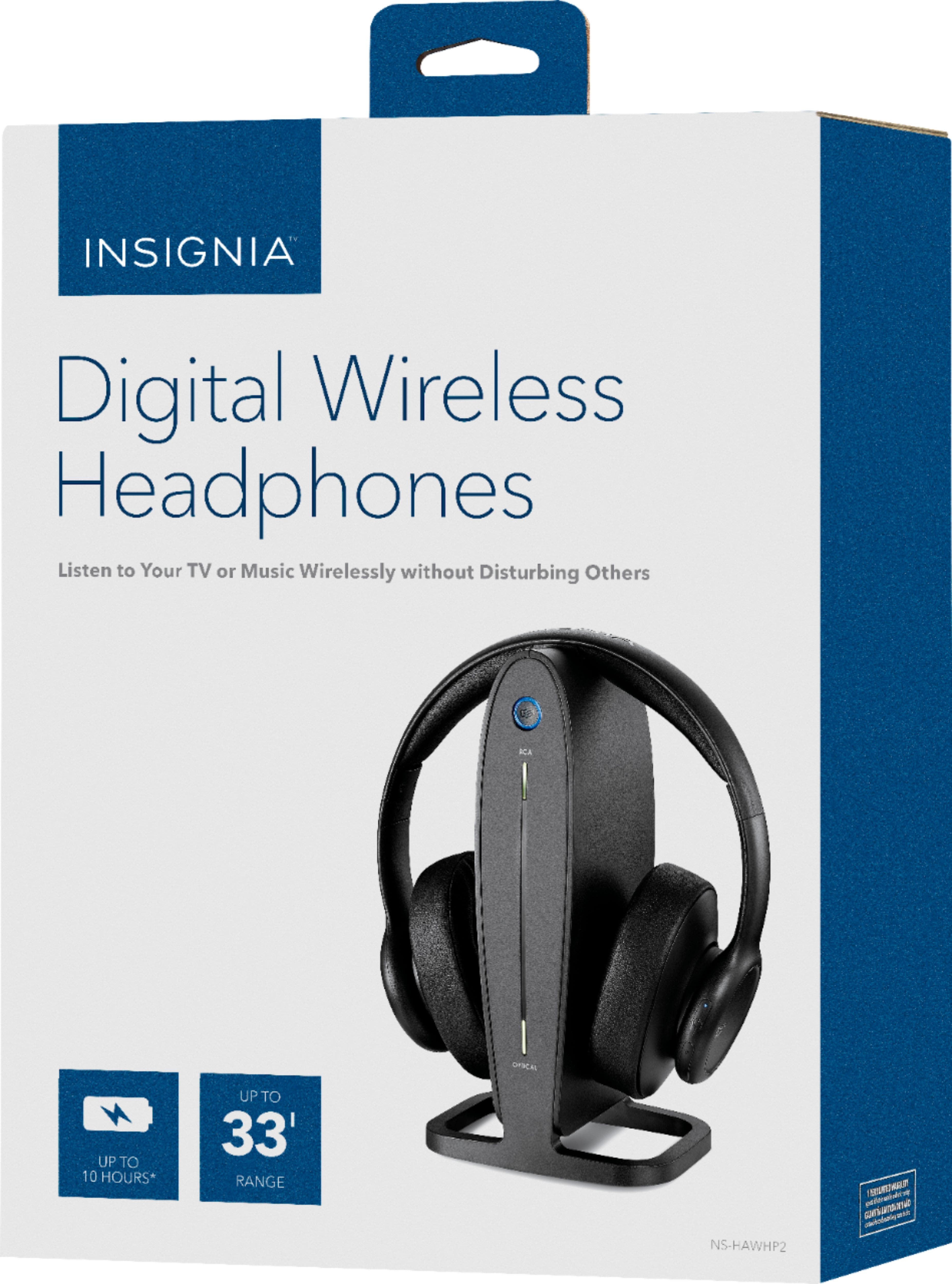
A:AnswerPlug them in to the outlet and on the back of your TV. Place the headphones on the cradle while making sure it lines up with the cradle. Then wait 4 hours and you should be ready to use your headphones.
A:AnswerChristopher you may have tried this already, but my only suggestion is to check once again the back of your TV to see if there is another area where you might be able to insert your connections.
A:AnswerI not really understanding your problem. Why? Why are you plugging and unplugging your headphones. Reread your directions. Why? Because your direction stated that you have to charge your headphones at least 4 hours. Looking at the directons I could not "find anywhere that it states to plug and unplug the headphones." YOUR PROBLEM IS SIMPLE "STOP" PLUGGING AND UNPLUGGING YOUR HEADPHONES.
A:AnswerIt comes with everything you need to hook it up and it is very easy to set it up. We picked ours up about three weeks ago and it is working wonderful for my husband who is hard of hearing.
A:AnswerOk BIFBOB82 If your question has not been answered.
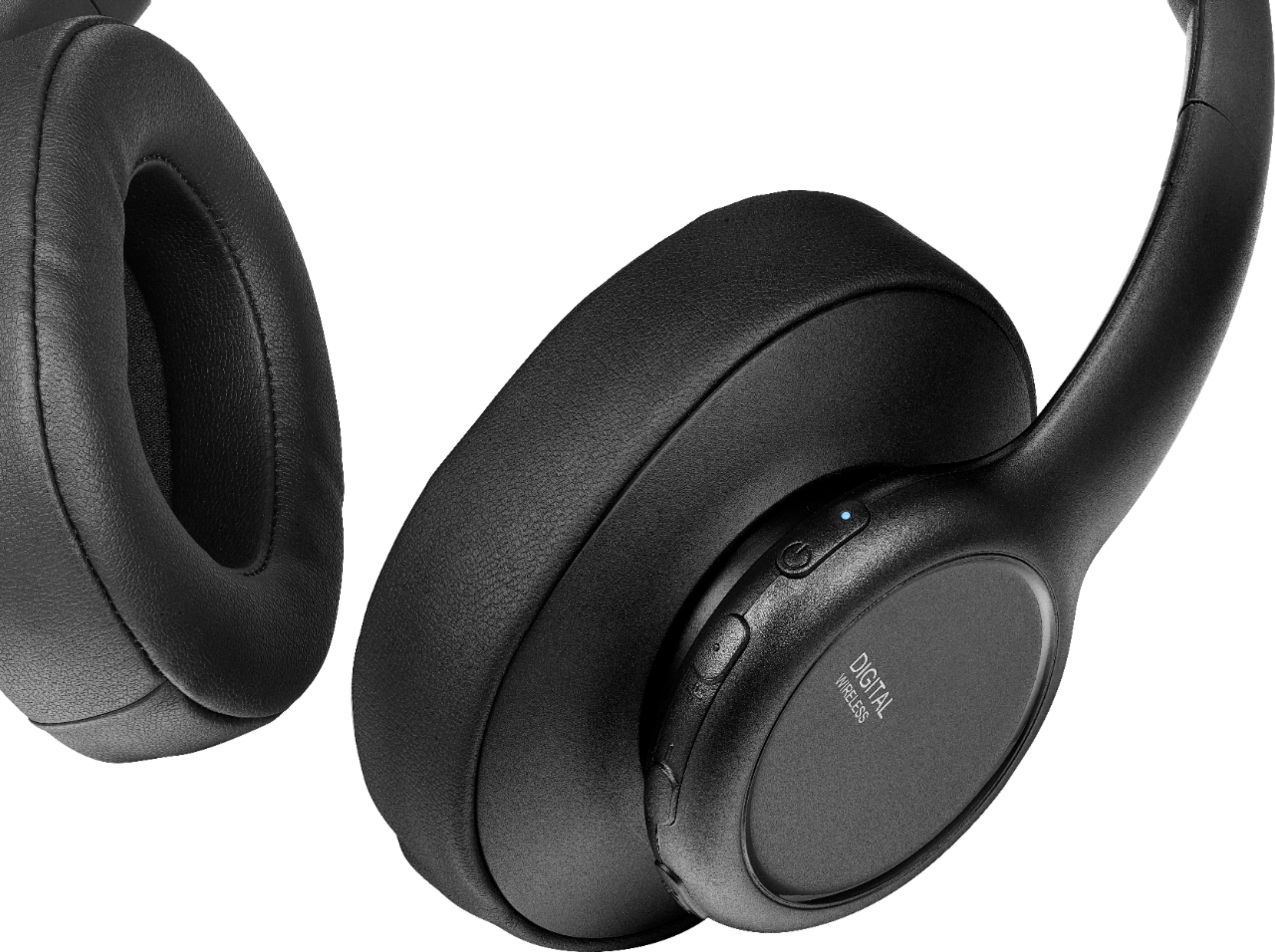
1. First button on "TOP" is the ON and OFF button
2. Next button is the "HIGH VOLUME" This is what the + sign means
3. Third button is the "LOW VOLUME" This is what the - sign means
Hope this was helpful
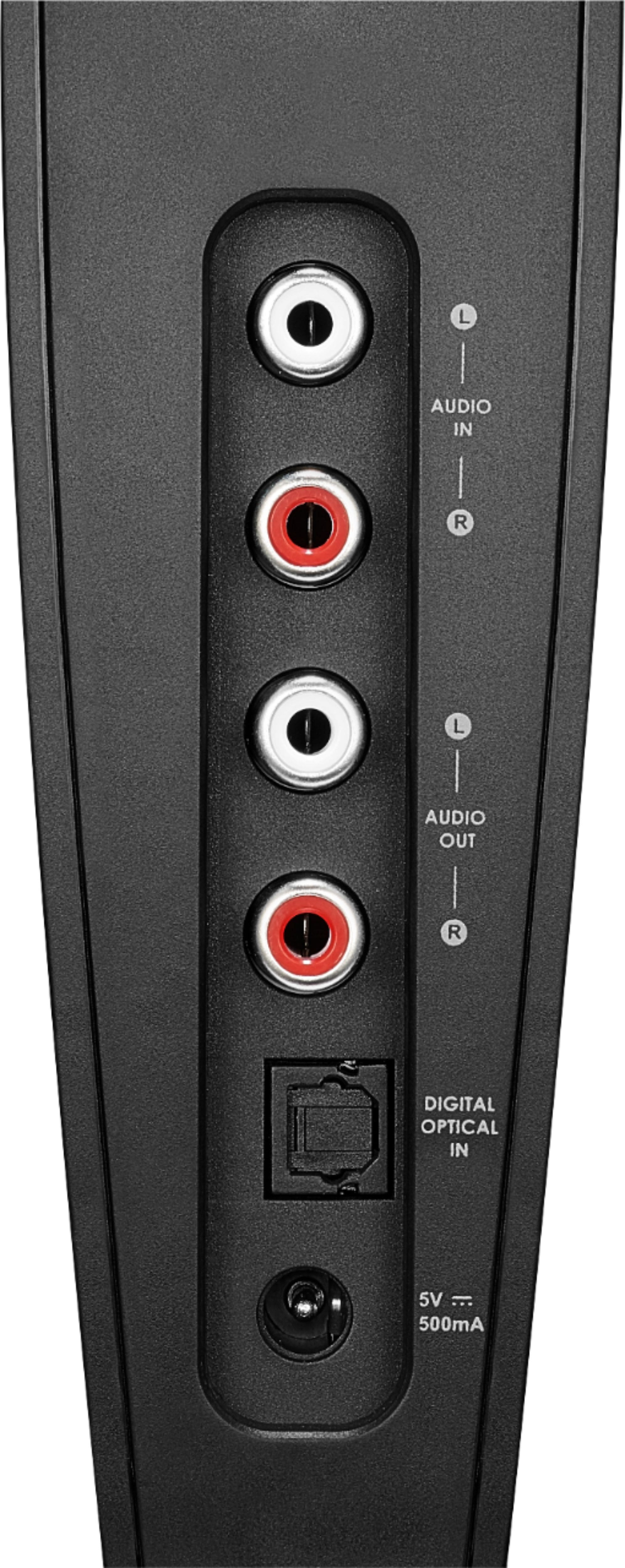
A:AnswerTry RCA audio connections, if the problem is still there then its an issue with the headphones speaker and should be taken in for warranty repair or exchange
A:AnswerHi Samuel,
Yes these are compatible. You can use the 3.5mm connection method.
- Janína G. | Insignia Support | https://www.insigniaproducts.com/contact-us
A:AnswerI had the same question after purchasing. I went back to Best Buy and took the instruction book for my TV with me. It has diagram of the back of the TV....for my situation, it turns out I needed an optical cable (extra $$) to connect from the optical port on the headset to the optical port on the back of my TV. Works just as I wanted it to. I can use headset at my volume and anyone else in room can use the TV volume they are comfortable with.