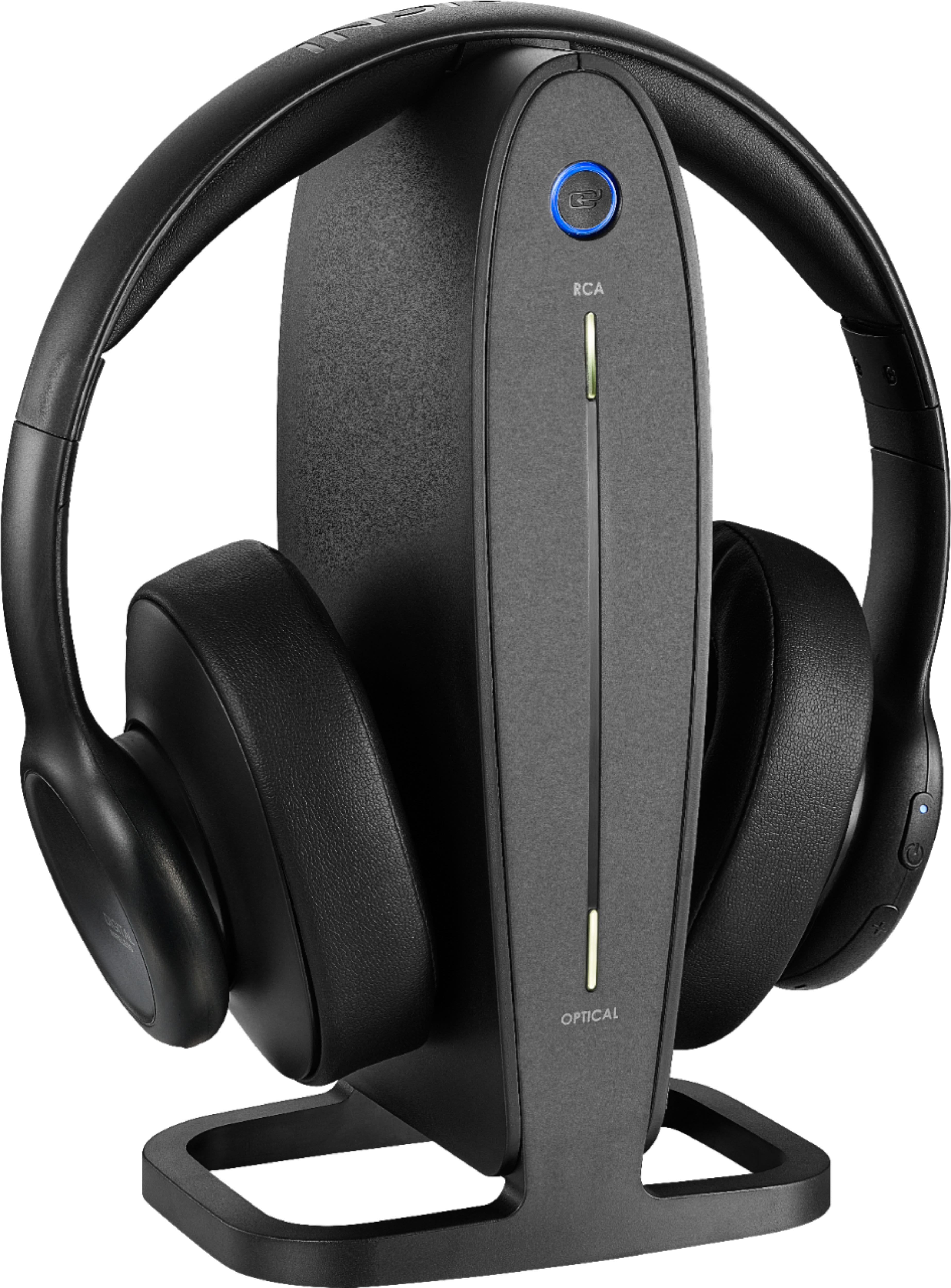
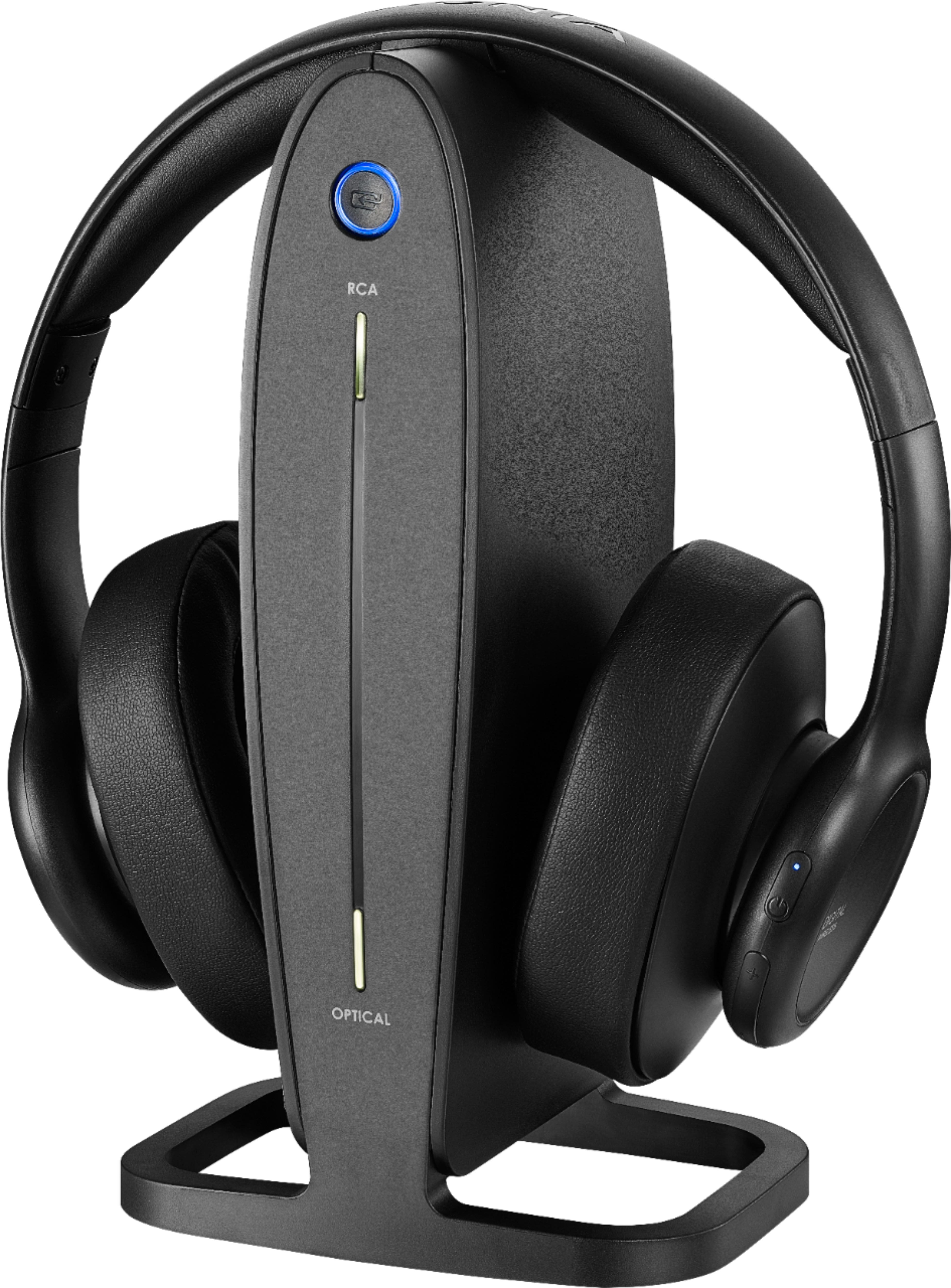
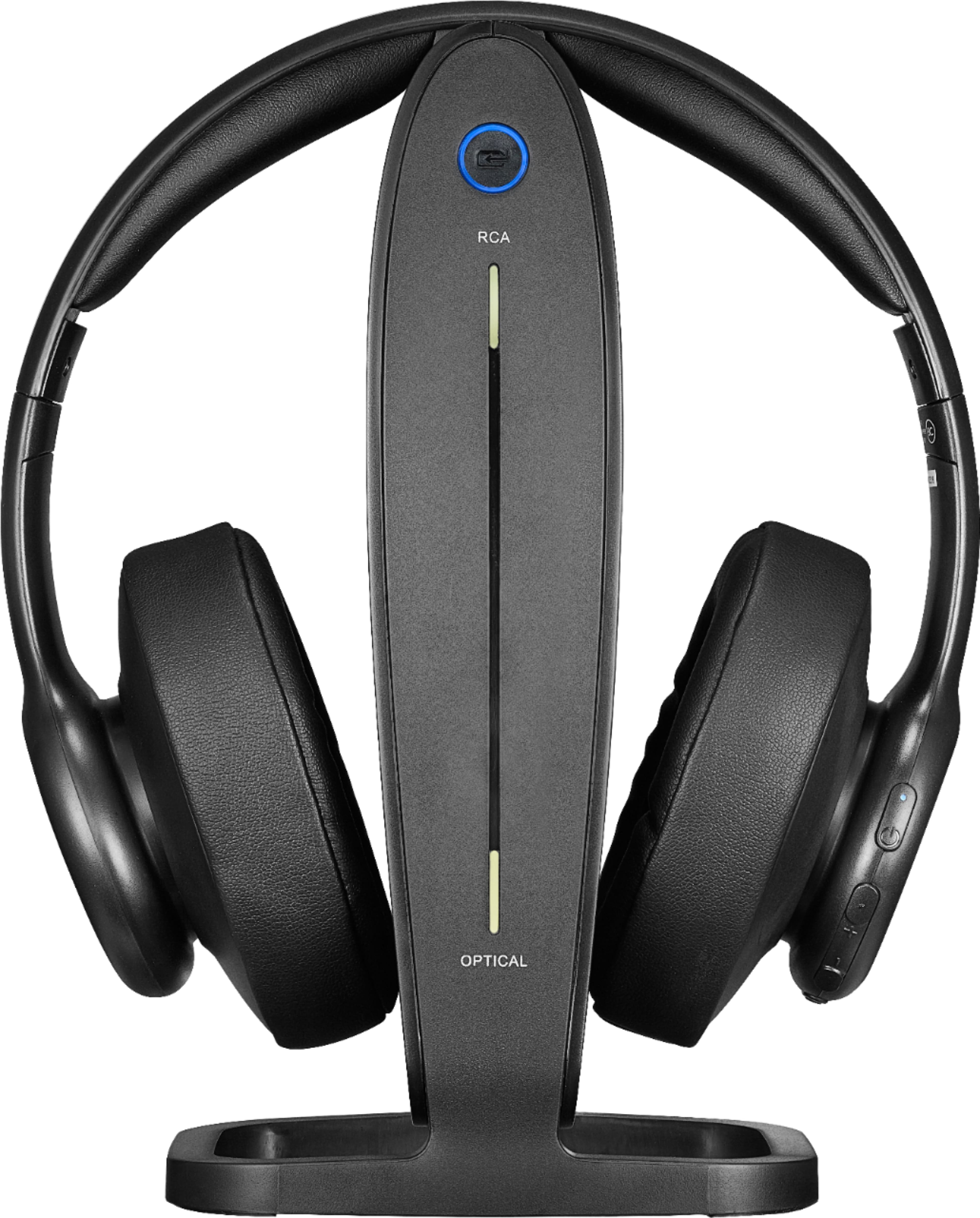
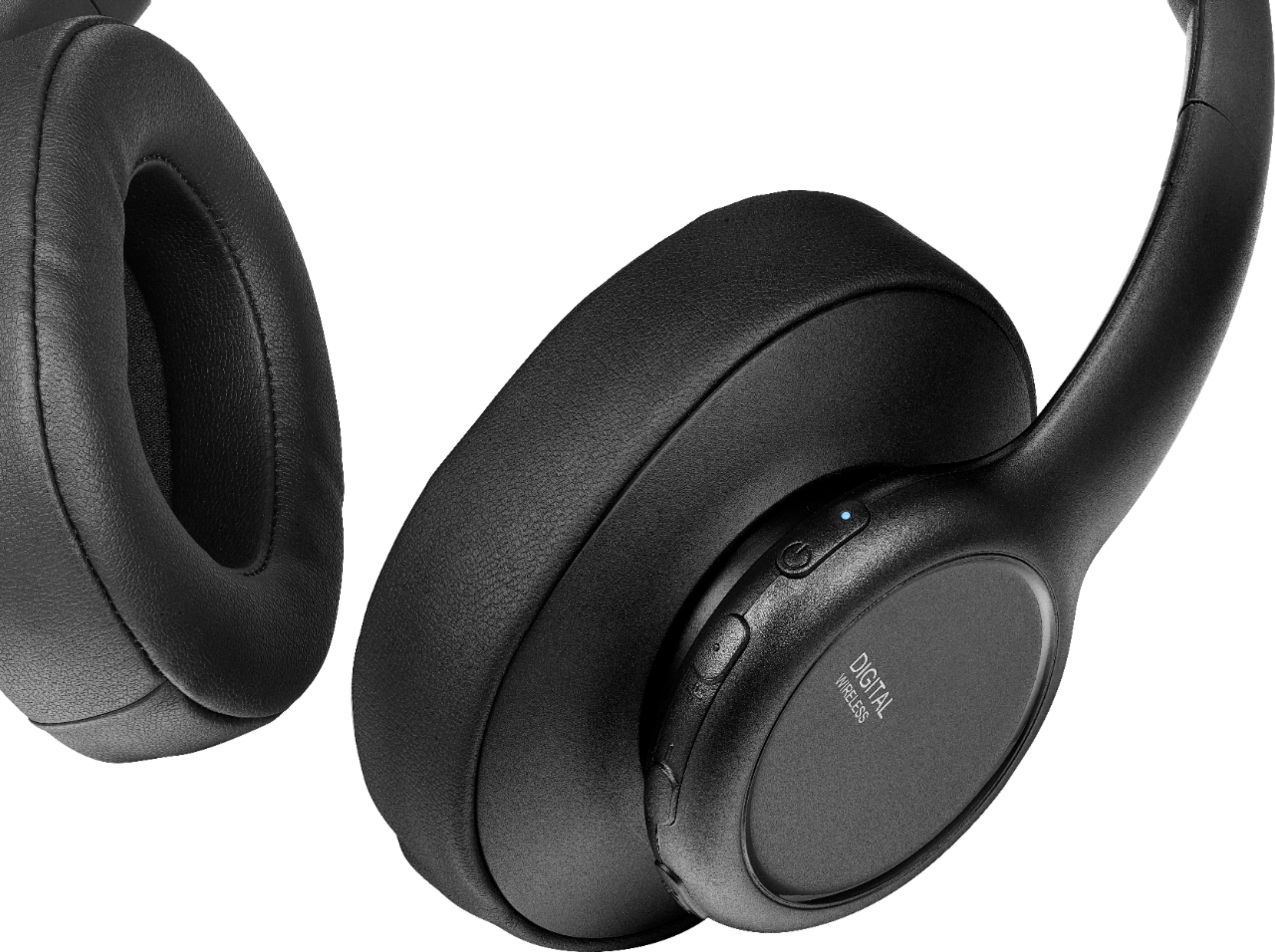
A:AnswerIf the Input Source button checked out {lowest button on earpiece} it would have to be the Pairing is off between base and headset. This would be the top button got pushed when taken off or on. It could just need recharged which resets the Pairing.
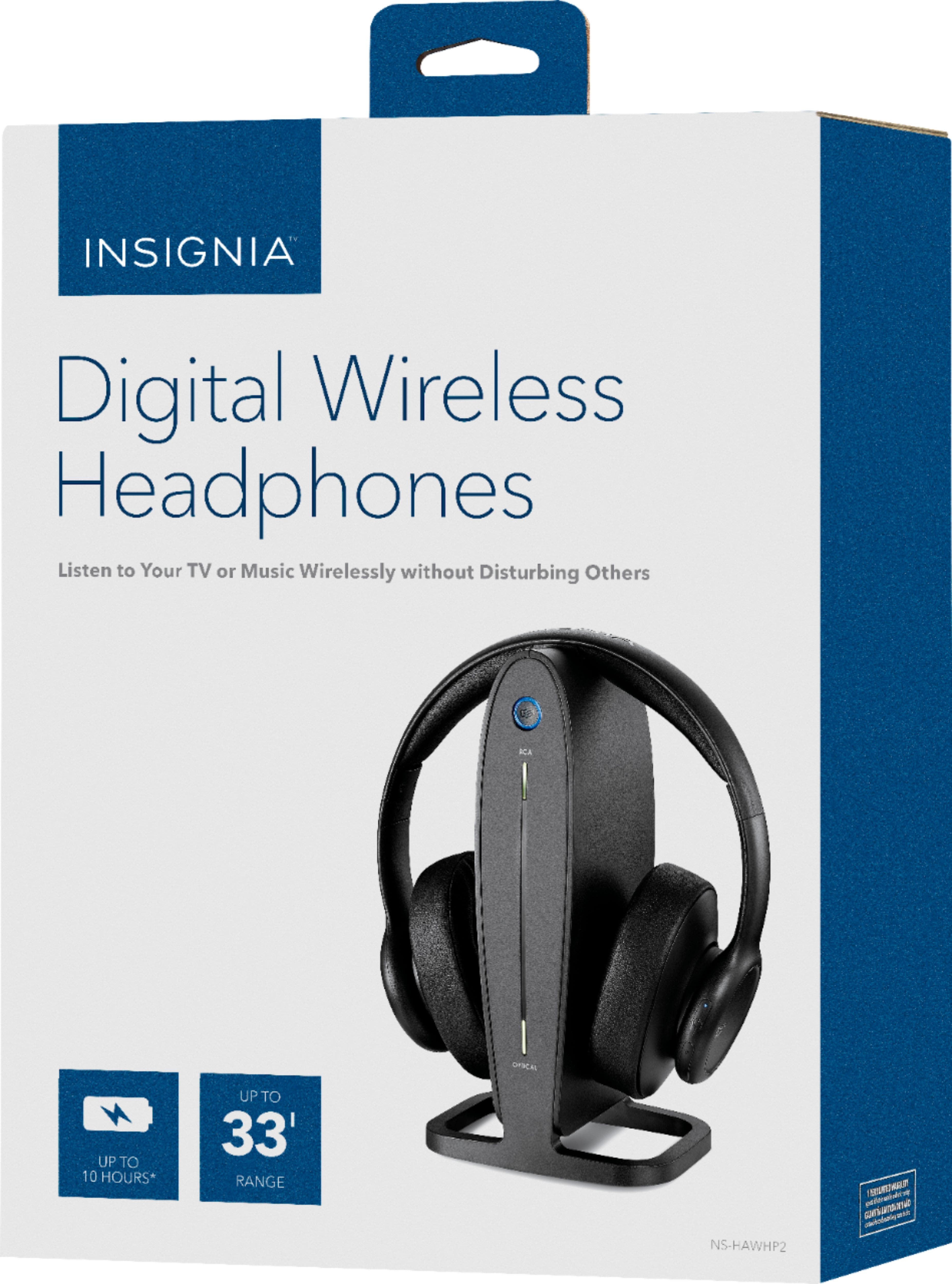
A:AnswerHi! The headphones come pre-paired with the docking station and not sold separately, which means that you would need to have three different stations and headsets. It also depends on the way that you would like to connect them to check if it is possible to do so. My best advice, would be to contact us on the link below so that we can check for the best option for you.
Viridiana E.
Insignia Support.
https://www.insigniaproducts.com/contact-us
A:AnswerHi, Shu.
This can be cause by several reasons. Please reach us at https://www.insigniaproducts.com/contact-us so we can properly assist you with the troubleshooting.
Cesar G. - Insignia Support
A:AnswerHi, Mel.
This could be caused by several reasons and I would like to properly troubleshoot your Headphones. Please reach us at https://www.insigniaproducts.com/contact-us.
Cesar G. - Insignia Support
A:AnswerHi.
Thank you for sharing this inquiry with us. Such function relies entirely on the configurations of the TV. However, most TVs only allow you to have one audio output at a time.
Cesar G. - Insignia Support
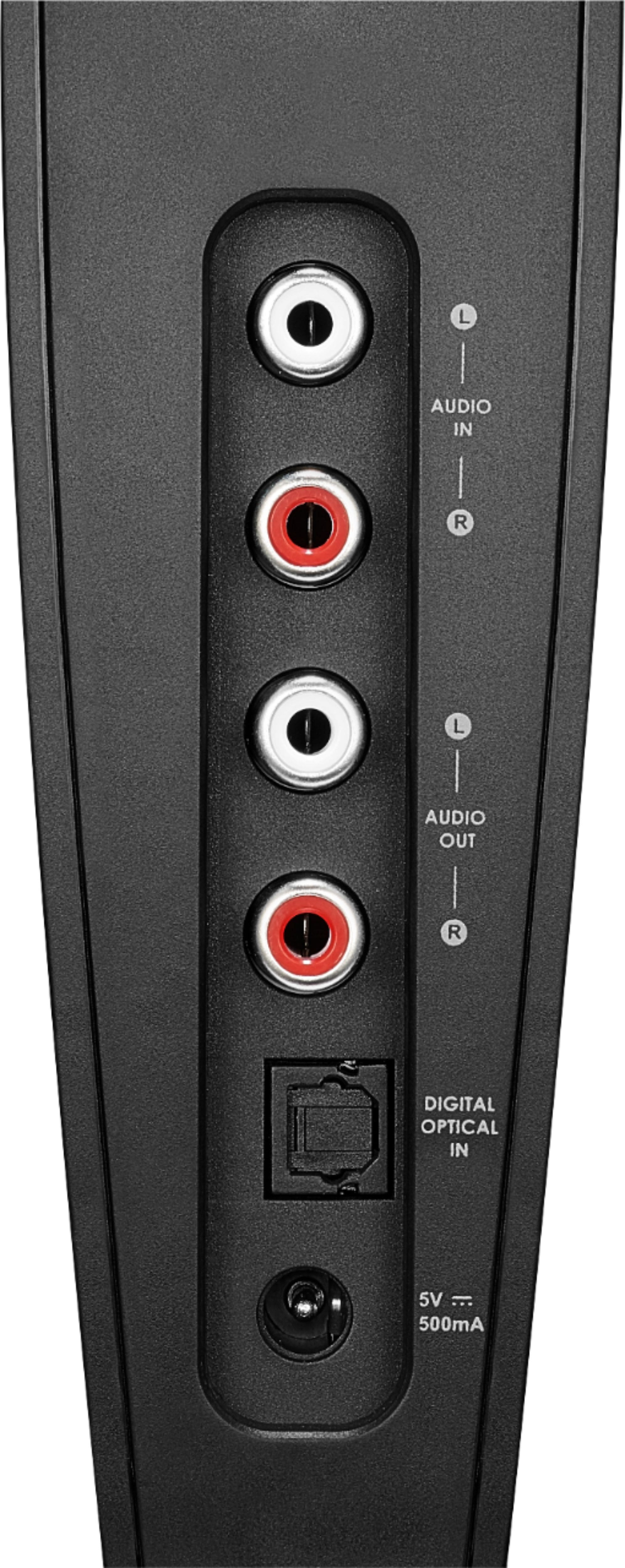
A:AnswerFrom what I have seen here, you would need to buy two separate units that would pair separately to each other... then you can connect each one to a separate output on the back of the TV: Example headphone A can be connected to the Optical and Headphone B can be connected to headphone jack or RCA[white/red} out... You Can also get a splitter for any type of connection and connect both headphones to the same outputs