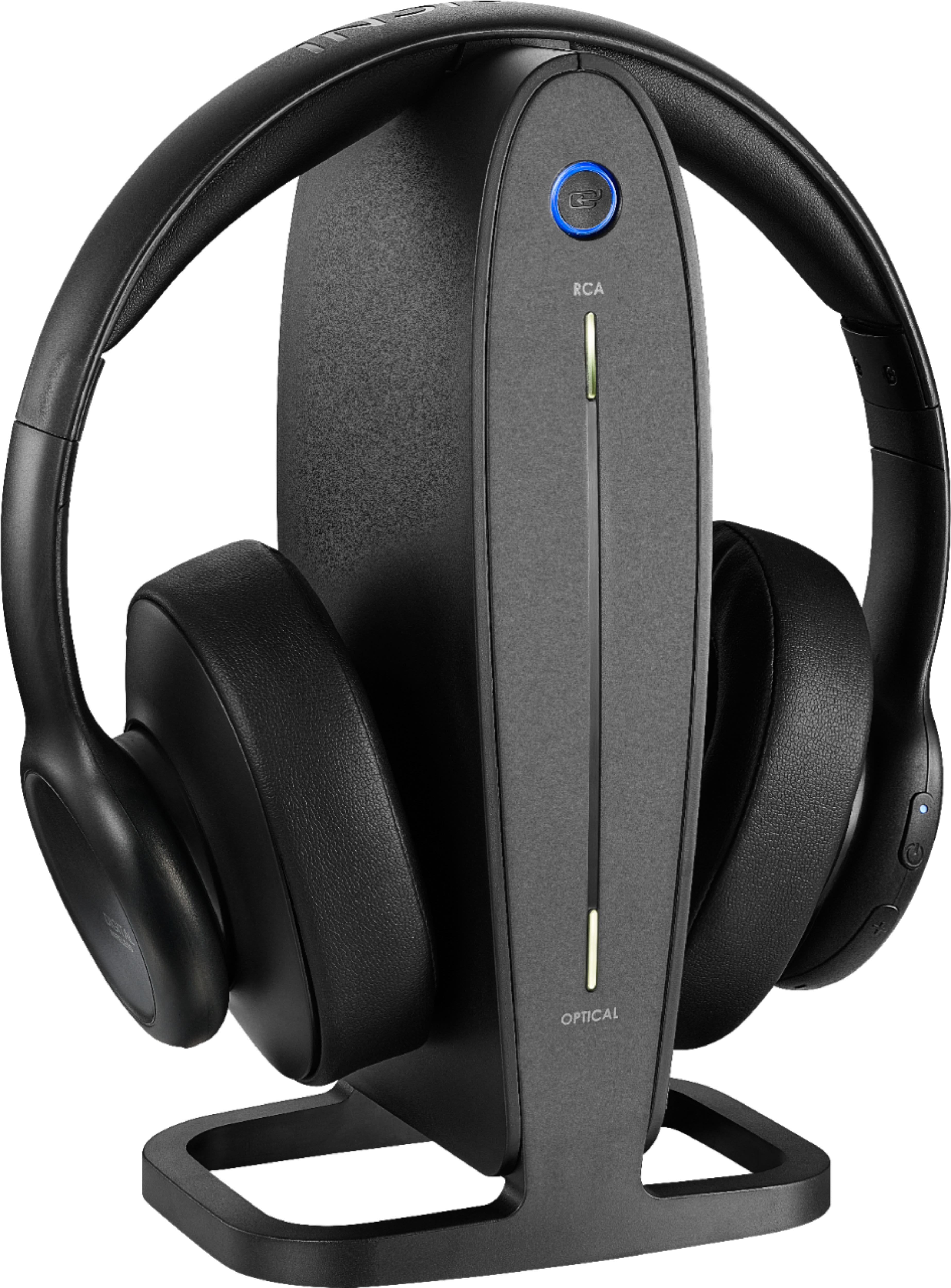
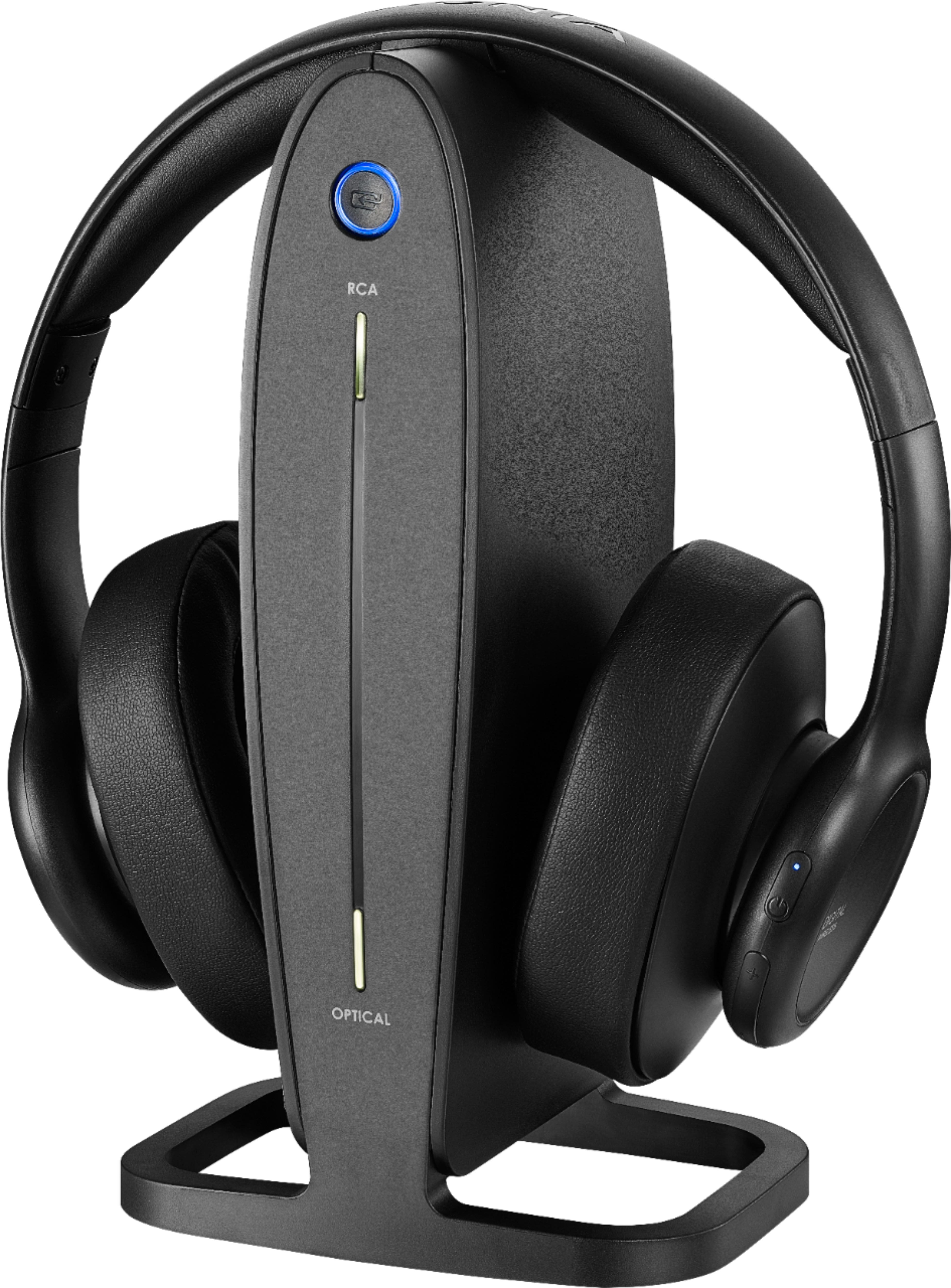
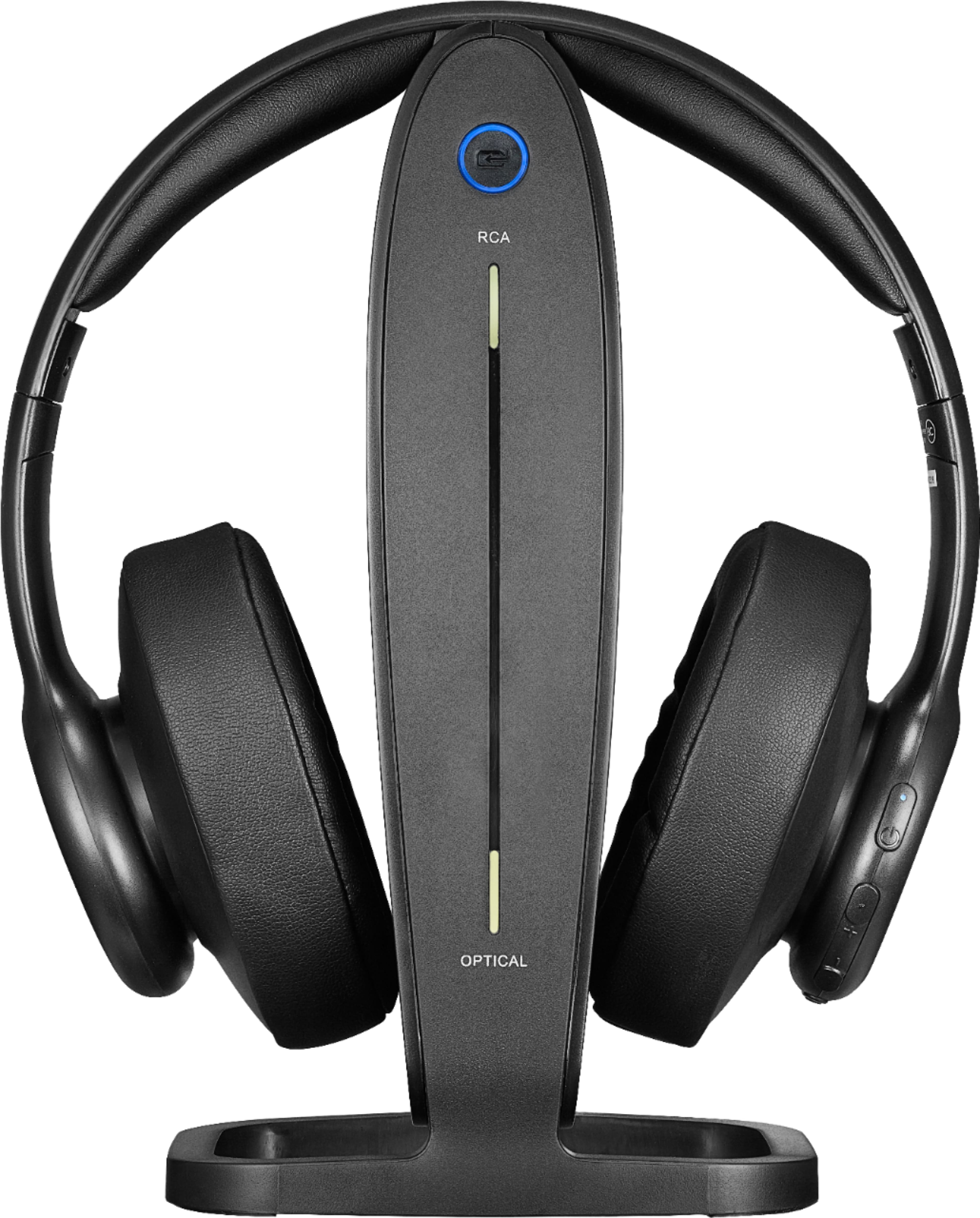
A:AnswerThis is pretty much a "throw away" product. Hurry Best Buy has them on sale for $49. Probably cheaper than any repair costs now that yours are out of warranty
A:AnswerThe light on top of the base should be solid red when it is charging. If it is not, I would check to make sure it is properly positioned in the cradle.
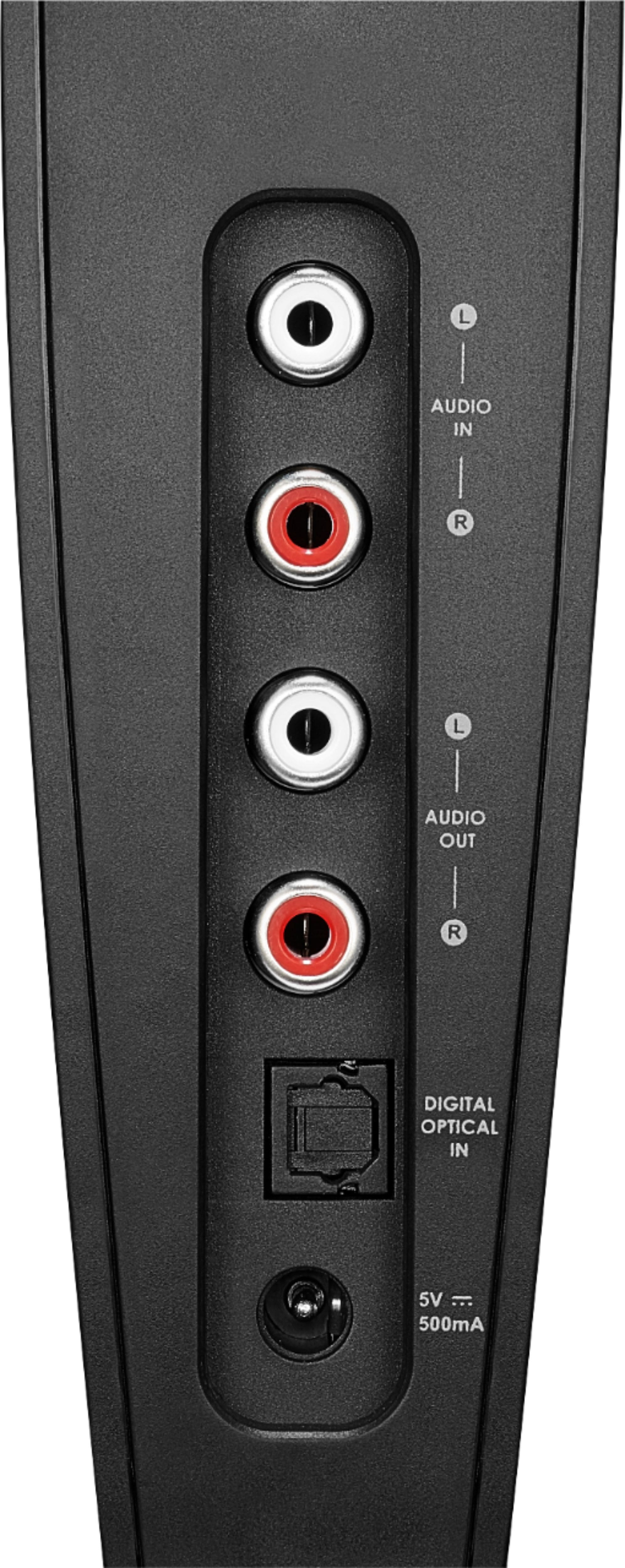
A:AnswerWith the optical you have to ONLY have that connected. If its also wired to TV with rca jacks it will make that pulsating sound. Disconnect it and only use your digital optical and set TV to optical in sound. Should work.
A:AnswerSounds as though the headphones are either not installed in the correct audio output or your sound is being routed away from the headphones. If corrected, you should be able to control the sound on the earphones without being concerned with the tv volume
A:AnswerDepends on the outputs available on your TV. Most TV's have the Red/White RCA outputs and that cable is included with these headphones. There is also a 3.5mm to RCA adapter if you have a standard headphone jack available. Some TVs have an optical out as well, however, you will need to buy a separate TOSLink optical cable if you want to use that method to connect.
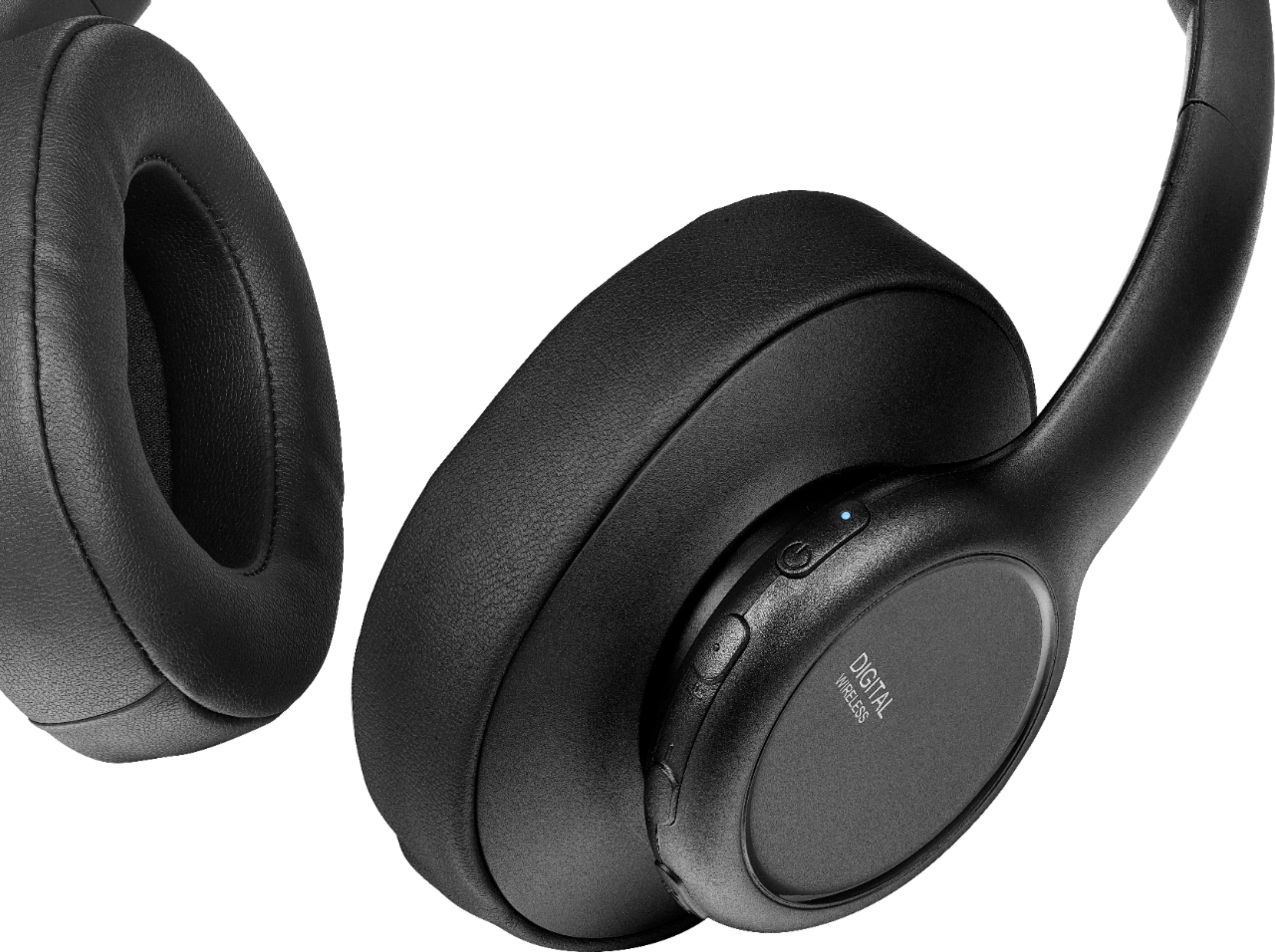
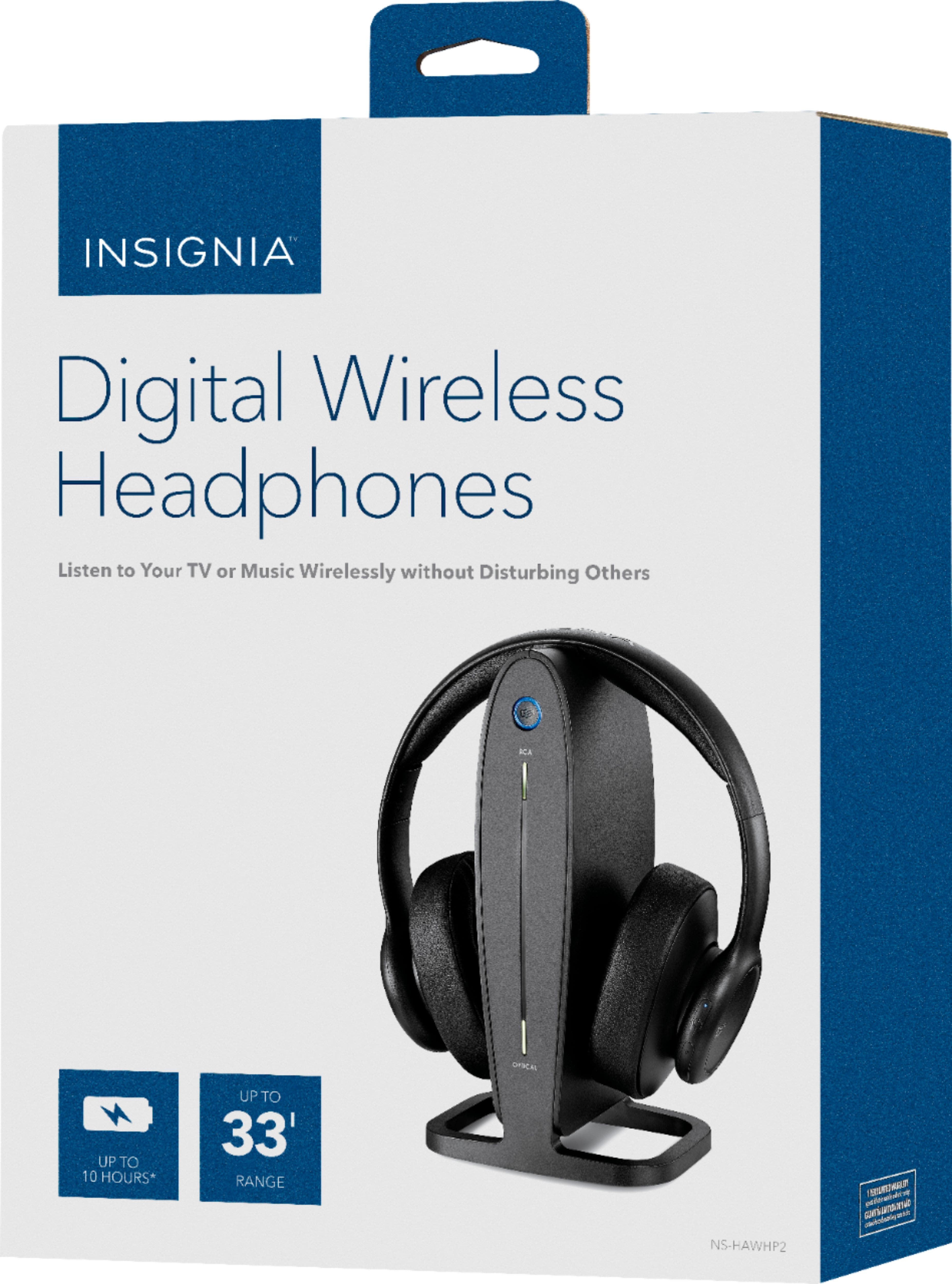
A:AnswerHi Flo! I'm sorry, but we do not sell replacement ear pads for the Insignia 5.8 Ghz digital wireless headphones model NS-HAWHP2. However, you can try looking for third-party companies that specialize in headphone accessories. They may have compatible ear pads that will fit your headphones. Make sure to check the specifications and measurements to ensure a proper fit.
JC | Insignia Support https://www.bestbuy.com/site/insignia-rf-wireless-over-the-ear-headphones-black/6281625.p?skuId=6281625