A:AnswerYour iPhone 6s needs the following adapter to connect to the TV via HDMI.
https://www.bestbuy.com/site/apple-lightning-digital-a-v-adapter-white/7007013.p?skuId=7007013
A:Answermake sure your S9 supports USB type C specifically. Any TV or monitor or projector with HDMI will show the picture if the "sending" device is sending a signal.
A:AnswerThe note 8 device doesn't support direct conversion of usb-c to hdmi. In order to do this you will need to purchase a Samsung dex device. If you do make sure to get one that is supported on your phone. The documentation of the dex should have a list of supported devices.
A:AnswerThis was purchased for a Samsung Galaxy 8 cell phone... it did not work due some glitches. Recommend purchase the Samsung one that is compatible with Samsung products.
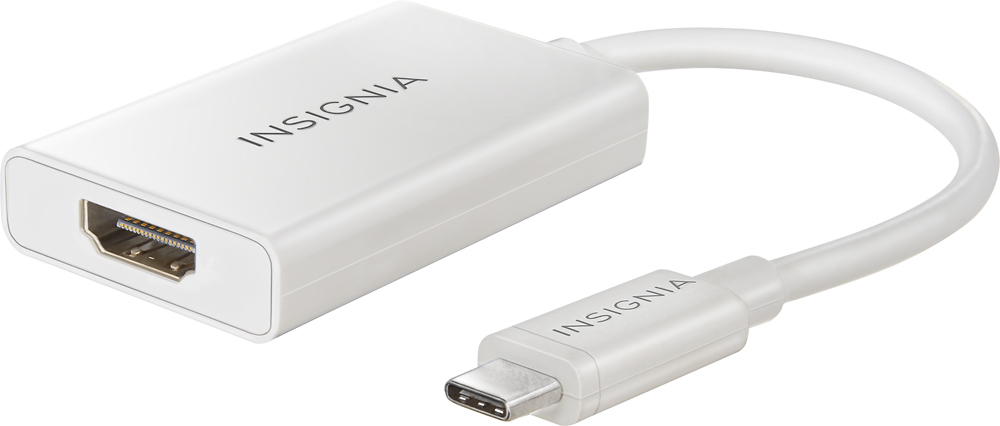
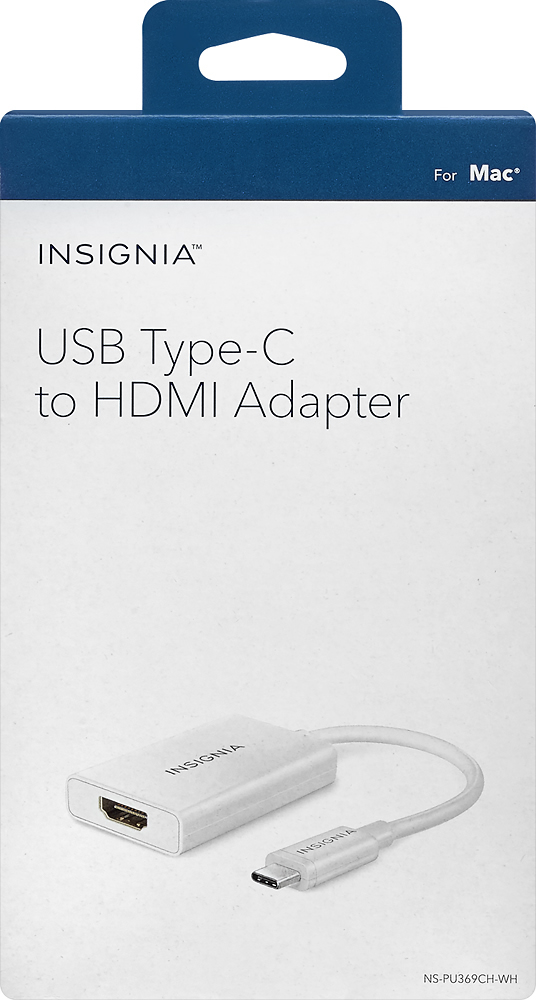
A:AnswerTwo things to take note of. You will also need a HDMI cable plugged into the HDMI port in your tv... plug the other end of that cable into the USB Type C to HDMI Adapter.
Providing your Toshiba Laptop has a Type C USB port then you plug the thin cable leading from the USB Type C to HDMI Adapter, into the USB Type C port on your laptop.
Your laptop will have to be fairly new to have such a USB port. I use my adapter with my HP Spectre laptop (2017 model year),
If it’s any guide, my older laptop is a 2013 year model and it does not have a Type C USB port.
What my 2013 year laptop does have is an HDMI port. Your Toshiba might have the same setup Look for a socket on the side that matches the shape of the socket on the ‘box’ end of the USB Type C to HDMI Adapter (in picture on Best Buy site). If your laptop has a HDMI socket, then all you need is a HDMI cable ; plug one end into your laptop and the other end into the HDMI socket on your TV.