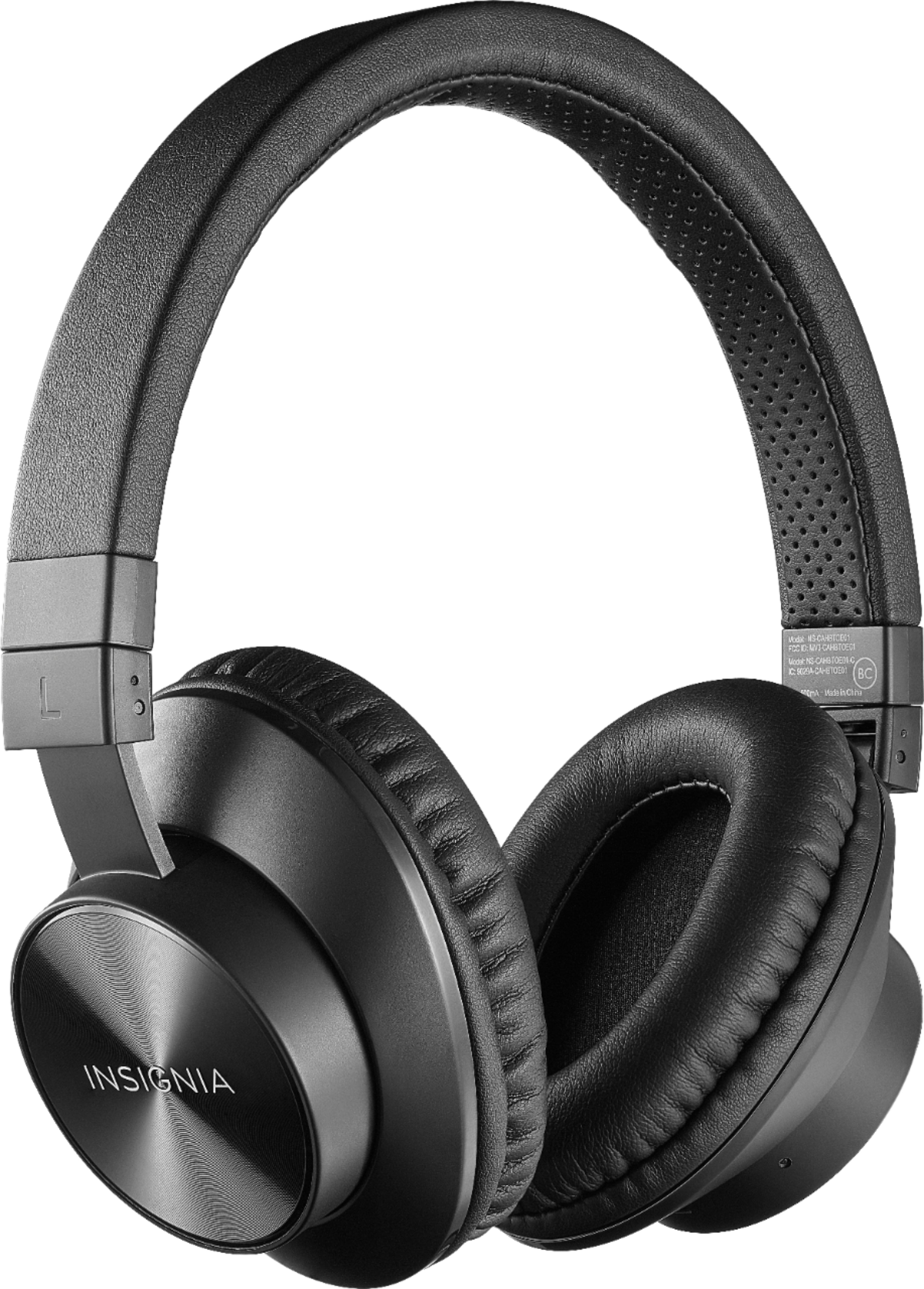
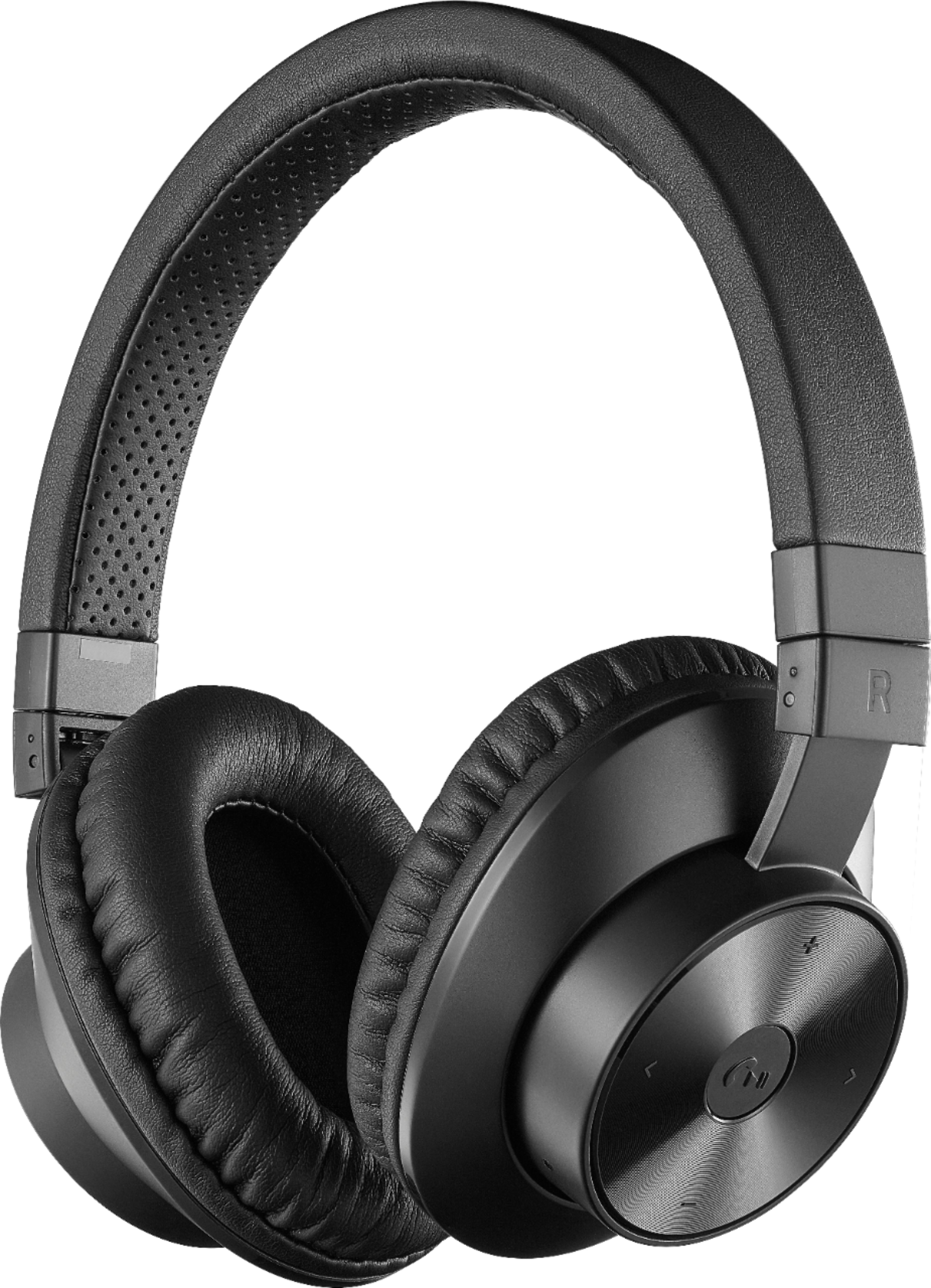
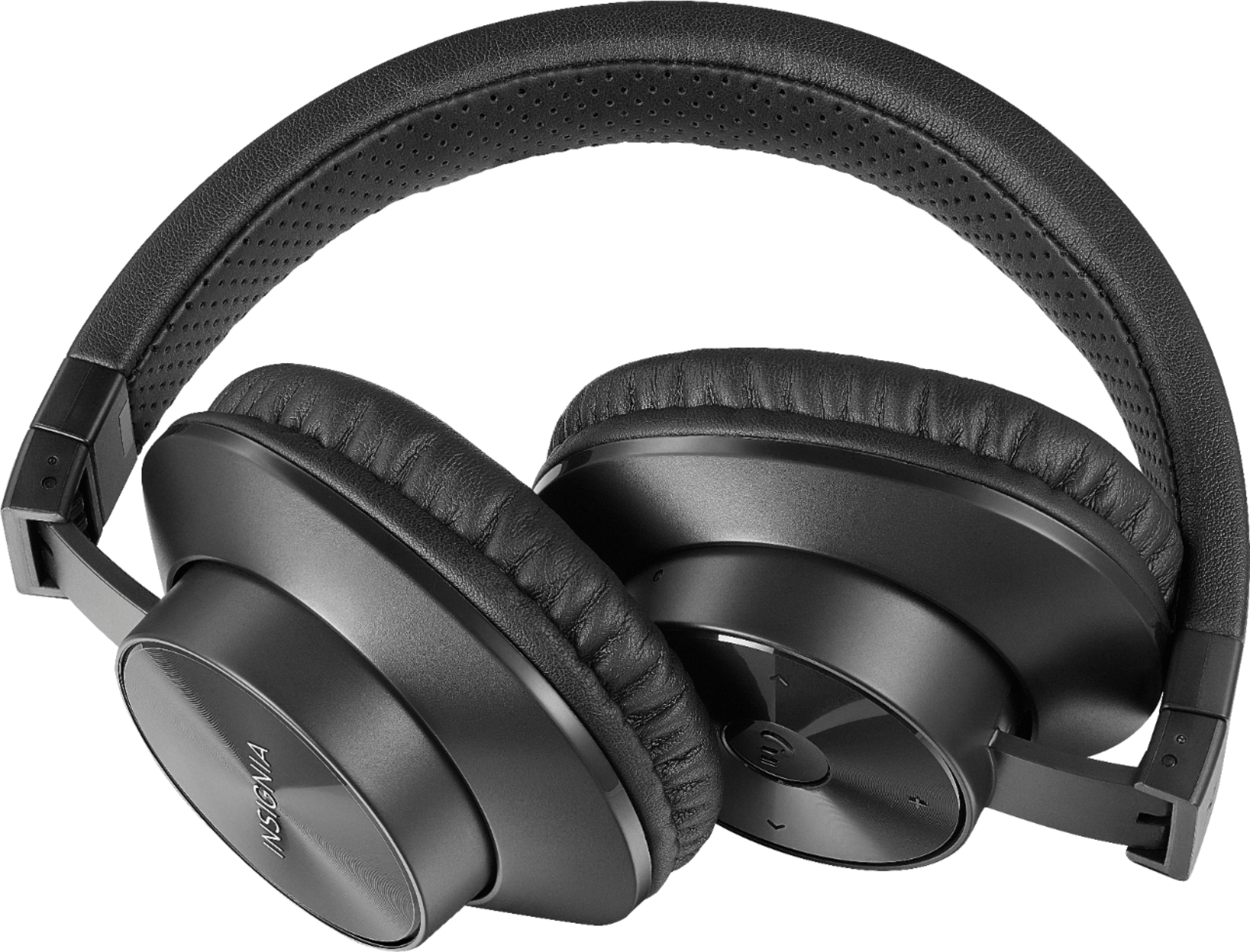
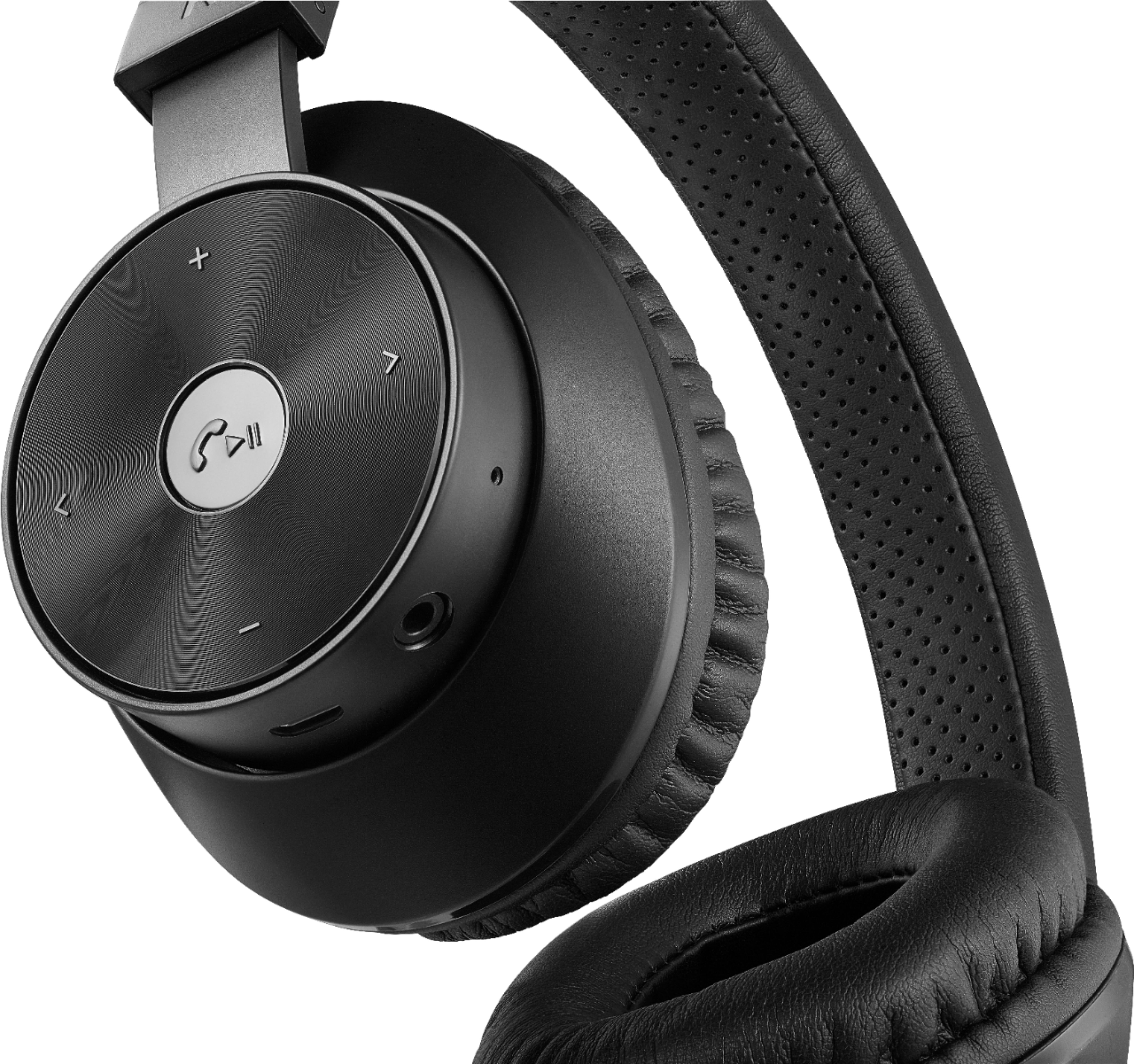
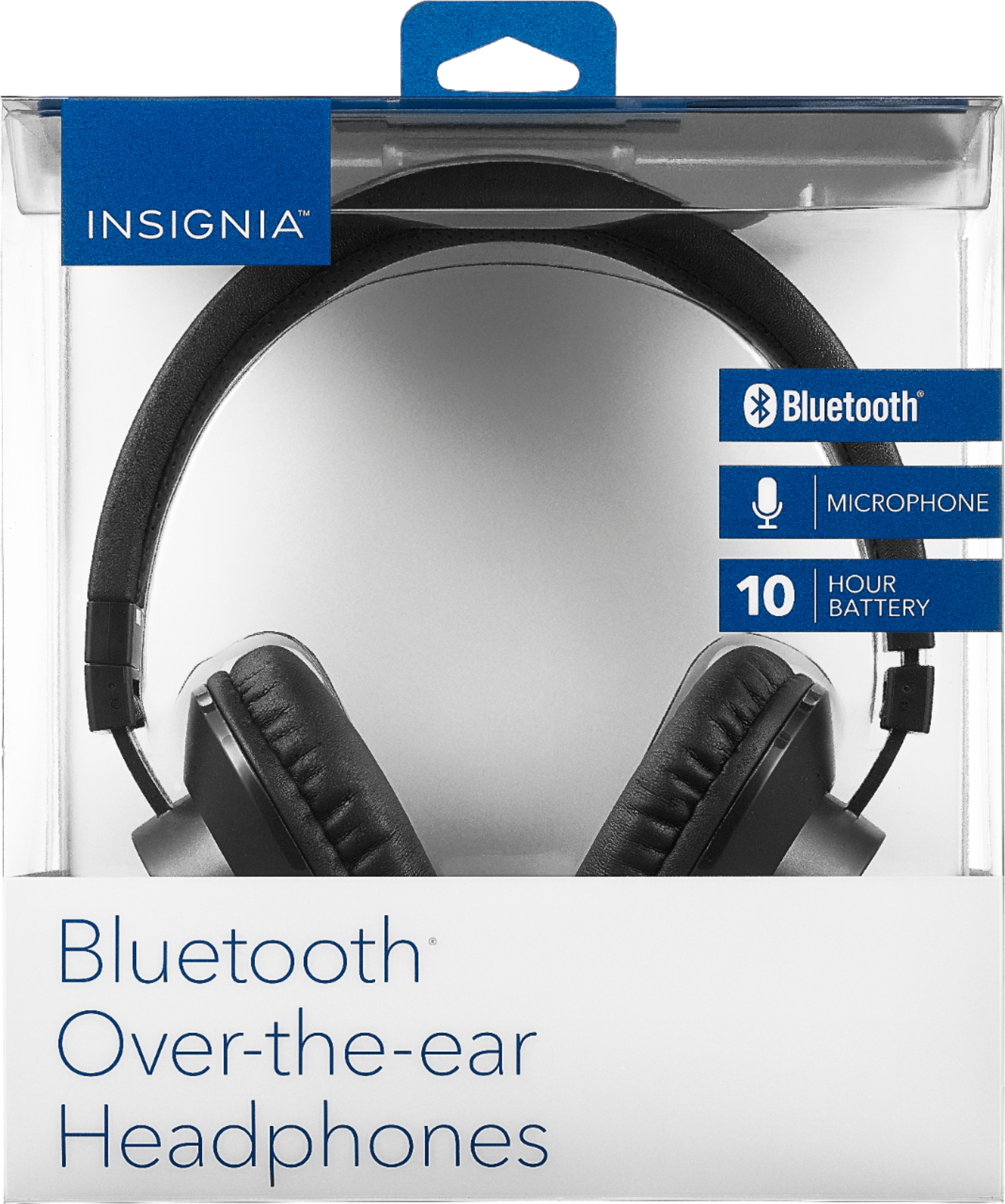
A:AnswerYes, as the Bluetooth will be specifically linked to the individual devices through the pairing process. I would recommend finding a way to distinguish one pair from the other, perhaps a small inconspicuous mark. :)
A:AnswerFrom the Instructions and other forms of documentation I cannot find a Mute function for phone or listening modes... You could turn the volume down by holding the volume button down for a few seconds if it is outside sounds you wish to hear, but Muting the Microphone doesn't appear to be an option.
A:AnswerHi, Ray.
This would depend on the source device that you are using. Most Bluetooth devices compatible with A2DP Bluetooth profiles (audio) can only connect to one external device at a time.
Cesar G. - Insignia Support
A:AnswerHi, Elestir.
This relies entirely on the TV's settings since most TVs do not have a function to split the audio into two outputs. You can verify this on the specifications of your TV.
Cesar G. - Insignia Support
A:AnswerYes, charger cable included. The charger cable is a micro-USB to USB-A Male. No AC adapter. I just charge mine on my laptop through the USB port.
A:AnswerIt has been built in battery. It is rechargable plus comes with aux cord if battery dies. I recommend buying the replacement plan. They will have to replace if it no longer charges.
A:AnswerWorks with my iPad so it should work on an iPhone. If your TV has Bluetooth it should work as well. I use the plug and connect it to my Roku remote which is great when people are sleeping. Sound pretty good. Nice to have the option of wireless or wired.