Questions & Answers
- Model:
- POWERGLOW200
- |
- SKU:
- 6359403
Highly rated by customers for: Sound Quality, Volume, Portability
Page Showing 121-131 of 131 questions
Q: QuestionHow long is this going to be on sale for 124.99?
Asked by Joey.
- A:Answer I got it for $259 for Halloween then it went on sale on 11/19/20 for $119 so i got a pirce fix.
Answered by Ducky
Q: QuestionHow long does the battery last being used, and how heavy is this item
Asked by Becks.
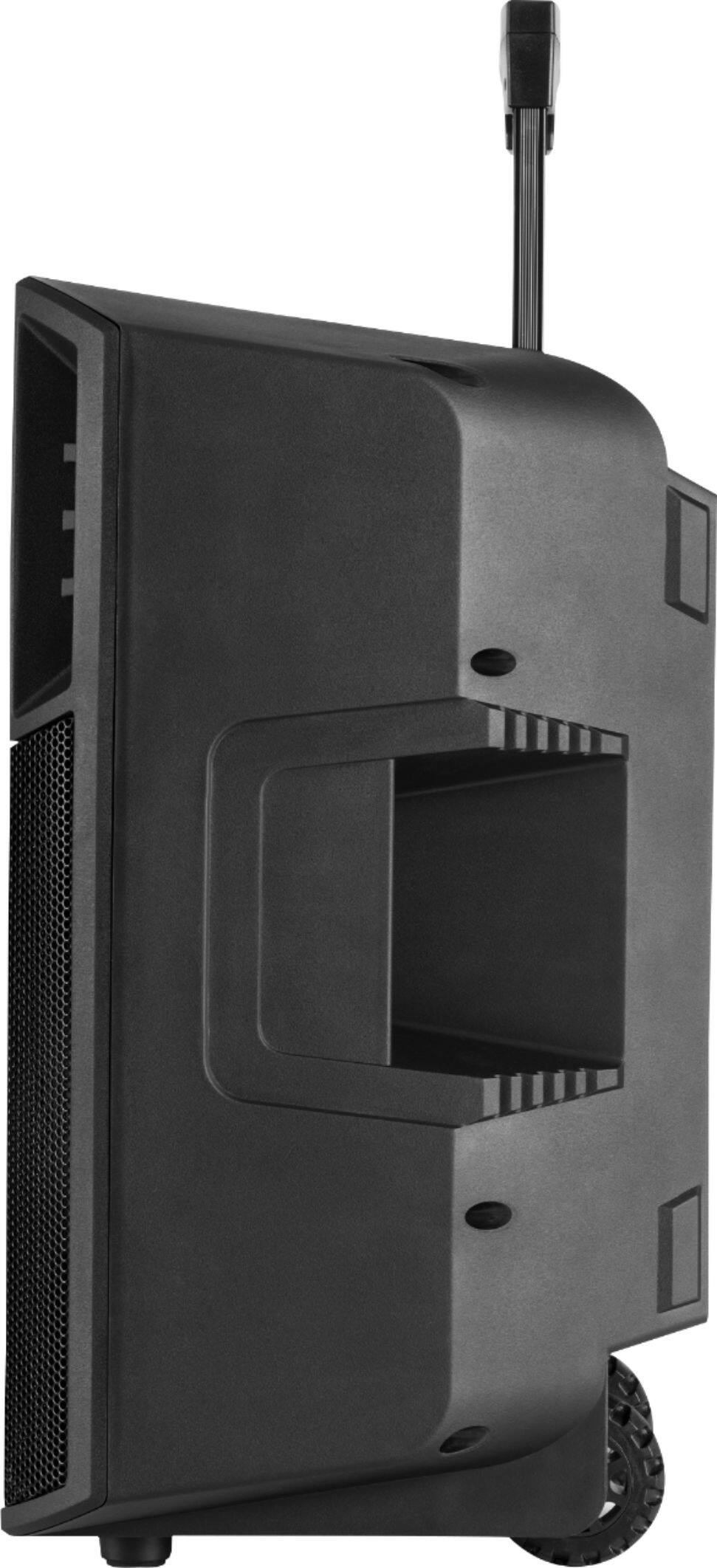
- A:Answer Battery can last 9-12 hours depending on volume weighs about 40lb Mayb less
Answered by Terp
Q: QuestionI want to buy a wireless microphone for the speaker Can you tell me which one I can get to fit it?
Asked by val.
- A:Answer Wireless microphones can not be used with our speakers.
Answered by ION AUDIO
Q: QuestionCan 2 power glow 200s be connected together ?
Asked by Royk.
- A:Answer I havent tried it but to my knowledge yes they can
Answered by Eric
Q: QuestionWhat is the name of the charging cable used? I left mine at my parents' house.
Asked by Regi.
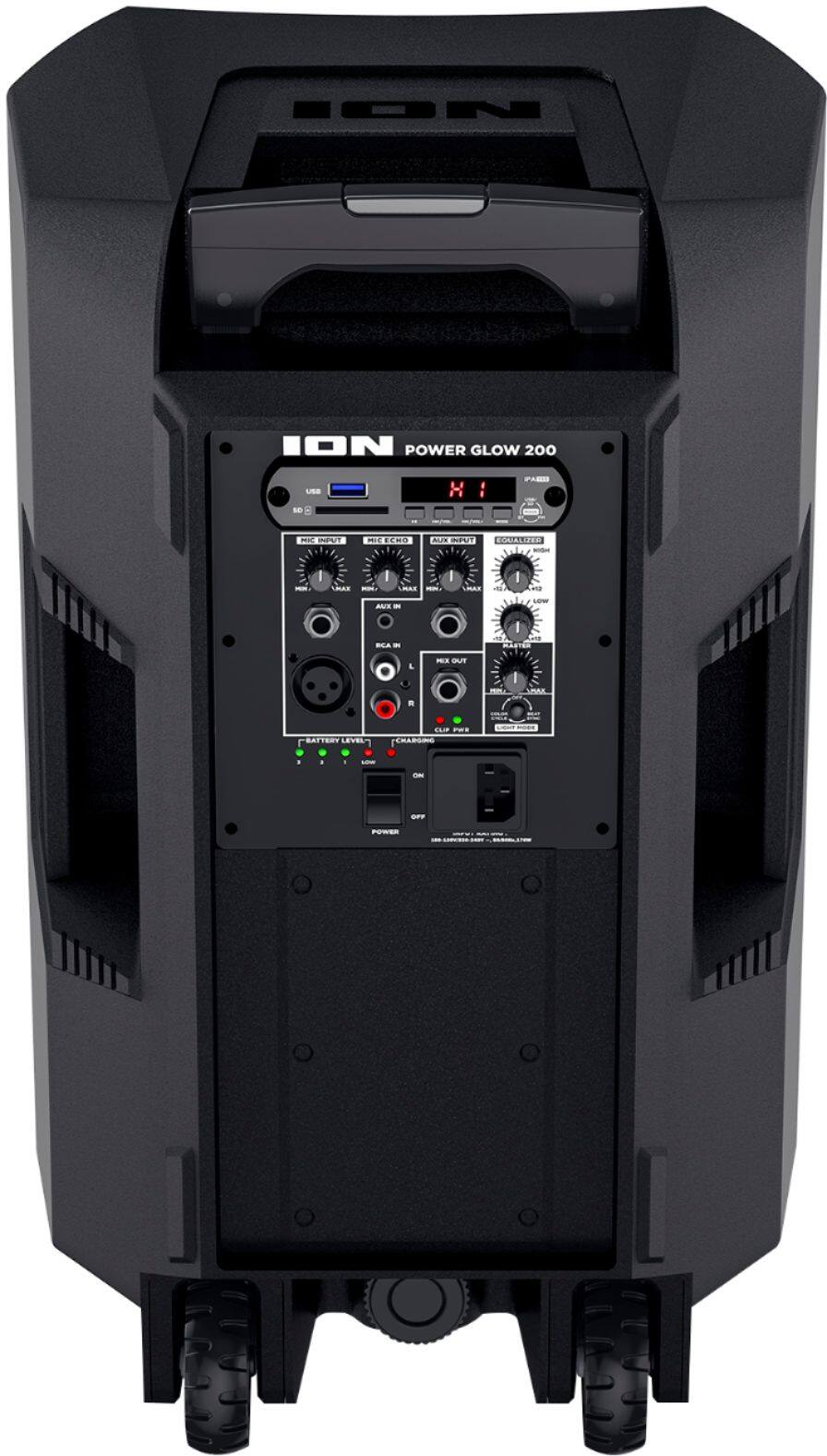
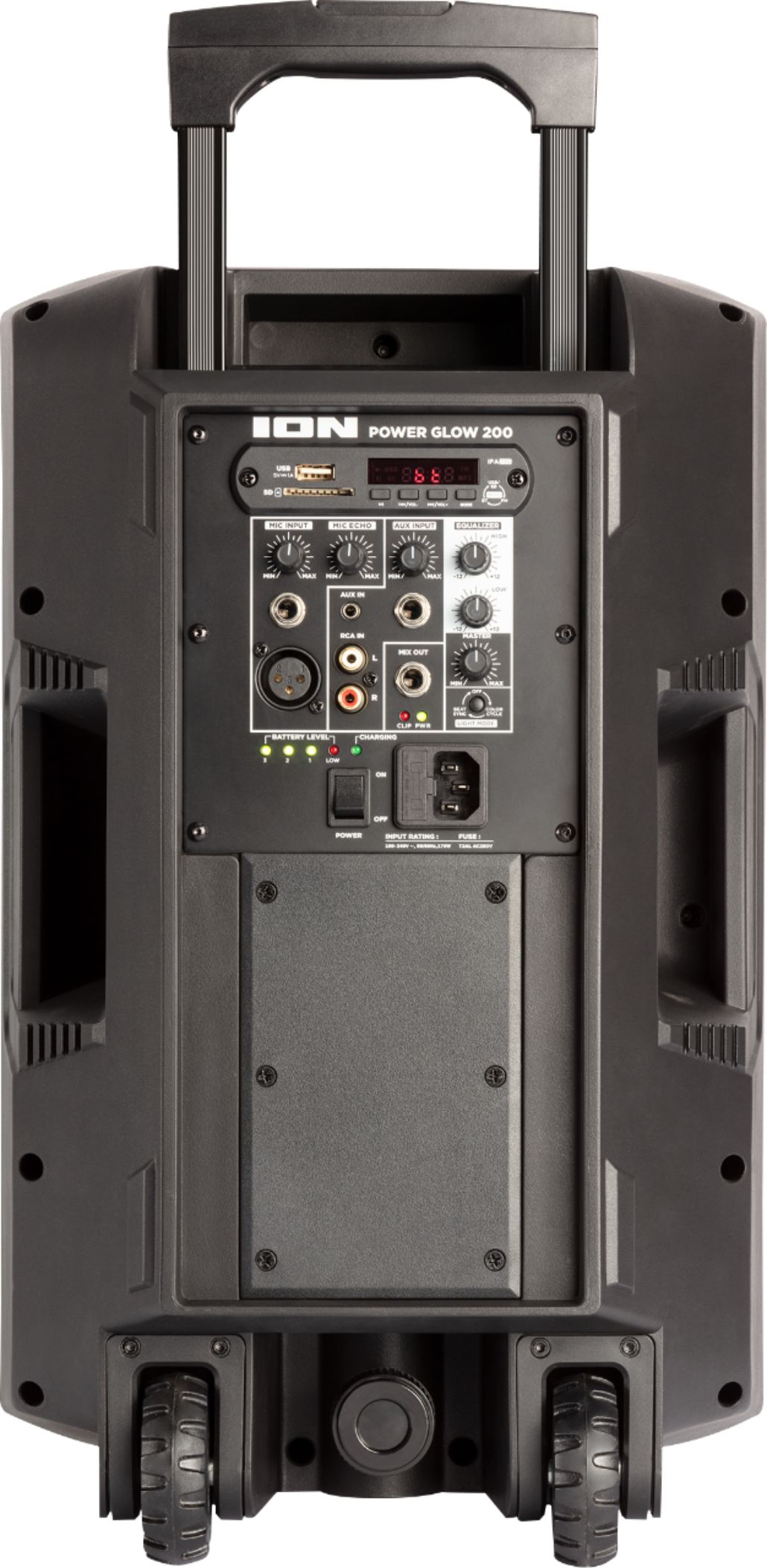
- A:Answer Hi, I'll be glad to assist! The Ion Audio POWERGLOW 200 uses a 3-Prong IEC cable to power the speaker.
Answered by ION AUDIO
Q: QuestionDoes the speaker come with a stand?
Asked by Jay.
- A:Answer Hi, I'll be glad to assist! The Ion Audio Powerglow 200 doesn't include a stand in the box.
Answered by ION AUDIO
Q: QuestionHow do turn of the Bluetooth feature
Asked by TDneedthis.
- A:Answer Hi, I'll be glad to assist! You can switch out of Bluetooth mode on the Power Glow 200 by hitting the Mode button on the back panel of the unit. This will switch the source and disable Bluetooth connection to the unit.
Answered by ION AUDIO
Q: QuestionIs there a spot to plug in a second microphone that I’ve purchased separately?
Asked by Stacy.
- A:Answer Hi, I'll be glad to assist! The Ion Power Glow 200 has a Mic Input on the back of the unit that will accept an XLR or 1/4" microphone.
Answered by ION AUDIO