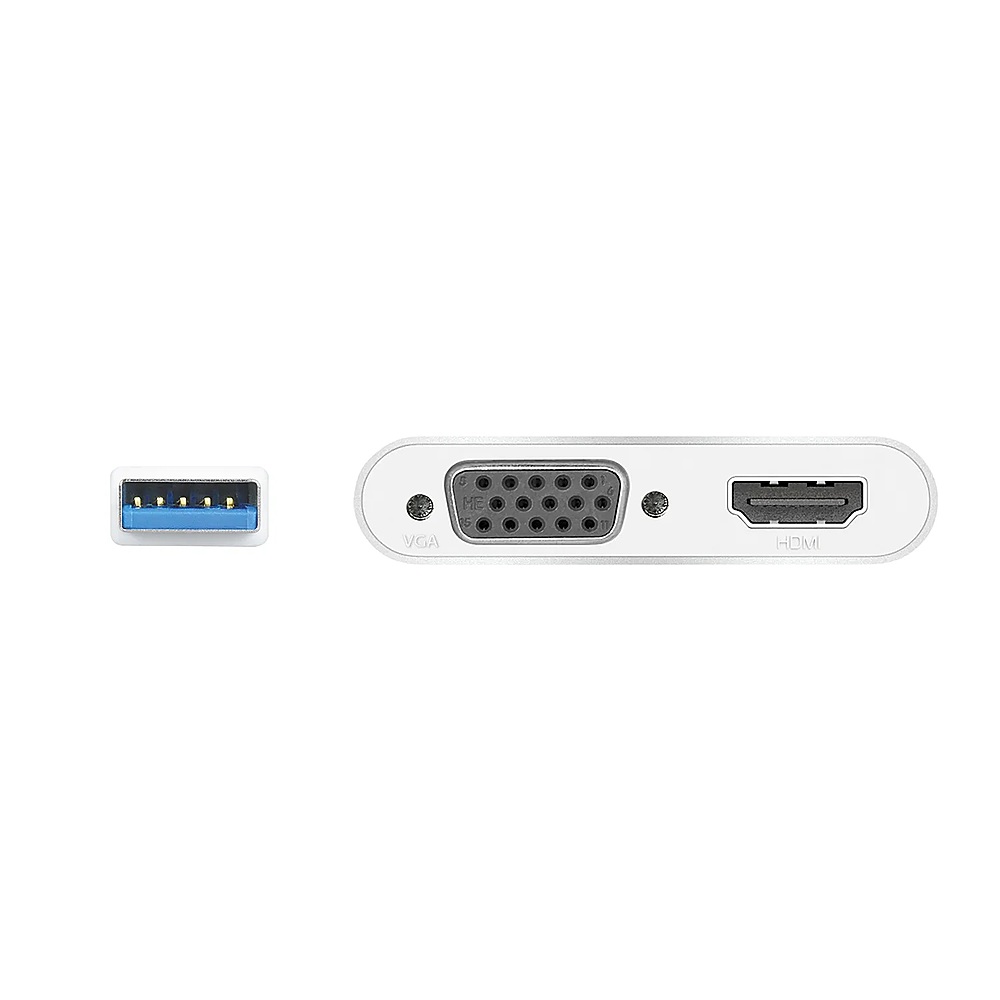
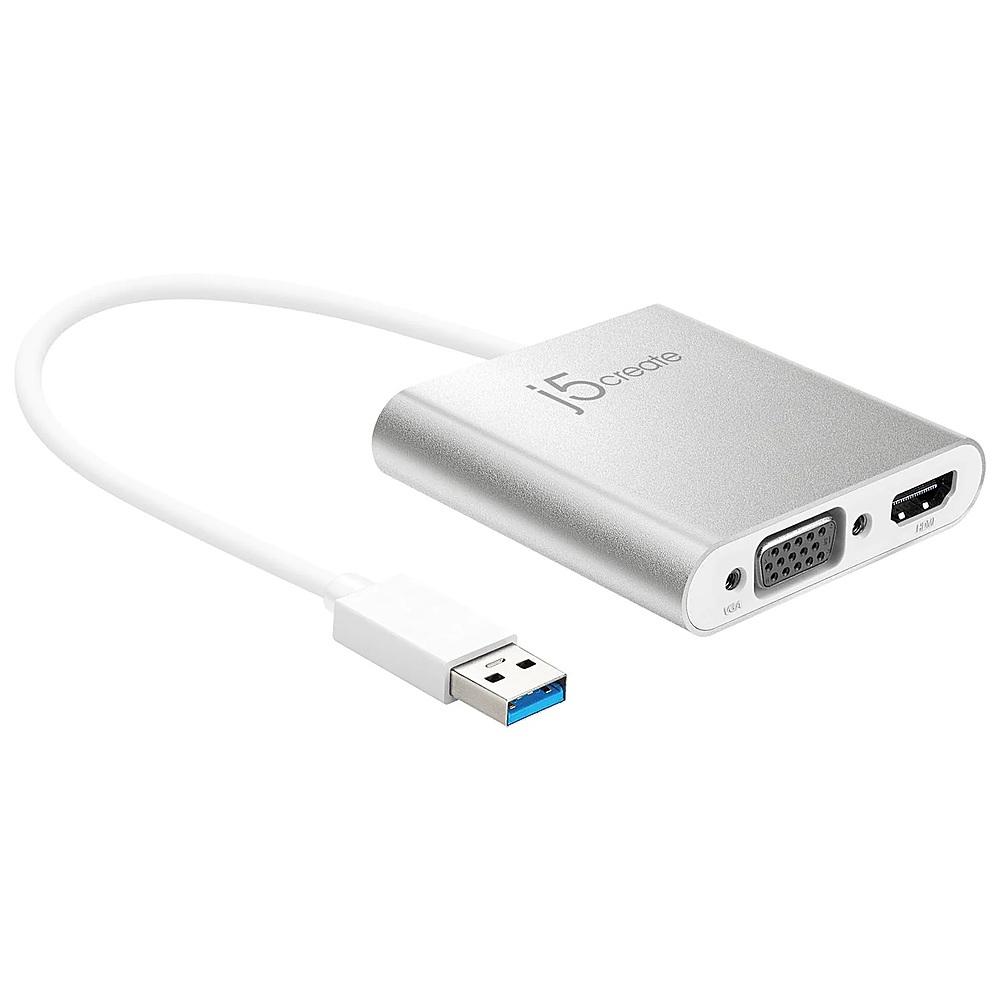
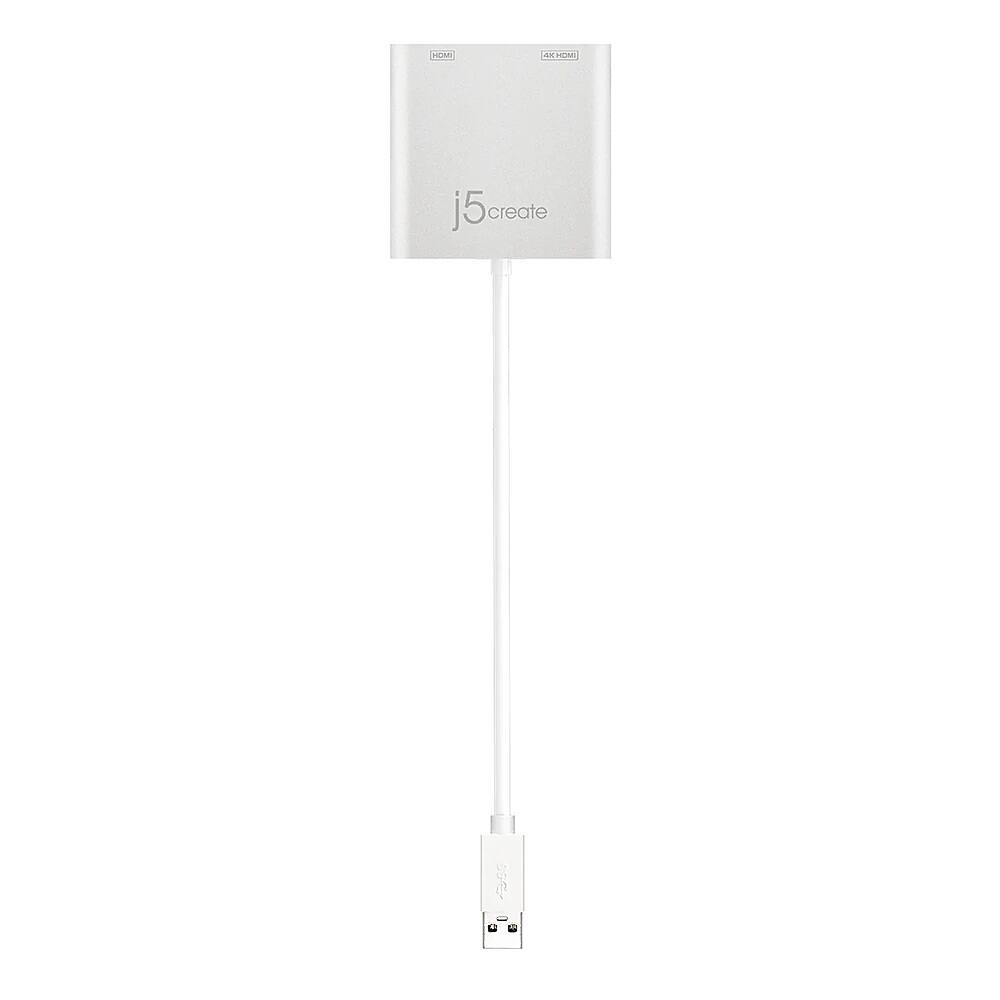
A:AnswerThe USB 3.0 to HDMI & VGA Multi-Monitor Adapter requires an installation of a driver for functionality. If the computer has network access and administrative rights, Windows can automatically install the driver when the device is plugged in or visit j5create website and under the Support tab, download and install the required drivers manually.
A:AnswerFor the USB 3.0 to HDMI & VGA Multi-Monitor Adapter to work on a Samsung TV. You would need to connect the Adapter to a computer with an available USB Type-A port (USB 3.1 / 3.0 is recommended). This Adapter will also require an installation of a driver. Drivers are located on j5create website under the "Support" tab. Once installation is completed, connect either the VGA or HDMI to your TV, with the correct input source selected. ** Feel free to contact j5create Technical Support if you require further assistance. Their information can be found on our website under the "Support" tab. Thank you.
A:AnswerThe JUA360 does allow connectivity for an additional VGA and HDMI monitor to your computer on top of the built-in HDMI. If you require further assistance, feel free to contact support on the casing and a rep will be ready to assist.