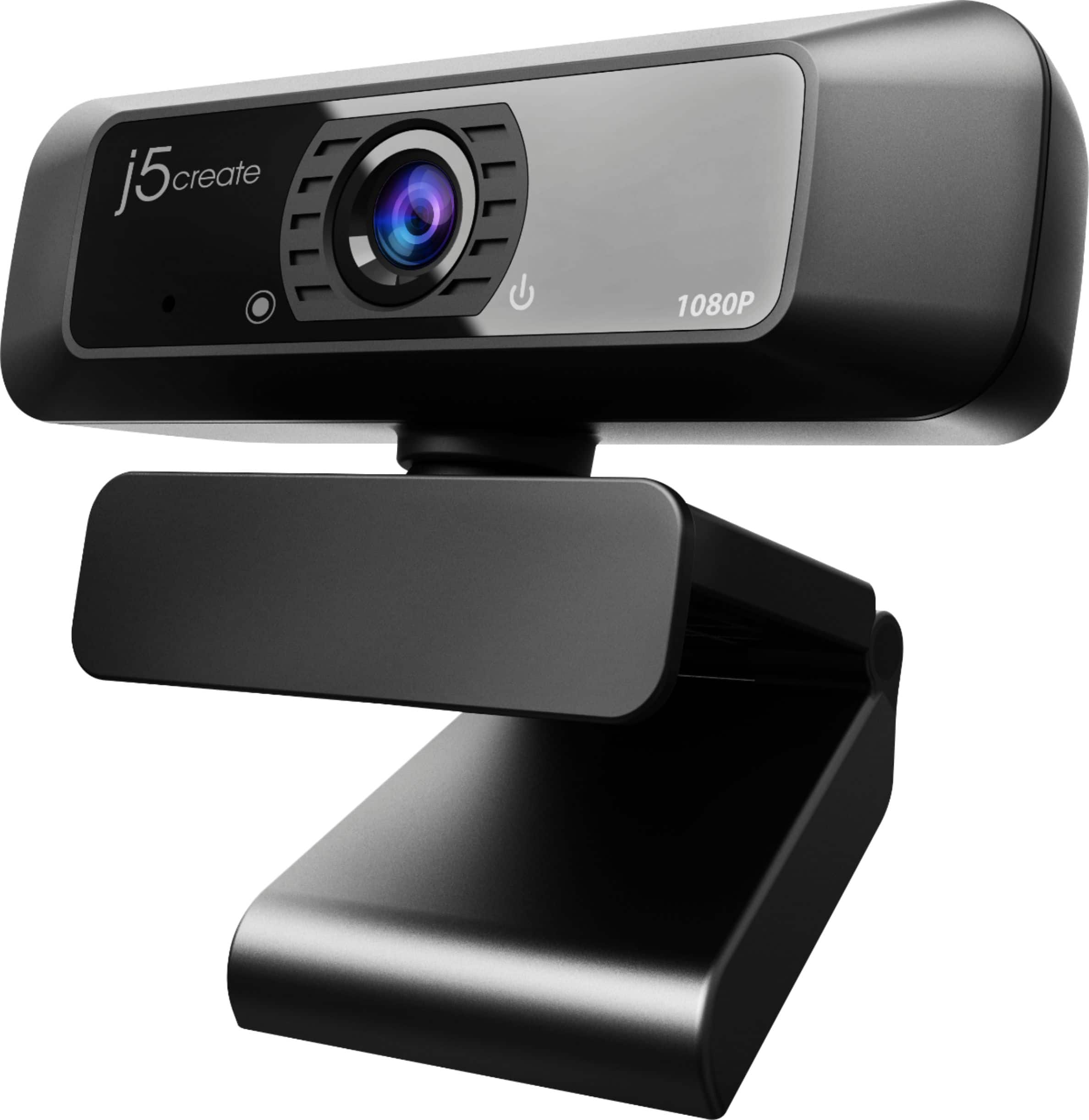
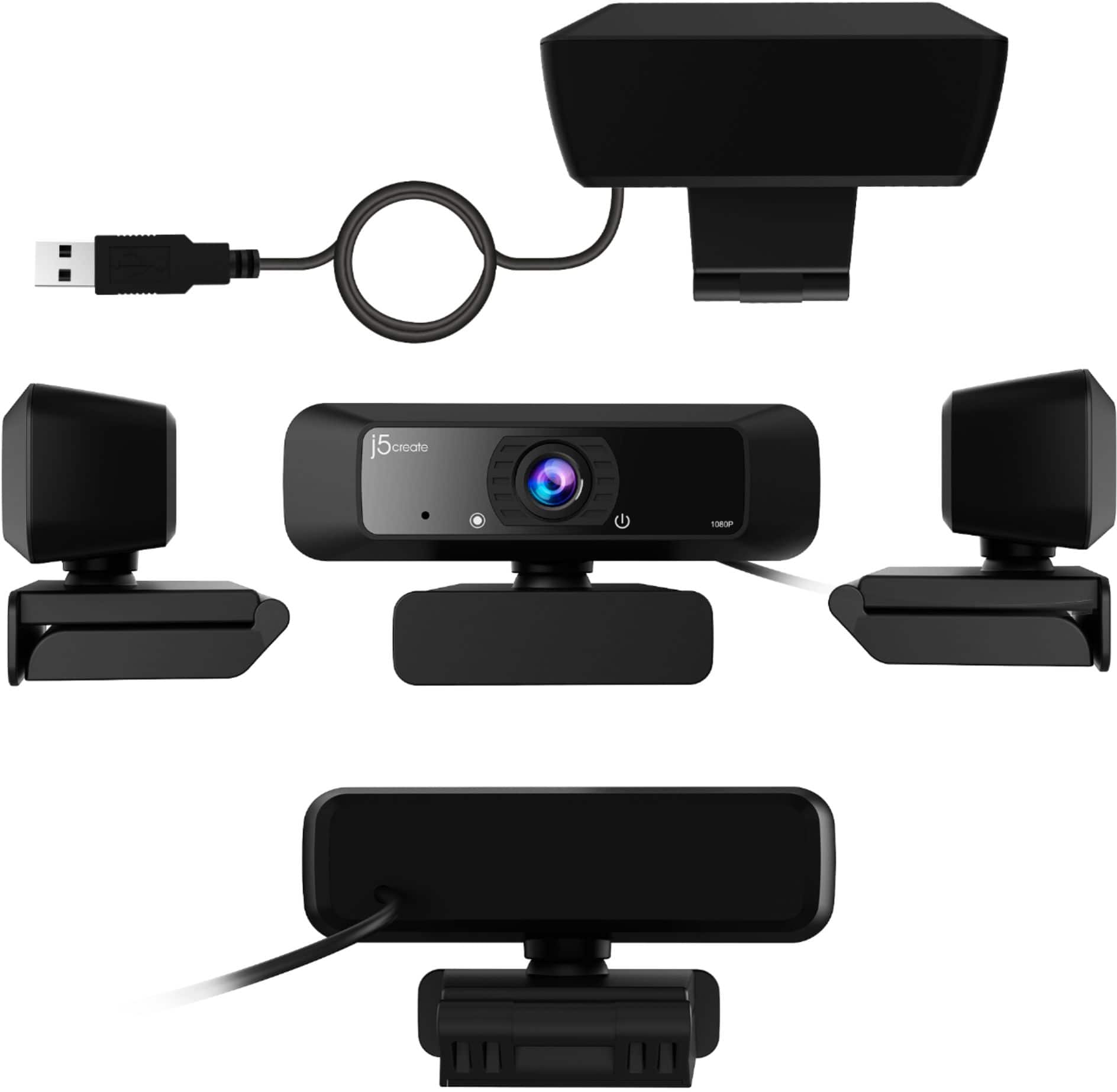
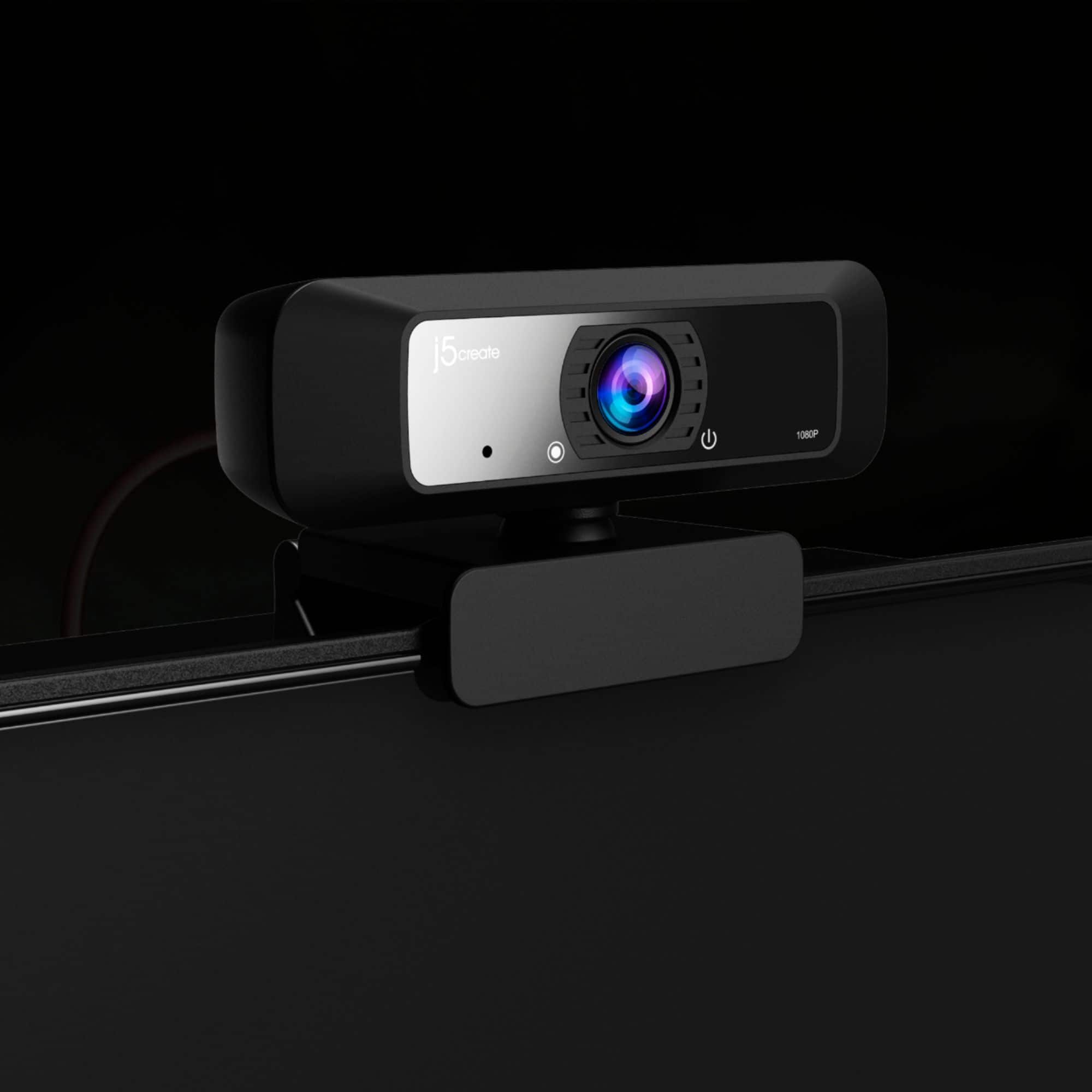
A:AnswerNo, it's secured in the horizontal position and can't be rotated. You might be able to clip it to the side of a monitor or a tripod/support, but I don't know if that will allow it to broadcast in a vertical format.
A:AnswerHello TeacherAmy, the JVCU100 can indeed be used as a document camera as long as it is plugged into a computer via USB Type-A as it works for recording and taking pictures. Plug and play, no driver required. ** Feel free to contact us with our information on the packaging for Technical Support, device warranty registration or if you have any other questions and/or require any further
assistance and someone will be glad to assist you. Be sure to check out our website for other devices that could also be of great usage to you and your colleagues.
Just as a heads up, we also provide both Spanish and English speaking Technical Support. Thanks.
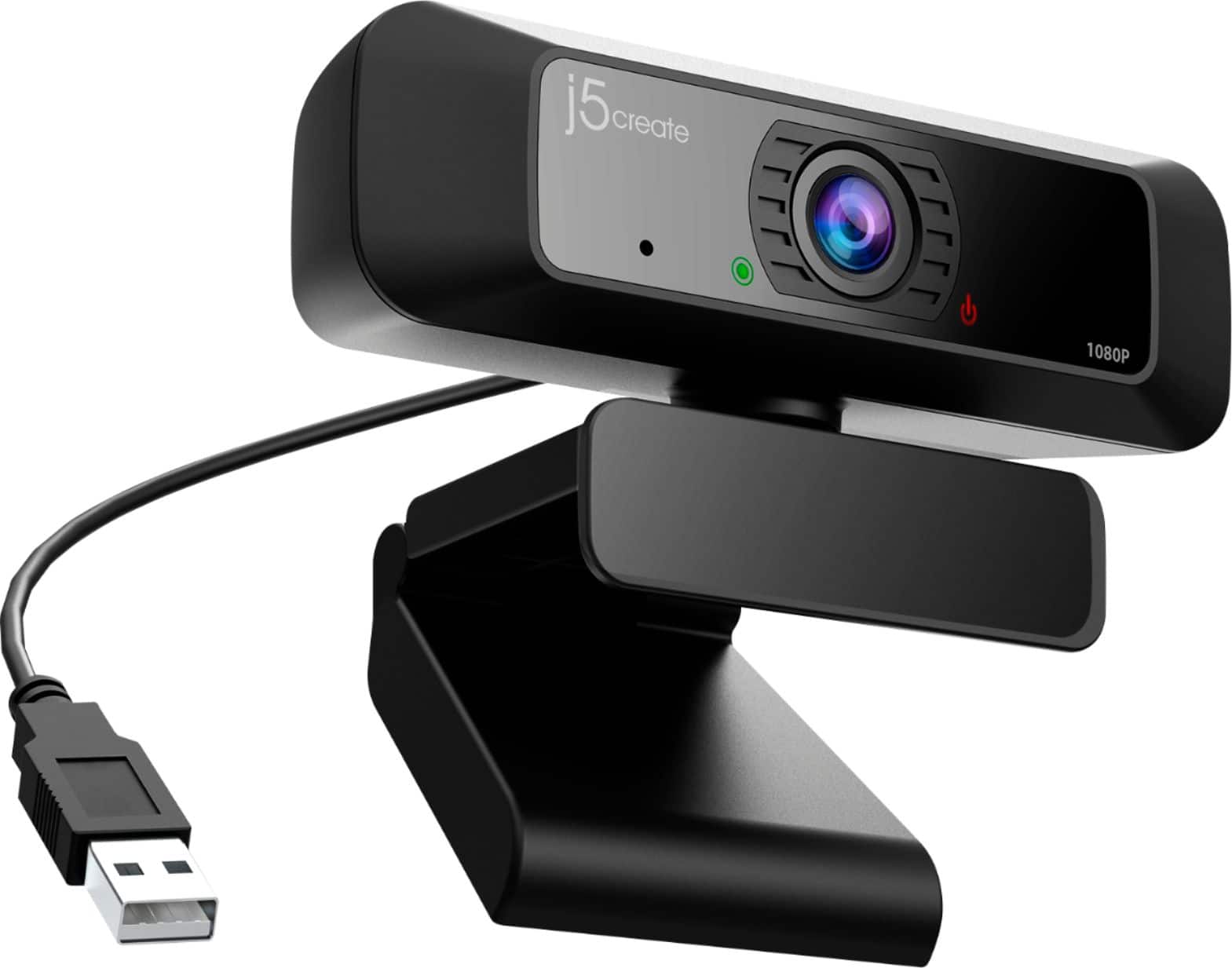
A:AnswerThe cable length on the JVCU100 is about 4.92 ft long. ** Feel free to contact us with our information on the packaging for Technical Support, device warranty registration or if you have any other questions and/or require any further
assistance and someone will be glad to assist you. Be sure to check out our website for other devices that could also be of great usage to you and your colleagues.
Just as a heads up, we also provide both Spanish and English speaking Technical Support. Thanks.
A:AnswerI believe so since there are no buttons to zoom in or out on the camera and I could not find way to zoom in or out when I use Zoom Meetings or Google Meets. The field of view is fairly wide so be care about what you want in the back ground.
A:AnswerThe JVCU100 is manufactured by j5create itself. ** Feel free to contact us with our information on the packaging for Technical Support, device warranty registration or if you have any other questions and/or require any further
assistance and someone will be glad to assist you. Be sure to check out our website for other devices that could also be of great usage to you and your colleagues.
Just as a heads up, we also provide both Spanish and English speaking Technical Support. Thanks.
A:AnswerIt will plug into any USB port. As far as lighting is concerned I've always used mine in a well lit room in the day time. I assume it would work a darkly lit room but you best provide your own lighting. You'll see on your screen if the picture is bright enough or if more lighting is needed.
A:AnswerNo, unfortunately the JVCU100 does not have these capabilities.
** Feel free to contact the Technical Support team on the packaging for further assistance or if you have any other questions and someone will be glad to assist you.
A:AnswerYes, you can screw this webcam into a tripod. In regards to your second question please contact our Customer Service Department, so that they can give you a more in-depth answer. Their information can be found on the packaging or our website.
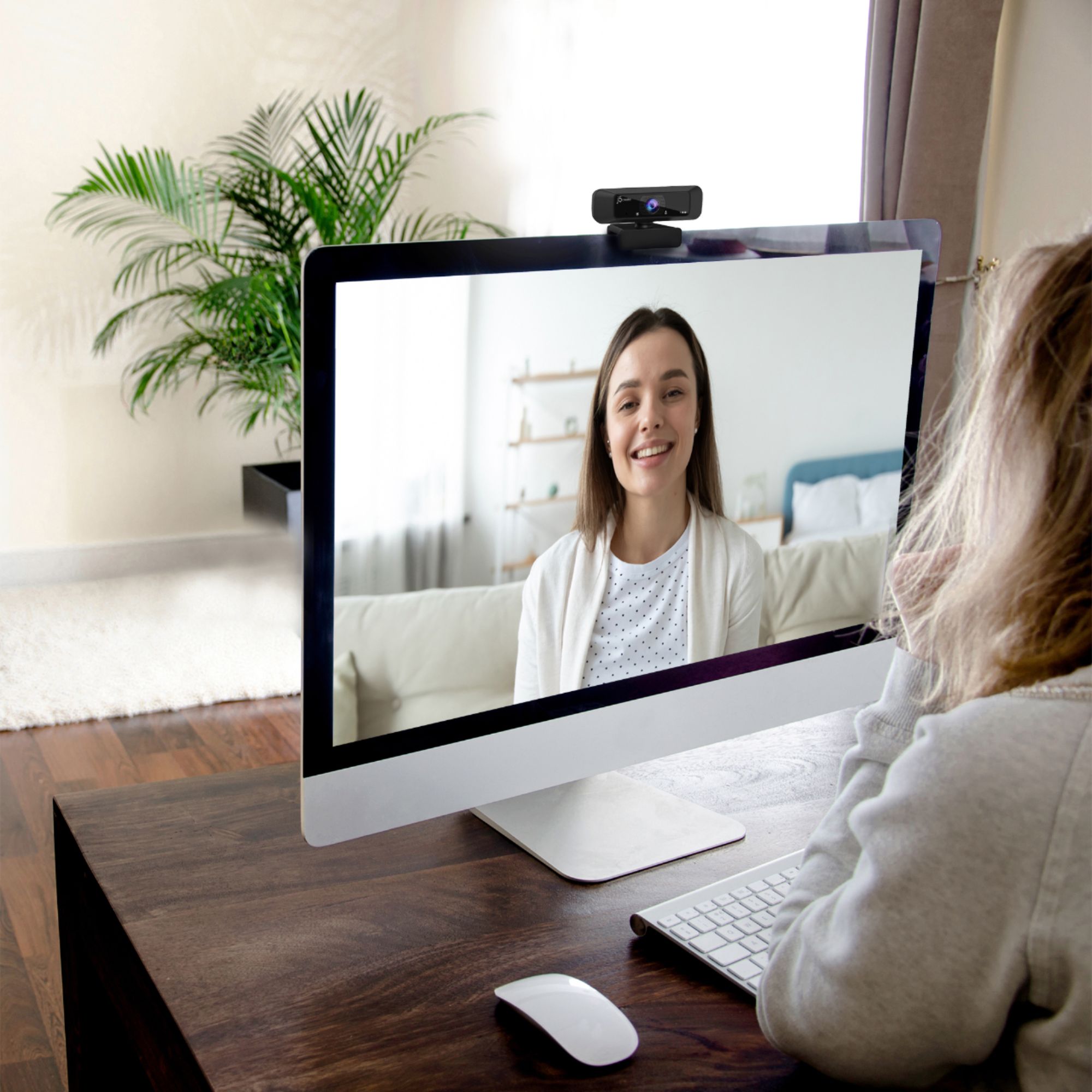
A:AnswerNO it will not. It works great for a desktop monitor that is thick and has a wide bezel. However, it will not securely attach to any of our laptops. See the photo attached. I have to use the camera mount and attach a small tripod.