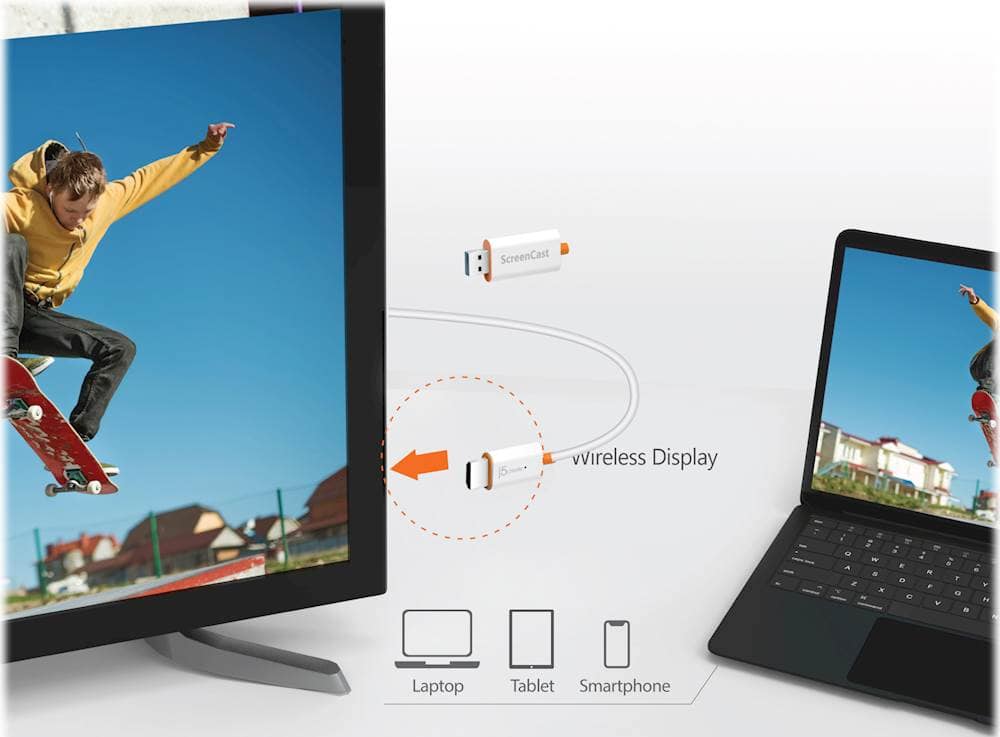
A:AnswerYes, you can mirror your device to a display by going to your setting menu and select mirror mode in the Screencast's device name. Click here for more information on setup: https://j5create.com/screencast/product/en/jvaw54_56.html
A:AnswerNo, that type of setup will not work on a gaming console. This ScreenCast Wireless Display Adapter is meant to wirelessly display content from a phone, tablet, or laptop onto a bigger screen.
A:AnswerThe ScreenCast Wireless Display Adapter is compatible with iOS / Android / macOS / iPadOS / Windows Compatible. Unfortunately, I am not sure if this Adapter will work on Ubuntu OS. I recommend contacting j5create Technical Support team, since they may have some experience with Linux distribution. Their information can be found on our website under the "Support" tab and a specialist will be ready to assist you. Thank you.
A:AnswerThe ScreenCast device is compatible with iOS / Android / macOS / iPadOS / Windows. I don't believe this device will work on a Fire HD 10. Cordially, j5create Team.
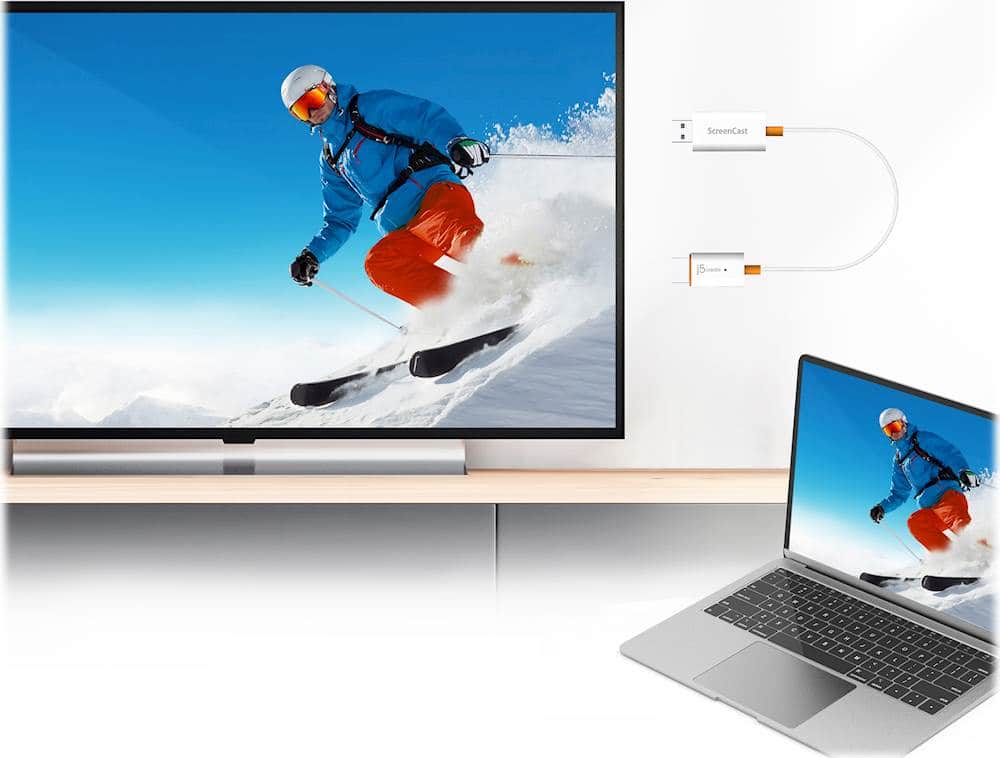
A:AnswerThis adapter works with Windows to allow you to connect a second screen.
Windows will give you the option to duplicate your Home Screen or extend the desk top as a second screen.
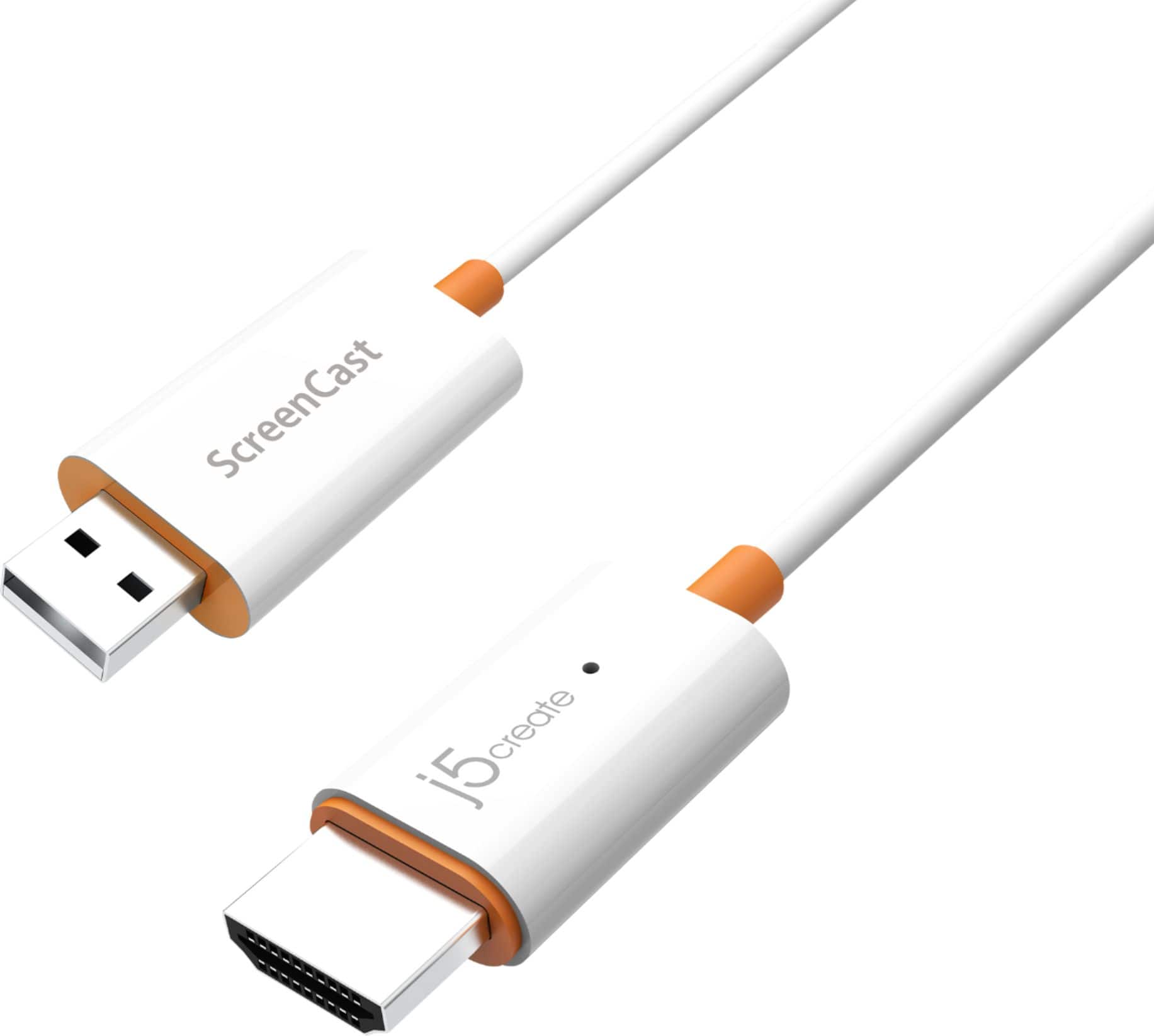
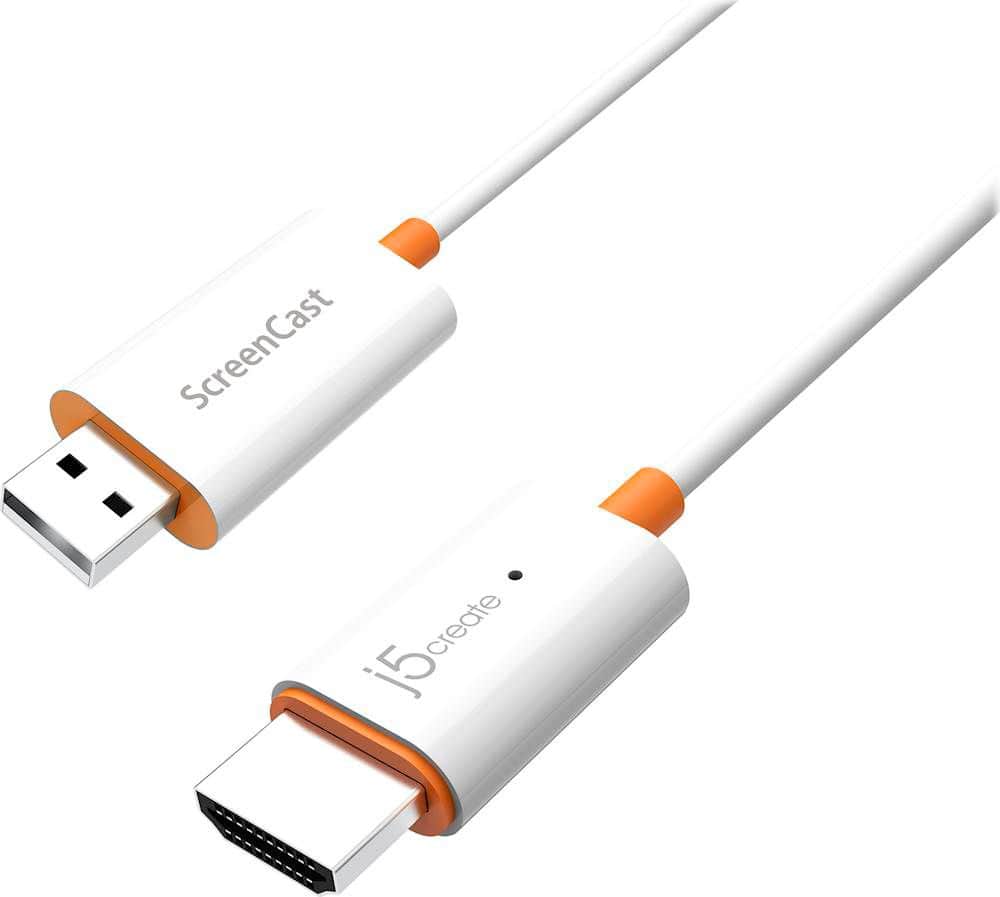
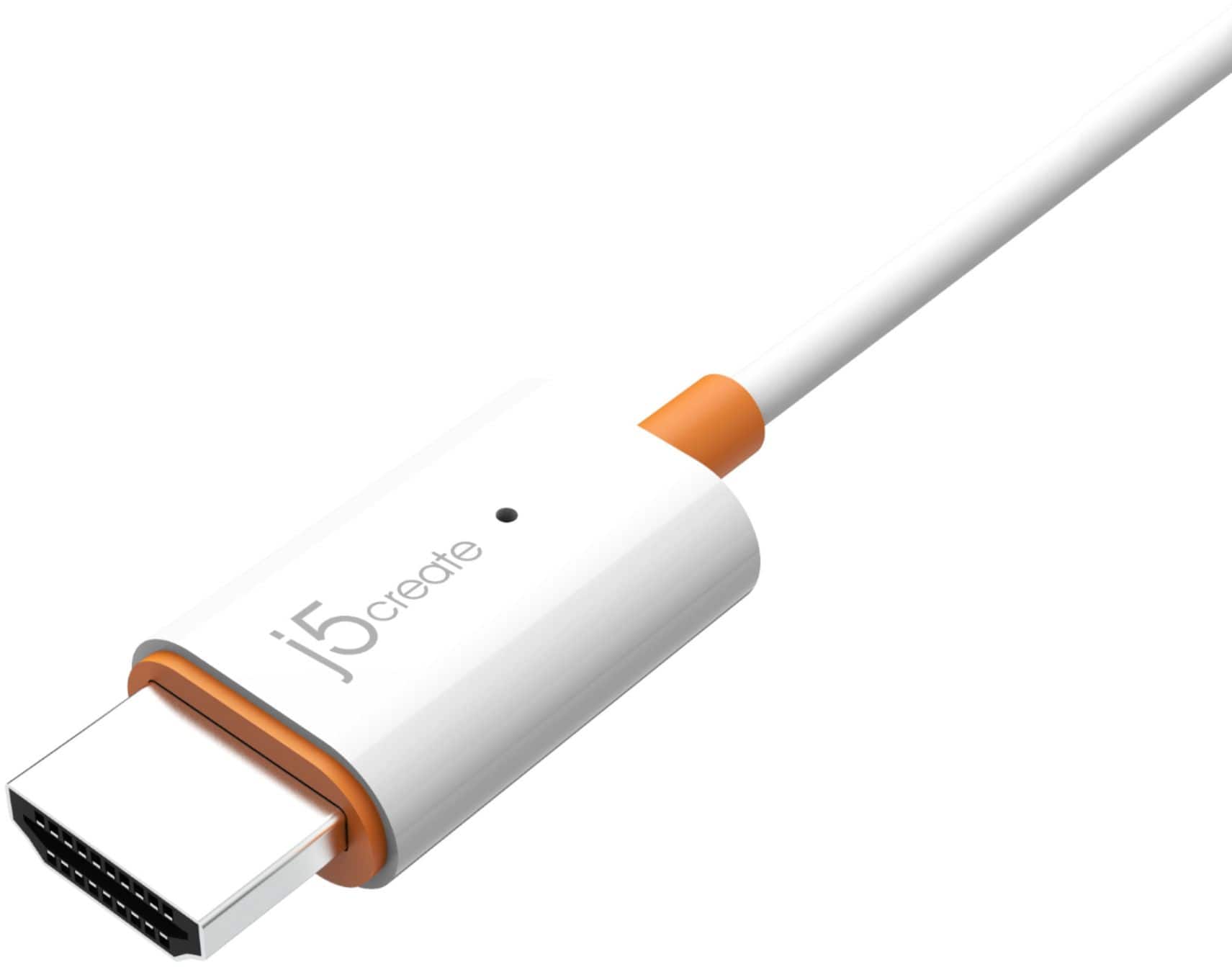
A:AnswerThe JVAW56 connects to a built-in USB port on TV or USB power adapter and HDMI to an available port on TV. Turn on your TV to power up the ScreenCast. Select your TV's input/source until you see the setup screen.
A:AnswerPlease make sure your PC is up to date such as BIOS, Drivers, Chipset, etc. through your PC's manufactures website. You may also want to press the reset button on the device, then find the device on your wifi network, then login. ** If you require further assistance; please contact the j5create Technical Support team and we will be glad to further assist if necessary. Thank you.
A:AnswerHDCP is short for High-bandwidth Digital Content Protection. The Disney+ HDCP error may also indicate that your device can’t play protected content.
A:AnswerYou may experience a dark screen and only audio; this is when the content is copyright protected (HDCP) and unfortunately you will not be able to view such streaming services. YouTube should be fine.
A:AnswerThe JVAW56 only works for one computer at a time. If you are wishing to use two computers at the same time with only one JVAW56, this setup will not work for you unfortunately. Depending on what your intentions are, we may be able to recommend a different model that will work for you. Yes, the JVAW56 will allow for both mirror and extend modes.
A:AnswerWe do not recommend the JVAW56 for a Chromebook. If your computer supports video output via USB-C, we may be able to recommend a plug-and-play model which will work. I recommend calling in to speak with a rep and they will be glad to look up your Chromebook's make and model and determine compatibility.
A:AnswerDepending on the device you are attempting to use the JVAW56 with, it may not be compatible. We recommend contacting support on the casing to speak with a rep and they will be able to find you a solution.