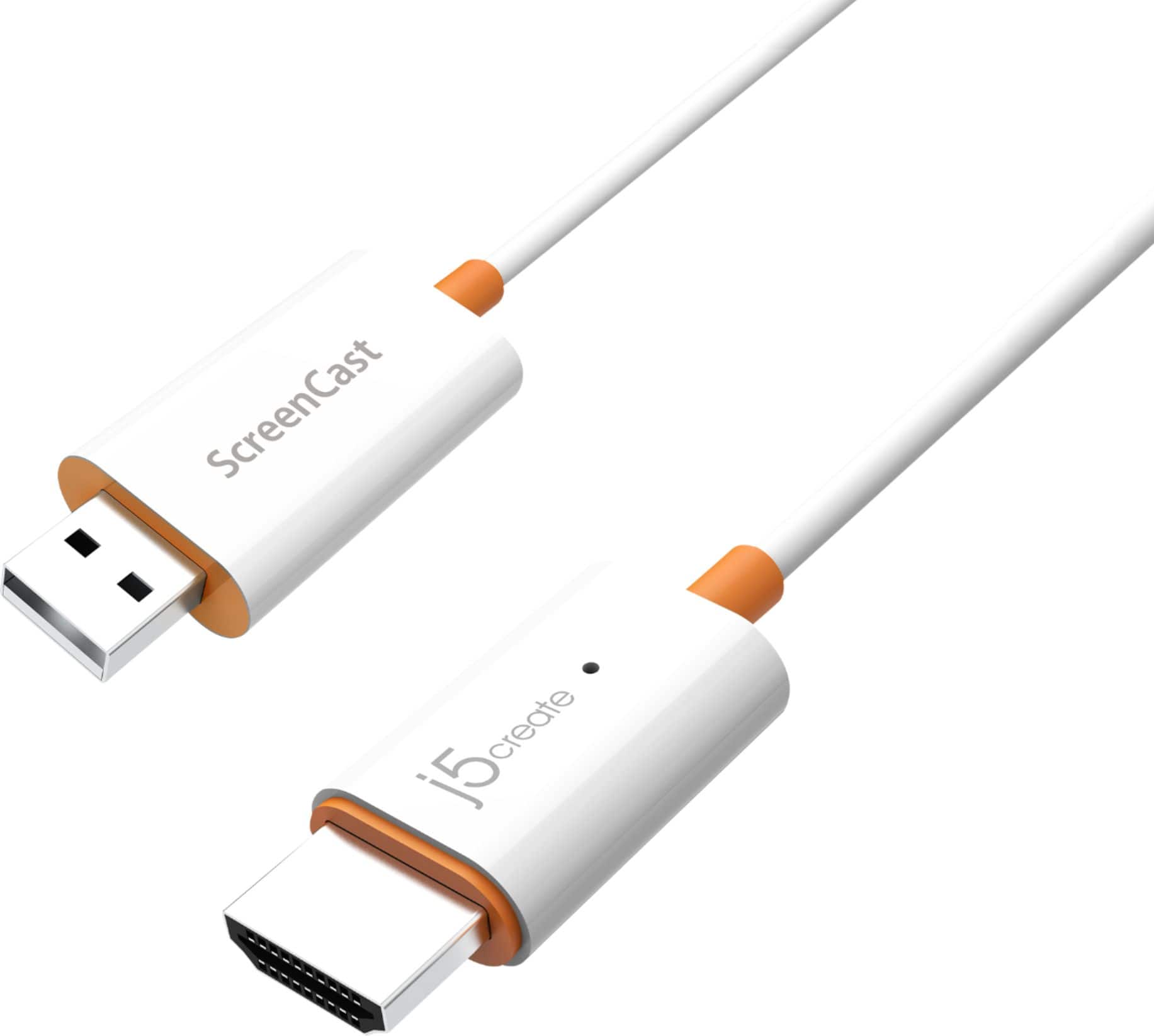
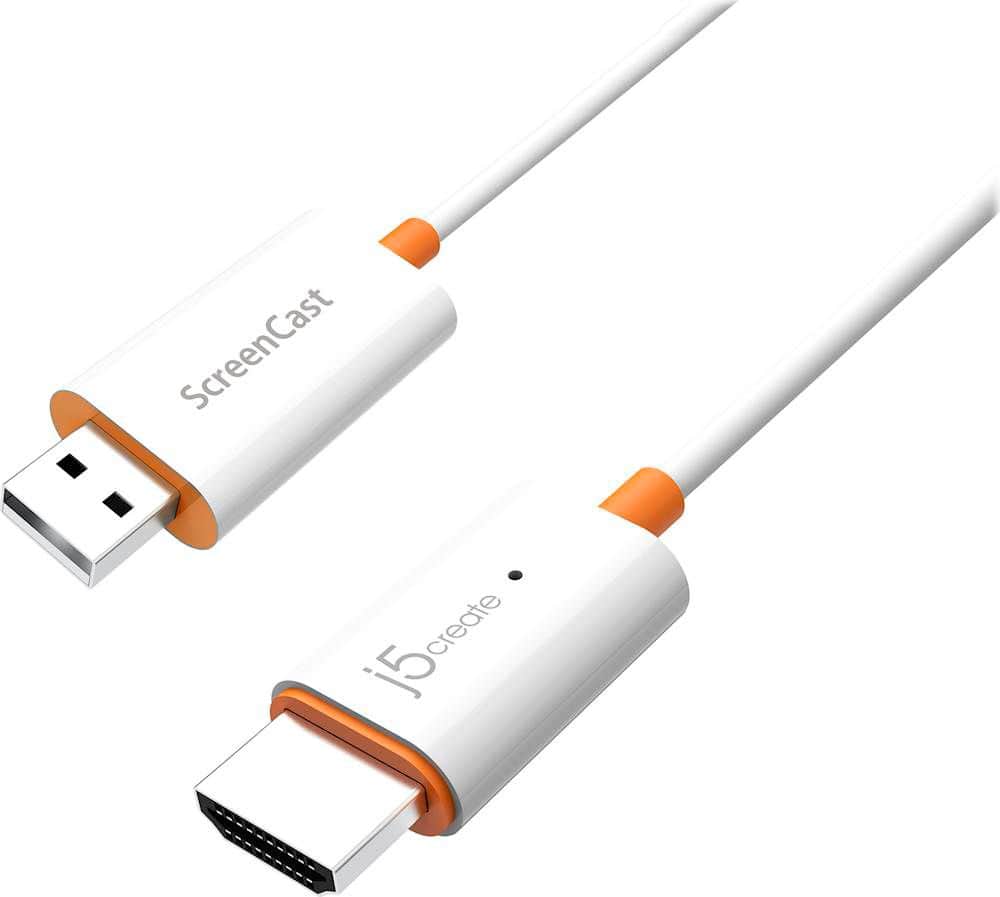
A:AnswerThe JVAW56 is compatible with any android that supports MirrorCast or GoogleCast.some phones may require a casting application if the phone does not have one built in.
A:AnswerPlease contact our Customer Service Department for further help with this issue. Their information can be found on the back of the packaging or our website.
A:AnswerYes, it should work with any device that can join the wifi network created by the device. Keep in mind that not all video content is supported for screen casting.
A:AnswerIt does work for that, but it uses wifi connection in order to connect to the monitor. It is spotty and it has a slow reaction time. Would not recommend for working.
A:AnswerThis version of our ScreenCast series does not require Wi-Fi for Windows and Android devices. If need to cast without Wi-Fi for Apple, Windows, and Android devices you will want to consider our JVAW76 model instead which adds a P2P mode in the latest firmware update. If you have any additional questions please reach out to our customer support team by visiting the j5create website then click on the "SUPPORT" tab at the top right of the webpage. Thank you.
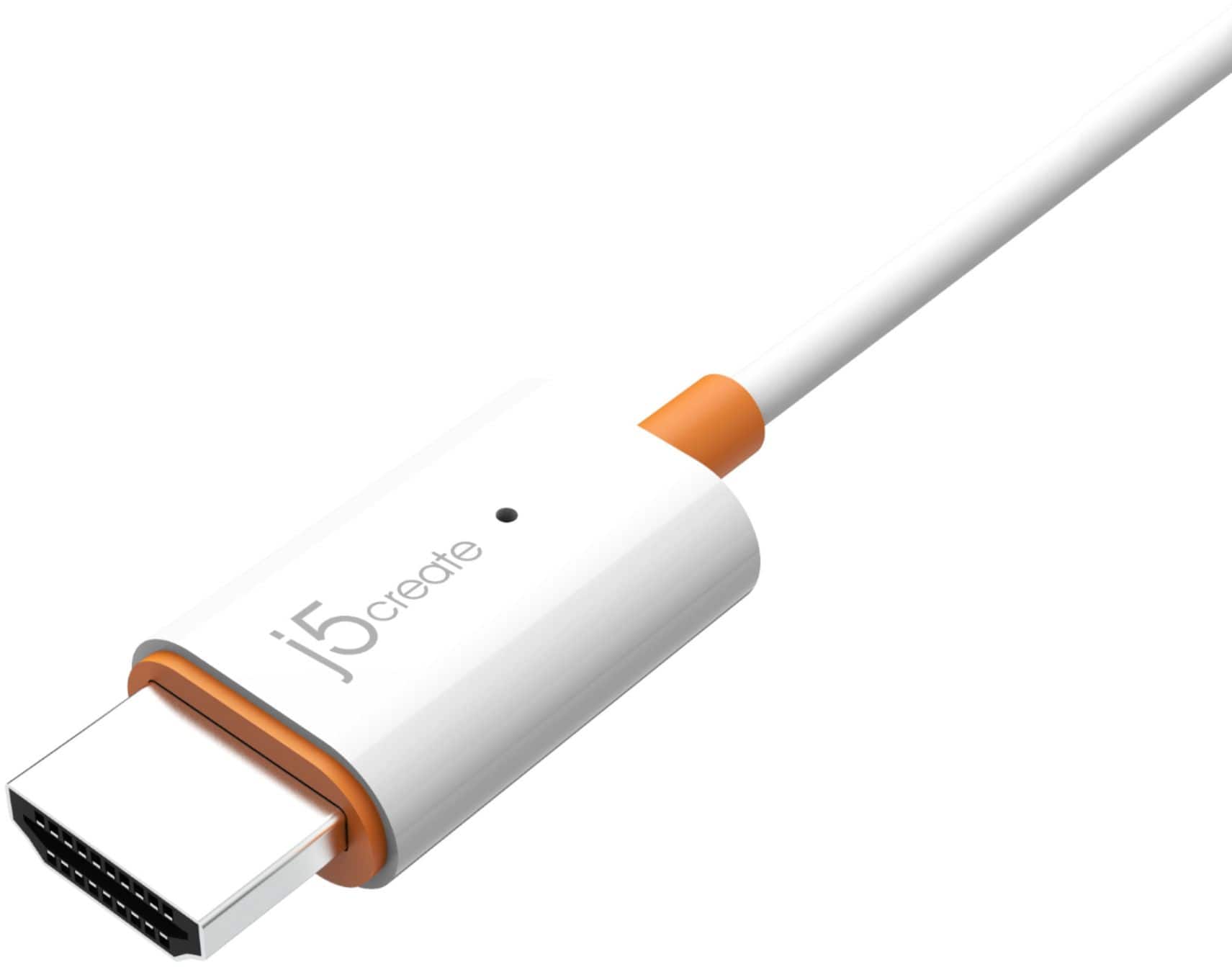
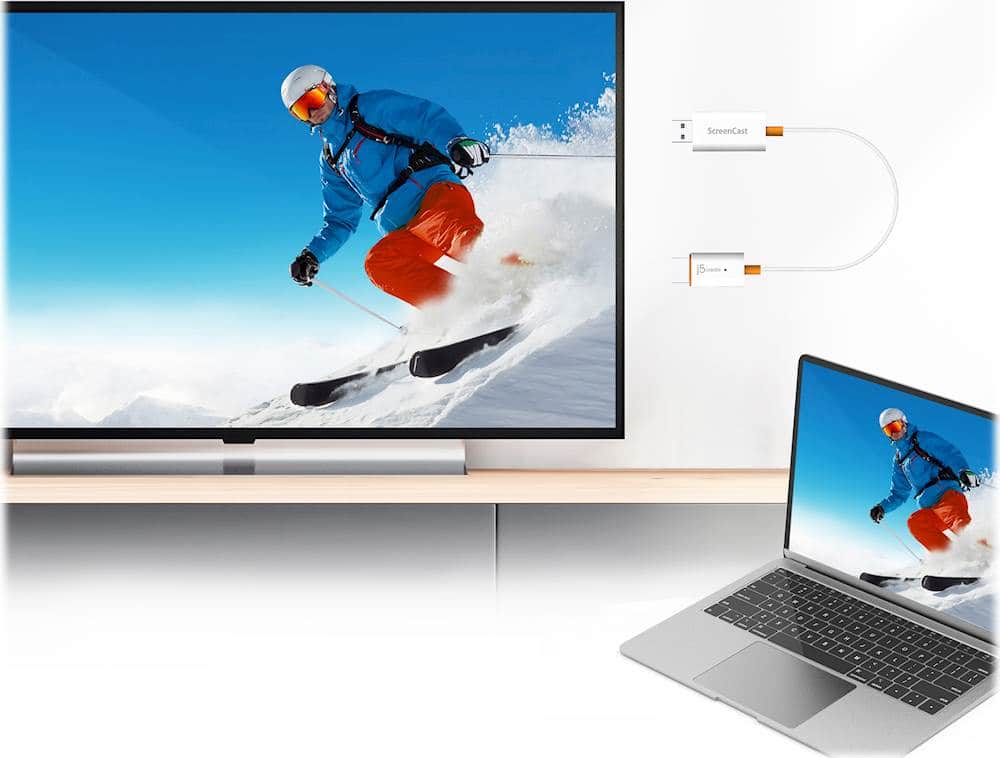
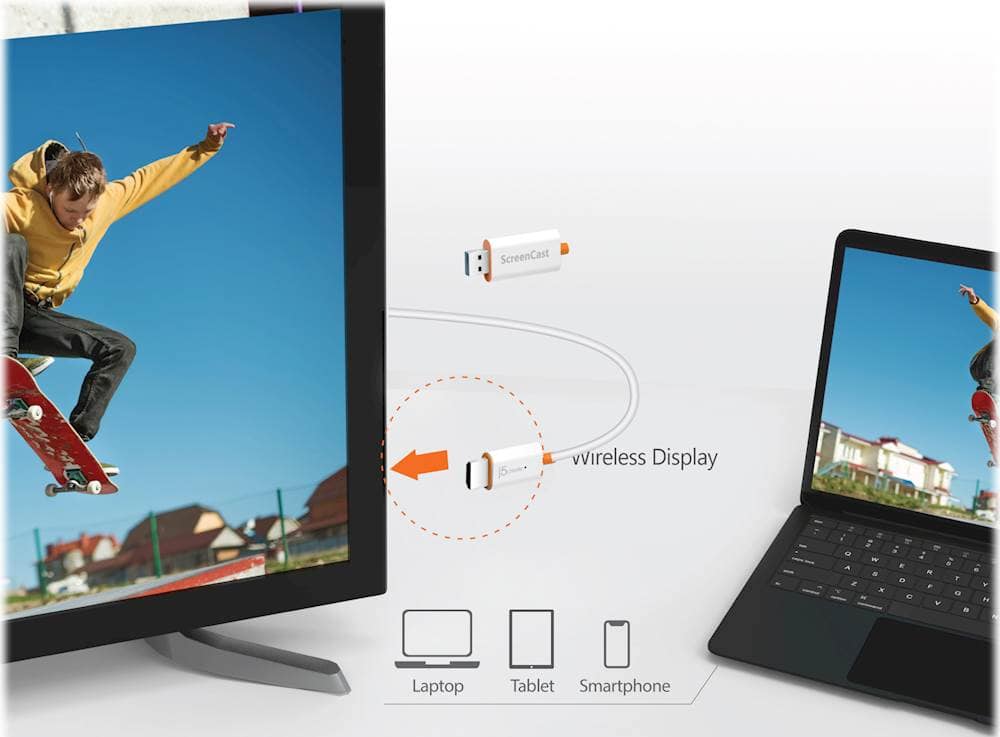
A:AnswerYou would need to plug the ScreenCast Wireless Display Adapter via HDMI connector into an available HDMI port on the TV or monitor. Plug the USB connector into an available USB Type-A port on your monitor. *If a USB port is not available, you can connect it into a wall outlet using a USB power adapter. Turn on your monitor to power up the ScreenCast. Select your monitor's input/source until you see the setup screen. You can also mirror your device by, start "Airplay" from the menu bar by selecting the ScreenCast's device name. ** Feel free to contact j5create Technical Support if you require further assistance. Their information can be found on our website under the "Support" tab. Thank you.
A:AnswerIt may be that your phone doesn't allow display out. You may need to get into your administrator mode to enable USB setting or similar. I'm new to this and still learning. Just YouTube it. Right? Right you'll be dialed in -in no time.