A:AnswerYes you can but it’s better the hook it up then it will automatically connect when you use the tv remote when you use Bluetooth you have to manually turn tv and soundbar on then connect but you definitely can
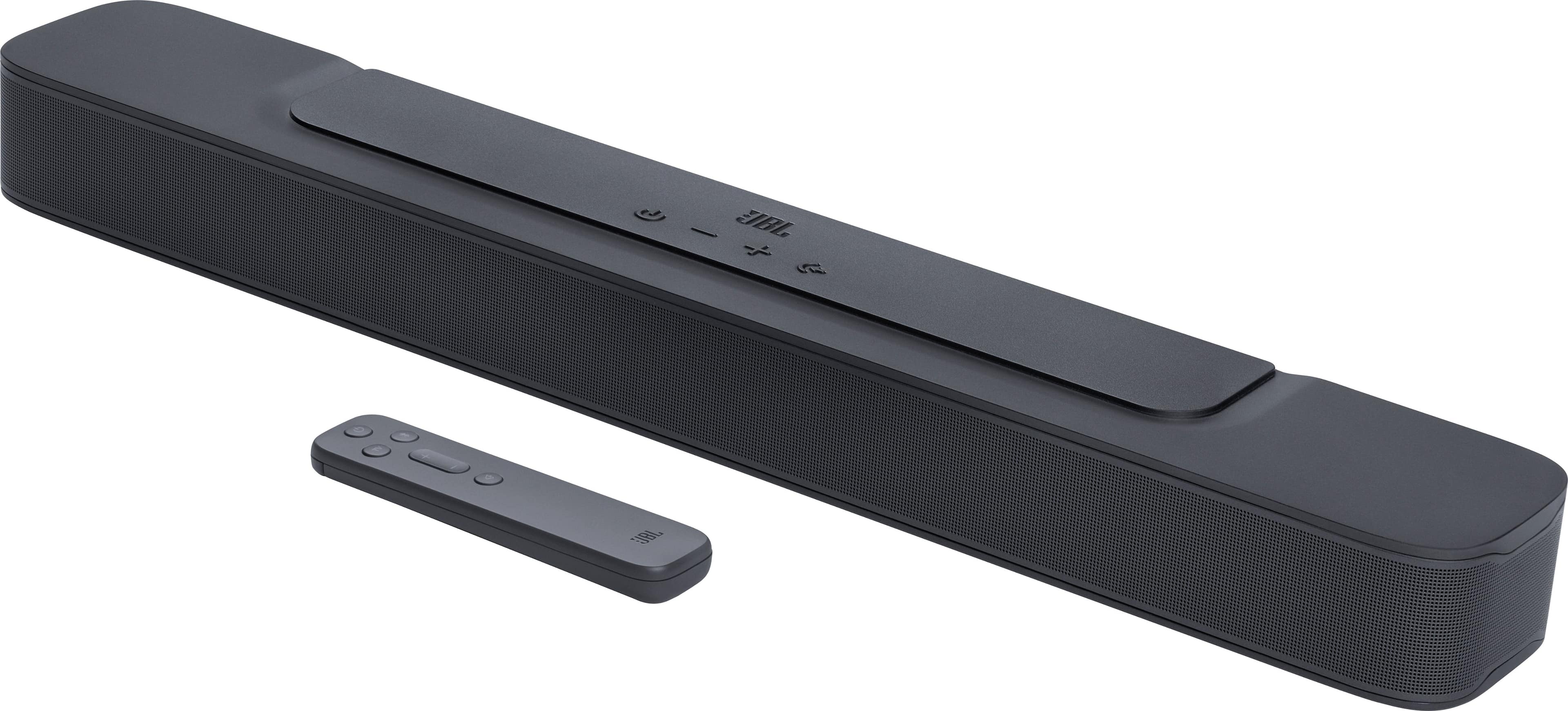
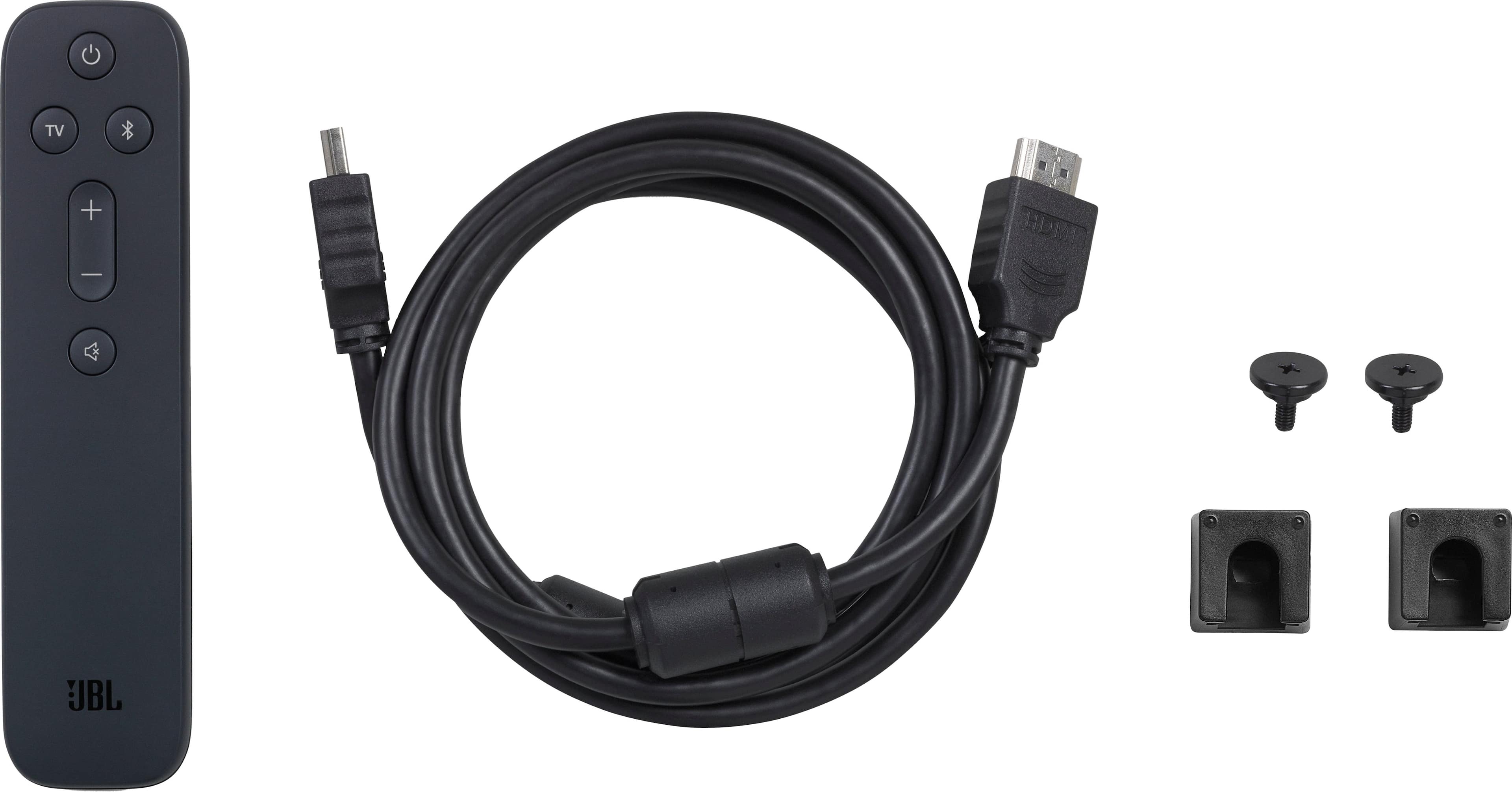
A:AnswerThanks for your inquiry. Our JBL Bar 2.0 All-in-one (MK2) can connect to TV or source devices via HDMI, Optical or wireless via Bluetooth. It doesn't have a Digital Audio port.
A:AnswerThank you for reaching out. While our JBL Bar 2.0 All-in-one (MK2) doesn't have a subwoofer, it does support the Deep bass feature so it can still produce low frequencies. There's no option to add a subwoofer as it is designed as a stand-alone system. If you prefer a unit with a subwoofer and for more immersive sound, we recommend checking our JBL Bar 2.1 Deep Bass (MK2).
A:AnswerThanks for reaching out. Our JBL Bar 2-0 All-In-One MK2 supports Bluetooth connection and will work as a Bluetooth receiver. If your turntable has Bluetooth and can send or transmit signals over this connection, it should work. If you need more help, please contact JBL Customer Support.
A:AnswerOur JBL Bar 2.0 All-in-One MK2 can be connected to your TV via Bluetooth. However, HDMI connectivity is the best option for your soundbar to optimize its full potential.
A:AnswerThanks for your inquiry. The Bar 2.0 All-in-One's USB port is solely reserved for software updates and playback from a USB flash drive (US version only). The only wired connectivity options are an optical port and an HDMI port.
A:AnswerIt has Bluetooth and cable connection options. It streams through phones and TV’s just fine, I think it would function the same with a computer connection.
A:AnswerSo mine is plugged into a Roku TV and when I plugged it in the TV automatically detected a soundbar. The volume is changed with my TV remote and displayed on the TV.